
 15
15presentation
Indie Magazine Startup Pitch Deck
Shape your publishing concept with an indie magazine startup pitch deck featuring pastel gradients, bold collage layouts, and editable planning slides.
Google SlidesPowerPoint
presentation · English
Build clearer project updates with three-step workflow dashboard slides in blue-purple glassmorphism. Edit fast and share polished visuals anywhere.

Design notes
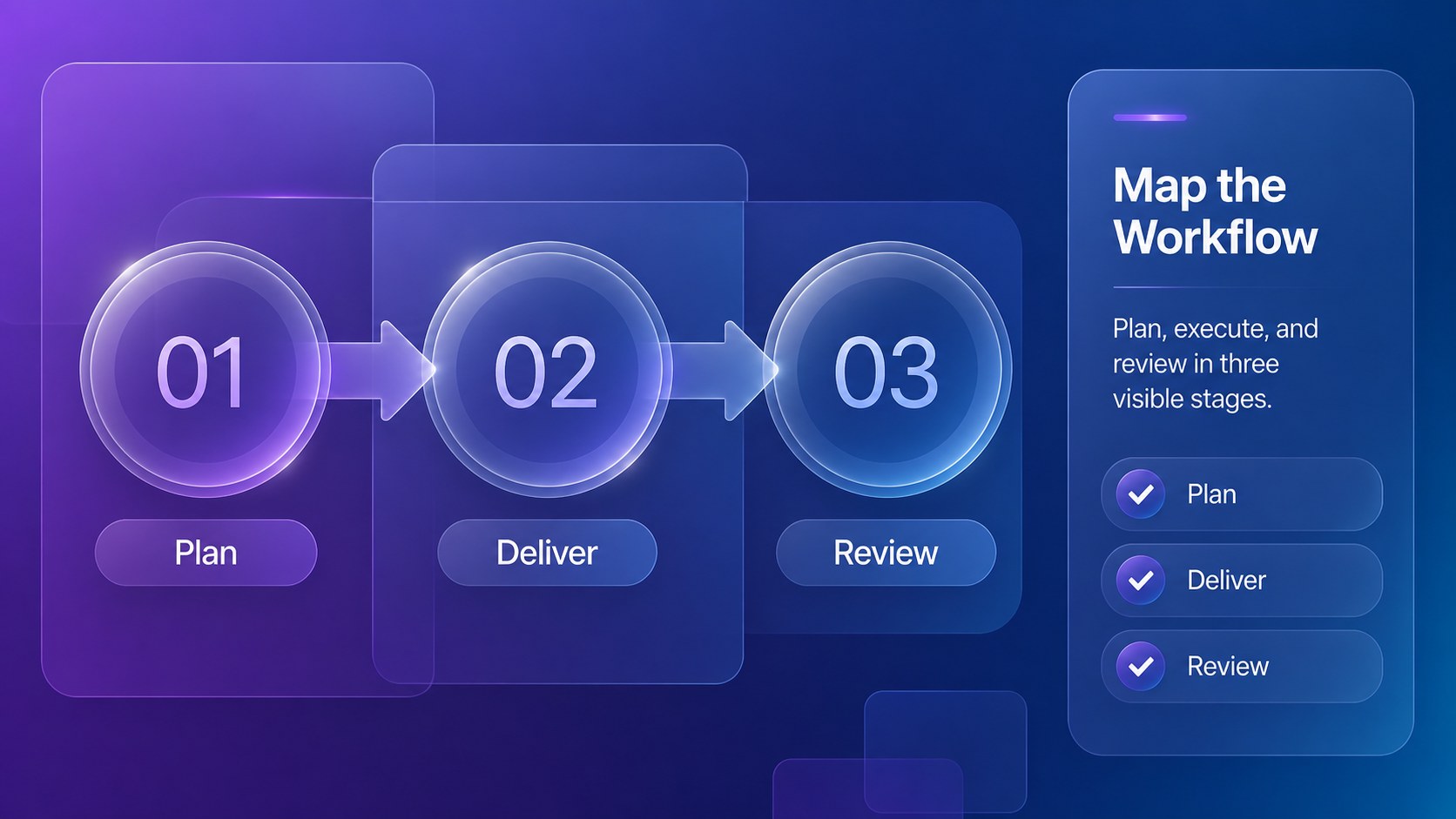
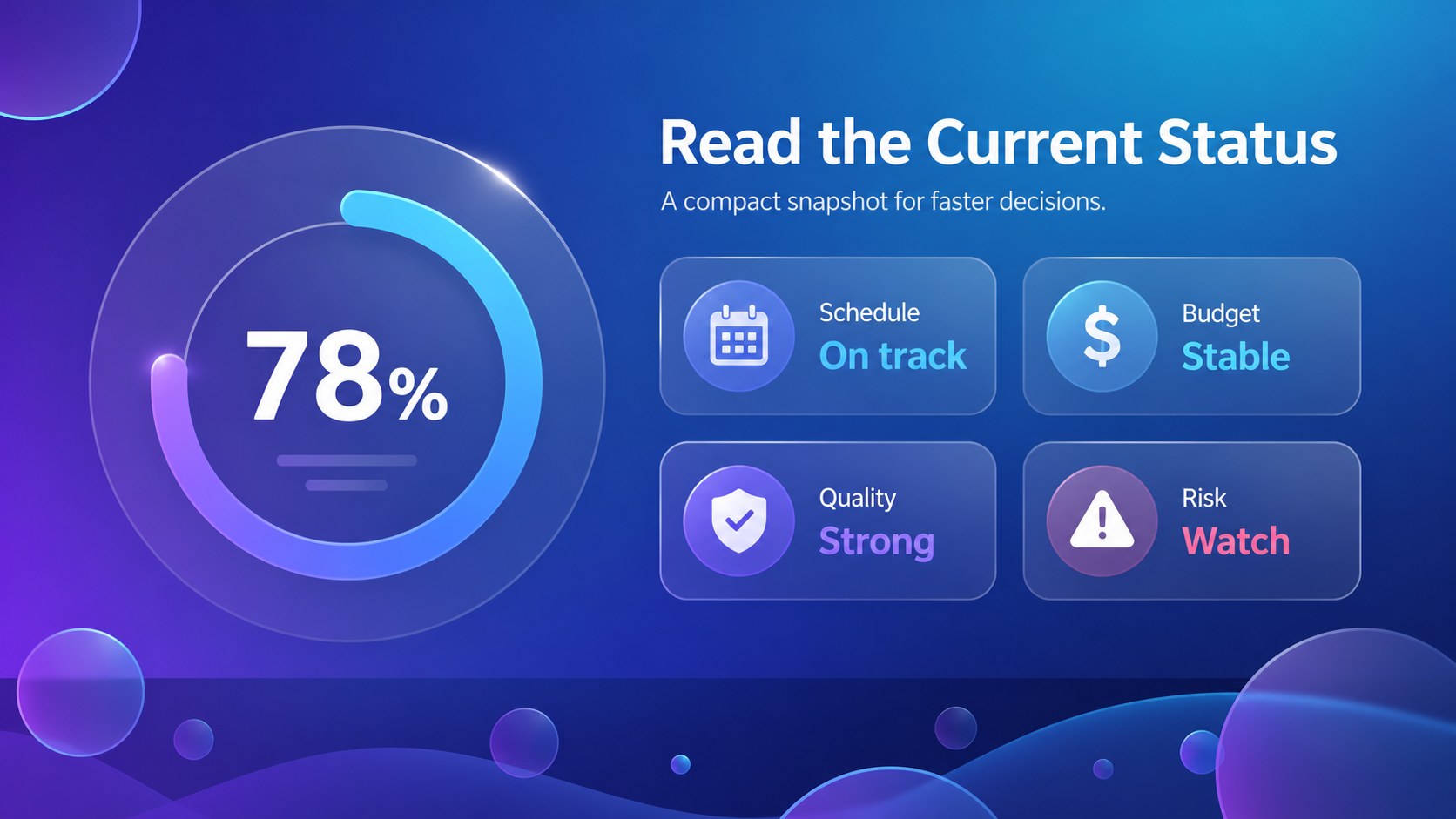
Make project updates easier to follow with three-step workflow dashboard slides built for clear, modern business communication. The blue and purple glassmorphism design gives each status stage a distinct visual identity while keeping the information structured and easy to scan. Use the layouts for team check-ins, stakeholder reports, project planning, or process documentation.
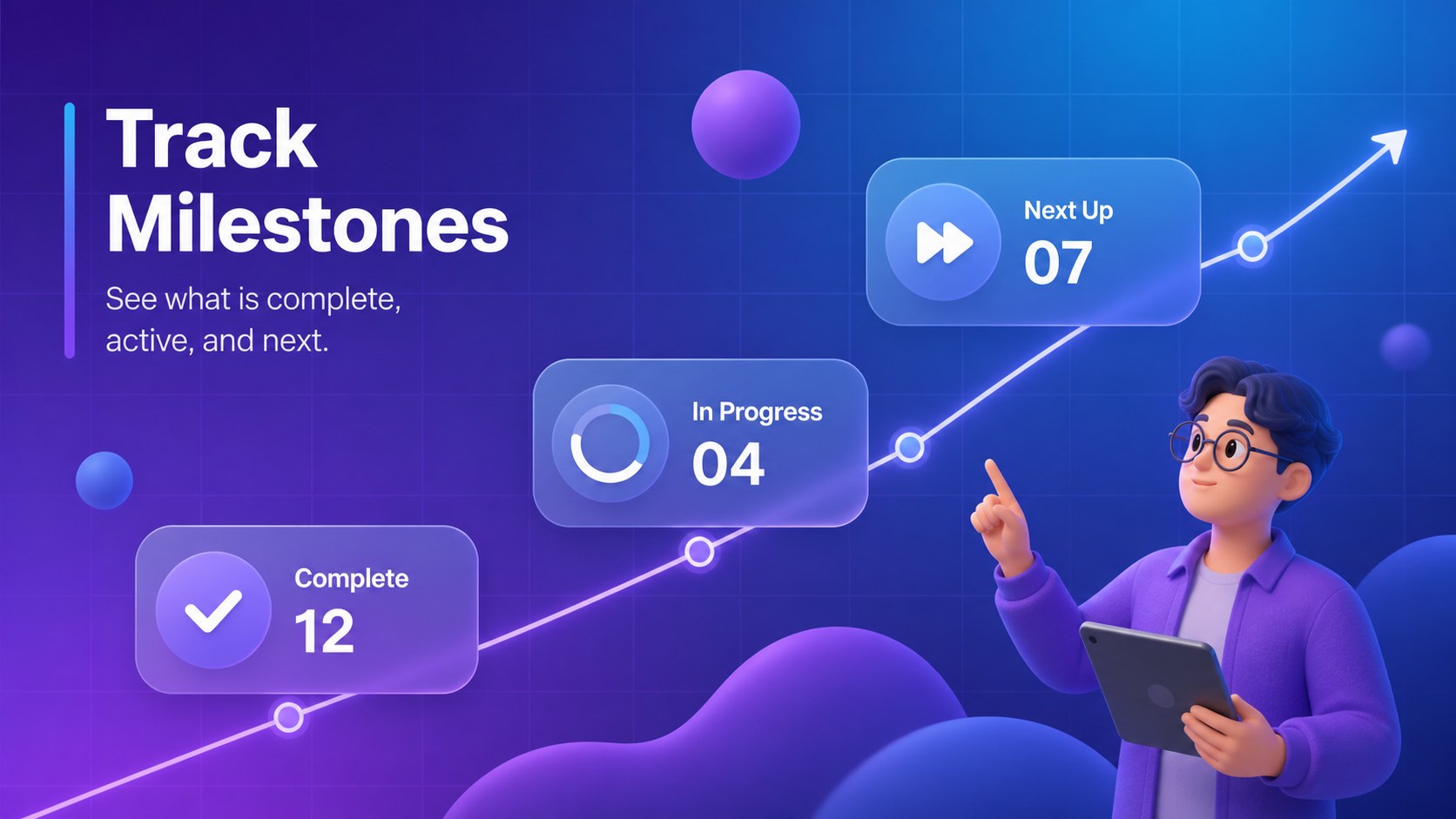
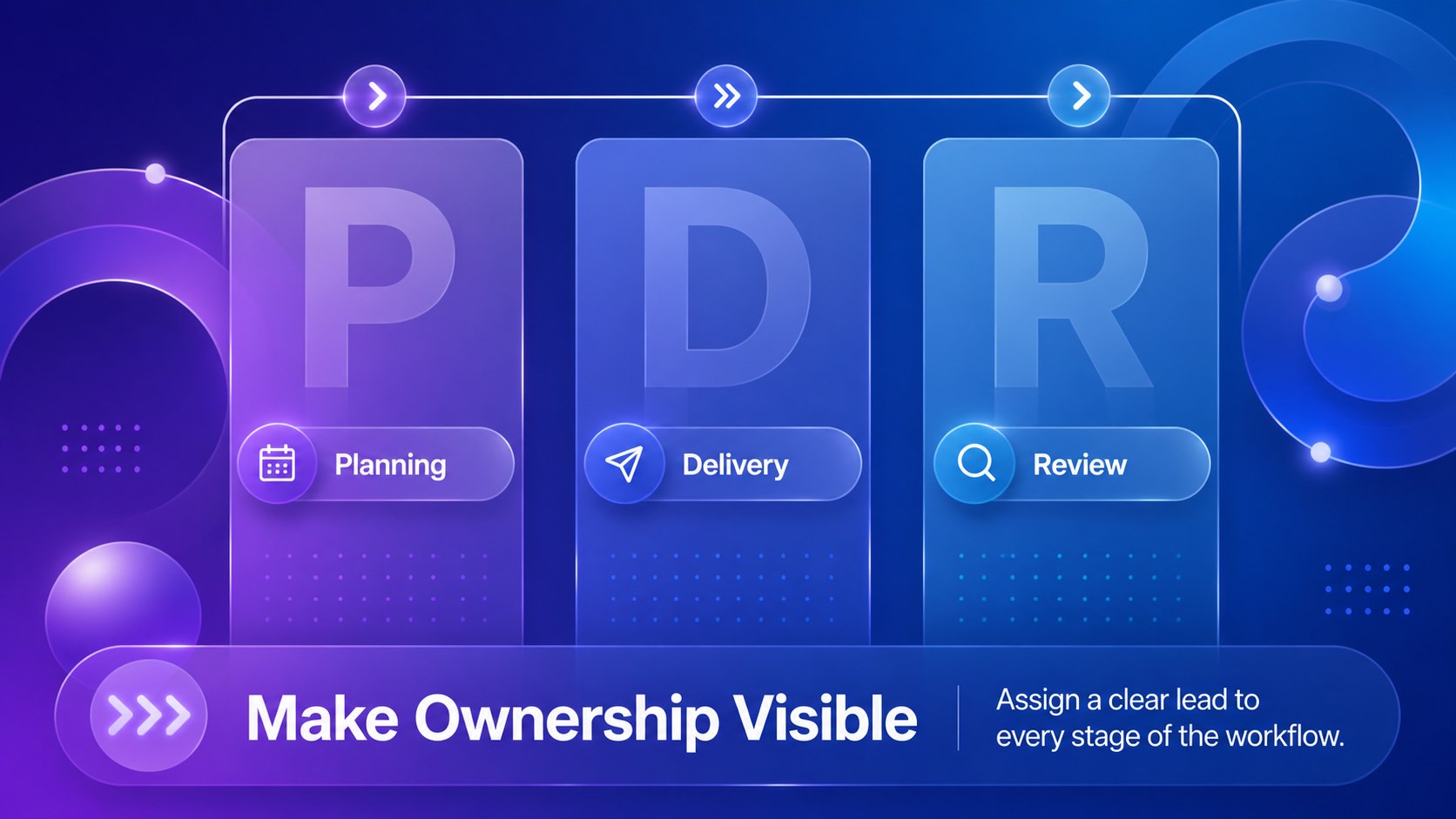
Inside, you’ll find six editable 16:9 infographic slides with flexible areas for labels, metrics, timelines, status markers, charts, and short explanations. The collection works especially well as a blue purple process infographic for showing sequential steps, ownership, milestones, or handoffs. It can also support a glassmorphism business workflow presentation when you need a contemporary visual language without sacrificing readability.
The template is designed for project managers, operations teams, consultants, startup leaders, and business presenters. Edit colors, text, icons, shapes, and diagrams, then export the finished design to PowerPoint, Google Slides, PDF, or image formats. Use the layouts individually or combine them into a concise project story. With editable project status slides, you can turn scattered updates into a consistent visual report that keeps meetings focused and decisions moving.
Perfect for: weekly project status meeting; stakeholder progress report; operations workflow review; startup planning session; client process overview.
Frequently asked questions
Can I edit these workflow slides? Yes. Open the template to change the wording, colors, fonts, icons, diagrams, and layout elements using drag-and-drop controls. The slides are designed to remain easy to customize without advanced design skills.
Practical details
Yes. Open the template to change the wording, colors, fonts, icons, diagrams, and layout elements using drag-and-drop controls. The slides are designed to remain easy to customize without advanced design skills.
You can export the completed design from as a PowerPoint file or save an editable copy to Google Drive for Google Slides. Some -specific effects may need minor adjustments after export.
Use it for three-stage workflows, project milestones, ownership handoffs, status summaries, and operational metrics. Keep each section concise so the glassmorphism panels remain readable during live presentations.
Yes. lets you replace the existing palette with brand colors while preserving the overall layout and visual hierarchy. For the closest original style, keep a strong blue and purple contrast with transparent layered shapes.
Keep exploring
15Shape your publishing concept with an indie magazine startup pitch deck featuring pastel gradients, bold collage layouts, and editable planning slides.
 16
16Build clear project stories with the Icon Grid Teamwork Theme, a flexible blue illustrated deck for proposals, strategy updates, and team meetings.
 3
3Turn priorities into an actionable plan with an annual goals roadmap infographic, featuring editable orange and teal layouts for PowerPoint and Google Slides.
 15
15Create an Annual Achievement Report Presentation with colorful geometric layouts for milestones, results, lessons, and priorities in PowerPoint or Google Slides.
 15
15Turn results into a focused annual performance evaluation report with dark 3D slides for KPIs, achievements, feedback, and next-step goals for teams.
 15
15Guide a focused annual recap with Business Results Retrospective Slides, a muted brown-and-blue template for PowerPoint and Google Slides.
 6
6Turn complex plans into clear visual stories with Color-Coded Workflow Path Slides, an editable set for project updates, roadmaps, and team briefings.
 6
6Compare regional performance at a glance with Global Data Heatmap Slides, a clean multicolor deck designed for editable PowerPoint and Google Slides.