
 15
15presentation
Indie Magazine Startup Pitch Deck
Shape your publishing concept with an indie magazine startup pitch deck featuring pastel gradients, bold collage layouts, and editable planning slides.
Google SlidesPowerPoint
document · English
Turn decisions into clear ownership with Team Task Follow-Up Slides for PowerPoint and Google Slides, featuring deadlines, status checks, and next steps.

Design notes
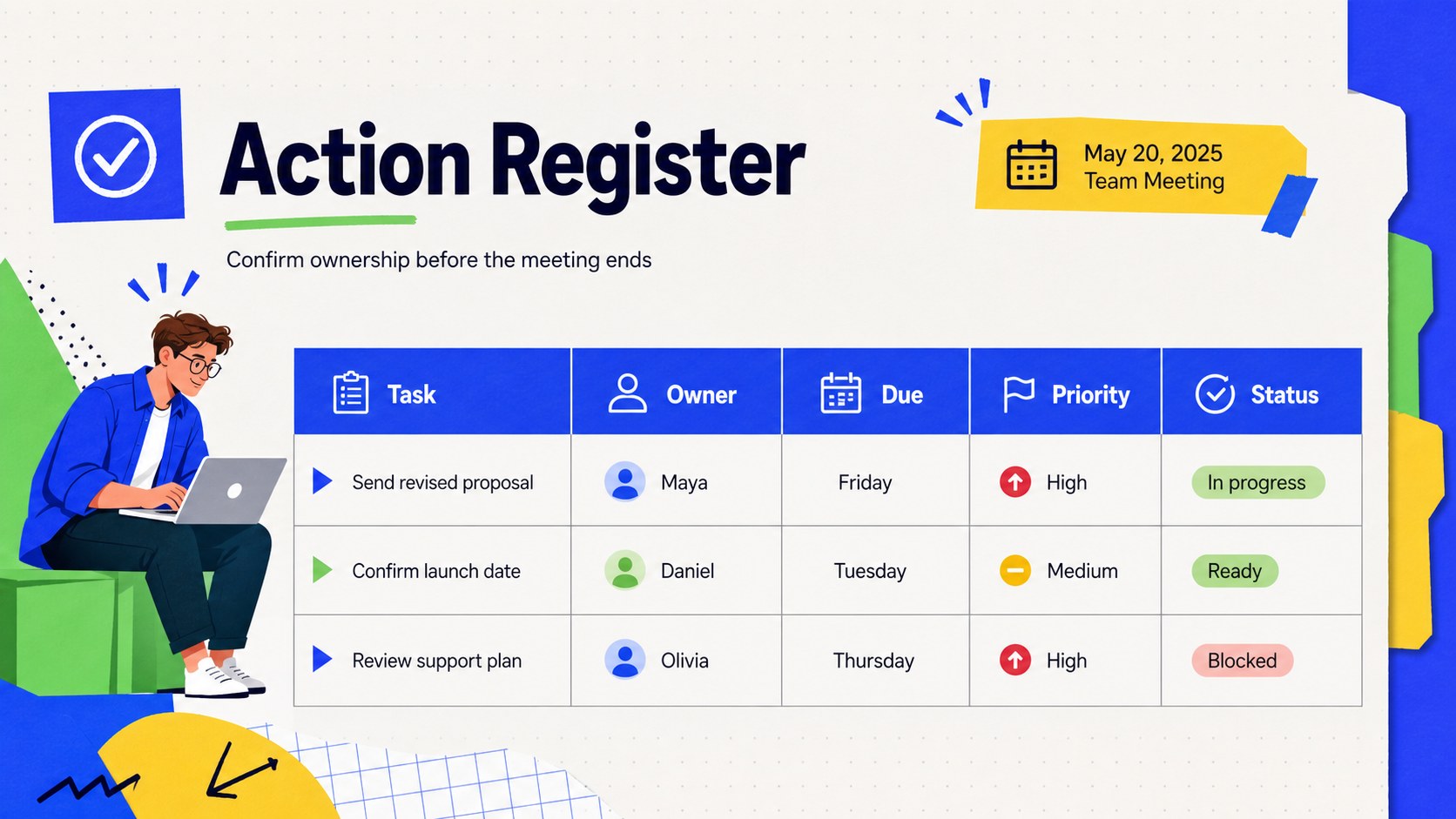
Turn productive conversations into measurable progress with Team Task Follow-Up Slides. This colorful meeting follow up presentation gives teams a clear place to document agreed tasks, responsible owners, target dates, and current status. A lively collage-inspired mix of blue, green, and yellow keeps the material approachable while preserving a polished, work-ready appearance.
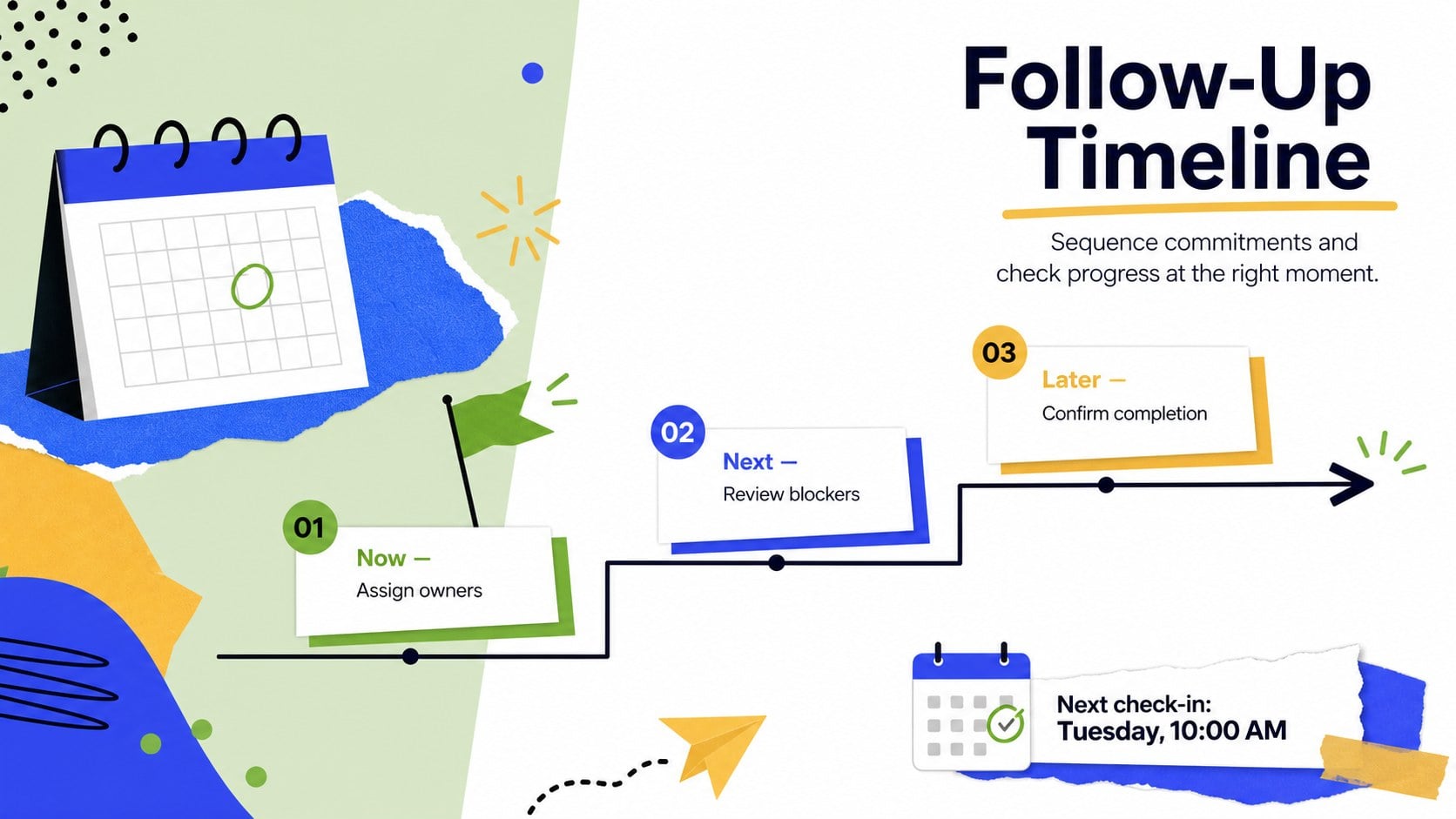
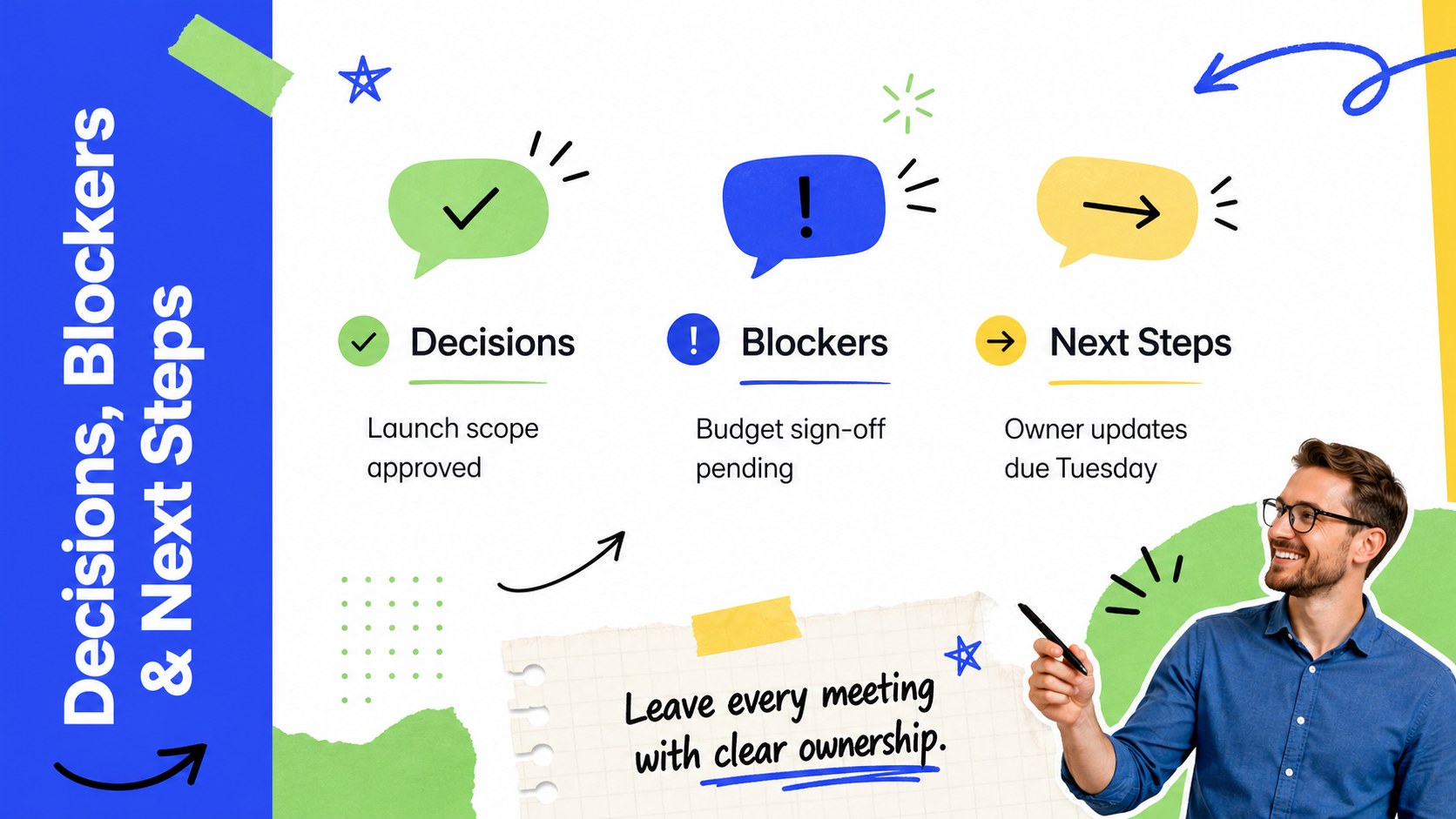
The deck includes a title page, structured action register, follow-up timeline, and decision summary with space for blockers and next steps. Use the team task tracker slides to separate urgent work from longer-term commitments, highlight overdue items, and make responsibilities easy to scan. Layouts can be adapted with project names, department labels, custom status categories, and brand typography without disrupting the visual hierarchy.
Designed for project managers, operations teams, department leads, facilitators, and small business owners, this decision and owner tracking deck works for weekly check-ins, client reviews, sprint retrospectives, workshops, and planning sessions. Edit it in PowerPoint or Google Slides, then present it live or share it as a practical follow-up resource. Whether the meeting is formal or informal, the template helps participants leave with a shared understanding of who is doing what, when each task is due, and what needs attention next.
Perfect for: weekly team check-in; project status review; client follow-up meeting; sprint retrospective; workshop action planning; department planning session.
Frequently asked questions
Can I edit these slides in PowerPoint and Google Slides? Yes. All text, task fields, colors, and layout elements can be edited in PowerPoint or Google Slides. You can duplicate sections to accommodate additional decisions or assignments.
Practical details
Yes. All text, task fields, colors, and layout elements can be edited in PowerPoint or Google Slides. You can duplicate sections to accommodate additional decisions or assignments.
Replace the sample labels with terminology used by your team, such as Not Started, In Progress, Blocked, and Complete. Keep each status color consistent across the action register and timeline for quick scanning.
Yes. Update the fonts, accent colors, department names, and project details while retaining the structured layouts. The blue, green, and yellow palette can also be replaced with approved brand colors.
Yes. Duplicate the action register and summary slides for each meeting date or reporting cycle. Archive completed tasks and carry unfinished items into the next review.
Keep exploring
15Shape your publishing concept with an indie magazine startup pitch deck featuring pastel gradients, bold collage layouts, and editable planning slides.
 16
16Build clear project stories with the Icon Grid Teamwork Theme, a flexible blue illustrated deck for proposals, strategy updates, and team meetings.
 3
3Turn priorities into an actionable plan with an annual goals roadmap infographic, featuring editable orange and teal layouts for PowerPoint and Google Slides.
 15
15Create an Annual Achievement Report Presentation with colorful geometric layouts for milestones, results, lessons, and priorities in PowerPoint or Google Slides.
 15
15Turn results into a focused annual performance evaluation report with dark 3D slides for KPIs, achievements, feedback, and next-step goals for teams.
 15
15Guide a focused annual recap with Business Results Retrospective Slides, a muted brown-and-blue template for PowerPoint and Google Slides.
 6
6Turn complex plans into clear visual stories with Color-Coded Workflow Path Slides, an editable set for project updates, roadmaps, and team briefings.
 6
6Compare regional performance at a glance with Global Data Heatmap Slides, a clean multicolor deck designed for editable PowerPoint and Google Slides.