
 15
15presentation
Indie Magazine Startup Pitch Deck
Shape your publishing concept with an indie magazine startup pitch deck featuring pastel gradients, bold collage layouts, and editable planning slides.
Google SlidesPowerPoint
presentation · English
Build a polished team role introduction deck for class projects and group updates, with editable blue and purple layouts that make ownership clear.





Design notes
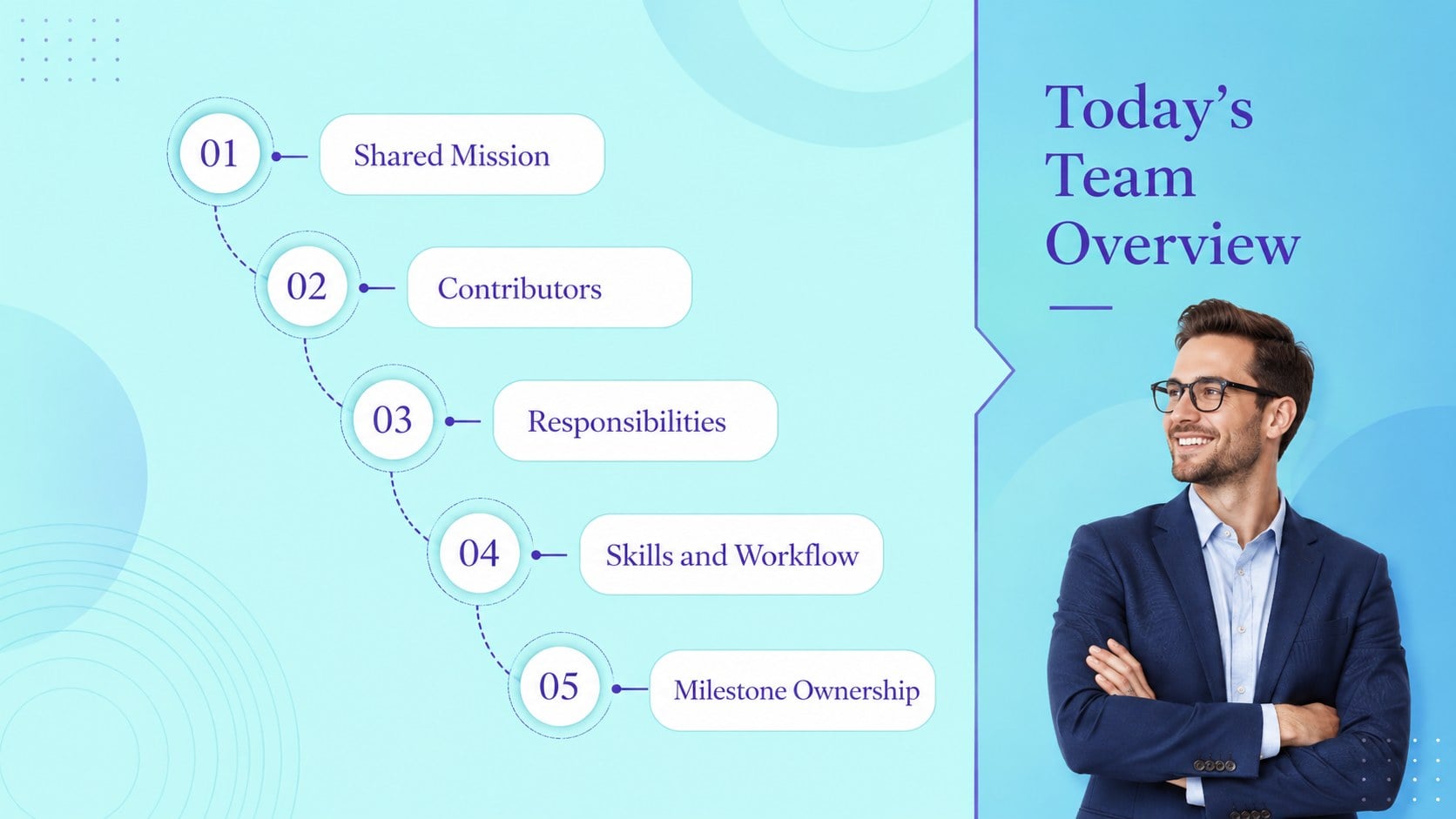
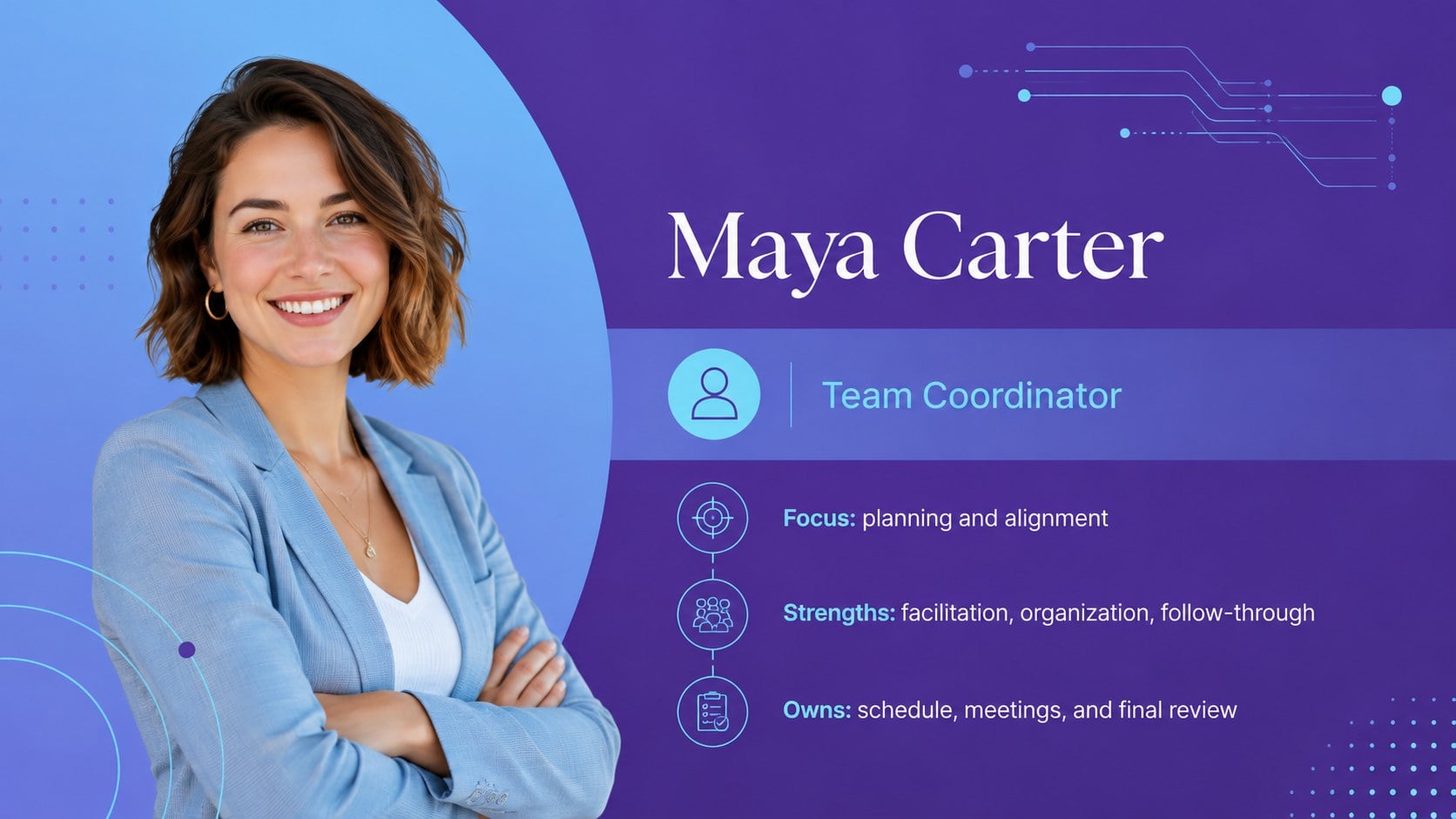
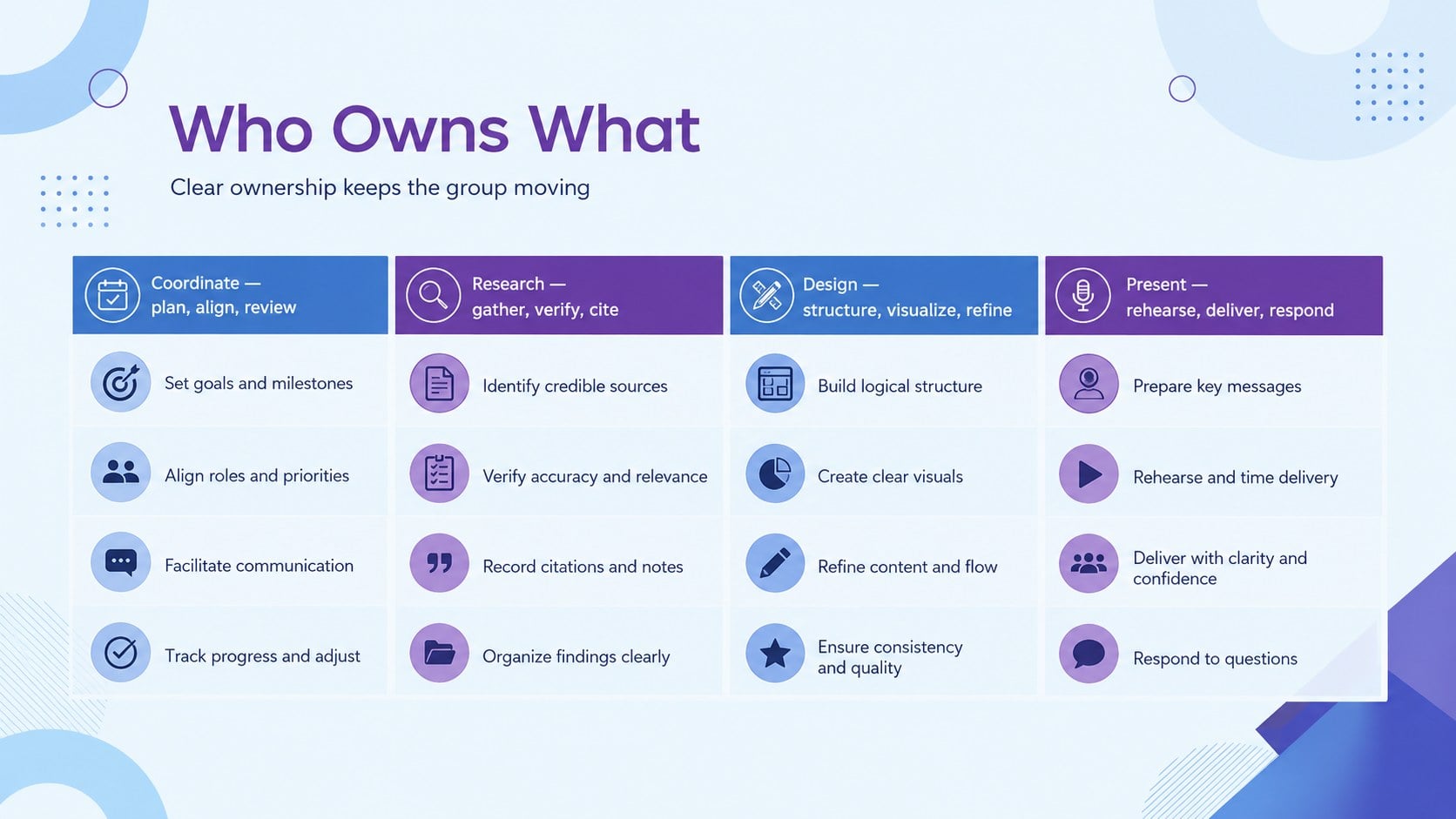
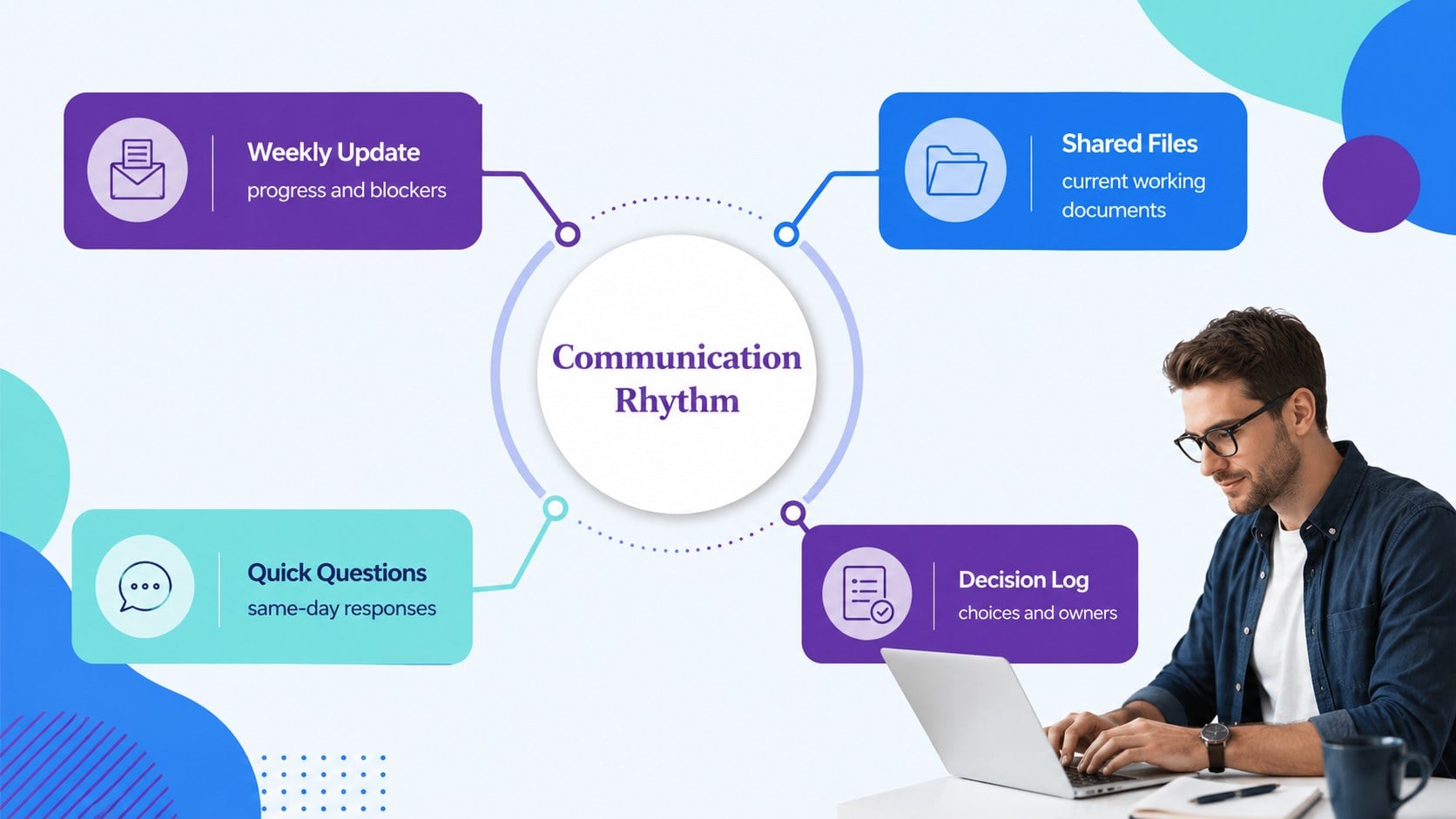
Put every contributor in context with a team role introduction deck built for clear, confident group presentations. The crisp blue and purple visual system balances academic accessibility with a polished corporate feel, helping audiences connect names, responsibilities, skills, and ownership without sorting through dense text.
Layouts cover a contributor roster, shared mission, individual profiles, a responsibility matrix, skills coverage, workflow stages, communication channels, milestone ownership, working agreements, and closing contacts. Flexible timelines, charts, portrait frames, icons, and text blocks accommodate different team sizes. Use the collection as a group roles and responsibilities slides resource, a student project team presentation, or a concise introduction for a club committee.
Every layout can be edited in PowerPoint and Google Slides. Replace names, photos, role labels, project details, and contact information, then adjust the blue and purple balance to fit your institution or organization. The widescreen format is suitable for classroom displays, online meetings, and exported handouts.
This meet the project contributors template is designed for students, educators, club leaders, project coordinators, and early-career teams. It gives each person meaningful space while showing how individual responsibilities support a shared result.
Perfect for: student group project introduction; club committee overview; project kickoff meeting; team responsibility briefing; classroom collaboration report.
Frequently asked questions
Practical details
Yes. Names, job titles, responsibilities, biographies, photos, and contact details can all be replaced. Profile layouts can also be duplicated or removed to match the size of your group.
The deck is designed for PowerPoint and Google Slides. Both platforms support editing the text, colors, shapes, images, and slide order.
Yes. Apply your school, club, or organization colors to the backgrounds, accents, charts, and icons. Keep sufficient contrast between text and backgrounds so names and responsibilities remain readable.
Duplicate the roster or profile layouts and group contributors by function, workstream, or committee. A summary slide can then show how those groups connect and where ownership sits.
Keep exploring
15Shape your publishing concept with an indie magazine startup pitch deck featuring pastel gradients, bold collage layouts, and editable planning slides.
 16
16Build clear project stories with the Icon Grid Teamwork Theme, a flexible blue illustrated deck for proposals, strategy updates, and team meetings.
 3
3Turn priorities into an actionable plan with an annual goals roadmap infographic, featuring editable orange and teal layouts for PowerPoint and Google Slides.
 15
15Create an Annual Achievement Report Presentation with colorful geometric layouts for milestones, results, lessons, and priorities in PowerPoint or Google Slides.
 15
15Turn results into a focused annual performance evaluation report with dark 3D slides for KPIs, achievements, feedback, and next-step goals for teams.
 15
15Guide a focused annual recap with Business Results Retrospective Slides, a muted brown-and-blue template for PowerPoint and Google Slides.
 6
6Turn complex plans into clear visual stories with Color-Coded Workflow Path Slides, an editable set for project updates, roadmaps, and team briefings.
 6
6Compare regional performance at a glance with Global Data Heatmap Slides, a clean multicolor deck designed for editable PowerPoint and Google Slides.