
 15
15presentation
Indie Magazine Startup Pitch Deck
Shape your publishing concept with an indie magazine startup pitch deck featuring pastel gradients, bold collage layouts, and editable planning slides.
Google SlidesPowerPoint
presentation · English
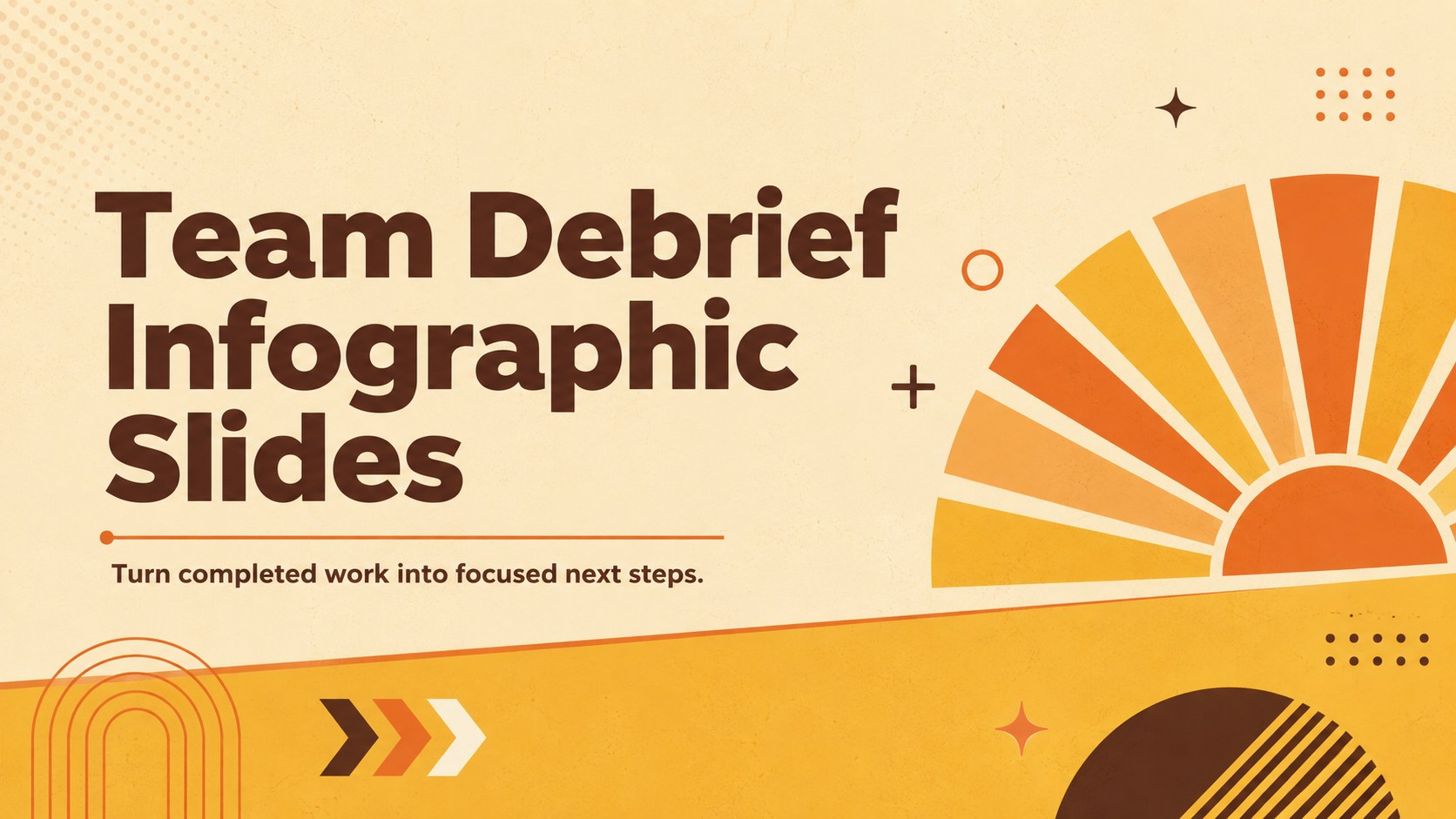
Turn completed work into clear next steps with Team Debrief Infographic Slides, a bright retro toolkit for editable PowerPoint and Google Slides reviews.
Design notes
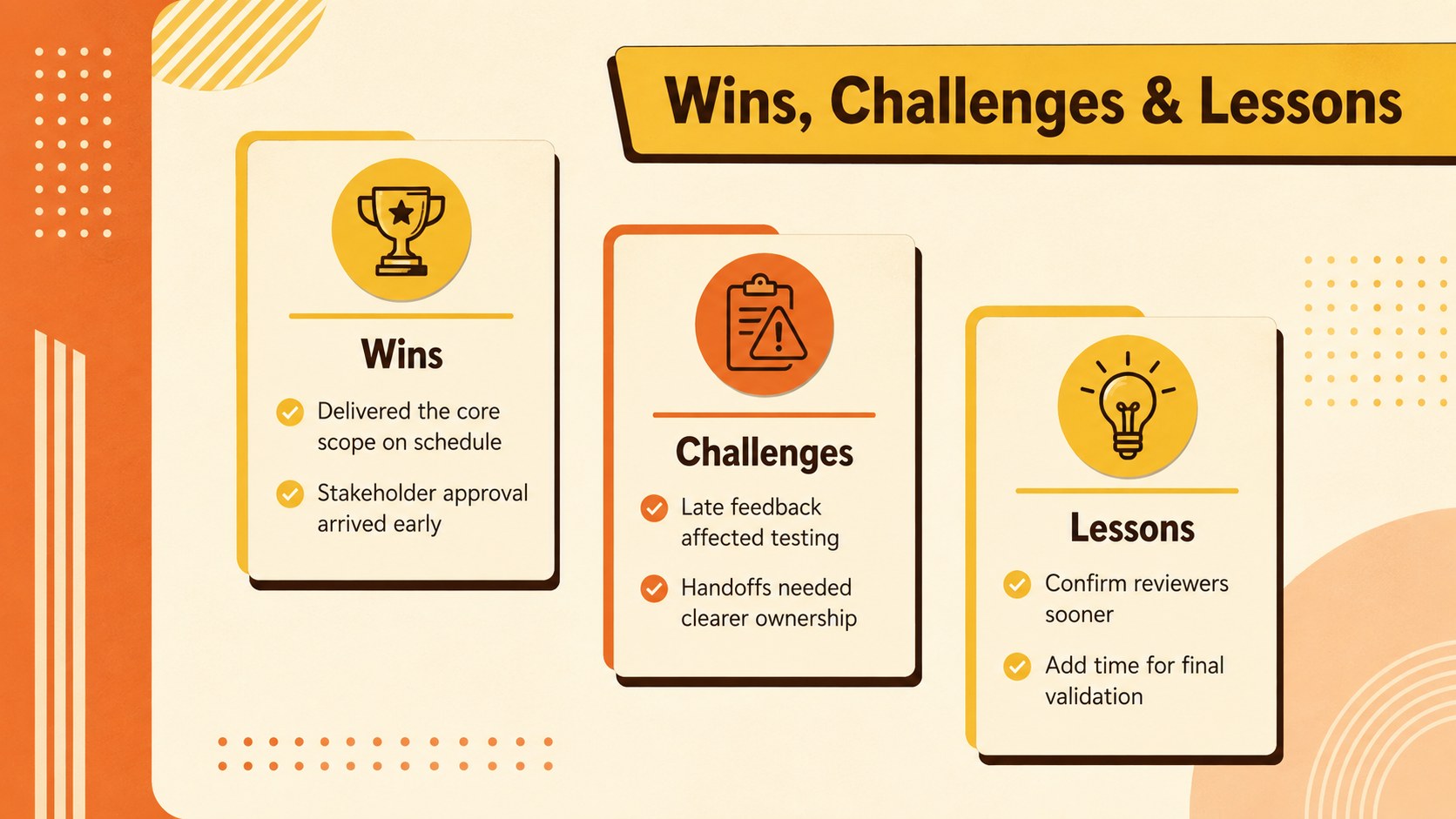
Team Debrief Infographic Slides helps teams examine finished work, recognize achievements, discuss obstacles, and agree on practical improvements. The energetic orange-and-yellow palette brings warmth to review sessions, while simple retro graphics keep findings organized and easy to scan. Use the layouts as a post project review presentation template or adapt them for recurring sprint discussions.
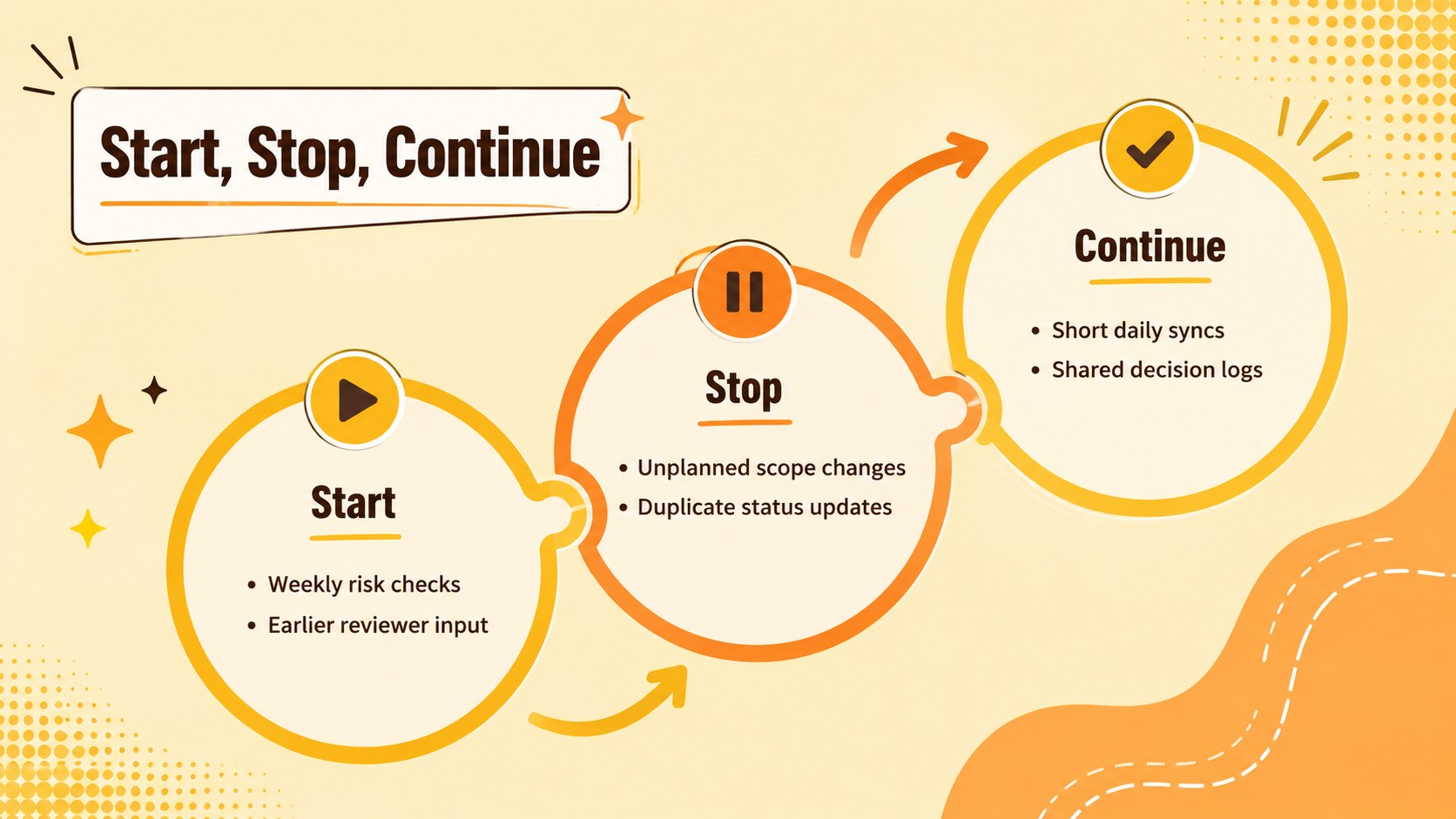
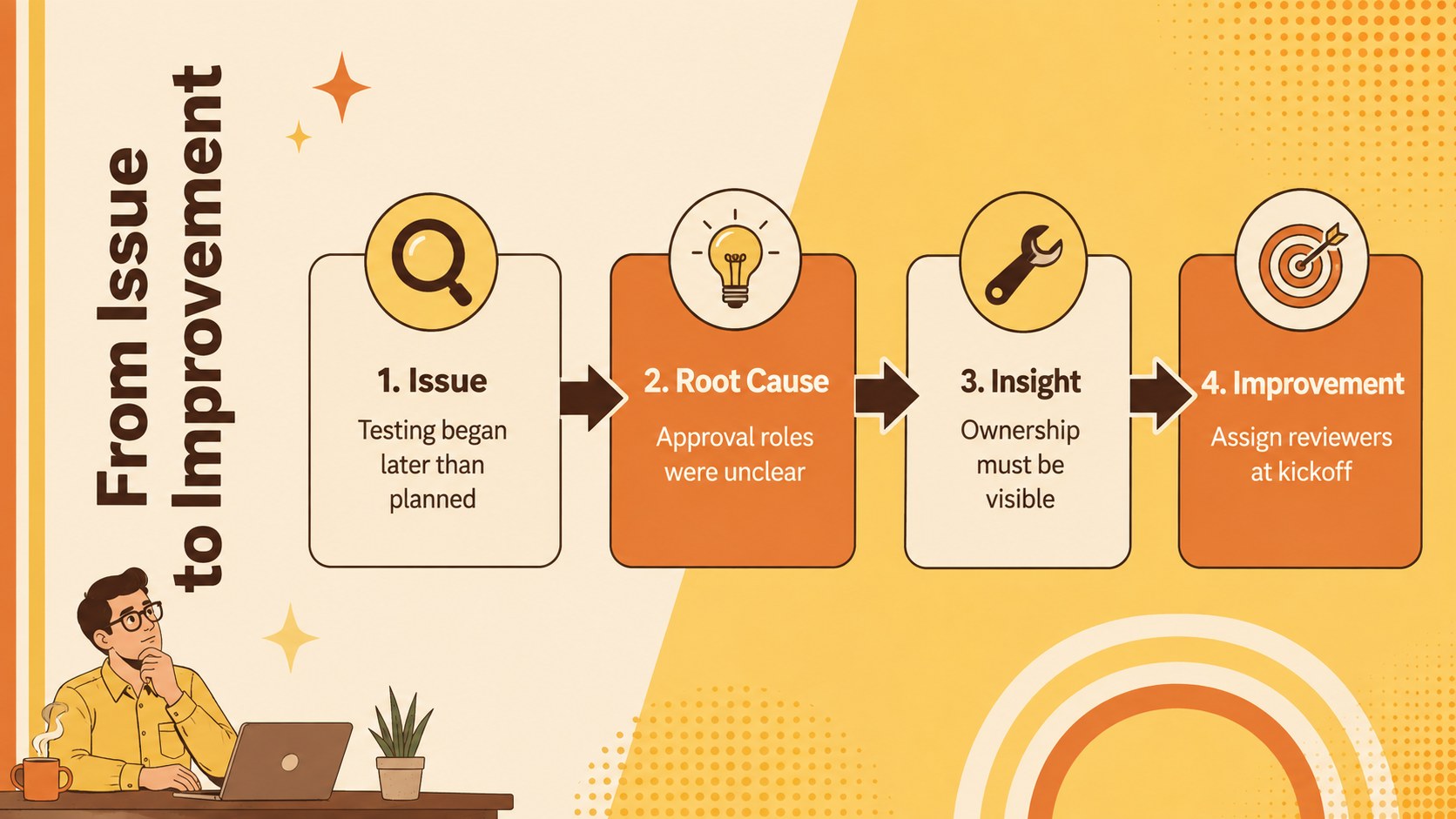
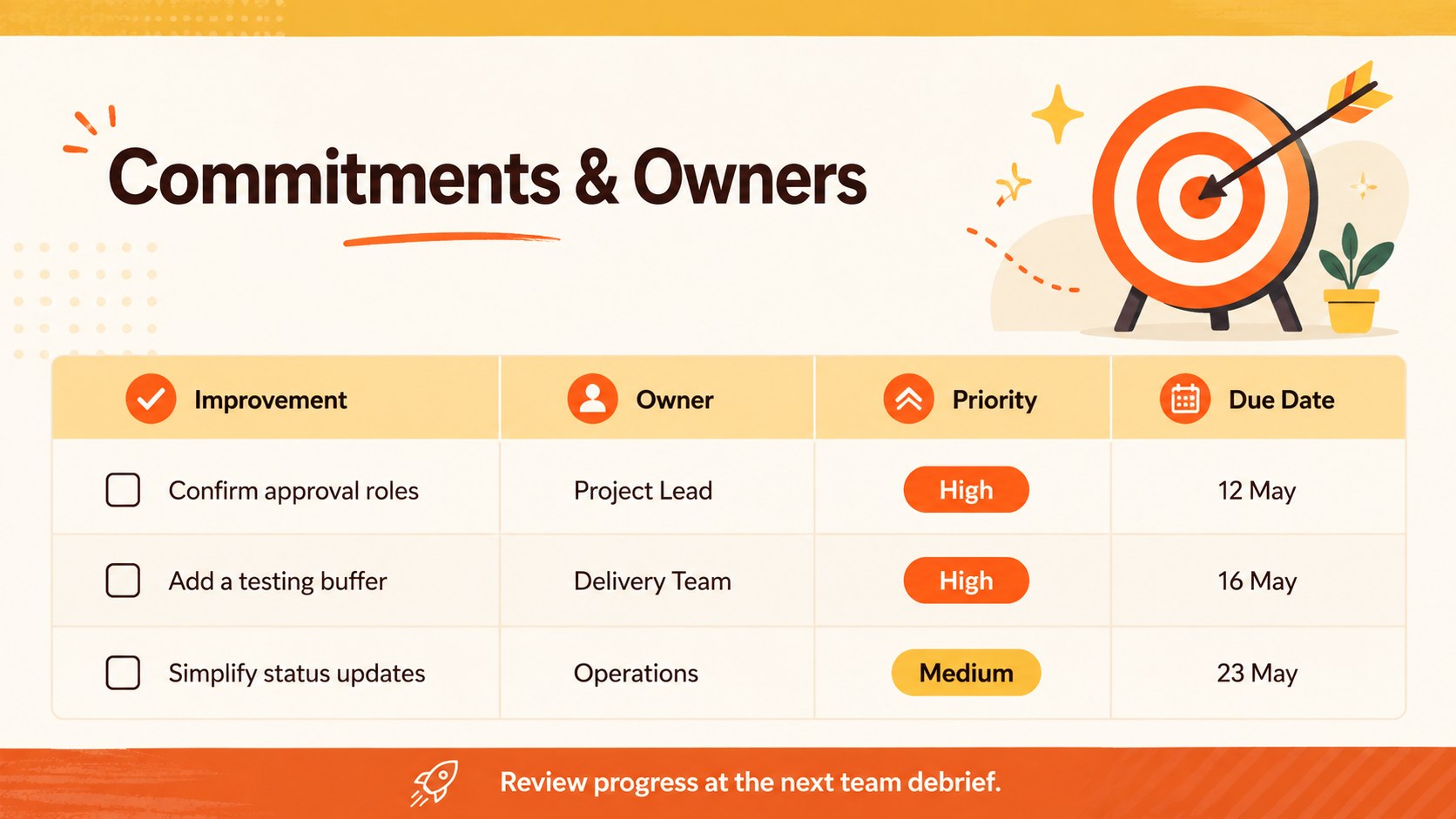
Inside, five editable infographic layouts cover key wins, challenges, lessons, root causes, and follow-up commitments. A structured Start, Stop, Continue page makes the deck useful as start stop continue slides, while the final action layout connects each improvement to an owner and target date. Shapes, text, colors, icons, and section labels can be customized in PowerPoint or Google Slides to match your project and team vocabulary.
This lessons learned infographic deck is designed for project managers, agile teams, consultants, department leads, and business professionals who need a concise alternative to a long written report. Present it during a retrospective workshop, stakeholder review, campaign debrief, product release discussion, or internal process assessment. The clear visual hierarchy supports both live facilitation and asynchronous sharing, helping participants move from observations to accountable next steps without losing the upbeat, approachable tone of the session.
Perfect for: post-project review meeting; agile sprint retrospective; product release debrief; campaign performance reflection; process improvement workshop.
Frequently asked questions
Can I edit every element in these slides? Yes. You can change the text, colors, icons, shapes, and action items to reflect your team's findings and terminology.
Practical details
Yes. You can change the text, colors, icons, shapes, and action items to reflect your team's findings and terminology.
The template is designed for Microsoft PowerPoint and Google Slides. Some fonts or visual effects may render slightly differently between the two platforms.
Yes. Rename the project sections for a sprint, iteration, or release and use the Start, Stop, Continue layout to guide the discussion.
Select the background, shapes, and accent graphics to replace their fill colors with your brand palette. Keep strong contrast between text and backgrounds so the infographic remains easy to read.
Keep exploring
15Shape your publishing concept with an indie magazine startup pitch deck featuring pastel gradients, bold collage layouts, and editable planning slides.
 16
16Build clear project stories with the Icon Grid Teamwork Theme, a flexible blue illustrated deck for proposals, strategy updates, and team meetings.
 3
3Turn priorities into an actionable plan with an annual goals roadmap infographic, featuring editable orange and teal layouts for PowerPoint and Google Slides.
 15
15Create an Annual Achievement Report Presentation with colorful geometric layouts for milestones, results, lessons, and priorities in PowerPoint or Google Slides.
 15
15Turn results into a focused annual performance evaluation report with dark 3D slides for KPIs, achievements, feedback, and next-step goals for teams.
 15
15Guide a focused annual recap with Business Results Retrospective Slides, a muted brown-and-blue template for PowerPoint and Google Slides.
 6
6Turn complex plans into clear visual stories with Color-Coded Workflow Path Slides, an editable set for project updates, roadmaps, and team briefings.
 6
6Compare regional performance at a glance with Global Data Heatmap Slides, a clean multicolor deck designed for editable PowerPoint and Google Slides.