
 15
15presentation
Indie Magazine Startup Pitch Deck
Shape your publishing concept with an indie magazine startup pitch deck featuring pastel gradients, bold collage layouts, and editable planning slides.
Google SlidesPowerPoint
spreadsheet · English
Build a clearer view of workload, availability, and assigned hours with this team capacity planning template for project leads using PowerPoint or Google…
Design notes
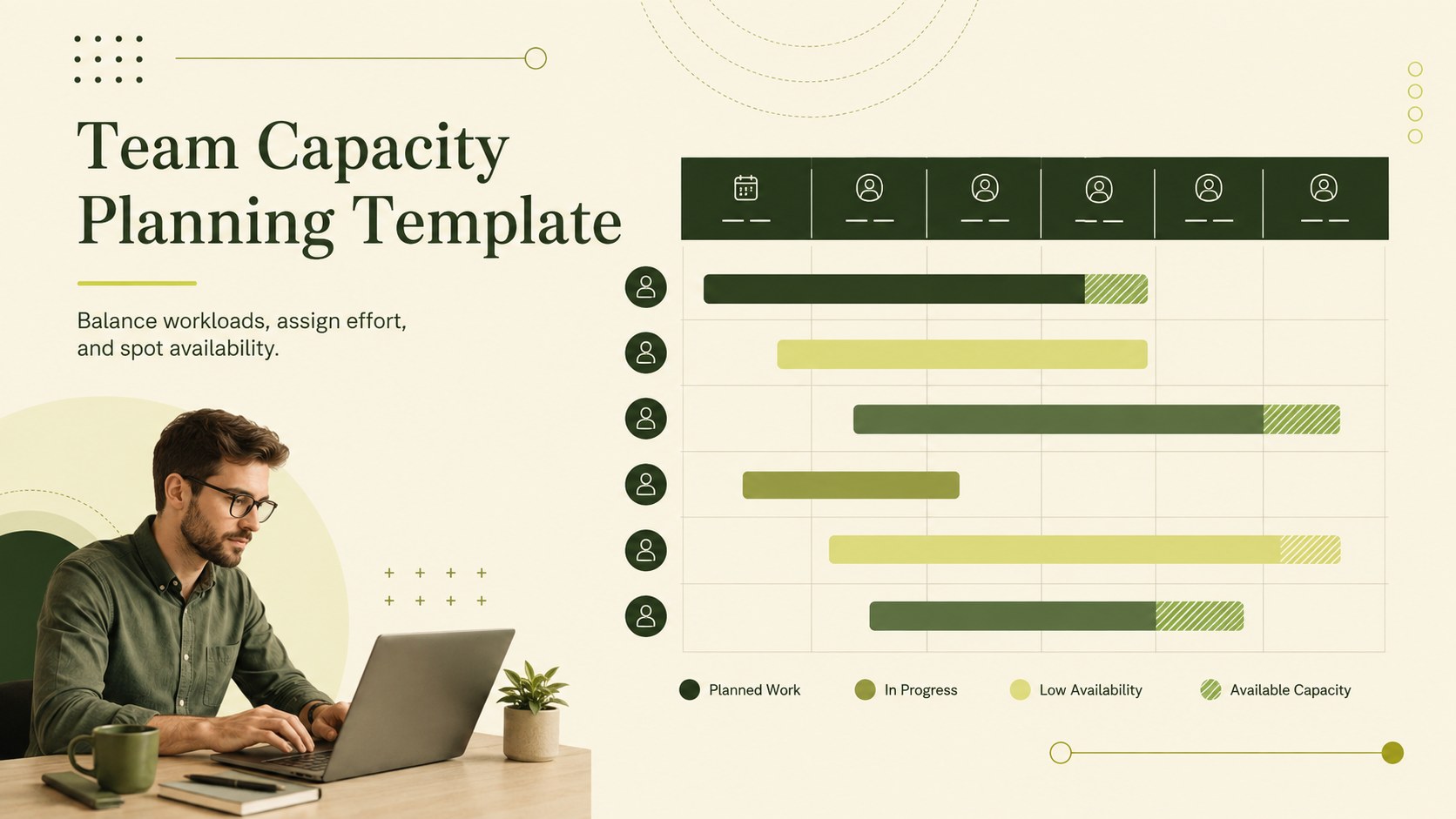
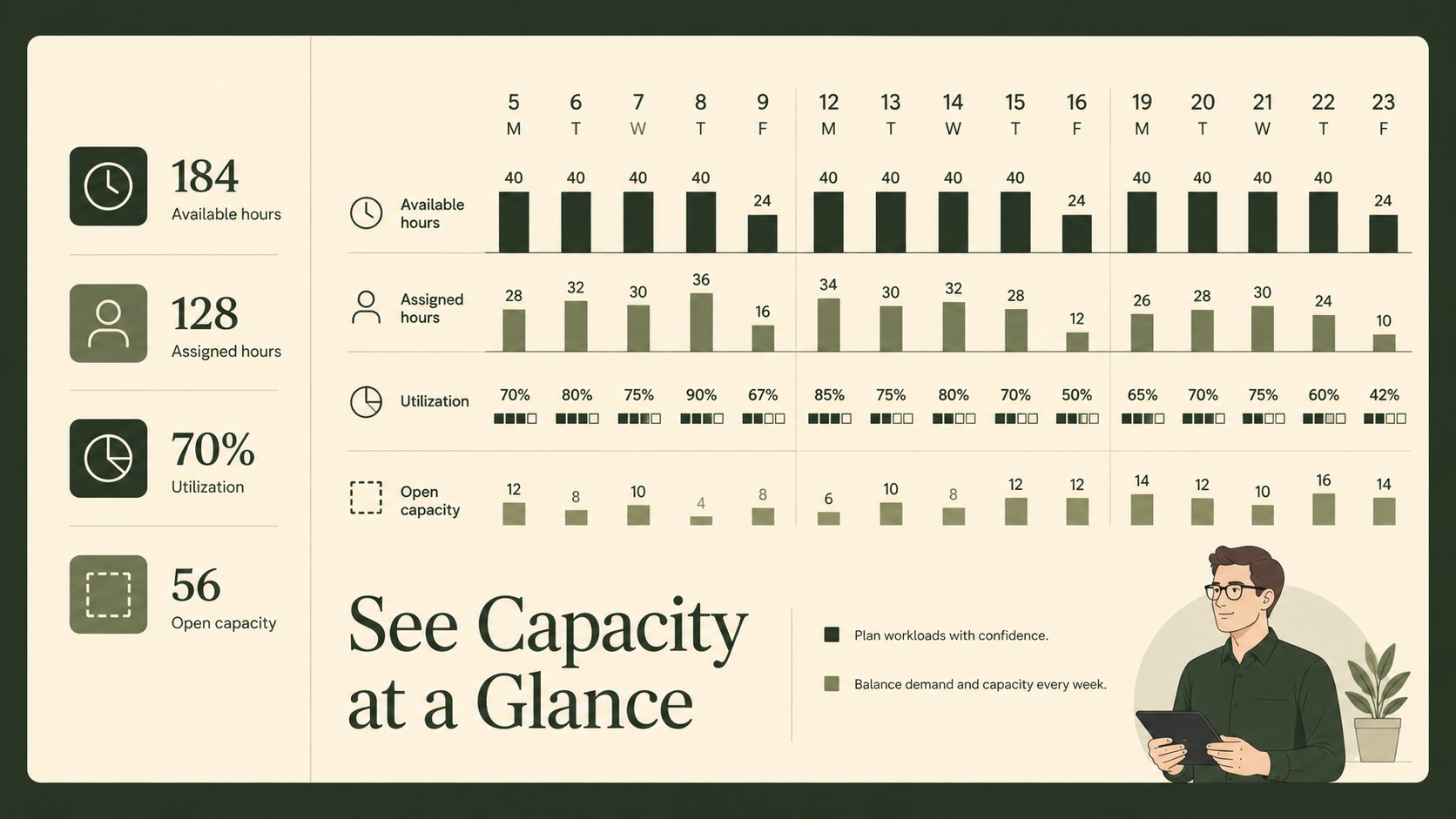
Balance workloads, assign effort, and spot availability before projects drift with this team capacity planning template. Its restrained green, beige, and monochrome palette keeps planning sessions focused while giving project leads a practical way to review capacity at a glance.
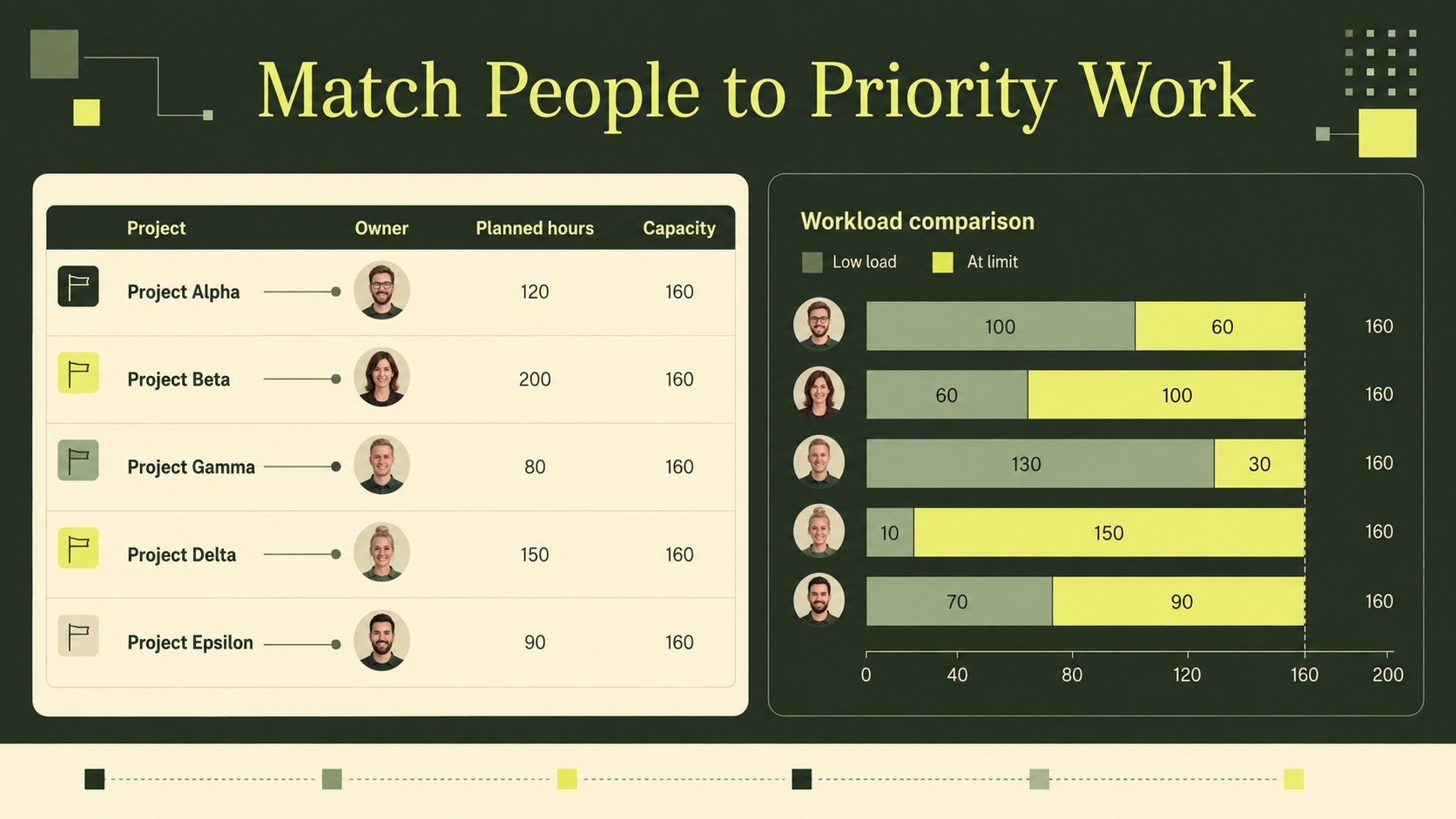
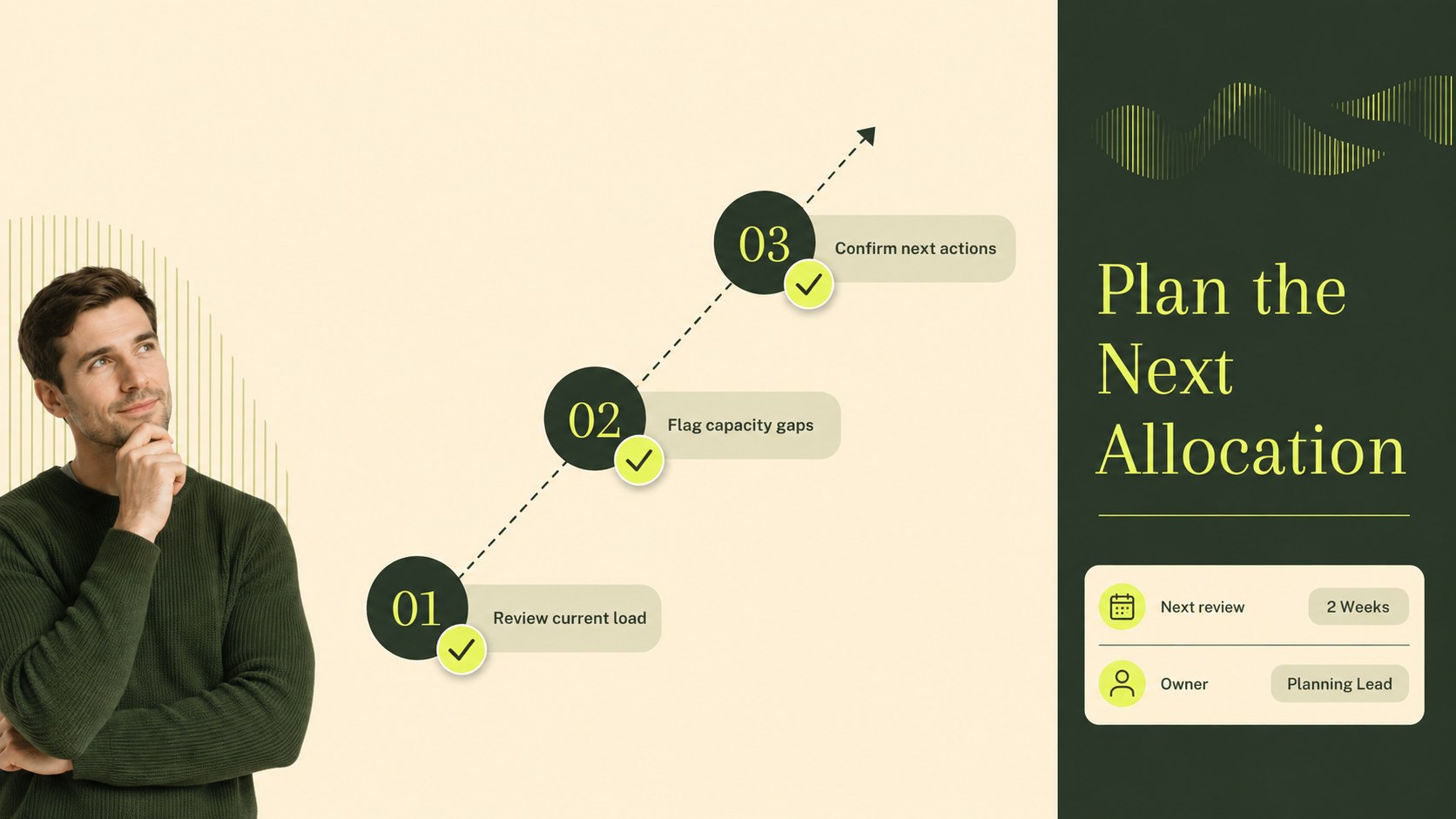
The deck includes a clear overview of team availability, assigned hours, workload levels, utilization rates, and project status. Use the main planning view to compare people or workstreams, then adapt the supporting layouts for weekly reviews, staffing decisions, project updates, or leadership check-ins. The structure works well as a team workload capacity planner, a resource allocation dashboard, or a project staffing spreadsheet when you need a more organized view of upcoming work.
Designed for project managers, operations teams, department leads, and consultants, the template can be edited in PowerPoint and Google Slides. Spreadsheet users can also transfer the planning structure to Excel or Google Sheets. Replace labels, adjust categories, add status markers, and update figures to match your workflow. The landscape 16:9 format makes it suitable for screen sharing, presentations, and concise planning reports without losing important detail.
Perfect for: weekly team capacity review; project staffing meeting; agency workload balancing; department resource forecast; operations leadership update.
Frequently asked questions
Can I edit this team capacity planning template in PowerPoint? Yes. The layouts are designed for PowerPoint editing, including text, colors, labels, status indicators, and data fields. You can tailor the deck to your team's planning terminology and reporting rhythm.
Practical details
Yes. The layouts are designed for PowerPoint editing, including text, colors, labels, status indicators, and data fields. You can tailor the deck to your team's planning terminology and reporting rhythm.
Yes, you can open and customize the presentation in Google Slides. Review imported fonts, spacing, and chart formatting after uploading to ensure the deck matches your preferred presentation settings.
Yes. The planning structure can be adapted for Excel or Google Sheets when you need working calculations alongside the visual overview. Add formulas for utilization, available hours, or workload thresholds based on your process.
You can change headings, team names, project categories, hour values, status labels, and visual markers. The green and beige palette can also be adjusted while preserving the clean professional style.
Keep exploring
15Shape your publishing concept with an indie magazine startup pitch deck featuring pastel gradients, bold collage layouts, and editable planning slides.
 16
16Build clear project stories with the Icon Grid Teamwork Theme, a flexible blue illustrated deck for proposals, strategy updates, and team meetings.
 3
3Turn priorities into an actionable plan with an annual goals roadmap infographic, featuring editable orange and teal layouts for PowerPoint and Google Slides.
 15
15Create an Annual Achievement Report Presentation with colorful geometric layouts for milestones, results, lessons, and priorities in PowerPoint or Google Slides.
 15
15Turn results into a focused annual performance evaluation report with dark 3D slides for KPIs, achievements, feedback, and next-step goals for teams.
 15
15Guide a focused annual recap with Business Results Retrospective Slides, a muted brown-and-blue template for PowerPoint and Google Slides.
 6
6Turn complex plans into clear visual stories with Color-Coded Workflow Path Slides, an editable set for project updates, roadmaps, and team briefings.
 6
6Compare regional performance at a glance with Global Data Heatmap Slides, a clean multicolor deck designed for editable PowerPoint and Google Slides.