
 15
15presentation
Indie Magazine Startup Pitch Deck
Shape your publishing concept with an indie magazine startup pitch deck featuring pastel gradients, bold collage layouts, and editable planning slides.
Google SlidesPowerPoint
presentation · English
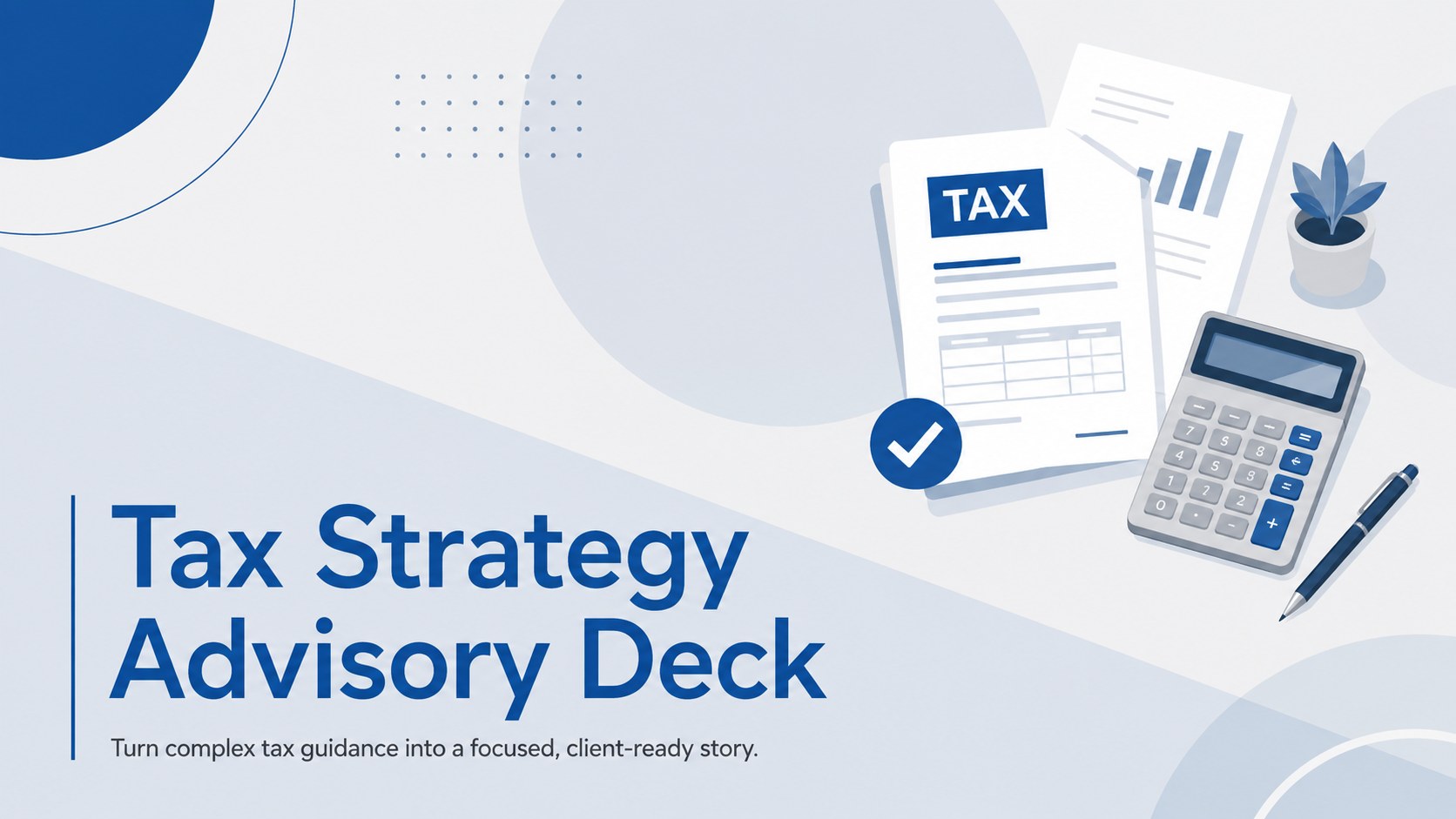
Present clear planning options with a Tax Strategy Advisory Deck built for finance teams, consultants, and client meetings in PowerPoint or Google Slides.
Design notes
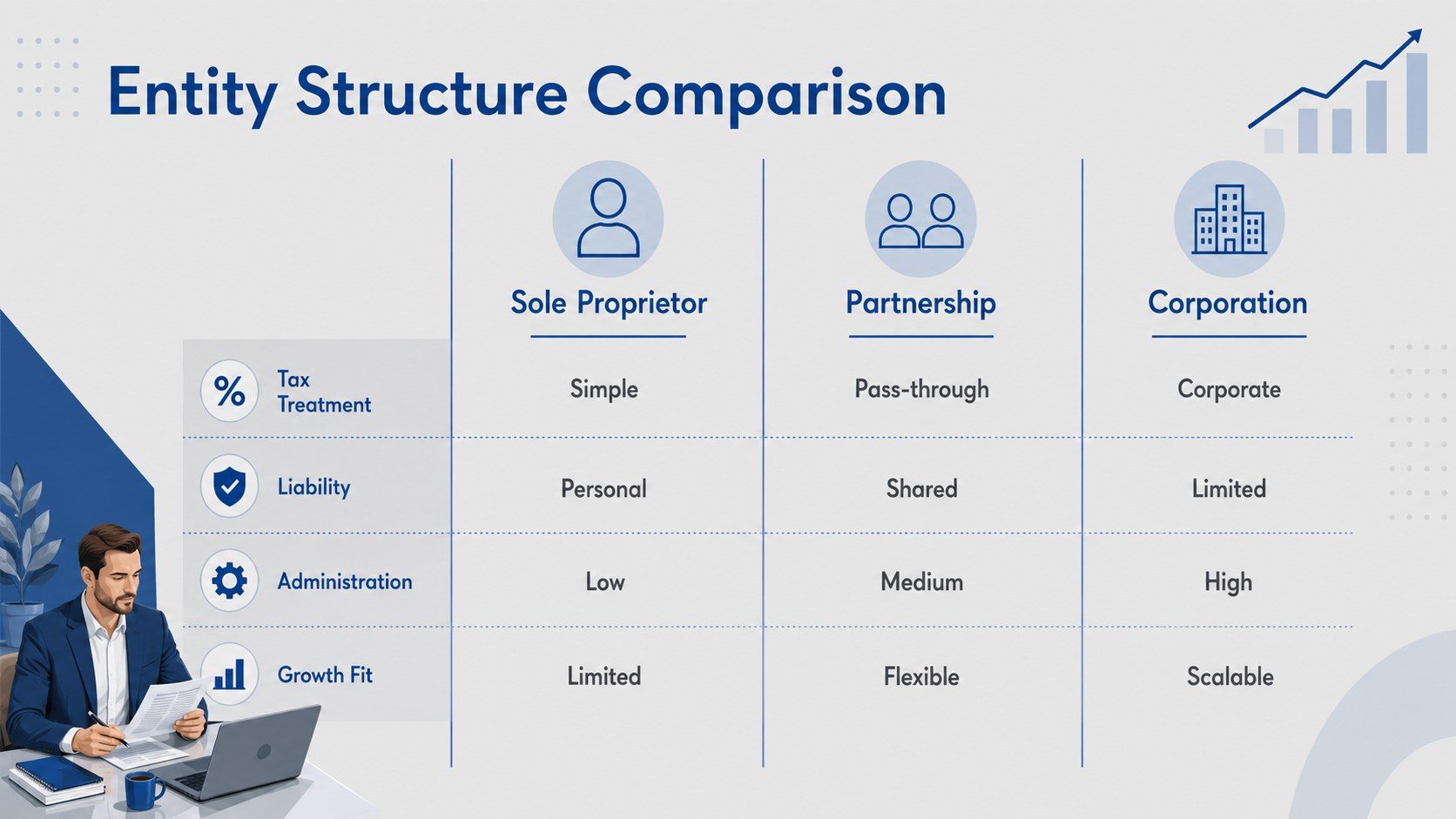
The Tax Strategy Advisory Deck gives finance professionals a polished framework for presenting tax planning decisions without overwhelming the audience. Its minimal illustrated style, restrained blue and grey palette, and structured layouts make detailed recommendations easier to scan, compare, and discuss. Use it as a tax planning presentation for clients who need a clear view of potential savings, compliance considerations, and practical next steps.
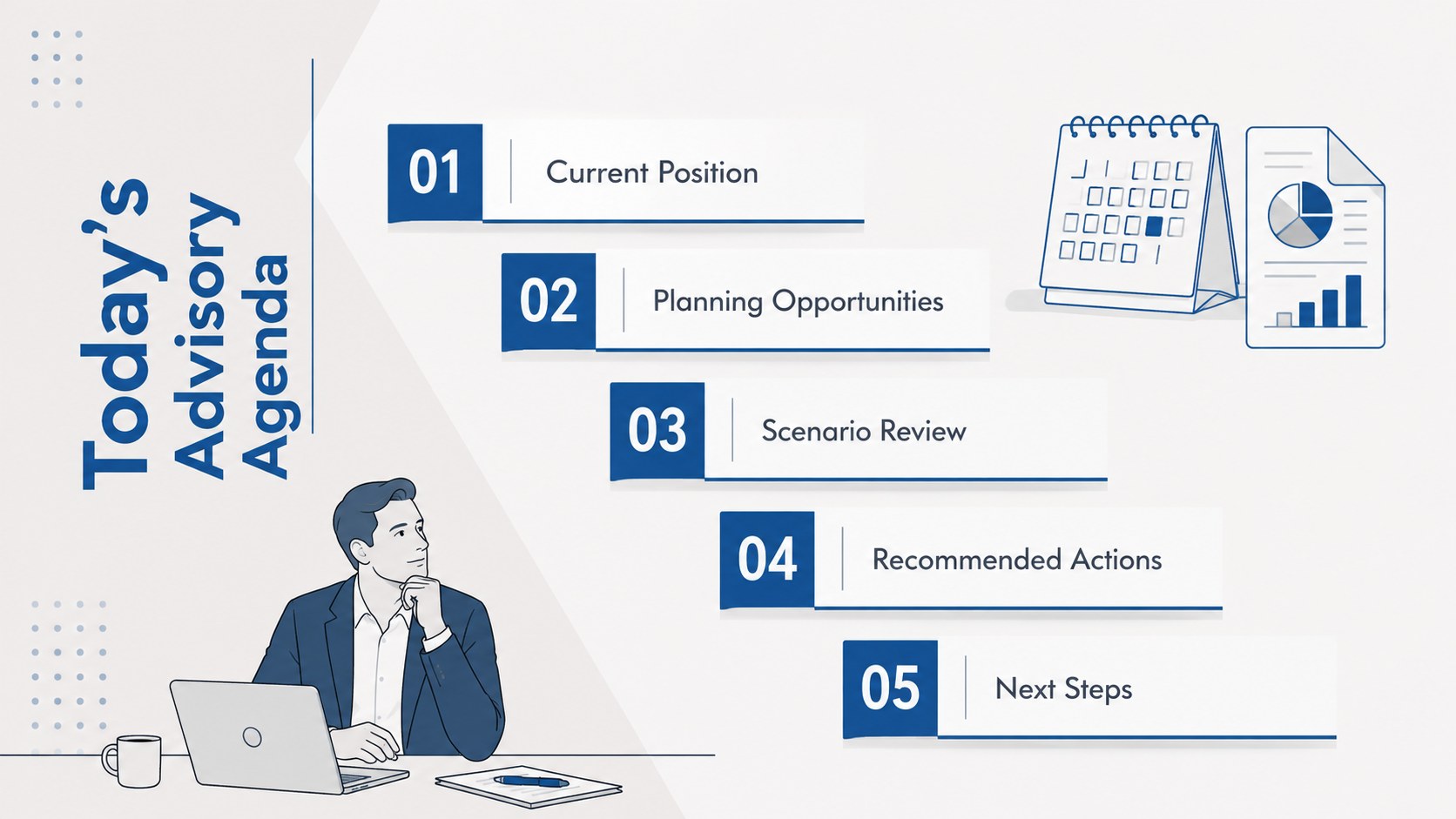
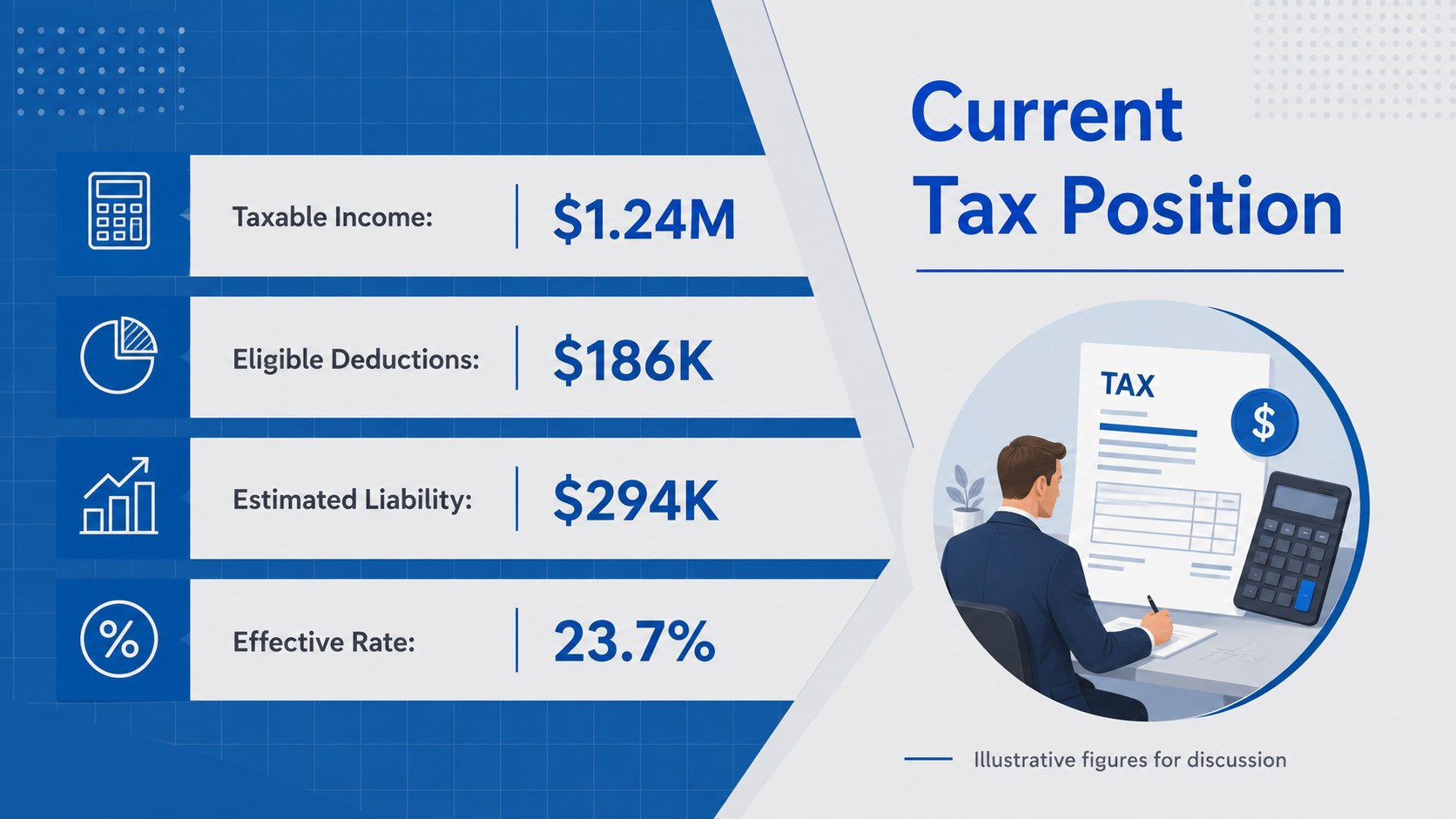
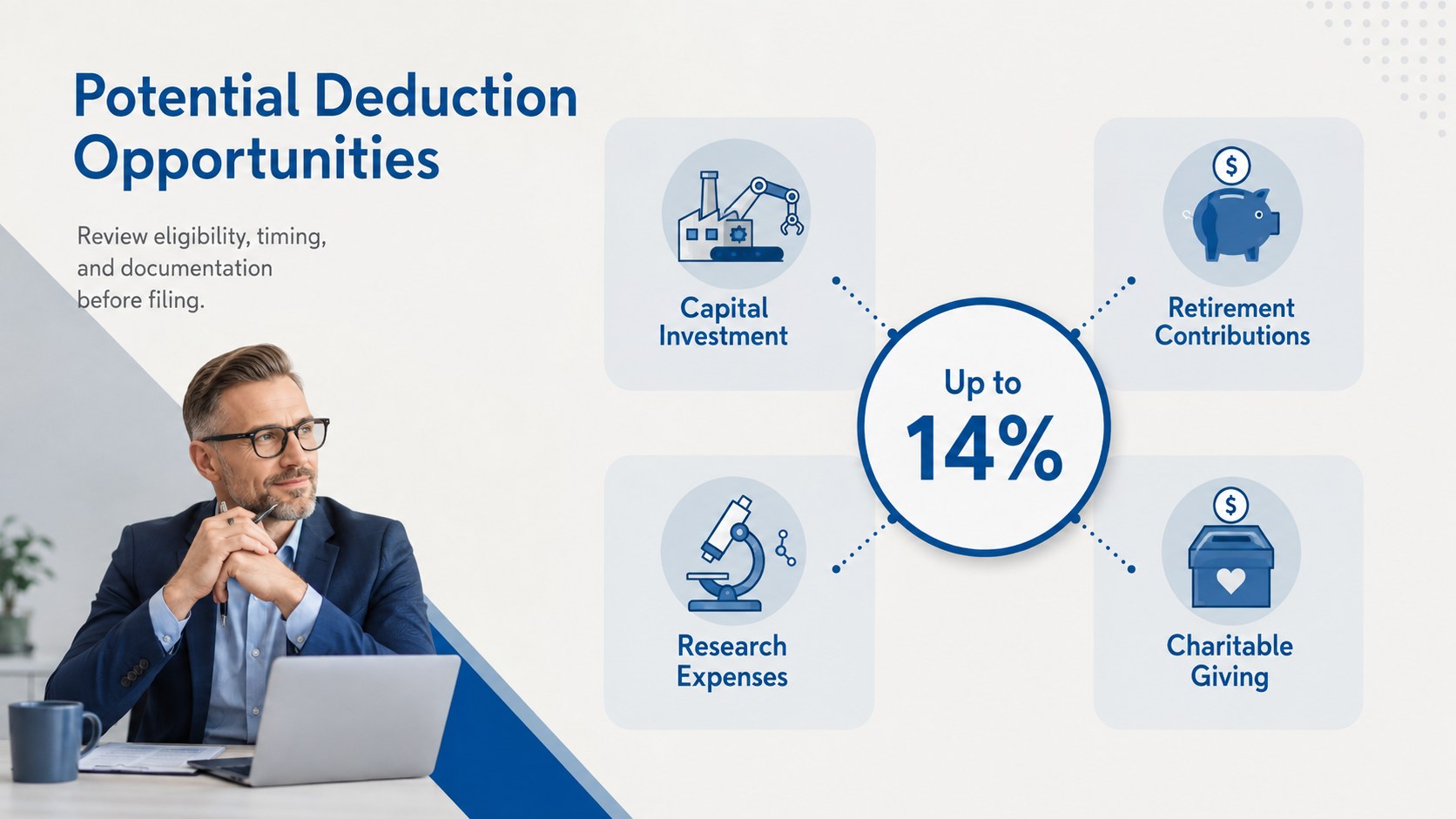
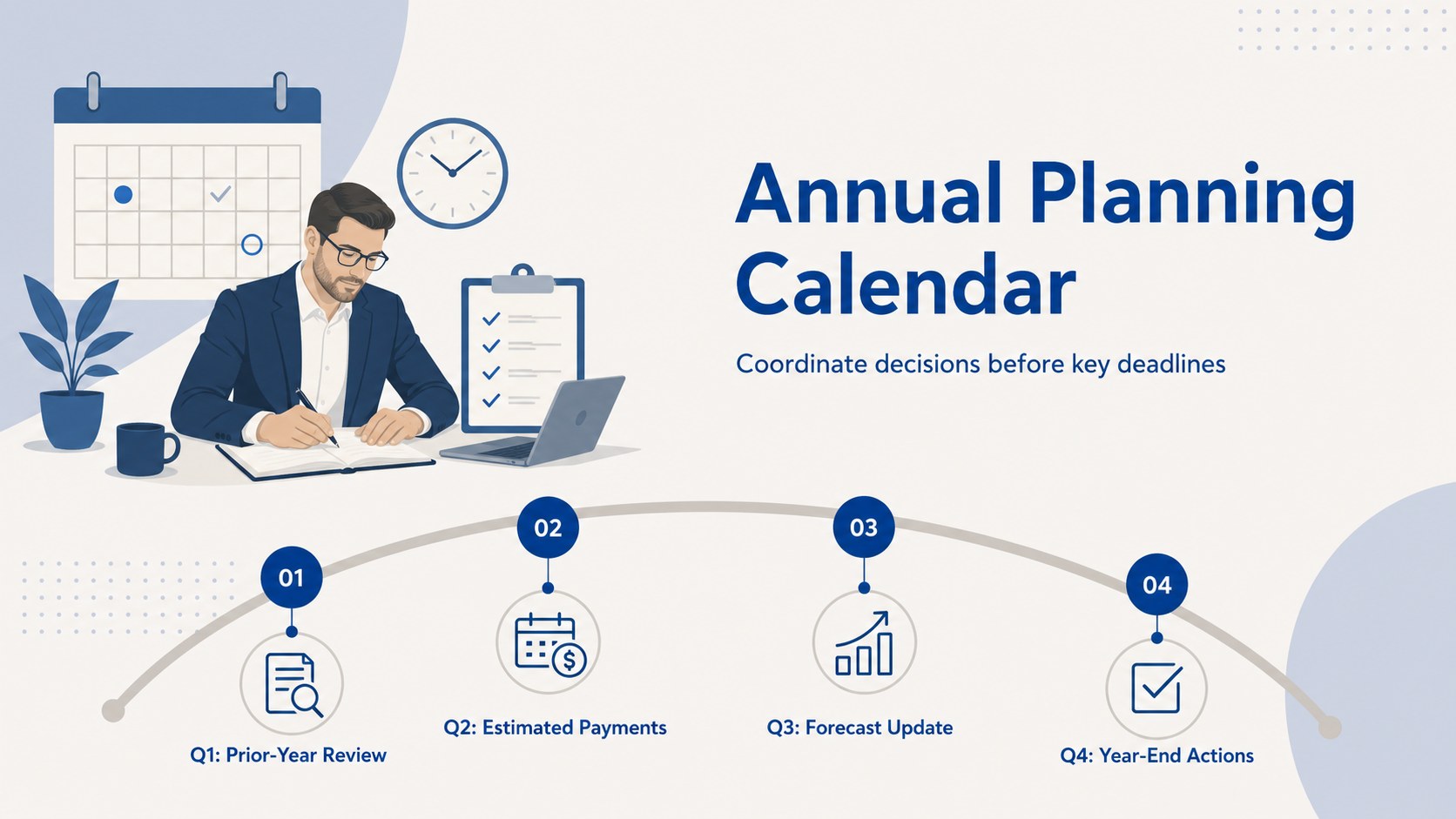
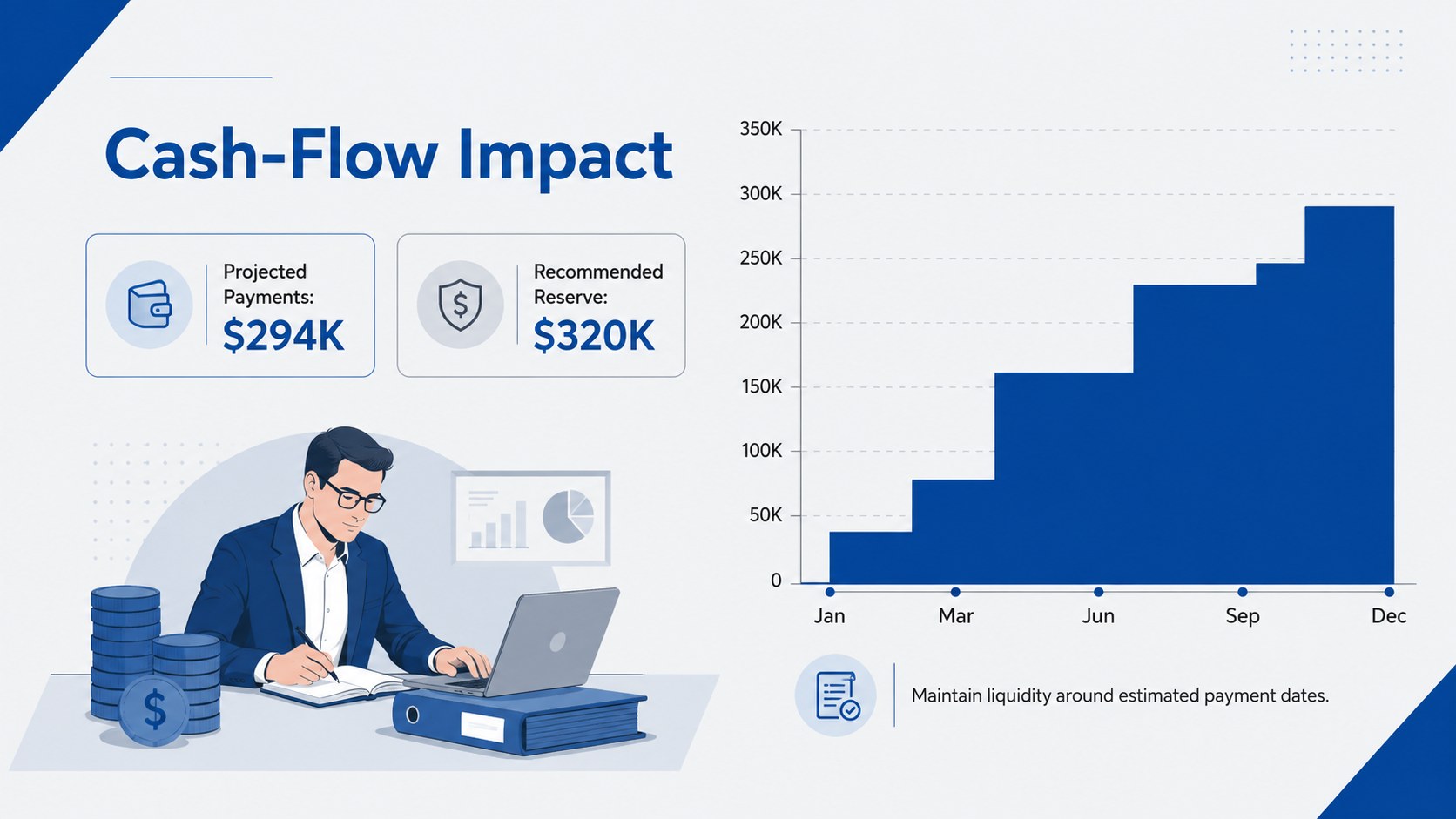
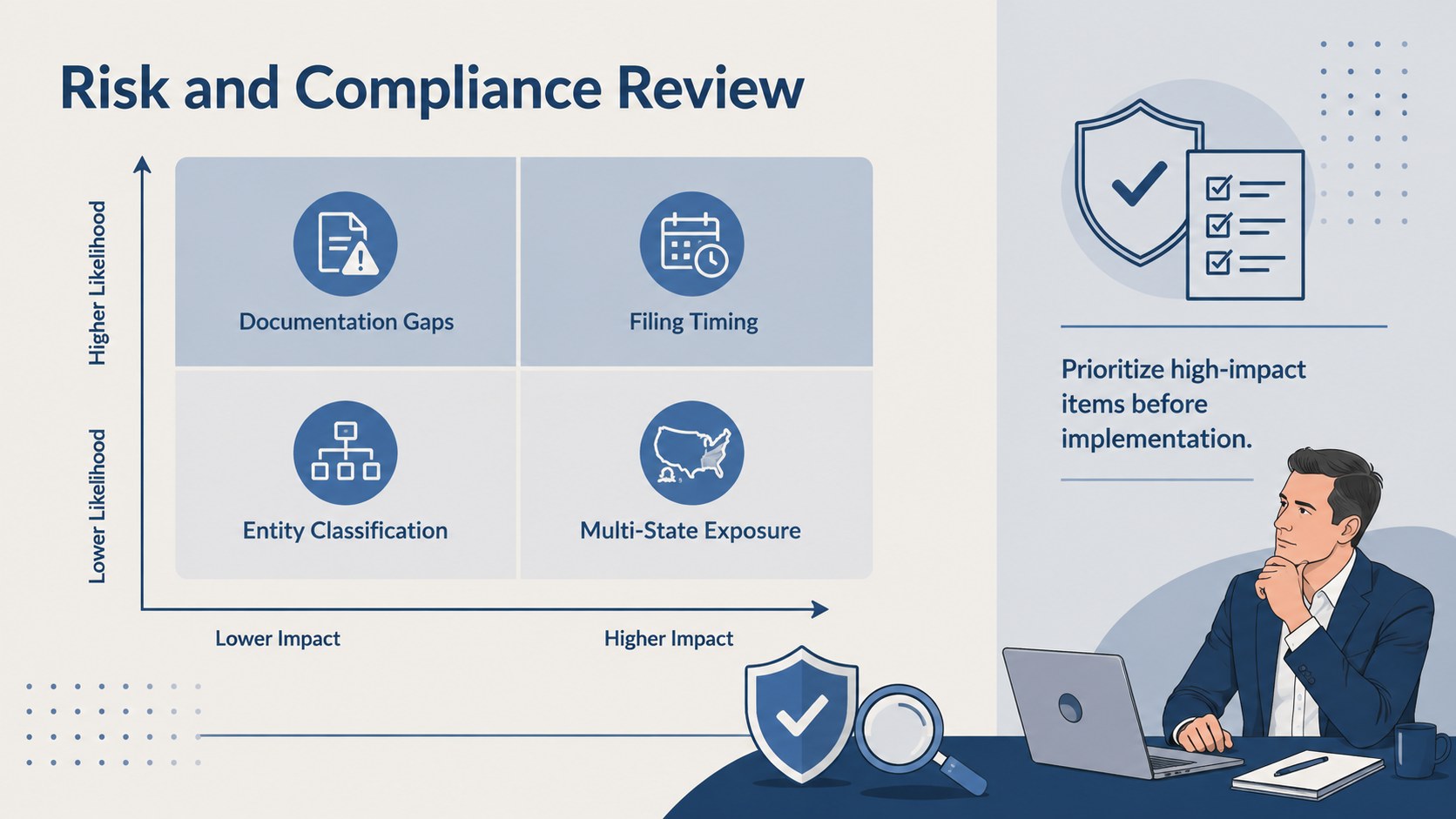
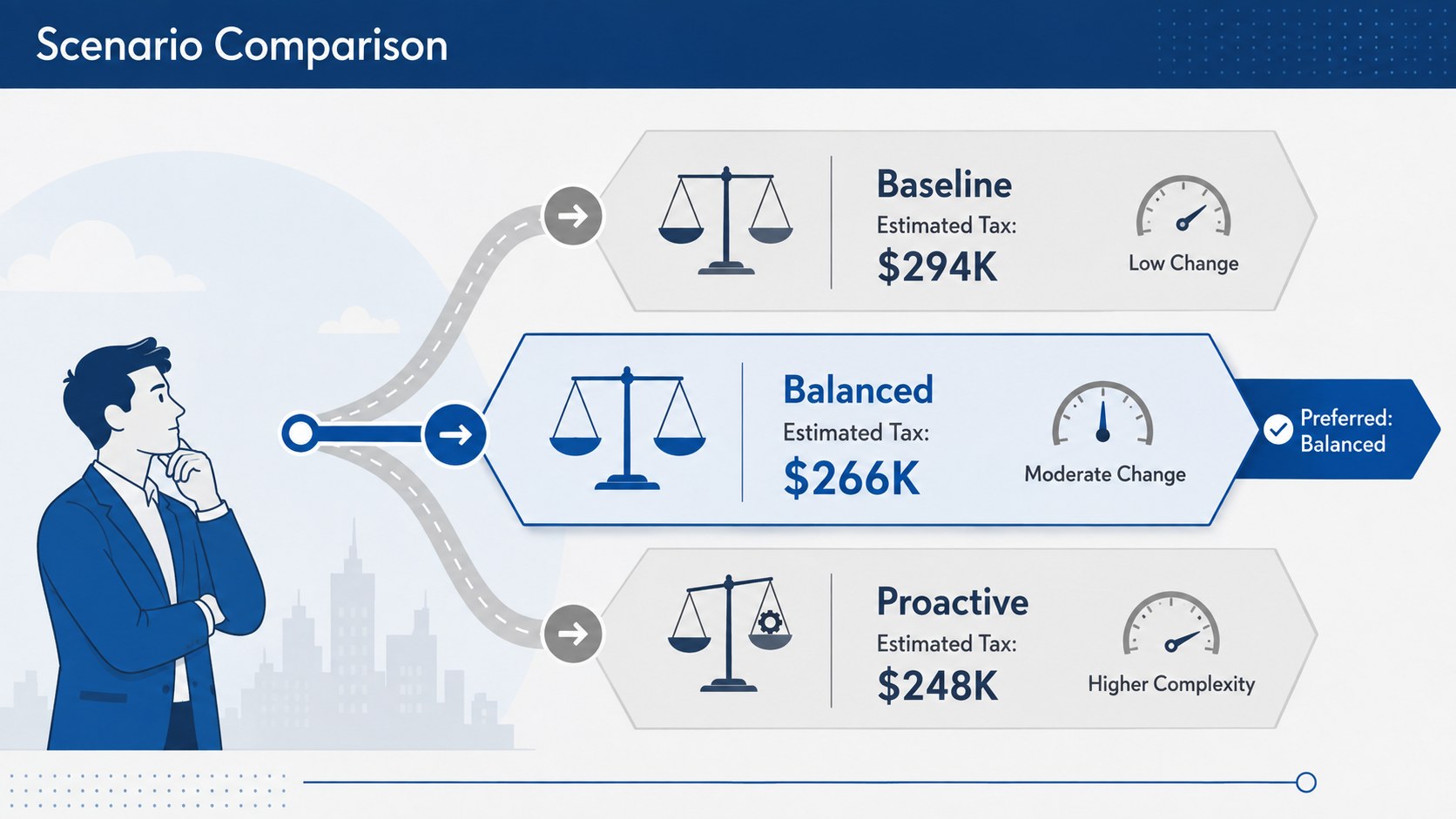
The 20 editable 16:9 slides include an agenda, tax landscape overview, deduction analysis, entity structure comparison, planning calendar, cash-flow forecast, risk matrix, scenario comparison, recommendations, implementation roadmap, KPI summary, and client document checklist. Charts, timelines, tables, icons, and text blocks can be adapted to match a firm’s data, terminology, and presentation goals. Subtle illustrations add visual interest while keeping financial information at the center.
Created for tax consultants, accountants, financial planners, corporate finance teams, and advisory firms, this financial consultant tax slides collection works well for annual reviews, onboarding sessions, strategy workshops, and executive briefings. It can also support a year end tax planning presentation or a business tax strategy PowerPoint template for internal decision-making. Edit the deck in PowerPoint or Google Slides, replace the sample figures, apply your preferred fonts, and tailor each recommendation to the client’s circumstances.
Perfect for: annual client tax review; year-end planning workshop; corporate tax strategy briefing; accounting firm consultation; executive savings analysis.
Frequently asked questions
Can I edit this deck in PowerPoint and Google Slides? Yes. Every slide can be edited in PowerPoint or Google Slides, including text, colors, charts, icons, and layout elements. Font substitutions may occur if the original typeface is not installed on your device.
Practical details
Yes. Every slide can be edited in PowerPoint or Google Slides, including text, colors, charts, icons, and layout elements. Font substitutions may occur if the original typeface is not installed on your device.
Replace the sample figures, recommendations, and timelines with the client’s current financial information and planning priorities. You can also add your firm’s approved colors and logo while preserving the deck’s clear visual hierarchy.
No. The slides are designed to communicate calculations and recommendations prepared with appropriate accounting or tax software. All figures should be reviewed by a qualified professional before being presented.
Yes. Chart labels, values, categories, table cells, and highlighted scenarios are editable. Adjust them to reflect the relevant jurisdiction, reporting period, entity type, and client assumptions.
Keep exploring
15Shape your publishing concept with an indie magazine startup pitch deck featuring pastel gradients, bold collage layouts, and editable planning slides.
 16
16Build clear project stories with the Icon Grid Teamwork Theme, a flexible blue illustrated deck for proposals, strategy updates, and team meetings.
 3
3Turn priorities into an actionable plan with an annual goals roadmap infographic, featuring editable orange and teal layouts for PowerPoint and Google Slides.
 15
15Create an Annual Achievement Report Presentation with colorful geometric layouts for milestones, results, lessons, and priorities in PowerPoint or Google Slides.
 15
15Turn results into a focused annual performance evaluation report with dark 3D slides for KPIs, achievements, feedback, and next-step goals for teams.
 15
15Guide a focused annual recap with Business Results Retrospective Slides, a muted brown-and-blue template for PowerPoint and Google Slides.
 6
6Turn complex plans into clear visual stories with Color-Coded Workflow Path Slides, an editable set for project updates, roadmaps, and team briefings.
 6
6Compare regional performance at a glance with Global Data Heatmap Slides, a clean multicolor deck designed for editable PowerPoint and Google Slides.