
 15
15presentation
Indie Magazine Startup Pitch Deck
Shape your publishing concept with an indie magazine startup pitch deck featuring pastel gradients, bold collage layouts, and editable planning slides.
Google SlidesPowerPoint
presentation · English
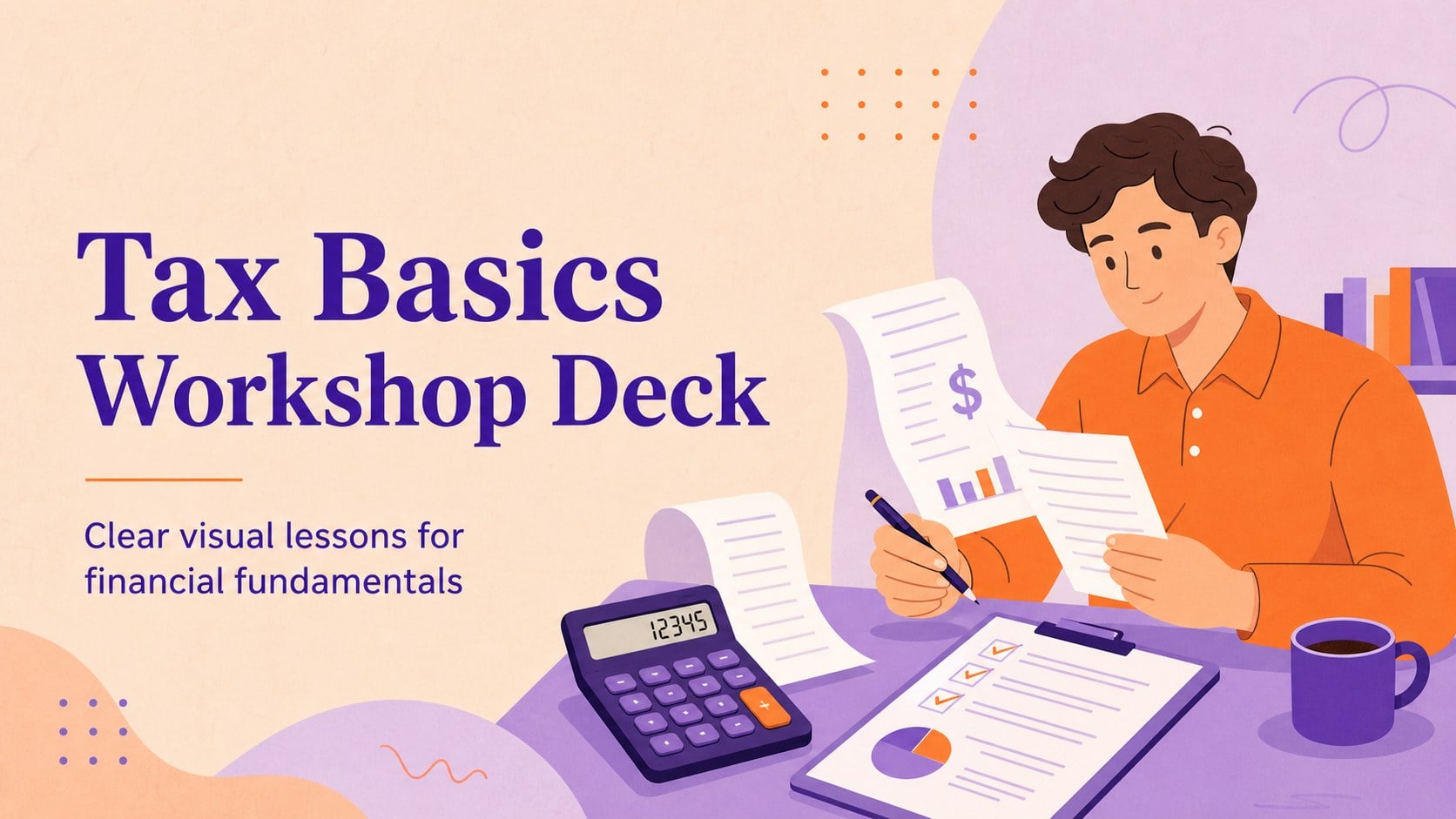
Teach tax fundamentals clearly with a tax basics workshop deck for finance teams, educators, and client briefings, featuring editable orange and purple…
Design notes
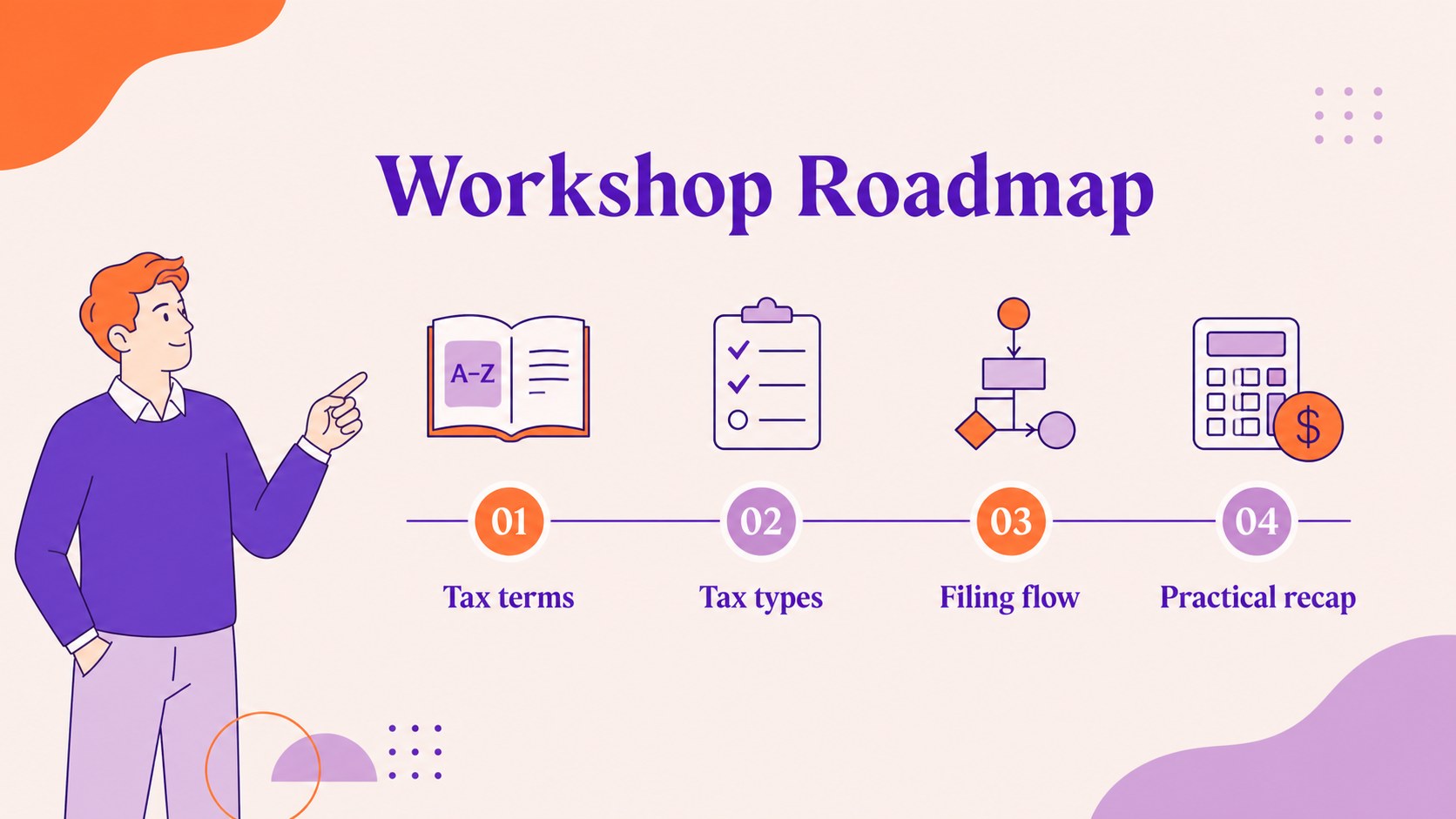
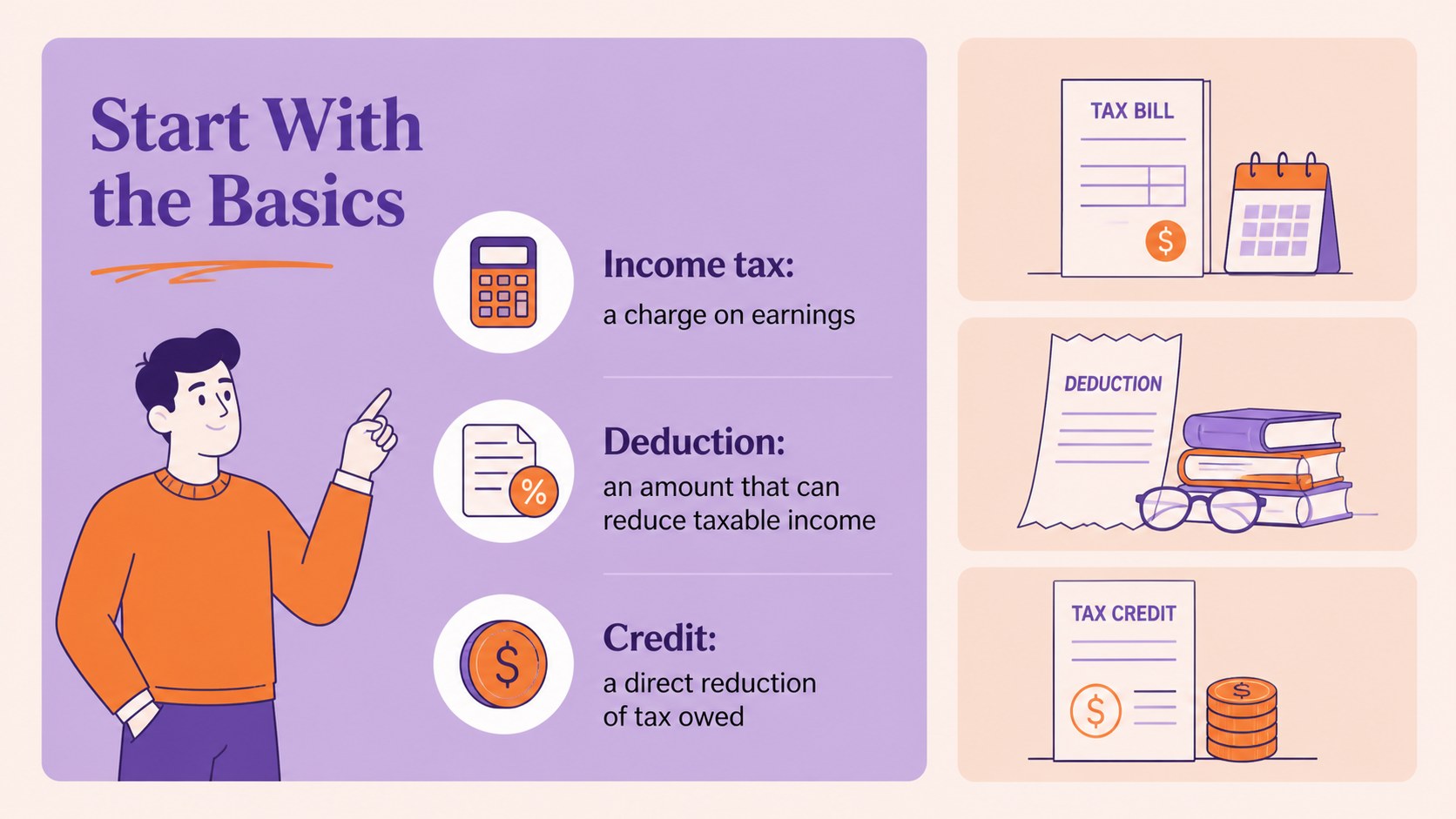
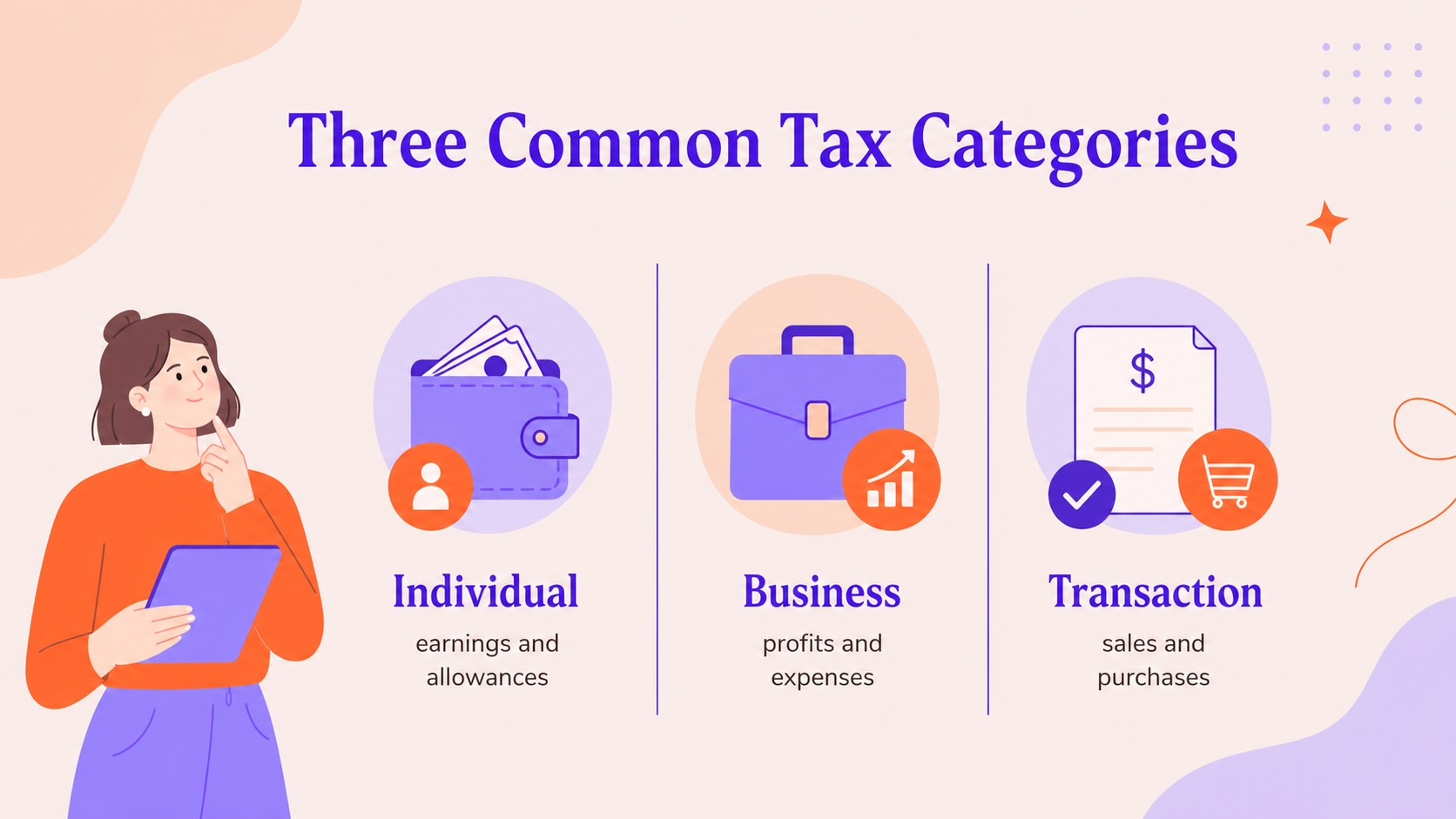
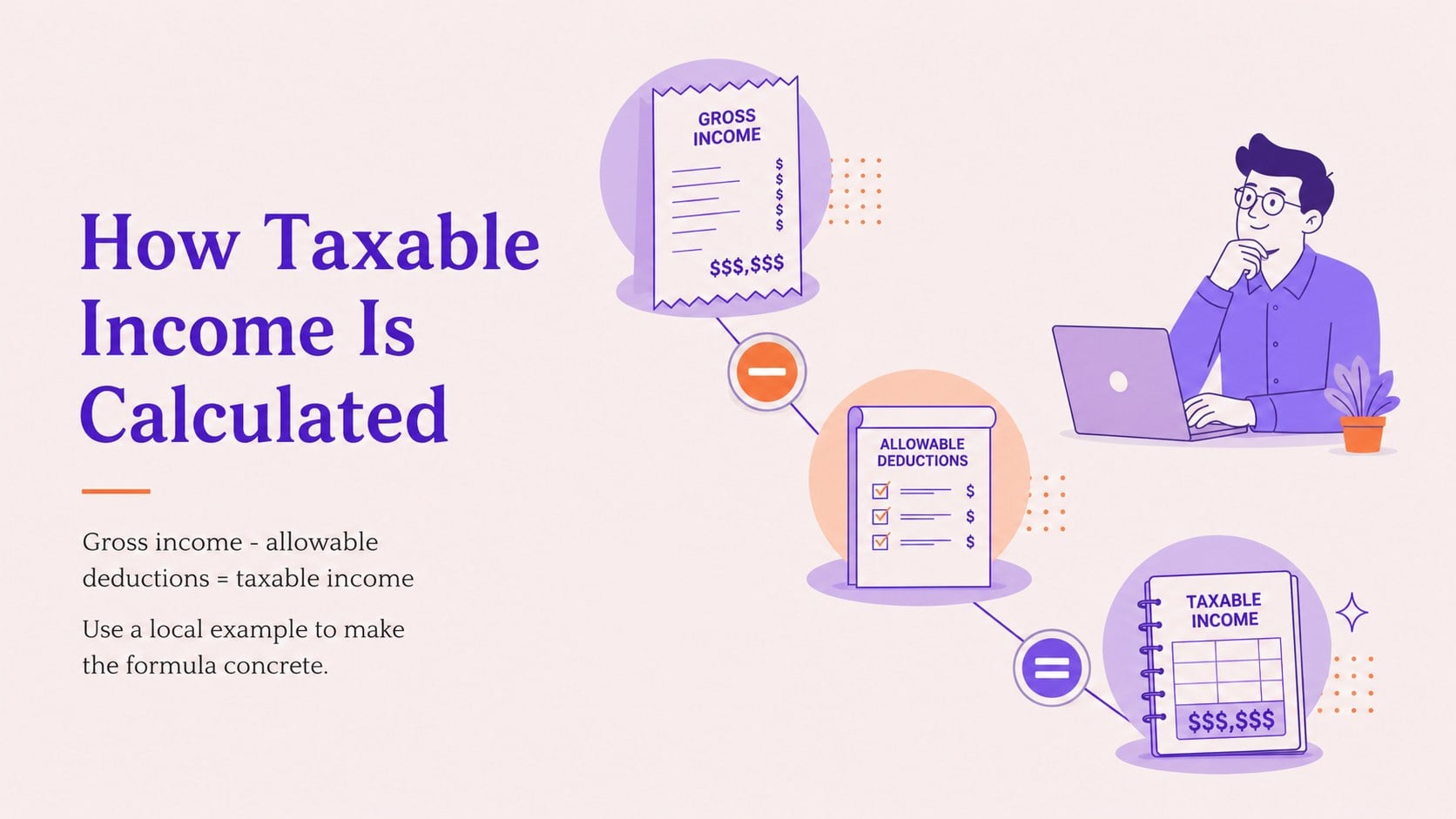
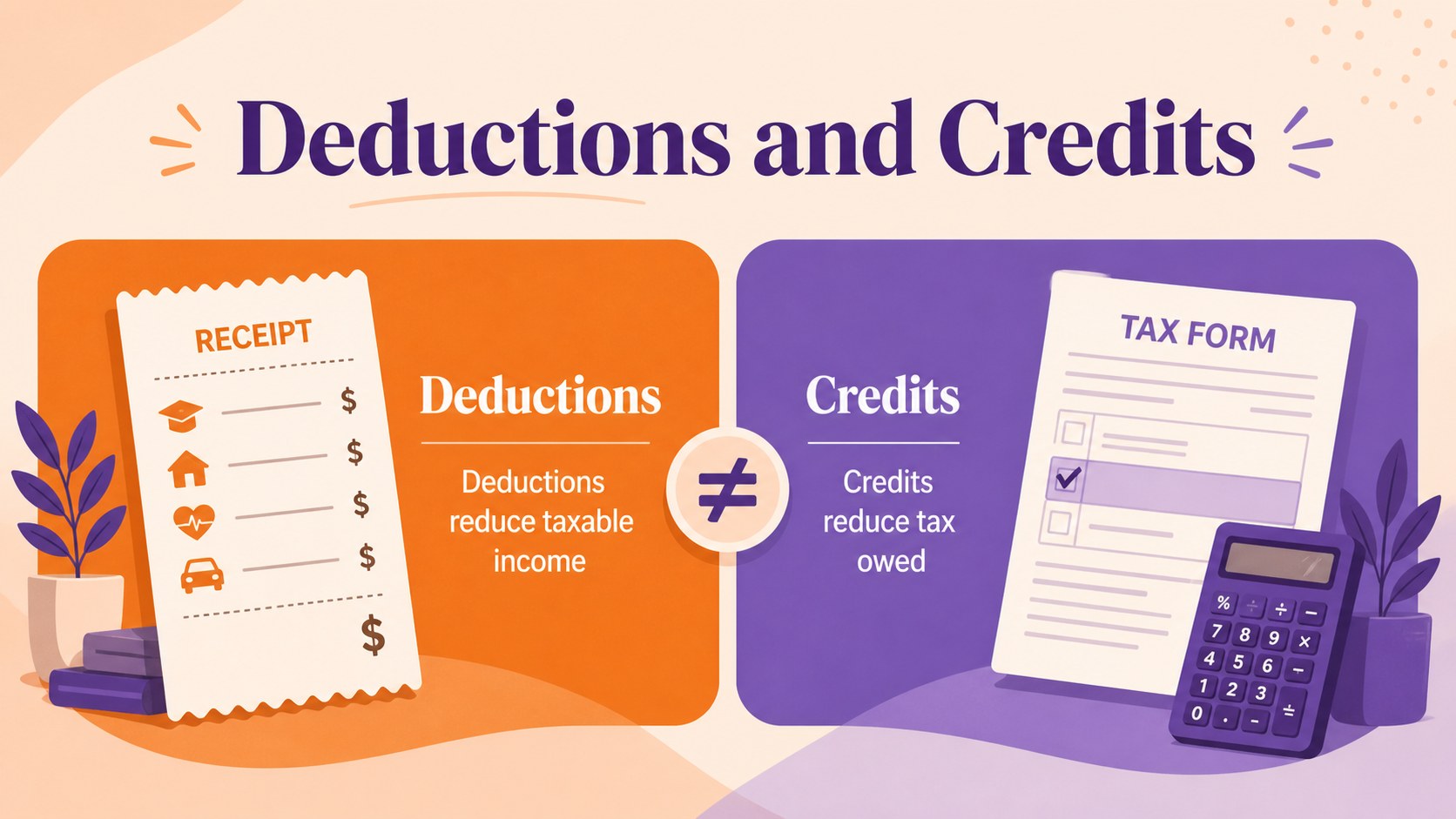
Tax Basics Workshop Deck brings structure and visual clarity to presentations about taxation. Its warm peach background, orange accents, purple details, and friendly illustrated style help make technical financial subjects easier to follow without losing a professional tone. Use the opening slides to define key terms, introduce tax categories, and establish a simple learning path for your audience.
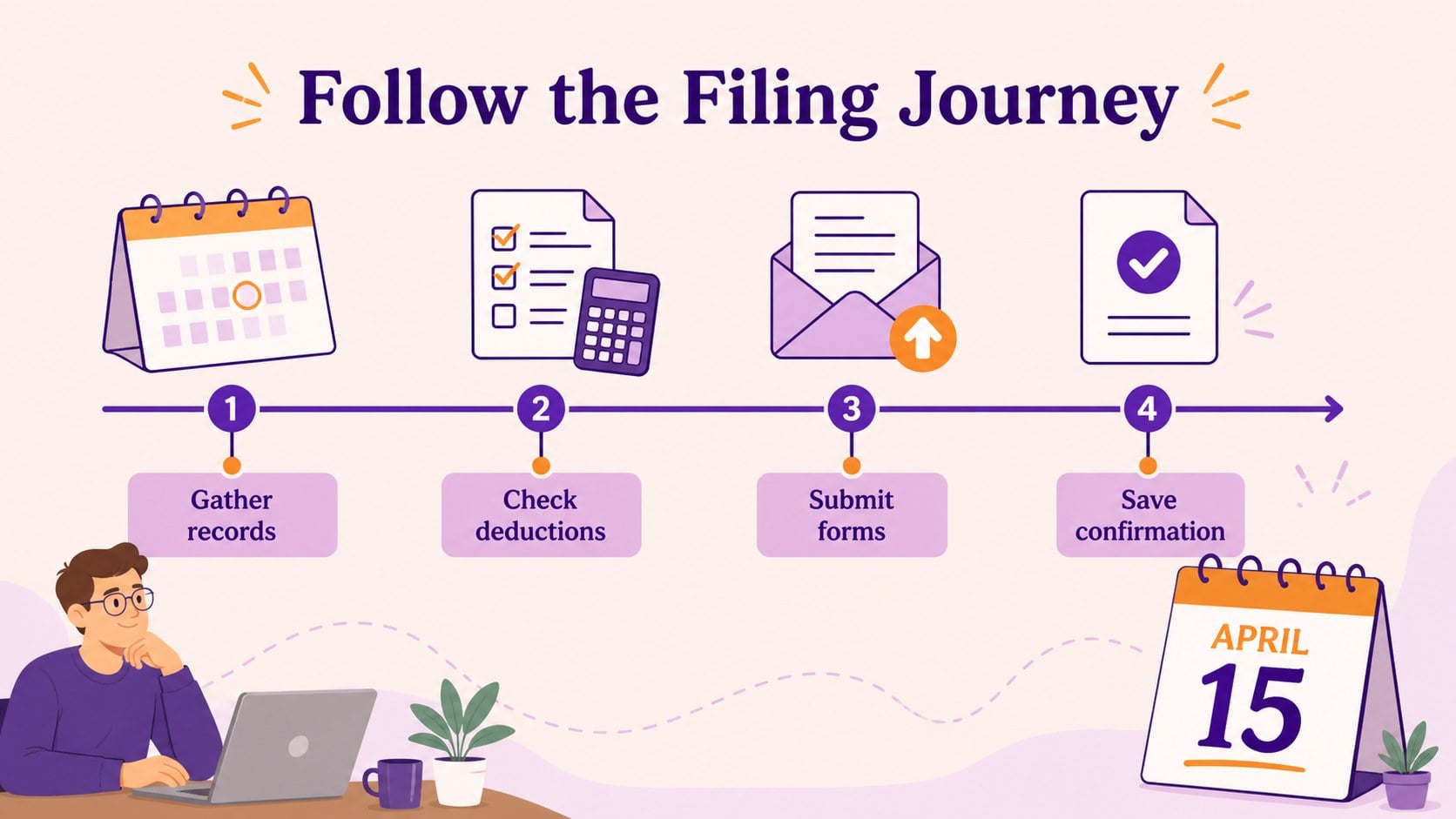
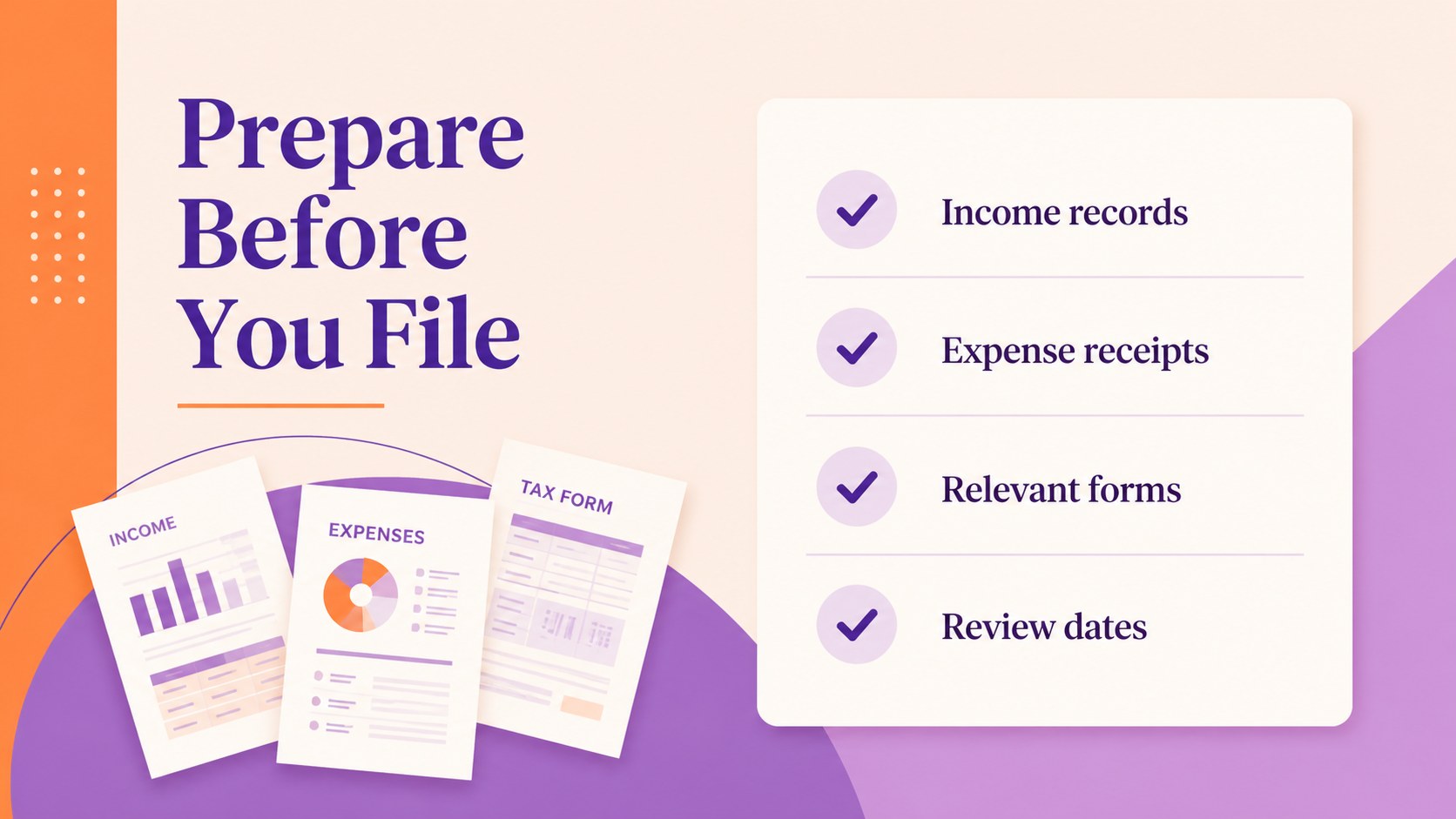
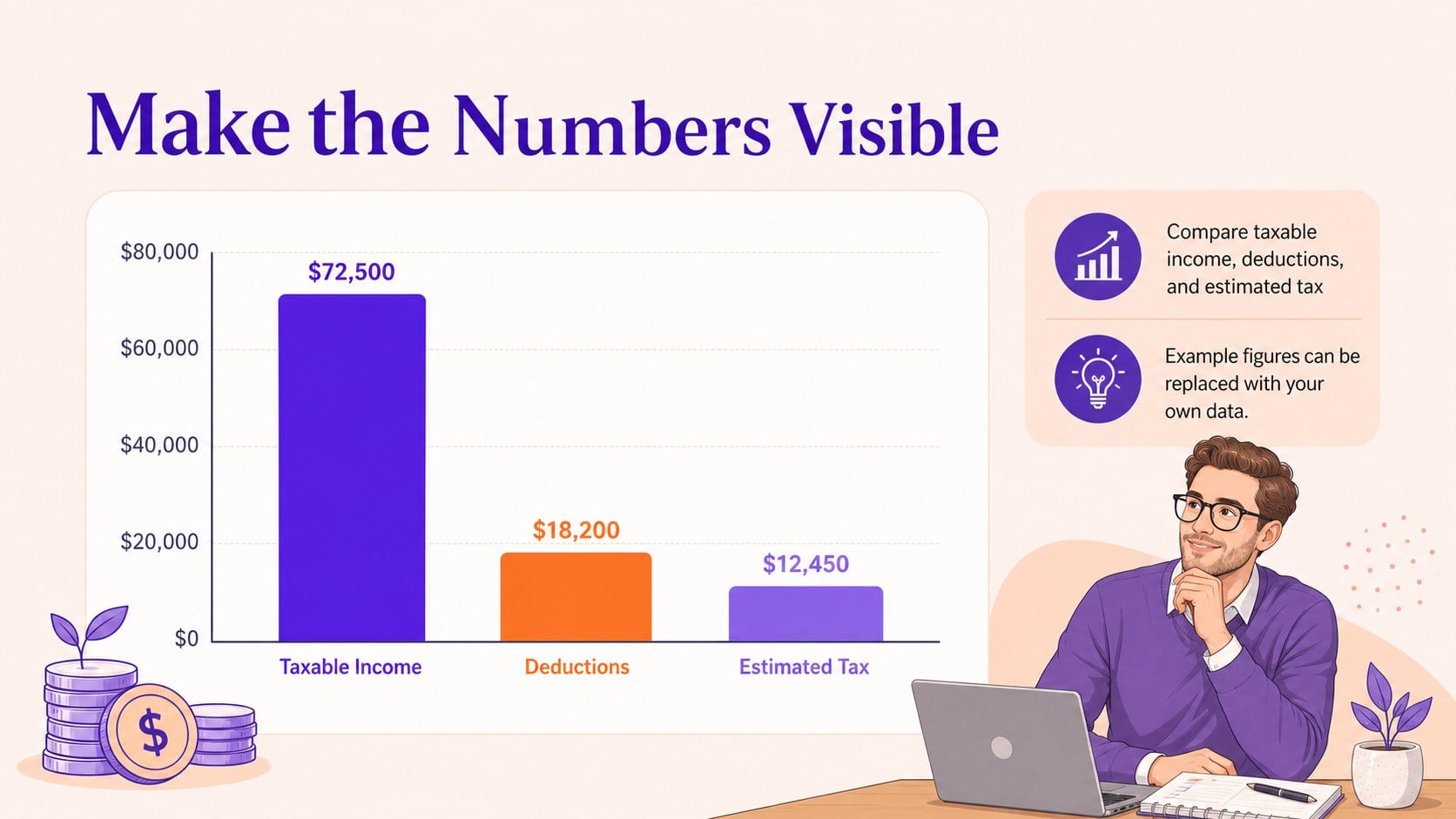
Inside, you will find 16 editable 16:9 slides for agenda setting, concept explanations, comparisons, process diagrams, data highlights, and discussion prompts. The layouts are designed for PowerPoint and Google Slides, with flexible text areas, charts, shapes, frames, and illustration-friendly spaces. Add rates, examples, deadlines, or regional rules while keeping the visual system consistent. The deck works well as a tax fundamentals training presentation, a finance onboarding resource, or a small business tax planning workshop.
It is suited to accountants, finance managers, consultants, teachers, business owners, and teams that need to explain taxation in plain language. Adapt the sequence for a seminar, internal update, classroom lesson, or client meeting, then finish with practical takeaways and questions.
Perfect for: accounting team onboarding; small business tax planning workshop; finance department briefing; client tax education seminar; introductory accounting lesson.
Frequently asked questions
Can I edit this deck in PowerPoint? Yes. The presentation is designed for PowerPoint editing, so you can update text, colors, charts, shapes, and images. Replace the sample tax examples with figures and rules relevant to your audience.
Practical details
Yes. The presentation is designed for PowerPoint editing, so you can update text, colors, charts, shapes, and images. Replace the sample tax examples with figures and rules relevant to your audience.
Yes, you can open and customize the presentation in Google Slides. Review fonts and chart placement after importing, then adjust any elements that need platform-specific formatting.
You can replace the sample wording, rates, dates, and terminology with local information. The layouts are intentionally general so they can support national, regional, or industry-specific tax education.
Use it for definitions, tax categories, filing steps, comparison tables, basic calculations, timelines, and practical reminders. It also supports workshop exercises, discussion questions, and end-of-session summaries.
Keep exploring
15Shape your publishing concept with an indie magazine startup pitch deck featuring pastel gradients, bold collage layouts, and editable planning slides.
 16
16Build clear project stories with the Icon Grid Teamwork Theme, a flexible blue illustrated deck for proposals, strategy updates, and team meetings.
 3
3Turn priorities into an actionable plan with an annual goals roadmap infographic, featuring editable orange and teal layouts for PowerPoint and Google Slides.
 15
15Create an Annual Achievement Report Presentation with colorful geometric layouts for milestones, results, lessons, and priorities in PowerPoint or Google Slides.
 15
15Turn results into a focused annual performance evaluation report with dark 3D slides for KPIs, achievements, feedback, and next-step goals for teams.
 15
15Guide a focused annual recap with Business Results Retrospective Slides, a muted brown-and-blue template for PowerPoint and Google Slides.
 6
6Turn complex plans into clear visual stories with Color-Coded Workflow Path Slides, an editable set for project updates, roadmaps, and team briefings.
 6
6Compare regional performance at a glance with Global Data Heatmap Slides, a clean multicolor deck designed for editable PowerPoint and Google Slides.