
 15
15presentation
Indie Magazine Startup Pitch Deck
Shape your publishing concept with an indie magazine startup pitch deck featuring pastel gradients, bold collage layouts, and editable planning slides.
Google SlidesPowerPoint
presentation · English
Rank work by urgency and impact with this task urgency impact matrix deck, a clean green visual template for busy teams using PowerPoint or Google Slides.
Design notes
When every request feels important, the Task Urgency Impact Matrix Deck gives teams a practical way to decide what deserves attention first. Its clean green design turns competing tasks into an easy-to-scan visual framework, helping participants compare urgency, business impact, effort, and ownership without filling the conversation with unnecessary detail. Use this urgency impact matrix presentation to guide focused decisions and document the reasoning behind them.
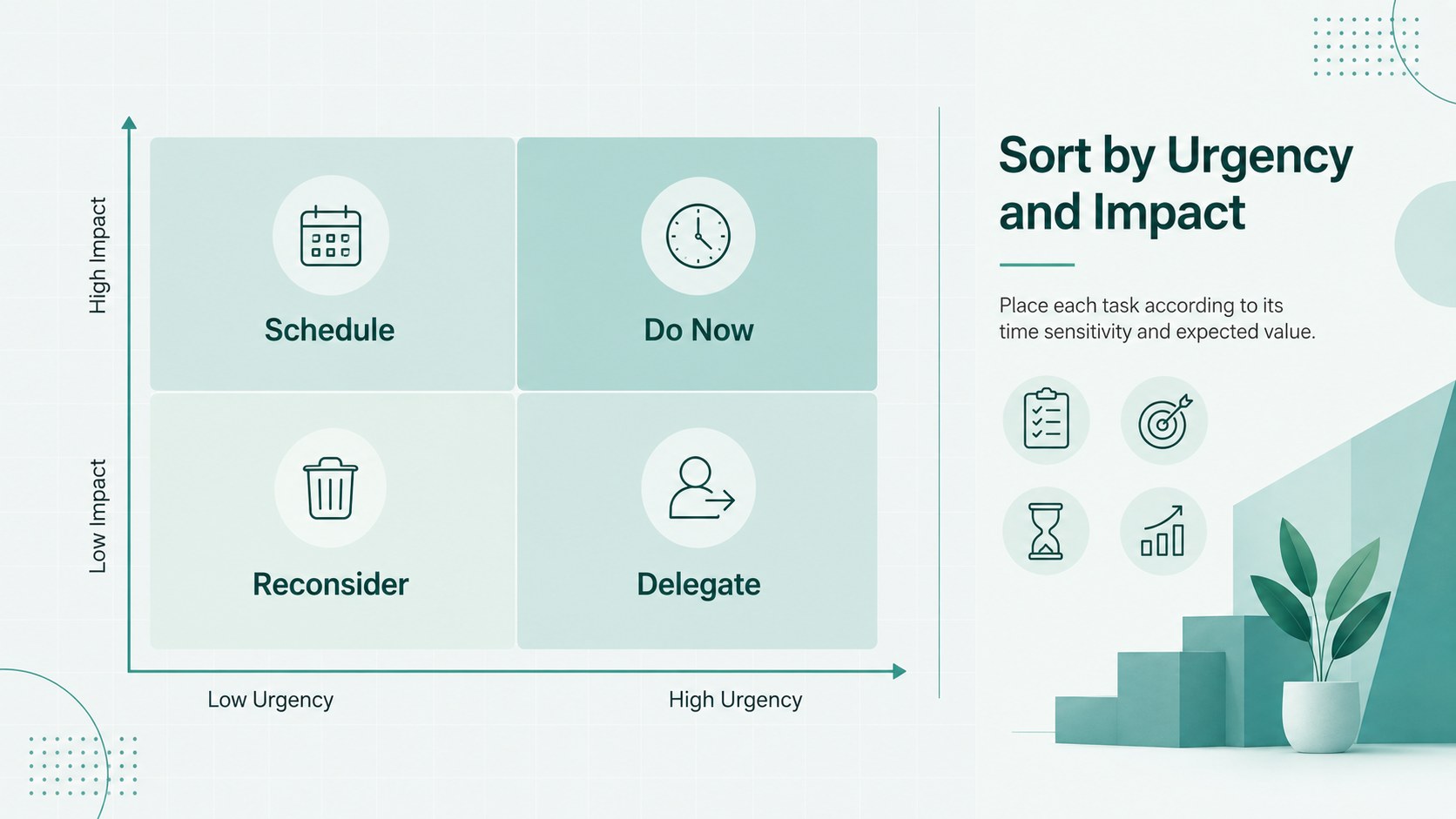
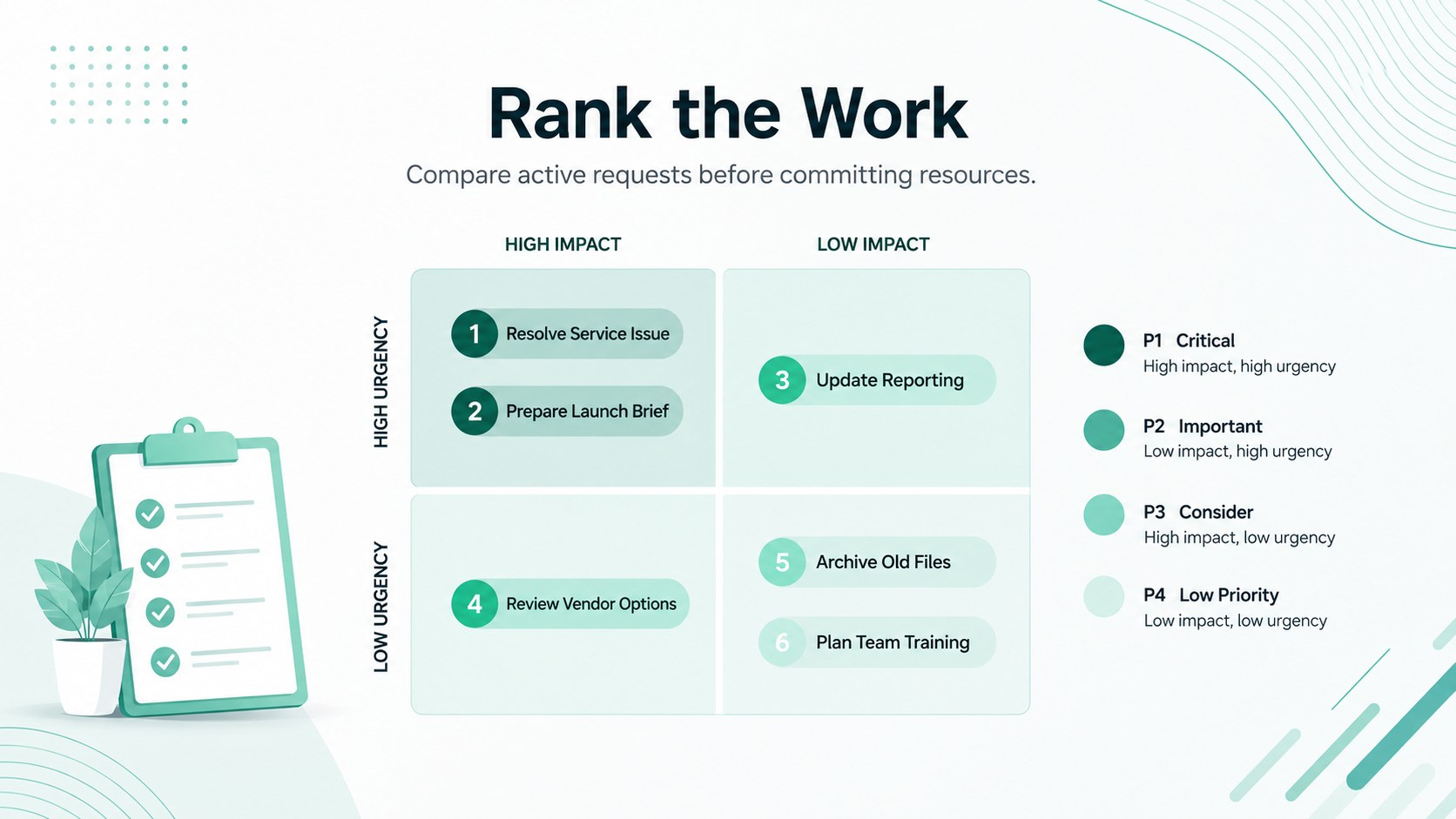
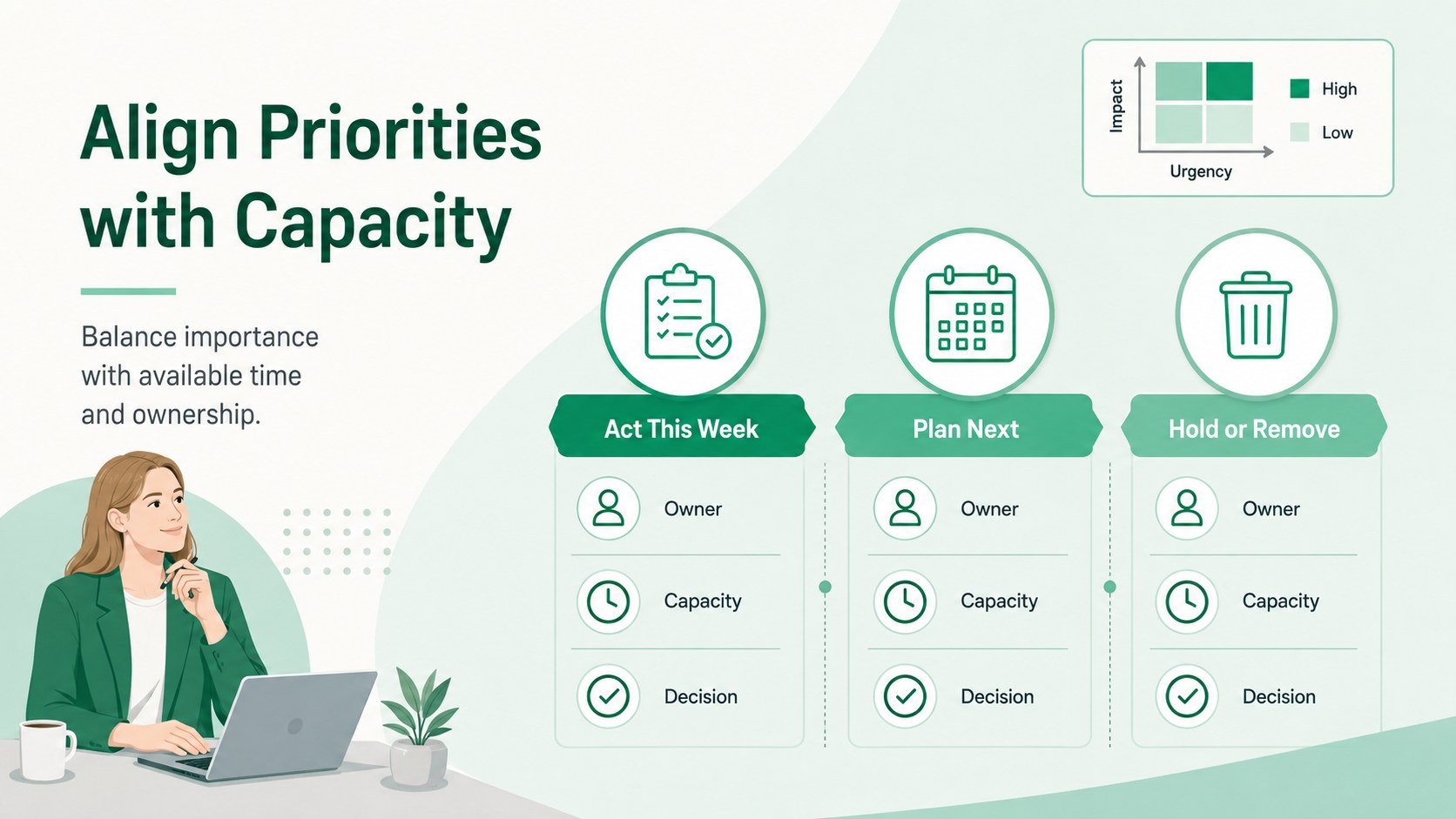
Inside are five coordinated layouts for introducing the framework, sorting work into four quadrants, ranking example tasks, reviewing team capacity, and confirming next actions. The task prioritization quadrant template uses concise labels, clear axes, and flexible content areas that can be adapted to projects, operations, product work, campaigns, or internal initiatives. Every slide is editable in PowerPoint and Google Slides, including colors, typography, task labels, icons, and supporting notes.
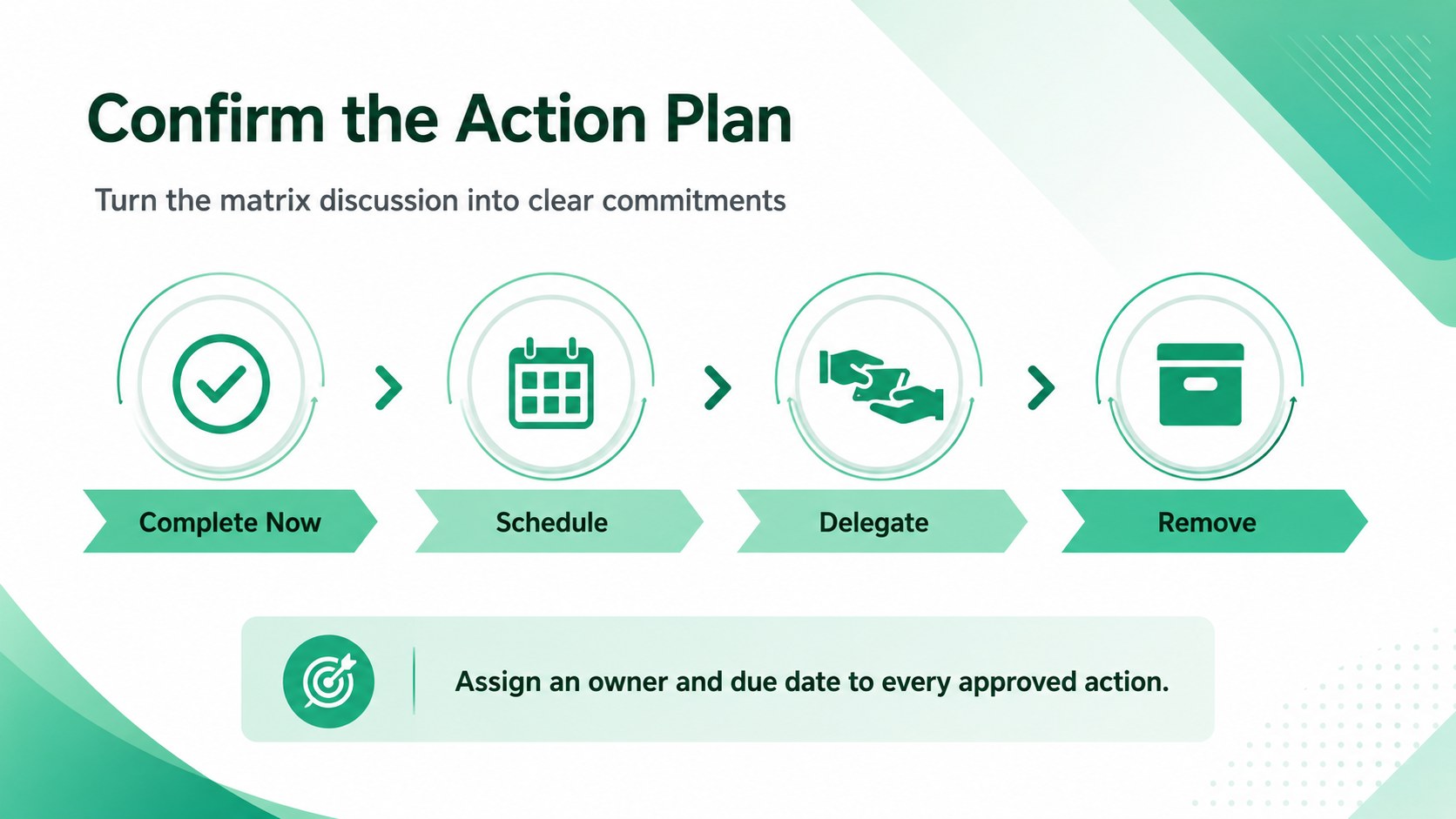
This deck is designed for project managers, team leads, consultants, operations specialists, and department heads handling multiple demands. It works well during planning workshops, backlog reviews, weekly leadership meetings, workload discussions, and client sessions. Teams can also adapt the layouts into a team workload decision matrix for comparing assignments and identifying work that should be scheduled, delegated, completed immediately, or removed from scope.
Perfect for: weekly project triage; team backlog review; leadership planning workshop; client priority discussion; department workload review.
Frequently asked questions
Can I edit the matrix labels and task examples? Yes. All quadrant names, axis labels, task descriptions, colors, and supporting notes can be changed to match your decision criteria and workflow.
Practical details
Yes. All quadrant names, axis labels, task descriptions, colors, and supporting notes can be changed to match your decision criteria and workflow.
Yes. The presentation is designed for editing in both PowerPoint and Google Slides, although minor font or spacing adjustments may be needed after importing.
Yes. Rename the axes to compare factors such as effort and value, risk and reward, or complexity and benefit. The four-quadrant structure remains useful across many planning and evaluation scenarios.
Begin by agreeing on the meaning of each axis, then place tasks according to shared evidence rather than individual preference. Finish by assigning owners and deadlines to the selected actions.
Keep exploring
15Shape your publishing concept with an indie magazine startup pitch deck featuring pastel gradients, bold collage layouts, and editable planning slides.
 16
16Build clear project stories with the Icon Grid Teamwork Theme, a flexible blue illustrated deck for proposals, strategy updates, and team meetings.
 3
3Turn priorities into an actionable plan with an annual goals roadmap infographic, featuring editable orange and teal layouts for PowerPoint and Google Slides.
 15
15Create an Annual Achievement Report Presentation with colorful geometric layouts for milestones, results, lessons, and priorities in PowerPoint or Google Slides.
 15
15Turn results into a focused annual performance evaluation report with dark 3D slides for KPIs, achievements, feedback, and next-step goals for teams.
 15
15Guide a focused annual recap with Business Results Retrospective Slides, a muted brown-and-blue template for PowerPoint and Google Slides.
 6
6Turn complex plans into clear visual stories with Color-Coded Workflow Path Slides, an editable set for project updates, roadmaps, and team briefings.
 6
6Compare regional performance at a glance with Global Data Heatmap Slides, a clean multicolor deck designed for editable PowerPoint and Google Slides.