
 15
15presentation
Indie Magazine Startup Pitch Deck
Shape your publishing concept with an indie magazine startup pitch deck featuring pastel gradients, bold collage layouts, and editable planning slides.
Google SlidesPowerPoint
presentation · English
Build a swot strategy slide deck for clear business decisions, from startup reviews to team planning, with editable blue-and-white visuals for PowerPoint.

Design notes
A swot strategy slide deck gives teams a focused way to examine an idea, product, project, or organization before making a decision. Its clean white canvas, blue accents, and modern Inter typography keep the conversation practical while giving each part of the analysis enough space to stand out.
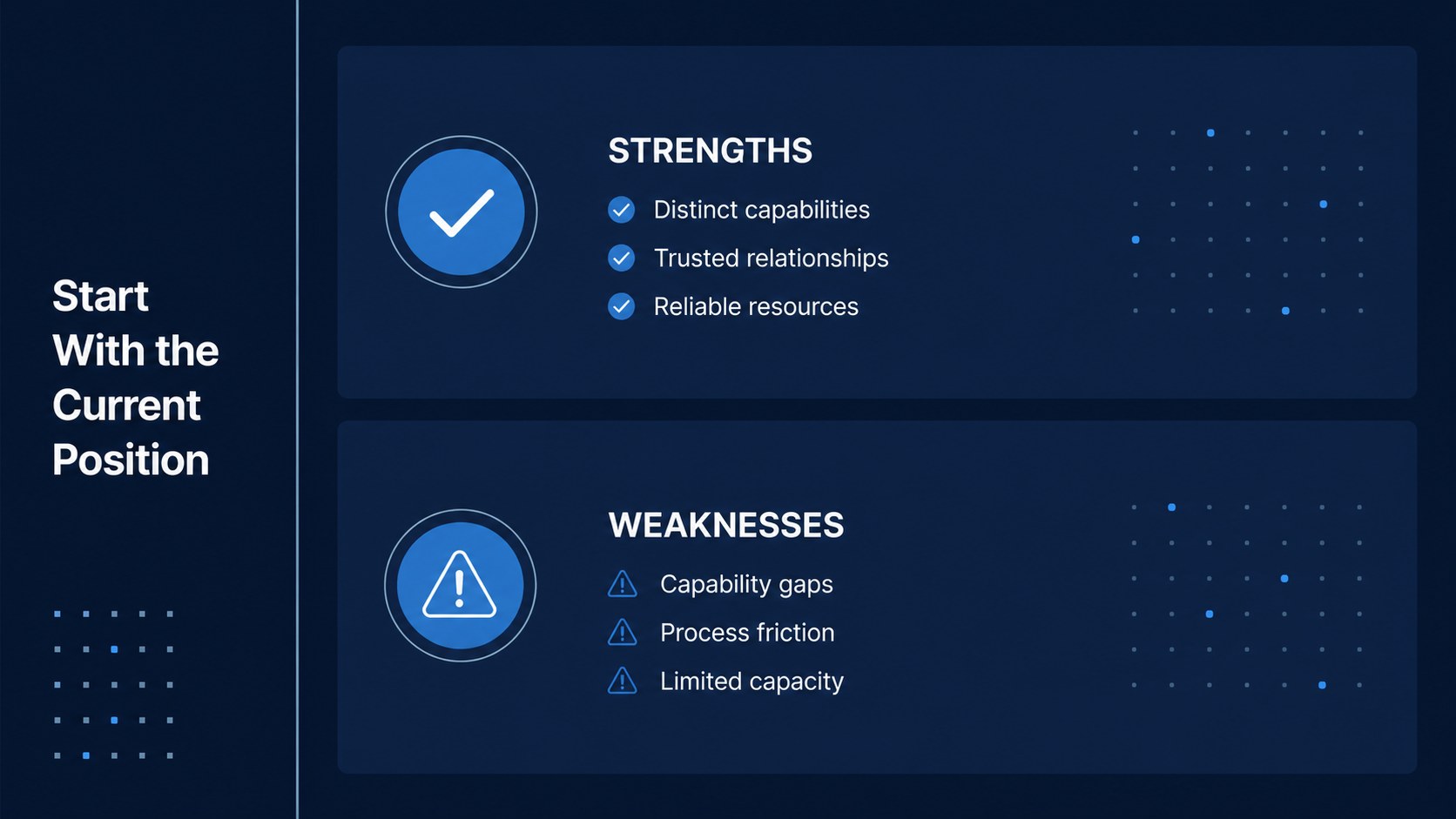
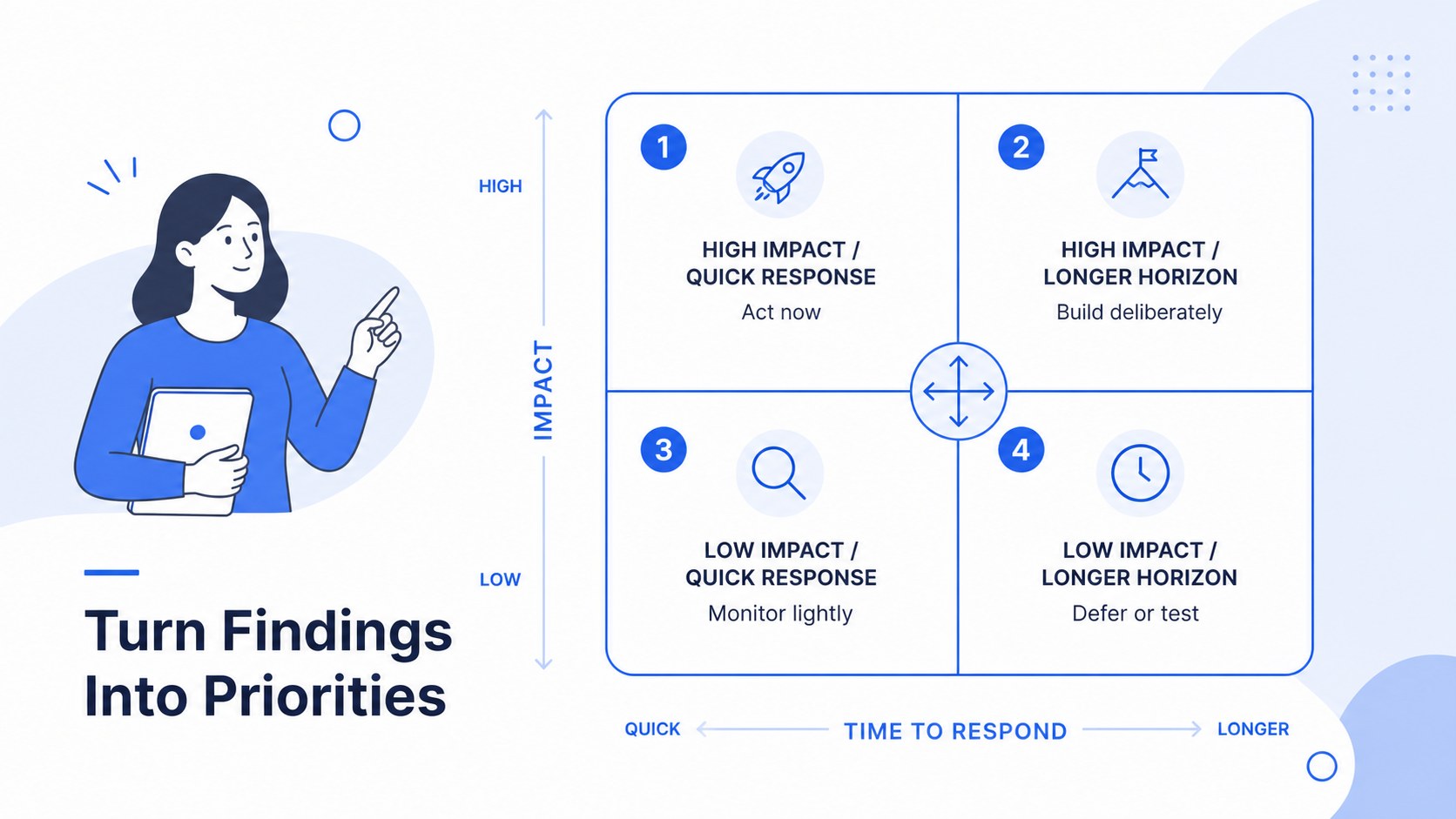
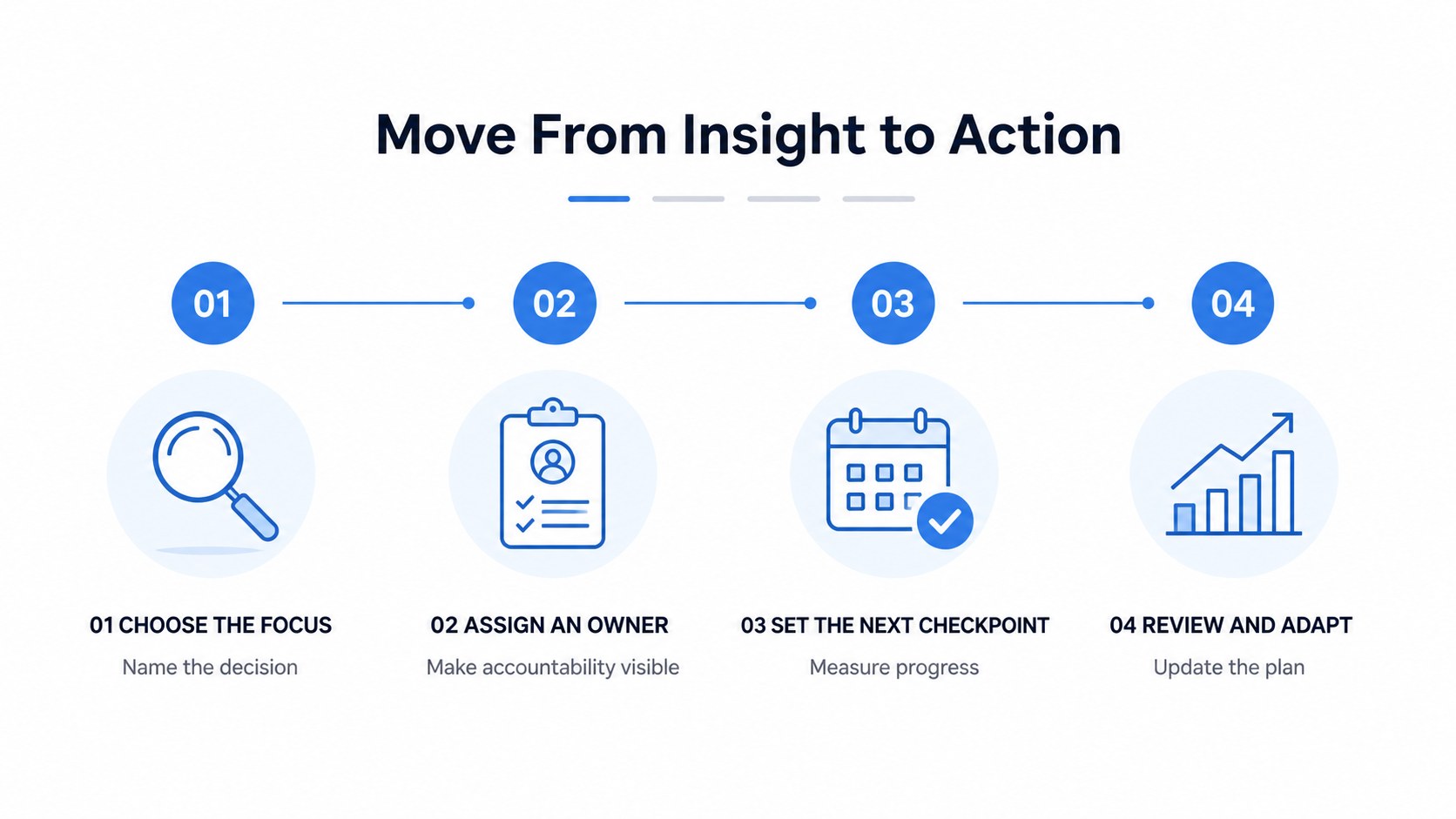
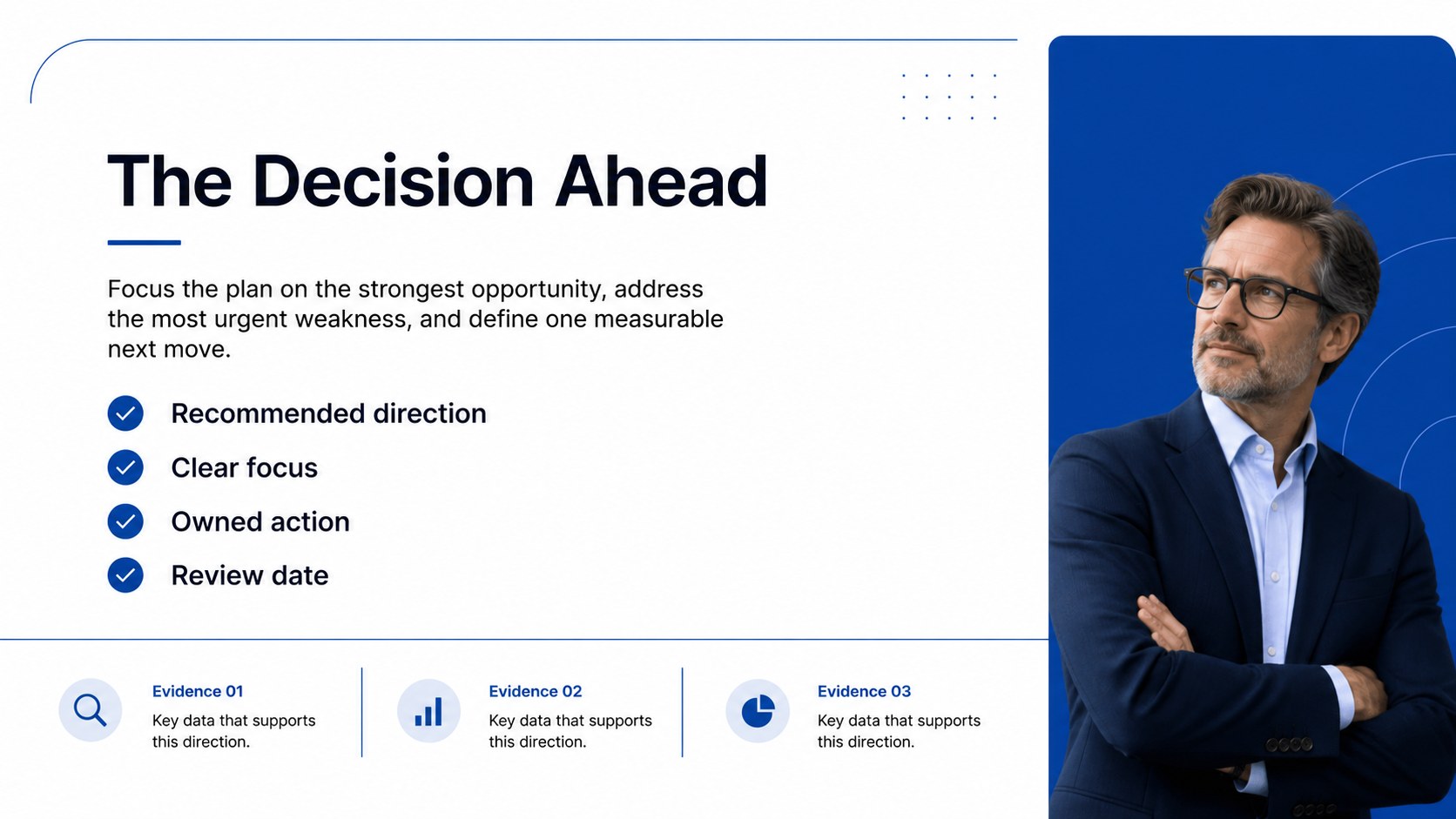
What’s inside includes six editable 16:9 slides for introducing a strategic question, mapping strengths and weaknesses, exploring opportunities and threats, comparing findings, and turning observations into action. The layouts support short statements, supporting evidence, priority markers, and concise recommendations without making the analysis feel crowded. Use the deck for swot analysis for startup ideas, business strategy review slides, product planning, or internal workshops focused on strengths weaknesses opportunities threats presentation content.
This template is designed for founders, consultants, managers, educators, and business teams preparing a planning session or decision briefing. Edit text, rearrange shapes, replace icons, and adjust the blue-and-white palette in PowerPoint or Google Slides. The restrained infographic style works for executive updates, classroom case studies, client workshops, and project reviews where the audience needs to scan the logic quickly and leave with a clear direction.
Perfect for: startup investor pitch; quarterly strategy review; product launch planning; consulting workshop; business case study; project decision briefing.
Frequently asked questions
Can I edit this deck in PowerPoint? Yes. The slides are designed for PowerPoint and use editable text boxes, shapes, charts, and infographic elements. You can revise the analysis, move sections, and add your own supporting evidence.
Practical details
Yes. The slides are designed for PowerPoint and use editable text boxes, shapes, charts, and infographic elements. You can revise the analysis, move sections, and add your own supporting evidence.
Yes, it can be used in Google Slides for browser-based editing and team collaboration. After importing the file, review fonts and spacing before presenting.
Yes. The original design uses a white background, blue accents, and Inter typography, but these elements can be changed to match your organization or project. Keep strong contrast between labels, body text, and visual markers for readability.
The slides work for business ideas, products, projects, organizations, and classroom case studies. Add concise evidence, rank the most important findings, and finish with actions or recommendations.
Keep exploring
15Shape your publishing concept with an indie magazine startup pitch deck featuring pastel gradients, bold collage layouts, and editable planning slides.
 16
16Build clear project stories with the Icon Grid Teamwork Theme, a flexible blue illustrated deck for proposals, strategy updates, and team meetings.
 3
3Turn priorities into an actionable plan with an annual goals roadmap infographic, featuring editable orange and teal layouts for PowerPoint and Google Slides.
 15
15Create an Annual Achievement Report Presentation with colorful geometric layouts for milestones, results, lessons, and priorities in PowerPoint or Google Slides.
 15
15Turn results into a focused annual performance evaluation report with dark 3D slides for KPIs, achievements, feedback, and next-step goals for teams.
 15
15Guide a focused annual recap with Business Results Retrospective Slides, a muted brown-and-blue template for PowerPoint and Google Slides.
 6
6Turn complex plans into clear visual stories with Color-Coded Workflow Path Slides, an editable set for project updates, roadmaps, and team briefings.
 6
6Compare regional performance at a glance with Global Data Heatmap Slides, a clean multicolor deck designed for editable PowerPoint and Google Slides.