
 15
15presentation
Indie Magazine Startup Pitch Deck
Shape your publishing concept with an indie magazine startup pitch deck featuring pastel gradients, bold collage layouts, and editable planning slides.
Google SlidesPowerPoint
presentation · English
Create polished lessons, proposals, and pitches with a sunlit minimalist presentation deck for PowerPoint and Google Slides, with flexible layouts.




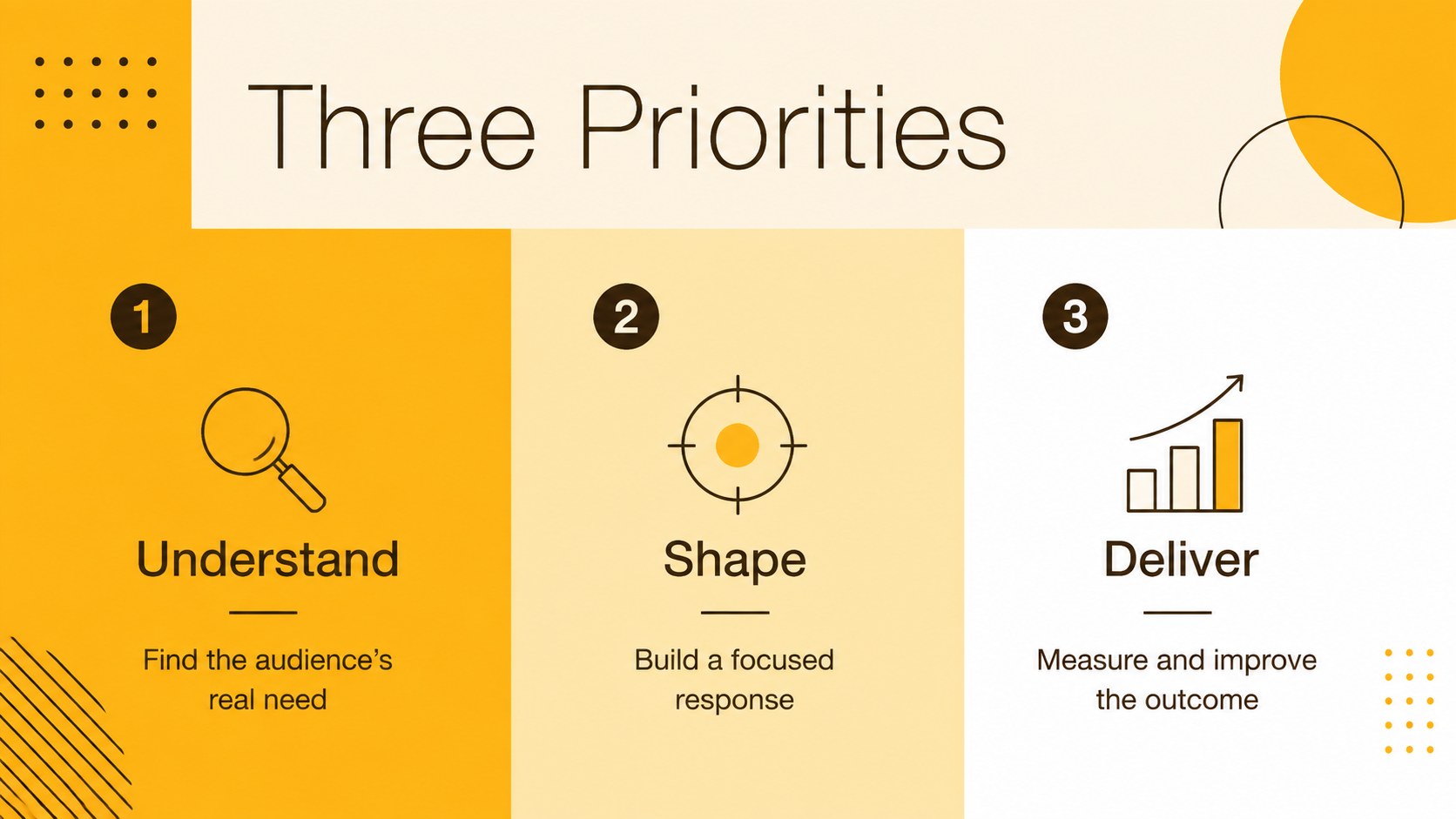
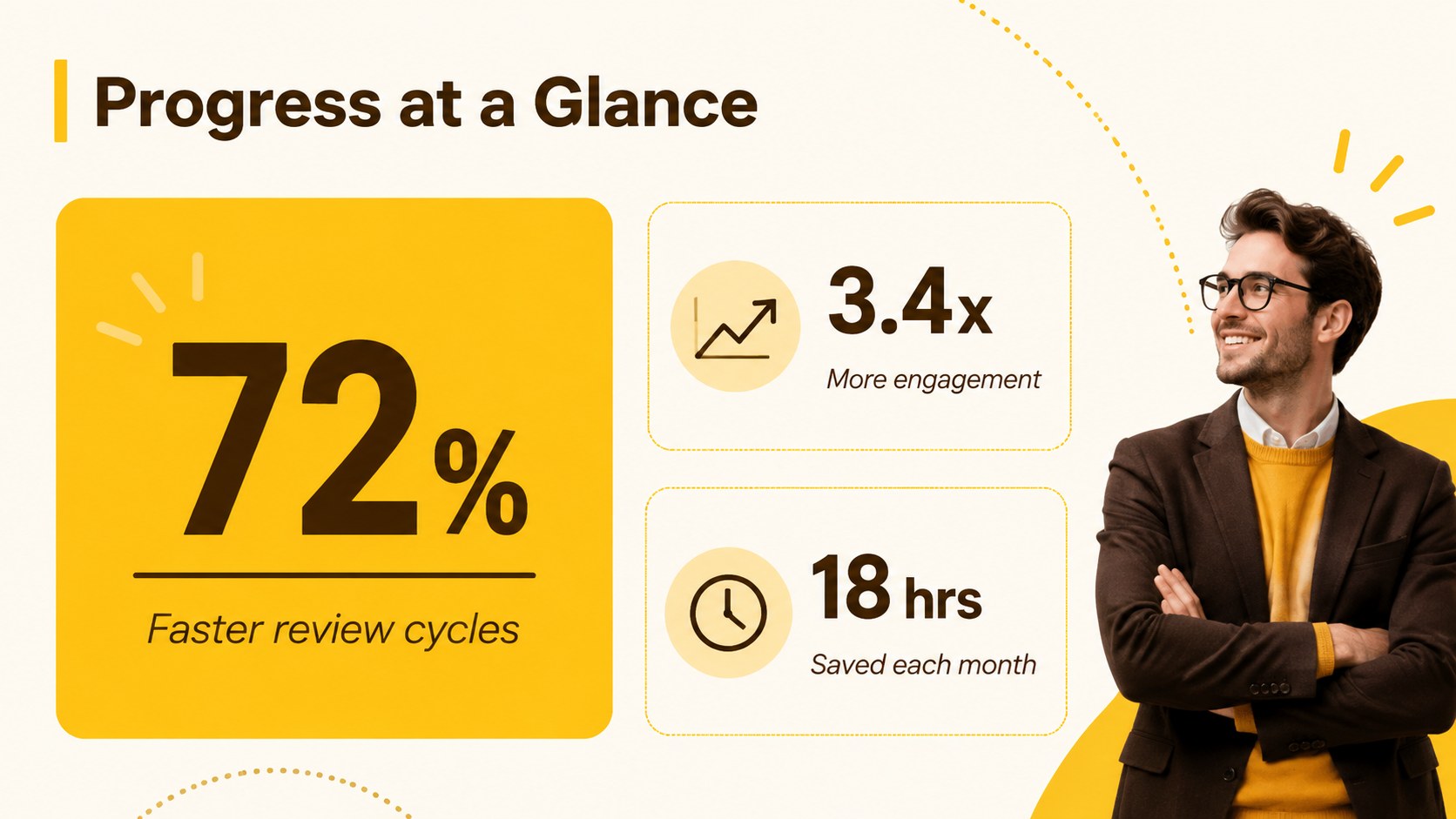
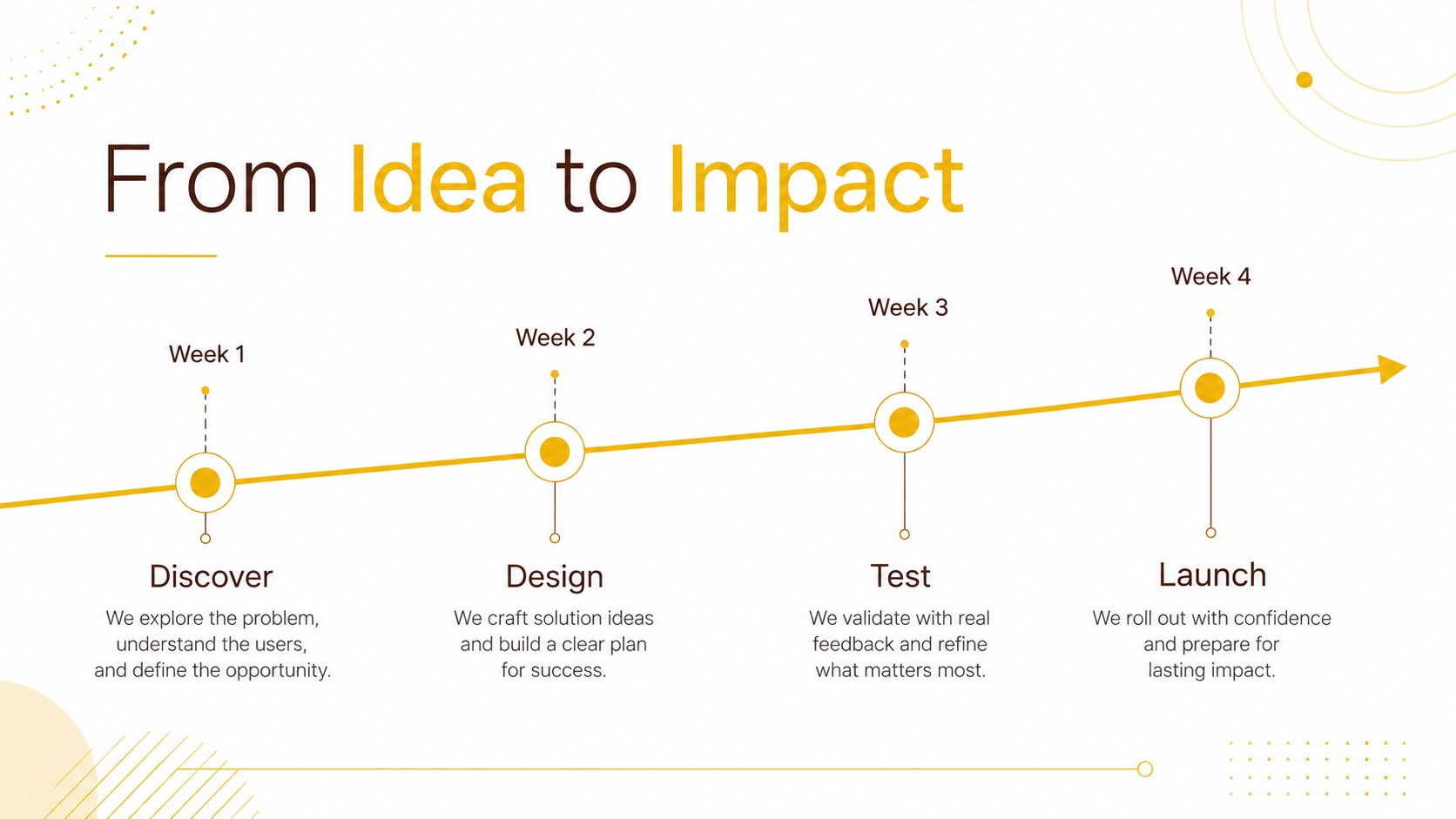
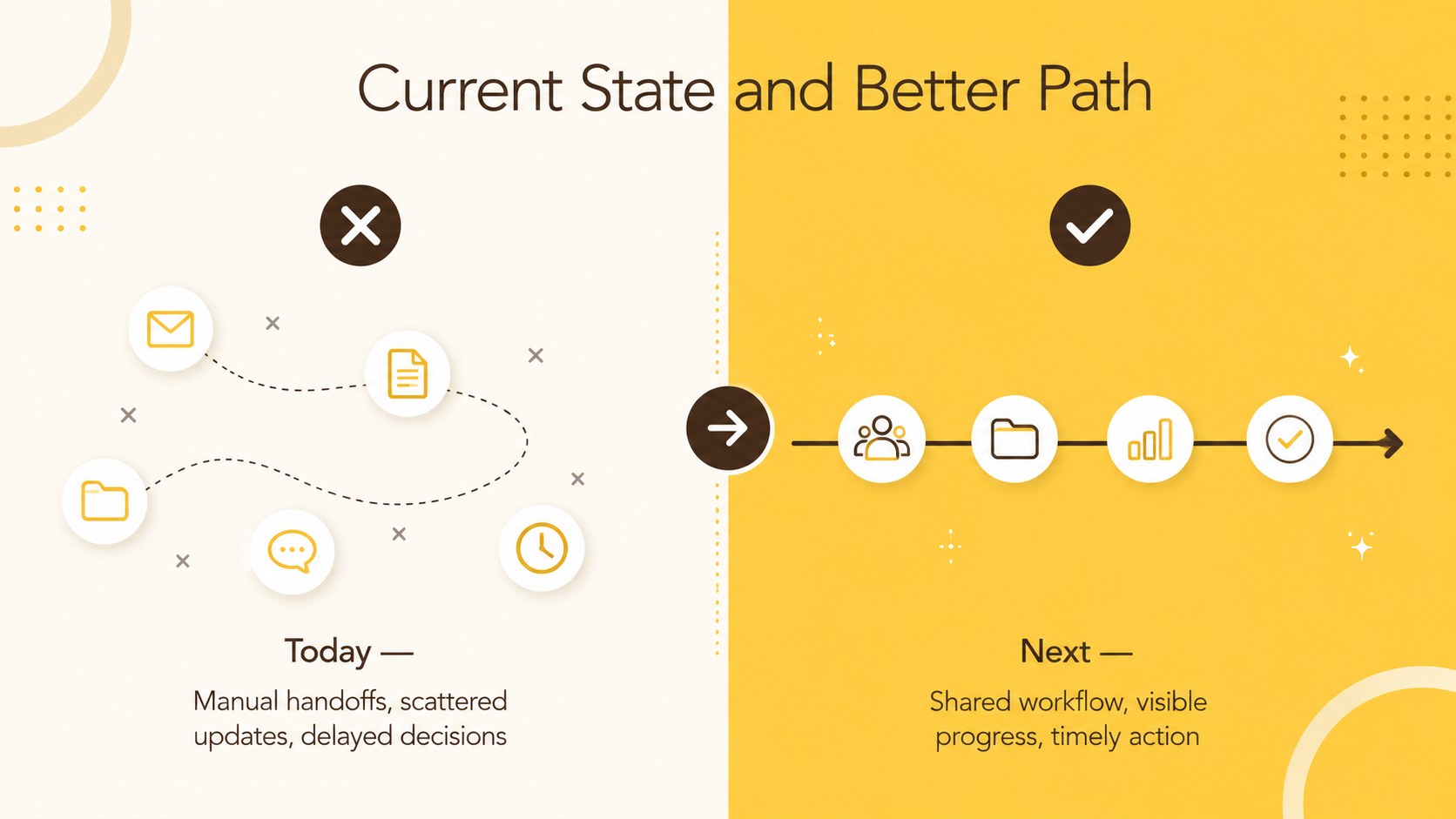
Design notes
Bring clarity and warmth to your ideas with the Sunlit Minimalist Presentation Deck. Its bright yellow accents, soft brown details, generous spacing, and crisp typography create an approachable look without distracting from your message. This yellow minimalist PowerPoint deck works equally well for professional, academic, and creative presentations.
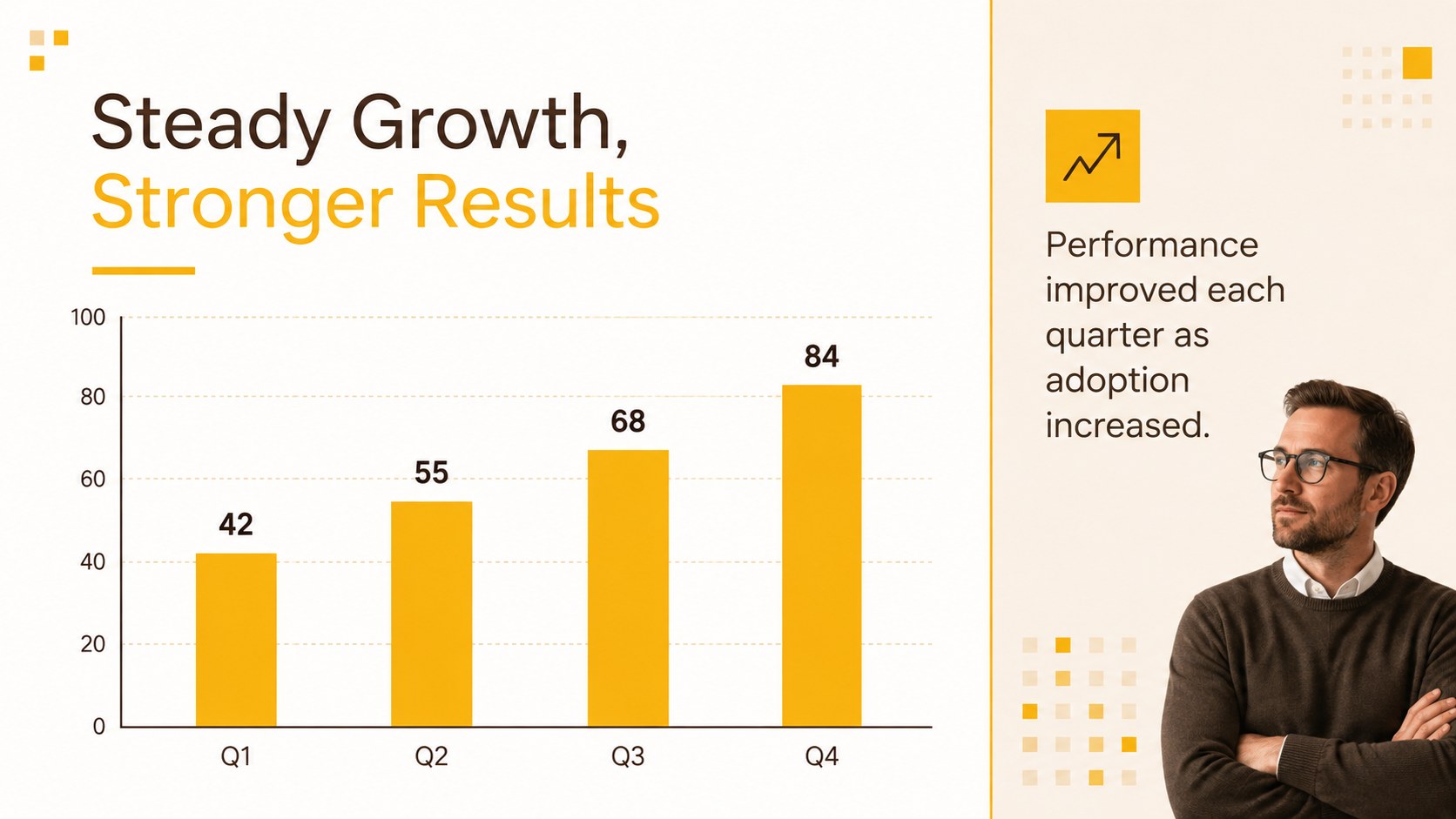
The collection includes 25 editable layouts for introductions, agendas, key points, image showcases, timelines, comparisons, quotations, team profiles, maps, charts, tables, and closing remarks. An adaptable icon set and practical data displays help you organize complex information visually. Change the colors, replace the photography, rearrange sections, or apply your own type choices to create a clean project proposal slide deck that fits your identity. The widescreen 16:9 format is ready for modern displays and virtual meetings.
Use this warm yellow Google Slides theme for classroom lessons, client proposals, portfolio reviews, internal updates, workshop materials, or a creative business pitch. Every page is designed for straightforward editing in PowerPoint and Google Slides, allowing presenters to spend less time formatting and more time refining their narrative. The balanced palette and multipurpose structure make it a reliable starting point for anyone who wants a presentation that feels optimistic, organized, and contemporary.
Perfect for: creative business pitch; classroom lesson; client project proposal; quarterly team update; portfolio presentation; professional workshop.
Frequently asked questions
Can I edit every element in this presentation deck? Yes. Text, colors, photos, icons, charts, and layout elements can be edited, moved, or removed. You can also duplicate and reorder slides to match the flow of your presentation.
Practical details
Yes. Text, colors, photos, icons, charts, and layout elements can be edited, moved, or removed. You can also duplicate and reorder slides to match the flow of your presentation.
The deck is designed for Microsoft PowerPoint and Google Slides. Open it in either platform to replace the sample content and customize the visual system.
Replace the yellow and brown theme colors with your approved brand colors, then update the fonts and imagery. Maintain strong contrast between text and backgrounds to preserve readability.
Yes. The deck contains editable charts, tables, timelines, maps, comparisons, and icon-based diagrams. Replace the sample values with your own information and adjust labels as needed.
Keep exploring
15Shape your publishing concept with an indie magazine startup pitch deck featuring pastel gradients, bold collage layouts, and editable planning slides.
 16
16Build clear project stories with the Icon Grid Teamwork Theme, a flexible blue illustrated deck for proposals, strategy updates, and team meetings.
 3
3Turn priorities into an actionable plan with an annual goals roadmap infographic, featuring editable orange and teal layouts for PowerPoint and Google Slides.
 15
15Create an Annual Achievement Report Presentation with colorful geometric layouts for milestones, results, lessons, and priorities in PowerPoint or Google Slides.
 15
15Turn results into a focused annual performance evaluation report with dark 3D slides for KPIs, achievements, feedback, and next-step goals for teams.
 15
15Guide a focused annual recap with Business Results Retrospective Slides, a muted brown-and-blue template for PowerPoint and Google Slides.
 6
6Turn complex plans into clear visual stories with Color-Coded Workflow Path Slides, an editable set for project updates, roadmaps, and team briefings.
 6
6Compare regional performance at a glance with Global Data Heatmap Slides, a clean multicolor deck designed for editable PowerPoint and Google Slides.