
 15
15presentation
Indie Magazine Startup Pitch Deck
Shape your publishing concept with an indie magazine startup pitch deck featuring pastel gradients, bold collage layouts, and editable planning slides.
Google SlidesPowerPoint
document · English
Build a polished student internship application letter with guided slides to organize your strengths, motivation, and closing for every opportunity.
Design notes
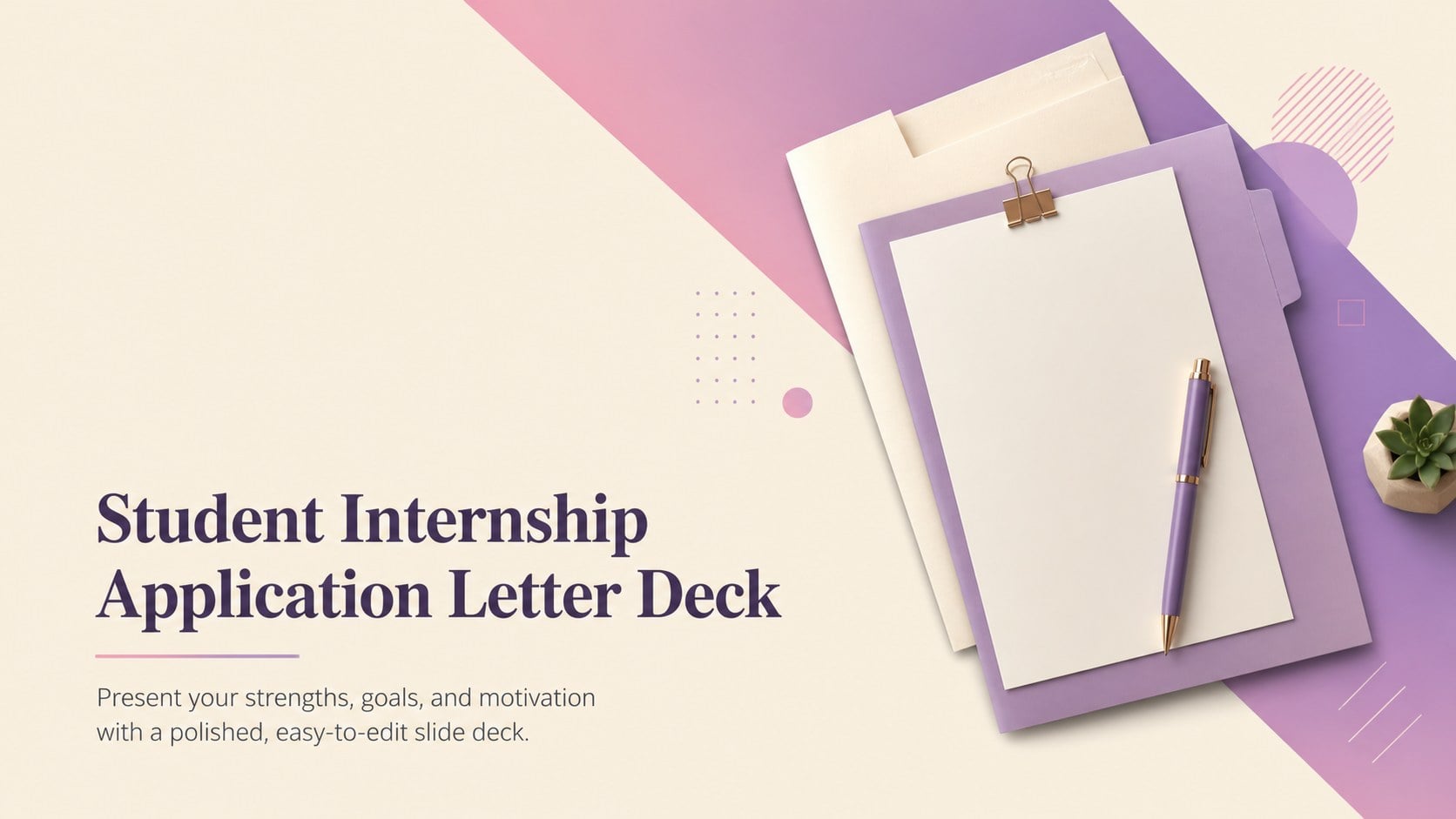
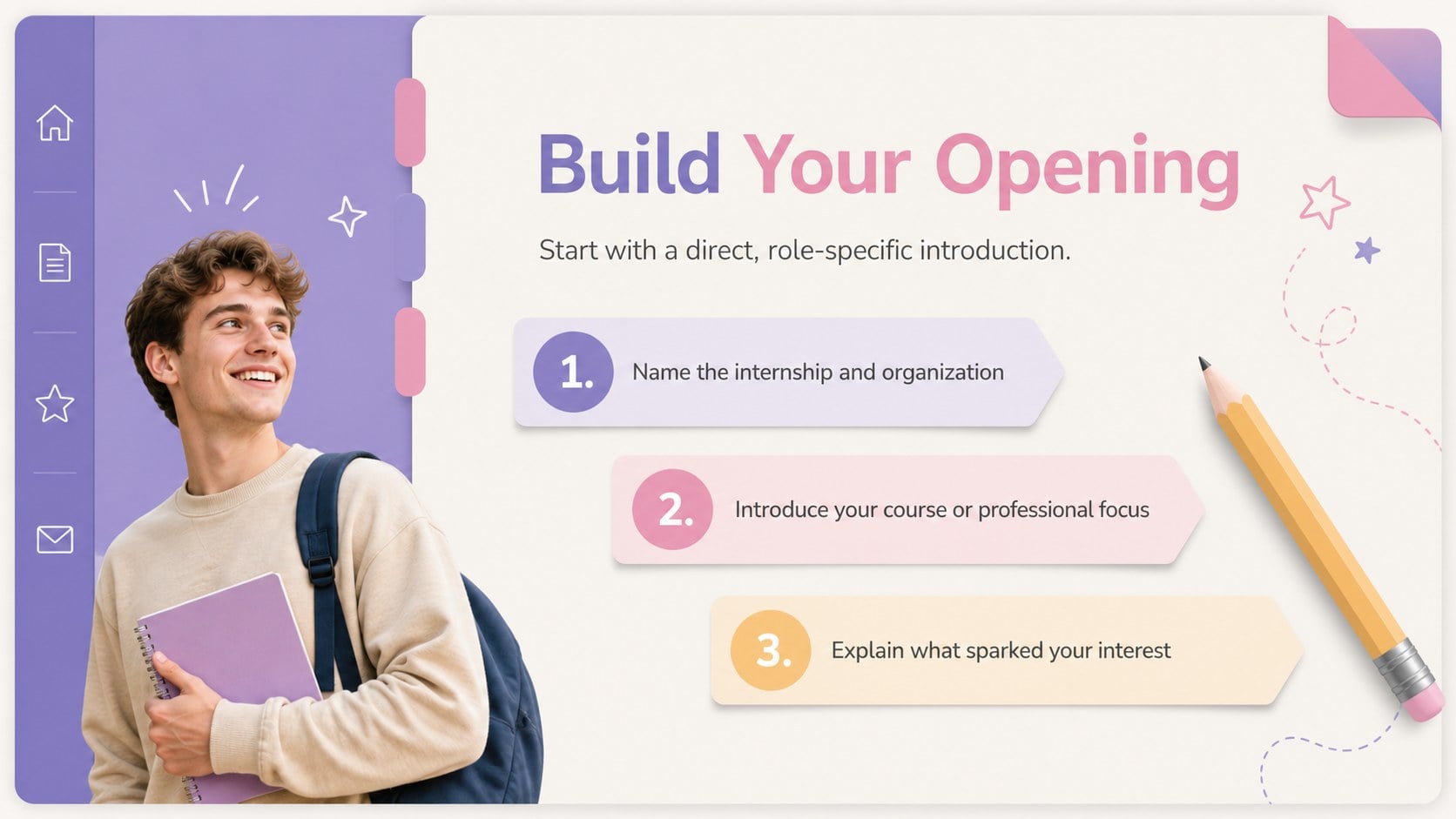
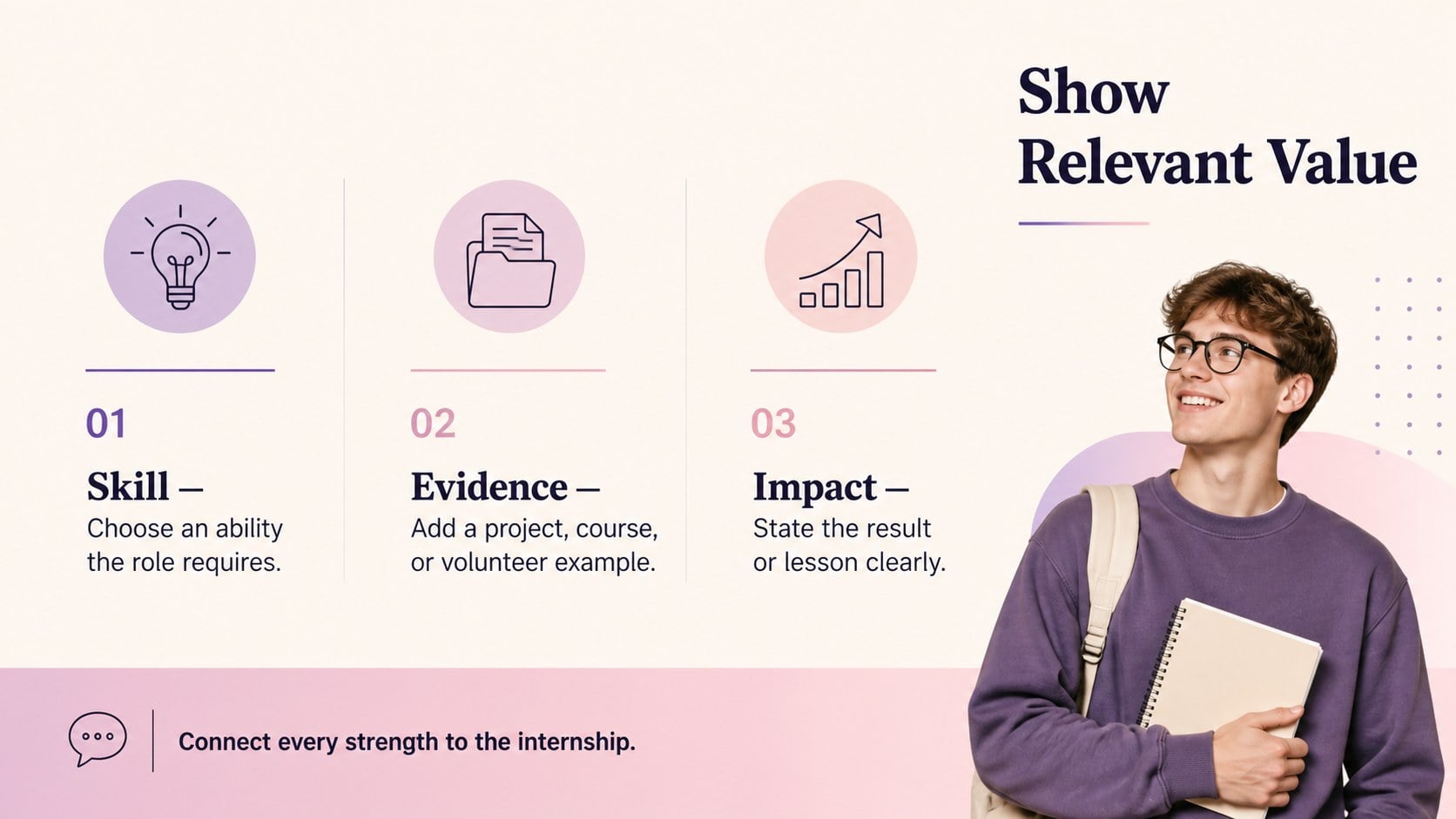
Turn limited work experience into a focused and persuasive introduction with this student internship application letter deck. Its modern layout combines warm beige backgrounds with purple and pink gradients, creating a professional look that still feels energetic and personal. Use the guided structure to explain why the placement interests you, connect academic experience to the role, and communicate what you can contribute.
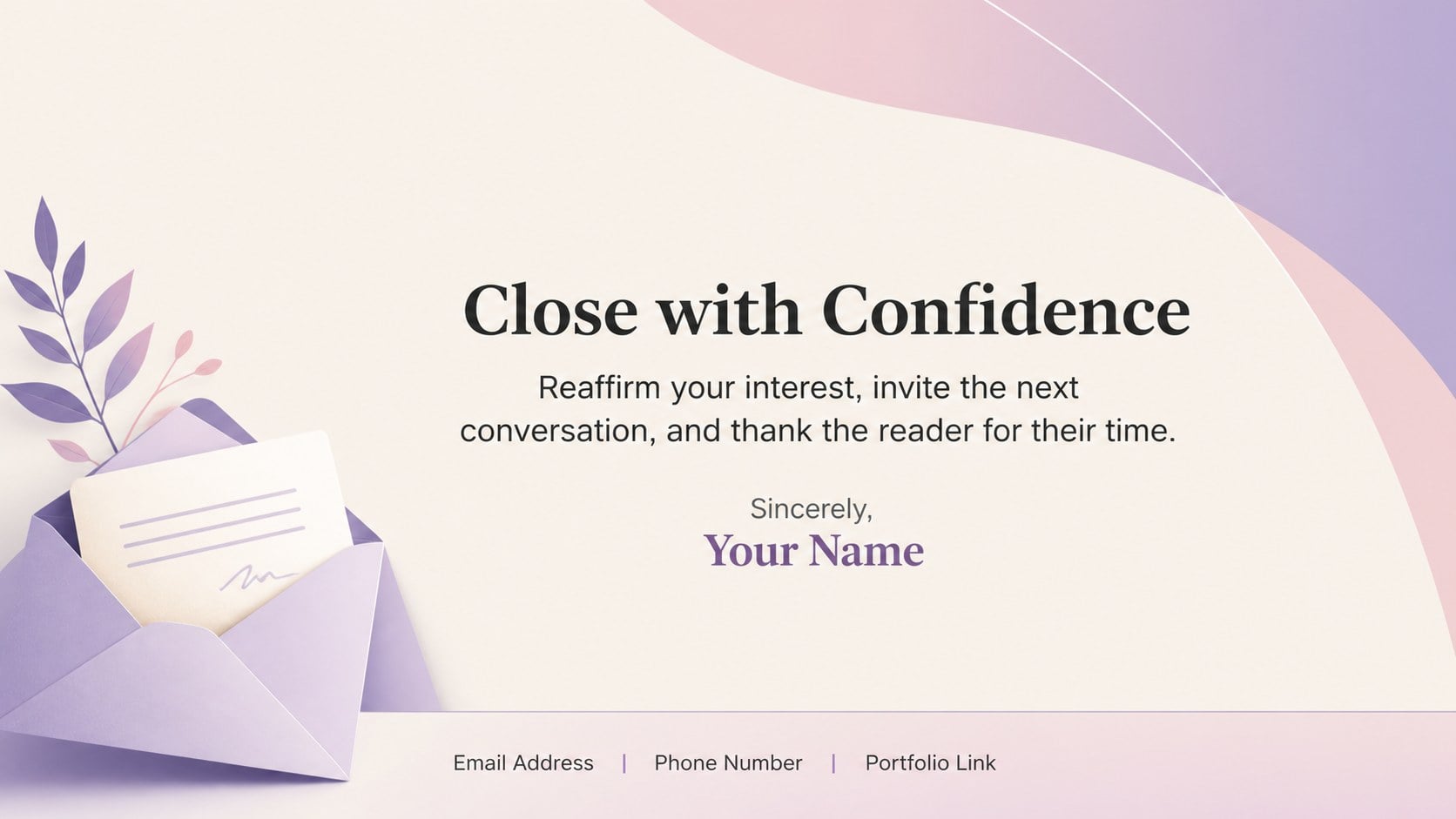
The deck includes an opening page, a practical letter outline, a skills-and-evidence section, and a confident closing layout. Clear prompts help you organize your greeting, introduction, supporting examples, motivation, and contact details without overcrowding the slides. These internship application letter slides can also be adapted into an editable internship introduction presentation for interviews, career fairs, or portfolio reviews. Every element can be adjusted in PowerPoint or Google Slides, including colors, typography, icons, and text placeholders.
Created as a cover letter deck for college students, recent graduates, and first-time applicants, this template suits placements in business, communications, technology, creative fields, education, and nonprofit work. It is especially useful when you need more visual impact than a conventional letter while maintaining a mature, employer-ready tone. Personalize the examples with specific achievements, match your language to the role description, and export the finished presentation for sharing with recruiters or hiring managers.
Perfect for: summer internship application; college career fair introduction; graduate placement submission; internship interview presentation; student portfolio application.
Frequently asked questions
Can I edit this template in PowerPoint and Google Slides? Yes. You can replace all text, adjust the layouts, and modify the colors in PowerPoint or Google Slides. Review font availability after importing the deck to ensure consistent formatting.
Practical details
Yes. You can replace all text, adjust the layouts, and modify the colors in PowerPoint or Google Slides. Review font availability after importing the deck to ensure consistent formatting.
Add the organization name, exact role, and two or three experiences that match the position requirements. Refer to a real project, course, volunteer activity, or measurable result instead of relying on general claims.
Yes. Update the theme colors to match your field, personal portfolio, or the employer's visual style while preserving strong text contrast. The typography, gradient accents, and decorative shapes are also customizable.
Use the full deck when an employer welcomes creative or presentation-based applications. For conventional application systems, export the most relevant page as a PDF and keep the remaining slides for interviews or portfolio discussions.
Keep exploring
15Shape your publishing concept with an indie magazine startup pitch deck featuring pastel gradients, bold collage layouts, and editable planning slides.
 16
16Build clear project stories with the Icon Grid Teamwork Theme, a flexible blue illustrated deck for proposals, strategy updates, and team meetings.
 3
3Turn priorities into an actionable plan with an annual goals roadmap infographic, featuring editable orange and teal layouts for PowerPoint and Google Slides.
 15
15Create an Annual Achievement Report Presentation with colorful geometric layouts for milestones, results, lessons, and priorities in PowerPoint or Google Slides.
 15
15Turn results into a focused annual performance evaluation report with dark 3D slides for KPIs, achievements, feedback, and next-step goals for teams.
 15
15Guide a focused annual recap with Business Results Retrospective Slides, a muted brown-and-blue template for PowerPoint and Google Slides.
 6
6Turn complex plans into clear visual stories with Color-Coded Workflow Path Slides, an editable set for project updates, roadmaps, and team briefings.
 6
6Compare regional performance at a glance with Global Data Heatmap Slides, a clean multicolor deck designed for editable PowerPoint and Google Slides.