
 15
15presentation
Indie Magazine Startup Pitch Deck
Shape your publishing concept with an indie magazine startup pitch deck featuring pastel gradients, bold collage layouts, and editable planning slides.
Google SlidesPowerPoint
presentation · English
Build sharper business decisions with strategic priority mapping slides for planning, portfolio reviews, and clear visual analysis in PowerPoint.
Design notes
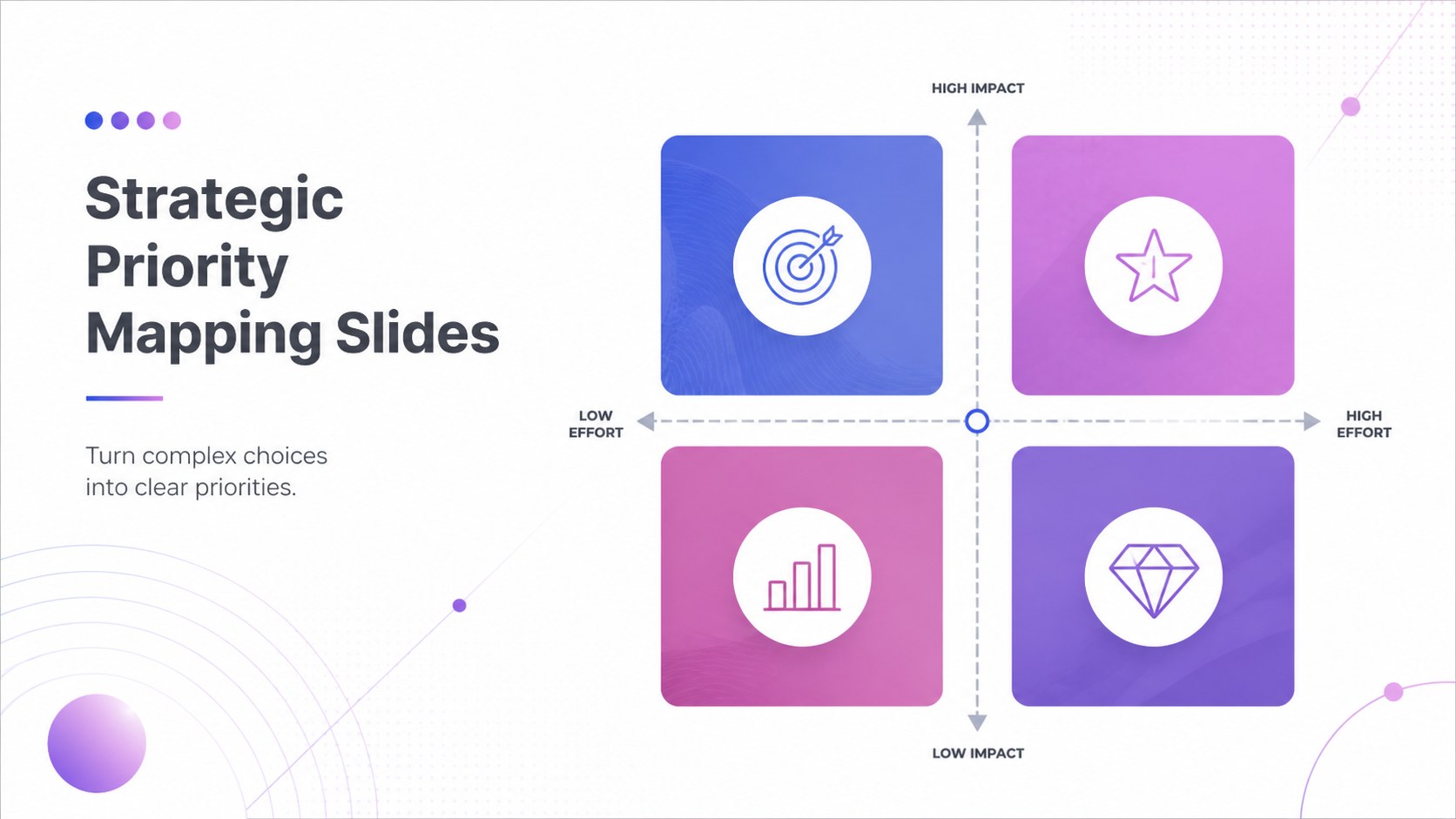
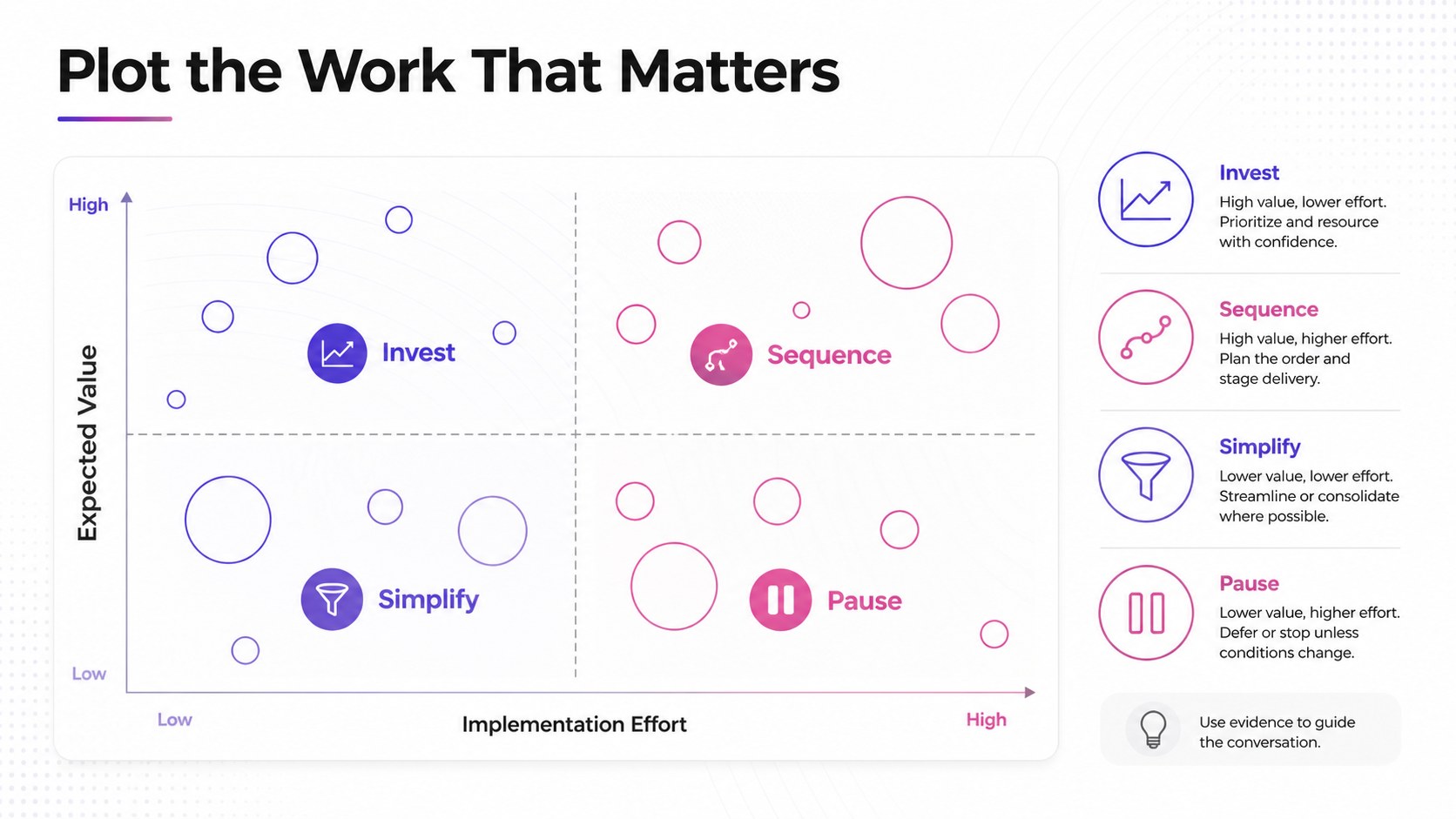
Strategic priority mapping slides help teams turn competing ideas, projects, and opportunities into a clear visual decision framework. Designed for consultants, managers, founders, and analysts, this minimalist white presentation system keeps complex information easy to scan while giving every recommendation a professional finish.
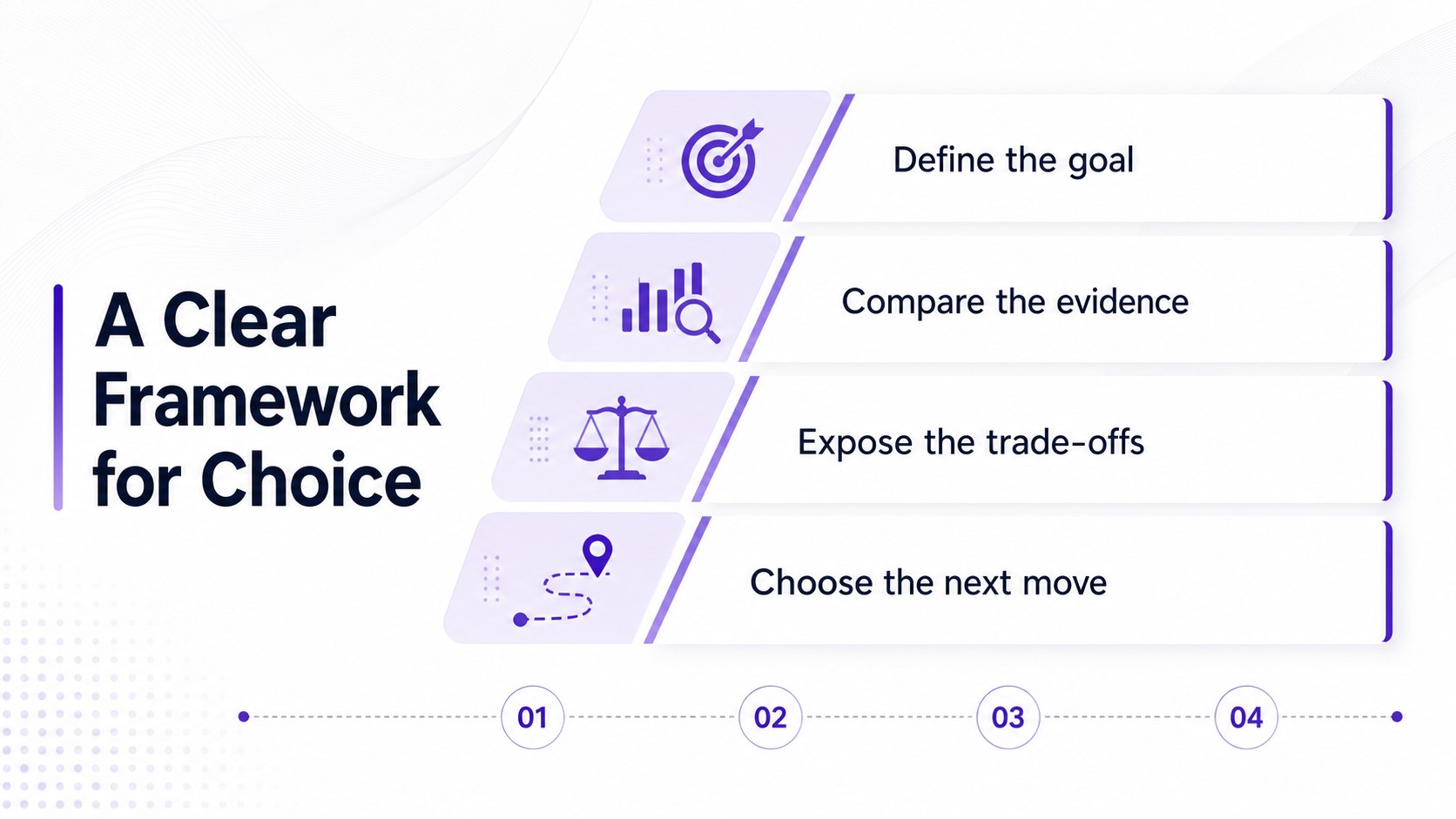
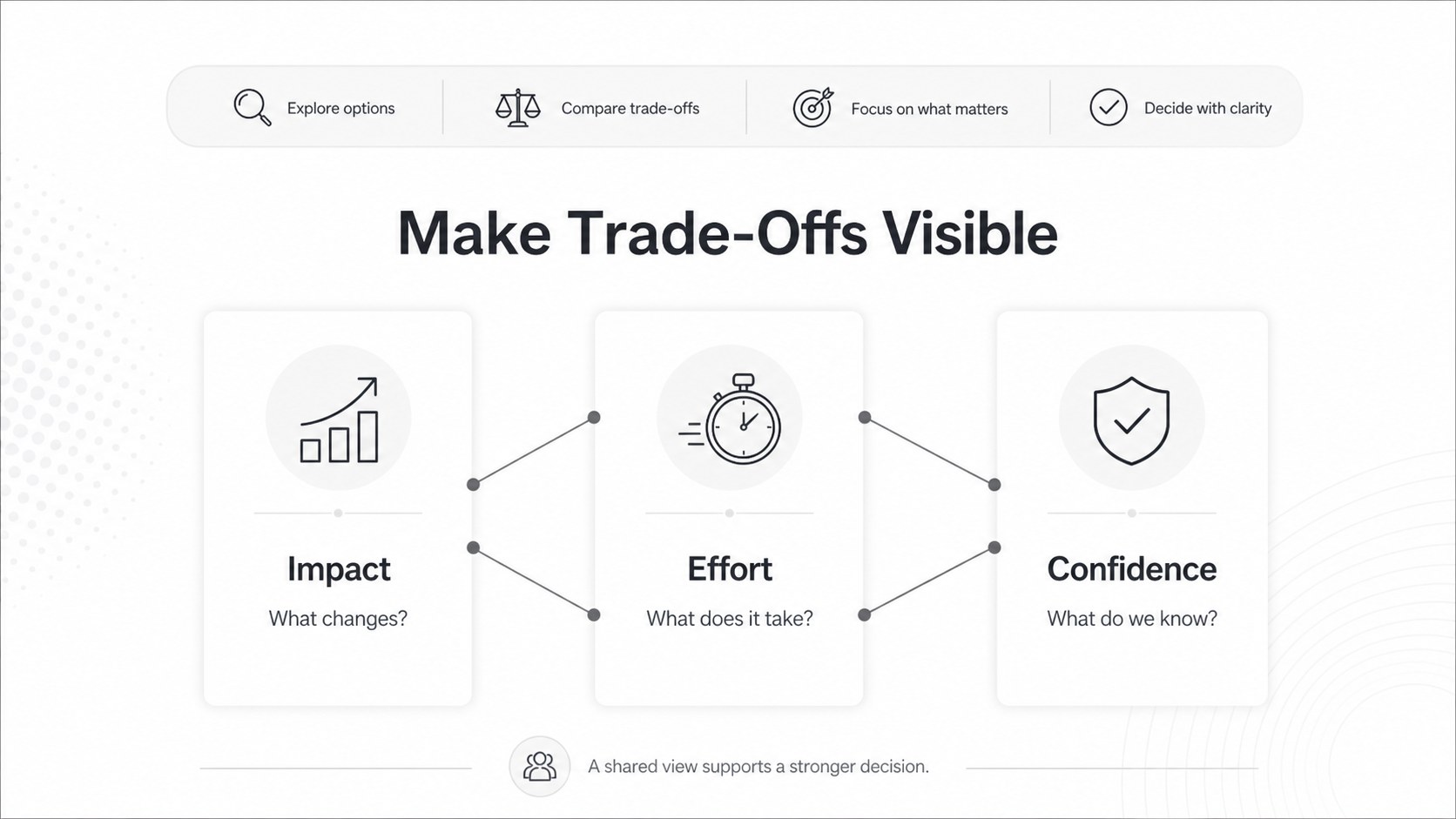
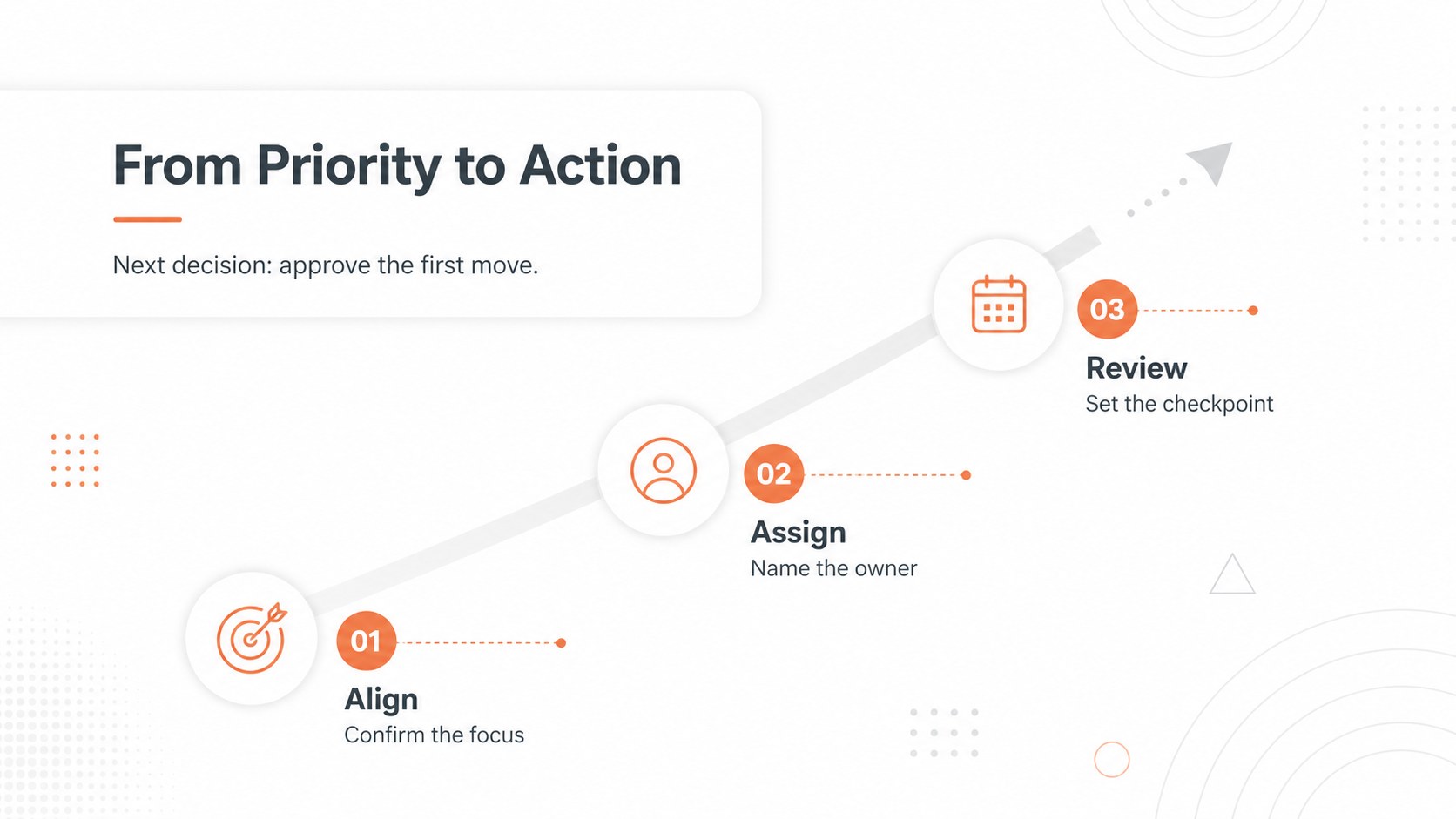
Inside, you will find five customizable layouts for introducing a decision framework, comparing priorities, plotting initiatives, explaining trade-offs, and converting findings into an action plan. The flexible matrix structure works well for portfolio prioritization, product planning, market analysis, resource allocation, and executive reviews. Use the layouts as a strategic decision making presentation or adapt them into a project prioritization matrix deck for a focused team workshop.
Edit the slides in PowerPoint or Google Slides using familiar drag-and-drop controls. Adjust labels, colors, shapes, charts, and typography to match your organization, then export or share the finished deck in the format your audience needs. A restrained white palette and clean geometric styling keep attention on the evidence, while structured sections help presenters move smoothly from context to recommendation. Whether you are preparing a leadership meeting or building a business prioritization framework, this deck gives your analysis a consistent and persuasive visual language.
Perfect for: executive portfolio review; startup product roadmap; team prioritization workshop; consulting strategy briefing; resource allocation meeting.
Frequently asked questions
Can I edit the priority mapping layouts? Yes. You can change the text, quadrant labels, shapes, colors, charts, and typography. The layouts are designed to be adapted to different business frameworks and presentation needs.
Practical details
Yes. You can change the text, quadrant labels, shapes, colors, charts, and typography. The layouts are designed to be adapted to different business frameworks and presentation needs.
The template is available for PowerPoint and Google Slides. You can edit it in your preferred platform and export the final deck for presenting or sharing.
Yes. The matrix layouts can support product roadmaps, campaign planning, resource allocation, risk reviews, and workshop exercises. Replace the criteria and labels to fit your specific decision process.
You can modify the white background, accent colors, fonts, icons, and geometric elements to align with your brand. Keep the restrained structure when presenting dense information so the analysis remains easy to follow.
Keep exploring
15Shape your publishing concept with an indie magazine startup pitch deck featuring pastel gradients, bold collage layouts, and editable planning slides.
 16
16Build clear project stories with the Icon Grid Teamwork Theme, a flexible blue illustrated deck for proposals, strategy updates, and team meetings.
 3
3Turn priorities into an actionable plan with an annual goals roadmap infographic, featuring editable orange and teal layouts for PowerPoint and Google Slides.
 15
15Create an Annual Achievement Report Presentation with colorful geometric layouts for milestones, results, lessons, and priorities in PowerPoint or Google Slides.
 15
15Turn results into a focused annual performance evaluation report with dark 3D slides for KPIs, achievements, feedback, and next-step goals for teams.
 15
15Guide a focused annual recap with Business Results Retrospective Slides, a muted brown-and-blue template for PowerPoint and Google Slides.
 6
6Turn complex plans into clear visual stories with Color-Coded Workflow Path Slides, an editable set for project updates, roadmaps, and team briefings.
 6
6Compare regional performance at a glance with Global Data Heatmap Slides, a clean multicolor deck designed for editable PowerPoint and Google Slides.