
 15
15presentation
Indie Magazine Startup Pitch Deck
Shape your publishing concept with an indie magazine startup pitch deck featuring pastel gradients, bold collage layouts, and editable planning slides.
Google SlidesPowerPoint
presentation · English
Build a focused strategic planning roadmap slides deck with editable blue-orange visuals for priorities, milestones, team alignment, and stakeholder updates.



Design notes
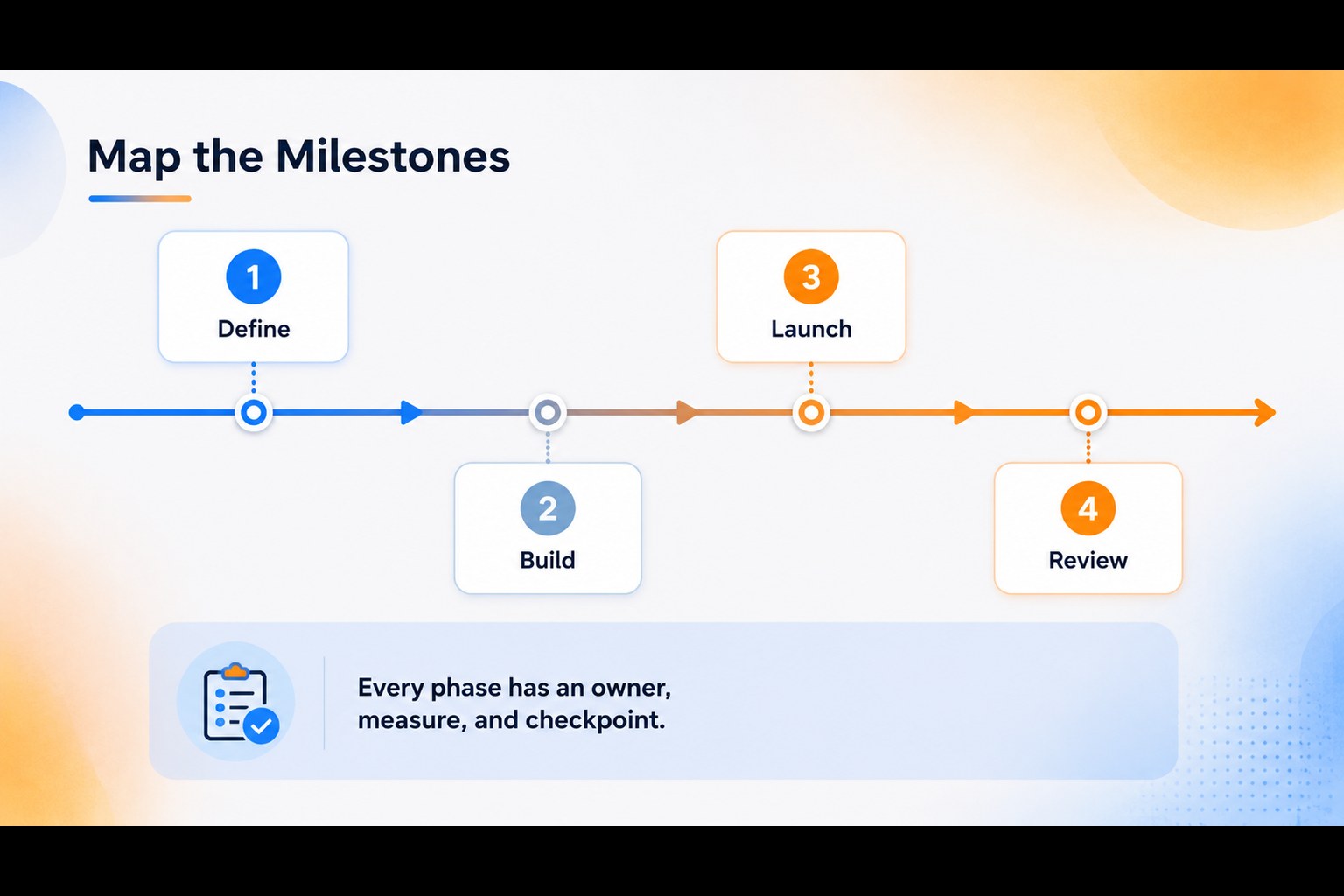
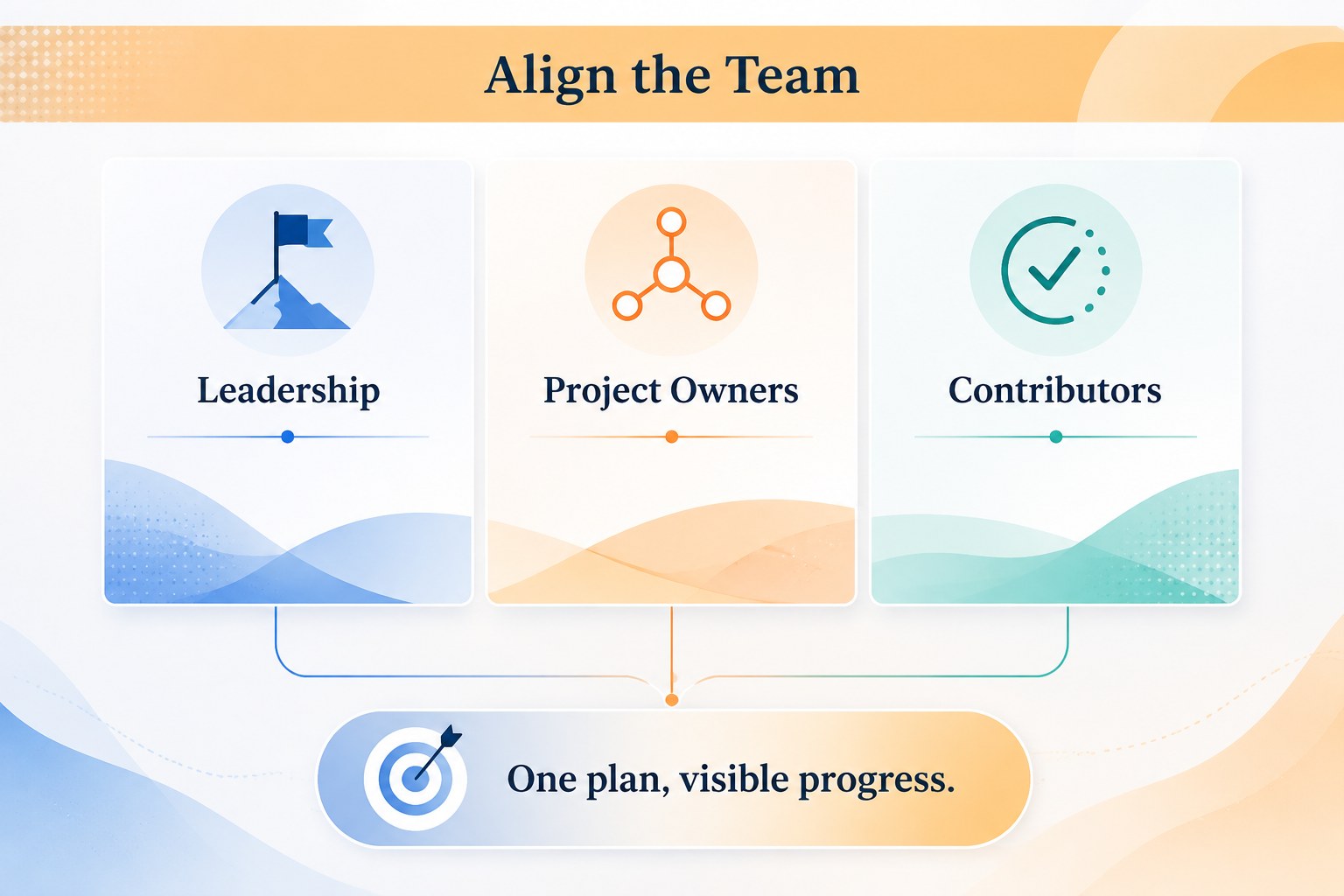
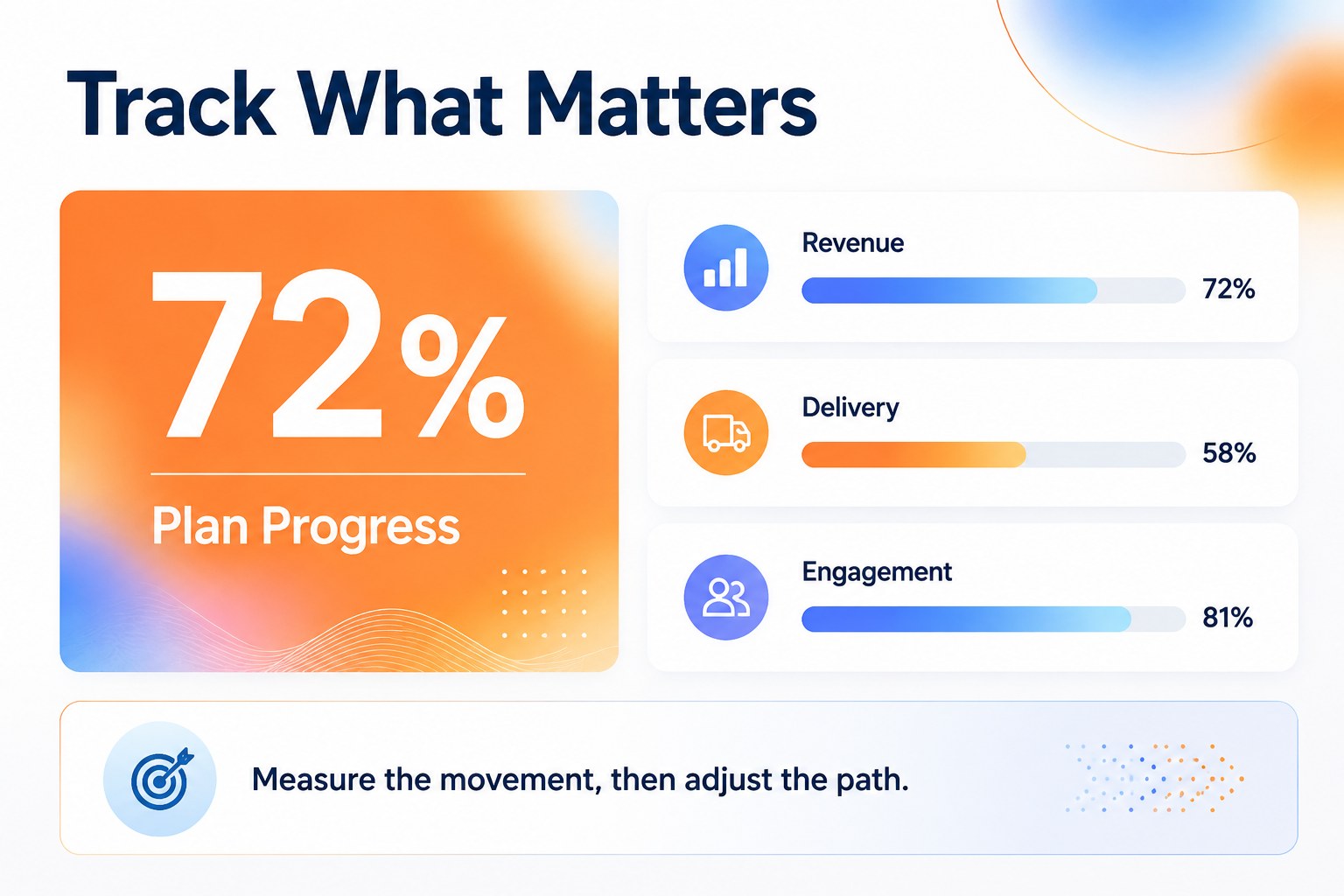
Strategic planning roadmap slides give business teams a practical visual system for moving from broad ambitions to measurable action. Use the blue, orange, and white gradient palette to frame priorities, connect initiatives, and show how individual efforts support larger objectives. The clean infographic style keeps complex plans approachable for leadership reviews, workshops, and stakeholder conversations.
Inside, you’ll find six 16:9 layouts for presenting strategic priorities, milestone sequences, progress relationships, performance highlights, and action areas. Editable text boxes, shapes, connectors, charts, and icon-ready spaces make it simple to adapt the deck to a department plan, quarterly review, or company-wide strategy. The layouts are designed for quick scanning while leaving enough room for concise explanations and supporting data.
This strategic planning roadmap slides deck suits founders, project leads, consultants, operations teams, and managers preparing a business planning presentation. Edit it in PowerPoint or Google Slides, update the typography and data, and tailor the blue-orange accents to match your communication needs. It is especially useful for startup growth planning, annual objectives, team alignment meetings, and executive status updates.
Perfect for: startup growth planning; quarterly strategy review; executive status update; department objective setting.
Frequently asked questions
Can I edit these slides in PowerPoint? Yes. The layouts are designed for editing in PowerPoint, including text, shapes, colors, charts, and positioning. Replace the sample content with your own objectives and milestones.
Practical details
Yes. The layouts are designed for editing in PowerPoint, including text, shapes, colors, charts, and positioning. Replace the sample content with your own objectives and milestones.
Yes, you can open and customize the presentation in Google Slides. Review imported fonts and spacing after opening, then adjust any elements that need platform-specific refinements.
Yes. Update the theme colors or individual shapes to match your brand guidelines while preserving the infographic structure. White backgrounds and high-contrast text help keep the roadmap readable.
Use it for strategic priorities, department goals, milestone timing, ownership, progress indicators, and next actions. Keep each section concise so the visual relationships remain easy to scan.
Keep exploring
15Shape your publishing concept with an indie magazine startup pitch deck featuring pastel gradients, bold collage layouts, and editable planning slides.
 16
16Build clear project stories with the Icon Grid Teamwork Theme, a flexible blue illustrated deck for proposals, strategy updates, and team meetings.
 3
3Turn priorities into an actionable plan with an annual goals roadmap infographic, featuring editable orange and teal layouts for PowerPoint and Google Slides.
 15
15Create an Annual Achievement Report Presentation with colorful geometric layouts for milestones, results, lessons, and priorities in PowerPoint or Google Slides.
 15
15Turn results into a focused annual performance evaluation report with dark 3D slides for KPIs, achievements, feedback, and next-step goals for teams.
 15
15Guide a focused annual recap with Business Results Retrospective Slides, a muted brown-and-blue template for PowerPoint and Google Slides.
 6
6Turn complex plans into clear visual stories with Color-Coded Workflow Path Slides, an editable set for project updates, roadmaps, and team briefings.
 6
6Compare regional performance at a glance with Global Data Heatmap Slides, a clean multicolor deck designed for editable PowerPoint and Google Slides.