
 15
15presentation
Indie Magazine Startup Pitch Deck
Shape your publishing concept with an indie magazine startup pitch deck featuring pastel gradients, bold collage layouts, and editable planning slides.
Google SlidesPowerPoint
presentation · English
Turn complex work into an actionable plan with this strategic initiative timeline toolkit, built for clear milestones, ownership, and progress updates.
Design notes
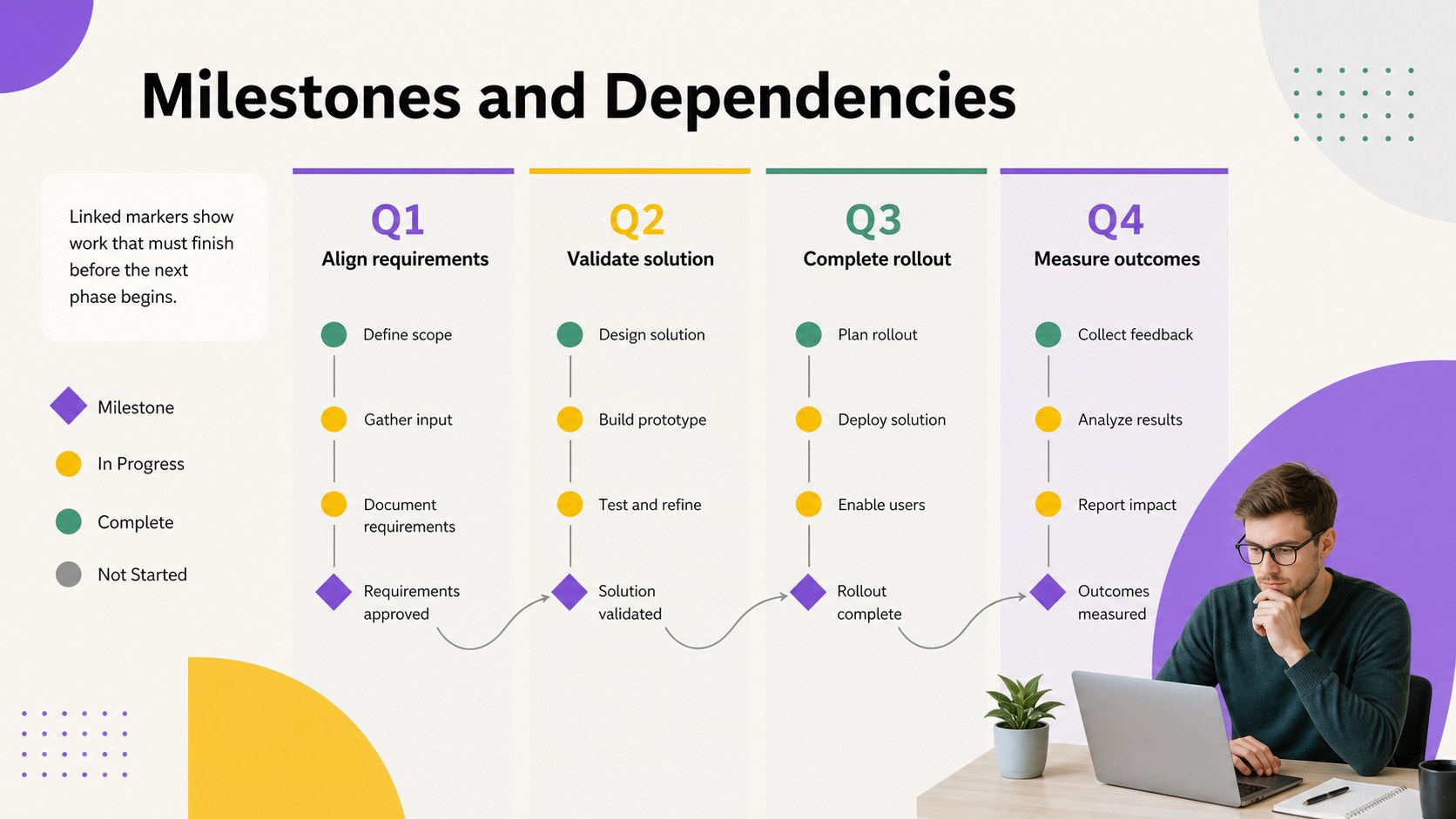
The Strategic Initiative Timeline Toolkit turns a complex project into a clear, presentation-ready plan. Its colorful geometric design uses violet, yellow, and green accents to organize priorities without making information feel crowded. Adapt the layouts in PowerPoint or Google Slides to communicate where an initiative is heading, what must happen next, and how each stage supports the overall objective.
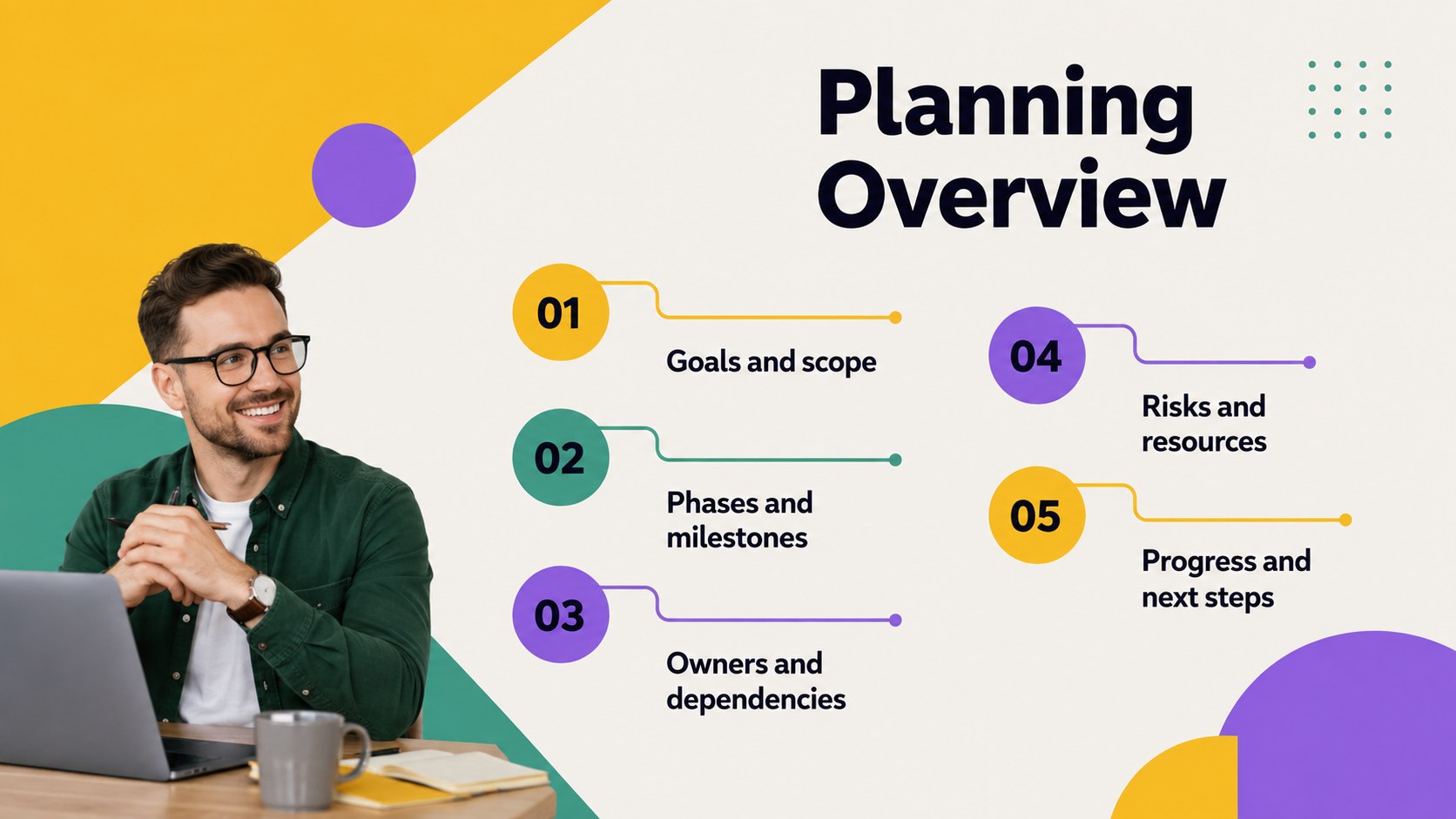
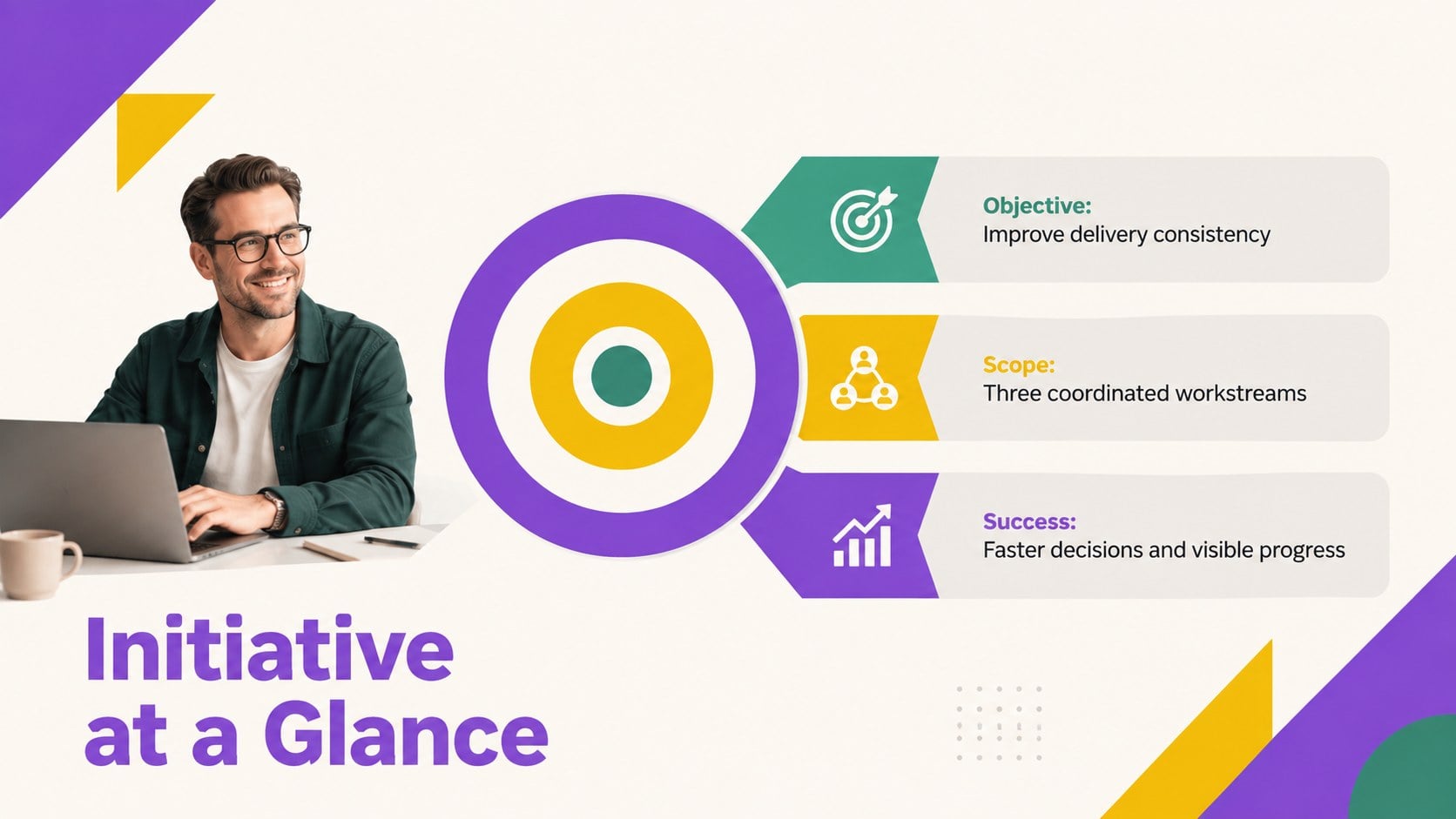
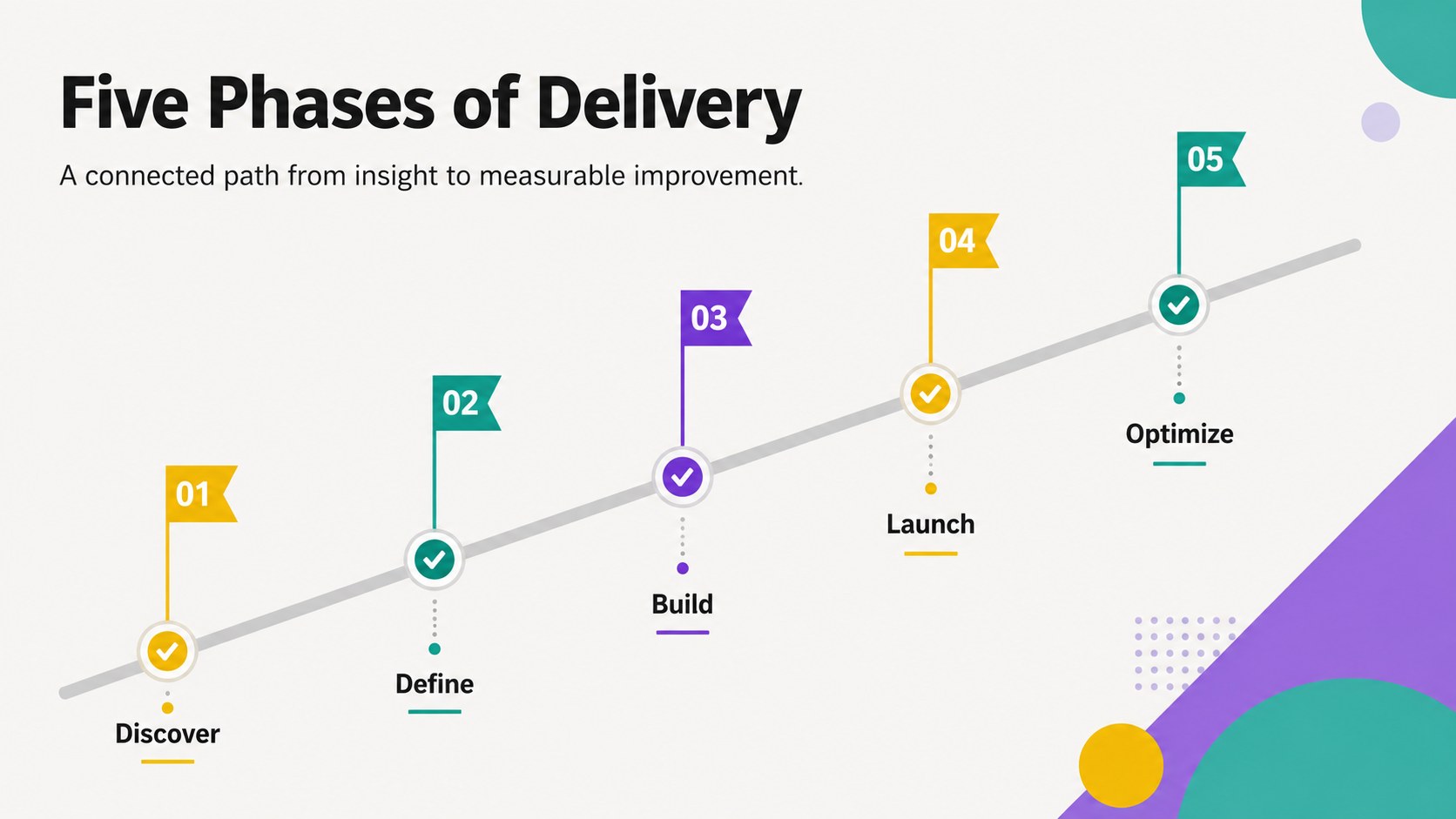
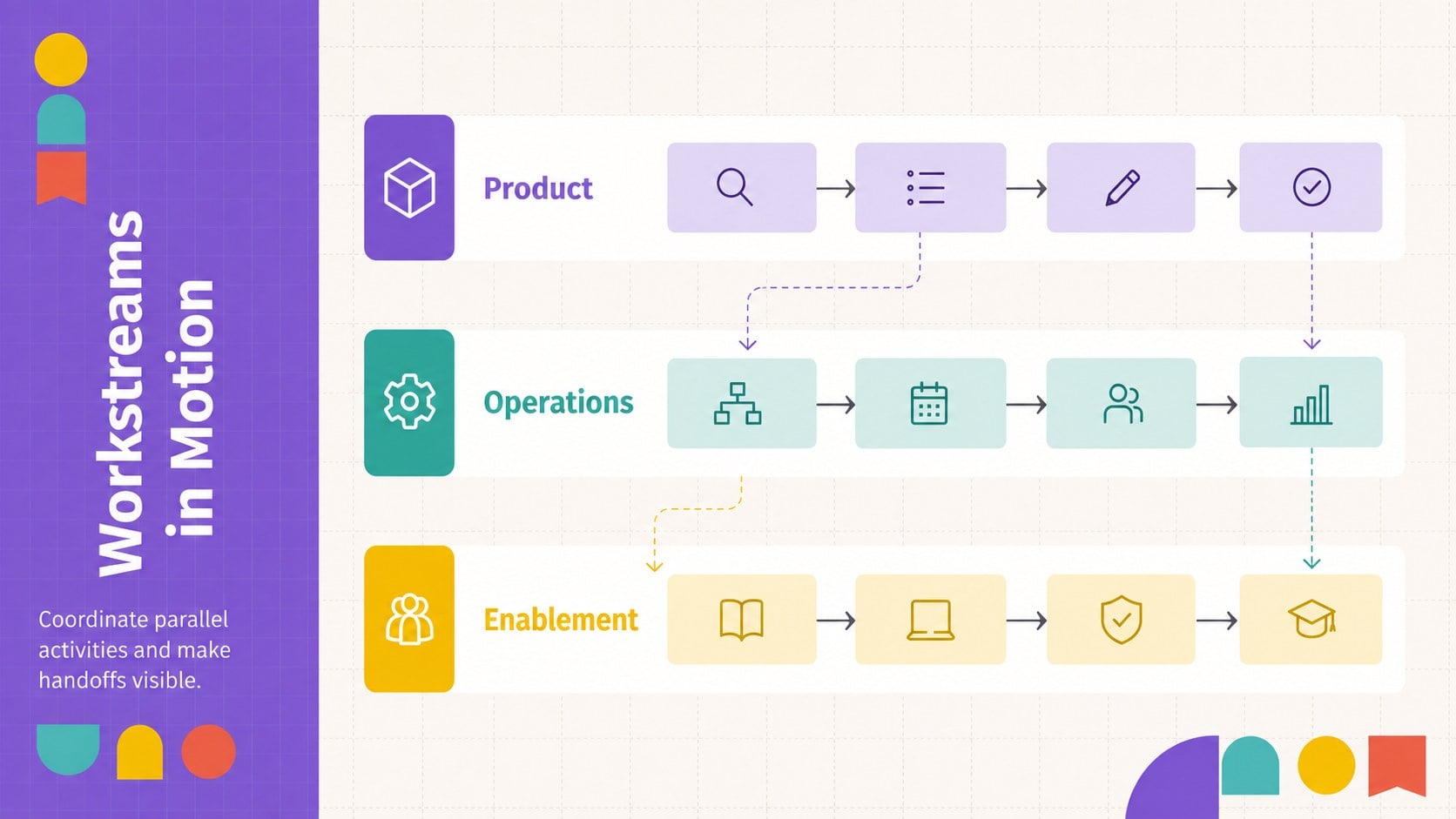
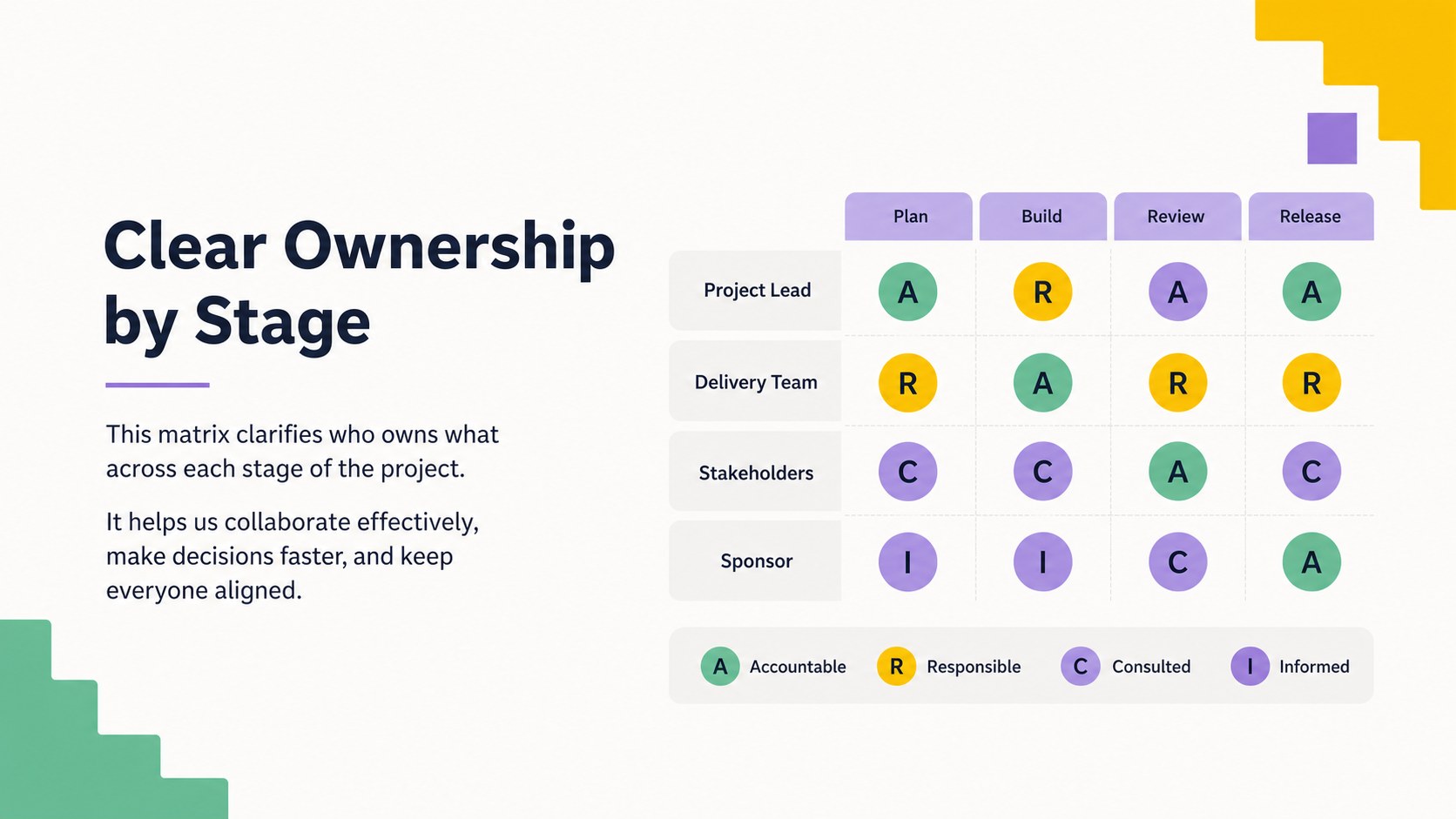
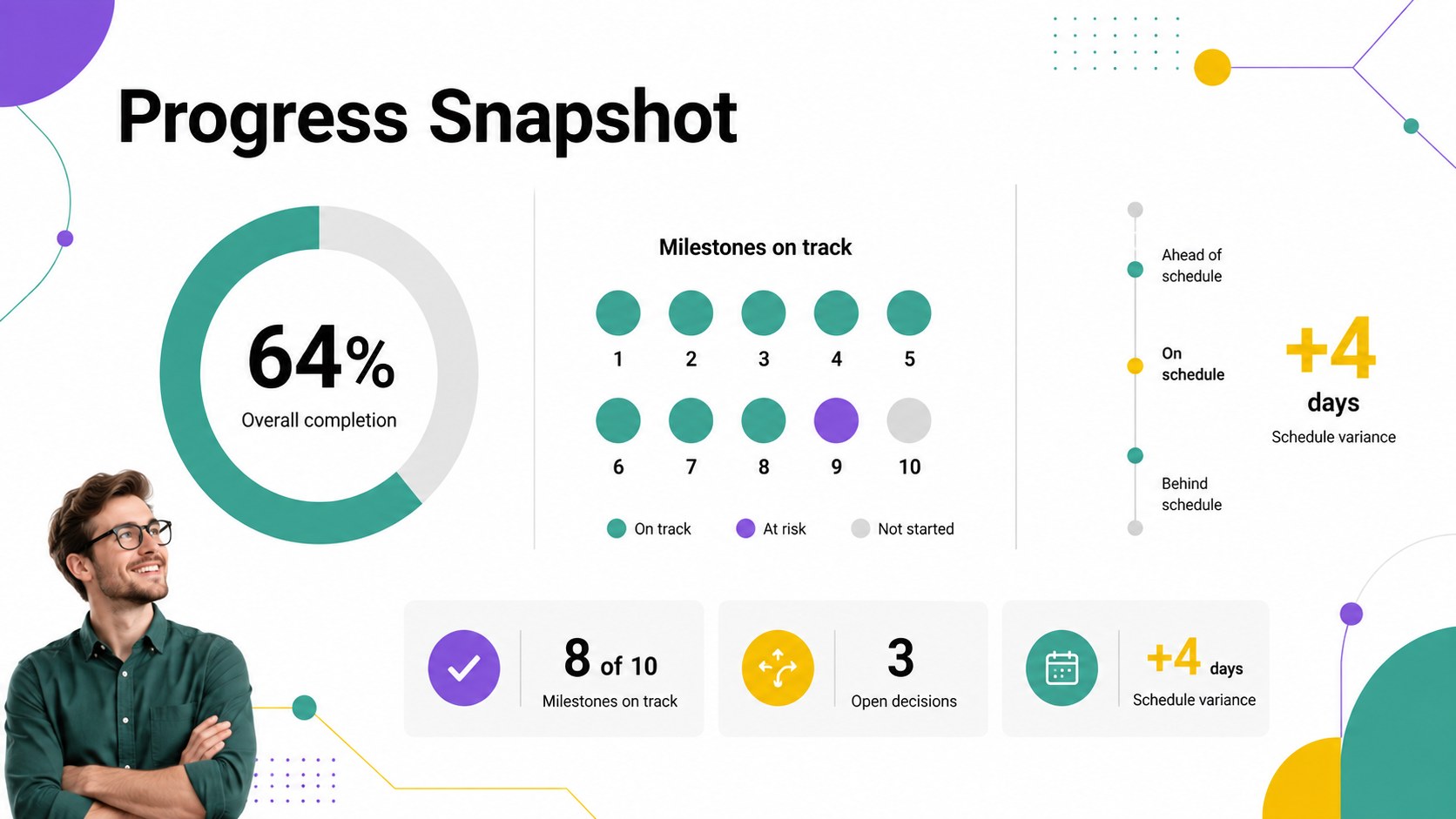
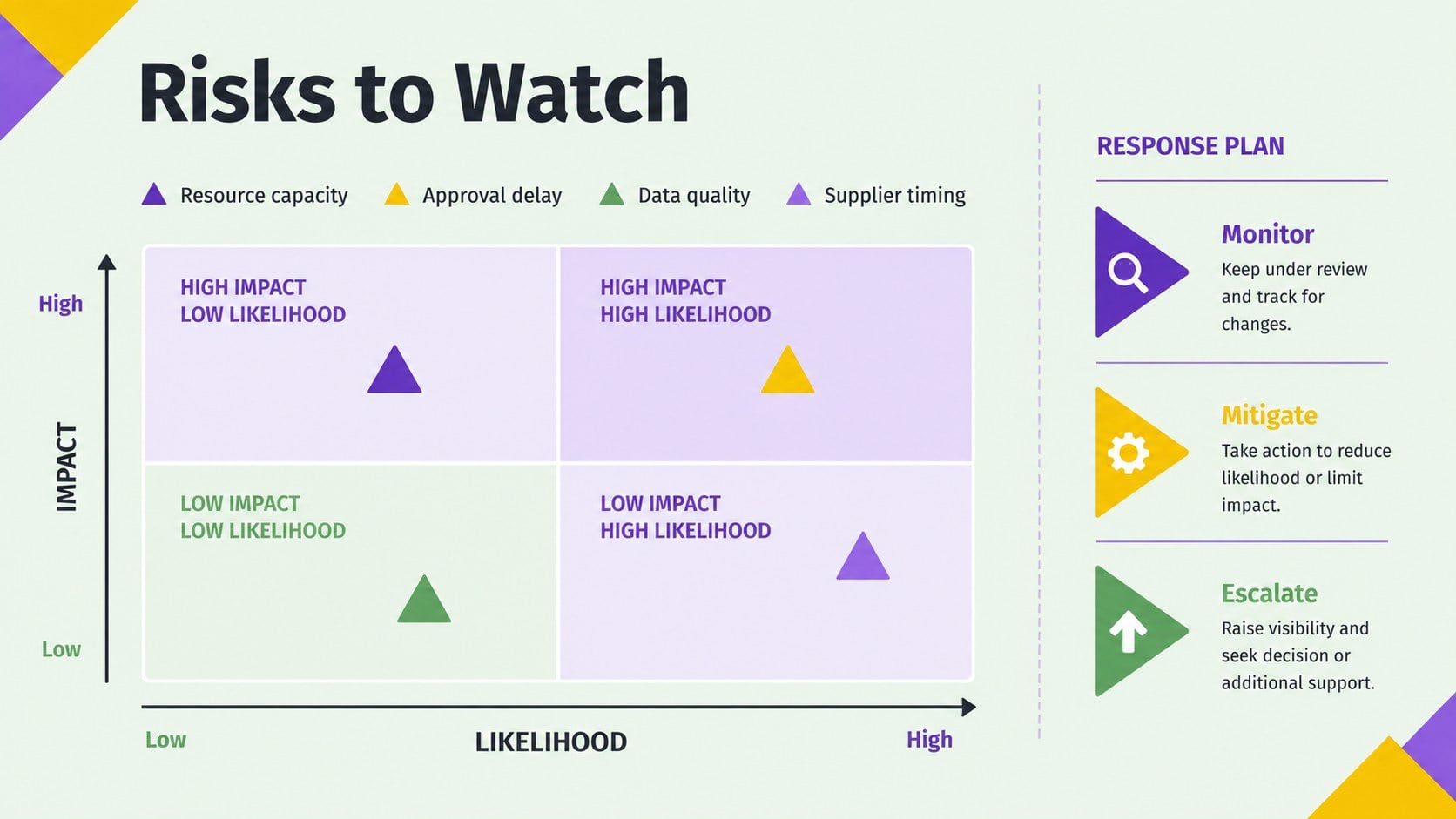
Inside, you will find an editable project timeline presentation with agenda, phase overview, milestone, dependency, responsibility, risk, budget, and status-reporting layouts. Charts, tables, progress indicators, and modular diagrams make it easy to build a milestone and dependency roadmap for projects of different sizes. You can replace the sample wording, adjust the sequence, recolor shapes, add team details, and tailor each visual to your reporting needs.
This cross-functional initiative planning template is designed for project managers, operations teams, consultants, product groups, and department leaders. Use it for kickoff meetings, steering committee reviews, quarterly planning, client updates, or internal delivery briefings. The coordinated slide system helps teams compare planned work with actual progress, clarify ownership, surface blockers, and keep decision-makers focused on the next meaningful milestone.
Perfect for: project kickoff meeting; quarterly initiative review; client delivery update; cross-functional planning workshop; steering committee briefing.
Frequently asked questions
Can I edit every part of the timeline? Yes. The text, phase labels, milestones, colors, shapes, and progress indicators can be adjusted to match your project structure and reporting cadence.
Practical details
Yes. The text, phase labels, milestones, colors, shapes, and progress indicators can be adjusted to match your project structure and reporting cadence.
The toolkit is designed for PowerPoint and Google Slides. Minor spacing or font adjustments may be needed when moving a customized deck between platforms.
Replace the sample colors with your brand palette, apply approved fonts, and add your organization’s logo where appropriate. Keep the existing visual hierarchy to preserve readability.
Yes. The responsibility matrix, workstream overview, dependency map, and status layouts help distinguish owners and coordinate parallel activities across departments.
Keep exploring
15Shape your publishing concept with an indie magazine startup pitch deck featuring pastel gradients, bold collage layouts, and editable planning slides.
 16
16Build clear project stories with the Icon Grid Teamwork Theme, a flexible blue illustrated deck for proposals, strategy updates, and team meetings.
 3
3Turn priorities into an actionable plan with an annual goals roadmap infographic, featuring editable orange and teal layouts for PowerPoint and Google Slides.
 15
15Create an Annual Achievement Report Presentation with colorful geometric layouts for milestones, results, lessons, and priorities in PowerPoint or Google Slides.
 15
15Turn results into a focused annual performance evaluation report with dark 3D slides for KPIs, achievements, feedback, and next-step goals for teams.
 15
15Guide a focused annual recap with Business Results Retrospective Slides, a muted brown-and-blue template for PowerPoint and Google Slides.
 6
6Turn complex plans into clear visual stories with Color-Coded Workflow Path Slides, an editable set for project updates, roadmaps, and team briefings.
 6
6Compare regional performance at a glance with Global Data Heatmap Slides, a clean multicolor deck designed for editable PowerPoint and Google Slides.