
 15
15presentation
Indie Magazine Startup Pitch Deck
Shape your publishing concept with an indie magazine startup pitch deck featuring pastel gradients, bold collage layouts, and editable planning slides.
Google SlidesPowerPoint
presentation · English
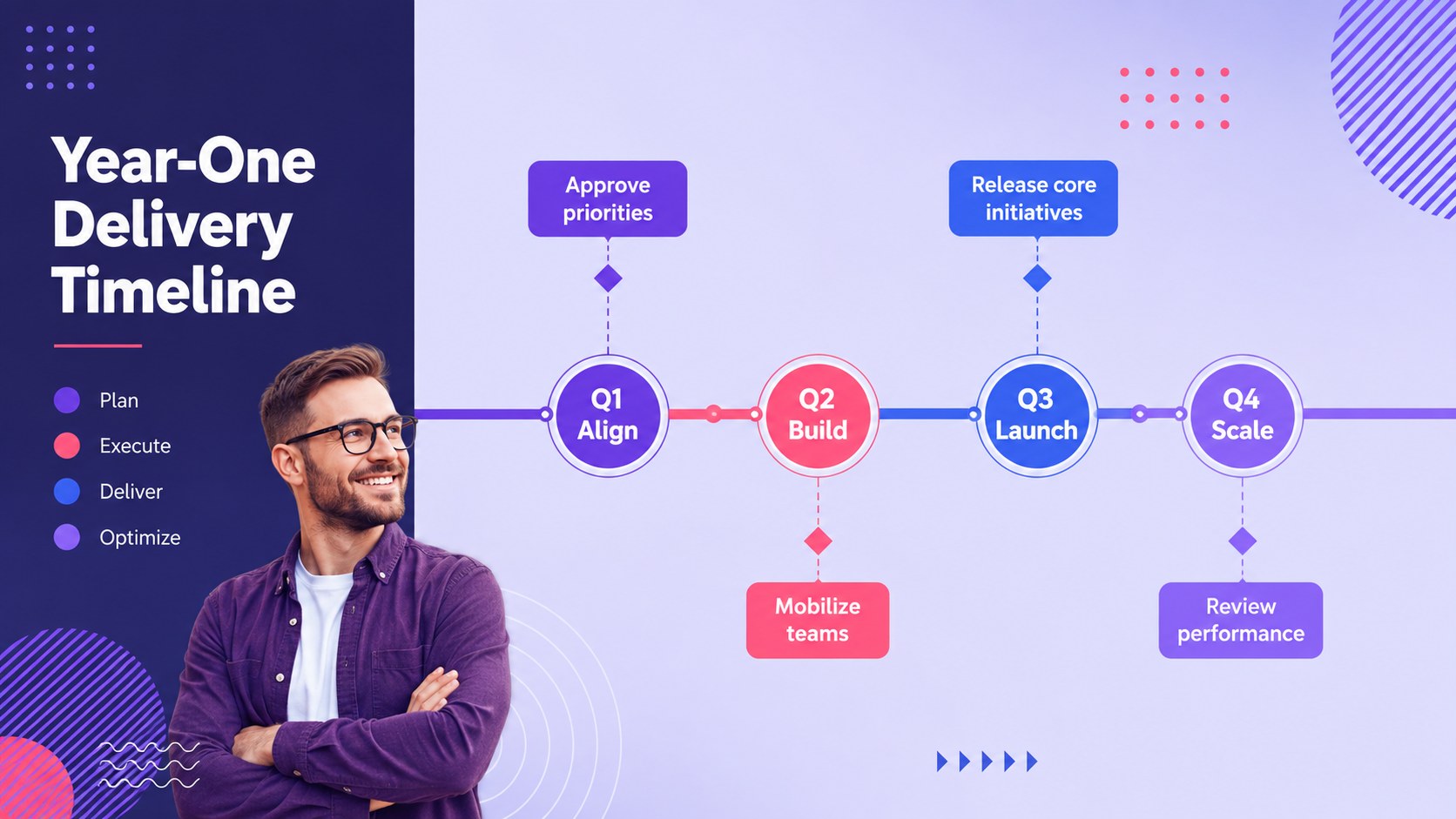
Turn priorities into accountable action with a strategic execution roadmap deck for PowerPoint and Google Slides, with timelines, milestones, and metrics.




Design notes
Move from high-level direction to measurable delivery with this strategic execution roadmap deck. Its polished purple, violet, pink, and blue design helps teams explain where they are heading, what must happen next, and how progress will be evaluated. Every layout is fully editable in PowerPoint and Google Slides.
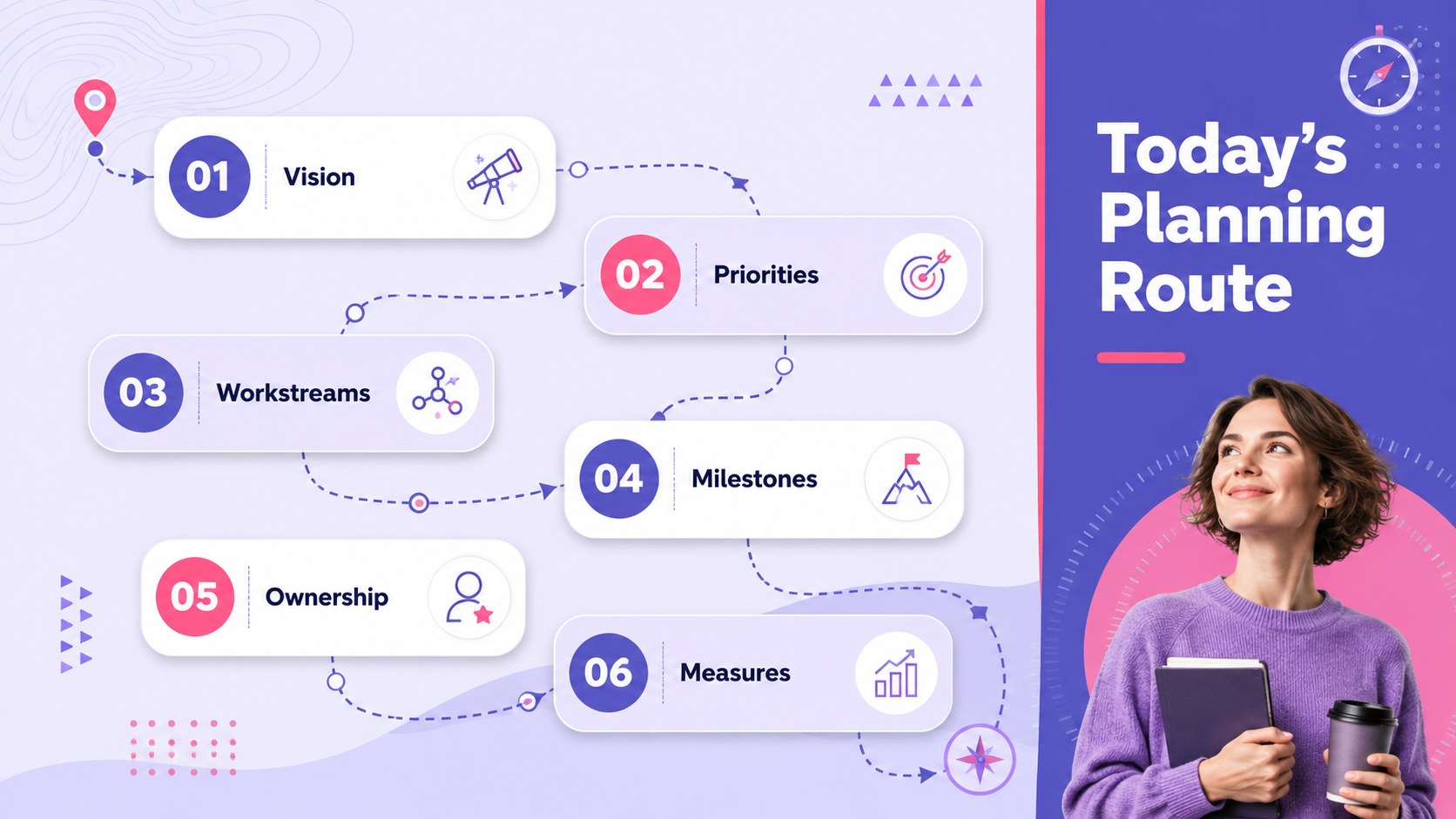
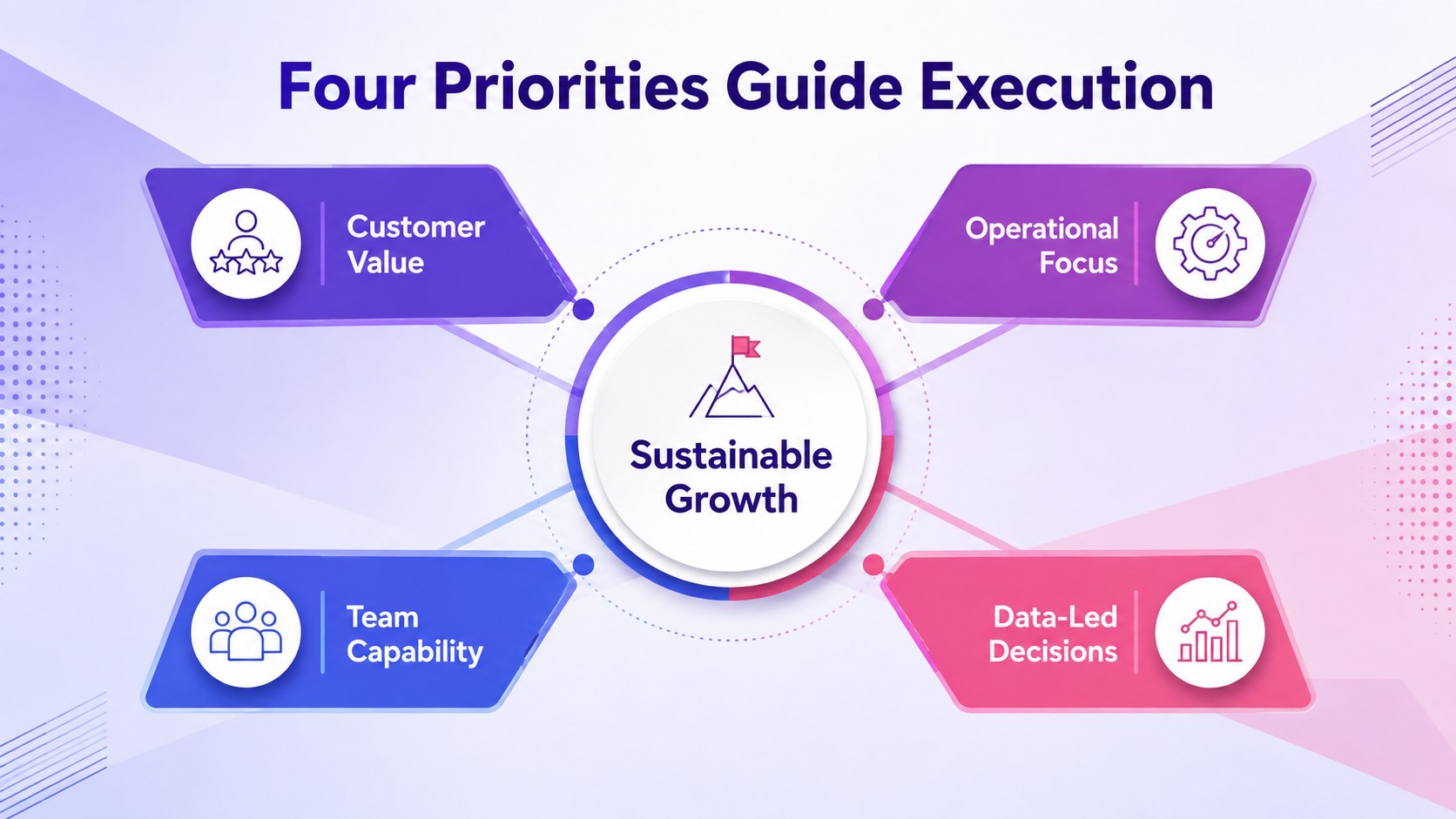
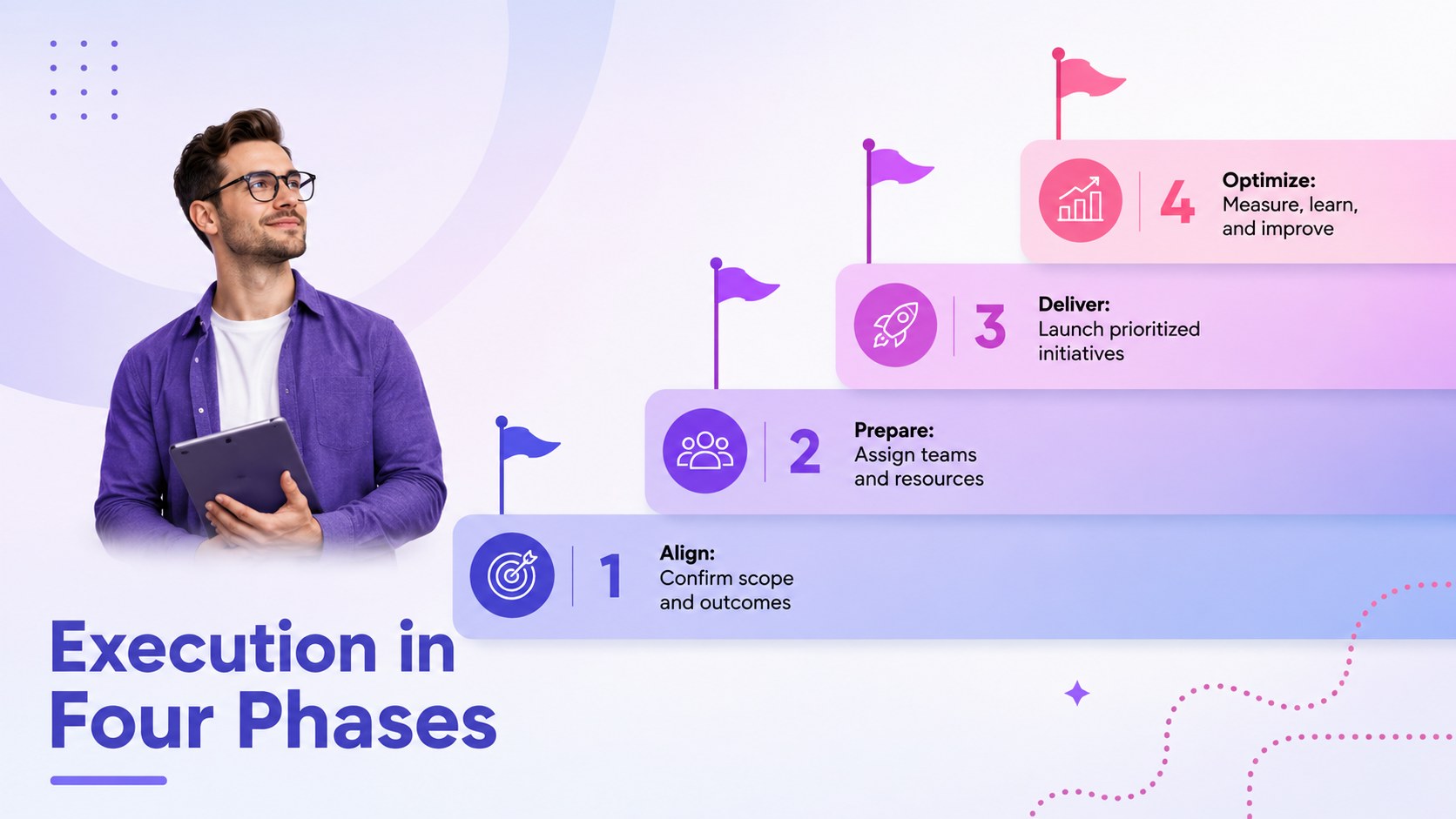
Inside, you will find a strategic planning roadmap template with layouts for objectives, workstreams, milestones, dependencies, ownership, risks, and performance indicators. Project execution timeline slides make it easy to organize initiatives by phase or quarter, while comparison and dashboard layouts connect current conditions with desired outcomes. Icons, charts, diagrams, and text placeholders can be adapted to match your organization, project scope, and reporting needs.
This business roadmap presentation deck is suited to leadership briefings, operational planning sessions, transformation programs, product launches, and cross-functional project reviews. Project managers can clarify responsibilities and deadlines, executives can communicate priorities, and consultants can turn recommendations into a practical sequence of actions. Use the complete deck for a formal planning presentation or select individual slides for status meetings, workshops, and stakeholder updates.
Perfect for: quarterly leadership planning; product launch coordination; business transformation briefing; cross-functional project kickoff; strategy progress review.
Frequently asked questions
Can I edit every part of this presentation? Yes. Text, colors, icons, charts, timelines, and layout elements can be edited to reflect your plan, brand, and reporting structure.
Practical details
Yes. Text, colors, icons, charts, timelines, and layout elements can be edited to reflect your plan, brand, and reporting structure.
The deck is designed for PowerPoint and Google Slides. You can present it directly or export selected slides as PDF files for distribution.
Replace the sample phases, dates, milestones, and owners with your project details. Duplicate or remove timeline sections to match the length and complexity of your implementation plan.
Yes. Update the theme colors, typefaces, logo placement, and imagery using the editing tools in PowerPoint or Google Slides. Keep strong contrast between text and backgrounds for clear presentation-room visibility.
Keep exploring
15Shape your publishing concept with an indie magazine startup pitch deck featuring pastel gradients, bold collage layouts, and editable planning slides.
 16
16Build clear project stories with the Icon Grid Teamwork Theme, a flexible blue illustrated deck for proposals, strategy updates, and team meetings.
 3
3Turn priorities into an actionable plan with an annual goals roadmap infographic, featuring editable orange and teal layouts for PowerPoint and Google Slides.
 15
15Create an Annual Achievement Report Presentation with colorful geometric layouts for milestones, results, lessons, and priorities in PowerPoint or Google Slides.
 15
15Turn results into a focused annual performance evaluation report with dark 3D slides for KPIs, achievements, feedback, and next-step goals for teams.
 15
15Guide a focused annual recap with Business Results Retrospective Slides, a muted brown-and-blue template for PowerPoint and Google Slides.
 6
6Turn complex plans into clear visual stories with Color-Coded Workflow Path Slides, an editable set for project updates, roadmaps, and team briefings.
 6
6Compare regional performance at a glance with Global Data Heatmap Slides, a clean multicolor deck designed for editable PowerPoint and Google Slides.