
 15
15presentation
Indie Magazine Startup Pitch Deck
Shape your publishing concept with an indie magazine startup pitch deck featuring pastel gradients, bold collage layouts, and editable planning slides.
Google SlidesPowerPoint
presentation · English
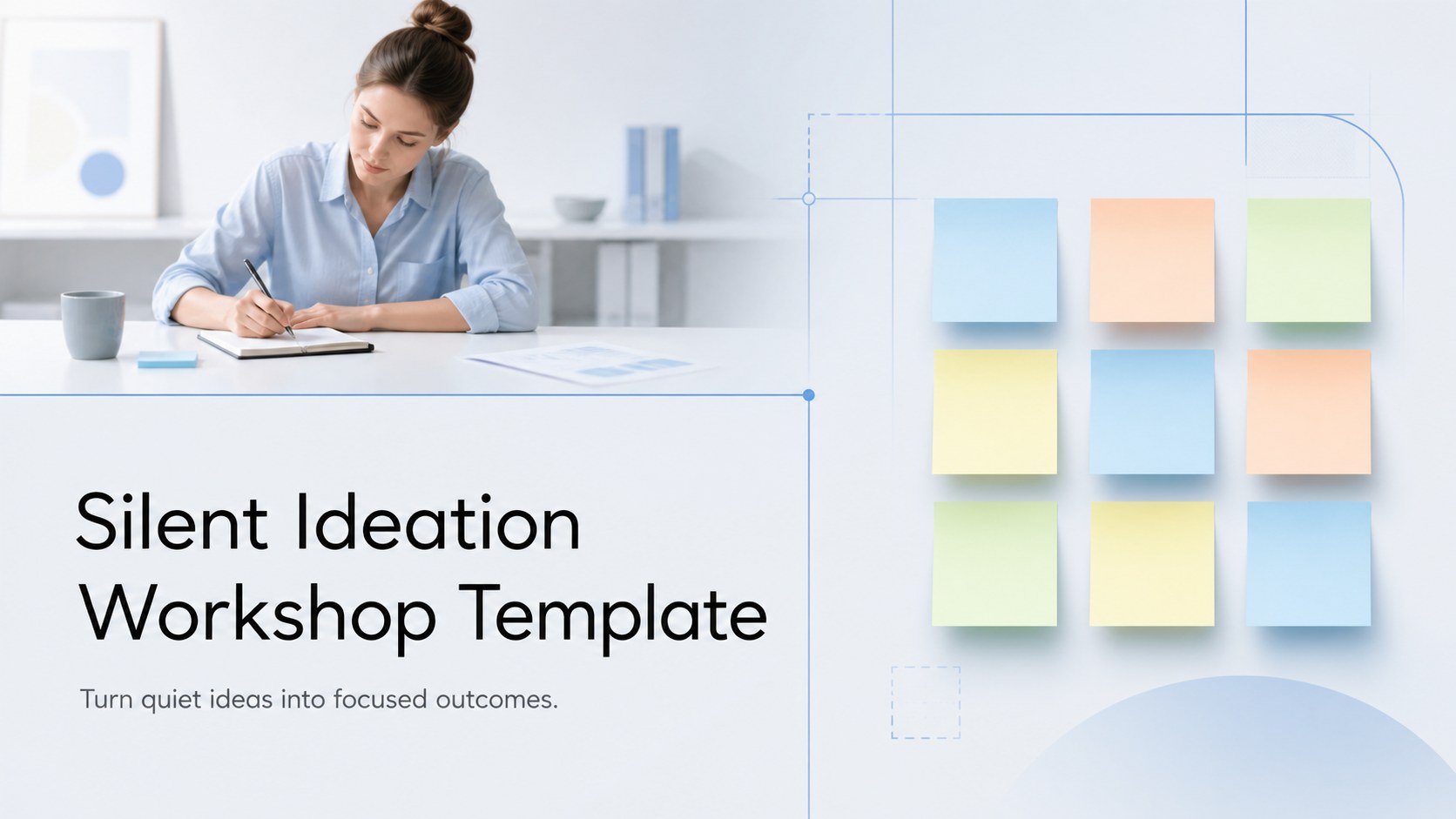
Turn quiet ideas into focused outcomes with this silent ideation workshop template, a grey-blue deck for teams, planning sessions, and creative reviews.
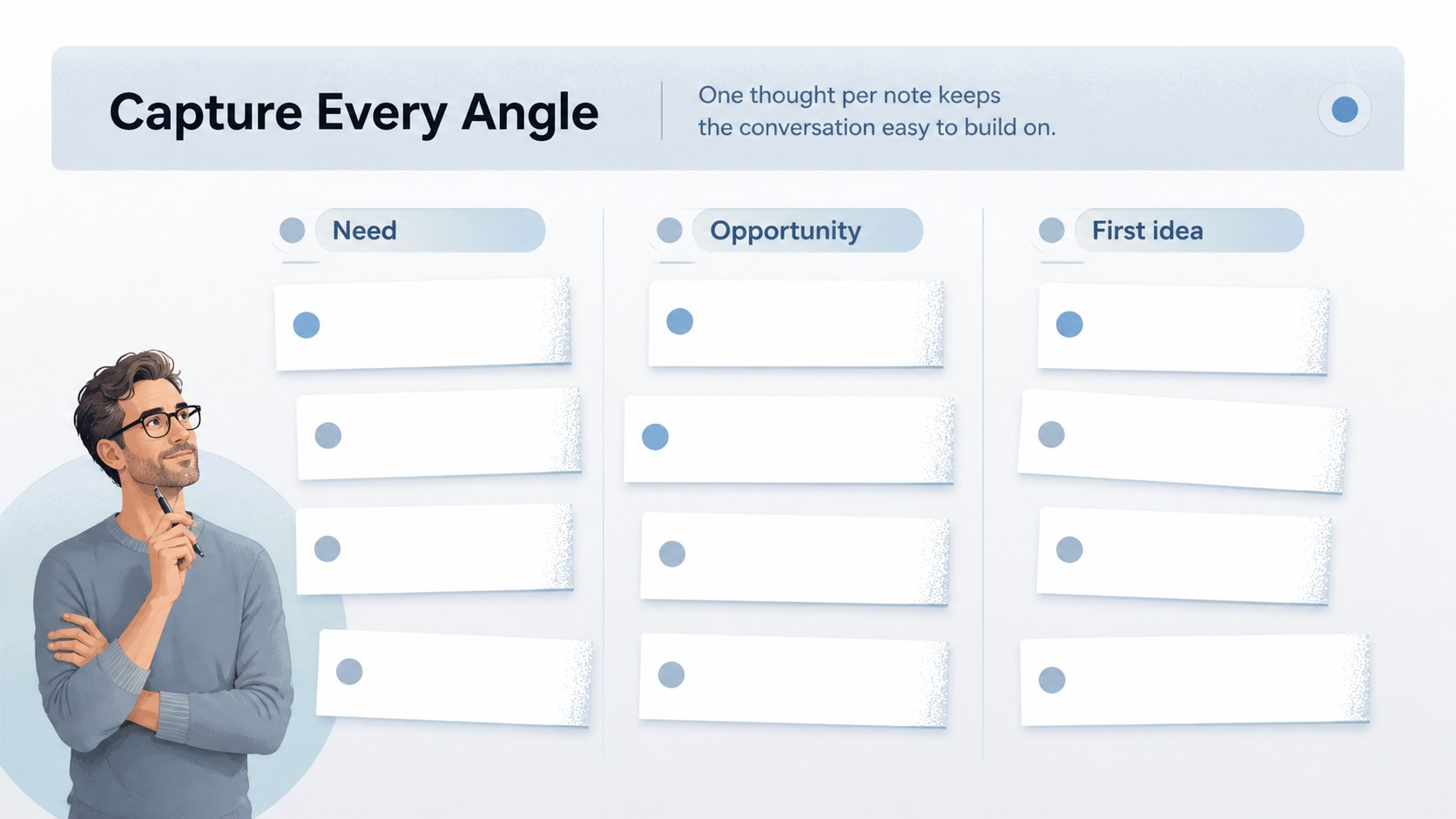
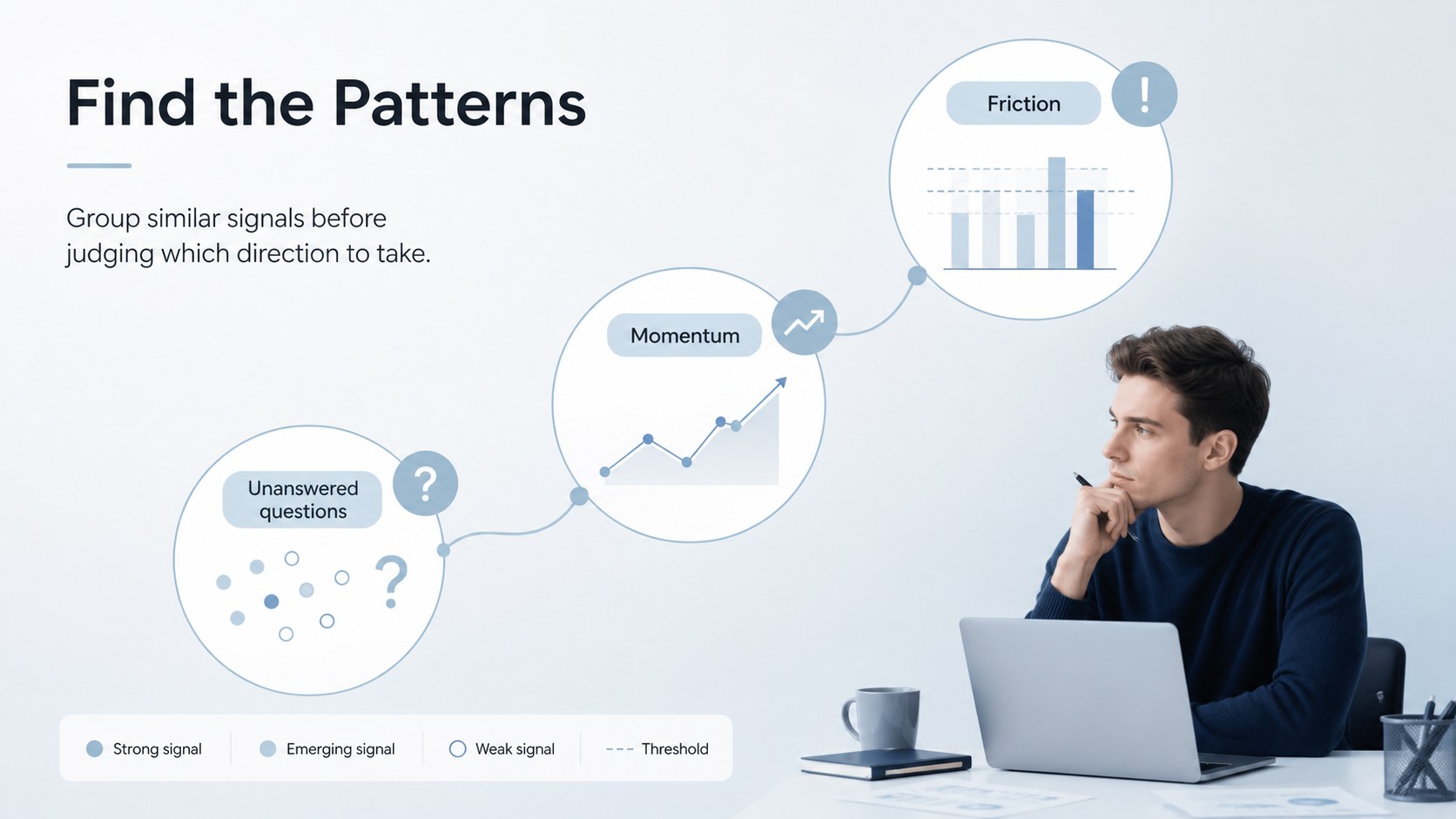
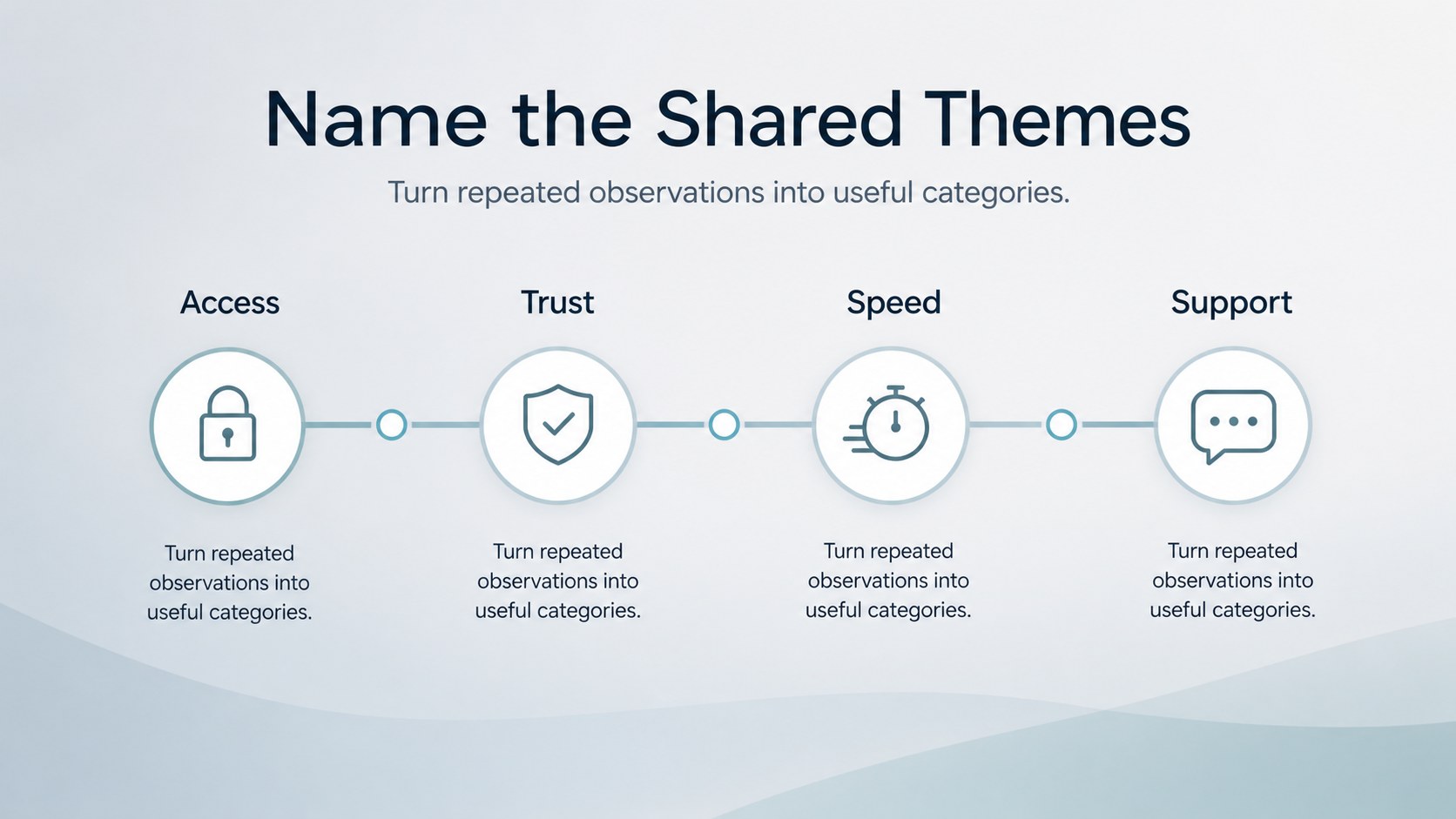
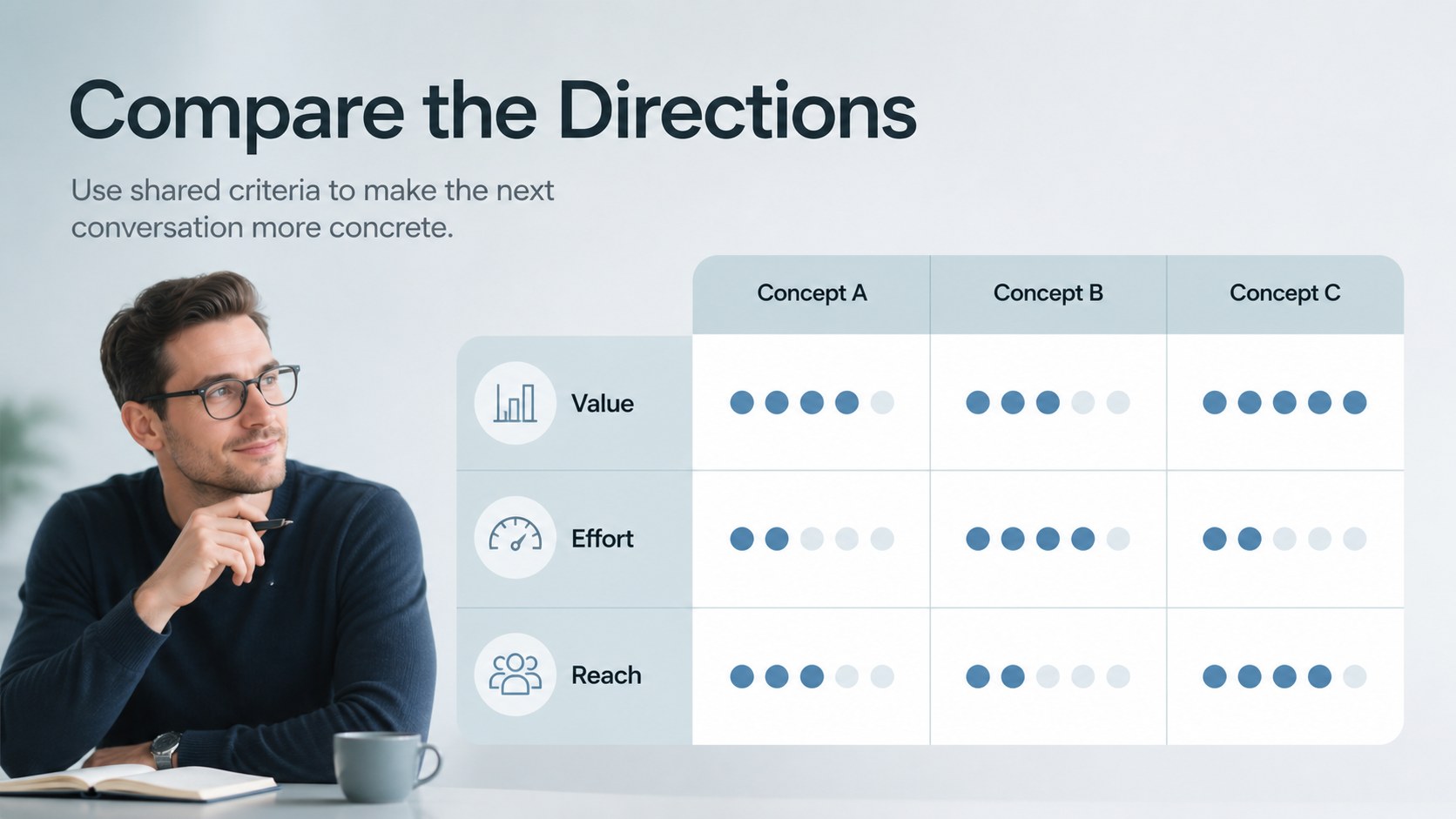
Design notes
Silent Ideation Workshop Template is a calm, practical presentation deck for teams that want better ideas without letting the loudest voice lead the room. The grey-blue gradient, clean typography, and spacious layouts create a focused setting for silent brainstorming, idea sorting, and productive discussion.
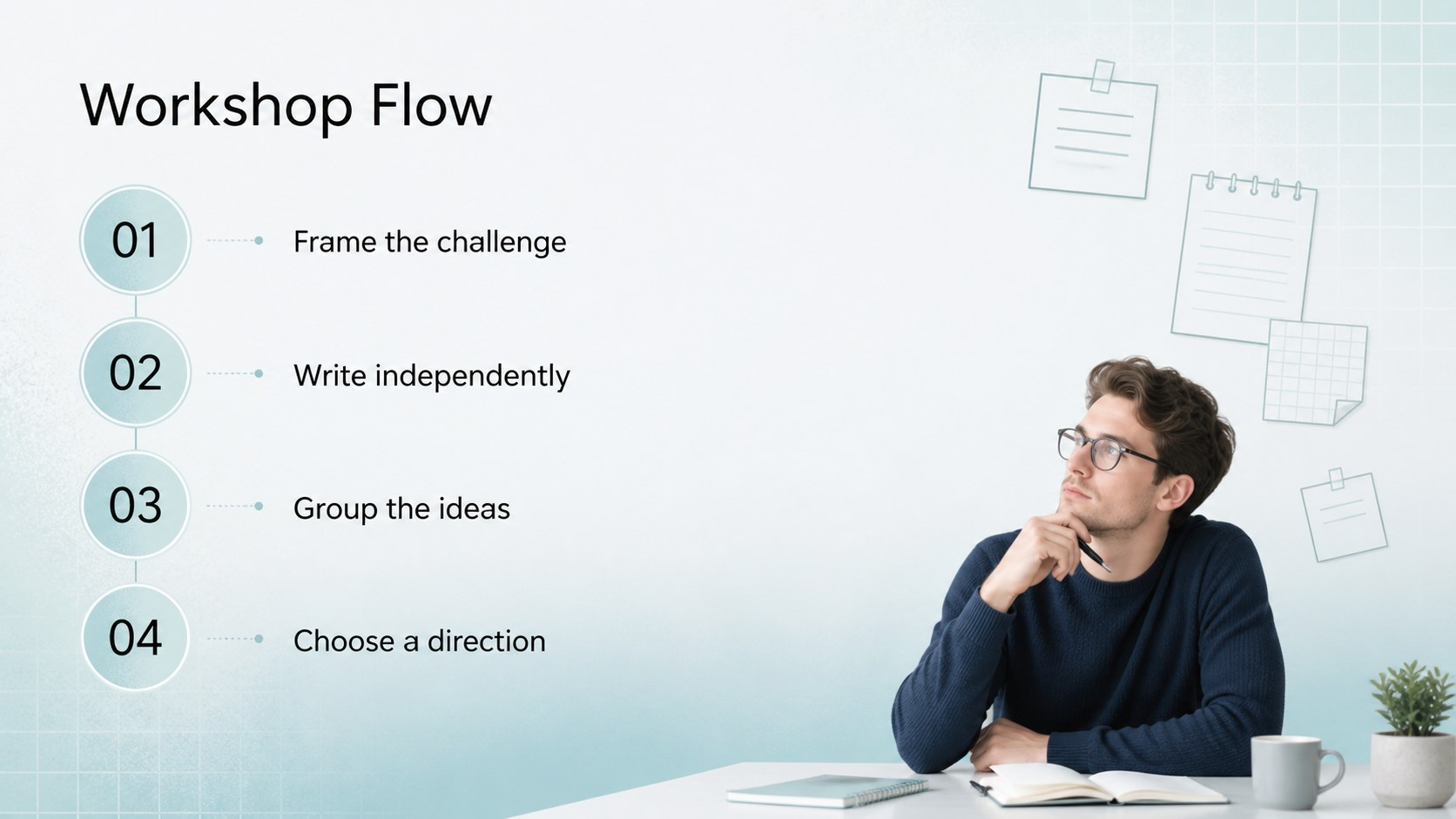
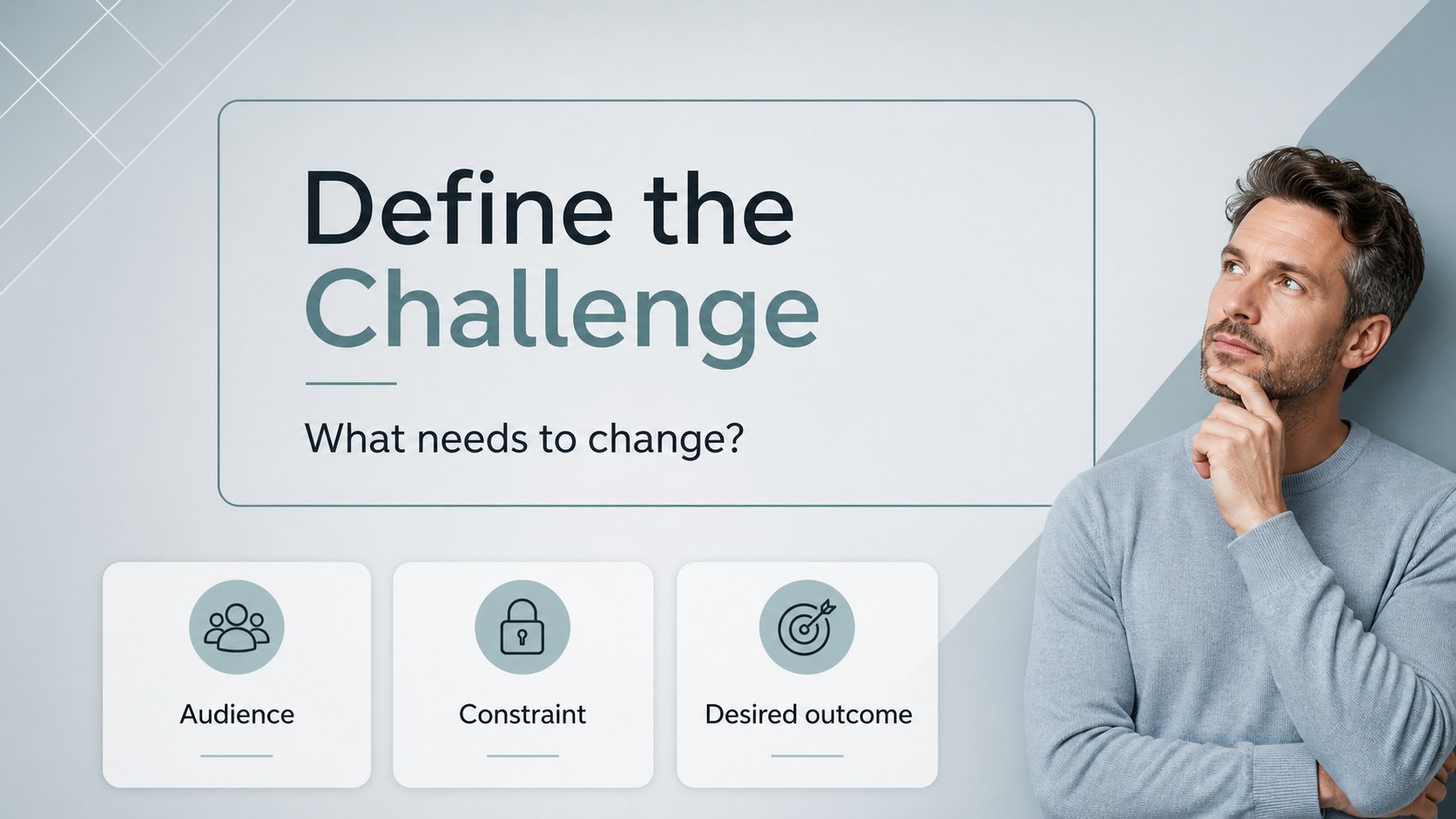
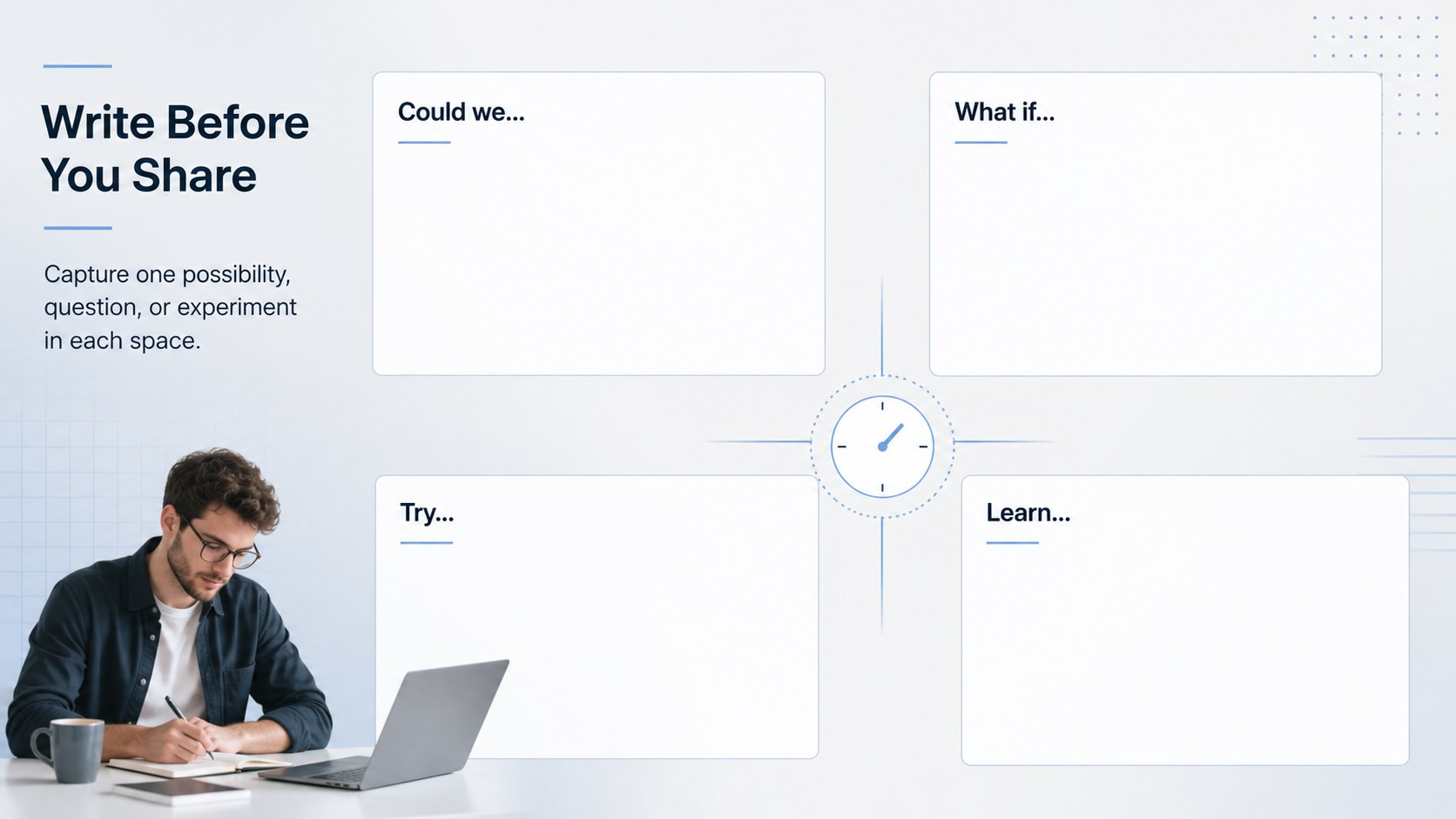
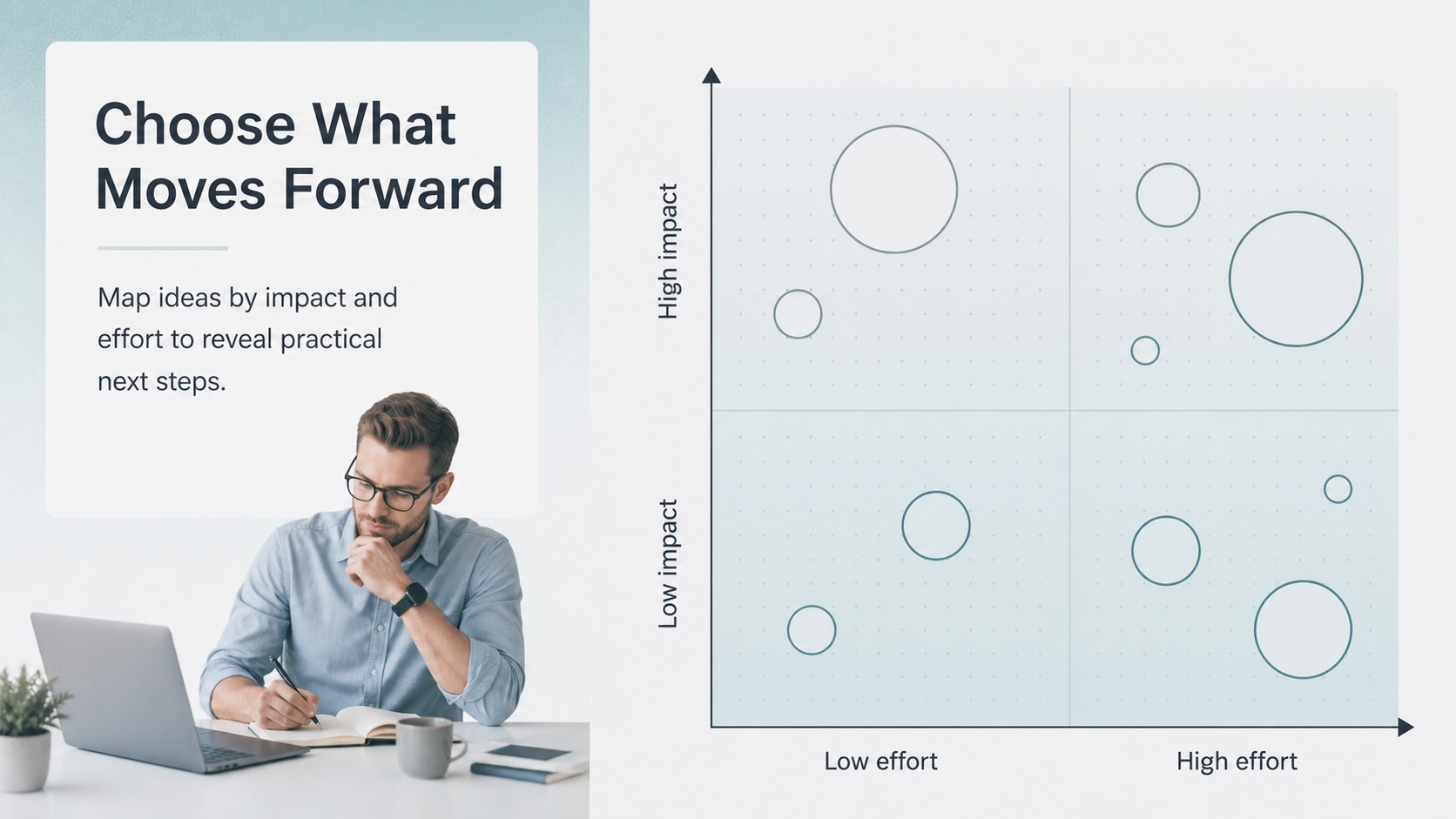
Inside, you’ll find 20 editable 16:9 slides for introducing a workshop, framing a challenge, collecting individual ideas, grouping related thoughts, prioritizing opportunities, and turning selected concepts into next steps. Use the layouts for prompt cards, idea clusters, comparison tables, simple process diagrams, decision matrices, action plans, and closing reflections. The design stays minimal and professional while giving each contribution enough space to be read and discussed.
This deck suits business teams, creative agencies, educators, facilitators, and project leads running remote or in-person sessions. It works well as a silent brainstorming presentation, a collaborative planning deck, or an idea prioritization workshop template. Edit the text, colors, charts, and shapes, then export to PowerPoint or Google Slides when your session materials are ready.
Perfect for: silent brainstorming session; creative agency workshop; remote team planning; project prioritization meeting; classroom idea generation.
Frequently asked questions
Can I edit this workshop deck? Yes. The slides are designed for editing, where you can change wording, fonts, colors, shapes, charts, and images. The layouts can be adapted for both live facilitation and distributed workshop materials.
Practical details
Yes. The slides are designed for editing, where you can change wording, fonts, colors, shapes, charts, and images. The layouts can be adapted for both live facilitation and distributed workshop materials.
Yes. Open the editable design and export it as a PowerPoint file, or save a copy to Google Drive for use in Google Slides. Some -only animation and media features may not transfer exactly.
It supports silent brainstorming, idea clustering, project planning, creative problem solving, and prioritization exercises. Replace the prompts and examples with content that matches your team, class, or client session.
Yes. lets you apply a new color palette while preserving the deck’s structured layout and visual hierarchy. Keep a strong contrast between text and backgrounds so ideas remain easy to scan during discussion.
Keep exploring
15Shape your publishing concept with an indie magazine startup pitch deck featuring pastel gradients, bold collage layouts, and editable planning slides.
 16
16Build clear project stories with the Icon Grid Teamwork Theme, a flexible blue illustrated deck for proposals, strategy updates, and team meetings.
 3
3Turn priorities into an actionable plan with an annual goals roadmap infographic, featuring editable orange and teal layouts for PowerPoint and Google Slides.
 15
15Create an Annual Achievement Report Presentation with colorful geometric layouts for milestones, results, lessons, and priorities in PowerPoint or Google Slides.
 15
15Turn results into a focused annual performance evaluation report with dark 3D slides for KPIs, achievements, feedback, and next-step goals for teams.
 15
15Guide a focused annual recap with Business Results Retrospective Slides, a muted brown-and-blue template for PowerPoint and Google Slides.
 6
6Turn complex plans into clear visual stories with Color-Coded Workflow Path Slides, an editable set for project updates, roadmaps, and team briefings.
 6
6Compare regional performance at a glance with Global Data Heatmap Slides, a clean multicolor deck designed for editable PowerPoint and Google Slides.