
 15
15presentation
Indie Magazine Startup Pitch Deck
Shape your publishing concept with an indie magazine startup pitch deck featuring pastel gradients, bold collage layouts, and editable planning slides.
Google SlidesPowerPoint
presentation · English
Build a clearer view of every retail touchpoint with a shopper experience mapping deck for PowerPoint and Google Slides, ready for team workshops.


Design notes
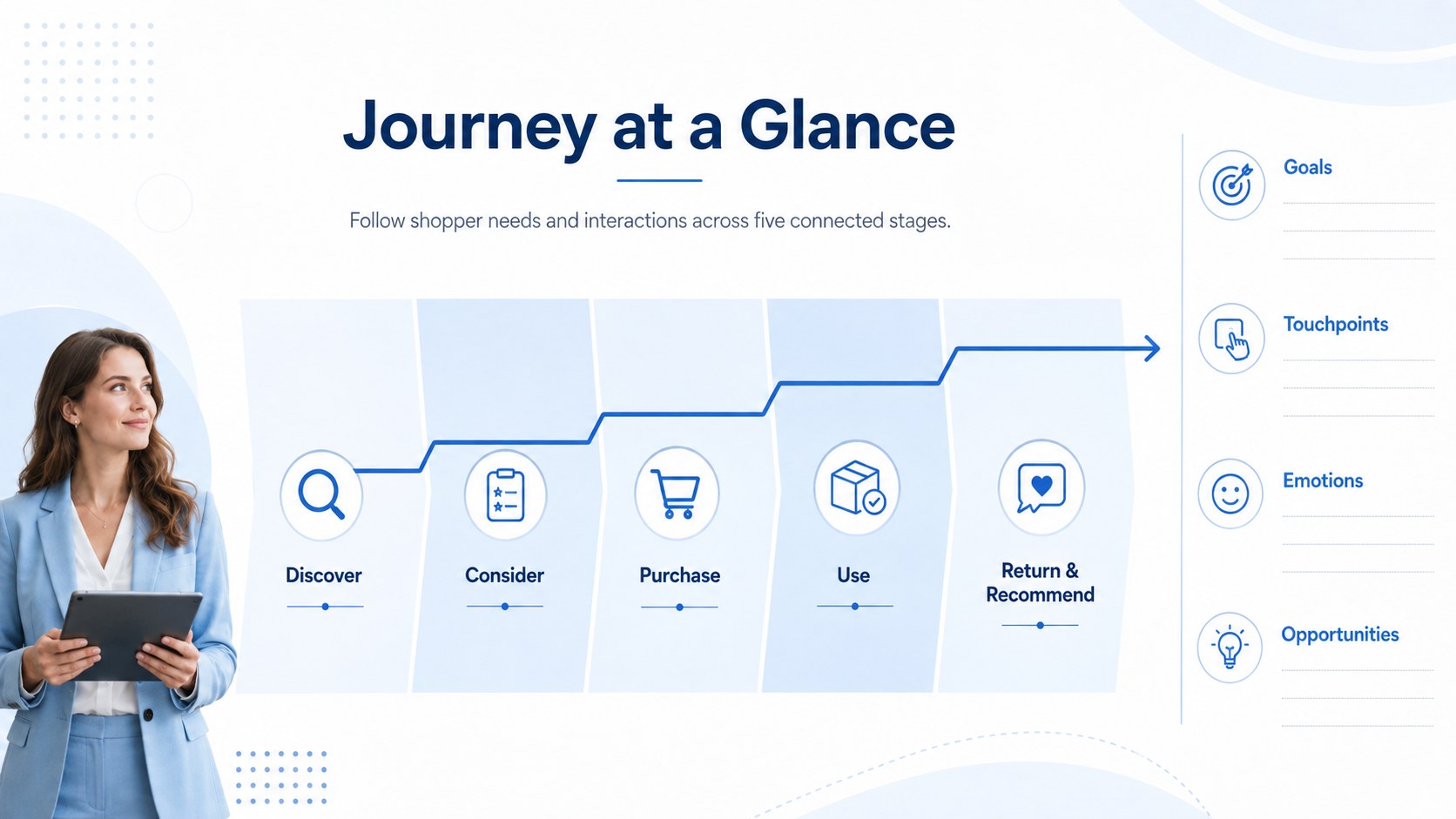
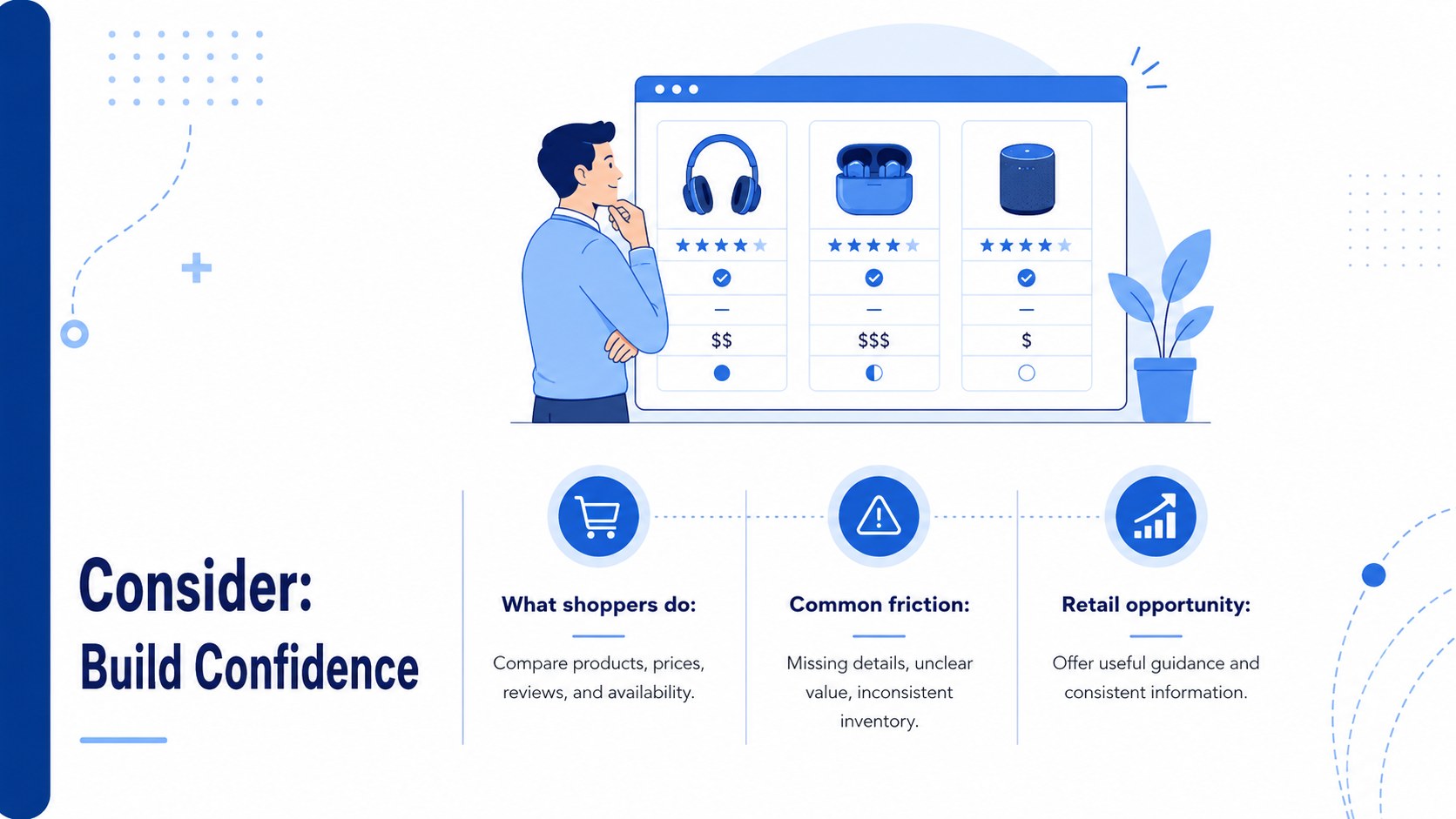
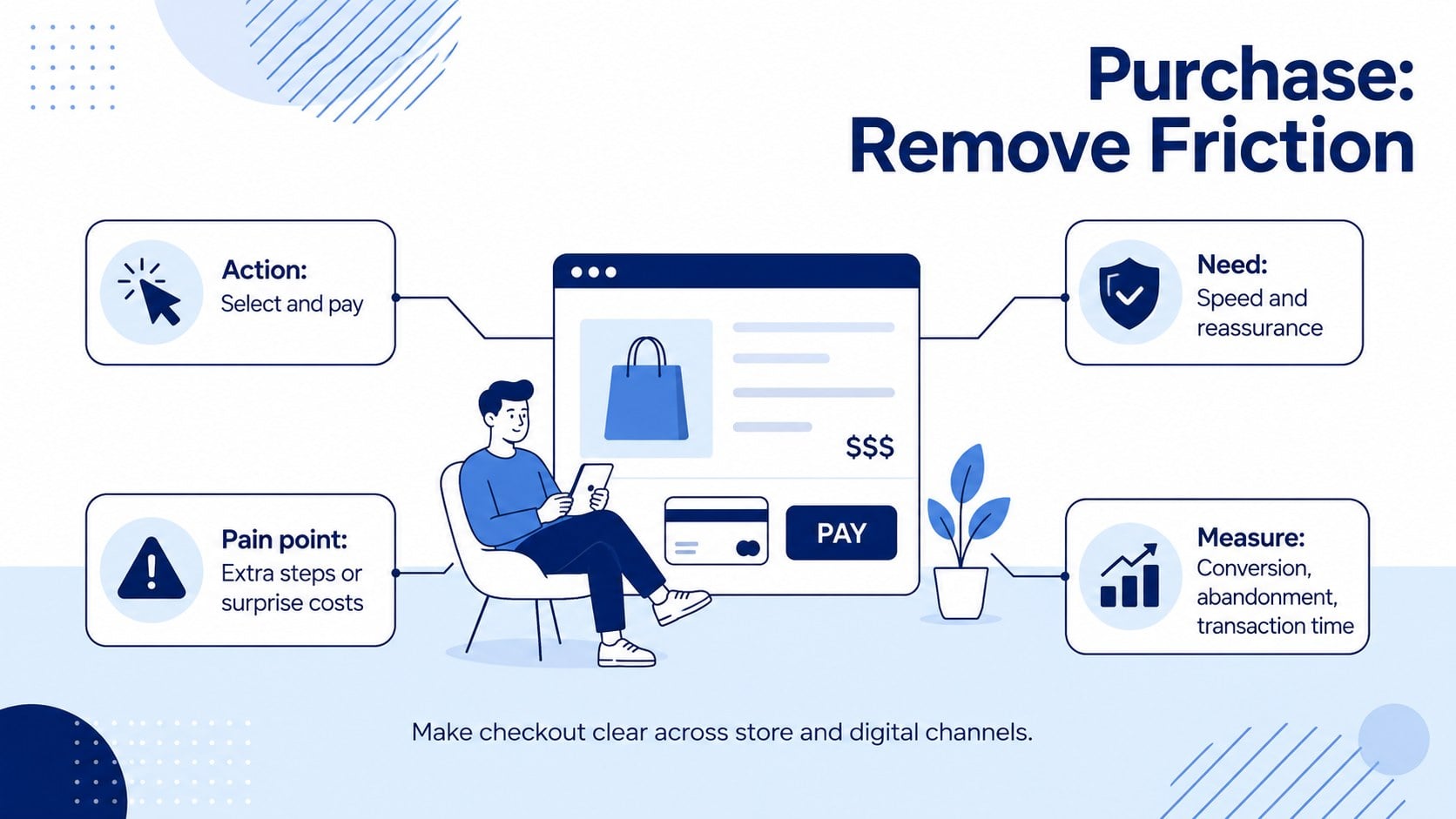
Make each step of the buying experience easier to understand with this shopper experience mapping deck. Designed for retail professionals, the six-slide presentation connects customer goals, behaviors, touchpoints, emotions, and business opportunities across physical and digital channels. Its crisp white-and-blue palette, modern illustrations, and structured infographic layouts keep complex findings approachable.
The deck includes a journey overview plus focused layouts for discovery, consideration, purchase, and post-purchase loyalty. Use it as an omnichannel customer touchpoint map template, document friction between store and ecommerce interactions, or build a shopper pain point analysis deck for an upcoming strategy session. Each stage offers concise areas for observations, challenges, metrics, and recommended actions. The layouts are editable, so teams can adjust labels, reorder stages, replace icons, and add findings from interviews or analytics.
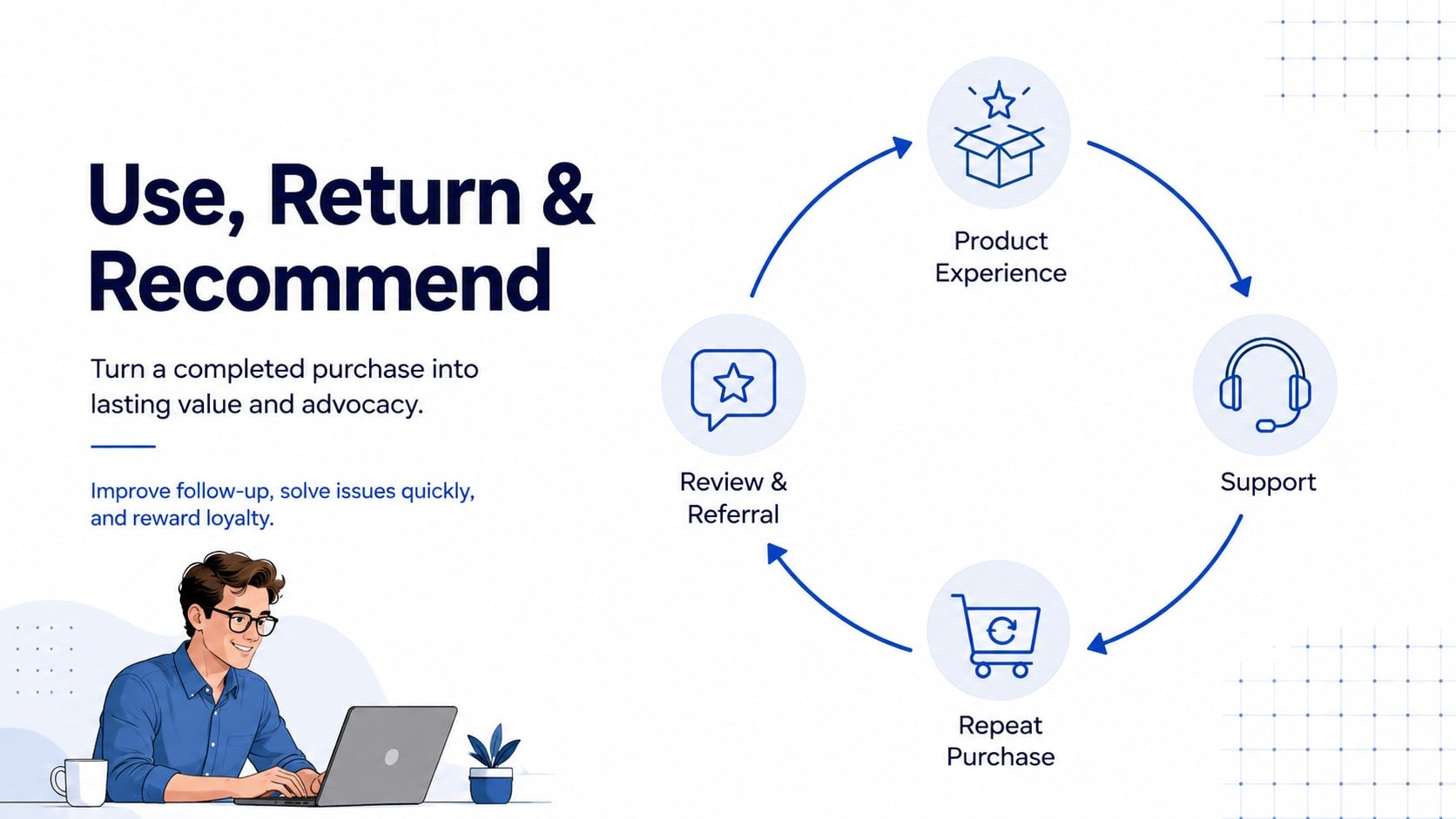
Retail strategists, customer experience teams, store operations leaders, ecommerce managers, and consultants can use these slides for journey workshops, quarterly planning, campaign reviews, and service improvement meetings. The final loyalty view also works as a post purchase loyalty journey template for tracking support, repeat buying, reviews, and advocacy. Open the deck in PowerPoint or Google Slides to customize the content, typography, colors, and visual hierarchy for your organization.
Perfect for: omnichannel journey workshop; retail strategy meeting; ecommerce experience review; store service improvement; shopper research presentation.
Frequently asked questions
Can I edit every part of the deck? Yes. Titles, stage labels, icons, shapes, colors, and journey details can be edited to reflect your own shopper research and retail process.
Practical details
Yes. Titles, stage labels, icons, shapes, colors, and journey details can be edited to reflect your own shopper research and retail process.
The template is designed for PowerPoint and Google Slides. Some fonts or transitions may vary slightly between platforms, so review the final deck before presenting.
Yes. Rename the touchpoints and stages to cover physical stores, websites, mobile apps, marketplaces, delivery, or customer support within one omnichannel journey.
Replace the blue accents with your brand colors, update the typefaces, and swap the illustrations or icons. Keep the stage structure consistent so audiences can compare shopper behaviors and pain points quickly.
Keep exploring
15Shape your publishing concept with an indie magazine startup pitch deck featuring pastel gradients, bold collage layouts, and editable planning slides.
 16
16Build clear project stories with the Icon Grid Teamwork Theme, a flexible blue illustrated deck for proposals, strategy updates, and team meetings.
 3
3Turn priorities into an actionable plan with an annual goals roadmap infographic, featuring editable orange and teal layouts for PowerPoint and Google Slides.
 15
15Create an Annual Achievement Report Presentation with colorful geometric layouts for milestones, results, lessons, and priorities in PowerPoint or Google Slides.
 15
15Turn results into a focused annual performance evaluation report with dark 3D slides for KPIs, achievements, feedback, and next-step goals for teams.
 15
15Guide a focused annual recap with Business Results Retrospective Slides, a muted brown-and-blue template for PowerPoint and Google Slides.
 6
6Turn complex plans into clear visual stories with Color-Coded Workflow Path Slides, an editable set for project updates, roadmaps, and team briefings.
 6
6Compare regional performance at a glance with Global Data Heatmap Slides, a clean multicolor deck designed for editable PowerPoint and Google Slides.