
 15
15presentation
Indie Magazine Startup Pitch Deck
Shape your publishing concept with an indie magazine startup pitch deck featuring pastel gradients, bold collage layouts, and editable planning slides.
Google SlidesPowerPoint
presentation · English
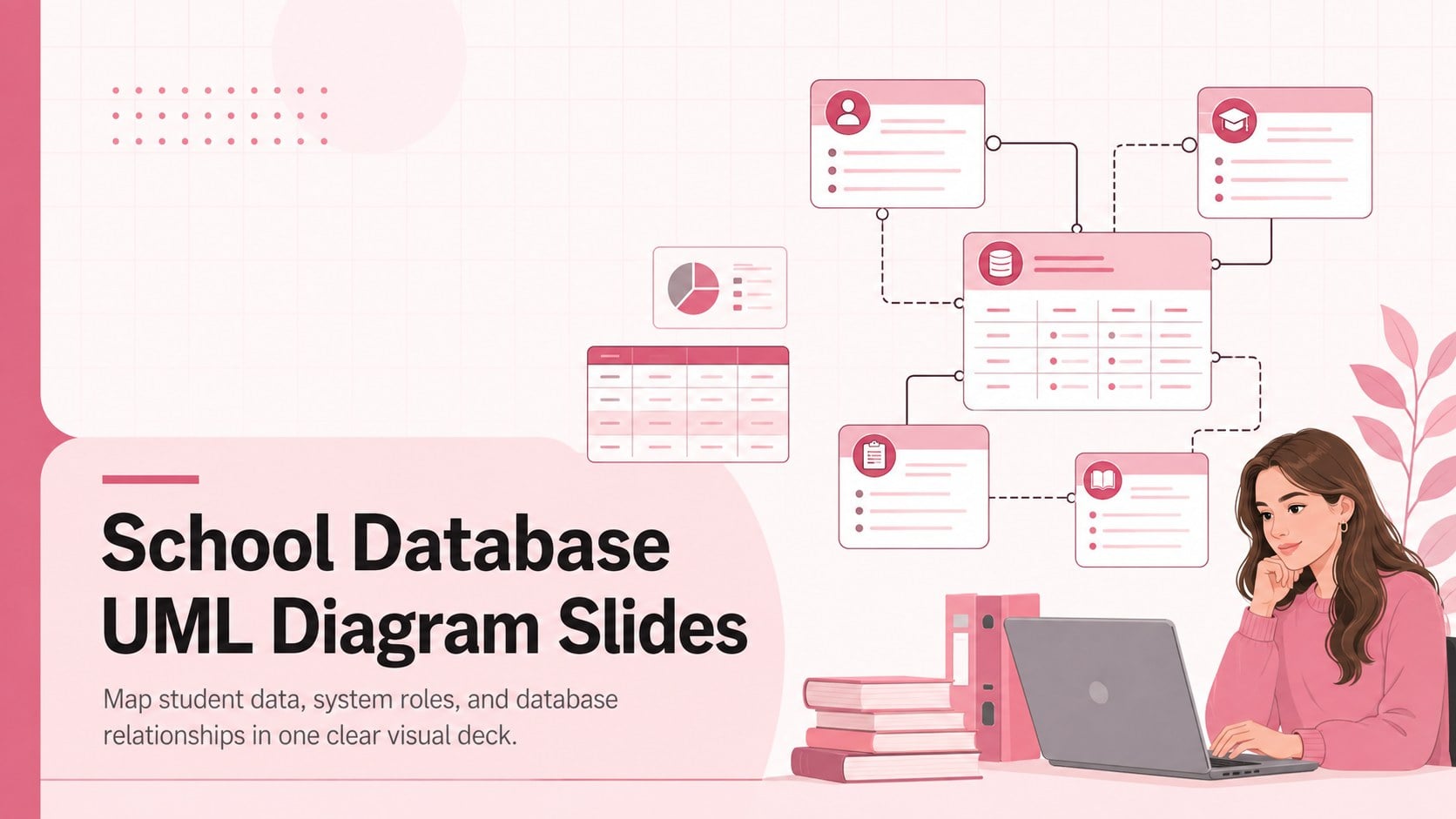
Plan student records and academic workflows with School Database UML Diagram Slides, an editable pink template for PowerPoint and Google Slides.

Design notes
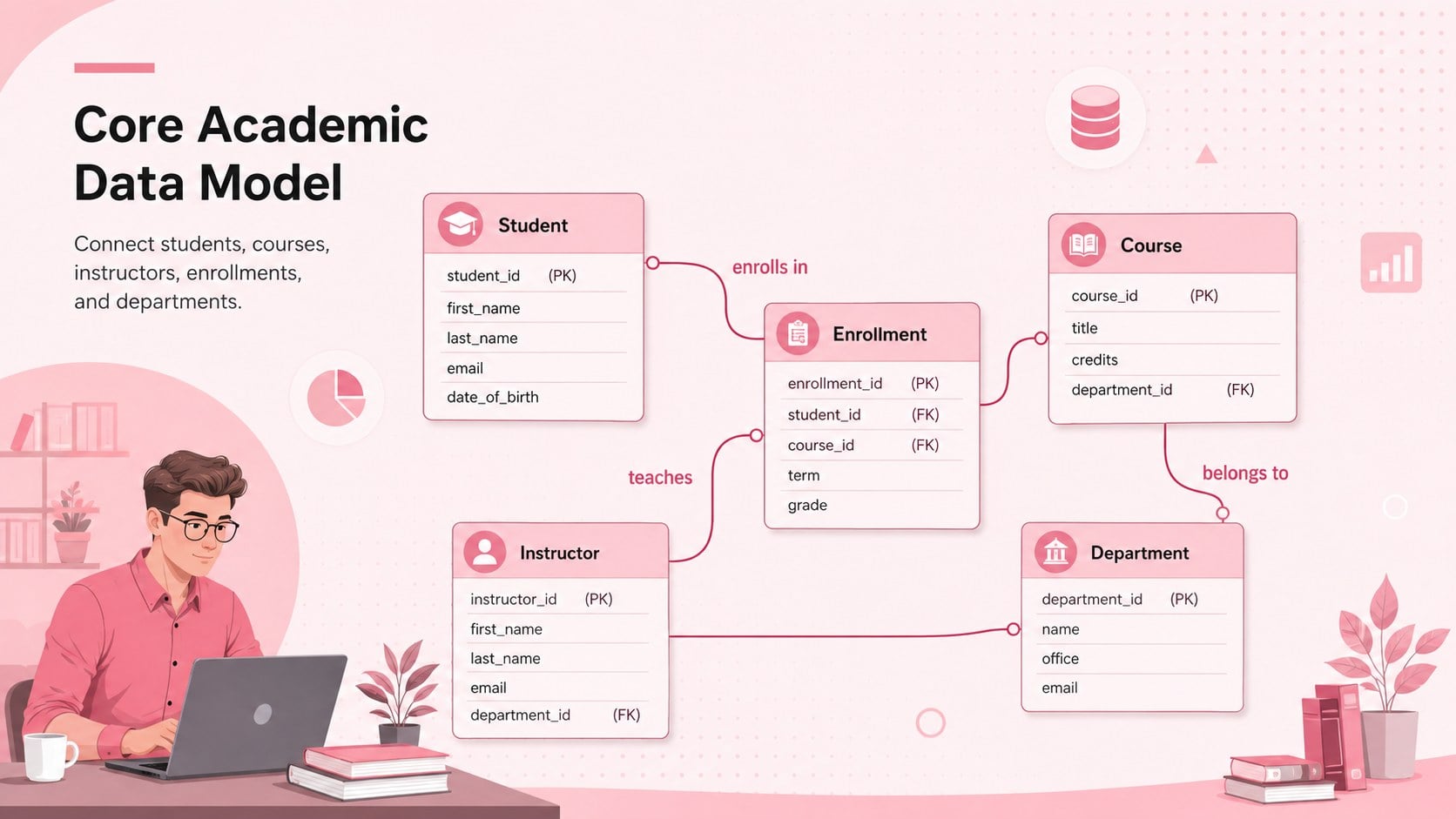
School Database UML Diagram Slides provide a structured workspace for explaining how student records, courses, enrollments, staff roles, and academic departments connect. The soft pink professional design keeps complex technical information approachable while preserving the precision expected from a student information system class diagram template. Use the layouts to clarify system scope, review database logic, or introduce a proposed platform to nontechnical stakeholders.
Inside the deck are three coordinated 16:9 layouts: an introductory cover, a detailed UML class model, and a workflow-focused system overview. Editable class blocks, relationship lines, labels, and notes make it easy to document entities, attributes, methods, and cardinality. The layouts can also serve as editable education UML slides for software architecture discussions or as an academic records database diagram during requirements gathering.
This template is intended for school administrators, education technology teams, database designers, software developers, instructors, and students. Customize the terminology, rearrange entities, add institution-specific rules, or simplify the model for classroom instruction. Every element can be adjusted in PowerPoint or Google Slides, allowing teams to refine the system map collaboratively and present it in a consistent visual style.
Perfect for: student information system planning; school database architecture review; UML classroom instruction; academic software requirements workshop; education platform stakeholder briefing.
Frequently asked questions
Can I edit the UML classes and relationships? Yes. You can rename classes, revise attributes and methods, move connectors, and add new system entities to match your database model.
Practical details
Yes. You can rename classes, revise attributes and methods, move connectors, and add new system entities to match your database model.
The template is designed for PowerPoint and Google Slides. Layouts, text, colors, and diagram elements remain editable on both platforms.
Yes. Replace the pink accents with school colors or a neutral technical palette using the theme and formatting controls in your presentation software.
Yes. Detailed UML labels support developers and database designers, while the visual structure helps administrators and educators understand the main relationships.
Keep exploring
15Shape your publishing concept with an indie magazine startup pitch deck featuring pastel gradients, bold collage layouts, and editable planning slides.
 16
16Build clear project stories with the Icon Grid Teamwork Theme, a flexible blue illustrated deck for proposals, strategy updates, and team meetings.
 3
3Turn priorities into an actionable plan with an annual goals roadmap infographic, featuring editable orange and teal layouts for PowerPoint and Google Slides.
 15
15Create an Annual Achievement Report Presentation with colorful geometric layouts for milestones, results, lessons, and priorities in PowerPoint or Google Slides.
 15
15Turn results into a focused annual performance evaluation report with dark 3D slides for KPIs, achievements, feedback, and next-step goals for teams.
 15
15Guide a focused annual recap with Business Results Retrospective Slides, a muted brown-and-blue template for PowerPoint and Google Slides.
 6
6Turn complex plans into clear visual stories with Color-Coded Workflow Path Slides, an editable set for project updates, roadmaps, and team briefings.
 6
6Compare regional performance at a glance with Global Data Heatmap Slides, a clean multicolor deck designed for editable PowerPoint and Google Slides.