
 15
15presentation
Indie Magazine Startup Pitch Deck
Shape your publishing concept with an indie magazine startup pitch deck featuring pastel gradients, bold collage layouts, and editable planning slides.
Google SlidesPowerPoint
presentation · English
Use this Sales Workflow Visualization Toolkit to map pipeline stages, clarify handoffs, and present revenue operations in PowerPoint or Google Slides.




Design notes
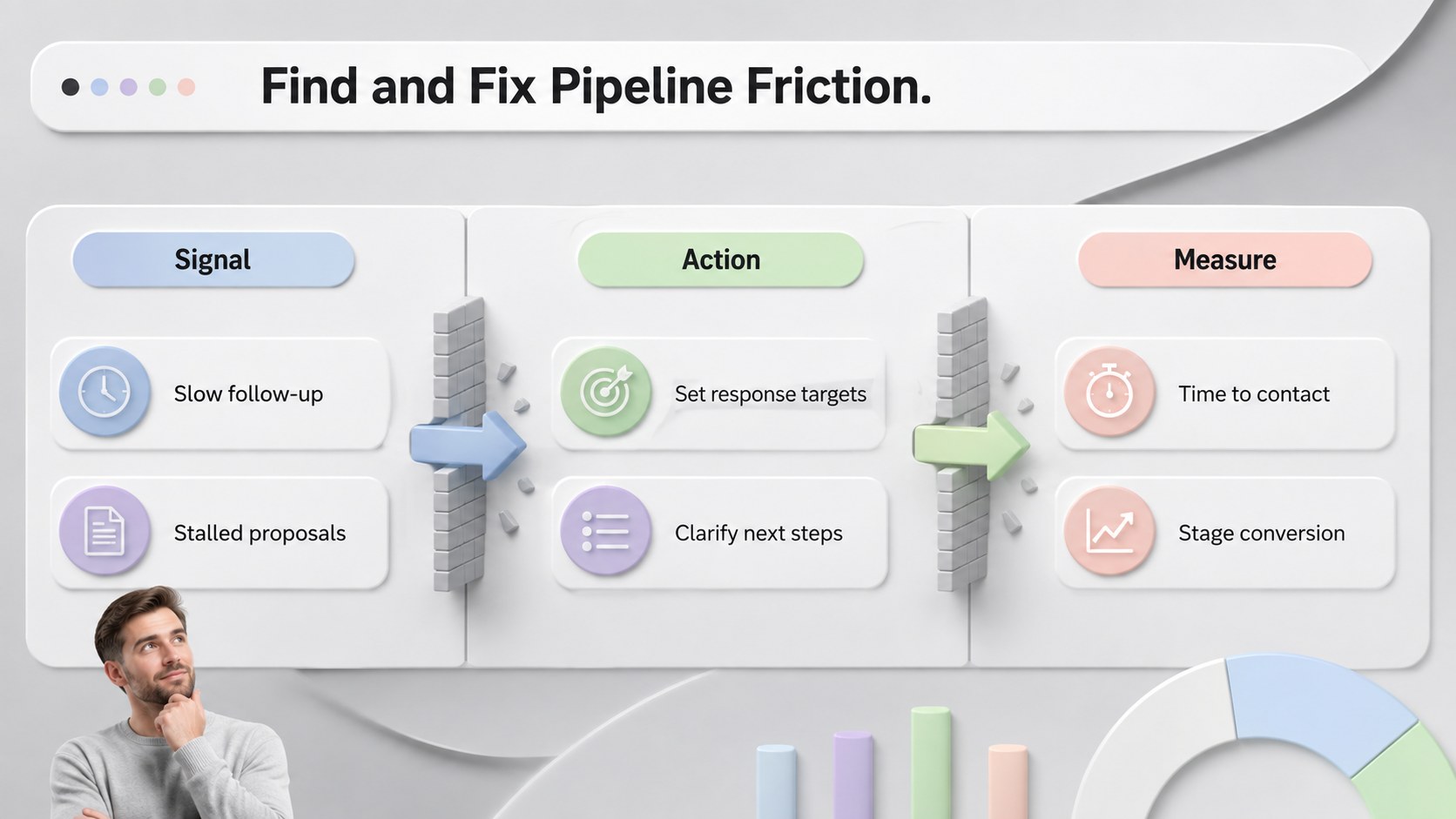
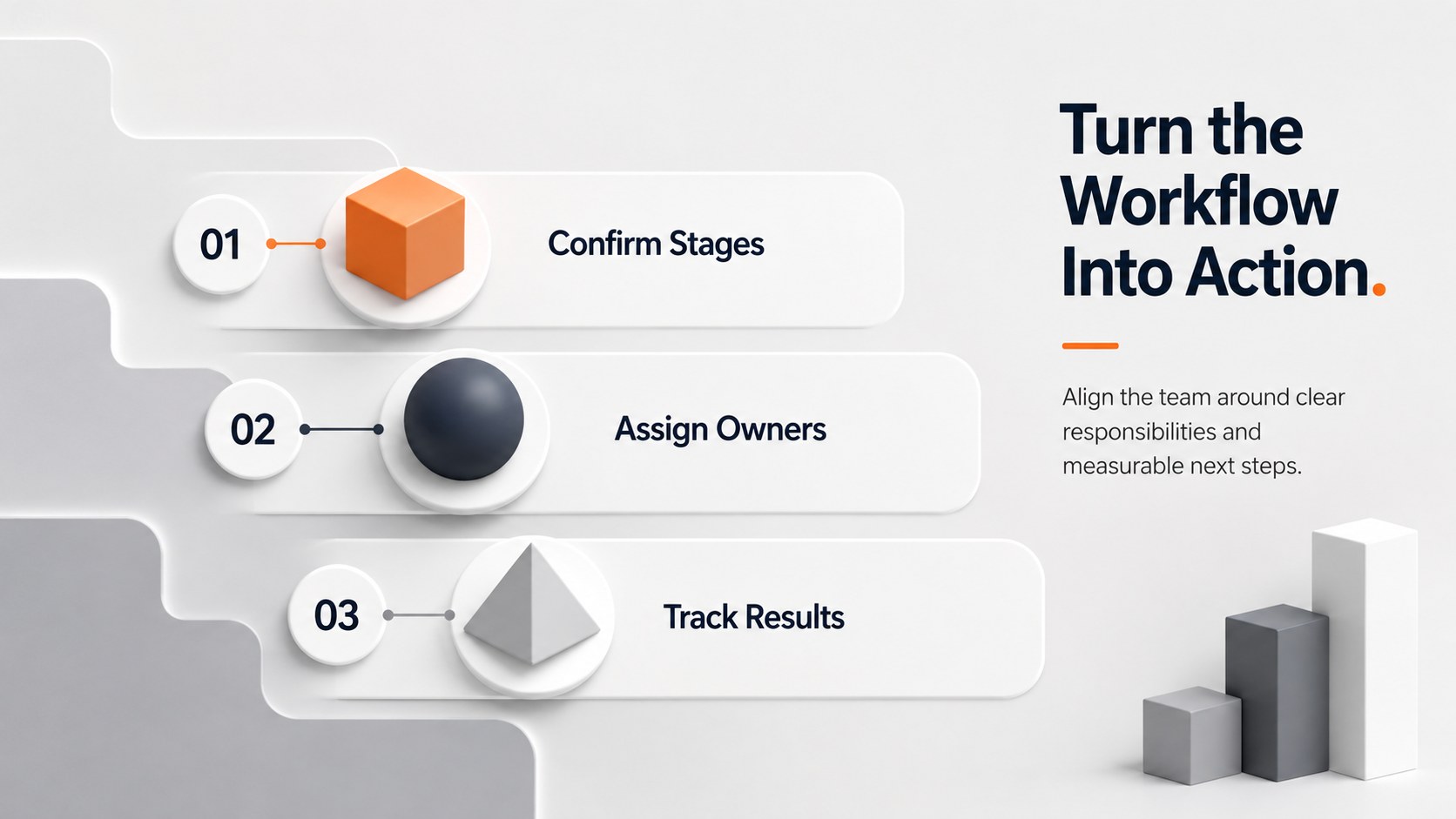
The Sales Workflow Visualization Toolkit gives revenue teams a clear, engaging way to explain how prospects move from first contact to closed deal. Built around colorful 3D graphics, restrained grey backgrounds, and clean typography, the deck turns complicated workflows into structured visuals that audiences can understand at a glance. Use it as a sales pipeline process presentation for planning sessions, leadership updates, or client-facing conversations.
Inside are six ready-to-edit layouts for mapping sequential stages, circular cycles, team handoffs, decision points, and performance checkpoints. These editable sales workflow diagrams can be adapted to match your terminology, sales methodology, or CRM stages. Change the colors, labels, shapes, and ordering in PowerPoint or Google Slides while maintaining the modern minimalist design system. Oswald and Raleway typography provides a confident balance between bold headings and readable supporting text.
The toolkit is intended for sales managers, revenue operations specialists, business development teams, consultants, and trainers. It works especially well as a visual sales handoff template when responsibilities pass between marketing, qualification, account executives, and customer success. Whether you are documenting a new process, identifying pipeline friction, onboarding representatives, or presenting a revised operating model, these slides help keep the discussion focused on actions, ownership, and measurable progress.
Perfect for: sales pipeline planning; revenue operations review; sales representative onboarding; CRM stage documentation; cross-team handoff workshop.
Frequently asked questions
Can I edit every workflow stage? Yes. Stage names, descriptions, colors, shapes, and sequence markers can be changed to reflect your sales model and internal terminology.
Practical details
Yes. Stage names, descriptions, colors, shapes, and sequence markers can be changed to reflect your sales model and internal terminology.
The layouts are designed for PowerPoint and Google Slides. Both platforms support editing the text, diagram elements, colors, and slide order.
Yes. Rename the stages to match your CRM, remove unnecessary steps, or duplicate elements when your workflow requires additional decision points or owners.
Replace the accent colors with your organization’s approved palette while retaining the neutral grey foundation. Use consistent colors for related stages, teams, or outcomes to improve readability.
Keep exploring
15Shape your publishing concept with an indie magazine startup pitch deck featuring pastel gradients, bold collage layouts, and editable planning slides.
 16
16Build clear project stories with the Icon Grid Teamwork Theme, a flexible blue illustrated deck for proposals, strategy updates, and team meetings.
 3
3Turn priorities into an actionable plan with an annual goals roadmap infographic, featuring editable orange and teal layouts for PowerPoint and Google Slides.
 15
15Create an Annual Achievement Report Presentation with colorful geometric layouts for milestones, results, lessons, and priorities in PowerPoint or Google Slides.
 15
15Turn results into a focused annual performance evaluation report with dark 3D slides for KPIs, achievements, feedback, and next-step goals for teams.
 15
15Guide a focused annual recap with Business Results Retrospective Slides, a muted brown-and-blue template for PowerPoint and Google Slides.
 6
6Turn complex plans into clear visual stories with Color-Coded Workflow Path Slides, an editable set for project updates, roadmaps, and team briefings.
 6
6Compare regional performance at a glance with Global Data Heatmap Slides, a clean multicolor deck designed for editable PowerPoint and Google Slides.