
 15
15presentation
Indie Magazine Startup Pitch Deck
Shape your publishing concept with an indie magazine startup pitch deck featuring pastel gradients, bold collage layouts, and editable planning slides.
Google SlidesPowerPoint
presentation · English
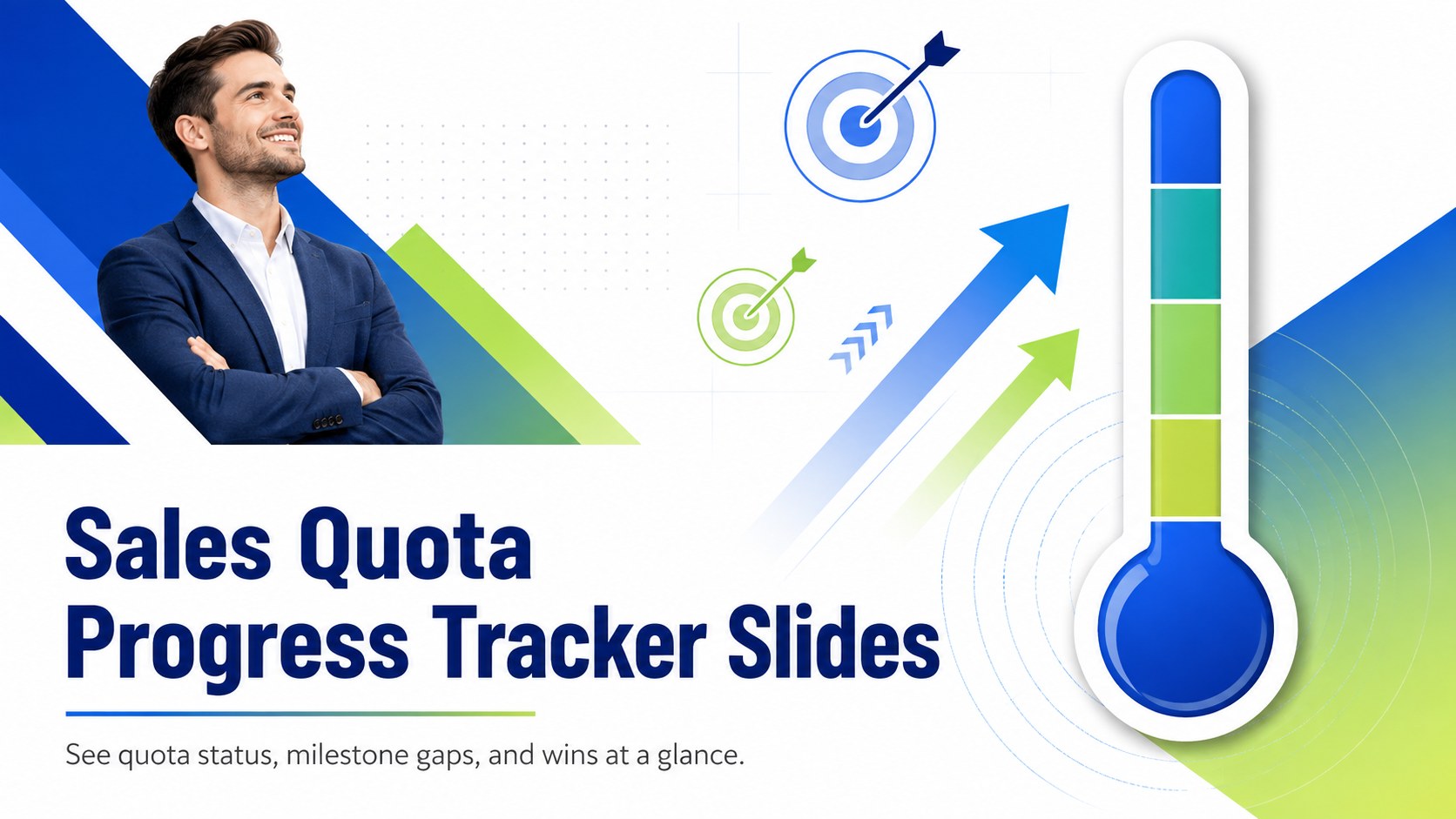
Turn revenue updates into clear visuals with a sales quota progress tracker featuring bold blue-green thermometer graphics for PowerPoint and Google Slides.
Design notes
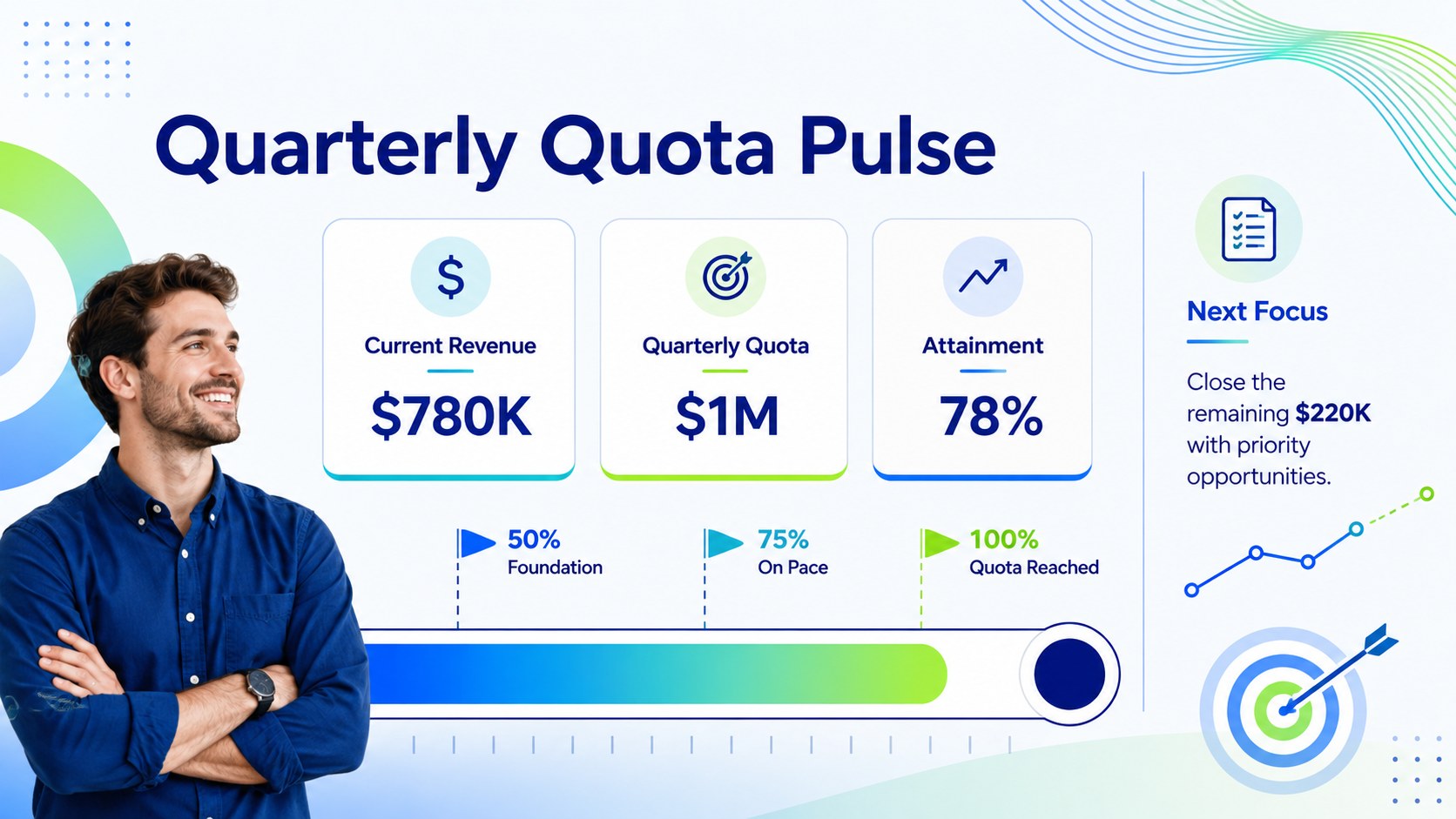
Make weekly and quarterly performance updates easier to understand with this sales quota progress tracker. Bold thermometer graphics translate attainment percentages into an immediate visual signal, while vivid blue and green gradients keep attention on the numbers that matter. Use the slides to show current revenue, remaining quota, stretch targets, and important checkpoints without crowding the presentation with unnecessary detail.
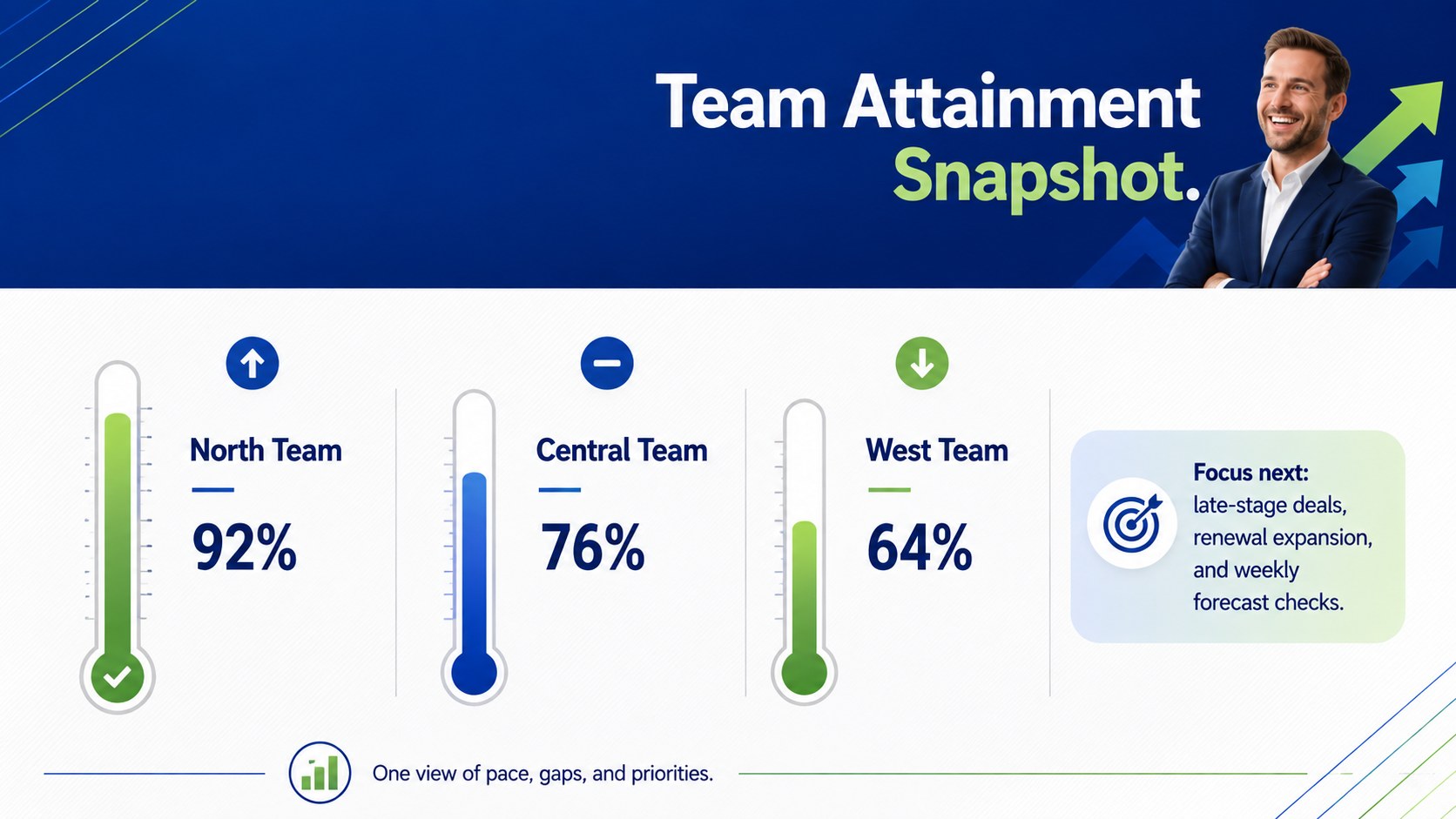
The deck includes a polished cover, a quarterly sales target presentation layout, and a team attainment comparison. Editable labels, percentages, milestones, shapes, and color accents let you adapt each page to an individual representative, regional team, product line, or company-wide objective. The layouts can also support a revenue goal tracking deck for recurring leadership updates. Add your figures, adjust the thermometer level, and tailor the supporting notes in PowerPoint or Google Slides.
Sales managers can use these slides during pipeline reviews, performance meetings, and incentive program updates. Revenue operations teams can summarize progress across territories, while account executives can present personal targets and forecast gaps. The clear hierarchy also works well for stakeholder briefings where audiences need a quick view of attainment, pace, and next actions. With its energetic gradient palette and practical infographic structure, the template keeps sales conversations focused on measurable movement toward the finish line.
Perfect for: weekly sales team review; quarterly quota update; regional performance comparison; revenue leadership briefing; sales incentive campaign.
Frequently asked questions
Can I edit the quota values and thermometer levels? Yes. Update the percentages, revenue figures, milestone labels, and thermometer fill to match your current results. All primary visual elements are designed for straightforward customization.
Practical details
Yes. Update the percentages, revenue figures, milestone labels, and thermometer fill to match your current results. All primary visual elements are designed for straightforward customization.
The template works with Microsoft PowerPoint and Google Slides. Some fonts, transitions, or gradient effects may vary slightly between the two platforms.
Yes. Duplicate the comparison elements and assign a thermometer or progress indicator to each representative, territory, or product line. Use consistent quota periods so the results remain easy to compare.
Replace the blue and green accents with your approved brand colors, then update fonts and labels through the presentation theme settings. Keep strong contrast between the progress fill and background for clear reporting.
Keep exploring
15Shape your publishing concept with an indie magazine startup pitch deck featuring pastel gradients, bold collage layouts, and editable planning slides.
 16
16Build clear project stories with the Icon Grid Teamwork Theme, a flexible blue illustrated deck for proposals, strategy updates, and team meetings.
 3
3Turn priorities into an actionable plan with an annual goals roadmap infographic, featuring editable orange and teal layouts for PowerPoint and Google Slides.
 15
15Create an Annual Achievement Report Presentation with colorful geometric layouts for milestones, results, lessons, and priorities in PowerPoint or Google Slides.
 15
15Turn results into a focused annual performance evaluation report with dark 3D slides for KPIs, achievements, feedback, and next-step goals for teams.
 15
15Guide a focused annual recap with Business Results Retrospective Slides, a muted brown-and-blue template for PowerPoint and Google Slides.
 6
6Turn complex plans into clear visual stories with Color-Coded Workflow Path Slides, an editable set for project updates, roadmaps, and team briefings.
 6
6Compare regional performance at a glance with Global Data Heatmap Slides, a clean multicolor deck designed for editable PowerPoint and Google Slides.