
 15
15presentation
Indie Magazine Startup Pitch Deck
Shape your publishing concept with an indie magazine startup pitch deck featuring pastel gradients, bold collage layouts, and editable planning slides.
Google SlidesPowerPoint
presentation · English
Sales and marketing comparison slides clarify roles, goals, and handoffs with editable doodle visuals for PowerPoint and Google Slides team sessions.

Design notes
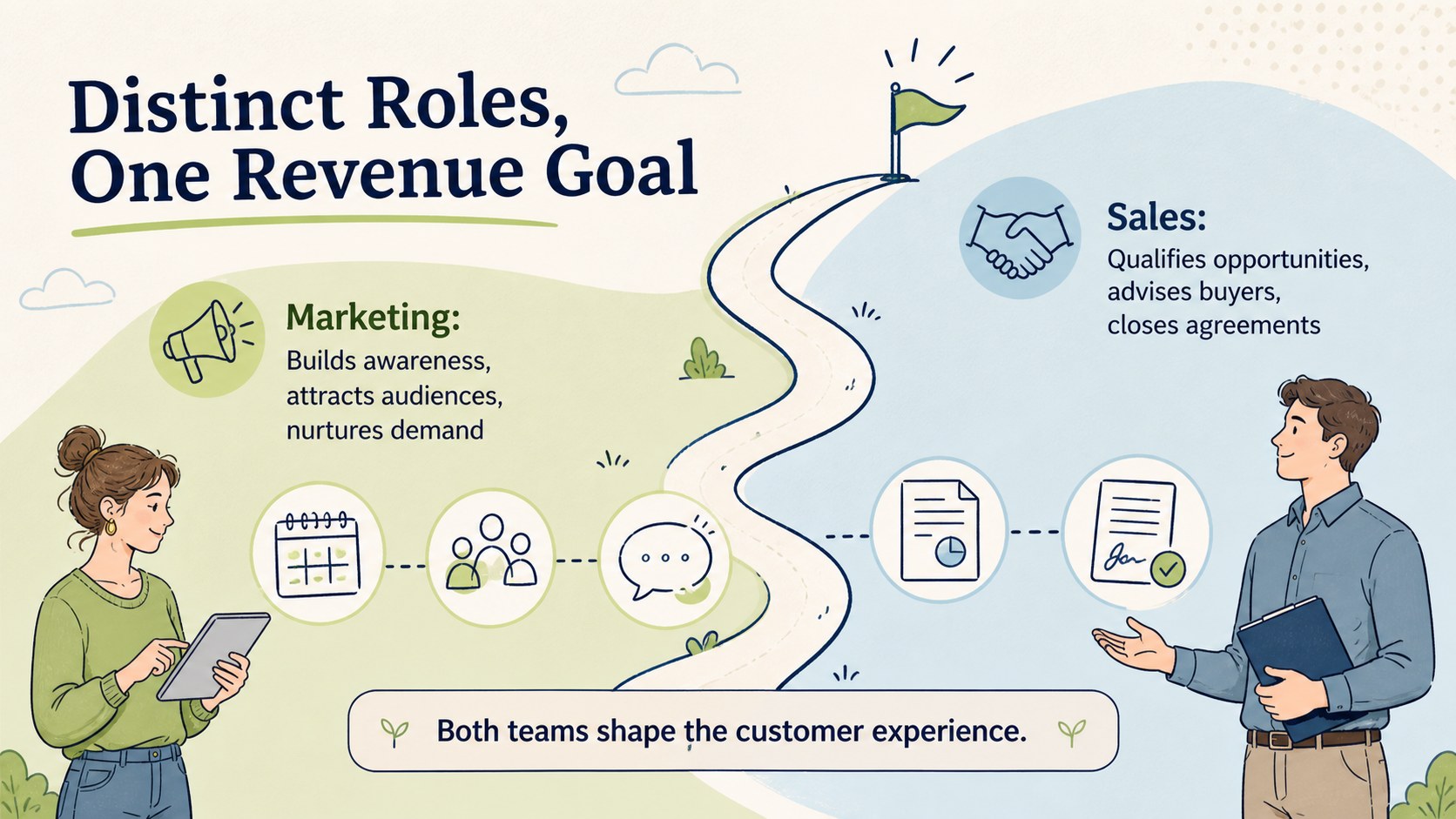
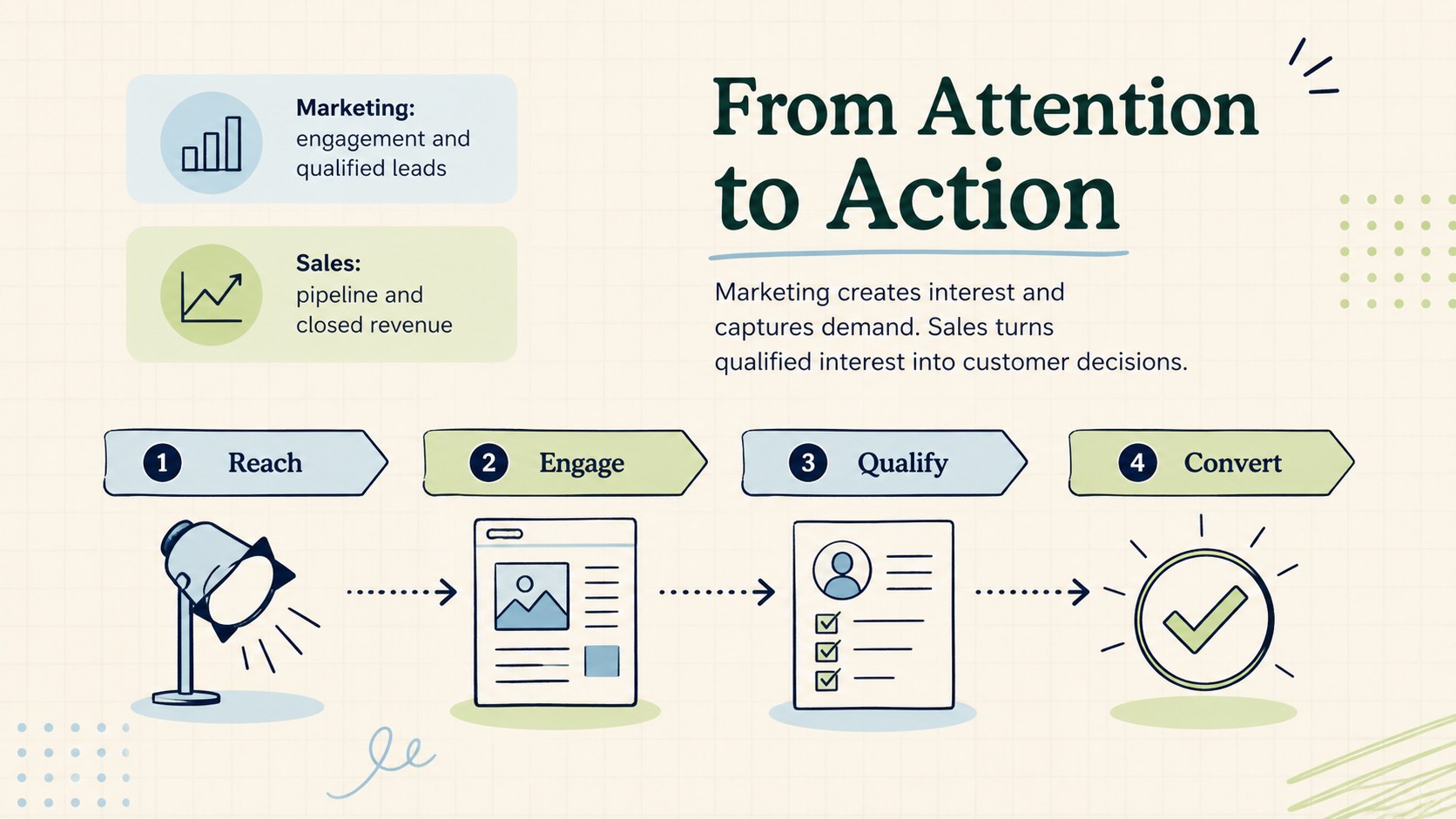
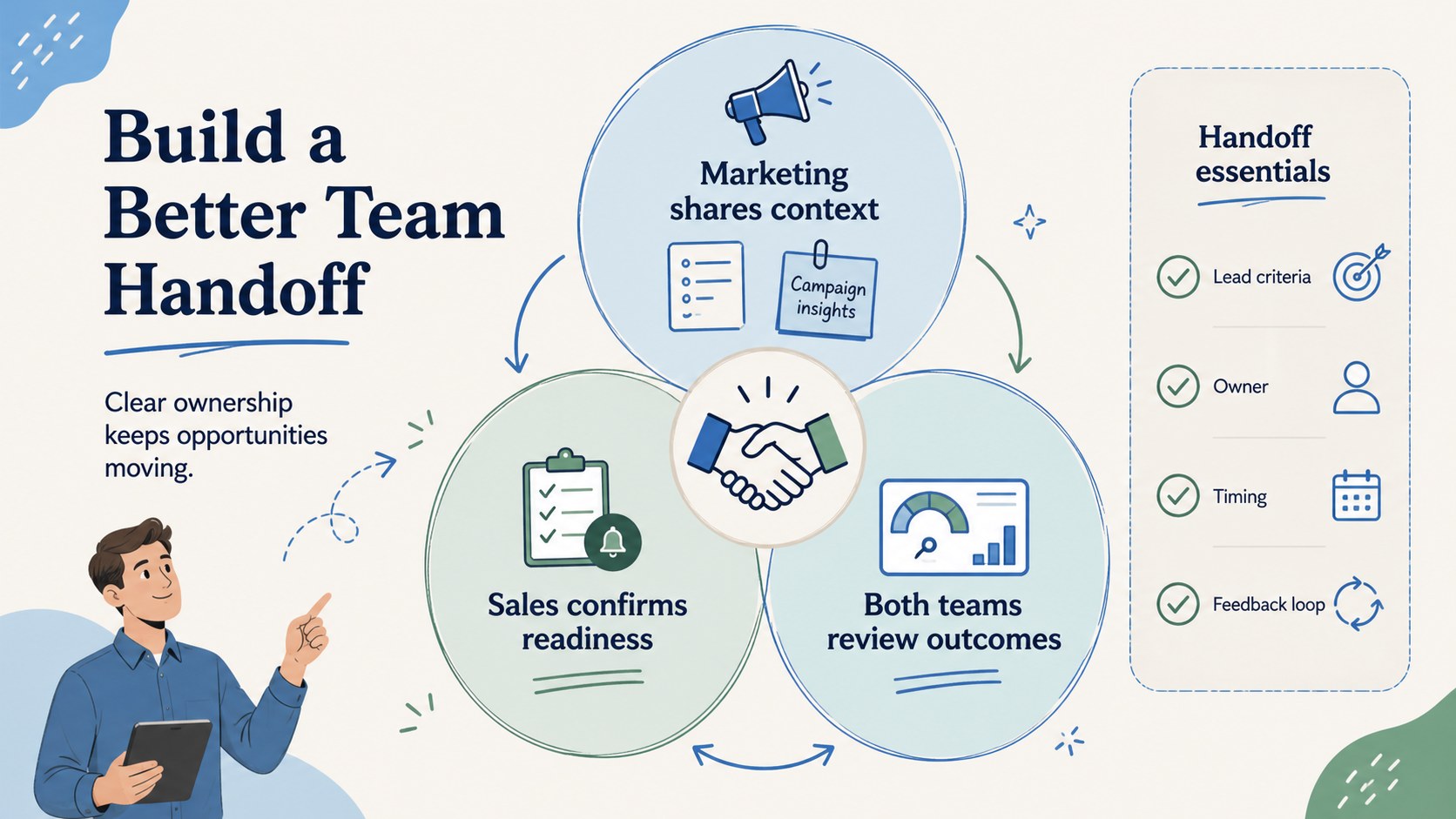
Use these sales and marketing comparison slides to explain how two closely connected business functions contribute at different stages of the customer journey. Clear diagrams and approachable doodle illustrations help audiences understand responsibilities, priorities, metrics, and shared outcomes without overwhelming them with detail.
The deck includes an opening overview, a side-by-side sales and marketing roles comparison, a breakdown of demand creation and conversion activities, and a visual sales marketing handoff process. Editable labels, shapes, icons, and color accents let you adapt every page to your organization. The simple blue, green, and beige palette keeps the presentation calm and professional while preserving the informal character of hand-drawn business graphics.
This business team alignment presentation is designed for sales leaders, marketing managers, consultants, trainers, and operations teams. Use it during onboarding, planning workshops, quarterly reviews, or cross-functional meetings to define ownership and reduce confusion. The layouts work in both PowerPoint and Google Slides, making it straightforward to replace examples, update terminology, add company data, or reorganize sections. Whether you are mapping lead generation, discussing conversion goals, or improving collaboration between departments, the template provides a focused visual structure for productive conversations.
Perfect for: sales and marketing onboarding; cross-functional alignment workshop; quarterly business review; lead handoff planning; business training session.
Frequently asked questions
Can I edit the sales and marketing examples? Yes. All headings, labels, diagrams, colors, and supporting text can be changed to reflect your team's terminology, workflow, and performance measures.
Practical details
Yes. All headings, labels, diagrams, colors, and supporting text can be changed to reflect your team's terminology, workflow, and performance measures.
The template is designed for PowerPoint and Google Slides. You can present it as supplied or duplicate and rearrange slides for a longer workshop.
Yes. Replace the blue, green, and beige accents with your brand colors, update the fonts, and add approved company assets without changing the comparison structure.
Gather your teams' responsibilities, funnel stages, success metrics, and handoff rules. These details will help you turn the sample comparisons into an accurate view of your organization.
Keep exploring
15Shape your publishing concept with an indie magazine startup pitch deck featuring pastel gradients, bold collage layouts, and editable planning slides.
 16
16Build clear project stories with the Icon Grid Teamwork Theme, a flexible blue illustrated deck for proposals, strategy updates, and team meetings.
 3
3Turn priorities into an actionable plan with an annual goals roadmap infographic, featuring editable orange and teal layouts for PowerPoint and Google Slides.
 15
15Create an Annual Achievement Report Presentation with colorful geometric layouts for milestones, results, lessons, and priorities in PowerPoint or Google Slides.
 15
15Turn results into a focused annual performance evaluation report with dark 3D slides for KPIs, achievements, feedback, and next-step goals for teams.
 15
15Guide a focused annual recap with Business Results Retrospective Slides, a muted brown-and-blue template for PowerPoint and Google Slides.
 6
6Turn complex plans into clear visual stories with Color-Coded Workflow Path Slides, an editable set for project updates, roadmaps, and team briefings.
 6
6Compare regional performance at a glance with Global Data Heatmap Slides, a clean multicolor deck designed for editable PowerPoint and Google Slides.