
 15
15presentation
Indie Magazine Startup Pitch Deck
Shape your publishing concept with an indie magazine startup pitch deck featuring pastel gradients, bold collage layouts, and editable planning slides.
Google SlidesPowerPoint
document · English
Equip revenue teams with a sales enablement field guide for sharper discovery calls, consistent follow-ups, and organized account planning in PowerPoint.

Design notes
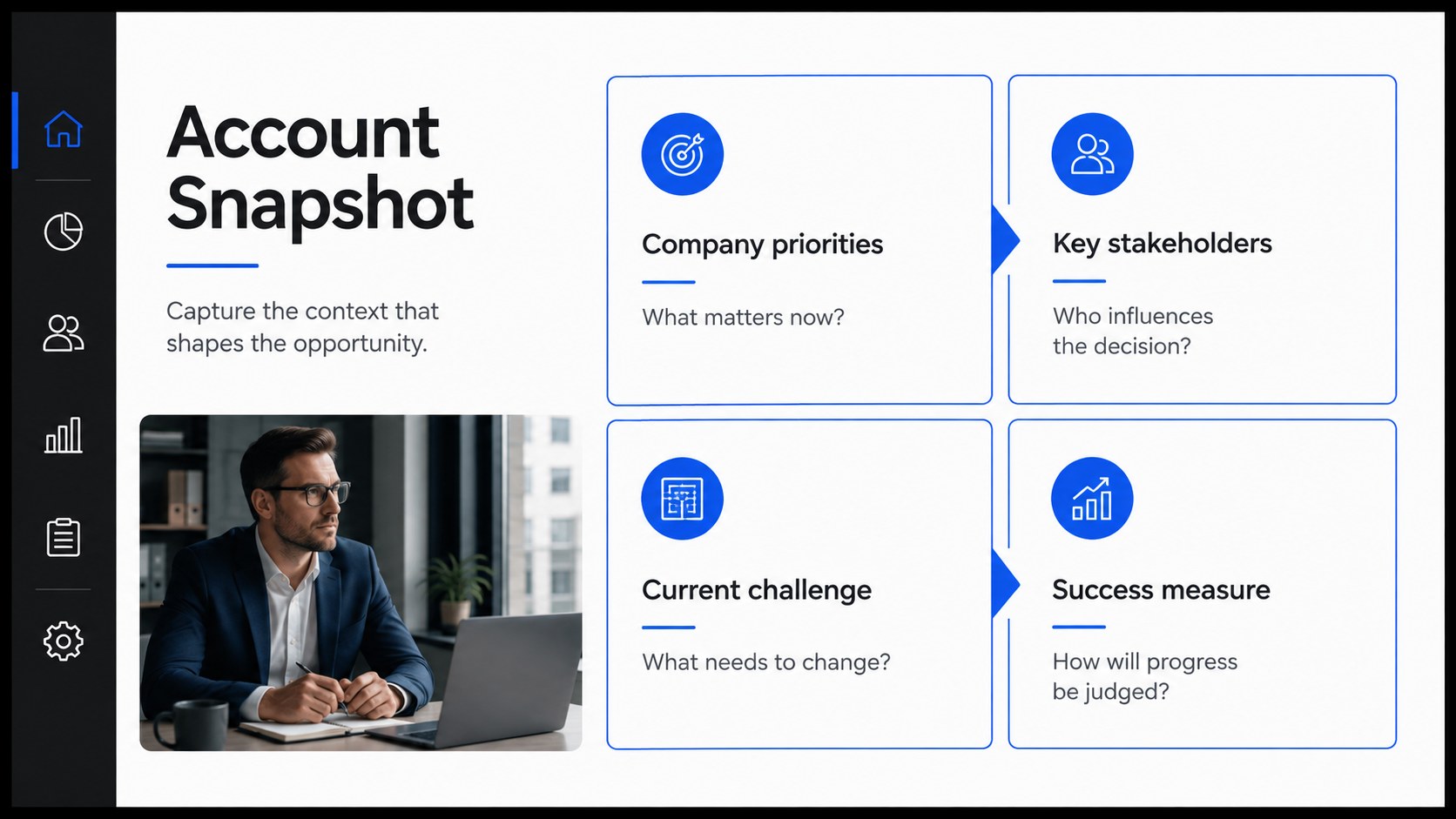
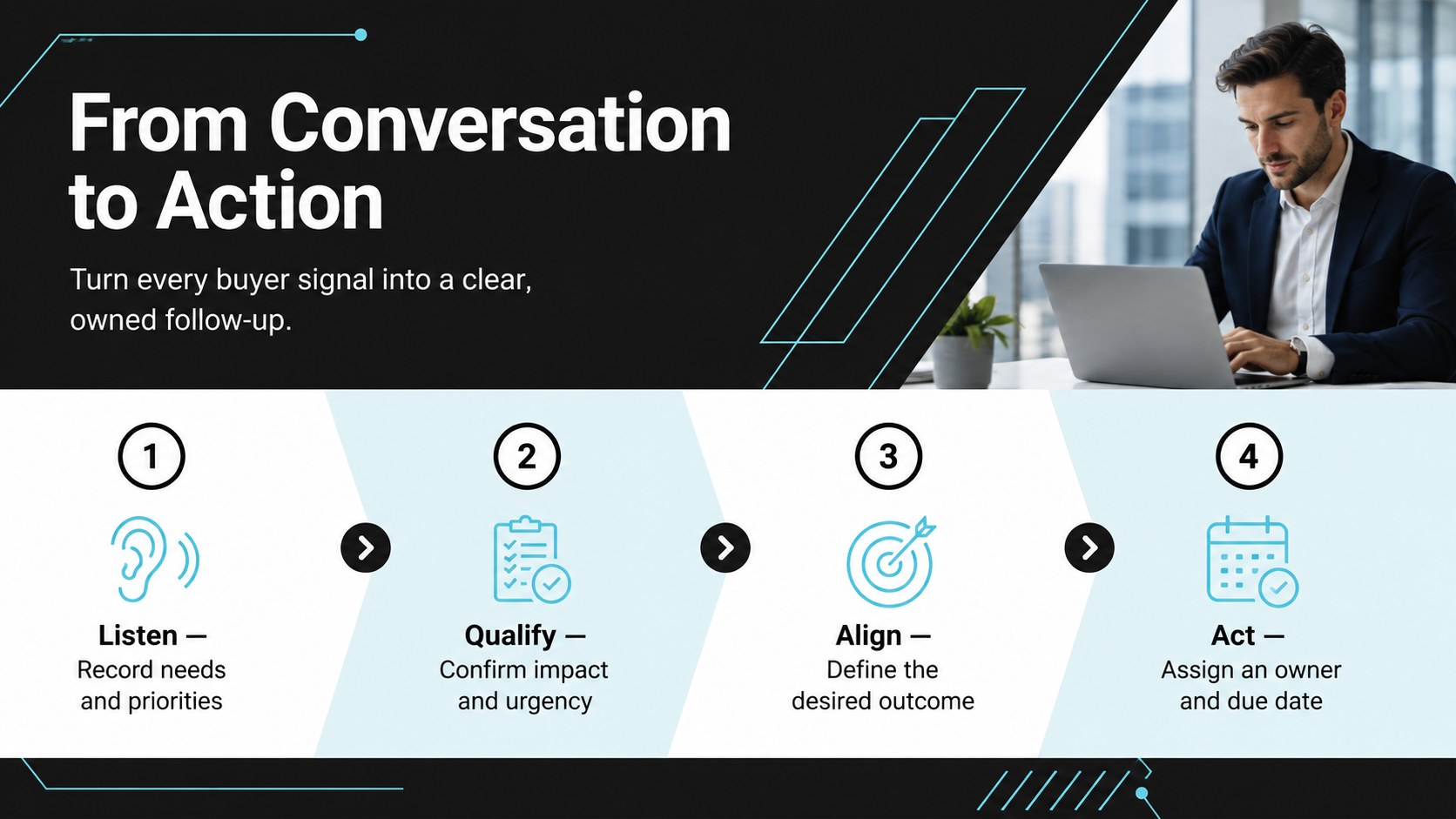
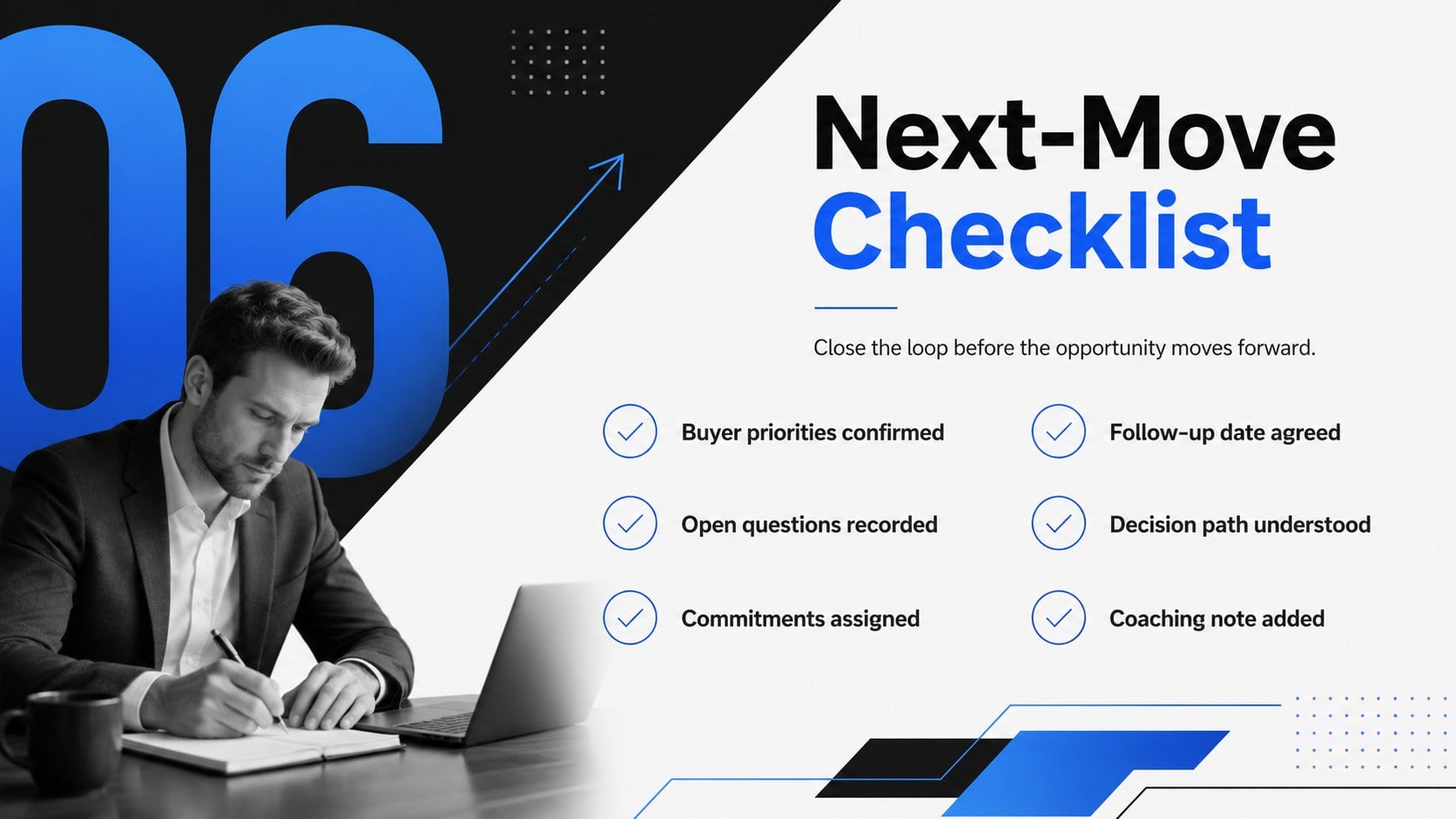
Turn scattered notes into a repeatable selling system with this sales enablement field guide. Built for account executives, business development teams, and sales managers, the deck creates a clear path from call preparation to follow-up. Its crisp black, white, and blue visual system feels modern and credible while keeping buyer details easy to scan during fast-moving opportunities.
Inside, you will find structured pages for account context, discovery questions, stakeholder needs, qualification signals, objections, commitments, and next steps. A focused discovery call preparation template helps reps enter meetings with purpose, while client conversation tracking slides preserve decisions and open questions. The sales follow up workflow slides turn discussion points into owners, deadlines, and measurable actions. Additional layouts support opportunity strategy, messaging cues, and coaching notes without forcing every deal into the same script.
Use the Sales Enablement Field Guide for rep onboarding, weekly pipeline reviews, strategic account planning, or manager-led call coaching. Each layout is designed for quick editing in PowerPoint and Google Slides, so teams can adjust prompts, fonts, colors, and examples to match their process. Duplicate sections for longer buying cycles, remove fields that do not apply, and share a consistent working deck across the revenue organization. The result is a practical reference that improves preparation, strengthens handoffs, and keeps every customer conversation connected to a deliberate next move.
Perfect for: discovery call preparation; new sales rep onboarding; weekly pipeline review; strategic account planning; manager-led call coaching; opportunity follow-up.
Frequently asked questions
Can I edit every section of the field guide? Yes. All headings, prompts, tables, colors, and examples can be modified to reflect your sales process. You can also duplicate or remove layouts as an opportunity develops.
Practical details
Yes. All headings, prompts, tables, colors, and examples can be modified to reflect your sales process. You can also duplicate or remove layouts as an opportunity develops.
The template is designed for PowerPoint and Google Slides. Review font substitutions and spacing after importing it into your preferred platform.
Replace the sample prompts with your qualification criteria, buyer personas, messaging, and pipeline stages. Apply your brand fonts and accent colors while retaining the high-contrast structure for readability.
Yes. Use the preparation and stakeholder layouts before an initial meeting, then update the signals, objections, and action sections after each conversation. Duplicate the relevant slides when a deal includes several stakeholders or meeting rounds.
Keep exploring
15Shape your publishing concept with an indie magazine startup pitch deck featuring pastel gradients, bold collage layouts, and editable planning slides.
 16
16Build clear project stories with the Icon Grid Teamwork Theme, a flexible blue illustrated deck for proposals, strategy updates, and team meetings.
 3
3Turn priorities into an actionable plan with an annual goals roadmap infographic, featuring editable orange and teal layouts for PowerPoint and Google Slides.
 15
15Create an Annual Achievement Report Presentation with colorful geometric layouts for milestones, results, lessons, and priorities in PowerPoint or Google Slides.
 15
15Turn results into a focused annual performance evaluation report with dark 3D slides for KPIs, achievements, feedback, and next-step goals for teams.
 15
15Guide a focused annual recap with Business Results Retrospective Slides, a muted brown-and-blue template for PowerPoint and Google Slides.
 6
6Turn complex plans into clear visual stories with Color-Coded Workflow Path Slides, an editable set for project updates, roadmaps, and team briefings.
 6
6Compare regional performance at a glance with Global Data Heatmap Slides, a clean multicolor deck designed for editable PowerPoint and Google Slides.