
 15
15presentation
Indie Magazine Startup Pitch Deck
Shape your publishing concept with an indie magazine startup pitch deck featuring pastel gradients, bold collage layouts, and editable planning slides.
Google SlidesPowerPoint
document · English
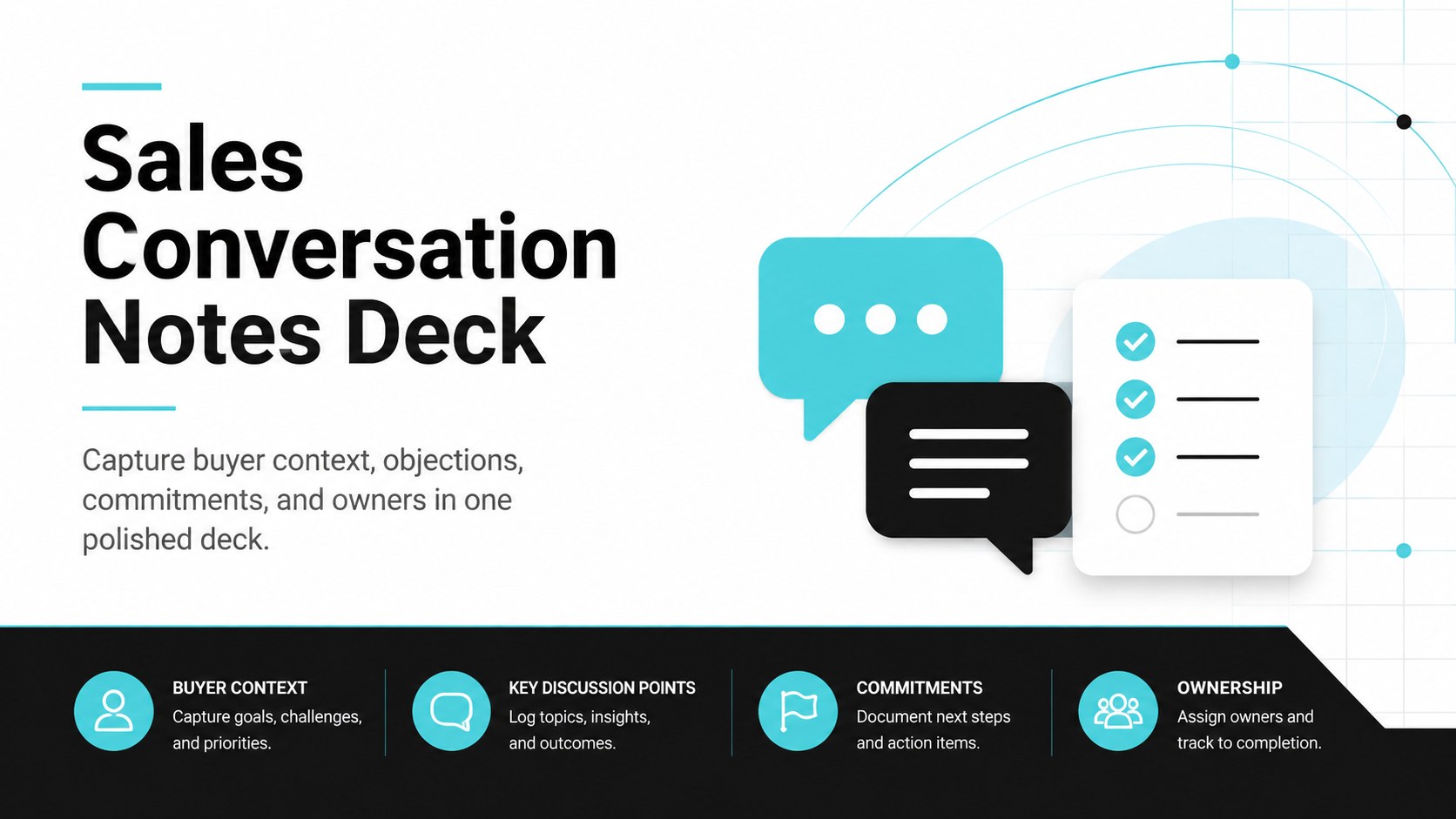
Turn prospect discussions into clear next steps with this Sales Conversation Notes Deck for PowerPoint and Google Slides, designed for faster follow-up.
Design notes
Turn productive conversations into measurable progress with the Sales Conversation Notes Deck. Designed for PowerPoint and Google Slides, this structured workspace gives sales professionals a consistent way to document prospect priorities, buying signals, concerns, and agreed next steps. Its modern corporate style uses black, blue, and white for a crisp presentation that is easy to scan during calls and account reviews.
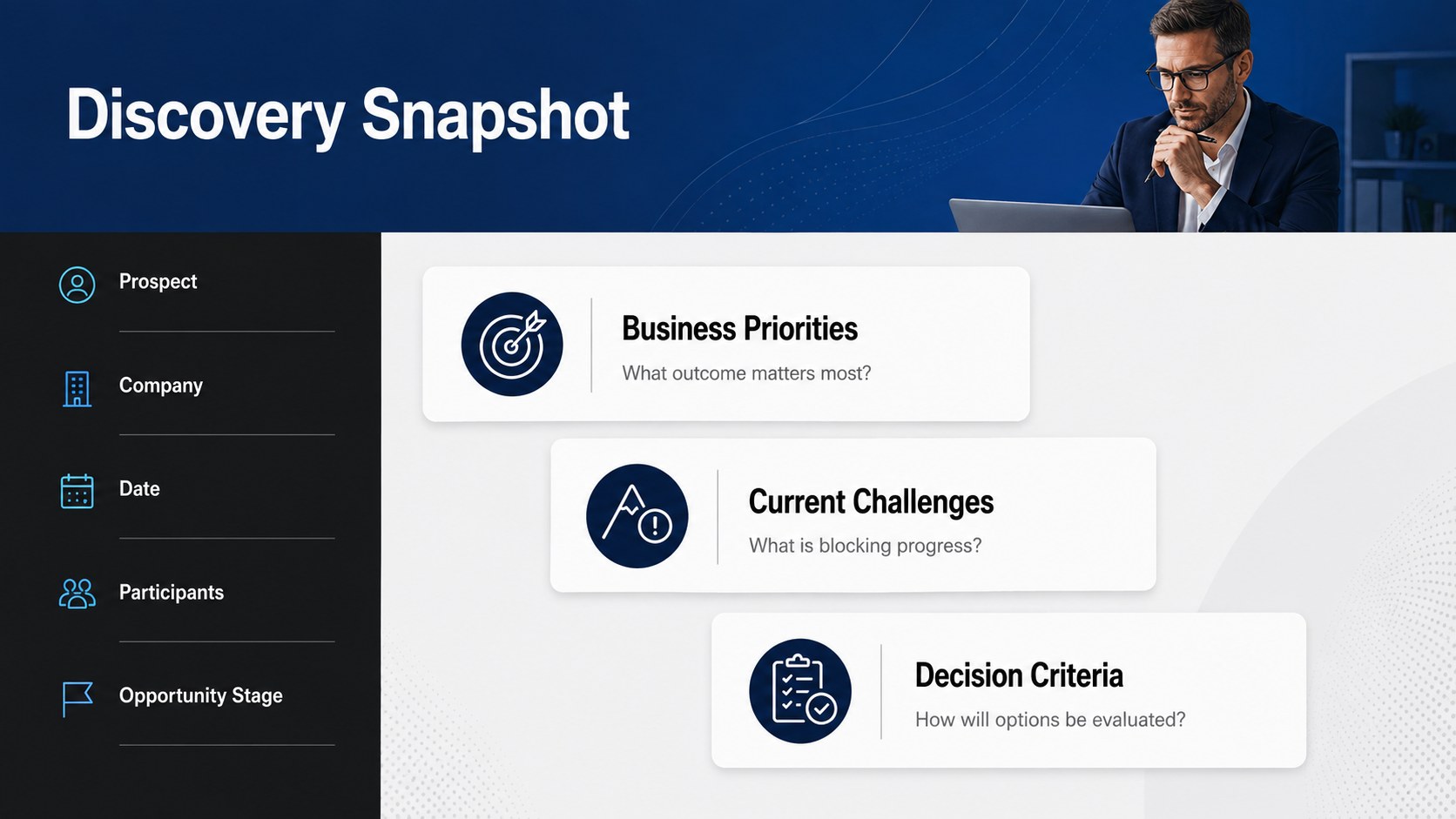
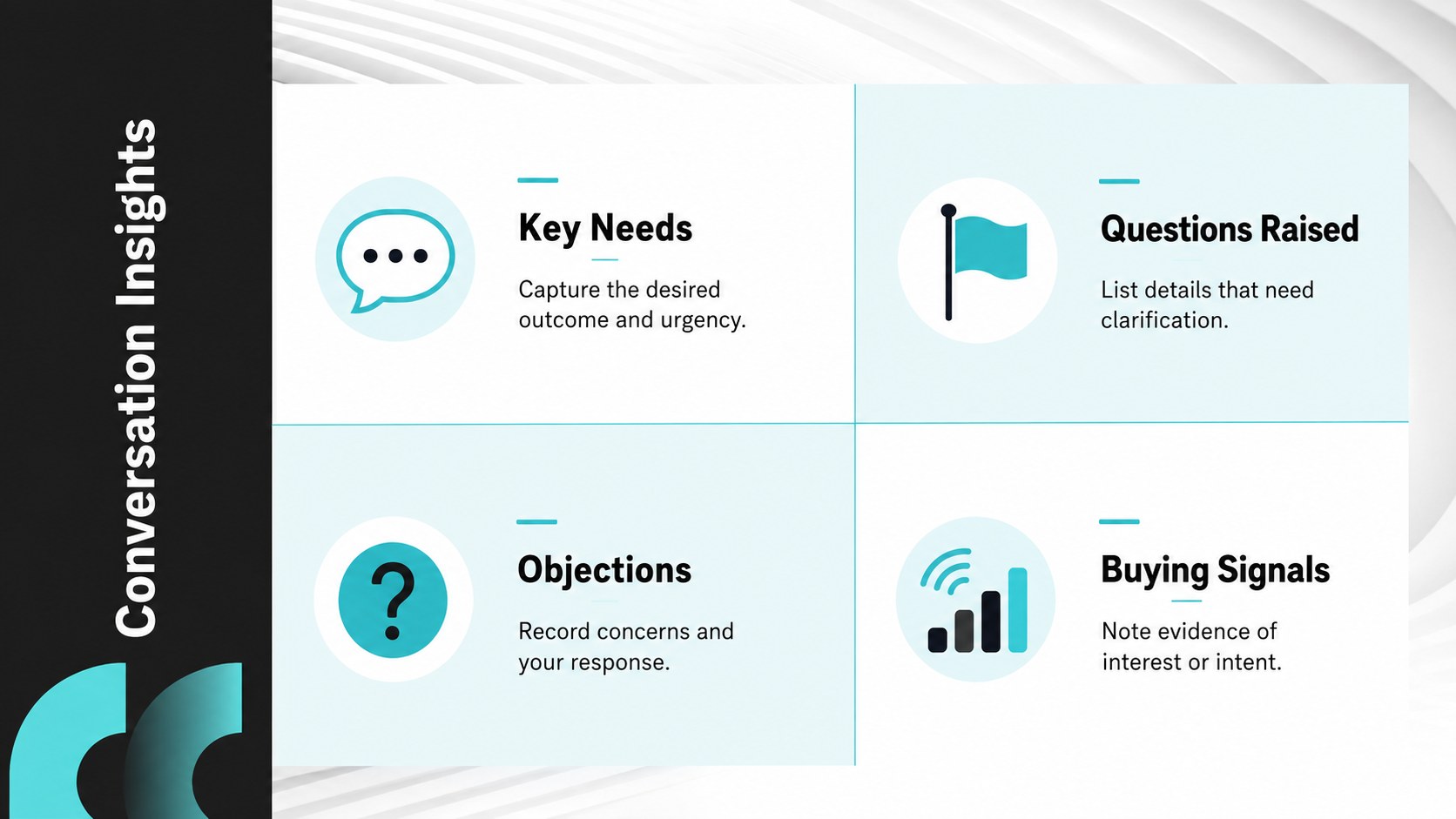
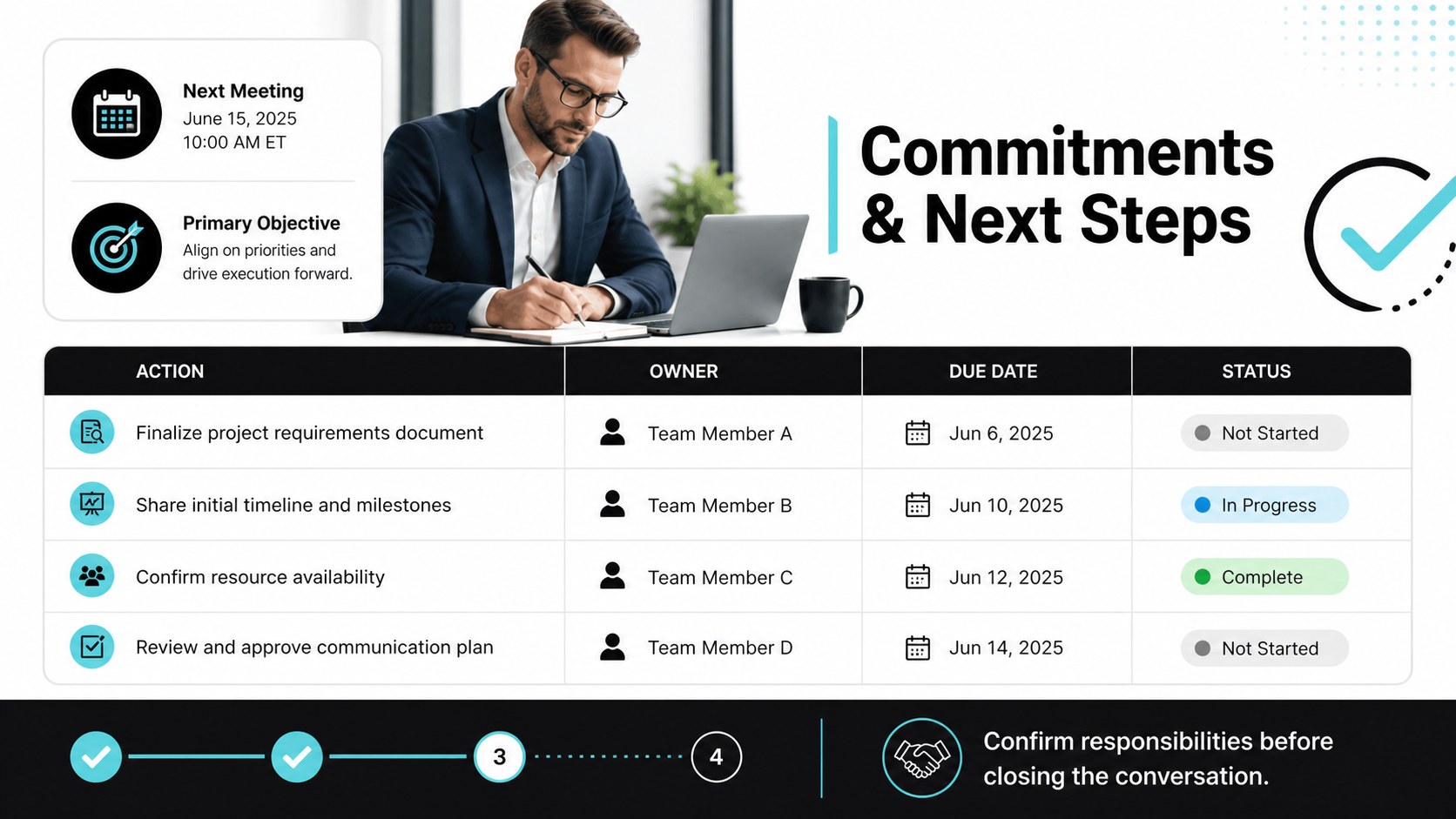
The deck includes dedicated layouts for contact and meeting details, structured sales discovery notes, discussion highlights, objections, decision criteria, and follow-up responsibilities. A focused action tracker helps teams assign owners and due dates, while a concise summary slide keeps key account intelligence accessible. Every section can be edited to match your sales process, terminology, brand fonts, and reporting requirements.
Use this prospect call follow up template for discovery sessions, qualification calls, product demonstrations, renewal discussions, or customer check-ins. It also works as a pipeline review notes template when managers need a clear record of account movement and outstanding commitments. Sales representatives, account executives, business development teams, customer success managers, and sales leaders can adapt the layouts for individual opportunities or shared team workflows. The result is a practical record that improves handoffs, supports timely outreach, and keeps important customer details from disappearing between meetings.
Perfect for: prospect discovery call; product demonstration follow-up; account renewal discussion; sales pipeline review; customer success check-in.
Frequently asked questions
Can I edit every section of the deck? Yes. You can replace the sample wording, rename fields, adjust tables, and reorganize sections to reflect your sales workflow. Colors and fonts can also be updated to match your company guidelines.
Practical details
Yes. You can replace the sample wording, rename fields, adjust tables, and reorganize sections to reflect your sales workflow. Colors and fonts can also be updated to match your company guidelines.
The deck is designed for Microsoft PowerPoint and Google Slides. Both platforms support editing, presenting, sharing, and exporting the completed notes.
Yes. Duplicate the presentation for each prospect or account, then clear the example content before the next conversation. Keeping one file per opportunity makes follow-up history easier to review.
Upload the deck to a shared workspace or open it in Google Slides for collaborative editing. Team members can add comments, update assigned actions, and review decisions after the meeting.
Keep exploring
15Shape your publishing concept with an indie magazine startup pitch deck featuring pastel gradients, bold collage layouts, and editable planning slides.
 16
16Build clear project stories with the Icon Grid Teamwork Theme, a flexible blue illustrated deck for proposals, strategy updates, and team meetings.
 3
3Turn priorities into an actionable plan with an annual goals roadmap infographic, featuring editable orange and teal layouts for PowerPoint and Google Slides.
 15
15Create an Annual Achievement Report Presentation with colorful geometric layouts for milestones, results, lessons, and priorities in PowerPoint or Google Slides.
 15
15Turn results into a focused annual performance evaluation report with dark 3D slides for KPIs, achievements, feedback, and next-step goals for teams.
 15
15Guide a focused annual recap with Business Results Retrospective Slides, a muted brown-and-blue template for PowerPoint and Google Slides.
 6
6Turn complex plans into clear visual stories with Color-Coded Workflow Path Slides, an editable set for project updates, roadmaps, and team briefings.
 6
6Compare regional performance at a glance with Global Data Heatmap Slides, a clean multicolor deck designed for editable PowerPoint and Google Slides.