
 15
15presentation
Indie Magazine Startup Pitch Deck
Shape your publishing concept with an indie magazine startup pitch deck featuring pastel gradients, bold collage layouts, and editable planning slides.
Google SlidesPowerPoint
presentation · English
Build alignment around positioning, channels, and launch goals with a SaaS product launch playbook for PowerPoint and Google Slides, made for modern teams.



Design notes
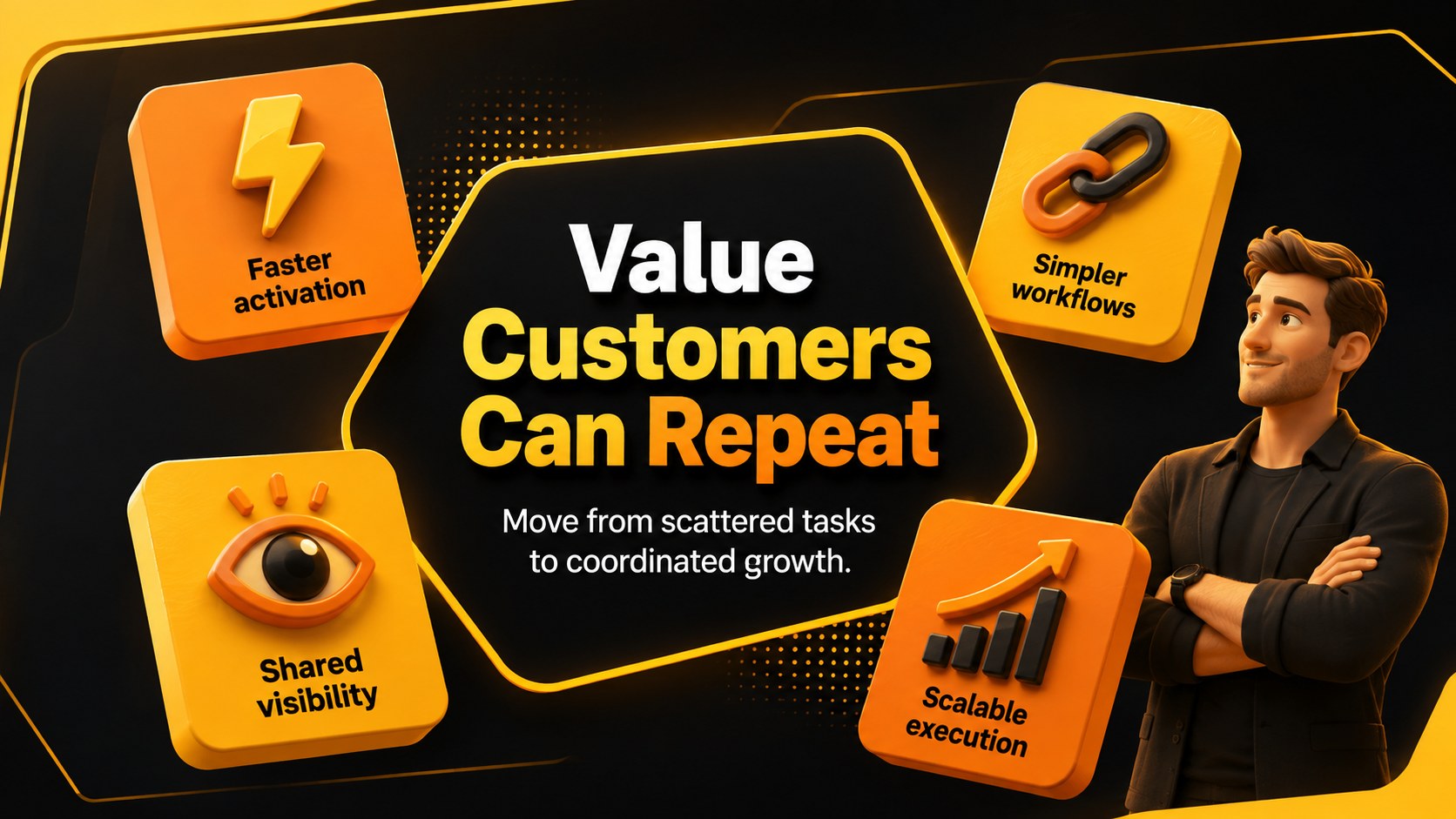
Turn a complex software rollout into a focused, persuasive narrative with this SaaS product launch playbook. Its energetic orange and yellow palette, bold black typography, and modern 3D graphics give strategic discussions a confident visual framework without losing clarity.
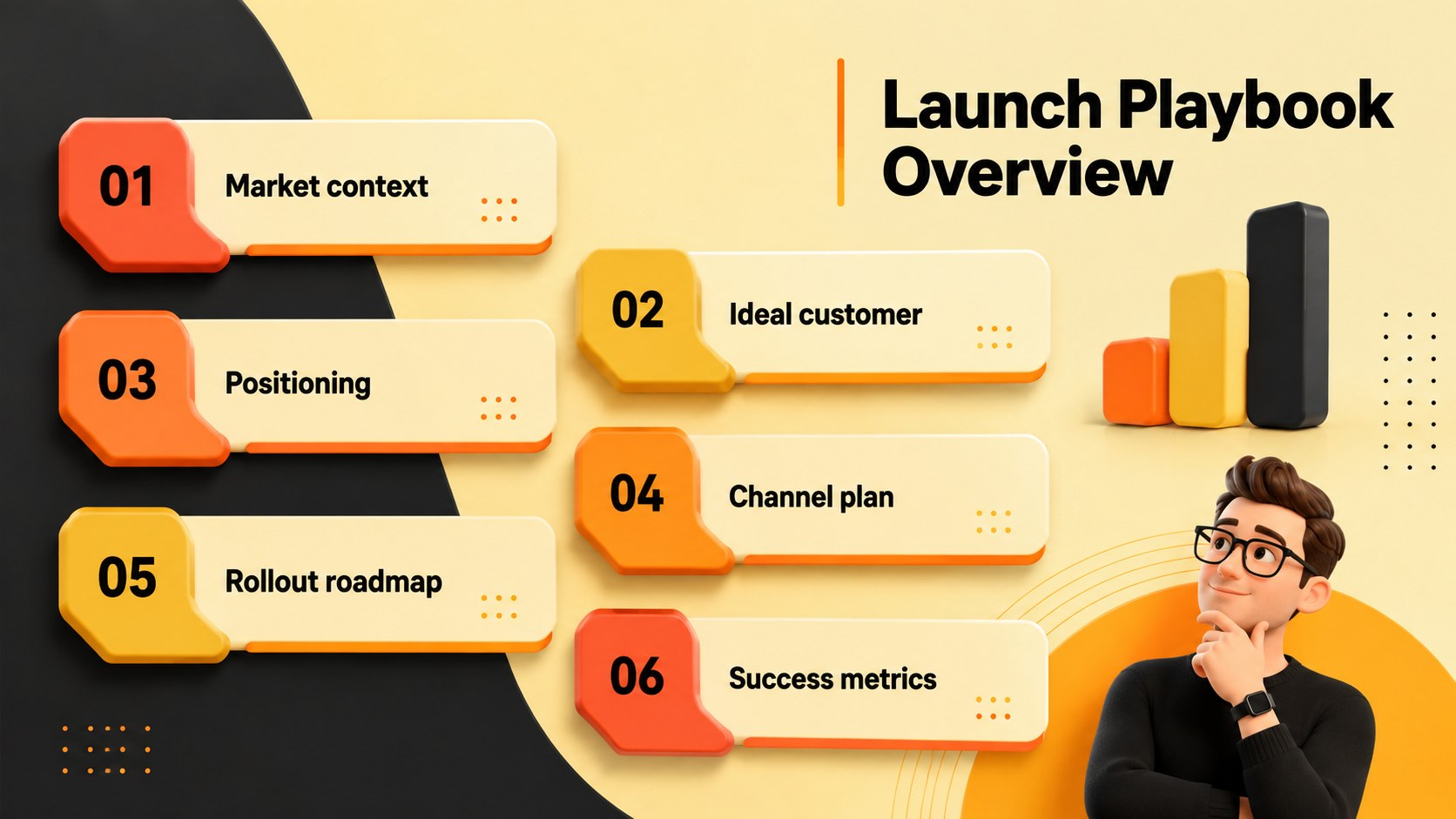
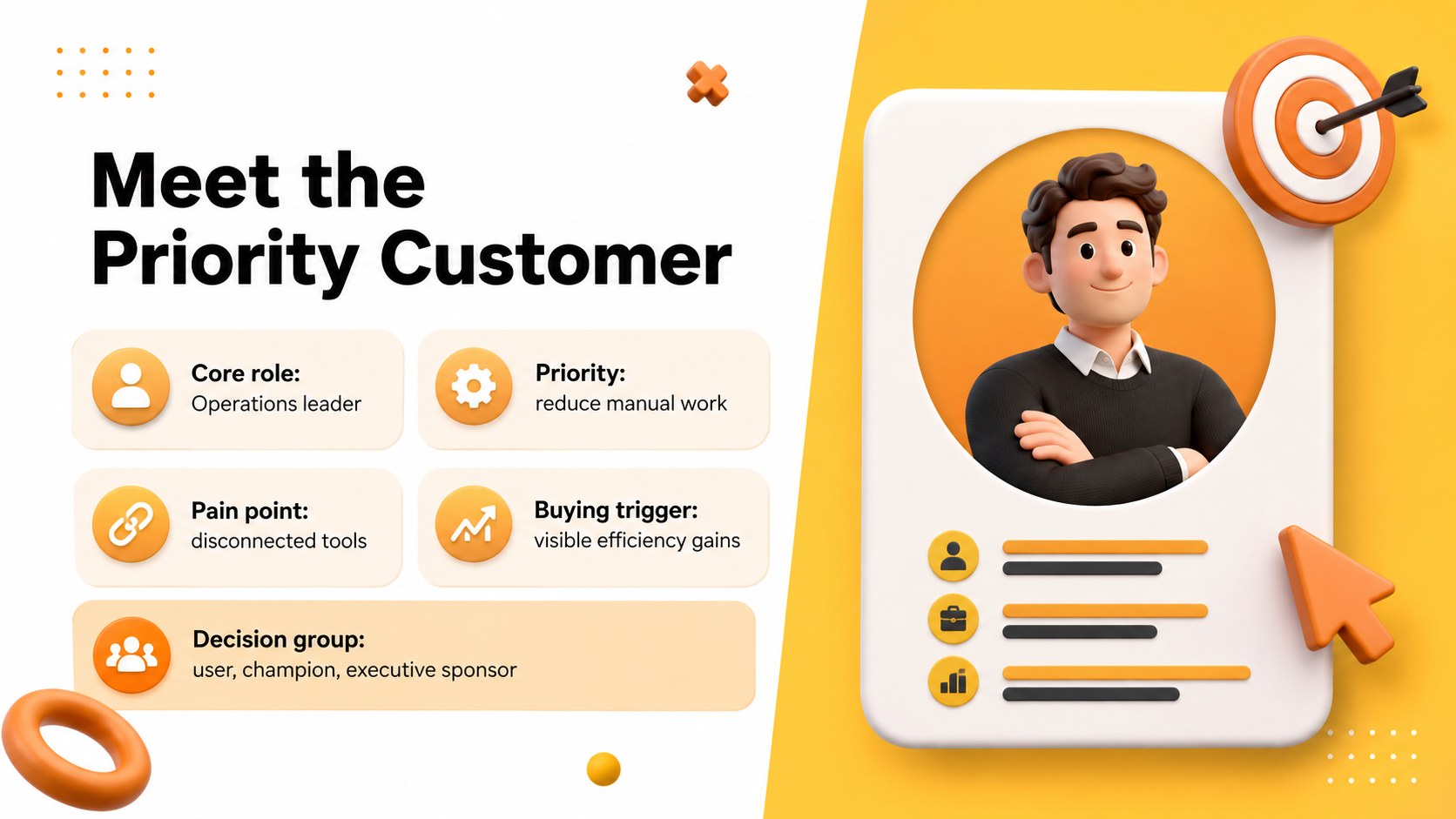
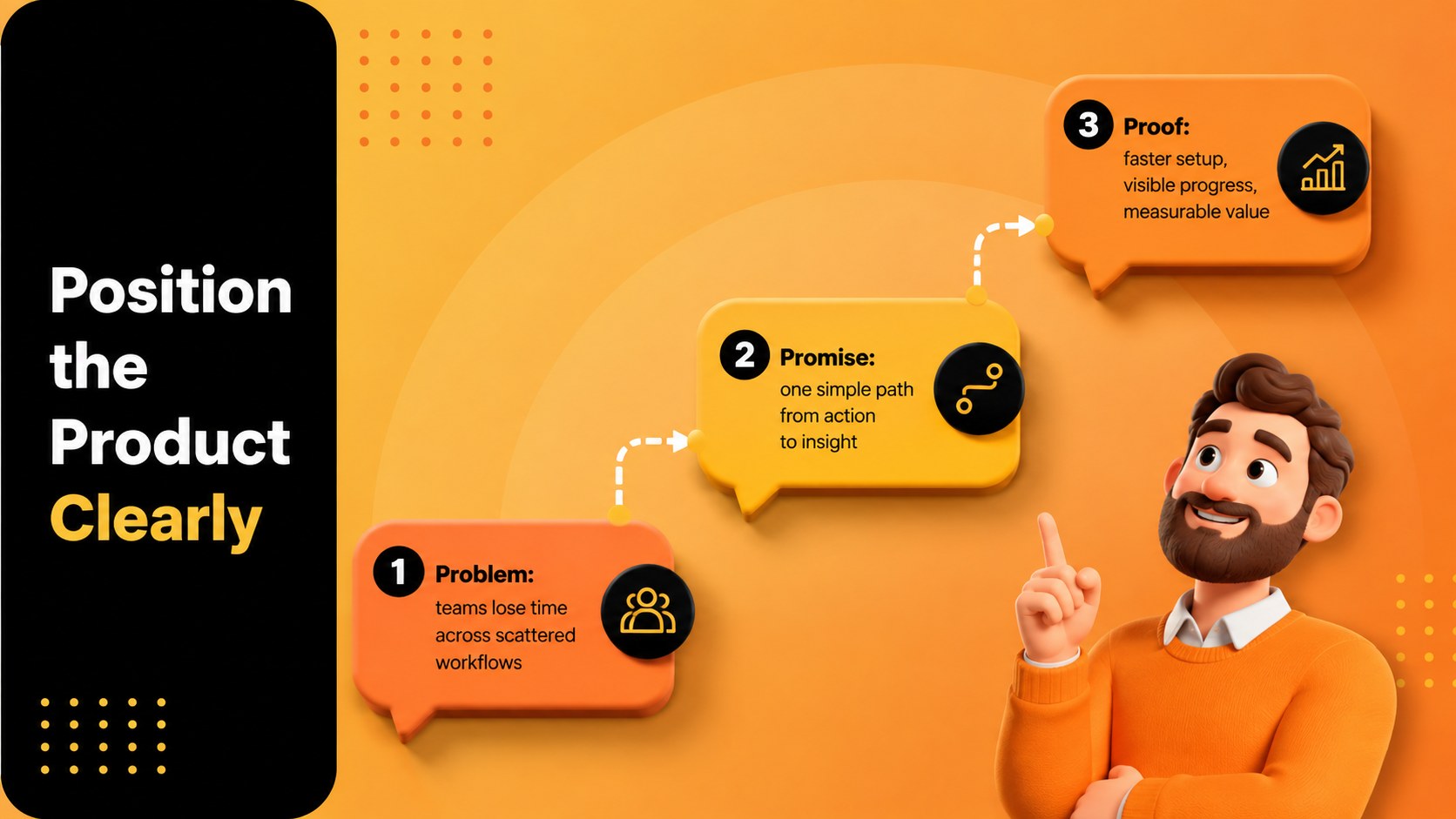
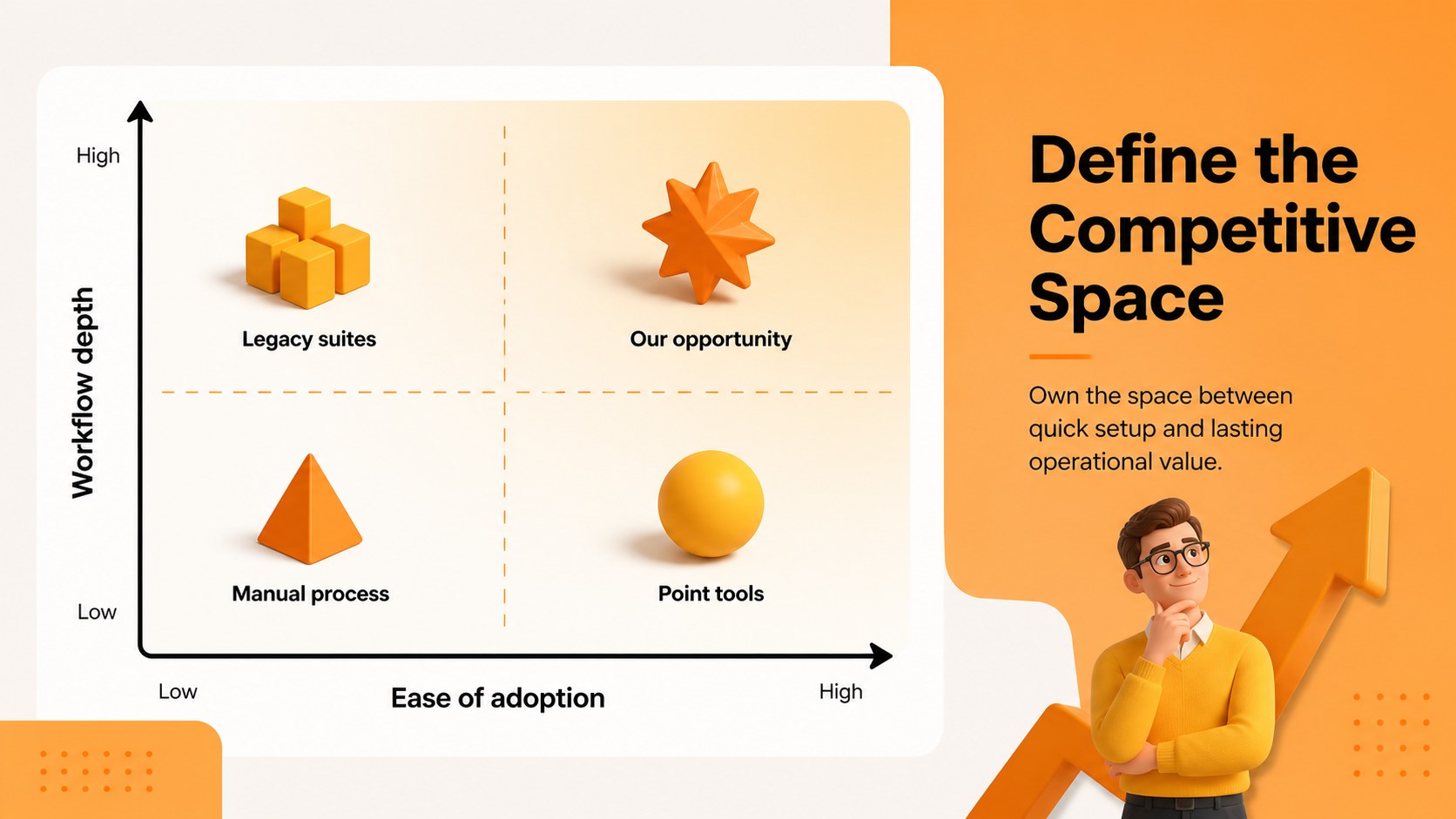
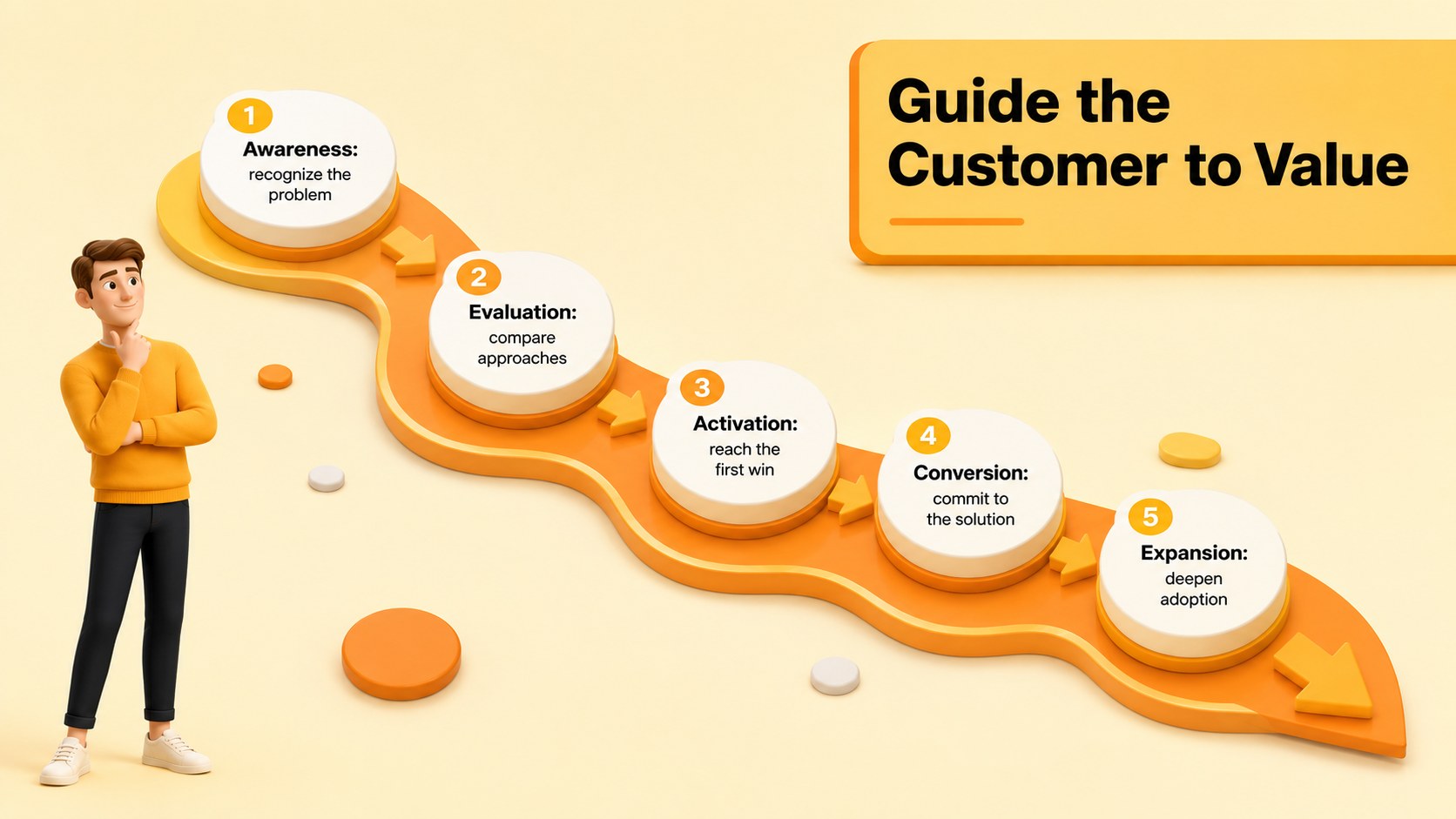
The 15-slide deck covers the essential decisions behind a successful launch: market context, ideal customer profile, positioning, value proposition, competitor mapping, channel selection, acquisition funnel, rollout phases, ownership, and success metrics. Use the included layouts as a B2B software launch plan template, adapt the funnel page into a SaaS customer acquisition roadmap, or present performance targets through the SaaS launch metrics dashboard. Charts, timelines, comparison layouts, and structured text sections can all be customized to match your product, audience, and commercial model.
Designed for startup founders, product marketers, growth teams, sales leaders, and consultants, the presentation works equally well for executive reviews, cross-functional planning sessions, partner briefings, and investor updates. Every slide is editable in PowerPoint and Google Slides, so teams can replace sample wording, adjust colors, update data, and reorganize sections. The consistent visual system helps presenters connect market insights with practical launch actions while keeping stakeholders focused on priorities, responsibilities, and measurable outcomes.
Perfect for: B2B software launch planning; startup leadership alignment; product marketing workshop; sales enablement briefing; investor launch update; quarterly growth review.
Frequently asked questions
Can I edit every part of the presentation? Yes. The text, colors, charts, shapes, and layout elements can be edited in PowerPoint and Google Slides. You can also duplicate or remove sections to fit the scope of your launch.
Practical details
Yes. The text, colors, charts, shapes, and layout elements can be edited in PowerPoint and Google Slides. You can also duplicate or remove sections to fit the scope of your launch.
The deck is designed for Microsoft PowerPoint and Google Slides. Upload the file to Google Drive for browser-based editing or open it directly in PowerPoint for desktop use.
Replace the example positioning, customer segments, channels, milestones, and metrics with your own launch data. Add product screenshots and apply your brand fonts or colors while retaining the existing visual hierarchy.
Yes. Founders can use only the core market, audience, messaging, channel, and timeline slides for a concise plan. More established teams can expand the same structure with detailed forecasts, owners, and performance indicators.
Keep exploring
15Shape your publishing concept with an indie magazine startup pitch deck featuring pastel gradients, bold collage layouts, and editable planning slides.
 16
16Build clear project stories with the Icon Grid Teamwork Theme, a flexible blue illustrated deck for proposals, strategy updates, and team meetings.
 3
3Turn priorities into an actionable plan with an annual goals roadmap infographic, featuring editable orange and teal layouts for PowerPoint and Google Slides.
 15
15Create an Annual Achievement Report Presentation with colorful geometric layouts for milestones, results, lessons, and priorities in PowerPoint or Google Slides.
 15
15Turn results into a focused annual performance evaluation report with dark 3D slides for KPIs, achievements, feedback, and next-step goals for teams.
 15
15Guide a focused annual recap with Business Results Retrospective Slides, a muted brown-and-blue template for PowerPoint and Google Slides.
 6
6Turn complex plans into clear visual stories with Color-Coded Workflow Path Slides, an editable set for project updates, roadmaps, and team briefings.
 6
6Compare regional performance at a glance with Global Data Heatmap Slides, a clean multicolor deck designed for editable PowerPoint and Google Slides.