
 15
15presentation
Indie Magazine Startup Pitch Deck
Shape your publishing concept with an indie magazine startup pitch deck featuring pastel gradients, bold collage layouts, and editable planning slides.
Google SlidesPowerPoint
presentation · English
Build polished pitches and event stories with a roaring twenties art deco business deck featuring editable layouts for PowerPoint and Google Slides.




Design notes
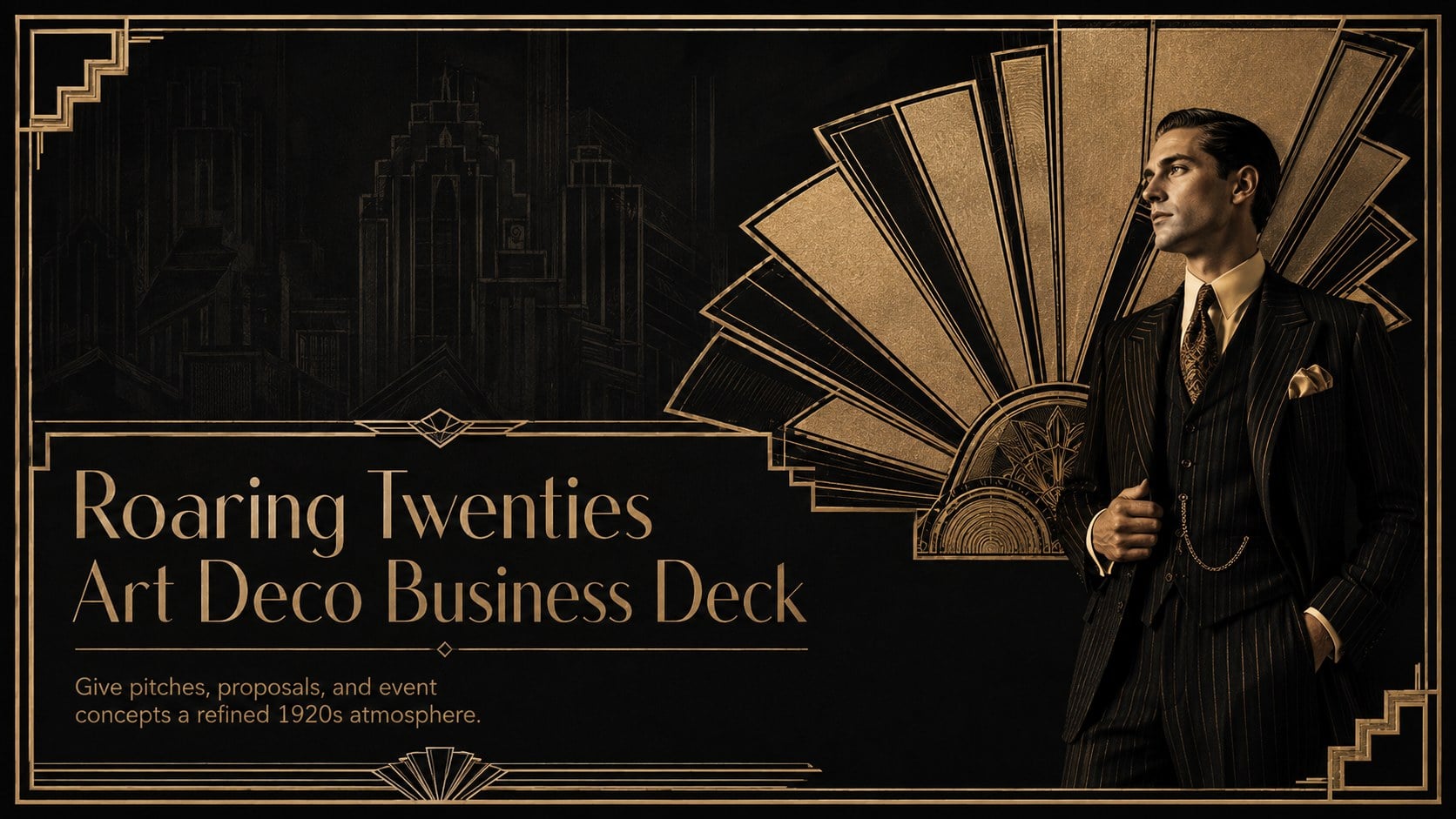
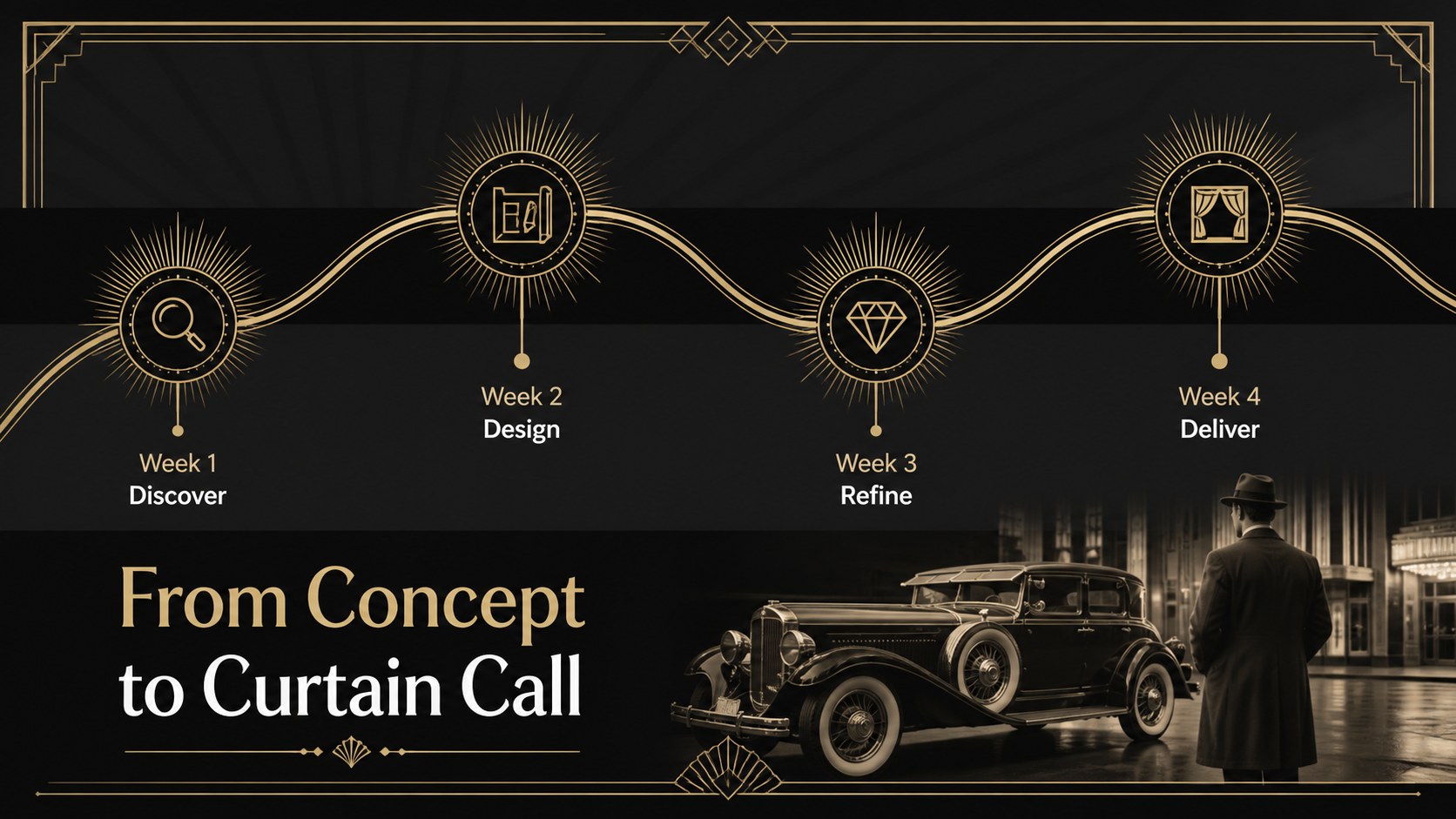
Bring vintage glamour to modern communication with the Roaring Twenties Art Deco Business Deck. Designed around a dramatic black-and-gold palette, this presentation pairs crisp typography with geometric borders, fan motifs, stepped forms, and polished metallic accents. It delivers the atmosphere of a fashionable 1920s venue while keeping information clear and professional.
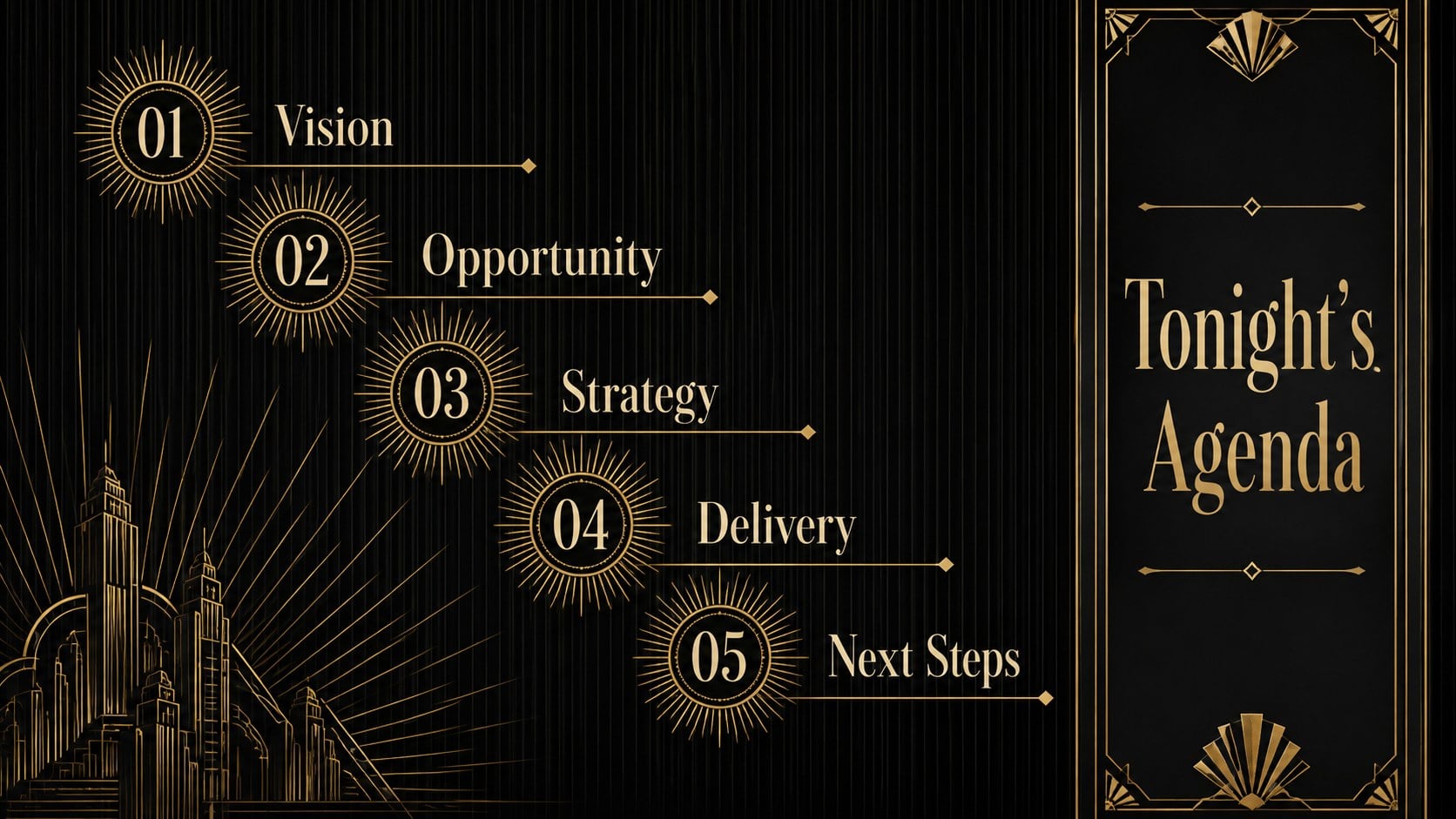
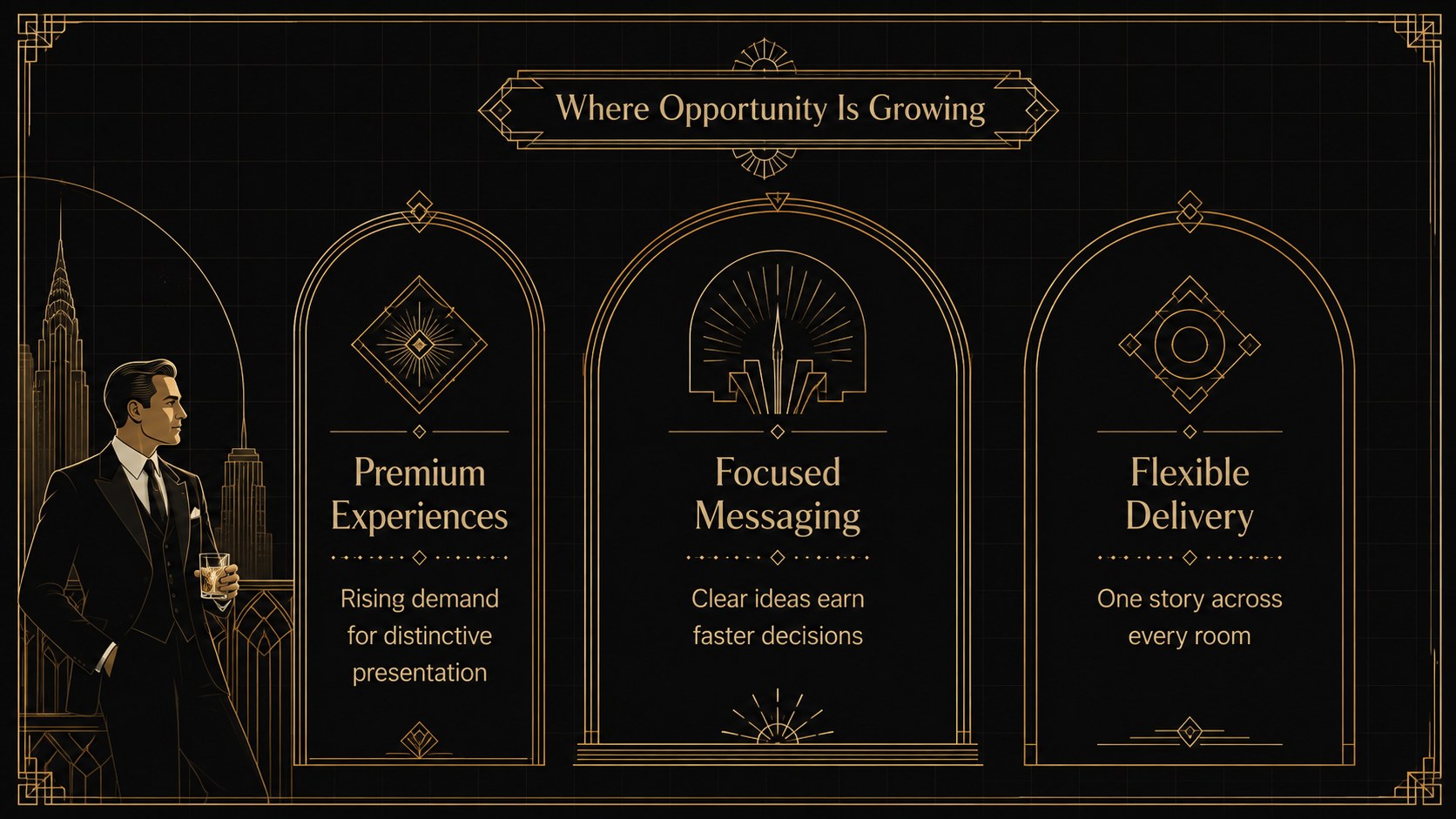
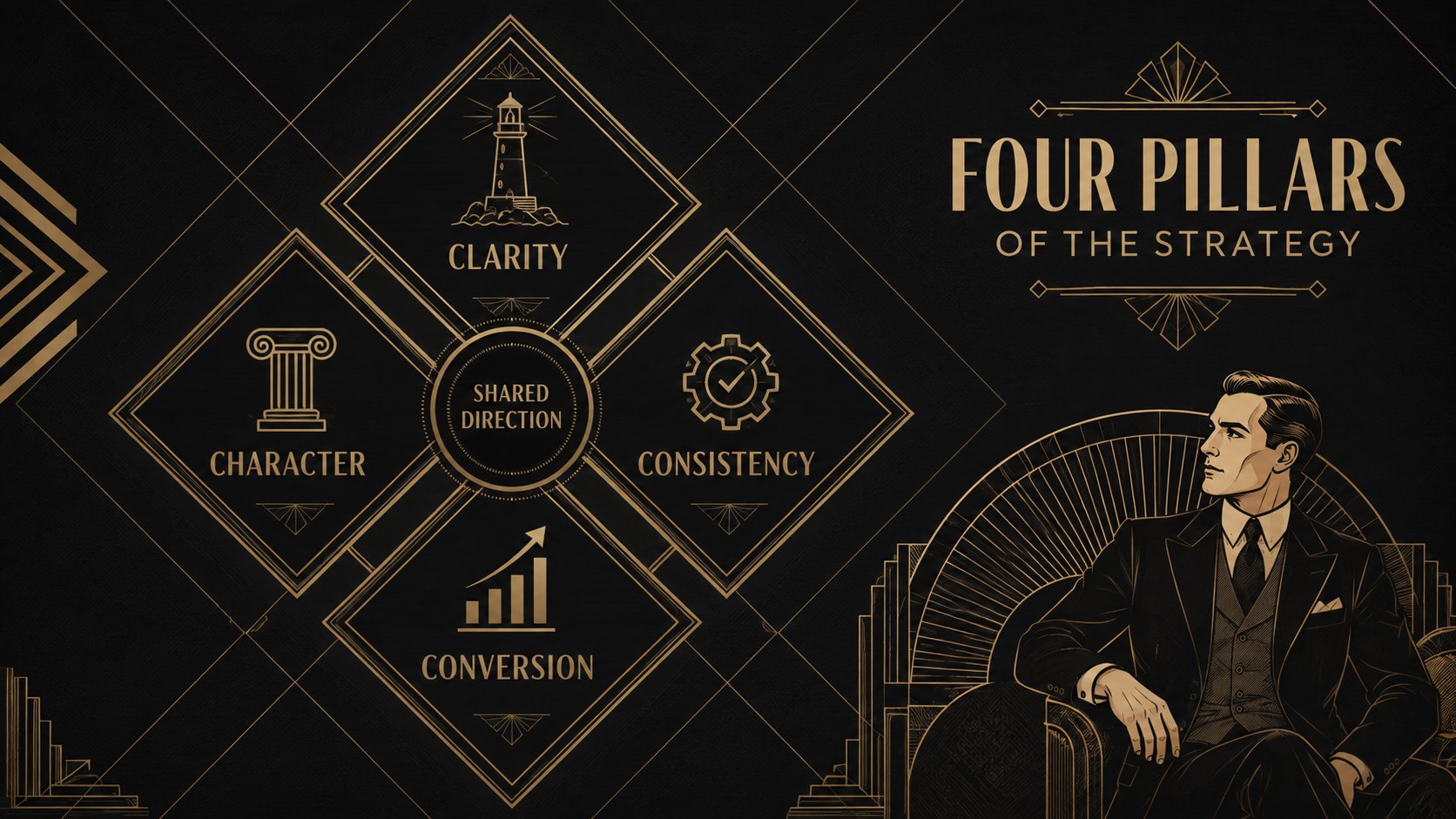
The deck includes adaptable layouts for opening statements, agendas, company profiles, campaign ideas, audience insights, statistics, timelines, service packages, team introductions, pricing, and closing details. Use it as a black and gold pitch deck template for client proposals, a roaring twenties marketing presentation for a themed campaign, or a set of art deco event proposal slides for galas and launches. Charts, image areas, text blocks, and decorative elements can be adjusted to suit concise presentations or detailed business stories.
This template is suited to marketing teams, event planners, creative studios, hospitality brands, educators, and entrepreneurs seeking a luxurious historical look without sacrificing readability. Edit the slides in PowerPoint or Google Slides, replace the sample wording, apply your own photographs, and revise colors or typography when needed. The coherent visual system helps each section feel connected, whether you are presenting a strategy, introducing a concept, or setting the scene for a sophisticated celebration.
Perfect for: luxury brand proposal; 1920s themed event pitch; hospitality concept presentation; creative agency campaign; gala sponsorship deck; historical design lecture.
Frequently asked questions
Can I edit this deck in PowerPoint and Google Slides? Yes. The layouts are designed for editing in both PowerPoint and Google Slides, including text, colors, images, and common presentation shapes. Minor font or spacing adjustments may be needed if you substitute typefaces.
Practical details
Yes. The layouts are designed for editing in both PowerPoint and Google Slides, including text, colors, images, and common presentation shapes. Minor font or spacing adjustments may be needed if you substitute typefaces.
Replace the sample text and photographs first, then adjust accent colors through the theme or master-slide controls. Keep strong contrast between the dark backgrounds, gold details, and light body text to preserve readability.
No. Its structured layouts work for business pitches, event proposals, marketing concepts, hospitality presentations, and creative portfolios. The Art Deco styling provides the period character while the content areas remain multipurpose.
Yes. Use the prepared statistics and comparison layouts or insert native charts from PowerPoint or Google Slides. Simplified charts with limited colors will fit the elegant visual system best.
Keep exploring
15Shape your publishing concept with an indie magazine startup pitch deck featuring pastel gradients, bold collage layouts, and editable planning slides.
 16
16Build clear project stories with the Icon Grid Teamwork Theme, a flexible blue illustrated deck for proposals, strategy updates, and team meetings.
 3
3Turn priorities into an actionable plan with an annual goals roadmap infographic, featuring editable orange and teal layouts for PowerPoint and Google Slides.
 15
15Create an Annual Achievement Report Presentation with colorful geometric layouts for milestones, results, lessons, and priorities in PowerPoint or Google Slides.
 15
15Turn results into a focused annual performance evaluation report with dark 3D slides for KPIs, achievements, feedback, and next-step goals for teams.
 15
15Guide a focused annual recap with Business Results Retrospective Slides, a muted brown-and-blue template for PowerPoint and Google Slides.
 6
6Turn complex plans into clear visual stories with Color-Coded Workflow Path Slides, an editable set for project updates, roadmaps, and team briefings.
 6
6Compare regional performance at a glance with Global Data Heatmap Slides, a clean multicolor deck designed for editable PowerPoint and Google Slides.