
 15
15presentation
Indie Magazine Startup Pitch Deck
Shape your publishing concept with an indie magazine startup pitch deck featuring pastel gradients, bold collage layouts, and editable planning slides.
Google SlidesPowerPoint
document · English
Build stronger seller habits with a revenue rep coaching toolkit for PowerPoint and Google Slides, covering goals, barriers, action steps, and wins.


Design notes
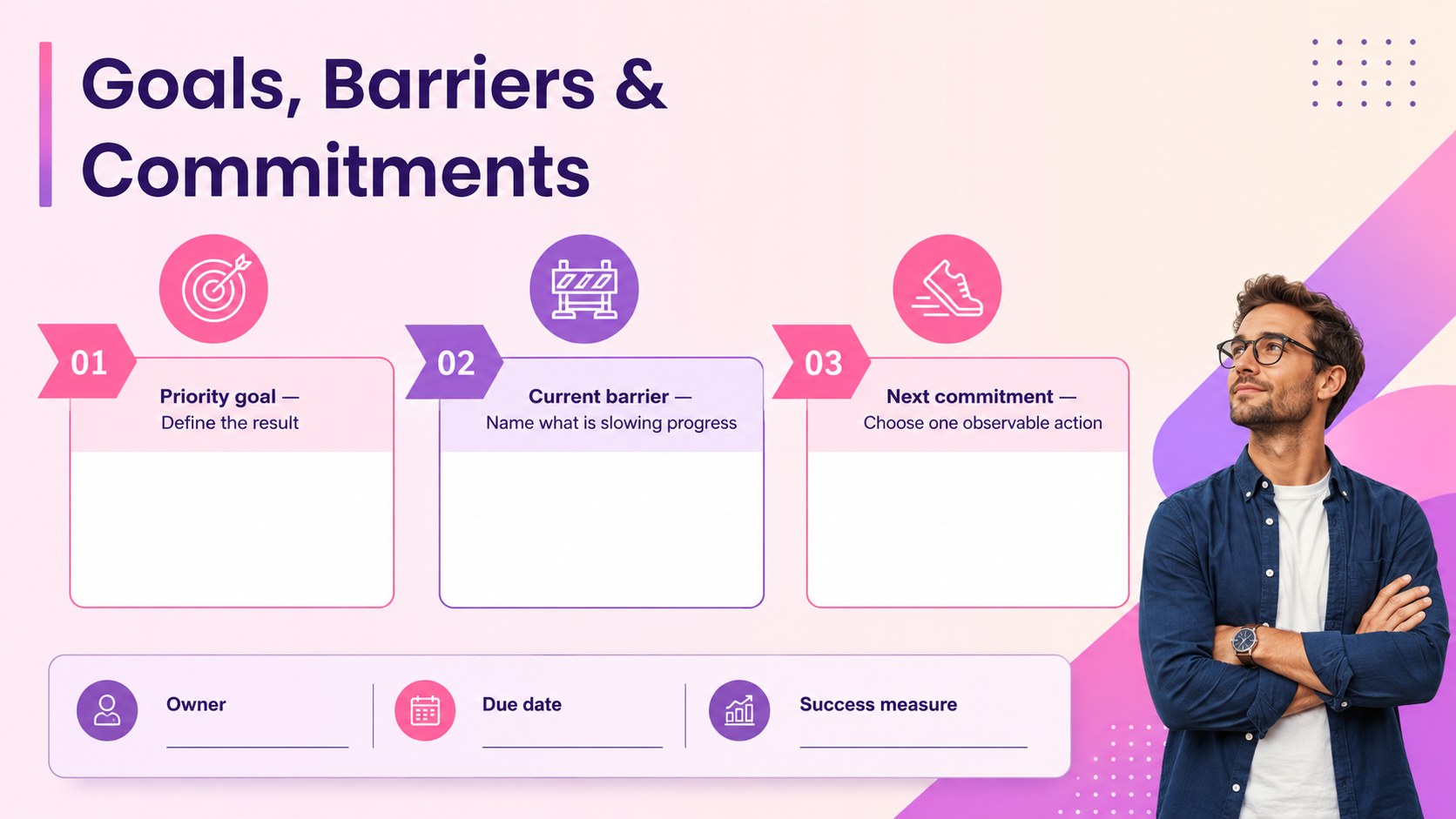
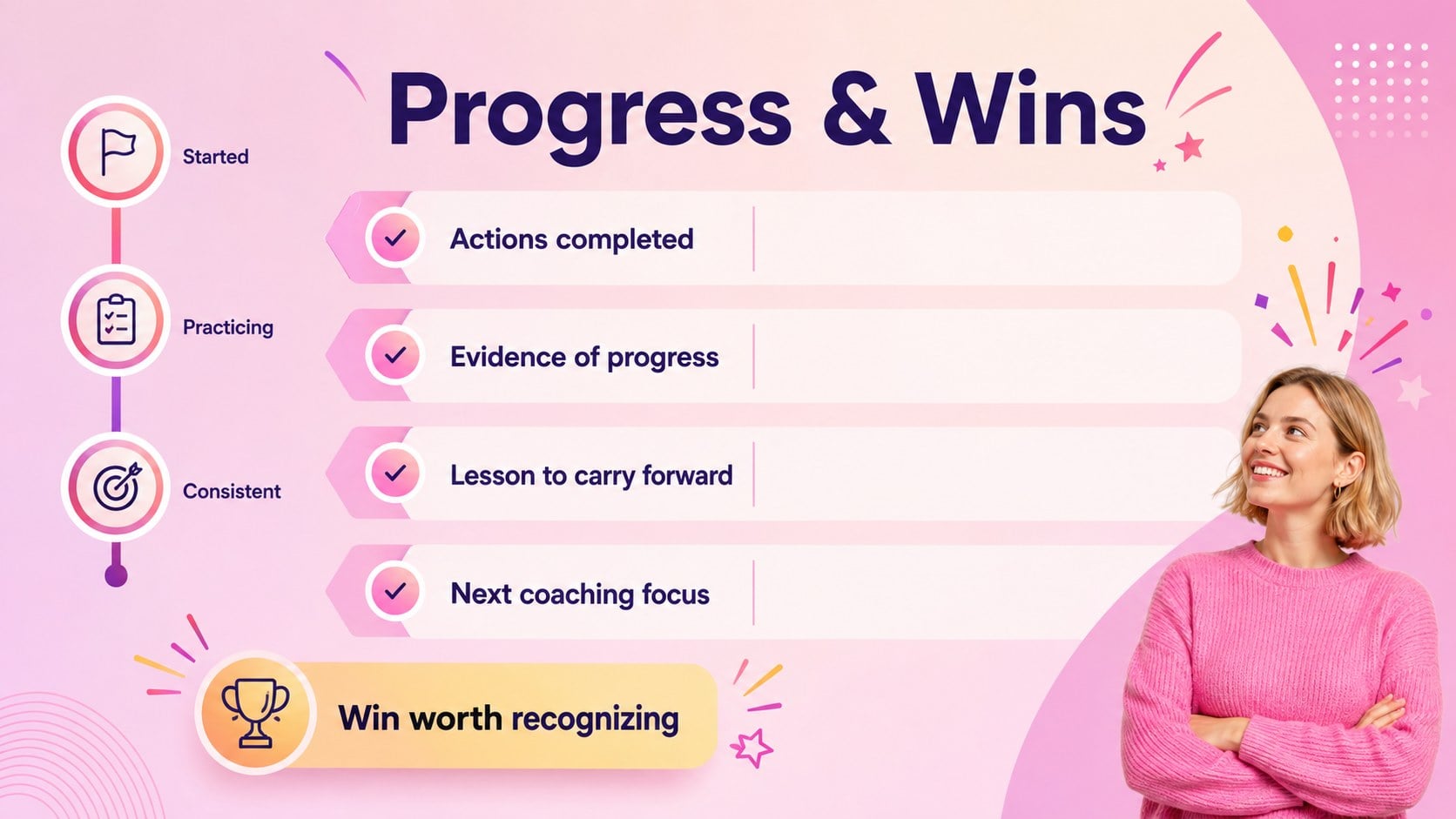
Consistent coaching becomes easier when every conversation has a clear purpose and a visible next step. This revenue rep coaching toolkit gives managers a practical structure for preparing focused one-to-ones, discussing performance, and turning feedback into measurable commitments. A colorful pink gradient style keeps the experience energetic while preserving a polished, professional tone.
Inside, you will find layouts for reviewing recent results, recognizing wins, setting priorities, identifying obstacles, and agreeing on actions. Use the sales rep development plan template to connect individual skills with specific opportunities. The included sales coaching goals and action plan helps each seller leave with defined responsibilities, deadlines, and success measures. A pipeline coaching conversation guide also supports productive discussions about deal movement, qualification, and account strategy without allowing the session to become a general status update.
Designed for sales managers, team leads, enablement specialists, and growing revenue teams, the slides work well for weekly check-ins, monthly development reviews, onboarding conversations, and targeted performance support. Edit the text, colors, examples, and tracking fields in PowerPoint or Google Slides to match your sales process and brand. Reuse the layouts across the team to create a consistent coaching rhythm while keeping every discussion relevant to the individual representative.
Perfect for: weekly rep coaching sessions; new seller onboarding; monthly performance reviews; pipeline development conversations; skill improvement planning.
Frequently asked questions
Can I edit every section of the toolkit? Yes. Headlines, prompts, tables, colors, and action fields can be changed to fit your sales process and coaching approach.
Practical details
Yes. Headlines, prompts, tables, colors, and action fields can be changed to fit your sales process and coaching approach.
The toolkit is designed for PowerPoint and Google Slides. Both platforms allow you to present the material live or share completed coaching slides with individual representatives.
Replace the sample prompts with your qualification criteria, performance measures, and development priorities. You can also apply your brand colors and add relevant pipeline or activity data.
Yes. Duplicate the working slides for each session, then record goals, commitments, owners, and review dates to maintain a useful coaching history.
Keep exploring
15Shape your publishing concept with an indie magazine startup pitch deck featuring pastel gradients, bold collage layouts, and editable planning slides.
 16
16Build clear project stories with the Icon Grid Teamwork Theme, a flexible blue illustrated deck for proposals, strategy updates, and team meetings.
 3
3Turn priorities into an actionable plan with an annual goals roadmap infographic, featuring editable orange and teal layouts for PowerPoint and Google Slides.
 15
15Create an Annual Achievement Report Presentation with colorful geometric layouts for milestones, results, lessons, and priorities in PowerPoint or Google Slides.
 15
15Turn results into a focused annual performance evaluation report with dark 3D slides for KPIs, achievements, feedback, and next-step goals for teams.
 15
15Guide a focused annual recap with Business Results Retrospective Slides, a muted brown-and-blue template for PowerPoint and Google Slides.
 6
6Turn complex plans into clear visual stories with Color-Coded Workflow Path Slides, an editable set for project updates, roadmaps, and team briefings.
 6
6Compare regional performance at a glance with Global Data Heatmap Slides, a clean multicolor deck designed for editable PowerPoint and Google Slides.