
 15
15presentation
Indie Magazine Startup Pitch Deck
Shape your publishing concept with an indie magazine startup pitch deck featuring pastel gradients, bold collage layouts, and editable planning slides.
Google SlidesPowerPoint
presentation · English
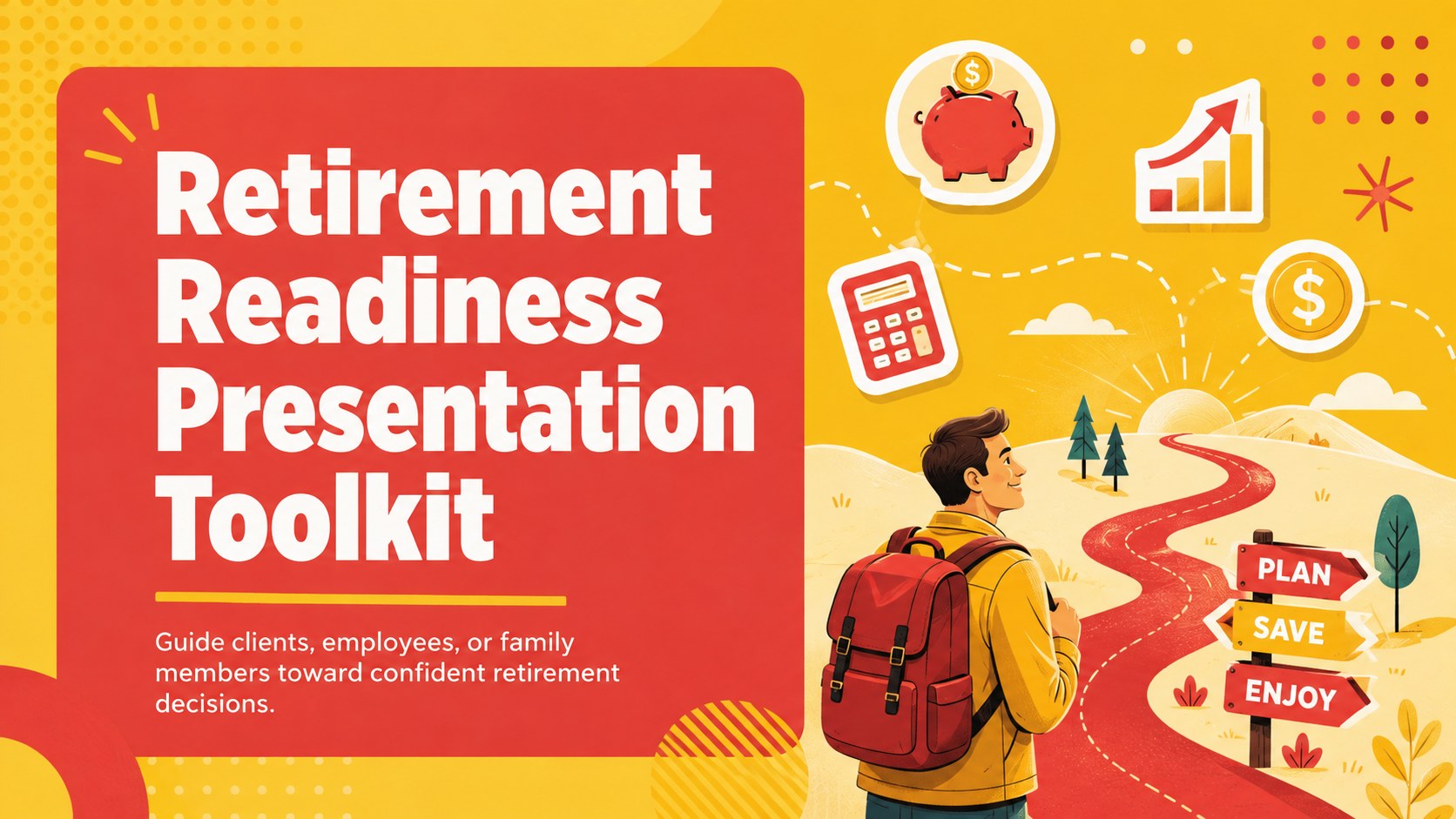
Turn complex choices into a clear action plan with this retirement readiness presentation for client reviews, workplace seminars, and personal goal setting.


Design notes
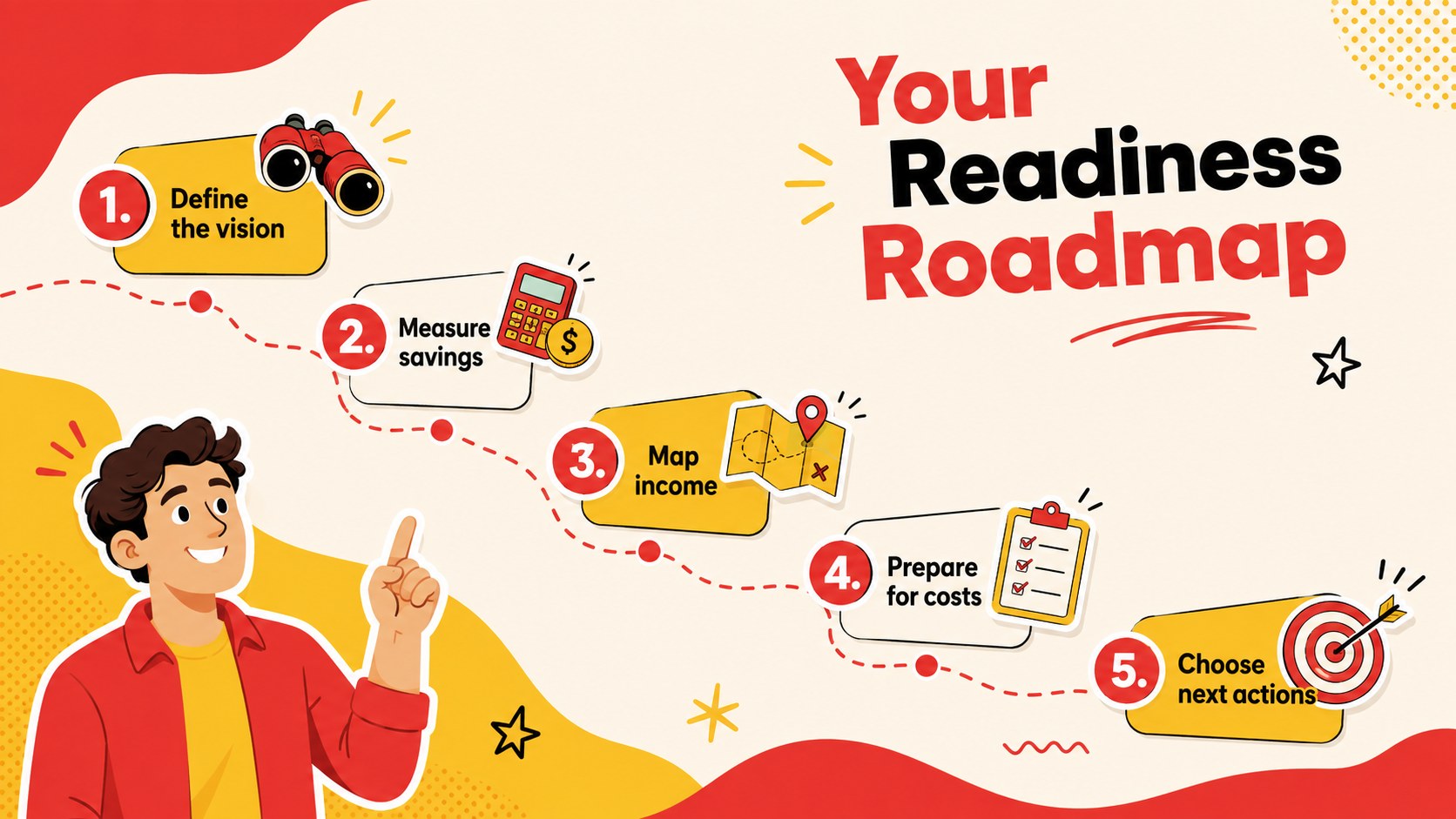
Make long-term financial decisions easier to discuss with this retirement readiness presentation. Its lively red and yellow palette, bold typography, and playful modern illustrations create a friendly setting for conversations about savings, future income, healthcare costs, and lifestyle priorities. The clear visual structure helps presenters explain serious topics without making the session feel overwhelming.
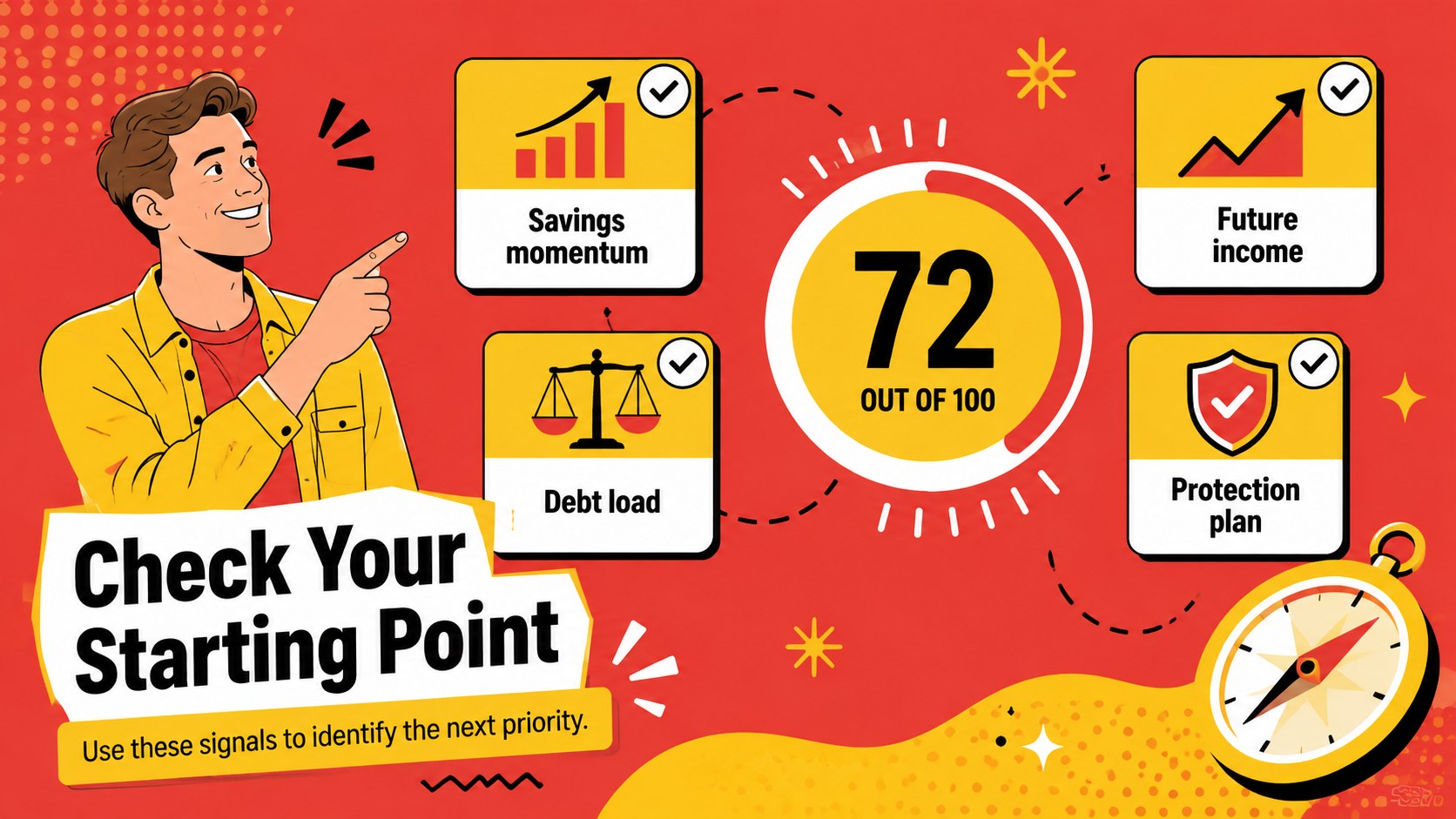
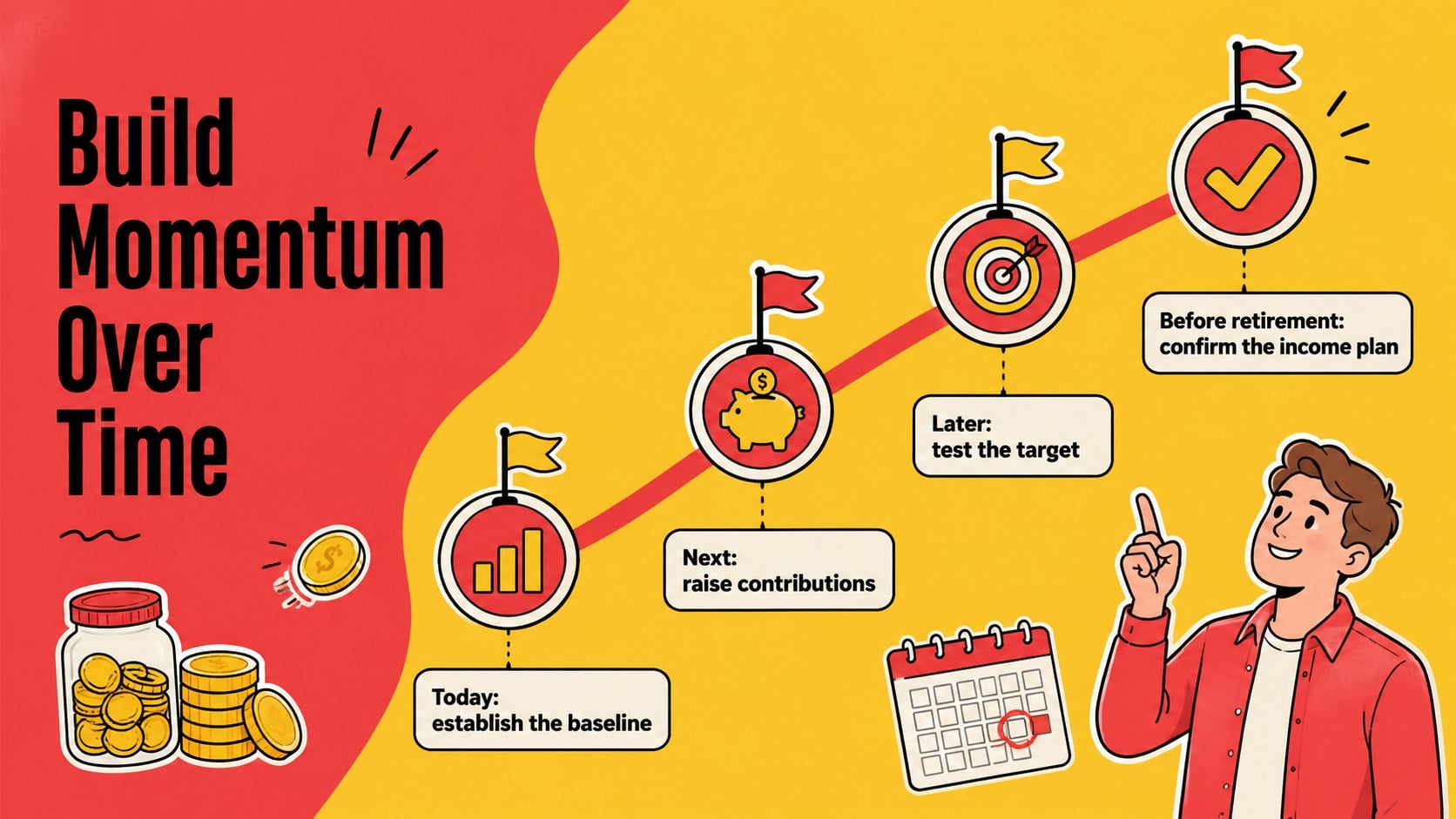
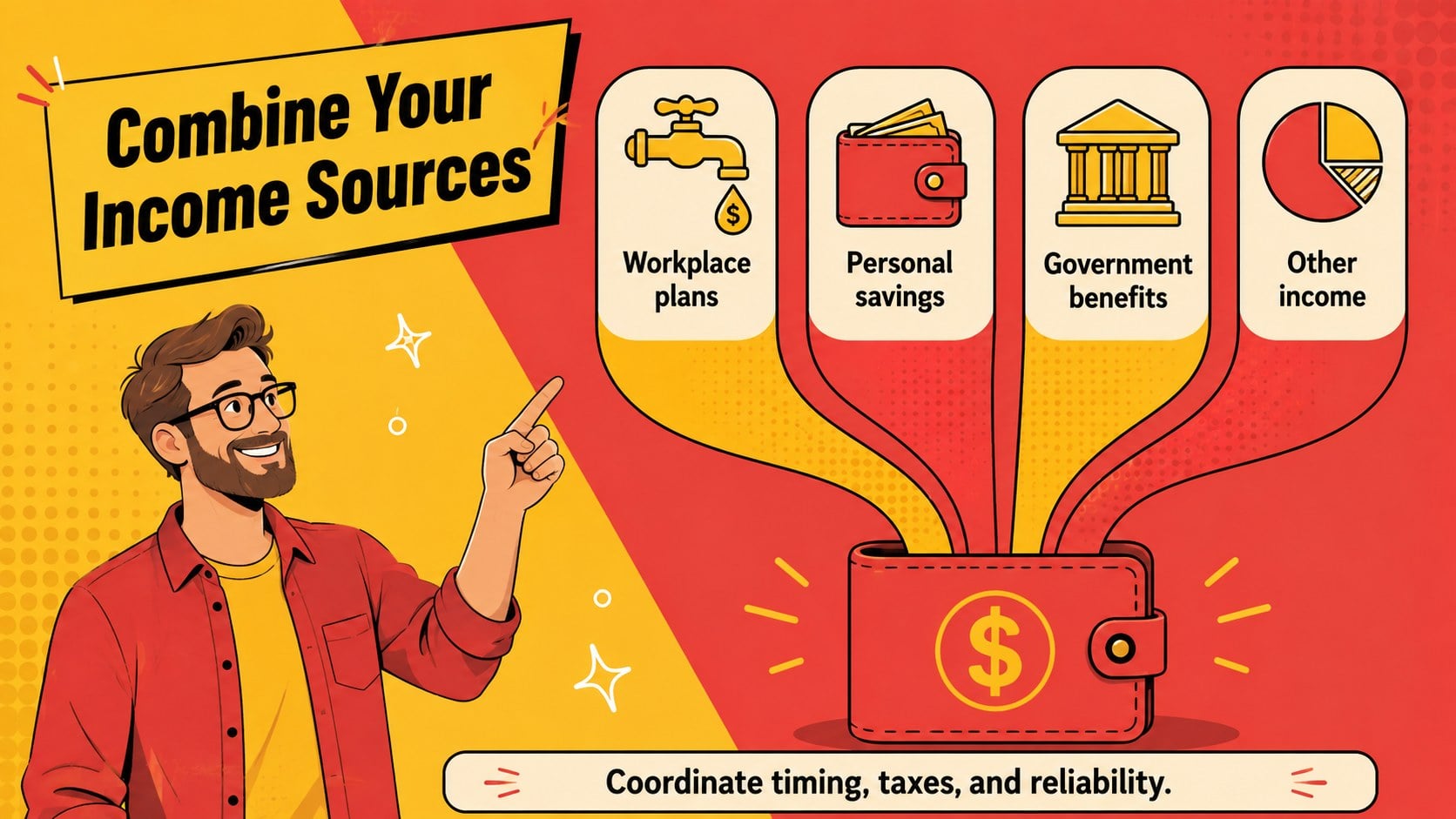
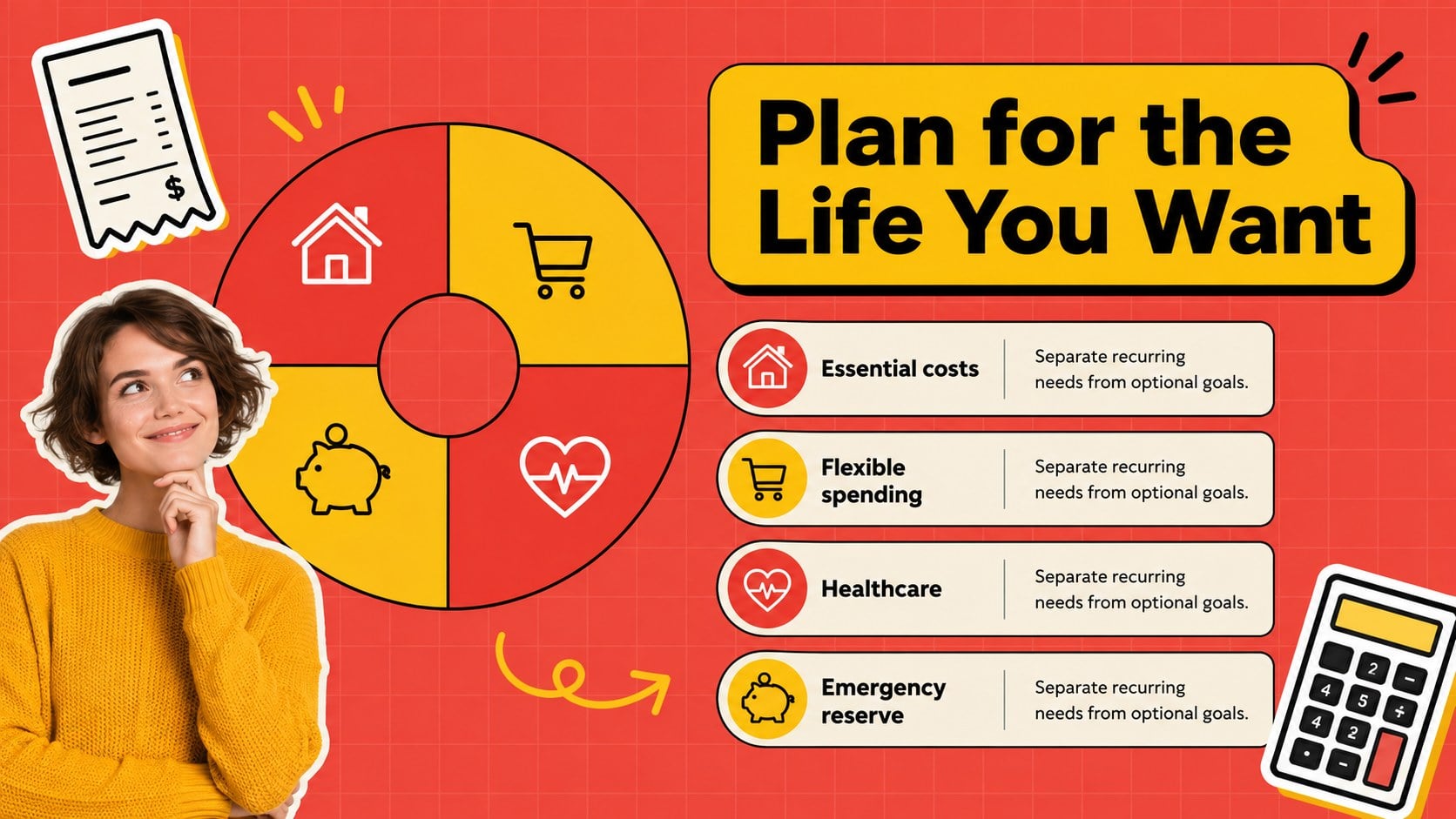
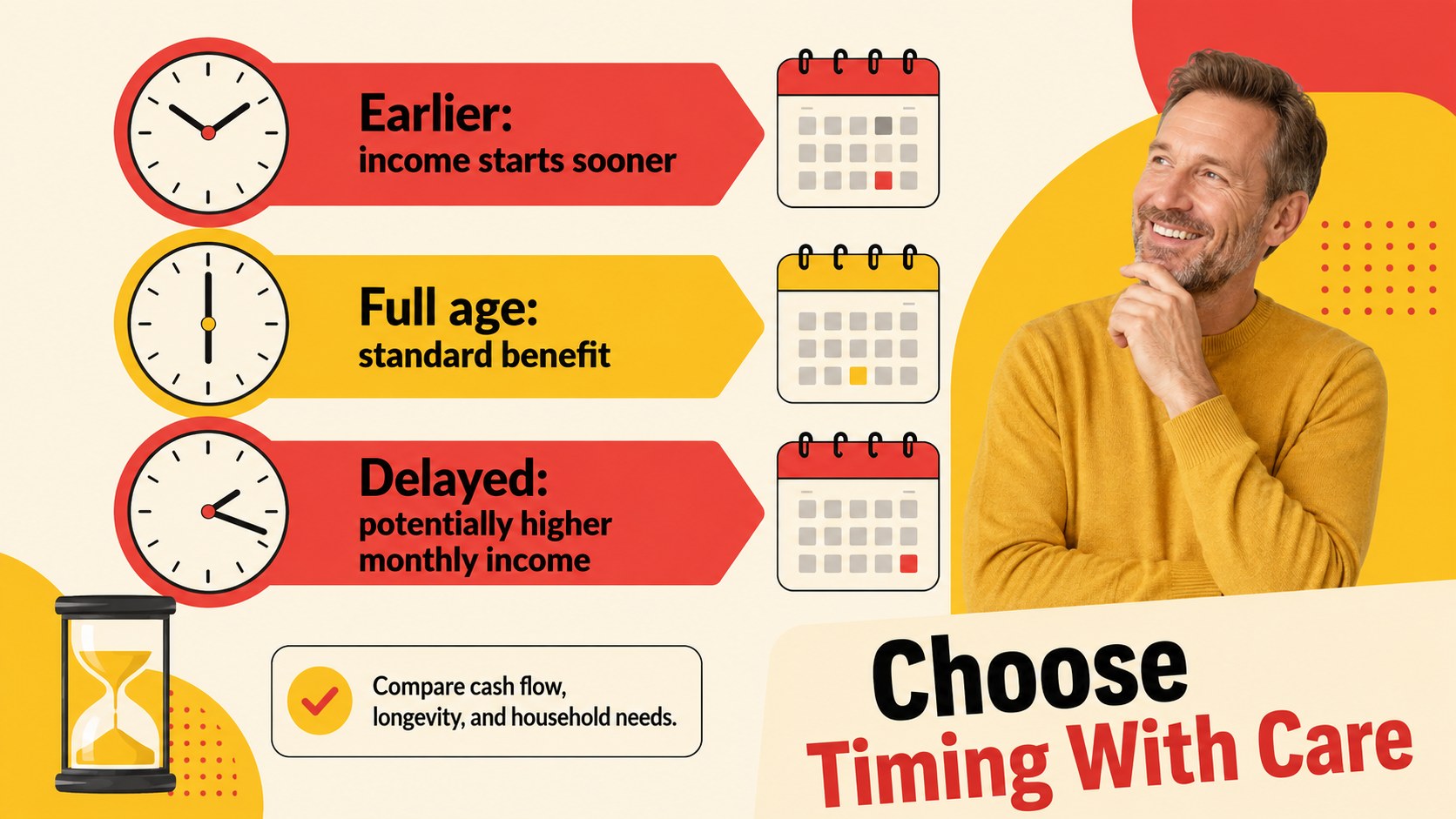
The 19-slide toolkit includes an opening overview, retirement vision prompts, readiness checkpoints, savings milestones, income source comparisons, expense planning, risk considerations, Social Security timing, healthcare preparation, an action timeline, and a closing checklist. Flexible charts, timelines, icon layouts, and discussion pages make it suitable as a client retirement review slide deck or a retirement income planning presentation. Every element can be edited in PowerPoint or Google Slides, including colors, type, illustrations, labels, and data.
Financial advisors can adapt the deck for individual consultations, while HR and benefits teams can use it to build workplace retirement seminar slides. It also works for community education sessions, personal finance workshops, and family planning conversations. The upbeat sticker-inspired design keeps information engaging, while the organized layouts give audiences practical next steps they can review after the presentation.
Perfect for: financial advisor client review; employee retirement seminar; personal finance workshop; community planning class; family retirement discussion.
Frequently asked questions
Can I edit this presentation in PowerPoint and Google Slides? Yes. The layouts, text, colors, charts, and graphic elements can be customized in PowerPoint or Google Slides. Some font spacing or animations may need minor adjustment after moving between platforms.
Practical details
Yes. The layouts, text, colors, charts, and graphic elements can be customized in PowerPoint or Google Slides. Some font spacing or animations may need minor adjustment after moving between platforms.
Yes. Edit the chart labels, percentages, milestone amounts, and timeline dates to reflect your audience or client scenario. Review all calculations independently before presenting financial guidance.
Add your logo, preferred fonts, contact details, and brand colors through the theme or master-slide tools. You can also remove sections that do not apply and duplicate layouts for additional topics.
The slides provide a flexible structure for educational or planning conversations. Presenters should tailor the content to each person's circumstances and include appropriate professional or regulatory disclosures.
Keep exploring
15Shape your publishing concept with an indie magazine startup pitch deck featuring pastel gradients, bold collage layouts, and editable planning slides.
 16
16Build clear project stories with the Icon Grid Teamwork Theme, a flexible blue illustrated deck for proposals, strategy updates, and team meetings.
 3
3Turn priorities into an actionable plan with an annual goals roadmap infographic, featuring editable orange and teal layouts for PowerPoint and Google Slides.
 15
15Create an Annual Achievement Report Presentation with colorful geometric layouts for milestones, results, lessons, and priorities in PowerPoint or Google Slides.
 15
15Turn results into a focused annual performance evaluation report with dark 3D slides for KPIs, achievements, feedback, and next-step goals for teams.
 15
15Guide a focused annual recap with Business Results Retrospective Slides, a muted brown-and-blue template for PowerPoint and Google Slides.
 6
6Turn complex plans into clear visual stories with Color-Coded Workflow Path Slides, an editable set for project updates, roadmaps, and team briefings.
 6
6Compare regional performance at a glance with Global Data Heatmap Slides, a clean multicolor deck designed for editable PowerPoint and Google Slides.