
 15
15presentation
Indie Magazine Startup Pitch Deck
Shape your publishing concept with an indie magazine startup pitch deck featuring pastel gradients, bold collage layouts, and editable planning slides.
Google SlidesPowerPoint
presentation · English
Plan a clear retirement planning workshop with blue-green business slides for goals, timelines, financial discussion, and career transition milestones.

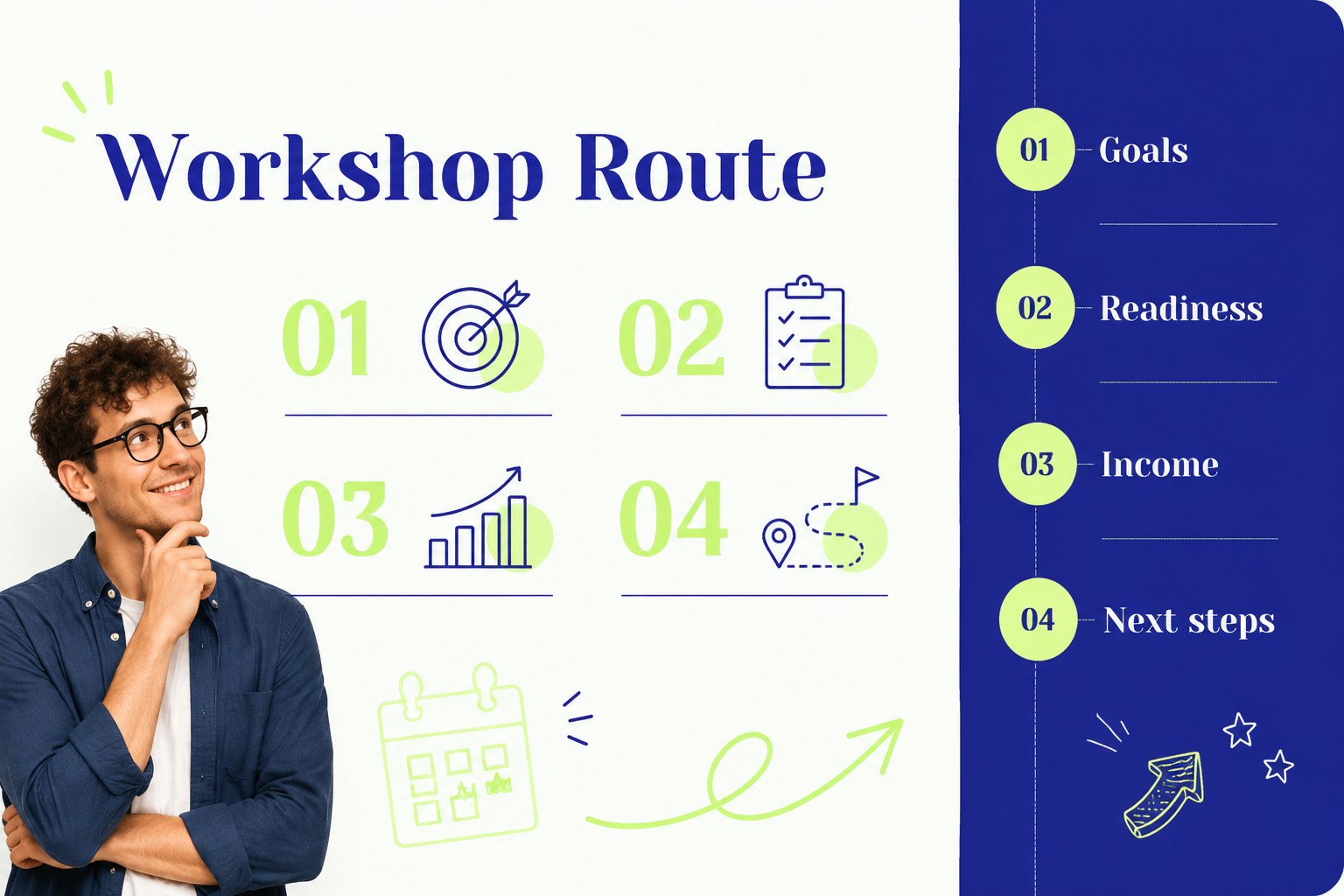
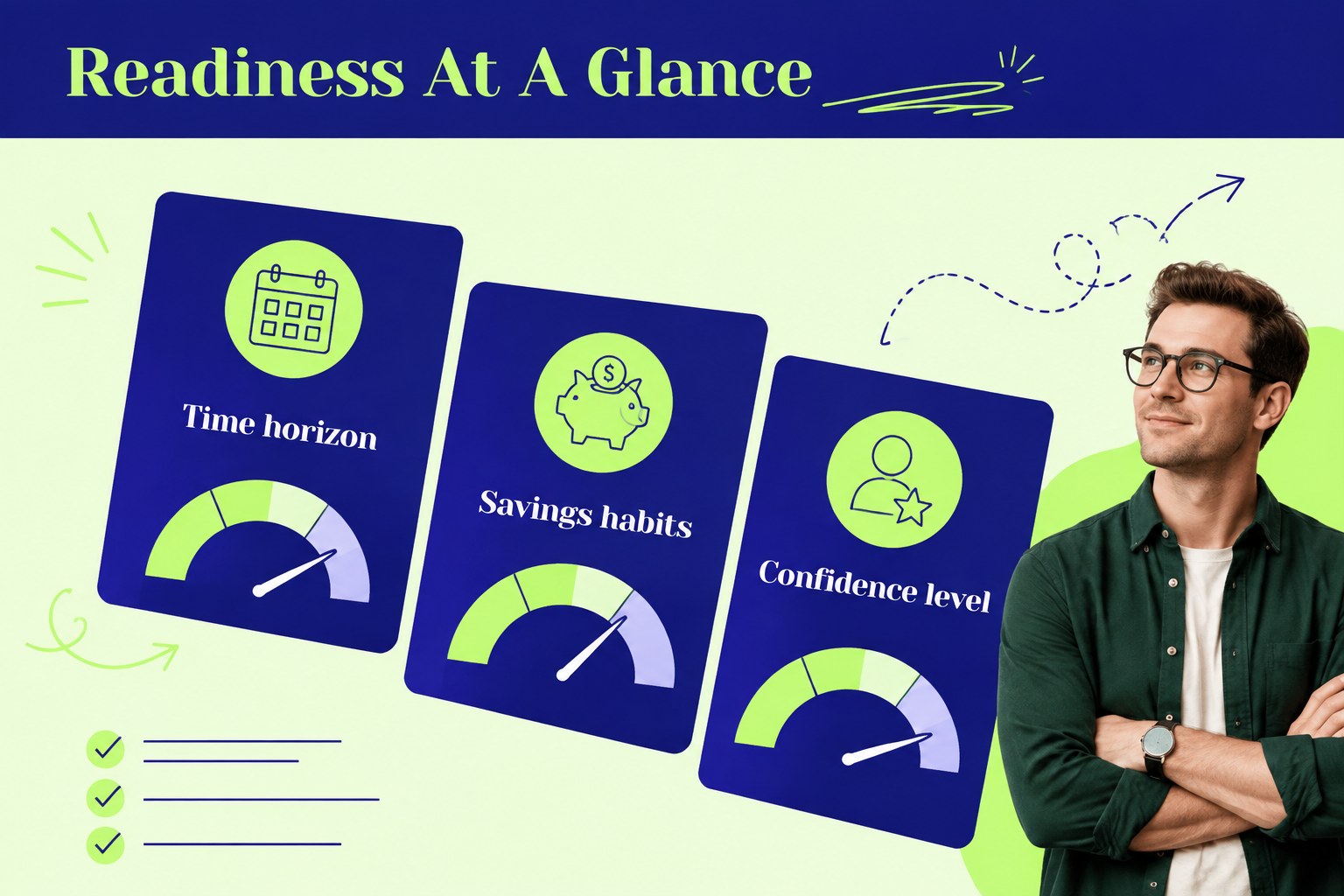

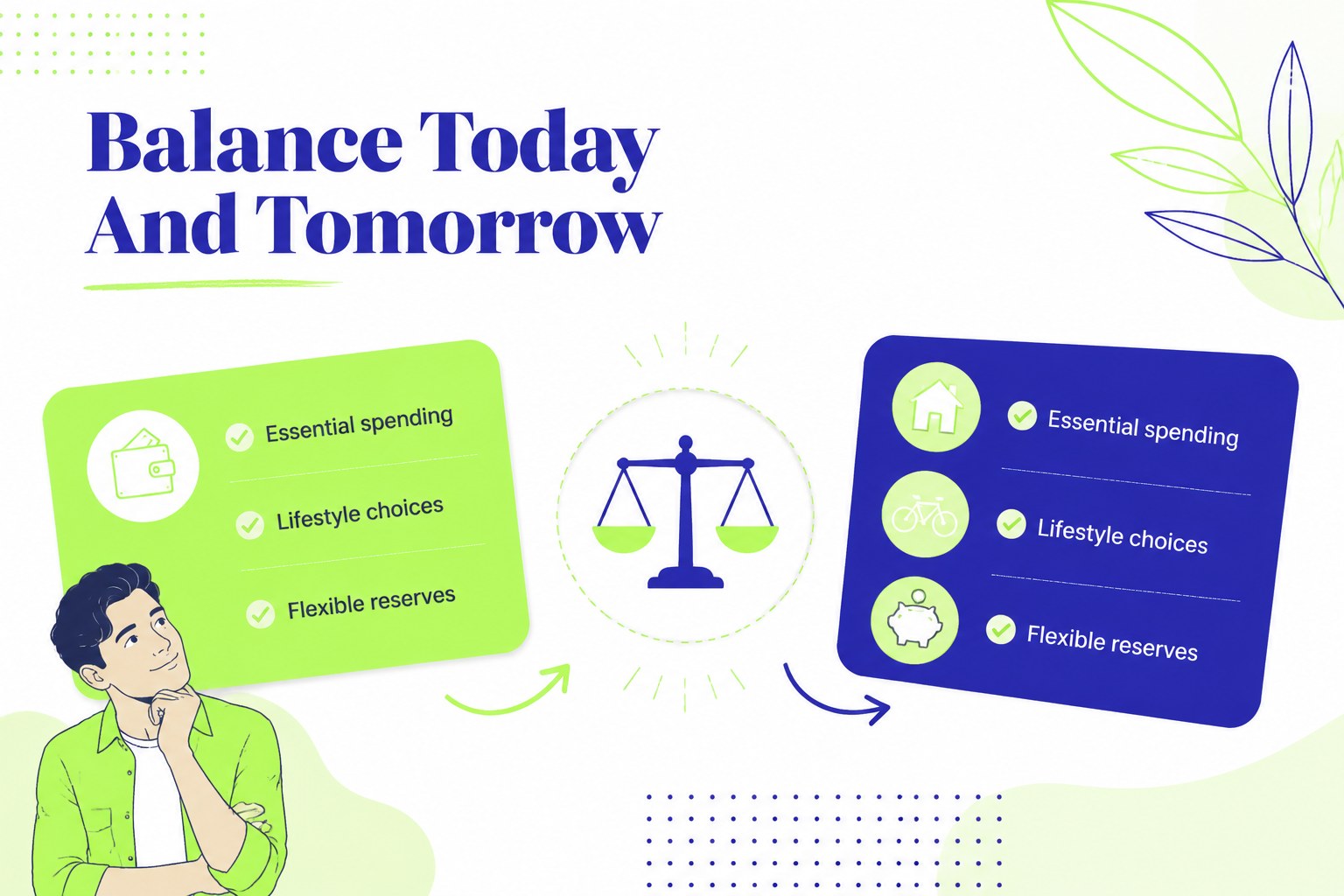

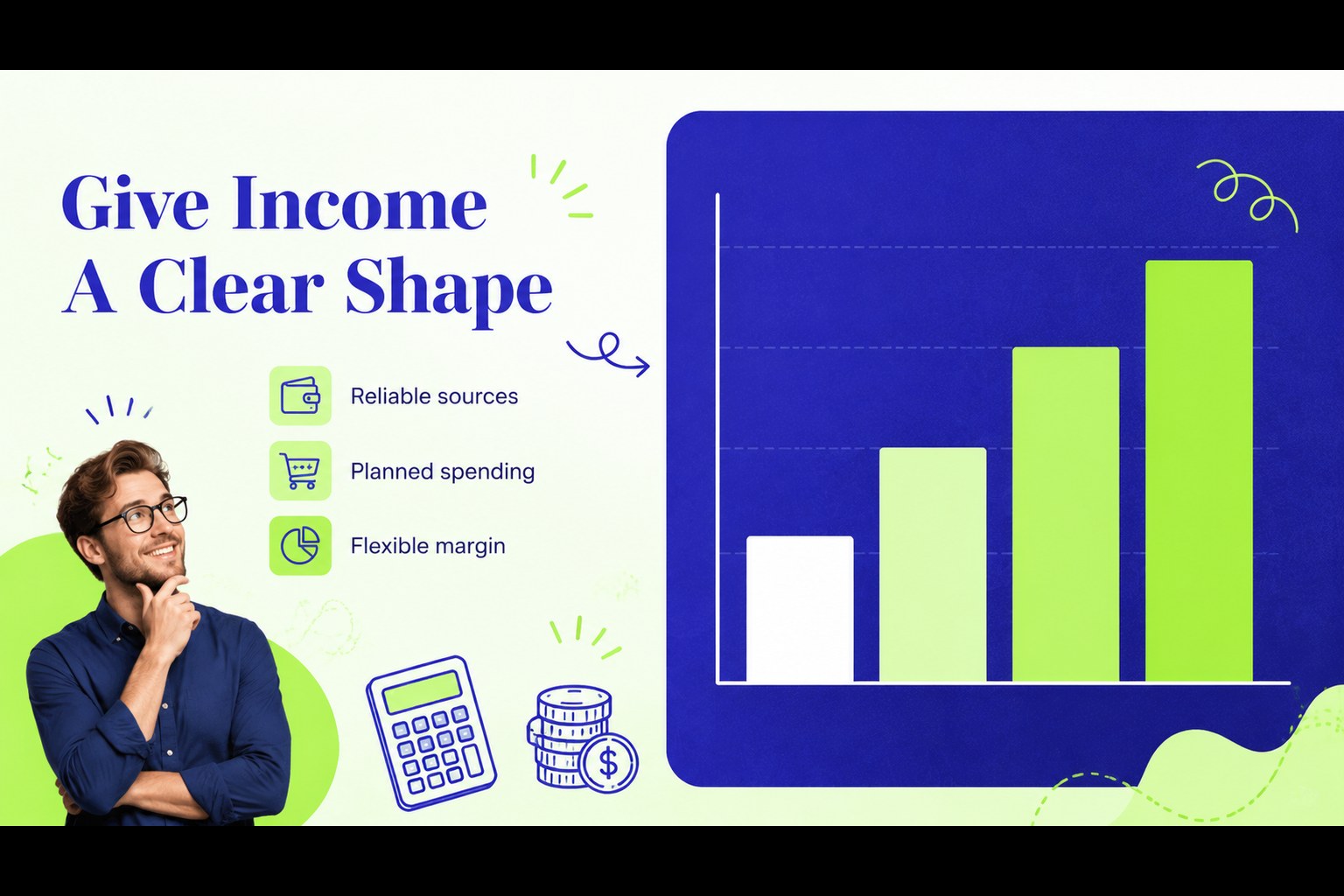
Design notes
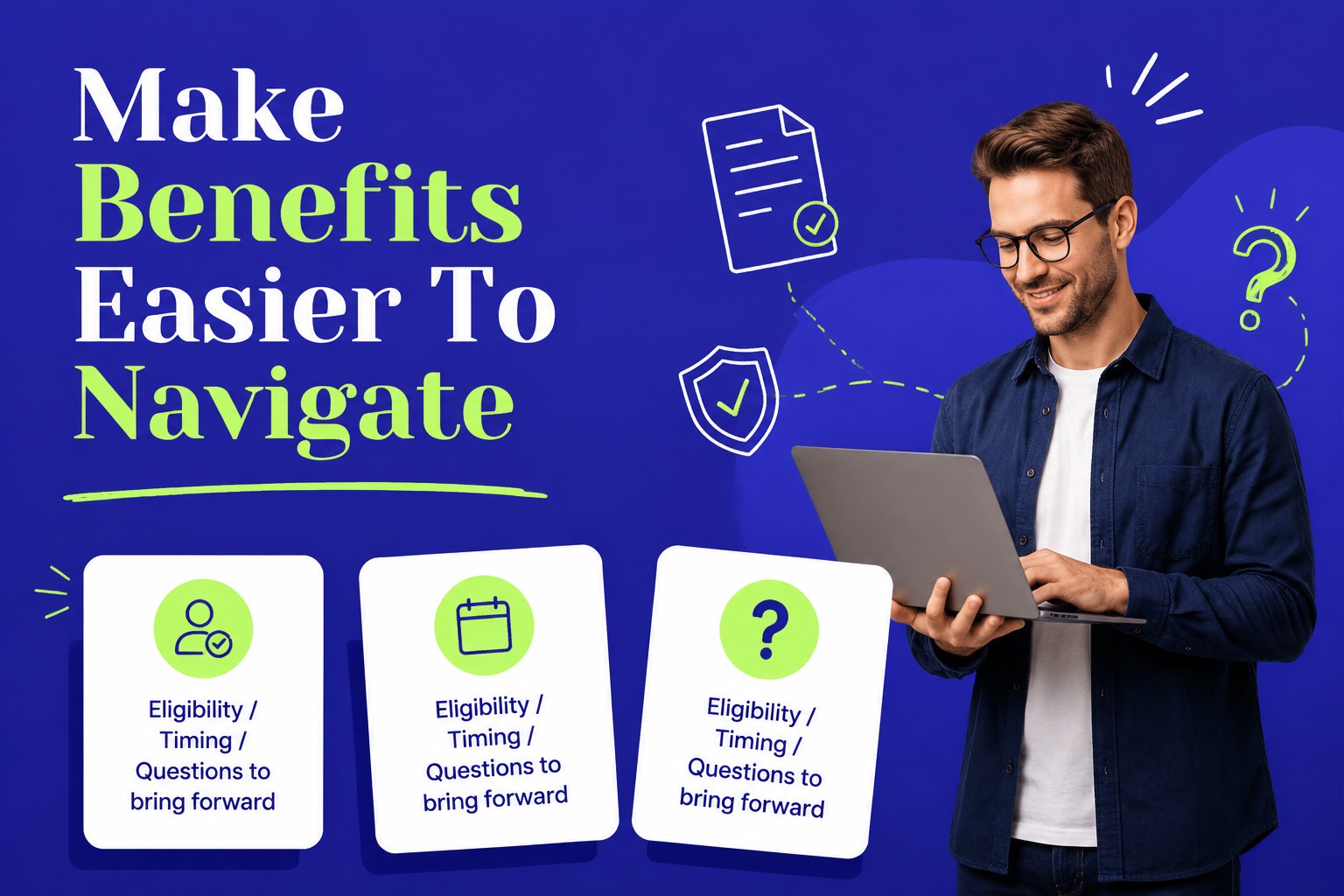
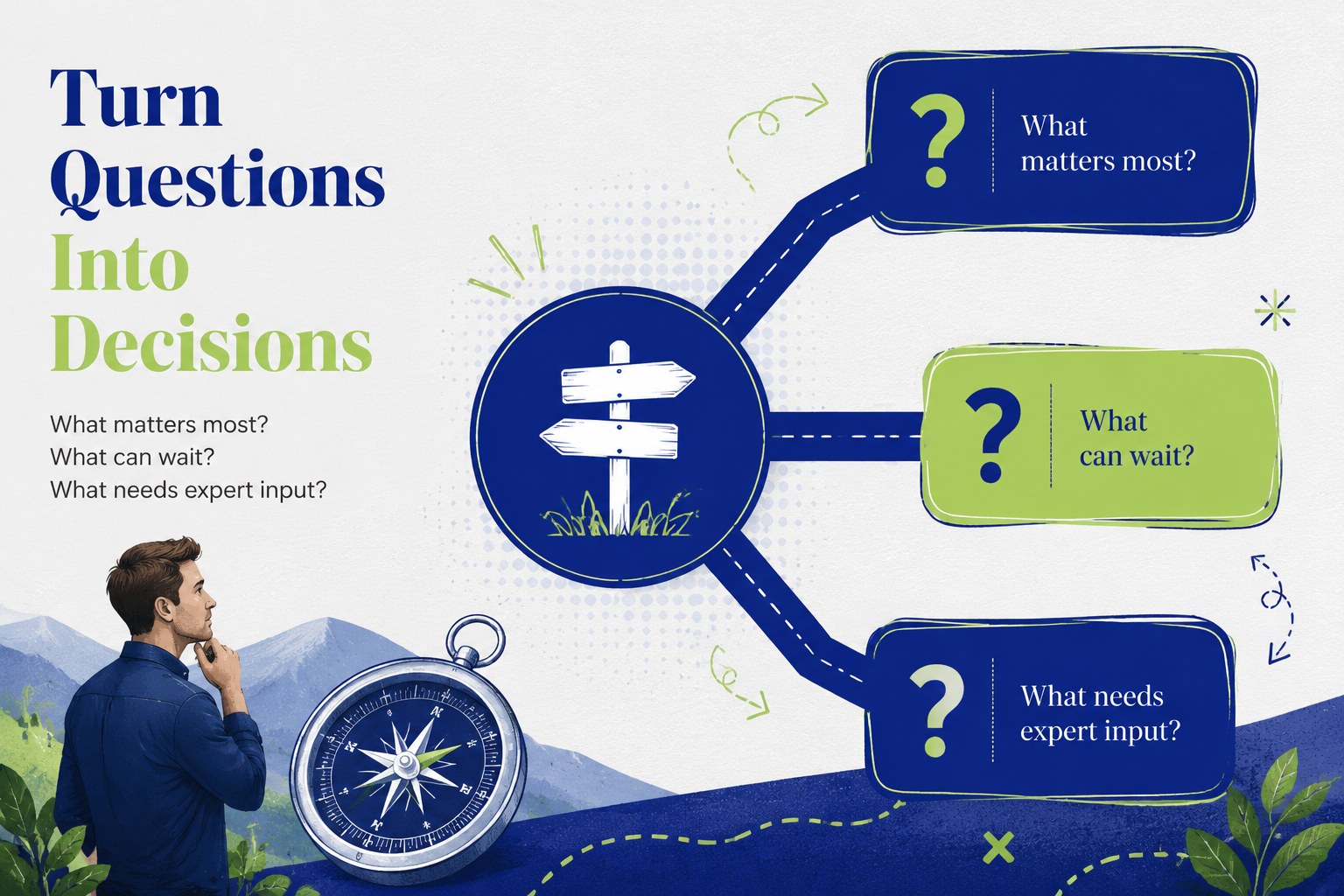
Retirement planning workshop deck for advisors, HR teams, managers, and workplace educators who need to make an important transition easier to understand. The blue and green corporate palette, clean layouts, and friendly doodle accents create a composed setting for conversations about timelines, priorities, finances, and life after work.
Inside, you’ll find 15 editable 16:9 slides for an opening session, workshop agenda, retirement readiness snapshot, personal goals, income planning, milestone timeline, decision framework, discussion prompts, action plan, and closing summary. Use the layouts for a retirement transition presentation, employee education session, benefits briefing, or small-group planning meeting. Charts, comparison areas, icons, shapes, and image placeholders help you explain detailed information without overwhelming the audience.
The deck works in PowerPoint and Google Slides, making it practical for in-person meetings, virtual workshops, and shared planning sessions. Replace the sample copy with your organization’s guidance, add local policy details, and adapt the visual hierarchy for different audiences. The Yeseva One type treatment and blue-green palette preserve a polished business character while leaving enough room for charts, notes, and facilitator-led discussion.
Perfect for: employee retirement readiness workshop; HR benefits briefing; financial advisor client session; career transition planning meeting.
Frequently asked questions
Can I edit this deck in PowerPoint? Yes. The presentation is designed for PowerPoint editing, including text, colors, charts, shapes, and image placeholders. Replace the sample content with your organization’s retirement guidance and branding.
Practical details
Yes. The presentation is designed for PowerPoint editing, including text, colors, charts, shapes, and image placeholders. Replace the sample content with your organization’s retirement guidance and branding.
Yes, you can open and customize the deck in Google Slides. Review fonts, chart placement, and spacing after import to ensure the presentation matches your intended layout.
The layouts support retirement goals, income planning, benefits education, transition timelines, readiness check-ins, and next-step action plans. You can also adapt the discussion slides for a specific employee group or client profile.
Yes. Update the theme colors to match your organization while keeping the existing layout system intact. The template also leaves room for custom charts, icons, photos, and facilitator notes.
Keep exploring
15Shape your publishing concept with an indie magazine startup pitch deck featuring pastel gradients, bold collage layouts, and editable planning slides.
 16
16Build clear project stories with the Icon Grid Teamwork Theme, a flexible blue illustrated deck for proposals, strategy updates, and team meetings.
 3
3Turn priorities into an actionable plan with an annual goals roadmap infographic, featuring editable orange and teal layouts for PowerPoint and Google Slides.
 15
15Create an Annual Achievement Report Presentation with colorful geometric layouts for milestones, results, lessons, and priorities in PowerPoint or Google Slides.
 15
15Turn results into a focused annual performance evaluation report with dark 3D slides for KPIs, achievements, feedback, and next-step goals for teams.
 15
15Guide a focused annual recap with Business Results Retrospective Slides, a muted brown-and-blue template for PowerPoint and Google Slides.
 6
6Turn complex plans into clear visual stories with Color-Coded Workflow Path Slides, an editable set for project updates, roadmaps, and team briefings.
 6
6Compare regional performance at a glance with Global Data Heatmap Slides, a clean multicolor deck designed for editable PowerPoint and Google Slides.