
 15
15presentation
Indie Magazine Startup Pitch Deck
Shape your publishing concept with an indie magazine startup pitch deck featuring pastel gradients, bold collage layouts, and editable planning slides.
Google SlidesPowerPoint
presentation · English
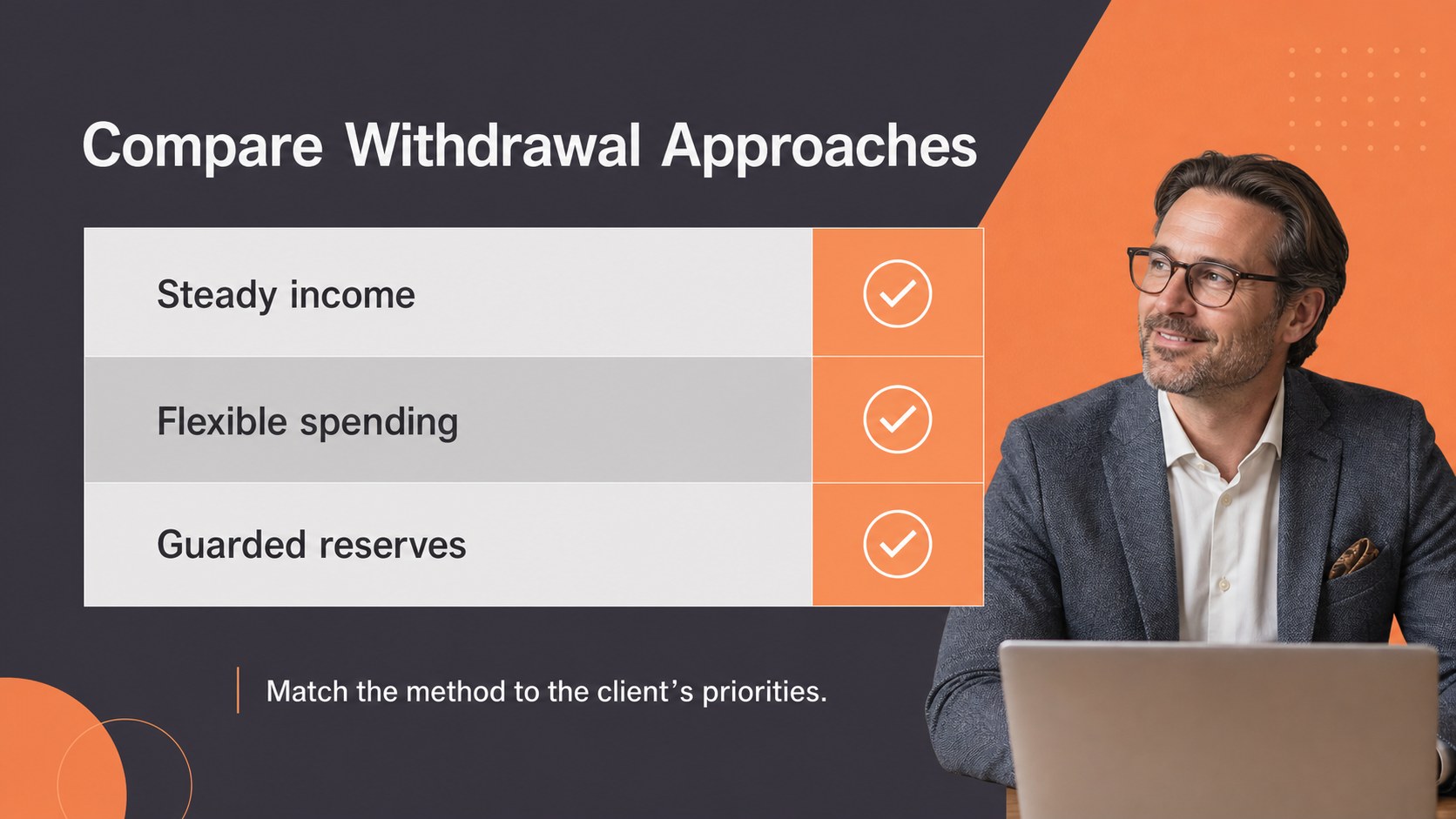
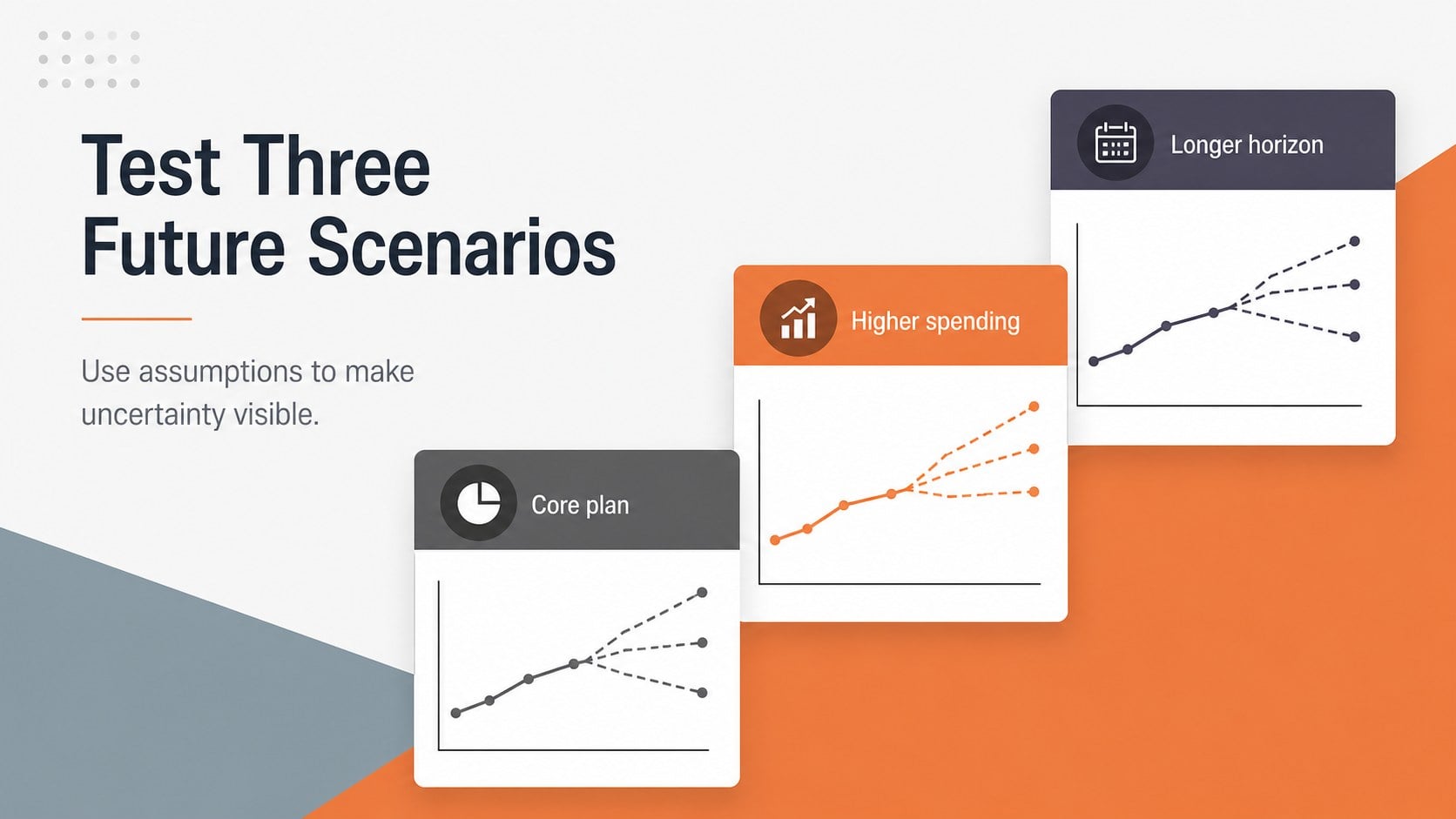
Build a clear retirement income roadmap deck with orange and gray geometric slides for client reviews, workshops, and practical financial planning.



Design notes
A retirement income roadmap deck helps financial professionals explain the path from current savings to dependable income after work. Use this orange and gray geometric presentation to organize recommendations, clarify trade-offs, and guide clients through important planning decisions. Its clean visual system keeps technical information approachable while giving every section a confident, business-ready appearance.
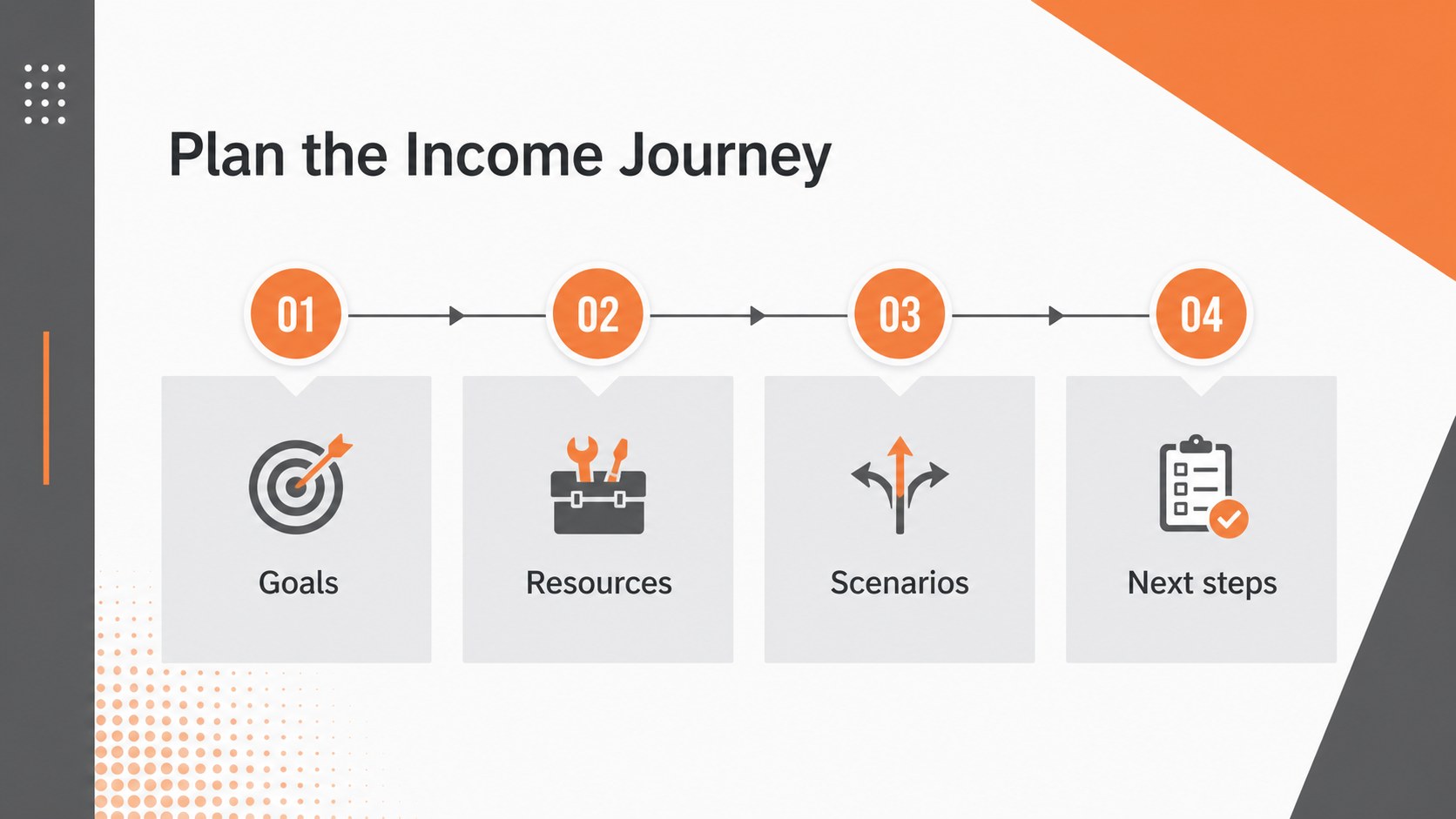
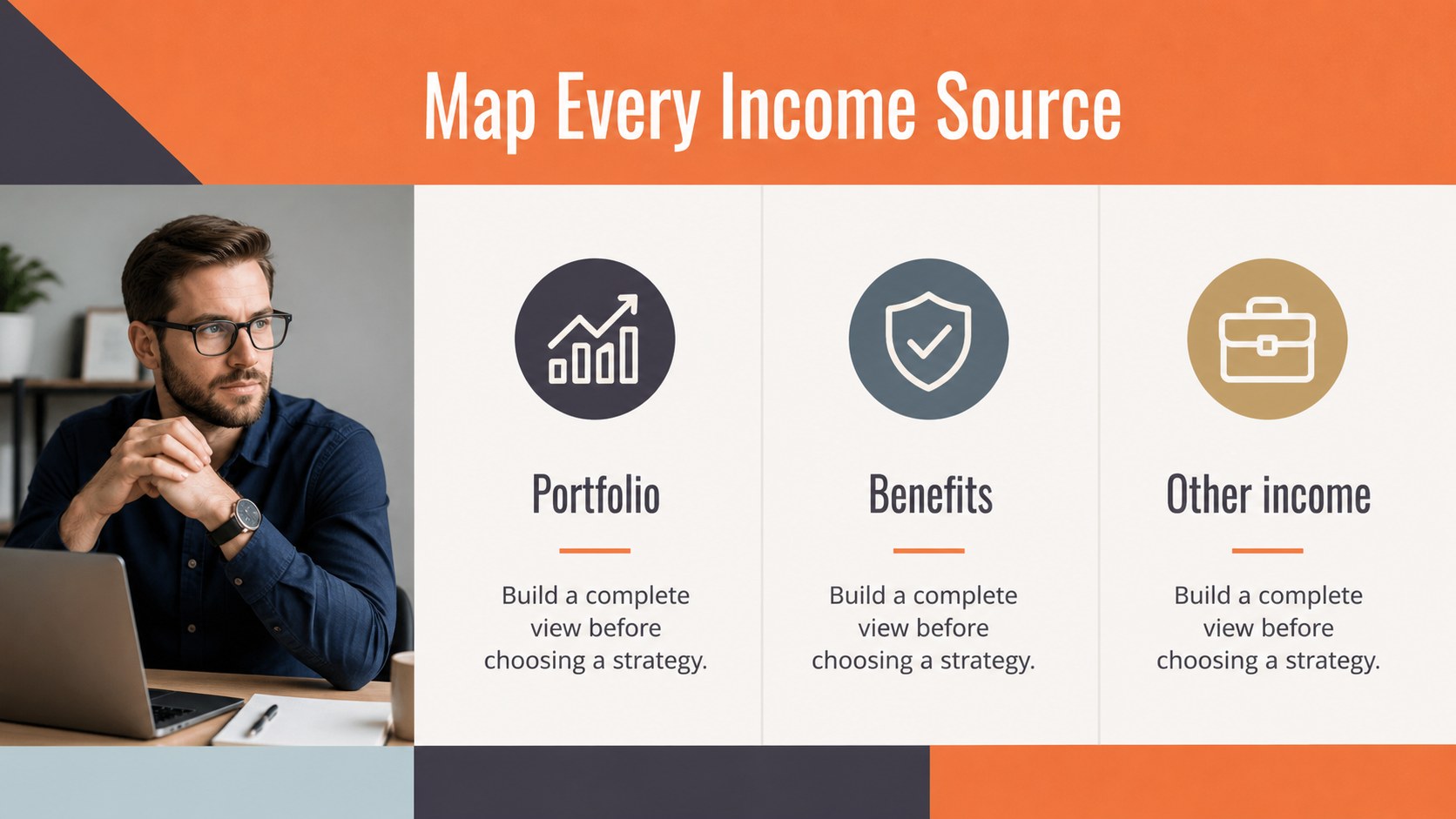
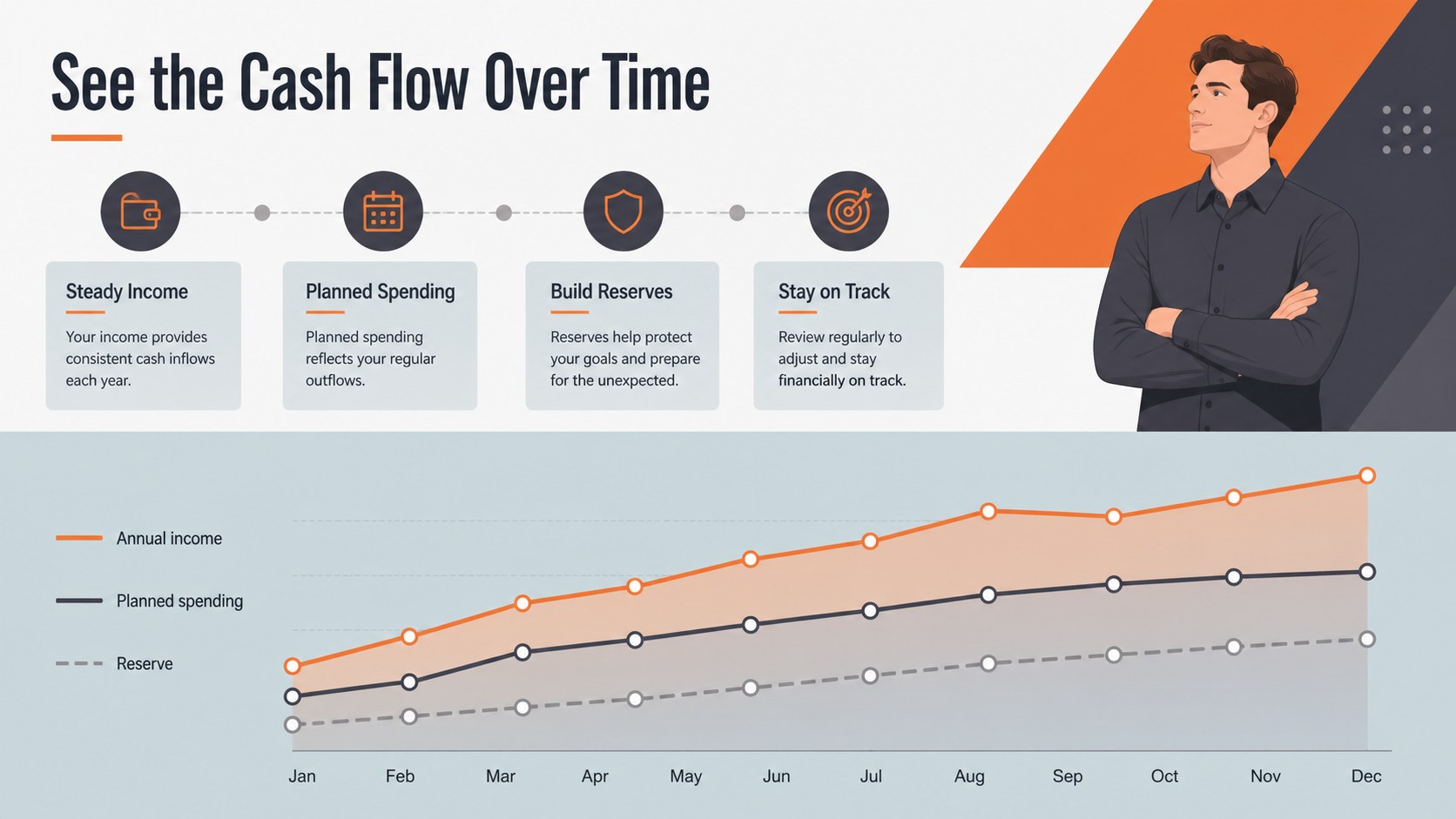
Inside, you’ll find 22 editable 16:9 slides for outlining goals, reviewing income sources, comparing scenarios, mapping milestones, and summarizing next steps. Add your own figures with customizable charts, tables, shapes, timelines, and content blocks. The layouts are designed for retirement planning workshops, advisor consultations, employee education sessions, and client-facing strategy reviews. Subtle animations and transitions can help reveal complex information in a measured sequence, while flexible text and visual elements make it easy to adapt the deck to different audiences.
The template works in PowerPoint and Google Slides, so teams can edit locally or collaborate in the browser. Use it to present a retirement cash flow presentation, explain a withdrawal strategy, or create a personalized financial independence plan. Open sans and Oswald typography pair with the orange and gray palette to deliver a simple geometric style that is easy to brand with your own logo, numbers, and recommendations.
Perfect for: financial advisor client review; retirement planning workshop; employee benefits seminar; withdrawal strategy briefing; wealth management consultation.
Frequently asked questions
Can I edit this retirement presentation in PowerPoint? Yes. The deck is compatible with PowerPoint and includes editable text, charts, shapes, and layout elements. Replace the sample content with your own projections, branding, and recommendations.
Practical details
Yes. The deck is compatible with PowerPoint and includes editable text, charts, shapes, and layout elements. Replace the sample content with your own projections, branding, and recommendations.
Yes, you can open and customize it in Google Slides. Review imported fonts and spacing after upload, then adjust any elements that need platform-specific formatting.
The orange and gray palette defines the template’s visual identity, but the editable shapes and text can be recolored. Apply your organization’s brand colors consistently across charts, headings, and accent elements.
Use the layouts for savings goals, income sources, spending needs, withdrawal scenarios, timelines, and action plans. Add your own financial data and disclosures so the presentation reflects each client or workshop audience.
Keep exploring
15Shape your publishing concept with an indie magazine startup pitch deck featuring pastel gradients, bold collage layouts, and editable planning slides.
 16
16Build clear project stories with the Icon Grid Teamwork Theme, a flexible blue illustrated deck for proposals, strategy updates, and team meetings.
 3
3Turn priorities into an actionable plan with an annual goals roadmap infographic, featuring editable orange and teal layouts for PowerPoint and Google Slides.
 15
15Create an Annual Achievement Report Presentation with colorful geometric layouts for milestones, results, lessons, and priorities in PowerPoint or Google Slides.
 15
15Turn results into a focused annual performance evaluation report with dark 3D slides for KPIs, achievements, feedback, and next-step goals for teams.
 15
15Guide a focused annual recap with Business Results Retrospective Slides, a muted brown-and-blue template for PowerPoint and Google Slides.
 6
6Turn complex plans into clear visual stories with Color-Coded Workflow Path Slides, an editable set for project updates, roadmaps, and team briefings.
 6
6Compare regional performance at a glance with Global Data Heatmap Slides, a clean multicolor deck designed for editable PowerPoint and Google Slides.