
 15
15presentation
Indie Magazine Startup Pitch Deck
Shape your publishing concept with an indie magazine startup pitch deck featuring pastel gradients, bold collage layouts, and editable planning slides.
Google SlidesPowerPoint
presentation · English
Build polished pitches, lessons, and reports with this Refined Neutral Business Presentation Theme for PowerPoint and Google Slides, ready to customize.

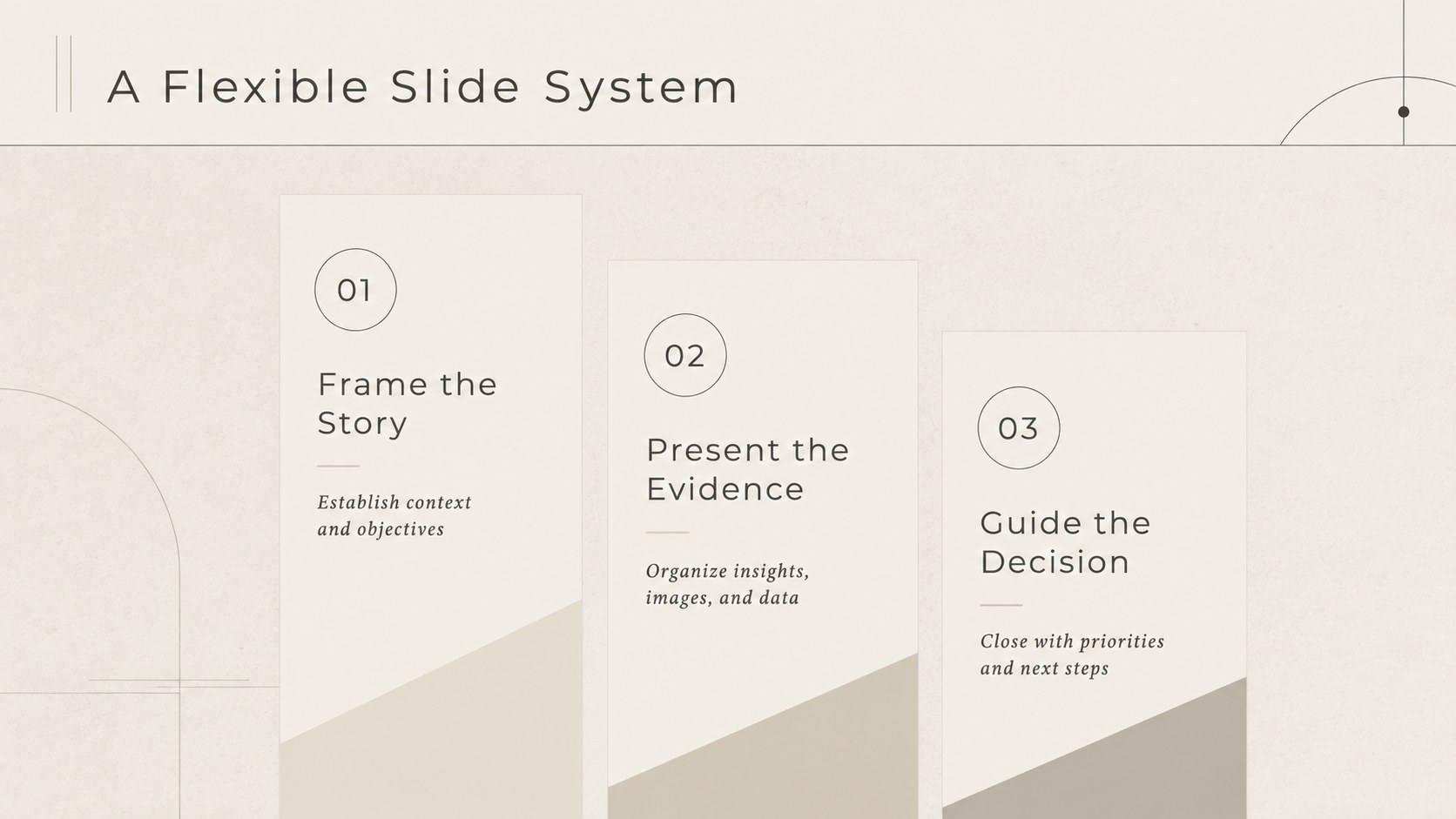
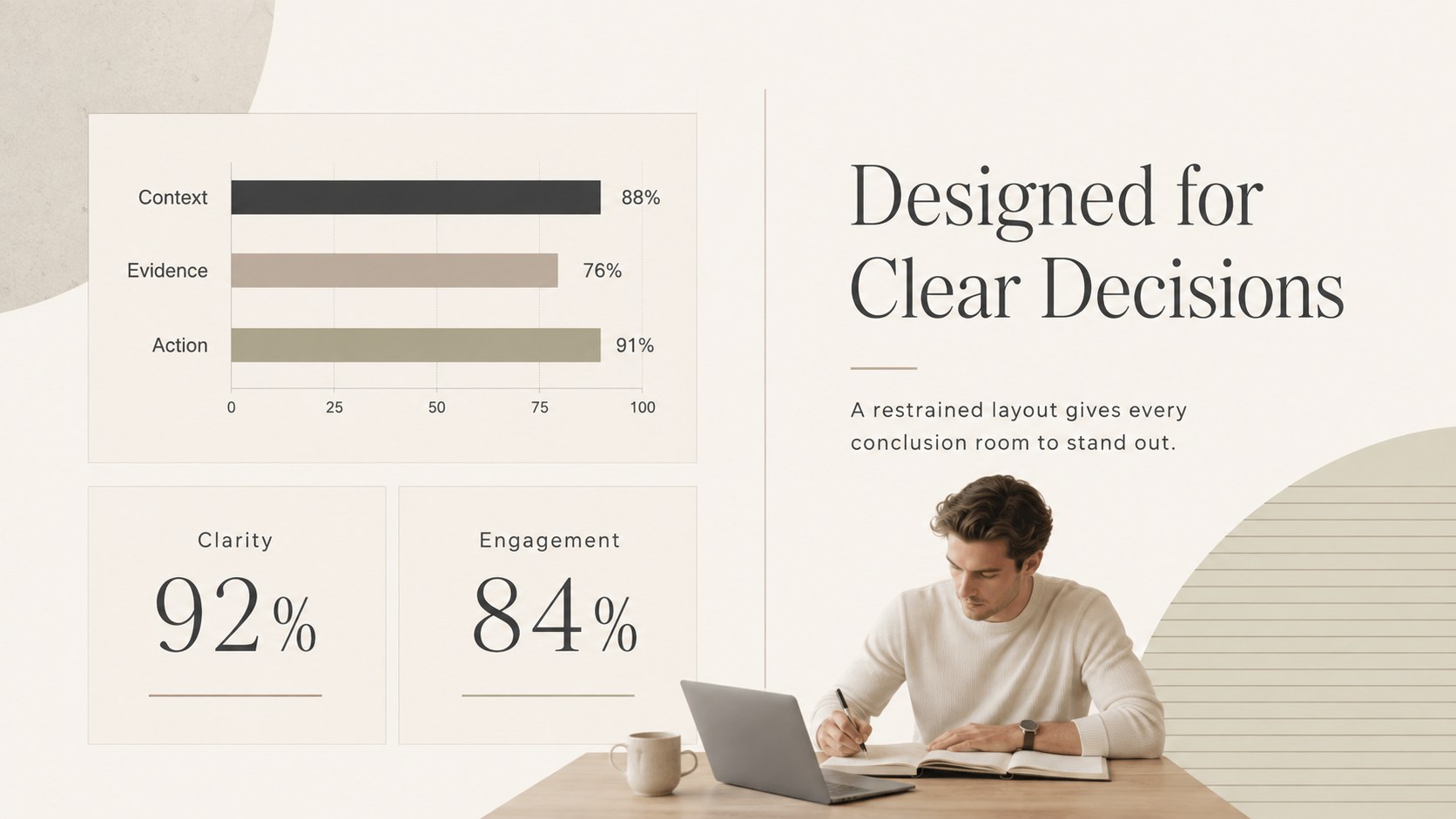
Design notes
Create a poised visual narrative without crowding the message. The Refined Neutral Business Presentation Theme pairs warm cream backgrounds, charcoal typography, fine-line accents, and restrained editorial spacing for a look that feels modern, polished, and quietly luxurious. It gives proposals, reports, and lessons a consistent framework while leaving plenty of room for your own voice, images, and data.
Inside, you will find layouts for opening statements, agendas, key insights, service overviews, comparisons, timelines, charts, and closing messages. This neutral cream business presentation uses clear hierarchy and generous spacing to make detailed information easier to scan. Balanced image areas and flexible text blocks also make it a practical editorial style pitch deck template for storytelling, strategic recommendations, and portfolio highlights.
The deck suits consultants, creative studios, small businesses, educators, and students who want an elevated result without distracting decoration. Use it as an elegant Google Slides theme for business meetings, a client proposal, an academic presentation, or an internal report. Every layout can be edited in PowerPoint or Google Slides, including the colors, type, images, charts, and section order. Keep the understated cream palette for a cohesive finish, or introduce your own accent color to align the slides with a company, course, or personal identity.
Perfect for: client proposal meeting; quarterly business report; creative studio portfolio; classroom lecture; consulting strategy presentation; academic project defense.
Frequently asked questions
Can I edit this presentation in PowerPoint and Google Slides? Yes. The layouts are designed for editing in both PowerPoint and Google Slides, including text, colors, images, and charts. Some font substitutions may occur if a typeface is not installed on your device.
Practical details
Yes. The layouts are designed for editing in both PowerPoint and Google Slides, including text, colors, images, and charts. Some font substitutions may occur if a typeface is not installed on your device.
Replace the accent and text colors through the theme or master-slide settings, then update the heading fonts if needed. Keeping one warm background shade and one dark text color will preserve the refined visual hierarchy.
Yes. The clear typography, section dividers, comparison layouts, and image areas work well for lectures, research summaries, and student projects. Business-specific labels can be replaced with lesson topics or academic content.
Yes. Chart values, labels, shapes, and text blocks can be adjusted to match your information. Slides can also be duplicated, reordered, or removed without changing the overall design system.
Keep exploring
15Shape your publishing concept with an indie magazine startup pitch deck featuring pastel gradients, bold collage layouts, and editable planning slides.
 16
16Build clear project stories with the Icon Grid Teamwork Theme, a flexible blue illustrated deck for proposals, strategy updates, and team meetings.
 3
3Turn priorities into an actionable plan with an annual goals roadmap infographic, featuring editable orange and teal layouts for PowerPoint and Google Slides.
 15
15Create an Annual Achievement Report Presentation with colorful geometric layouts for milestones, results, lessons, and priorities in PowerPoint or Google Slides.
 15
15Turn results into a focused annual performance evaluation report with dark 3D slides for KPIs, achievements, feedback, and next-step goals for teams.
 15
15Guide a focused annual recap with Business Results Retrospective Slides, a muted brown-and-blue template for PowerPoint and Google Slides.
 6
6Turn complex plans into clear visual stories with Color-Coded Workflow Path Slides, an editable set for project updates, roadmaps, and team briefings.
 6
6Compare regional performance at a glance with Global Data Heatmap Slides, a clean multicolor deck designed for editable PowerPoint and Google Slides.