
 15
15presentation
Indie Magazine Startup Pitch Deck
Shape your publishing concept with an indie magazine startup pitch deck featuring pastel gradients, bold collage layouts, and editable planning slides.
Google SlidesPowerPoint
presentation · English
Build a media identity pitch deck for sharp proposals, campaign recaps, and company profiles, with editable red and black layouts for modern media teams.






Design notes
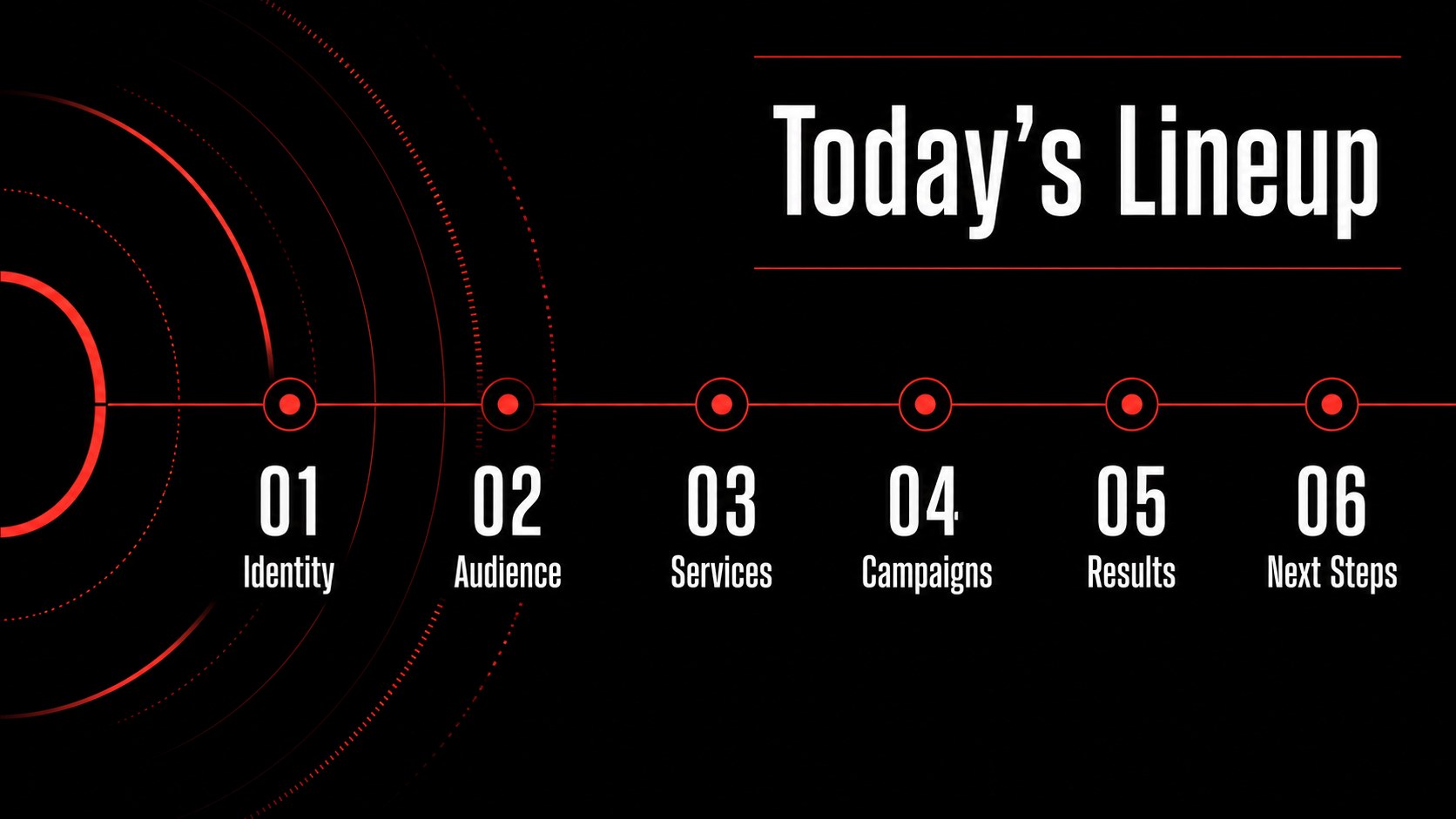
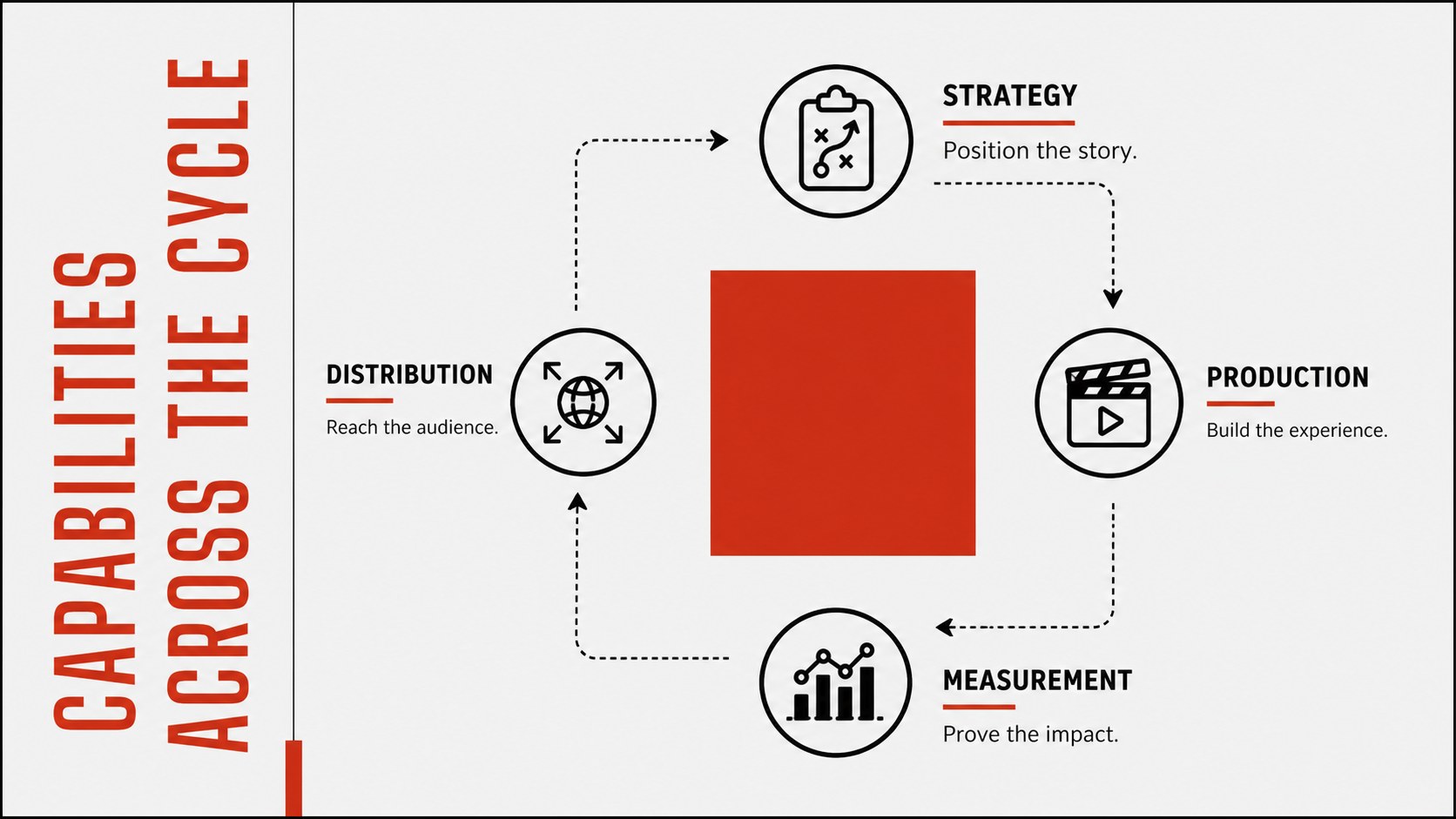
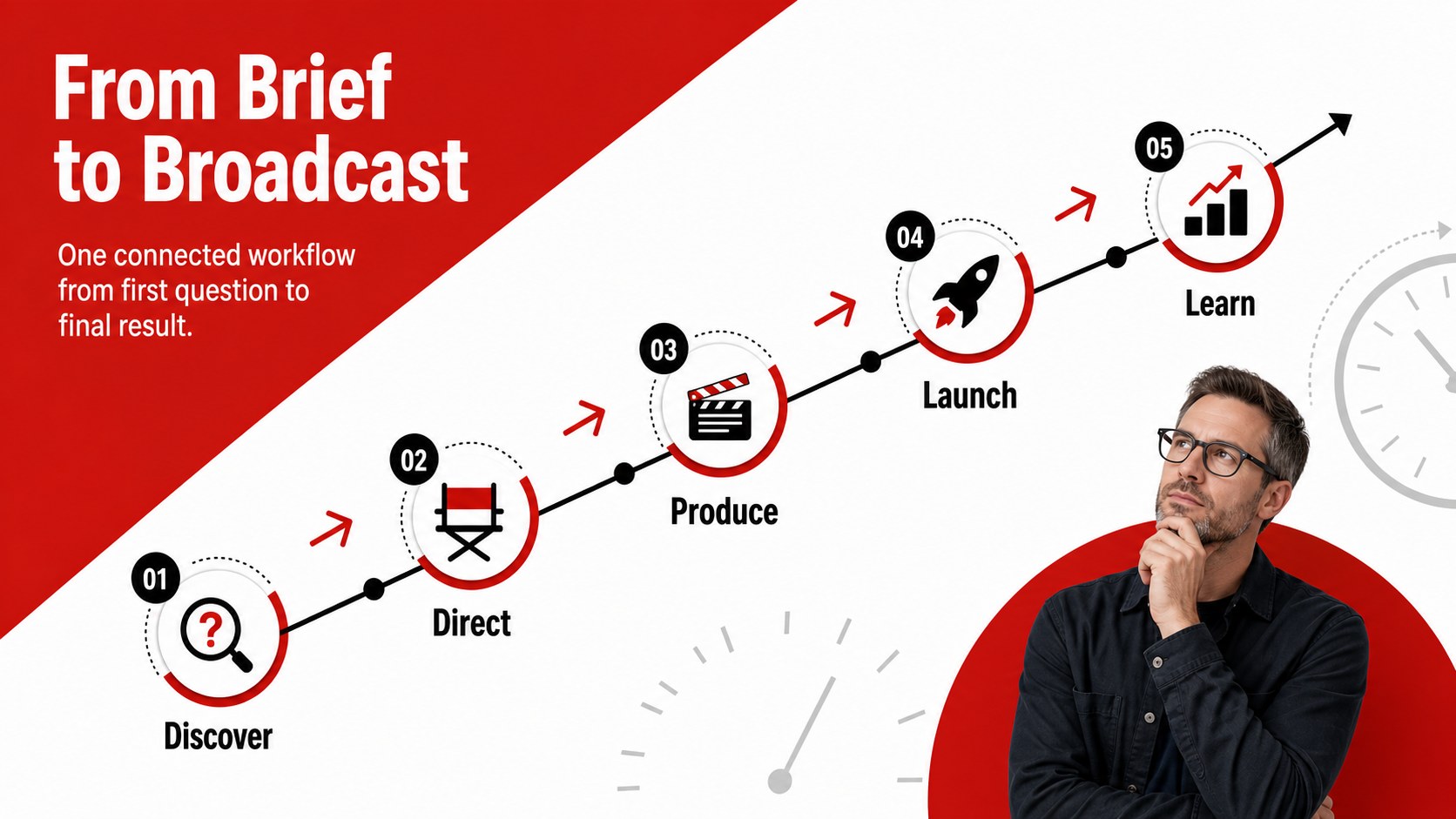
This media identity pitch deck gives media businesses a confident framework for presenting their vision, expertise, and commercial value. High-contrast red and black styling creates an assertive editorial look while structured layouts keep every message clear. Use it to introduce a company, pitch a campaign, summarize performance, or explain how your team turns ideas into measurable outcomes.
The deck includes 15 widescreen layouts covering an opening statement, agenda, company story, service portfolio, audience profile, creative process, content channels, campaign concept, case study, performance metrics, project timeline, team introduction, partnership options, next steps, and closing message. Charts, image frames, geometric accents, and concise text areas can be adapted without disrupting the visual rhythm. It works equally well as a red black media agency presentation or a production company capabilities deck.
Designed for creative directors, studio founders, publishers, marketing leads, sales teams, and independent producers, this template supports both live presentations and shareable proposals. Edit the slides in PowerPoint or Google Slides, replace the sample copy, apply your own photography, and adjust the palette to match an established identity. Creative teams can also use it as a creative studio branding Google Slides resource for internal reviews, client meetings, and new-business conversations.
Perfect for: media agency capabilities pitch; production studio company profile; advertising campaign proposal; publisher partnership meeting; creative project case study; quarterly media performance review.
Frequently asked questions
Can I edit this deck in PowerPoint and Google Slides? Yes. Every slide is designed for editing in PowerPoint and Google Slides, including text, colors, charts, shapes, and image placeholders. Minor font spacing may vary between platforms.
Practical details
Yes. Every slide is designed for editing in PowerPoint and Google Slides, including text, colors, charts, shapes, and image placeholders. Minor font spacing may vary between platforms.
Replace the theme colors with your organization’s palette and add approved logos, photography, and typography. Keep strong contrast between backgrounds and text to preserve the bold editorial character.
Yes. Reorder the slides to emphasize services, audience insights, campaign concepts, case studies, or partnership terms. Delete sections that are not relevant and duplicate layouts when more detail is needed.
Yes. Dedicated metric, chart, timeline, and case-study layouts make it possible to present reach, engagement, growth, budgets, or delivery milestones. Replace all sample figures with verified project data before presenting.
Keep exploring
15Shape your publishing concept with an indie magazine startup pitch deck featuring pastel gradients, bold collage layouts, and editable planning slides.
 16
16Build clear project stories with the Icon Grid Teamwork Theme, a flexible blue illustrated deck for proposals, strategy updates, and team meetings.
 3
3Turn priorities into an actionable plan with an annual goals roadmap infographic, featuring editable orange and teal layouts for PowerPoint and Google Slides.
 15
15Create an Annual Achievement Report Presentation with colorful geometric layouts for milestones, results, lessons, and priorities in PowerPoint or Google Slides.
 15
15Turn results into a focused annual performance evaluation report with dark 3D slides for KPIs, achievements, feedback, and next-step goals for teams.
 15
15Guide a focused annual recap with Business Results Retrospective Slides, a muted brown-and-blue template for PowerPoint and Google Slides.
 6
6Turn complex plans into clear visual stories with Color-Coded Workflow Path Slides, an editable set for project updates, roadmaps, and team briefings.
 6
6Compare regional performance at a glance with Global Data Heatmap Slides, a clean multicolor deck designed for editable PowerPoint and Google Slides.