
 15
15presentation
Indie Magazine Startup Pitch Deck
Shape your publishing concept with an indie magazine startup pitch deck featuring pastel gradients, bold collage layouts, and editable planning slides.
Google SlidesPowerPoint
presentation · English
Turn goals into accountable work with the Red Project Execution Planner for PowerPoint and Google Slides, featuring owners, milestones, timelines, and…

Design notes
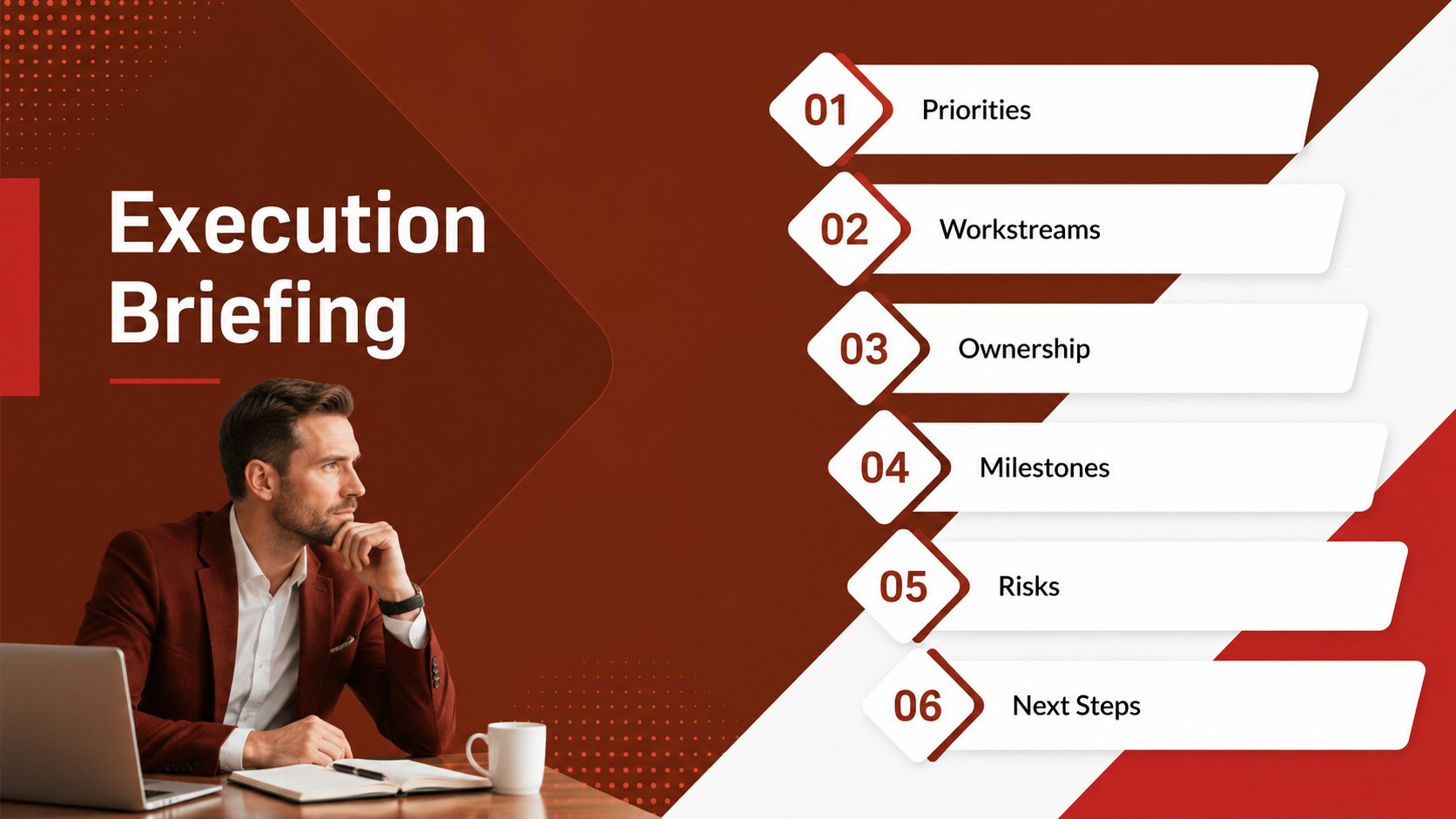
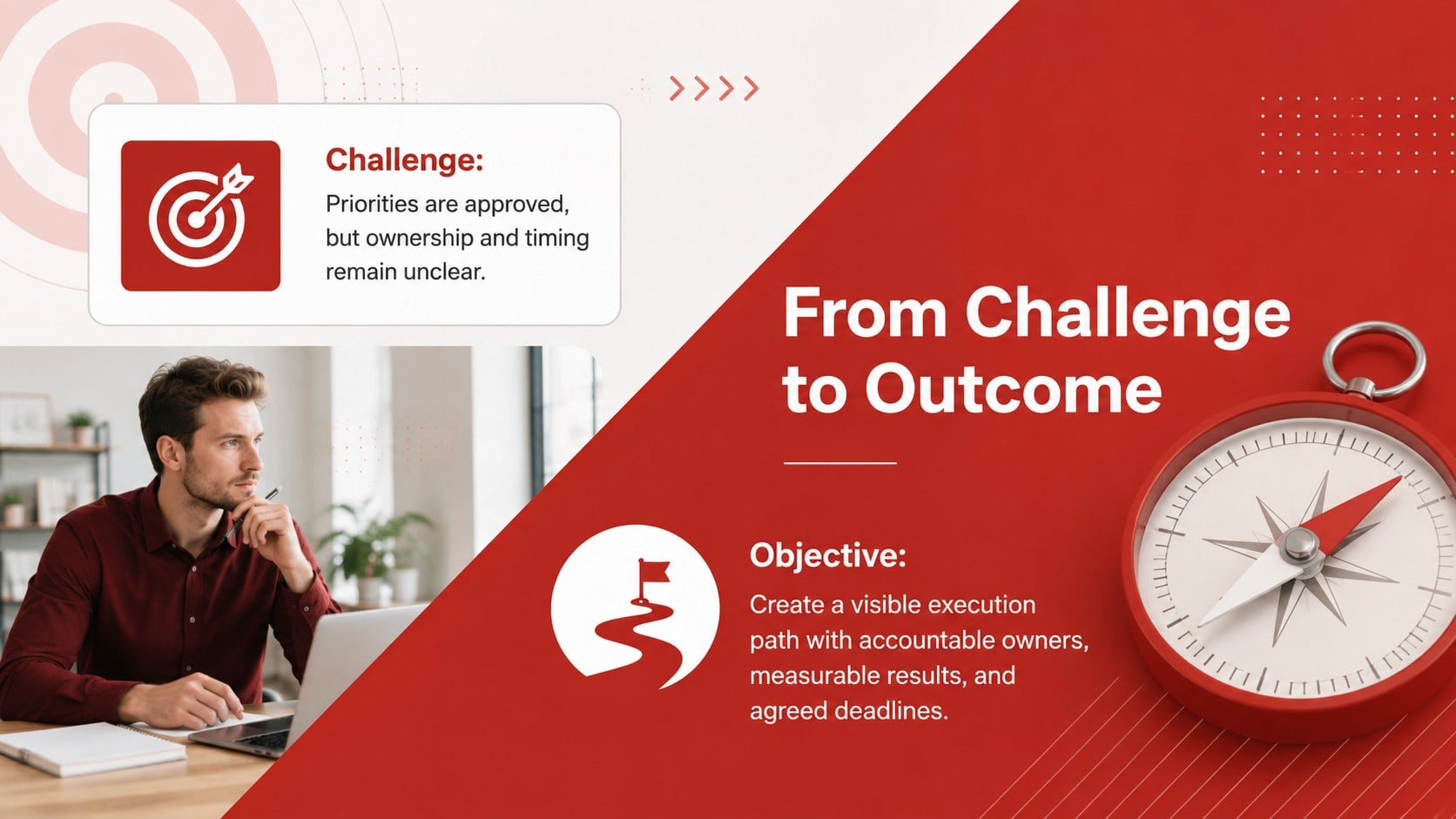
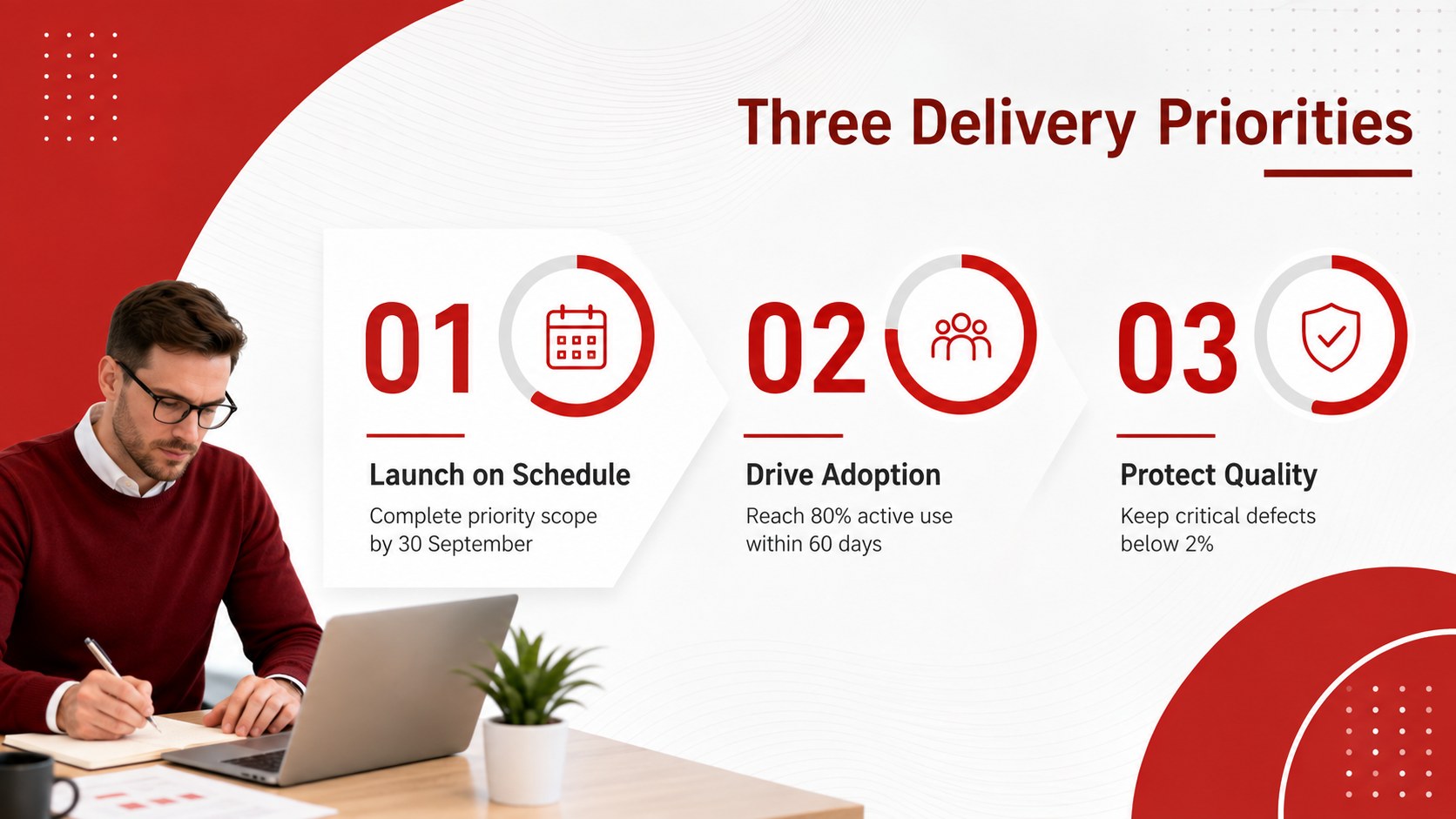
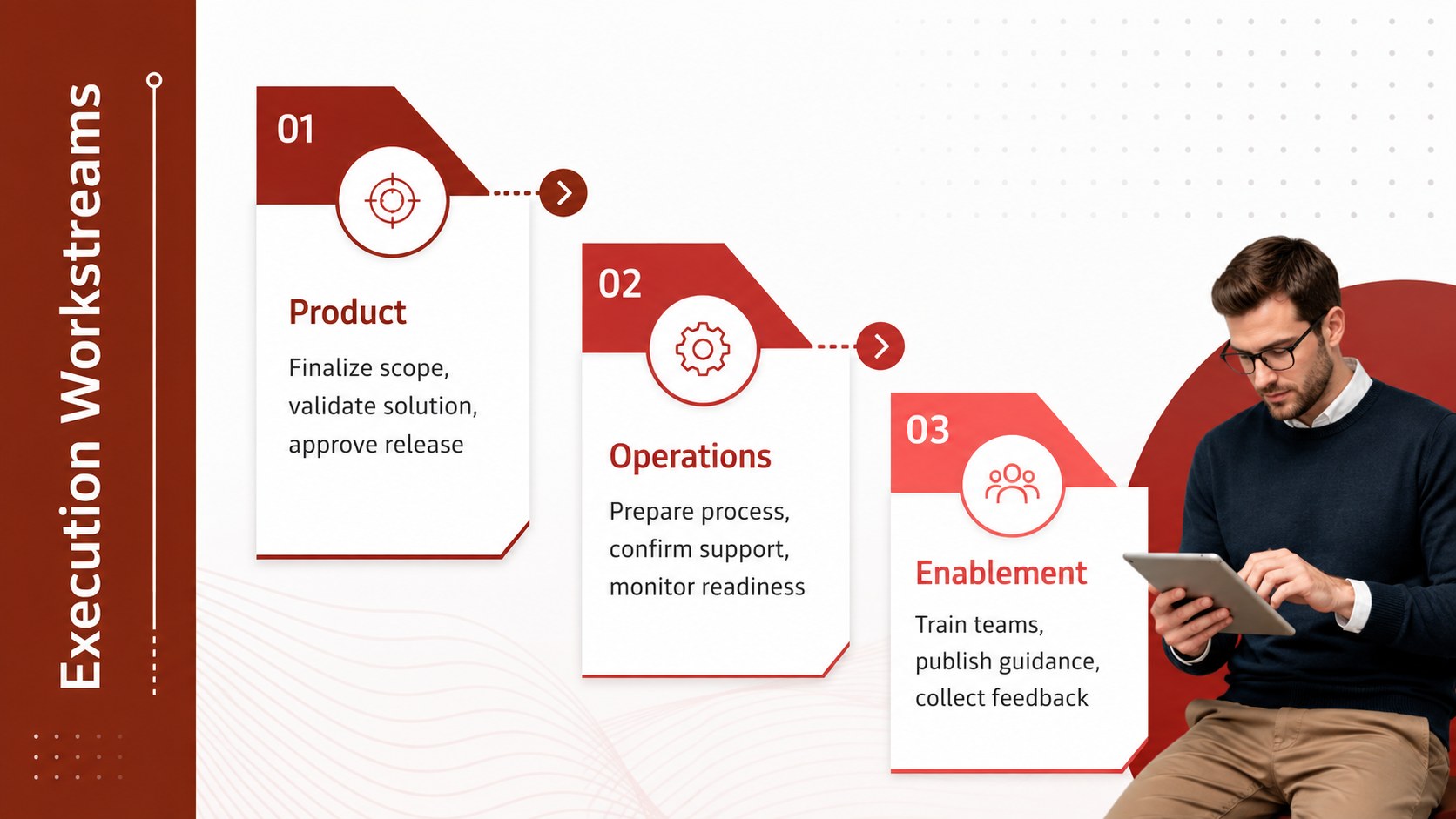
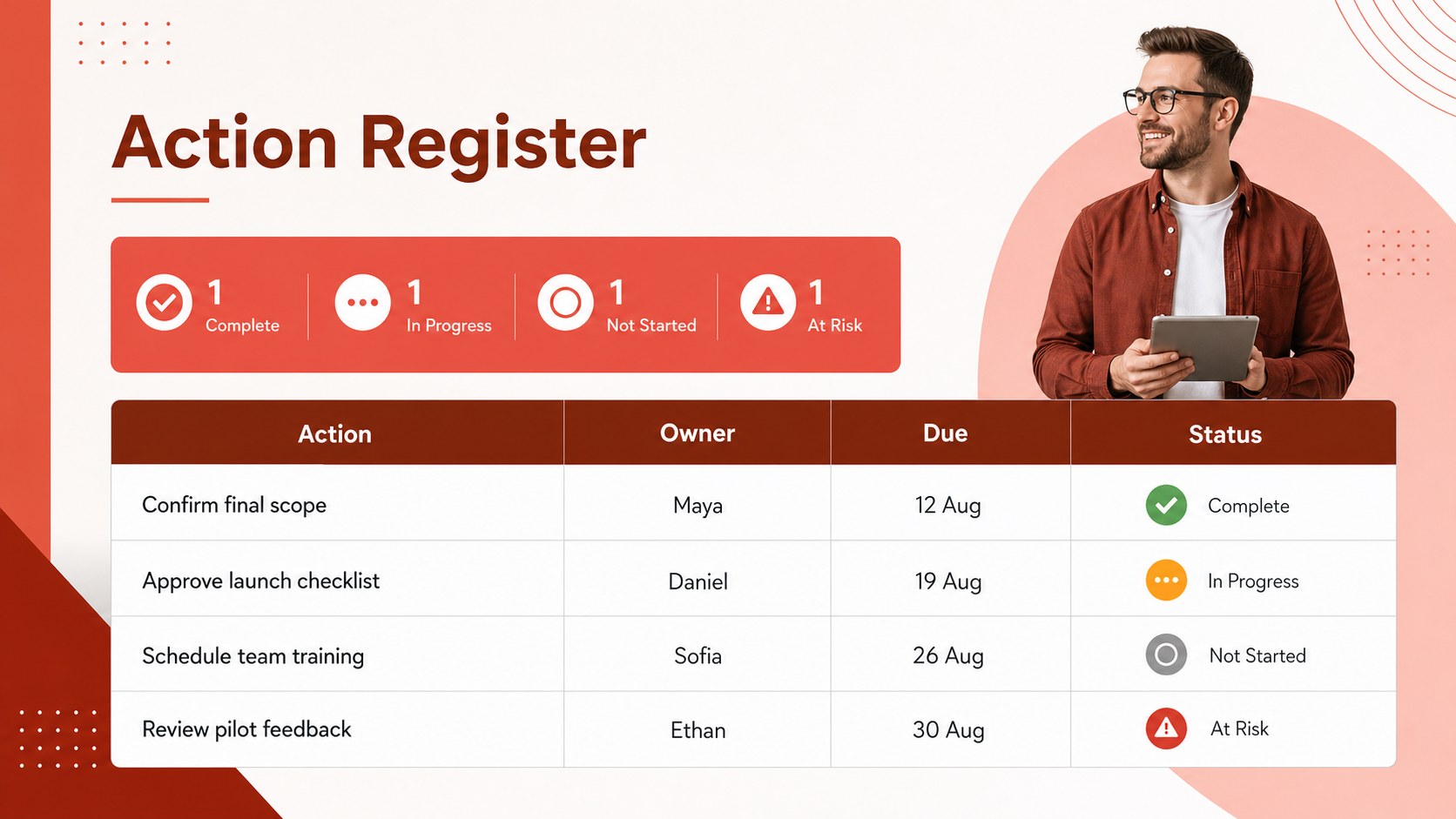
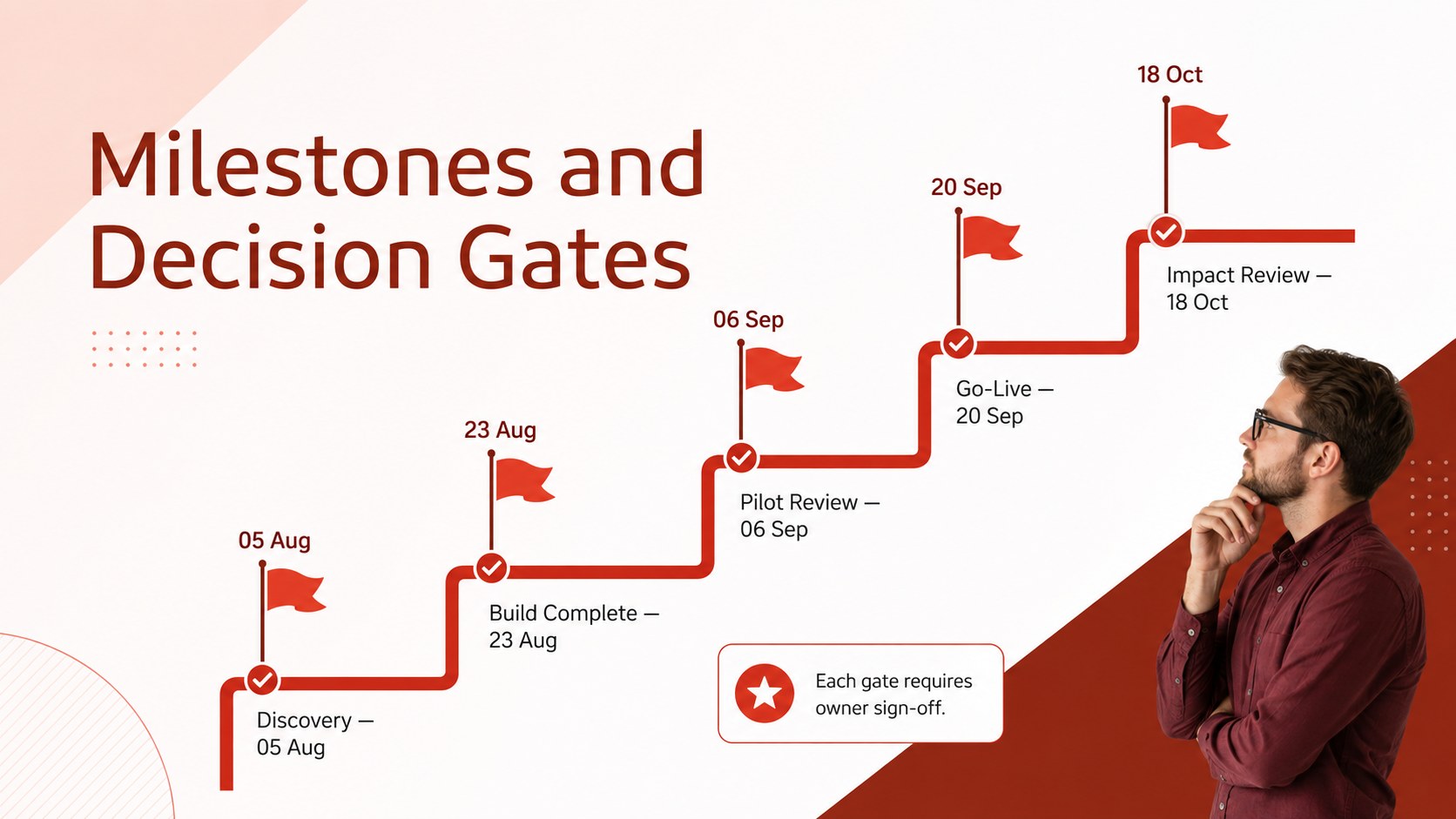
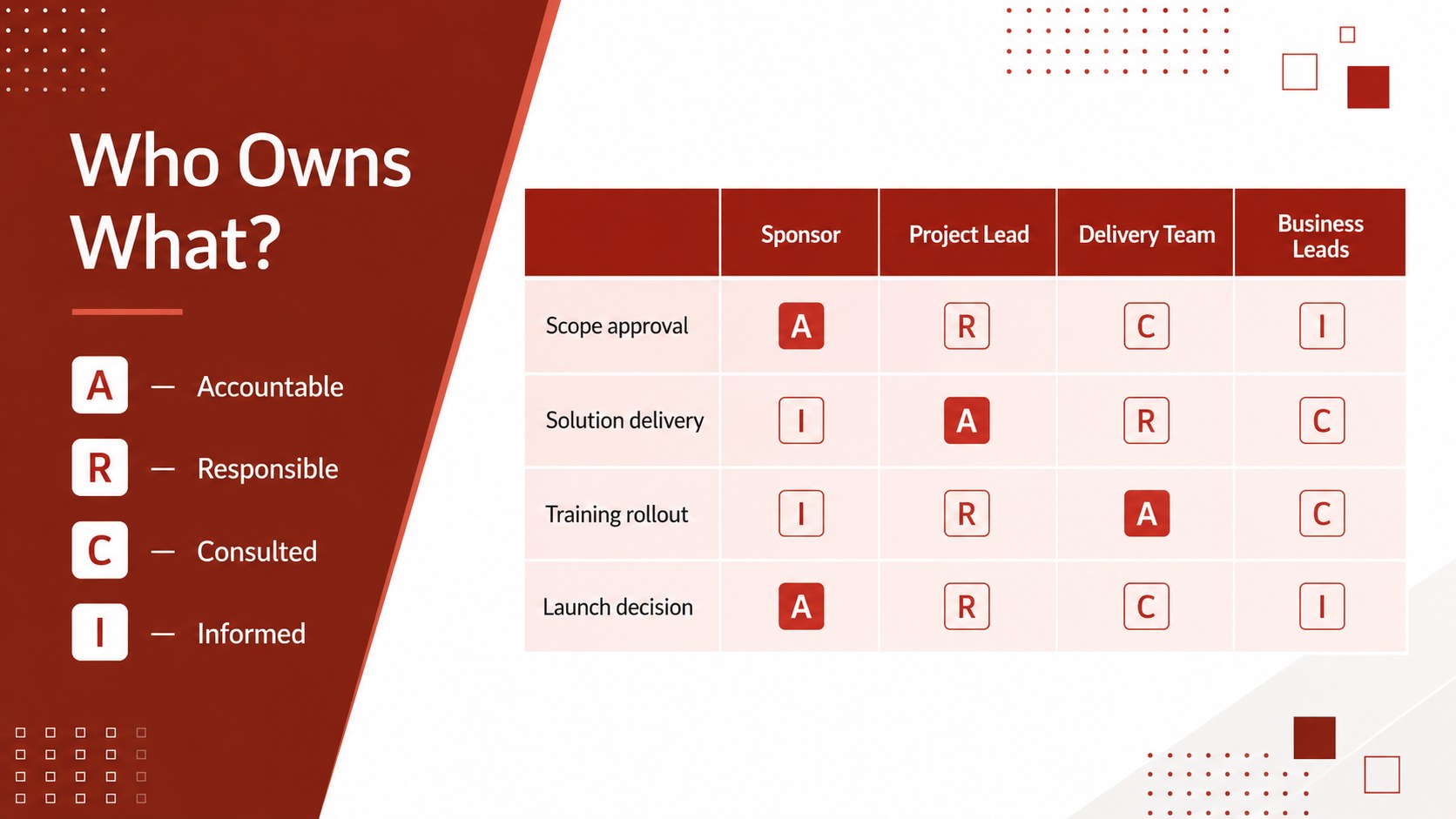
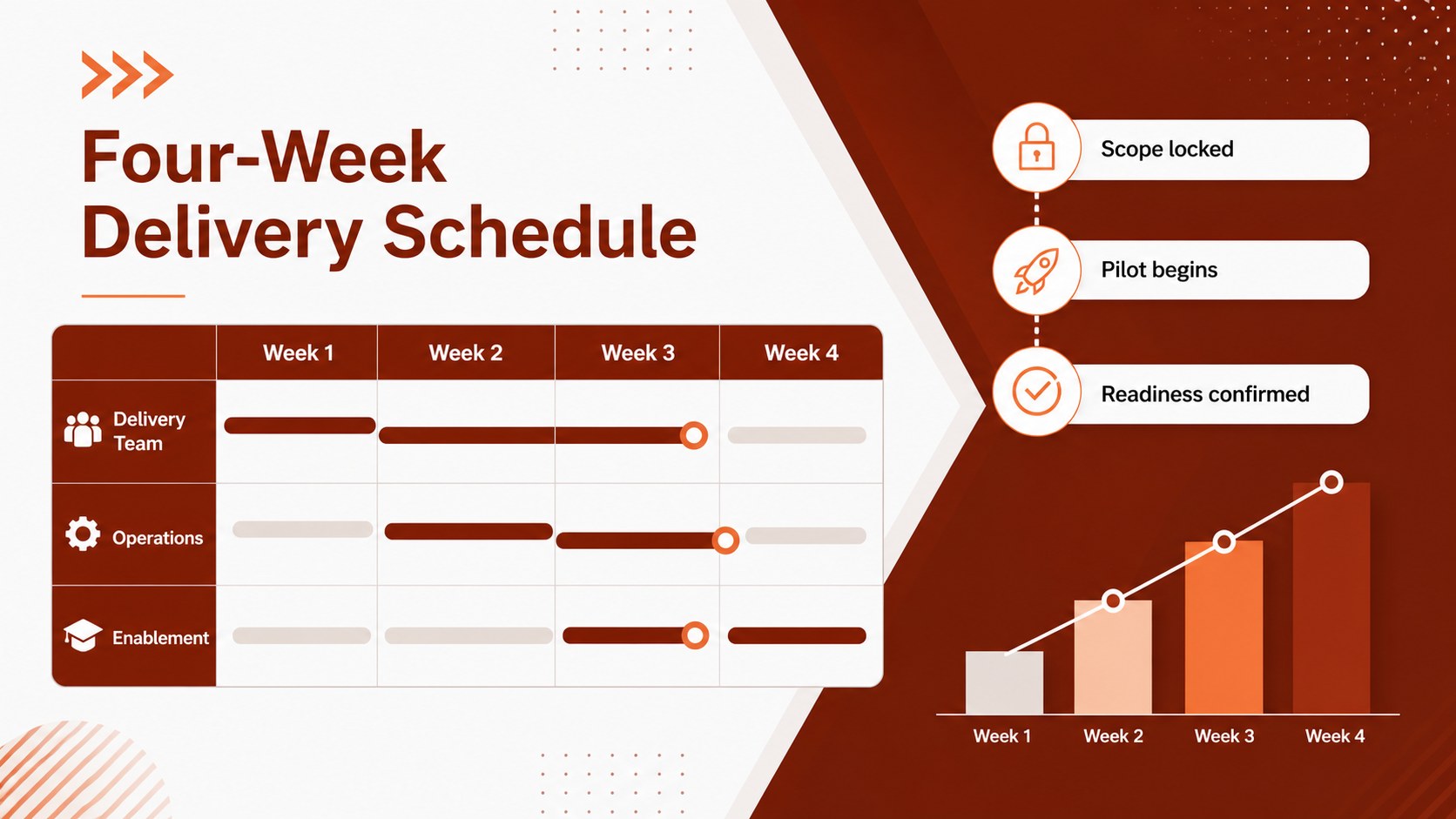
The Red Project Execution Planner turns strategic decisions into a practical delivery story. Built for PowerPoint and Google Slides, its crisp red-and-white visual system helps teams present priorities, assign responsibility, clarify deadlines, and report progress without burying the audience in detail.
The deck includes layouts for objectives, workstreams, action items, ownership, milestones, schedules, performance indicators, risks, resources, and communication routines. Use the project milestone tracking slides to show completed and upcoming checkpoints, then summarize status through clear charts and concise commentary. A dedicated responsibility matrix also makes this a useful team accountability presentation template for cross-functional initiatives. Every layout can be edited to match your project structure, terminology, data, and reporting cadence.
Project managers, operations leaders, consultants, department heads, and startup teams can adapt the slides for kickoff meetings, weekly delivery reviews, implementation workshops, or executive updates. The straightforward geometric style keeps attention on decisions and next steps while still giving the presentation a confident visual identity. It also works as a stakeholder action review deck when sponsors need a quick view of ownership, dependencies, risks, and immediate commitments.
Perfect for: project kickoff meeting; weekly delivery review; cross-functional planning workshop; executive progress update; implementation roadmap briefing.
Frequently asked questions
Can I edit every part of this project planner? Yes. Titles, task descriptions, dates, charts, colors, icons, and ownership fields can be customized to reflect your project and reporting process.
Practical details
Yes. Titles, task descriptions, dates, charts, colors, icons, and ownership fields can be customized to reflect your project and reporting process.
The template is designed for Microsoft PowerPoint and Google Slides. Import behavior can vary slightly, so review fonts and chart formatting after opening the file.
Yes. Replace the accent red with your organization’s primary color and update text or background colors for contrast. Keep a consistent accent treatment across timelines, status markers, and charts.
Yes. Duplicate the action, milestone, risk, and KPI layouts for each reporting period. Update status labels and commentary while preserving the same structure for easy comparison.
Keep exploring
15Shape your publishing concept with an indie magazine startup pitch deck featuring pastel gradients, bold collage layouts, and editable planning slides.
 16
16Build clear project stories with the Icon Grid Teamwork Theme, a flexible blue illustrated deck for proposals, strategy updates, and team meetings.
 3
3Turn priorities into an actionable plan with an annual goals roadmap infographic, featuring editable orange and teal layouts for PowerPoint and Google Slides.
 15
15Create an Annual Achievement Report Presentation with colorful geometric layouts for milestones, results, lessons, and priorities in PowerPoint or Google Slides.
 15
15Turn results into a focused annual performance evaluation report with dark 3D slides for KPIs, achievements, feedback, and next-step goals for teams.
 15
15Guide a focused annual recap with Business Results Retrospective Slides, a muted brown-and-blue template for PowerPoint and Google Slides.
 6
6Turn complex plans into clear visual stories with Color-Coded Workflow Path Slides, an editable set for project updates, roadmaps, and team briefings.
 6
6Compare regional performance at a glance with Global Data Heatmap Slides, a clean multicolor deck designed for editable PowerPoint and Google Slides.