
 15
15presentation
Indie Magazine Startup Pitch Deck
Shape your publishing concept with an indie magazine startup pitch deck featuring pastel gradients, bold collage layouts, and editable planning slides.
Google SlidesPowerPoint
document · English
Create clear deal terms with Real Estate Purchase Contract Slides featuring payment milestones, special clauses, handover details, and signature fields.

Design notes
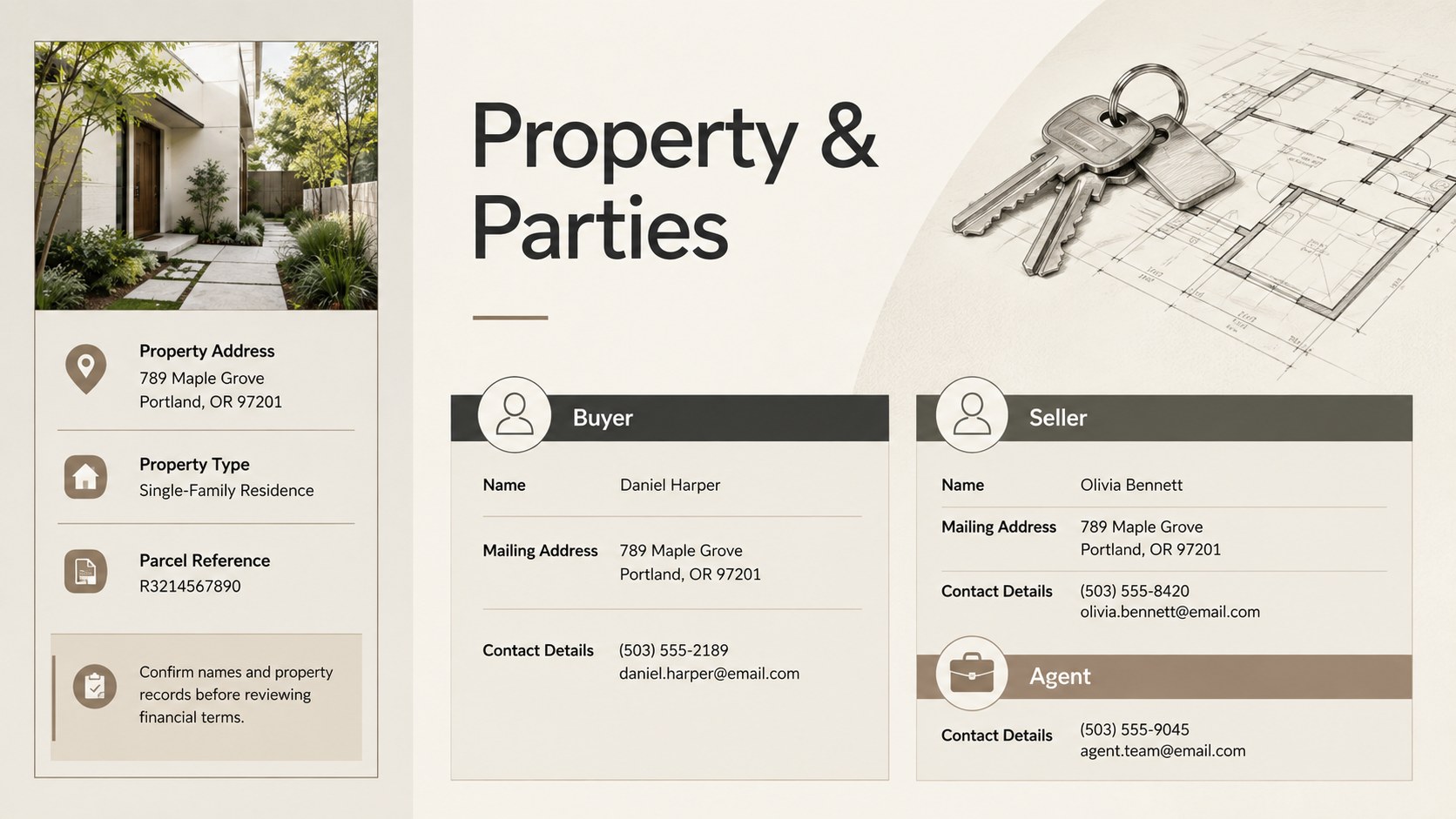
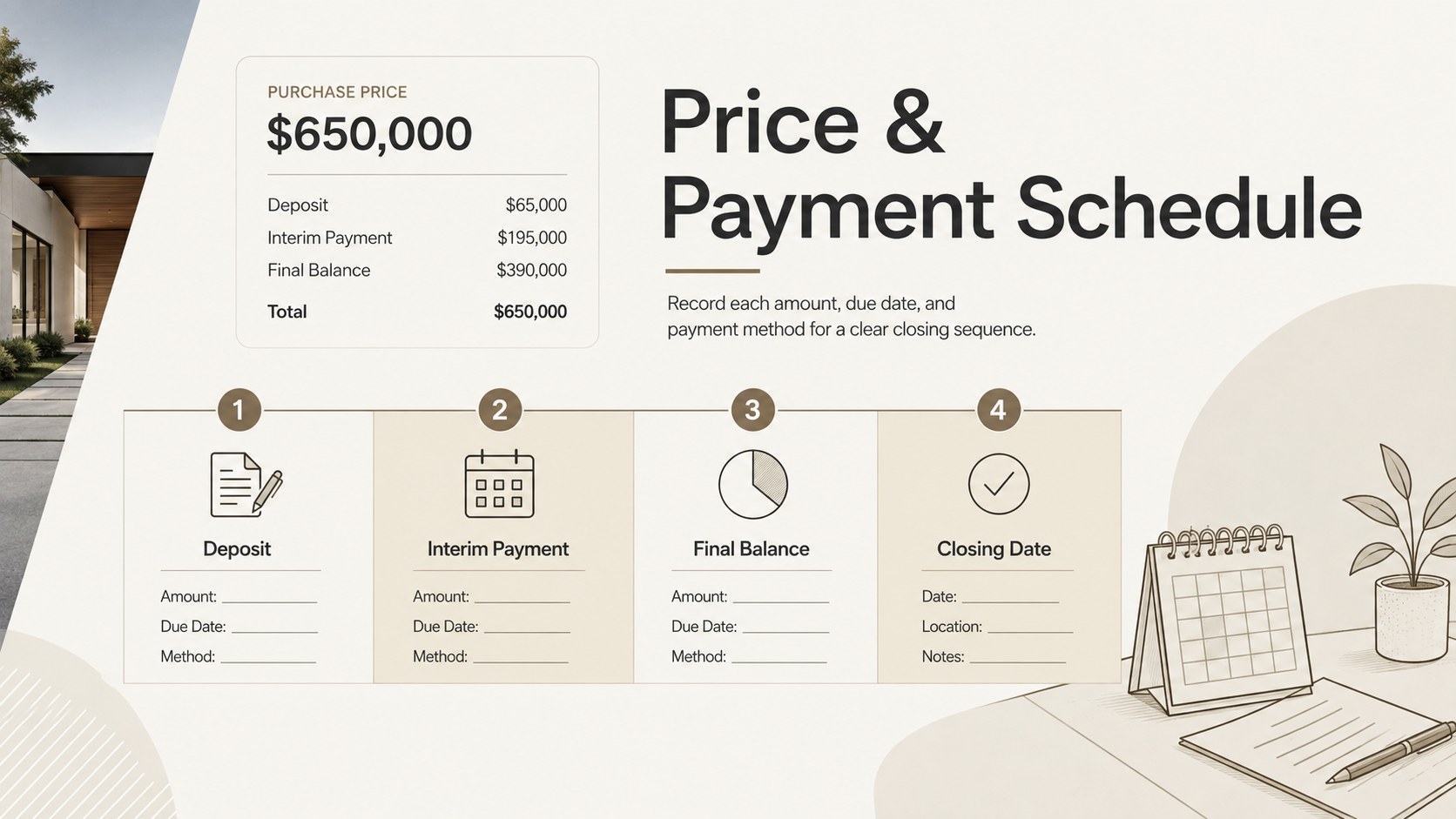
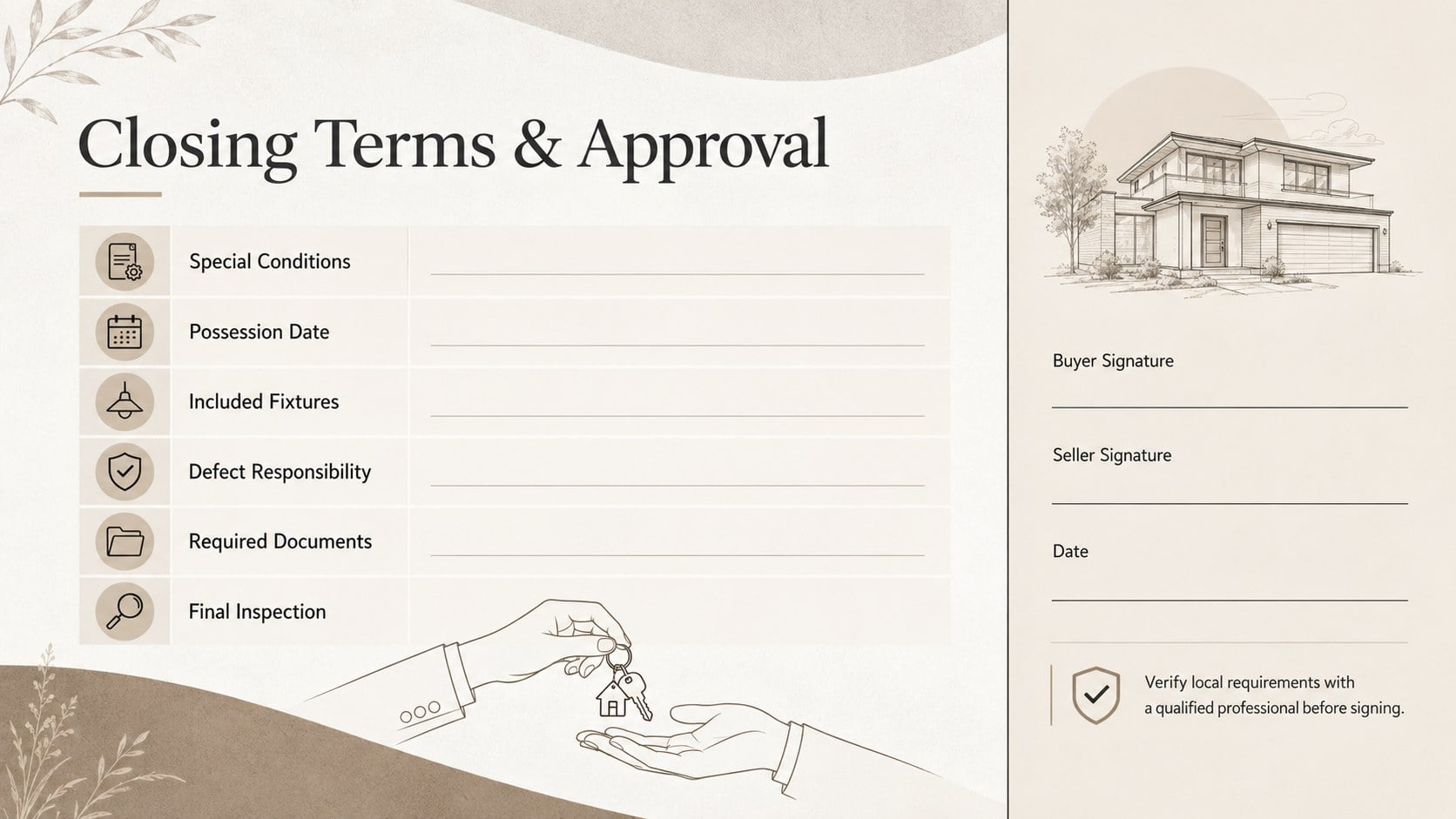
Real Estate Purchase Contract Slides provide a structured way to present the essential details of a residential or commercial property transaction. The restrained beige palette, precise typography, and minimal line accents create a formal document-style presentation that helps buyers, sellers, agents, and sales teams review terms without visual clutter.
The deck includes dedicated layouts for property and party information, the agreed purchase price, deposit and installment dates, closing costs, possession details, defect responsibility, special conditions, and signature approval. A real estate payment schedule template makes each financial milestone easy to scan, while the property closing checklist slides help everyone confirm outstanding documents and responsibilities before completion. Use the buyer seller contract deck during negotiations, internal reviews, closing meetings, or client consultations.
Every section can be adapted in PowerPoint or Google Slides. Replace the sample wording, adjust table rows, add a company logo, update contact information, or duplicate sections for more complex transactions. The clean layout is also suitable for exporting as a PDF, sharing with transaction participants, or printing for an in-person review. Because property laws and disclosure requirements vary by location, the final agreement should be checked by a qualified legal or real estate professional before signing.
Perfect for: residential property negotiation; commercial real estate sale; buyer and seller review meeting; property closing preparation; broker client consultation.
Frequently asked questions
Can I edit these contract slides in PowerPoint and Google Slides? Yes. All headings, tables, dates, payment details, colors, and clause summaries can be edited in PowerPoint or Google Slides. You can also duplicate or remove sections to match the complexity of the transaction.
Practical details
Yes. All headings, tables, dates, payment details, colors, and clause summaries can be edited in PowerPoint or Google Slides. You can also duplicate or remove sections to match the complexity of the transaction.
Replace the sample property description, party details, price, payment milestones, closing date, and special conditions with information from your transaction. Company logos, contact details, and local disclosure sections can also be added.
No. The slides help organize and communicate transaction terms, but they do not replace legal advice or jurisdiction-specific contract documents. Have the final terms reviewed by a qualified legal or real estate professional.
Yes. After editing, export the deck as a PDF for email distribution, client review, or printing. Check page scaling and confirm that all signature and date fields remain readable before sharing.
Keep exploring
15Shape your publishing concept with an indie magazine startup pitch deck featuring pastel gradients, bold collage layouts, and editable planning slides.
 16
16Build clear project stories with the Icon Grid Teamwork Theme, a flexible blue illustrated deck for proposals, strategy updates, and team meetings.
 3
3Turn priorities into an actionable plan with an annual goals roadmap infographic, featuring editable orange and teal layouts for PowerPoint and Google Slides.
 15
15Create an Annual Achievement Report Presentation with colorful geometric layouts for milestones, results, lessons, and priorities in PowerPoint or Google Slides.
 15
15Turn results into a focused annual performance evaluation report with dark 3D slides for KPIs, achievements, feedback, and next-step goals for teams.
 15
15Guide a focused annual recap with Business Results Retrospective Slides, a muted brown-and-blue template for PowerPoint and Google Slides.
 6
6Turn complex plans into clear visual stories with Color-Coded Workflow Path Slides, an editable set for project updates, roadmaps, and team briefings.
 6
6Compare regional performance at a glance with Global Data Heatmap Slides, a clean multicolor deck designed for editable PowerPoint and Google Slides.