
 15
15presentation
Indie Magazine Startup Pitch Deck
Shape your publishing concept with an indie magazine startup pitch deck featuring pastel gradients, bold collage layouts, and editable planning slides.
Google SlidesPowerPoint
presentation · English
Build polished printable reports with a rainbow slidedoc presentation theme for PowerPoint and Google Slides, featuring flexible layouts and clean charts.



Design notes
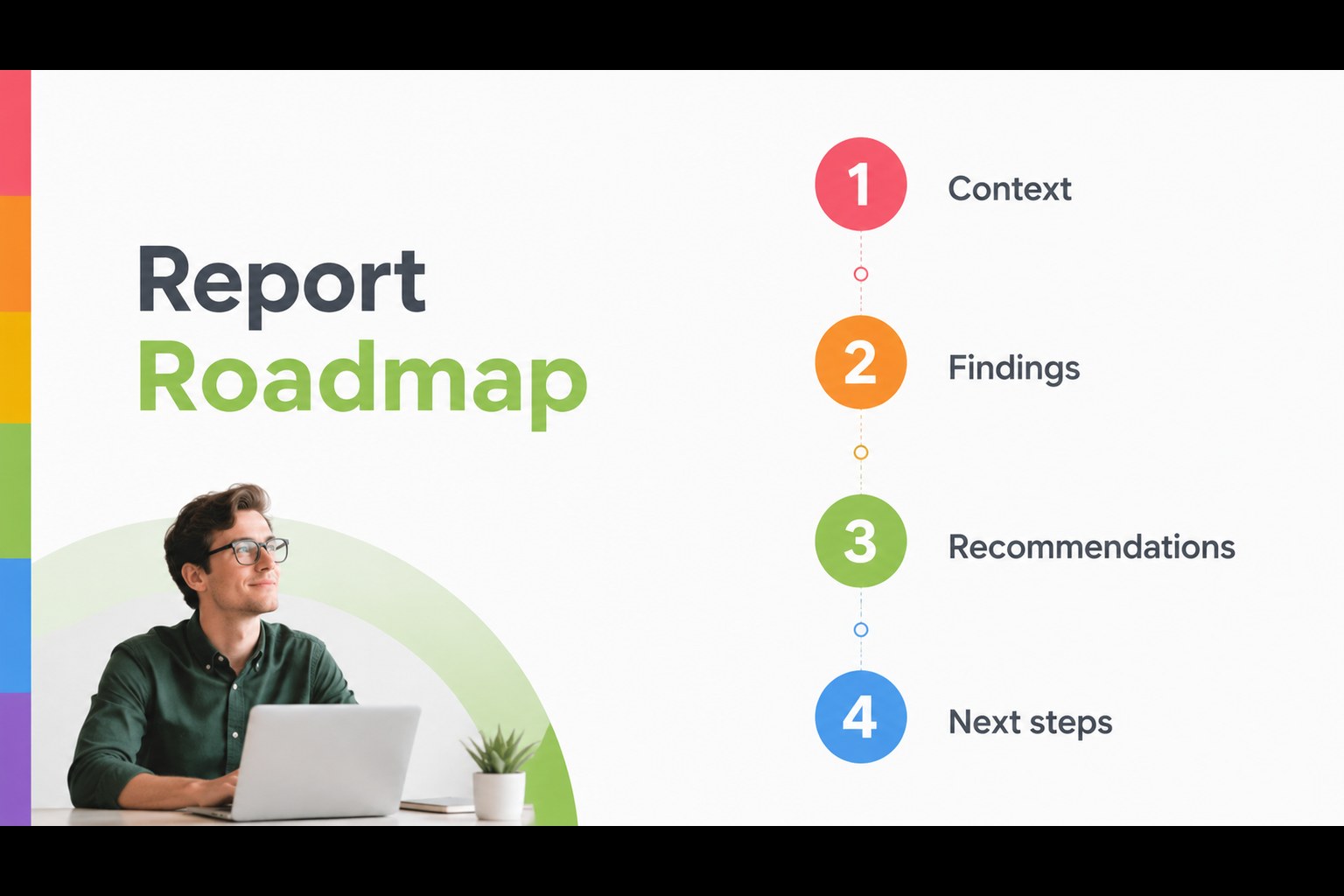
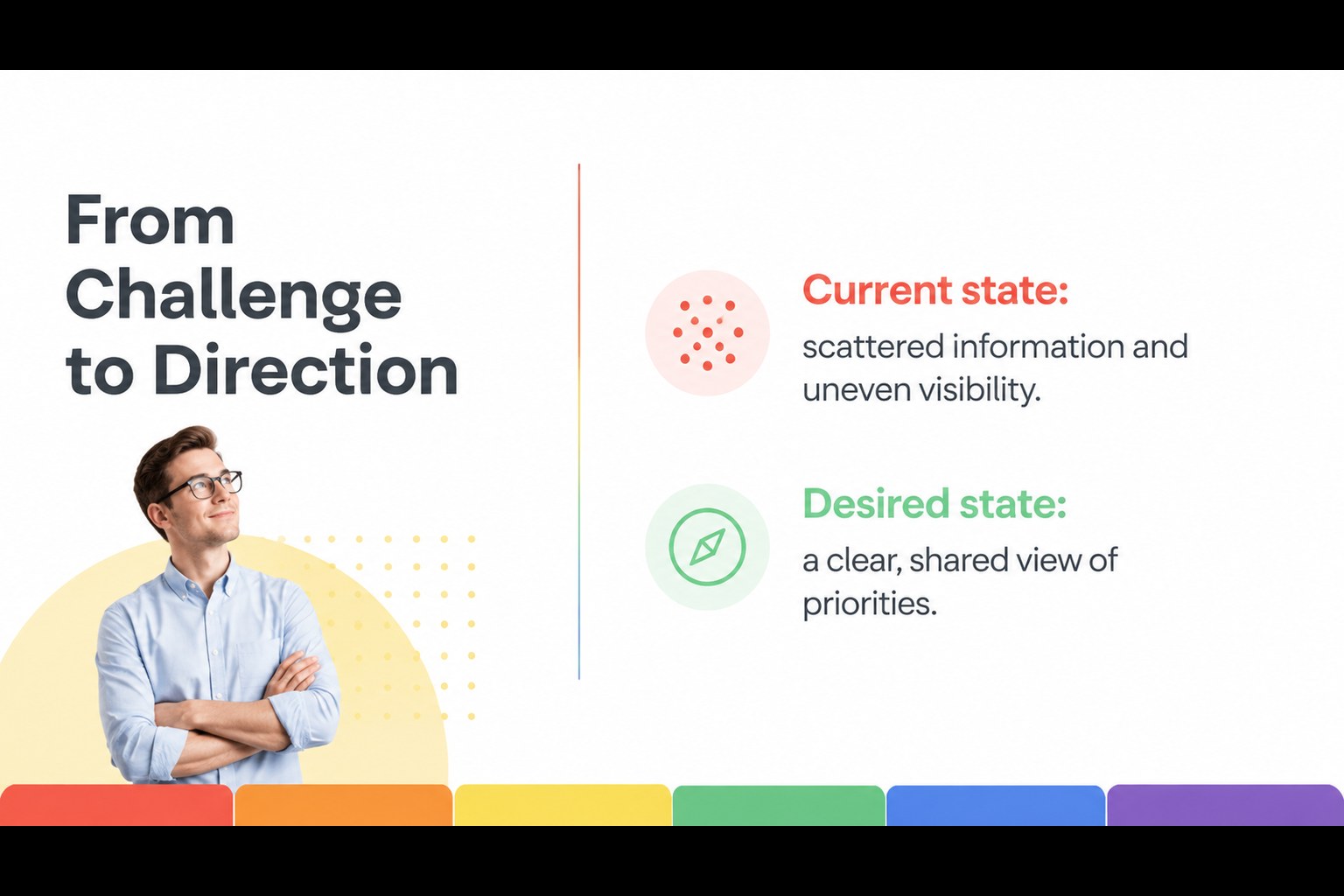
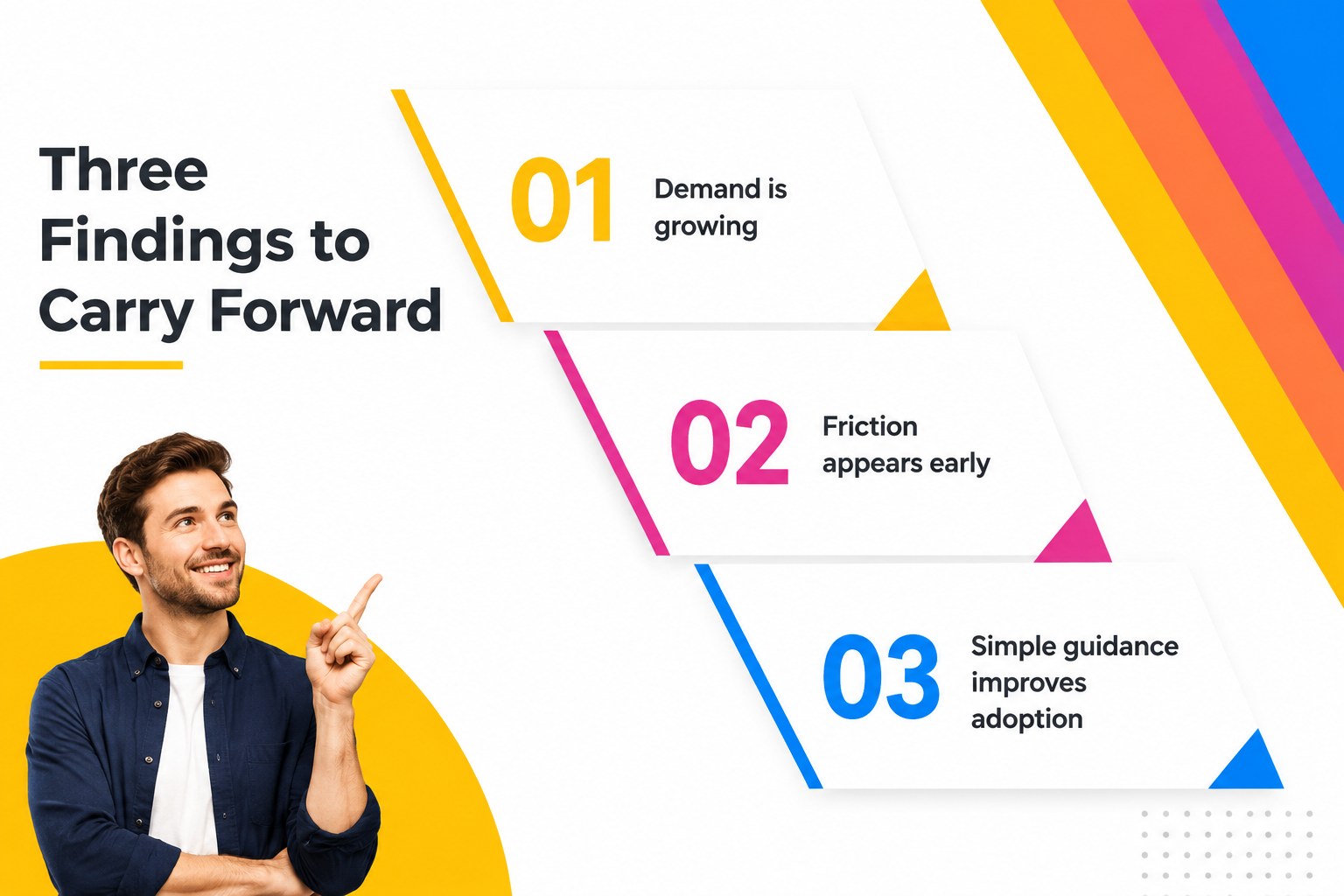
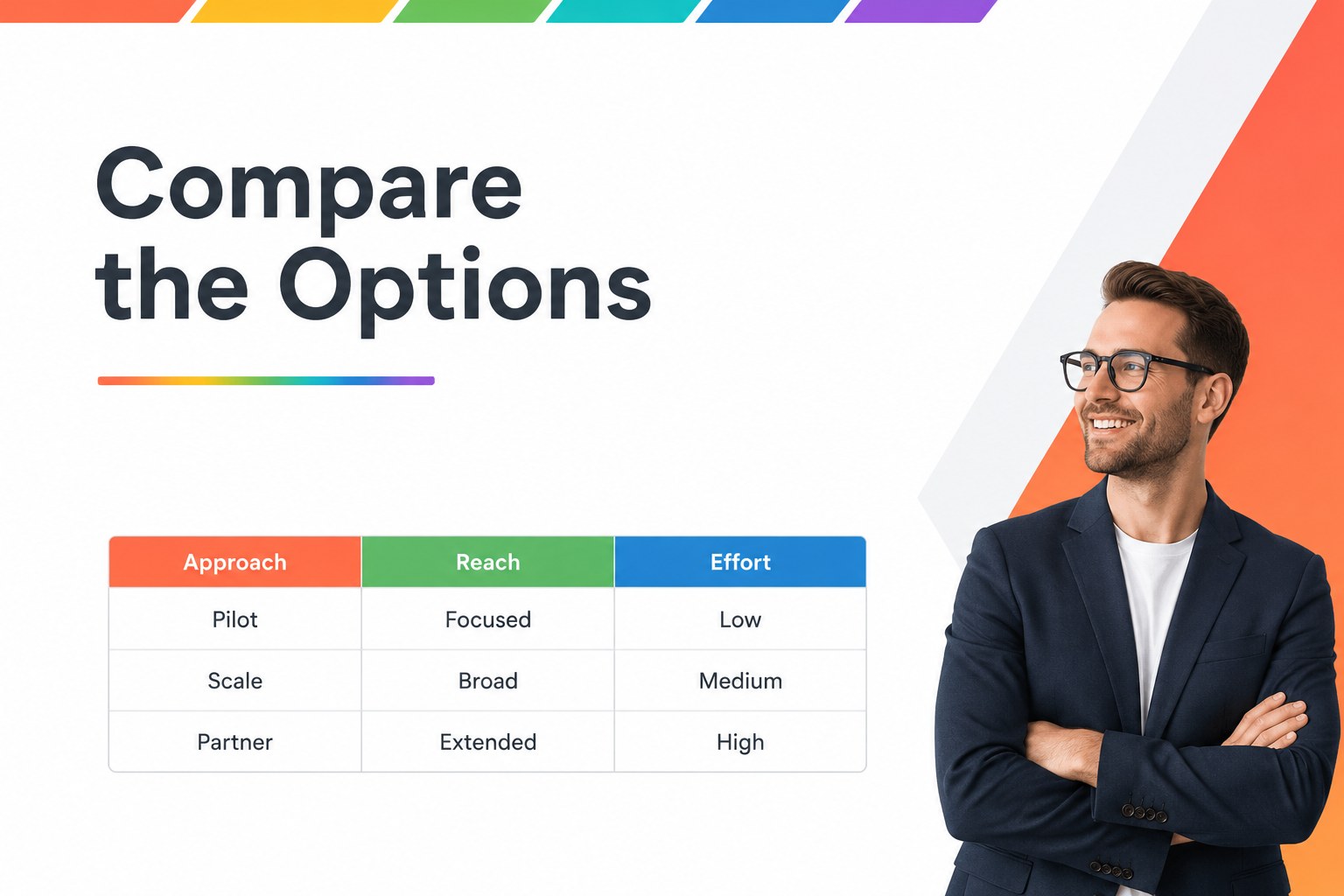
Rainbow Slidedoc Theme for Reports brings a crisp editorial structure to presentations that need to work equally well on paper and on screen. Its white canvas, geometric spacing, and bright rainbow accents make detailed information easier to scan without making the document feel crowded. Use the layouts for a proposal, internal report, client handout, or visual briefing that can be emailed as a PDF.
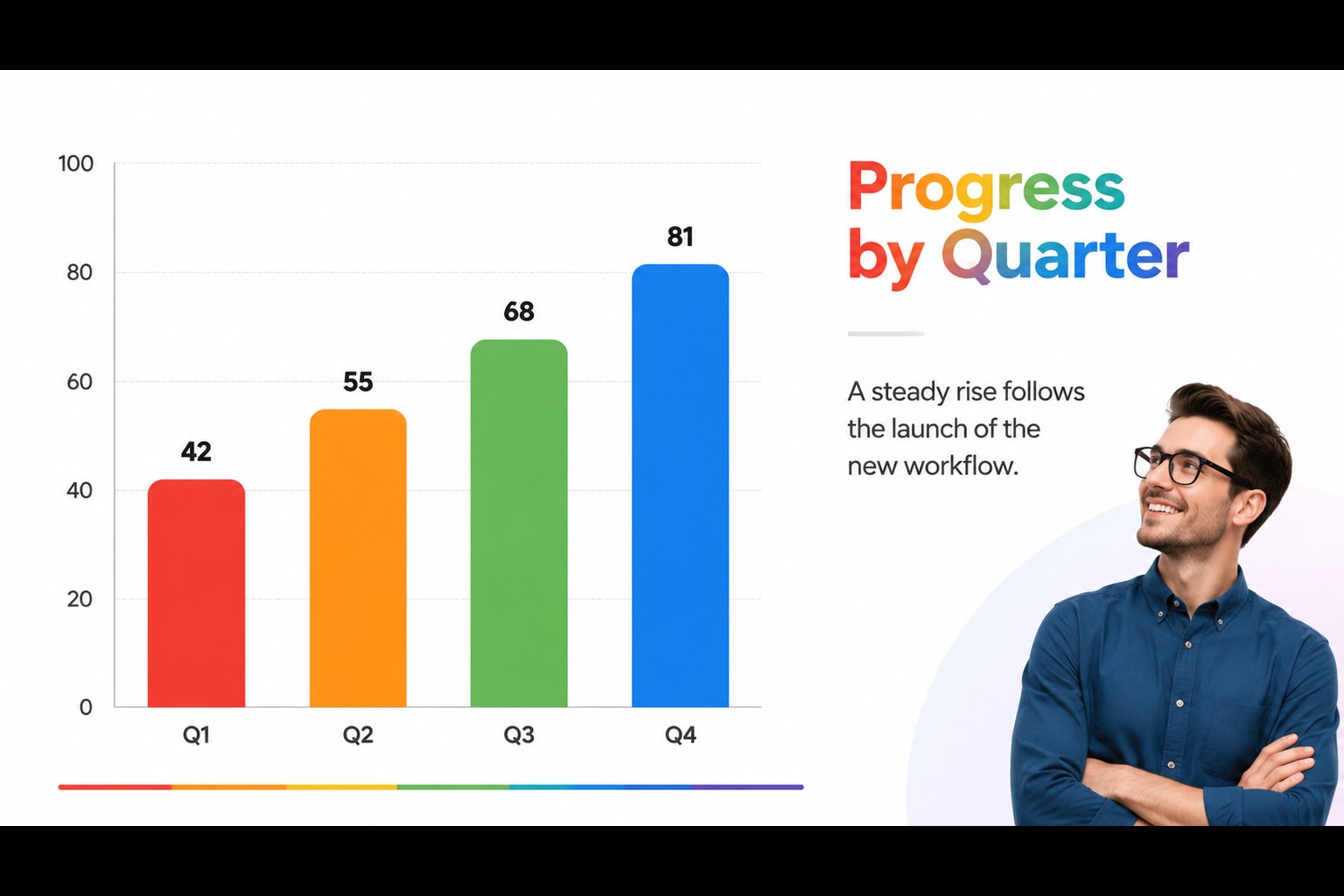
Inside, you will find 25 adaptable layouts for cover pages, agendas, section dividers, text-heavy summaries, comparison tables, timelines, process diagrams, charts, and closing pages. The rainbow palette can stay vivid, or each accent can be changed to a single brand color for a more focused look. Karla and Montserrat typography supports clear hierarchy across headings, labels, and body copy. A coordinated set of 80 editable icons and a resizable world map add useful visual tools for data-led pages.
This printable presentation template is a practical fit for consultants, educators, analysts, nonprofit teams, and small businesses. Edit every text field, image, color, chart, and icon in PowerPoint or Google Slides, then export the finished deck to PDF or JPG. The 16:9 format is optimized for flexible document design and can be changed to 4:3 when needed.
Perfect for: consulting project report; client proposal handout; school research briefing; nonprofit impact report; internal business update.
Frequently asked questions
Can I edit this template in PowerPoint? Yes. The layouts, text, colors, images, charts, icons, and map elements are editable in PowerPoint. You can also export the completed presentation as a PDF or JPG.
Practical details
Yes. The layouts, text, colors, images, charts, icons, and map elements are editable in PowerPoint. You can also export the completed presentation as a PDF or JPG.
Yes, you can use it as a Google Slides theme and customize the slide content in your browser. Replace the sample copy, adjust the accent colors, and rearrange or remove layouts as needed.
Yes. Apply one accent color for a restrained branded report, or combine several colors to distinguish sections and categories. The white background and geometric layout remain effective with either approach.
It is designed for reports, proposals, and visual handouts that may be printed or shared as PDFs. The text hierarchy and document-style layouts support close reading better than a presentation built only for projection.
Keep exploring
15Shape your publishing concept with an indie magazine startup pitch deck featuring pastel gradients, bold collage layouts, and editable planning slides.
 16
16Build clear project stories with the Icon Grid Teamwork Theme, a flexible blue illustrated deck for proposals, strategy updates, and team meetings.
 3
3Turn priorities into an actionable plan with an annual goals roadmap infographic, featuring editable orange and teal layouts for PowerPoint and Google Slides.
 15
15Create an Annual Achievement Report Presentation with colorful geometric layouts for milestones, results, lessons, and priorities in PowerPoint or Google Slides.
 15
15Turn results into a focused annual performance evaluation report with dark 3D slides for KPIs, achievements, feedback, and next-step goals for teams.
 15
15Guide a focused annual recap with Business Results Retrospective Slides, a muted brown-and-blue template for PowerPoint and Google Slides.
 6
6Turn complex plans into clear visual stories with Color-Coded Workflow Path Slides, an editable set for project updates, roadmaps, and team briefings.
 6
6Compare regional performance at a glance with Global Data Heatmap Slides, a clean multicolor deck designed for editable PowerPoint and Google Slides.