
 15
15presentation
Indie Magazine Startup Pitch Deck
Shape your publishing concept with an indie magazine startup pitch deck featuring pastel gradients, bold collage layouts, and editable planning slides.
Google SlidesPowerPoint
presentation · English
Turn complex findings into clear priorities with the Radial SWOT Strategy Toolkit, a polished black-gradient deck for PowerPoint and Google Slides.


Design notes
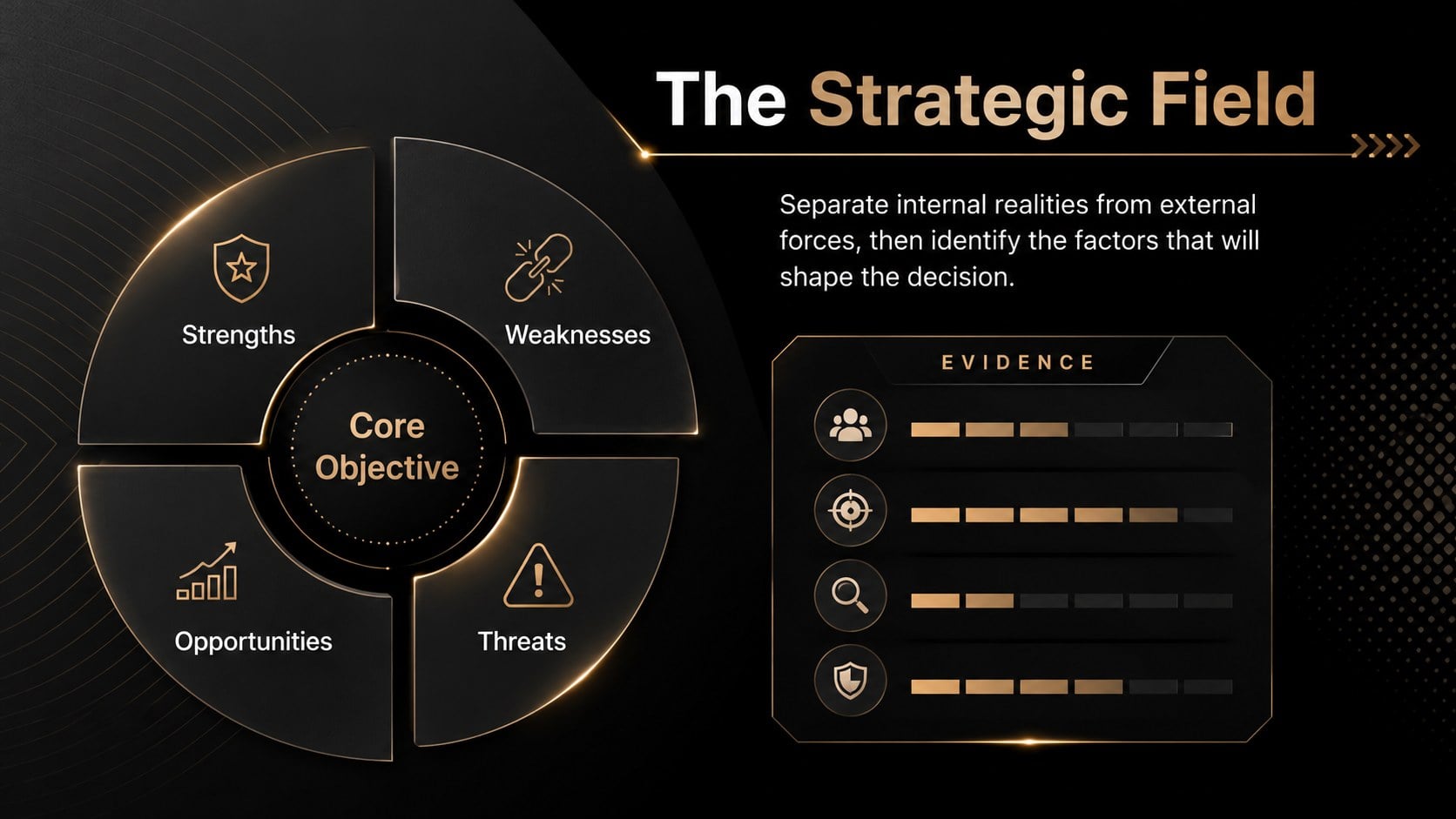
Built as a radial SWOT strategy toolkit, this presentation turns scattered observations into a focused strategic conversation. Its dark black-gradient palette, crisp typography, subtle neon accents, and radial visual system create a confident setting for reviewing internal capabilities and external conditions. Use it to present findings without overwhelming stakeholders or losing the connection between evidence and decisions.
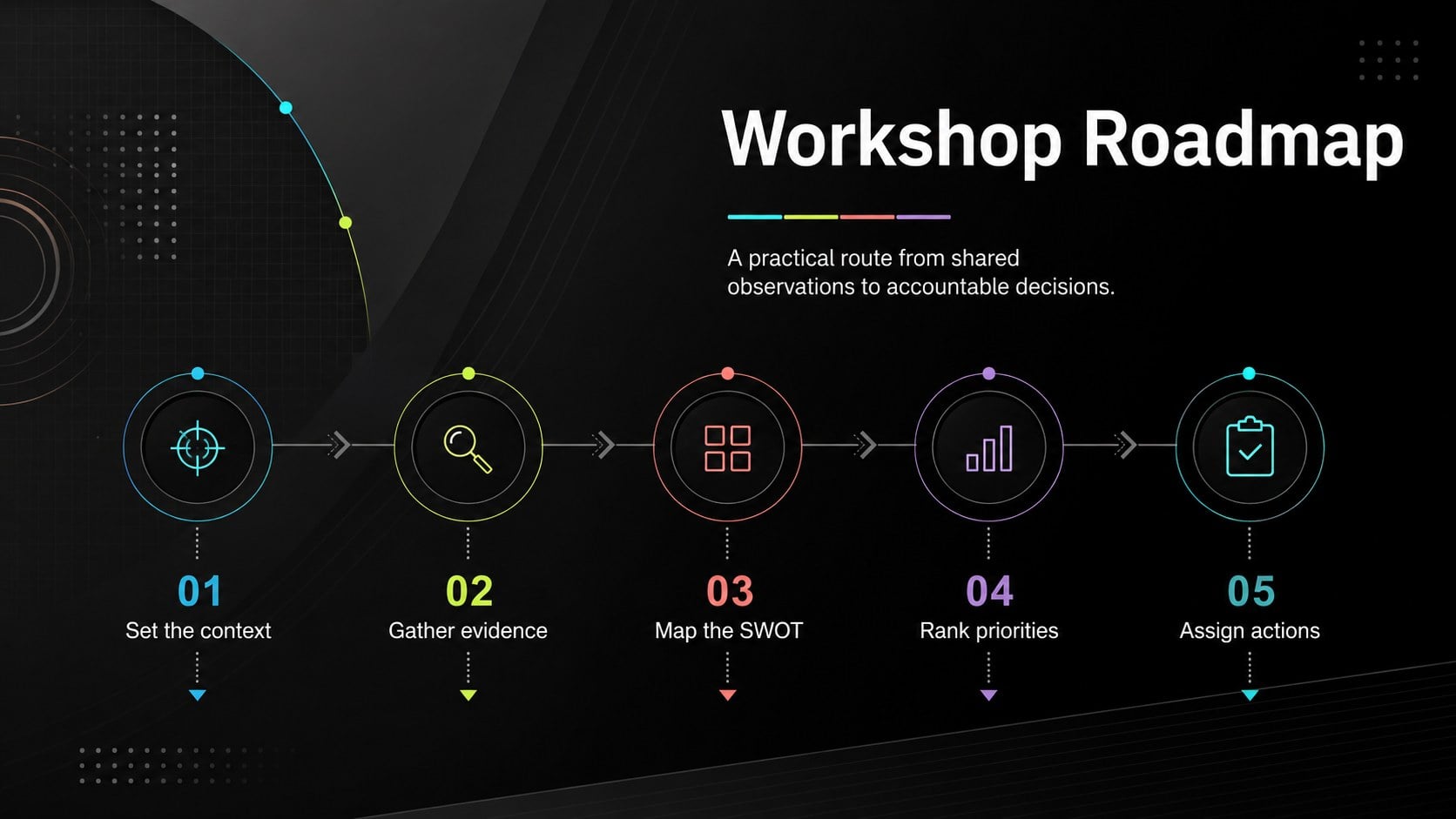
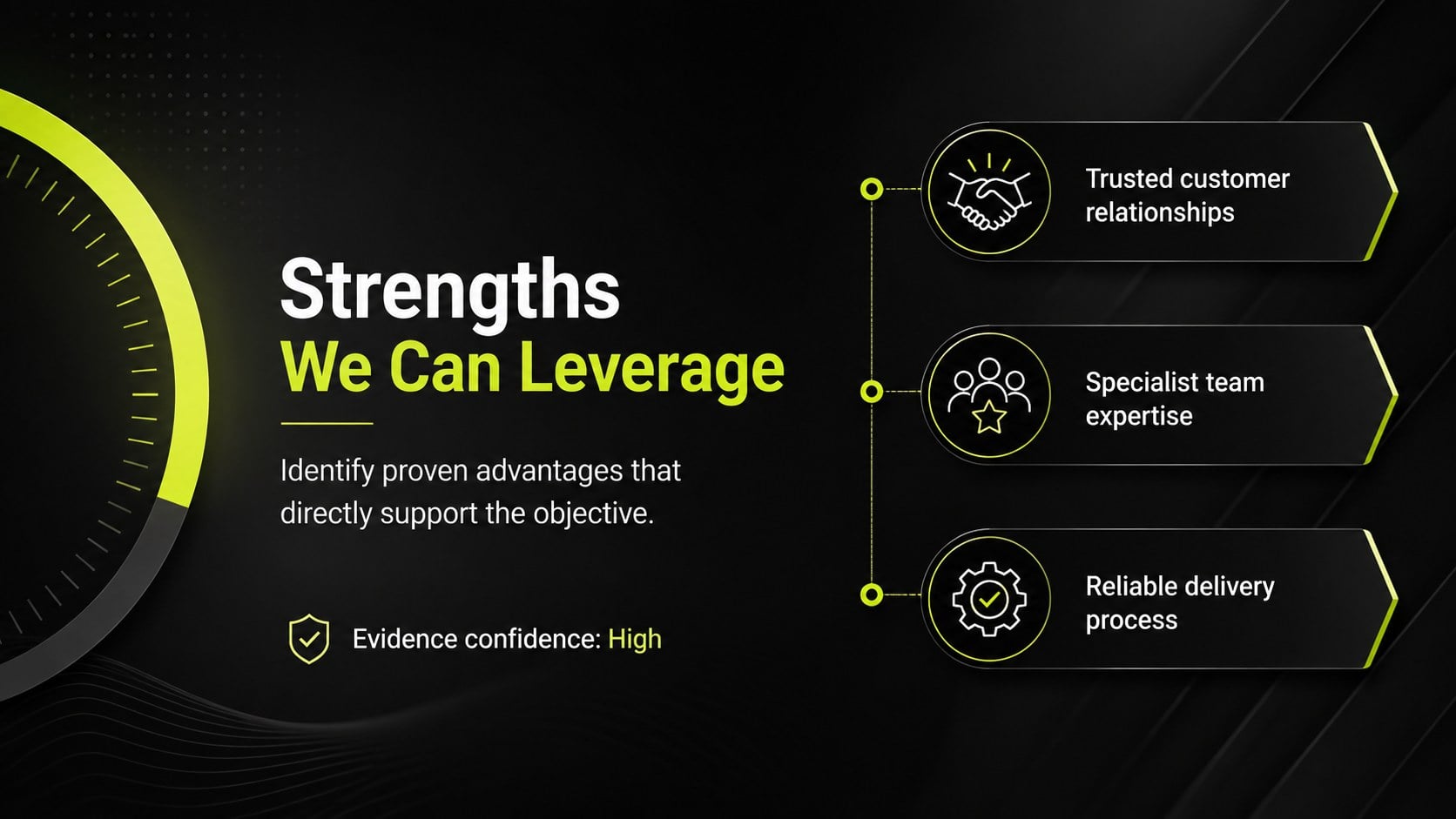
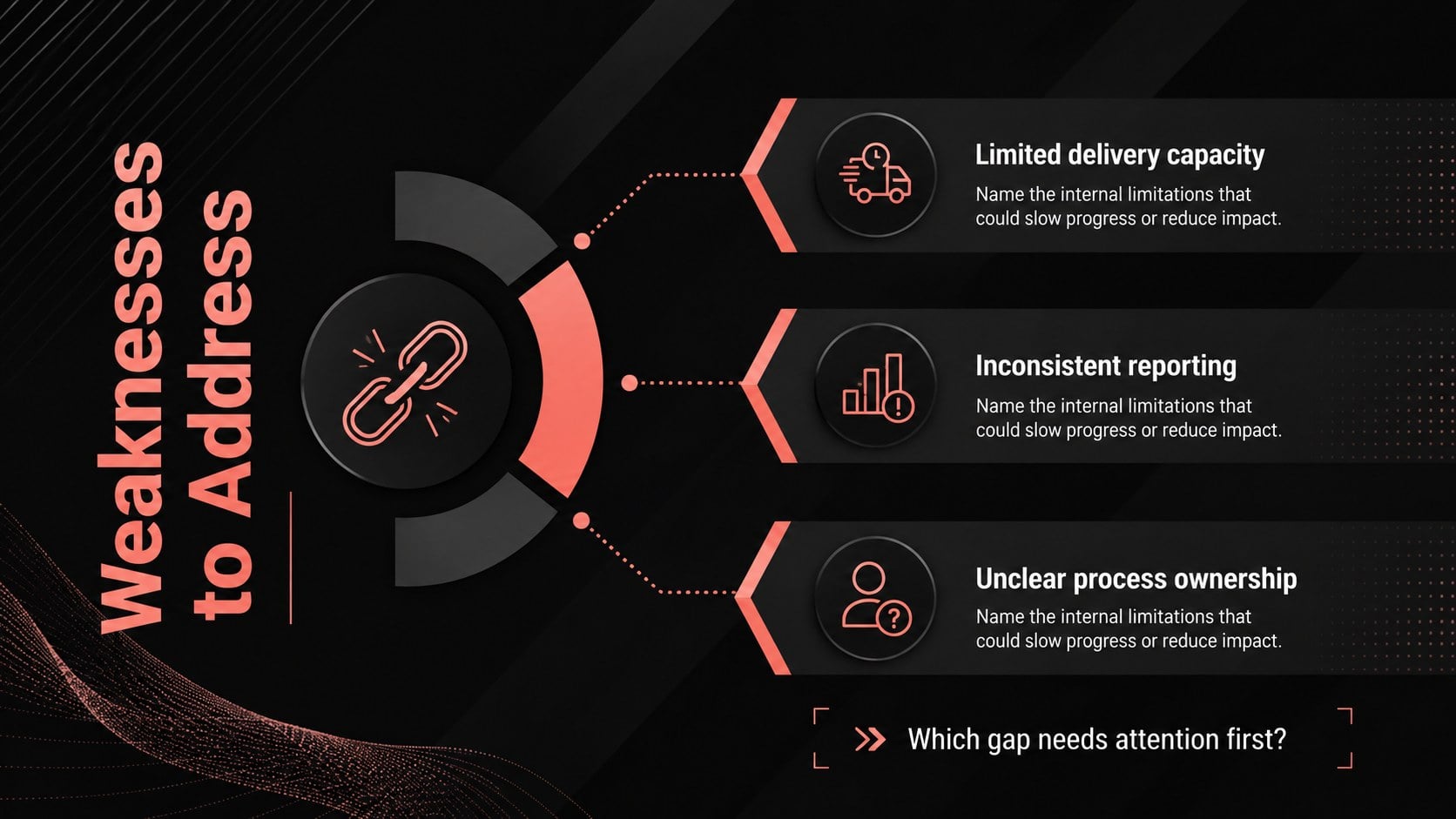
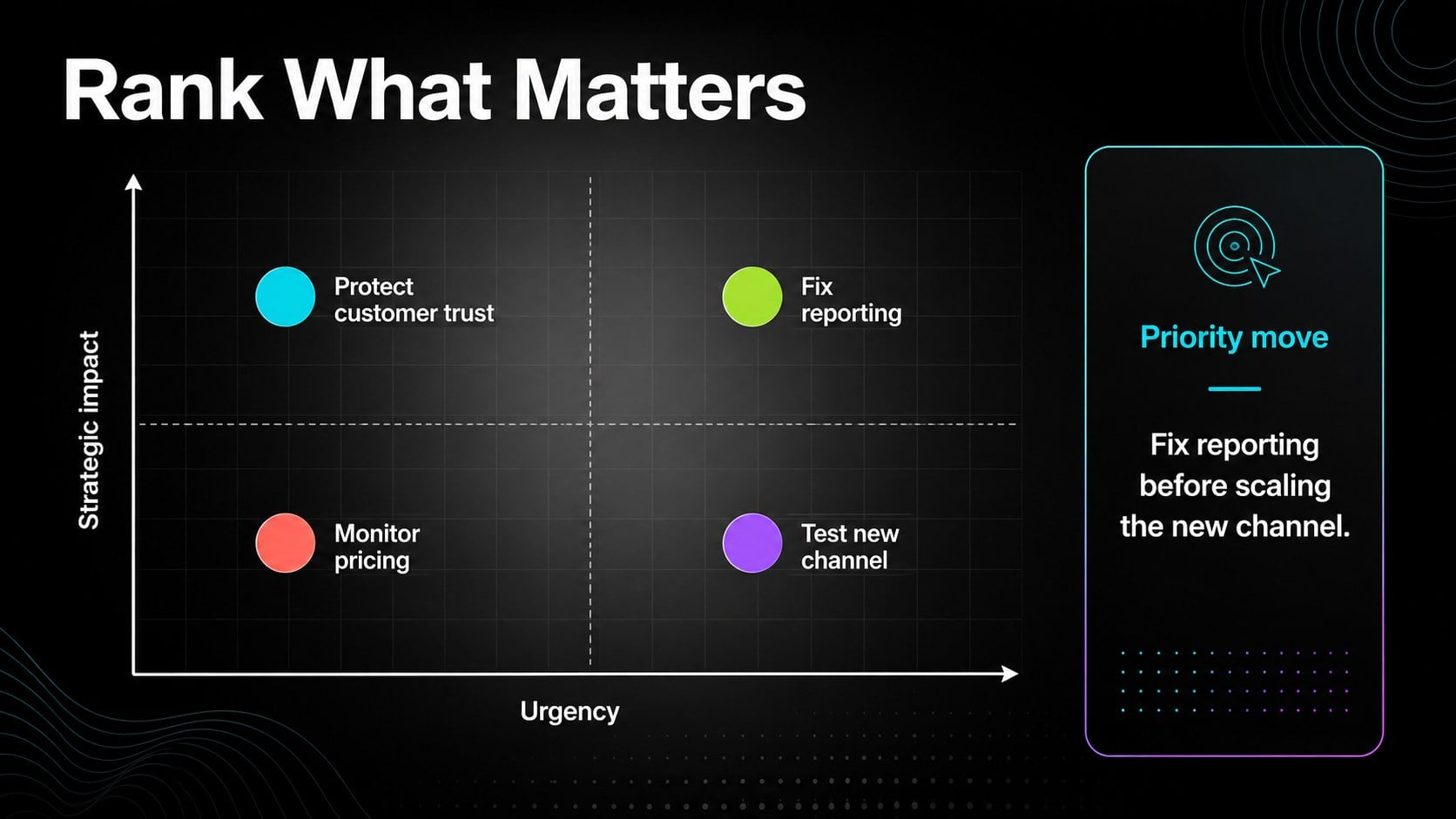
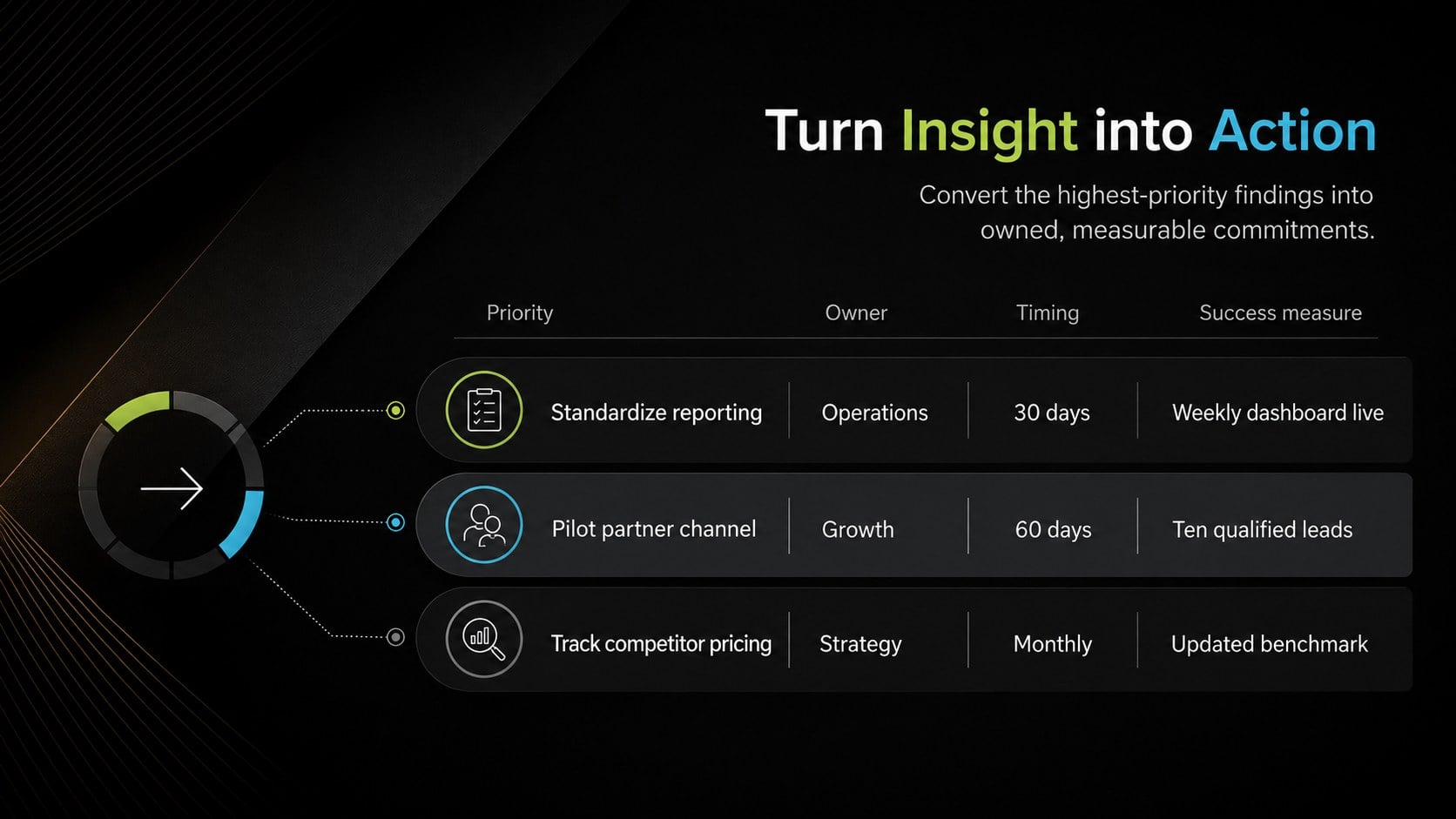
The deck includes nine editable layouts: a title slide, discussion roadmap, radial SWOT overview, dedicated pages for strengths, weaknesses, opportunities, and threats, a priority matrix, and an action-planning summary. Together, these layouts work as a SWOT workshop presentation template that guides participants from initial assessment to practical next steps. The four quadrant business assessment slides can be adapted with concise statements, supporting evidence, priority labels, owners, and deadlines.
Designed for consultants, founders, product teams, project managers, educators, and corporate strategy groups, the toolkit suits planning workshops, leadership reviews, project kickoffs, and competitive briefings. Every element can be adjusted in PowerPoint or Google Slides, including text, colors, shapes, charts, and section labels. Reuse individual layouts for a quick executive SWOT review, or present the complete sequence during a facilitated strategy session. The result is a professional framework that helps teams identify what matters, compare competing priorities, and translate analysis into accountable action.
Perfect for: quarterly strategy review; startup planning workshop; competitive position briefing; product launch assessment; project kickoff discussion; executive decision meeting.
Frequently asked questions
Can I edit every part of the SWOT layouts? Yes. The headings, descriptions, radial sections, icons, colors, and supporting shapes are editable, so you can tailor the framework to your organization or project.
Practical details
Yes. The headings, descriptions, radial sections, icons, colors, and supporting shapes are editable, so you can tailor the framework to your organization or project.
The slides are designed for PowerPoint and Google Slides. You can present them as a complete deck or reuse individual layouts in an existing presentation.
Add participant findings to the four SWOT sections, then use the priority matrix to compare urgency and impact. Finish with the action-planning slide to assign owners, deadlines, and measurable outcomes.
Yes. Replace the accent colors, backgrounds, and typography with your brand settings while preserving the radial information structure and visual hierarchy.
Keep exploring
15Shape your publishing concept with an indie magazine startup pitch deck featuring pastel gradients, bold collage layouts, and editable planning slides.
 16
16Build clear project stories with the Icon Grid Teamwork Theme, a flexible blue illustrated deck for proposals, strategy updates, and team meetings.
 3
3Turn priorities into an actionable plan with an annual goals roadmap infographic, featuring editable orange and teal layouts for PowerPoint and Google Slides.
 15
15Create an Annual Achievement Report Presentation with colorful geometric layouts for milestones, results, lessons, and priorities in PowerPoint or Google Slides.
 15
15Turn results into a focused annual performance evaluation report with dark 3D slides for KPIs, achievements, feedback, and next-step goals for teams.
 15
15Guide a focused annual recap with Business Results Retrospective Slides, a muted brown-and-blue template for PowerPoint and Google Slides.
 6
6Turn complex plans into clear visual stories with Color-Coded Workflow Path Slides, an editable set for project updates, roadmaps, and team briefings.
 6
6Compare regional performance at a glance with Global Data Heatmap Slides, a clean multicolor deck designed for editable PowerPoint and Google Slides.