
 15
15presentation
Indie Magazine Startup Pitch Deck
Shape your publishing concept with an indie magazine startup pitch deck featuring pastel gradients, bold collage layouts, and editable planning slides.
Google SlidesPowerPoint
presentation · English
Build a quick-service restaurant growth deck for classroom case studies, brand reviews, and marketing lessons with editable red-and-white PowerPoint and…
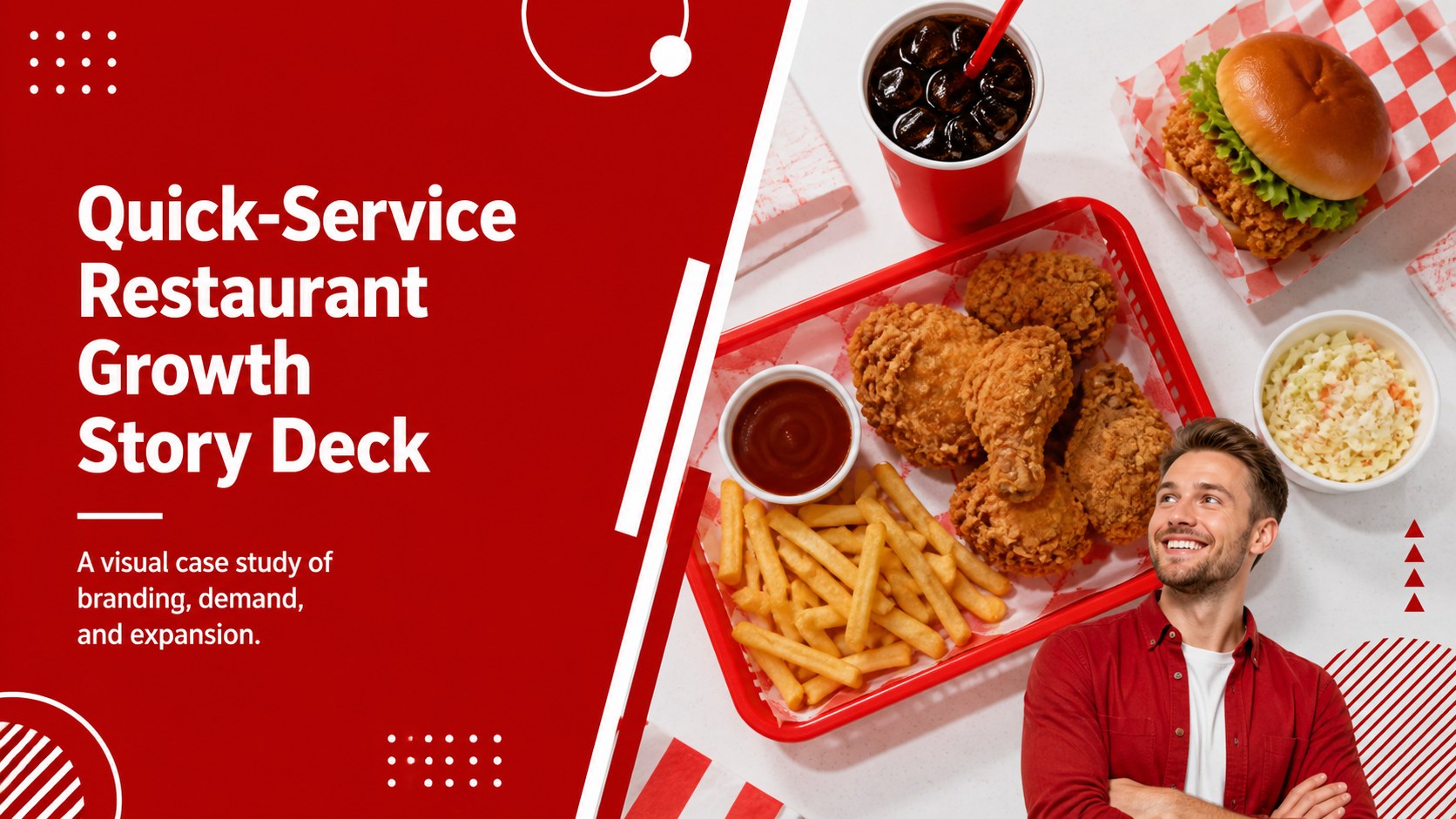
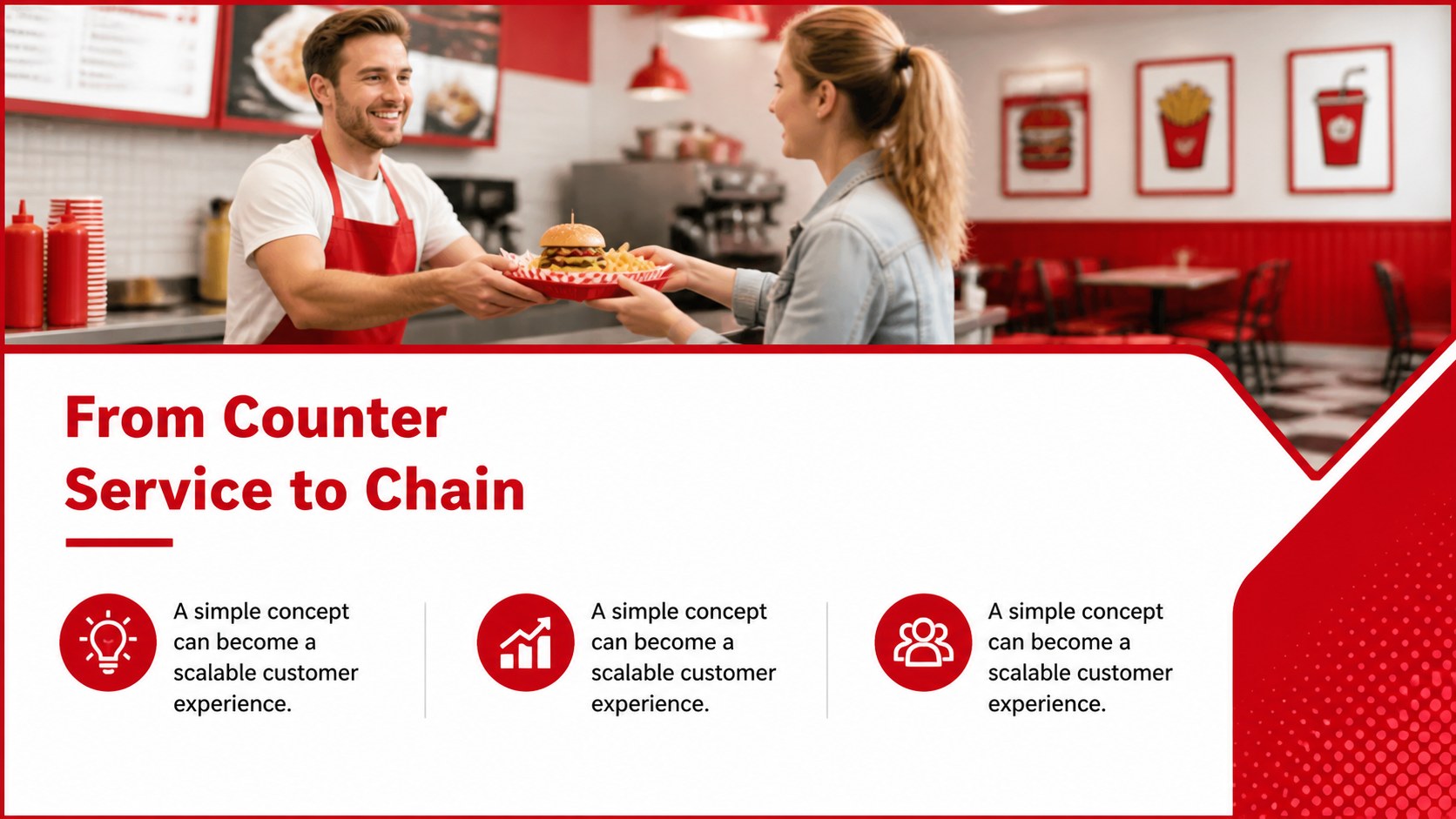
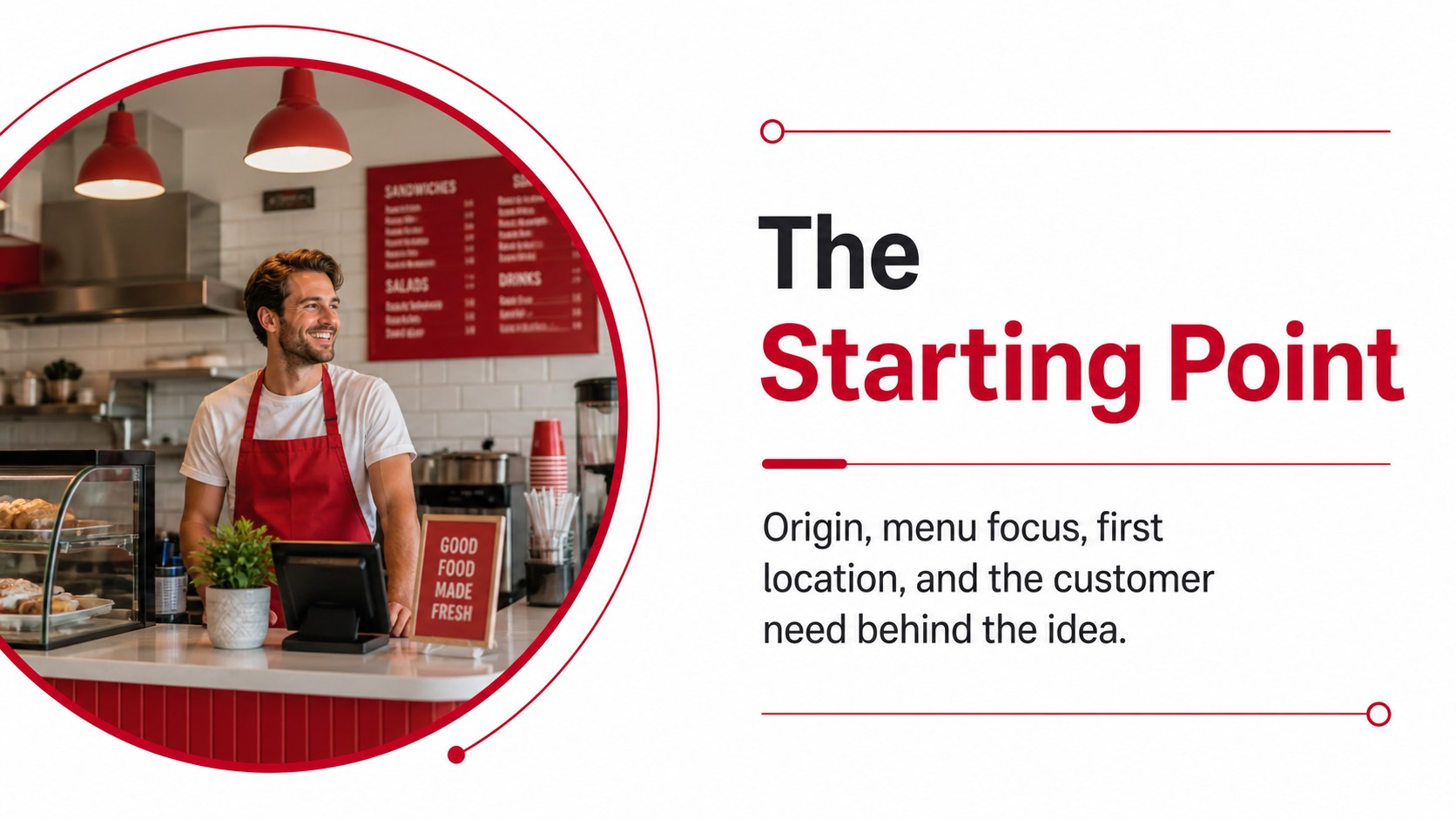
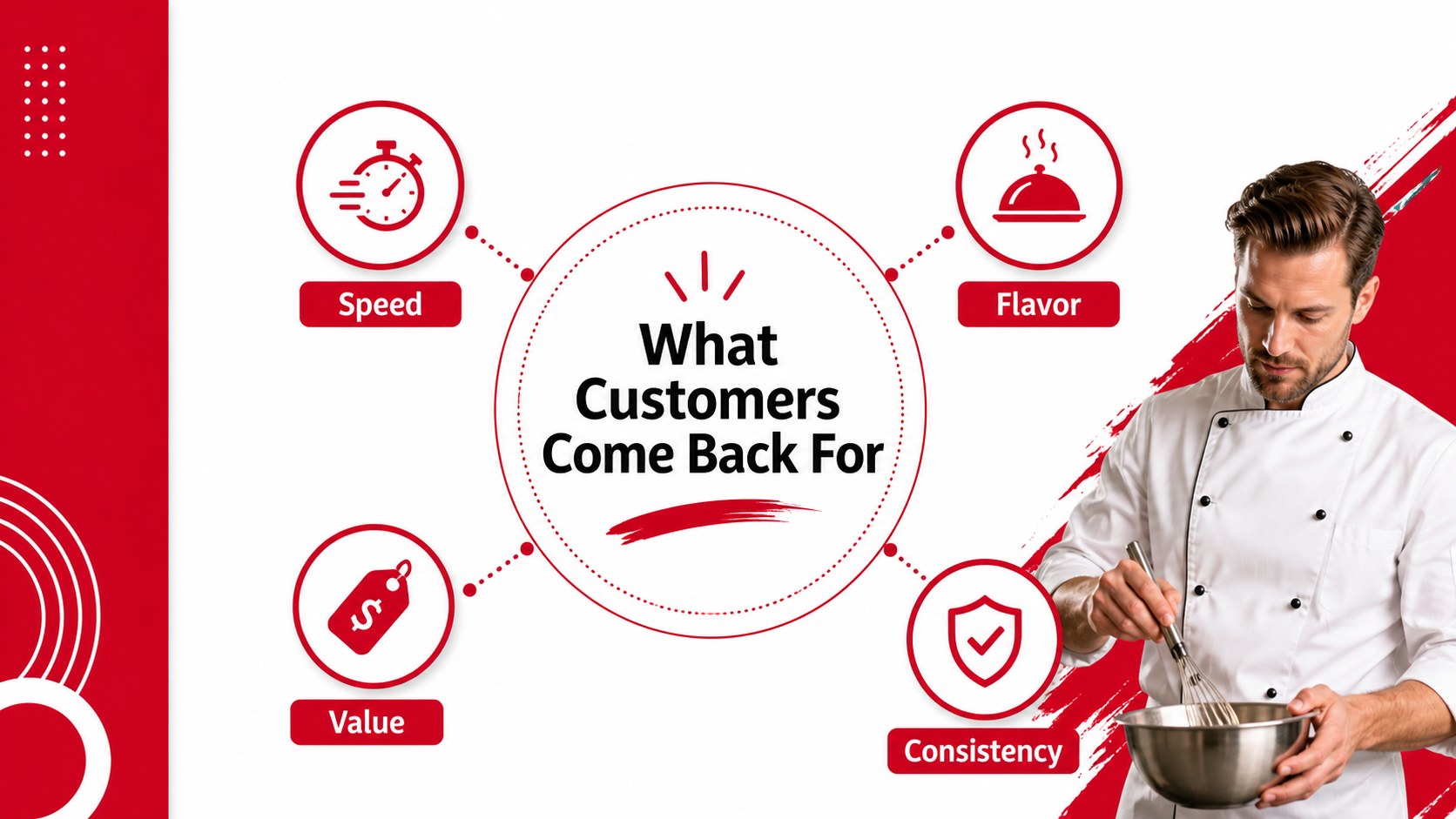

Design notes
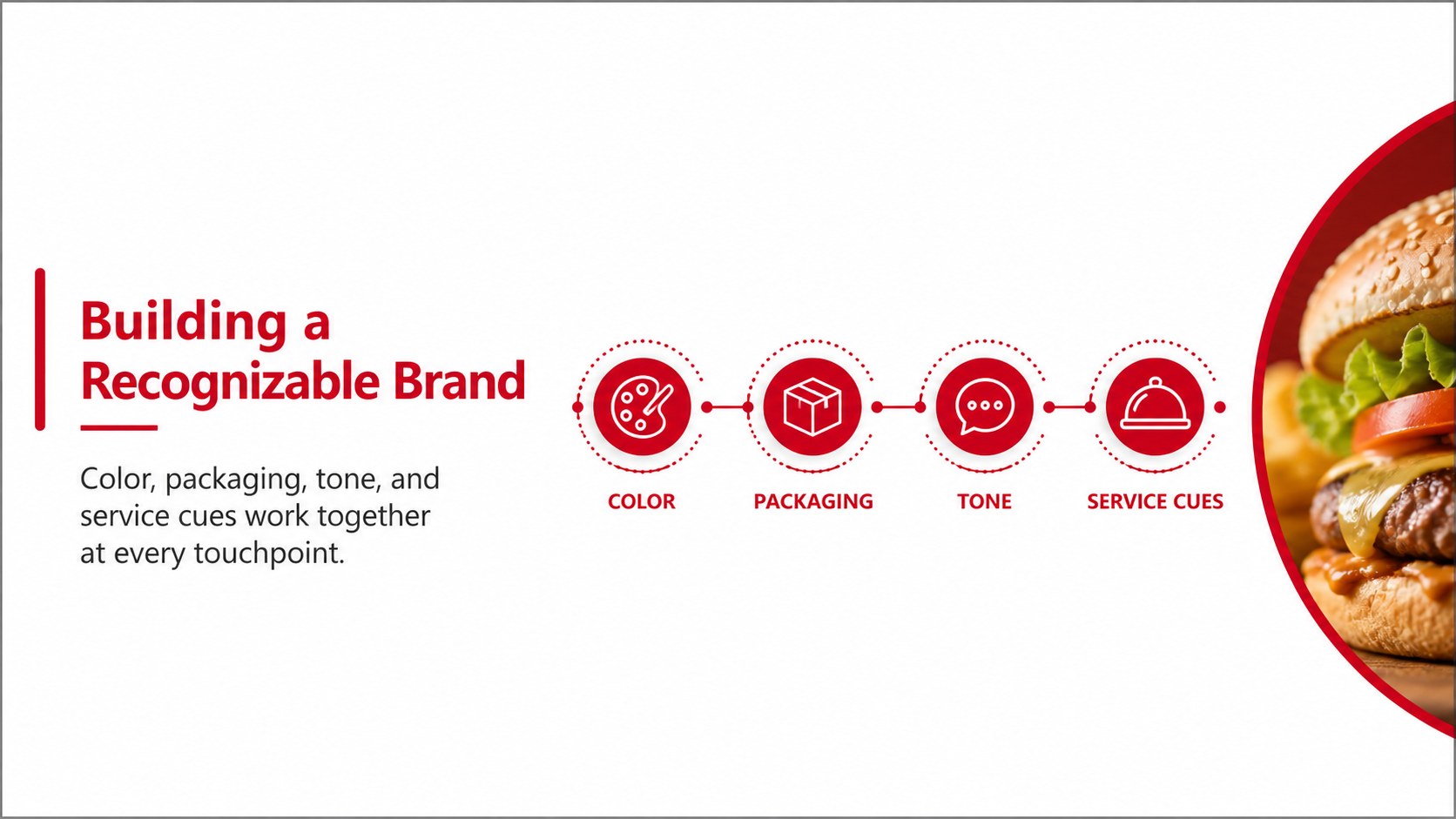
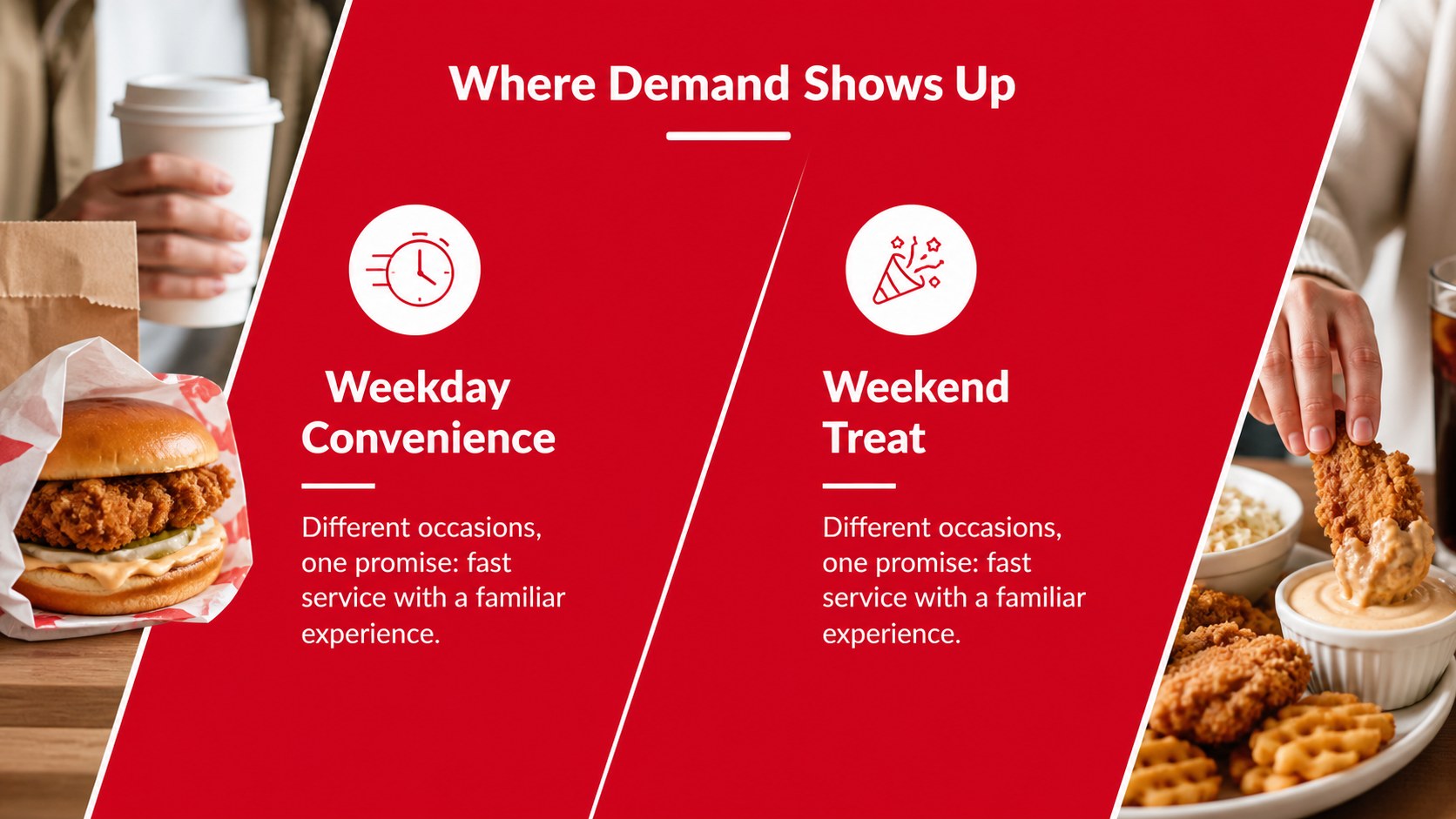
Quick-service restaurants offer practical examples of branding, operations, customer loyalty, and scalable growth. This quick-service restaurant growth deck gives teachers, students, and business presenters a structured visual format for exploring how a food concept develops into a recognizable chain. Its energetic red-and-white design suits case studies about fried chicken restaurants, burger brands, takeaway counters, and other high-volume food businesses.
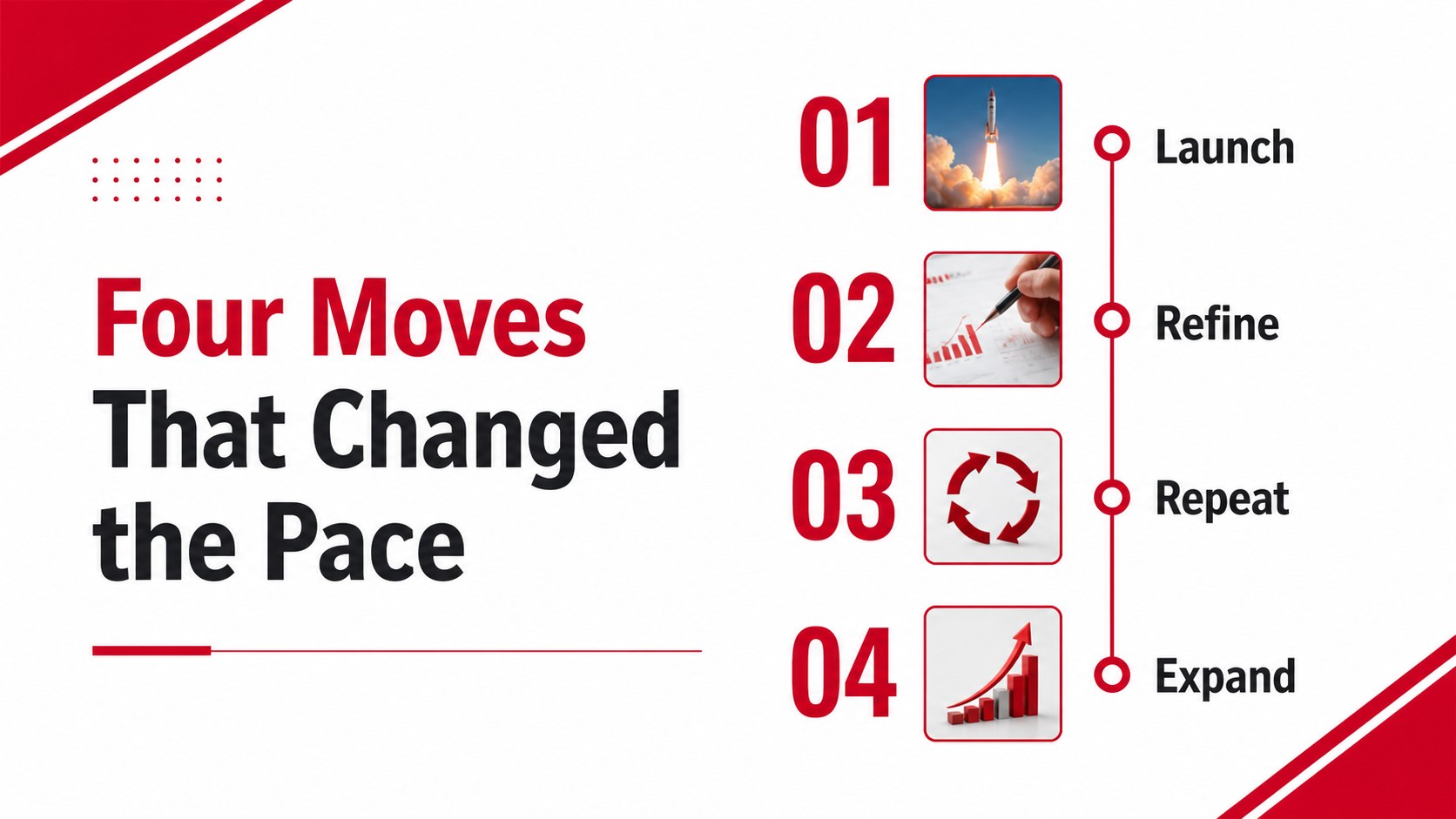
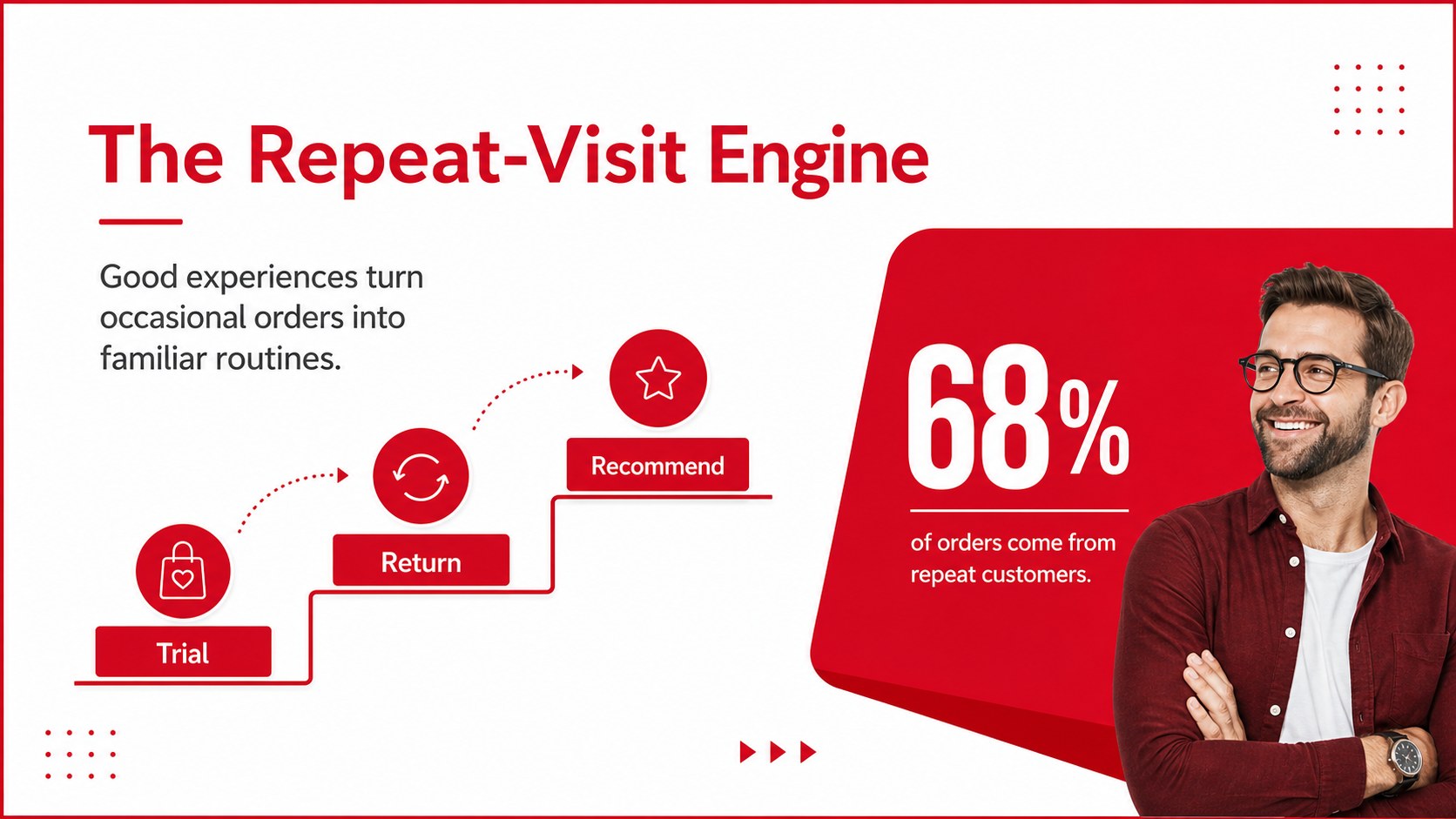
Inside, you will find 14 editable 16:9 slides for introducing a company, presenting its origin story, mapping milestones, comparing competitors, explaining a marketing strategy, and summarizing business results. Use the restaurant brand case study slides for lectures, student projects, workshops, or internal presentations. Charts, timelines, image frames, shapes, and text areas can be adjusted to match your research and visual identity.
The template works with PowerPoint and Google Slides. Replace sample copy with sales figures, customer insights, campaign results, or operational benchmarks, then adapt the layouts for a fast food marketing presentation or an entrepreneurship lesson. The single Amaranth typeface and bold red accent preserve a confident, accessible style while leaving room for your own restaurant photography, icons, and data.
Perfect for: restaurant brand case study; marketing strategy lesson; food chain investor briefing; entrepreneurship workshop; customer loyalty report.
Frequently asked questions
Can I edit this deck in PowerPoint? Yes. The slides are designed for PowerPoint and include editable text, shapes, charts, and image areas. You can change the sample content, colors, typography, and visuals to fit your restaurant case study.
Practical details
Yes. The slides are designed for PowerPoint and include editable text, shapes, charts, and image areas. You can change the sample content, colors, typography, and visuals to fit your restaurant case study.
Yes, the presentation can be used in Google Slides. Upload the PowerPoint file, then review font substitutions and make any small spacing adjustments after conversion.
You can present a brand origin story, menu positioning, store expansion, marketing campaigns, customer research, or sales performance. The layouts also support timelines, comparisons, key metrics, and strategic recommendations.
Yes. The red-and-white palette is easy to adapt while preserving the original visual energy. Replace the red accent with your brand color and update charts, icons, and image treatments consistently.
Keep exploring
15Shape your publishing concept with an indie magazine startup pitch deck featuring pastel gradients, bold collage layouts, and editable planning slides.
 16
16Build clear project stories with the Icon Grid Teamwork Theme, a flexible blue illustrated deck for proposals, strategy updates, and team meetings.
 3
3Turn priorities into an actionable plan with an annual goals roadmap infographic, featuring editable orange and teal layouts for PowerPoint and Google Slides.
 15
15Create an Annual Achievement Report Presentation with colorful geometric layouts for milestones, results, lessons, and priorities in PowerPoint or Google Slides.
 15
15Turn results into a focused annual performance evaluation report with dark 3D slides for KPIs, achievements, feedback, and next-step goals for teams.
 15
15Guide a focused annual recap with Business Results Retrospective Slides, a muted brown-and-blue template for PowerPoint and Google Slides.
 6
6Turn complex plans into clear visual stories with Color-Coded Workflow Path Slides, an editable set for project updates, roadmaps, and team briefings.
 6
6Compare regional performance at a glance with Global Data Heatmap Slides, a clean multicolor deck designed for editable PowerPoint and Google Slides.