
 15
15presentation
Indie Magazine Startup Pitch Deck
Shape your publishing concept with an indie magazine startup pitch deck featuring pastel gradients, bold collage layouts, and editable planning slides.
Google SlidesPowerPoint
presentation · English
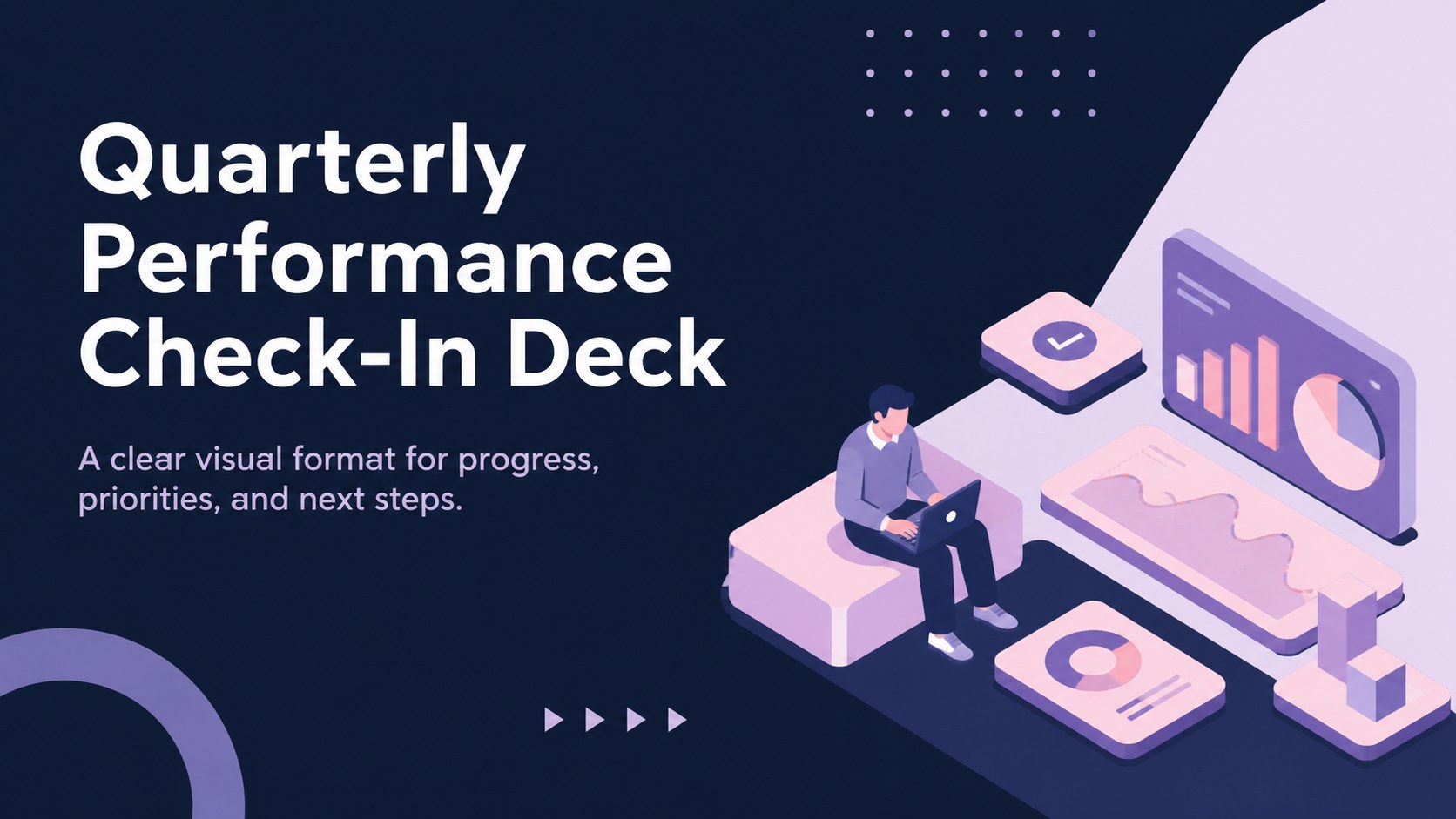
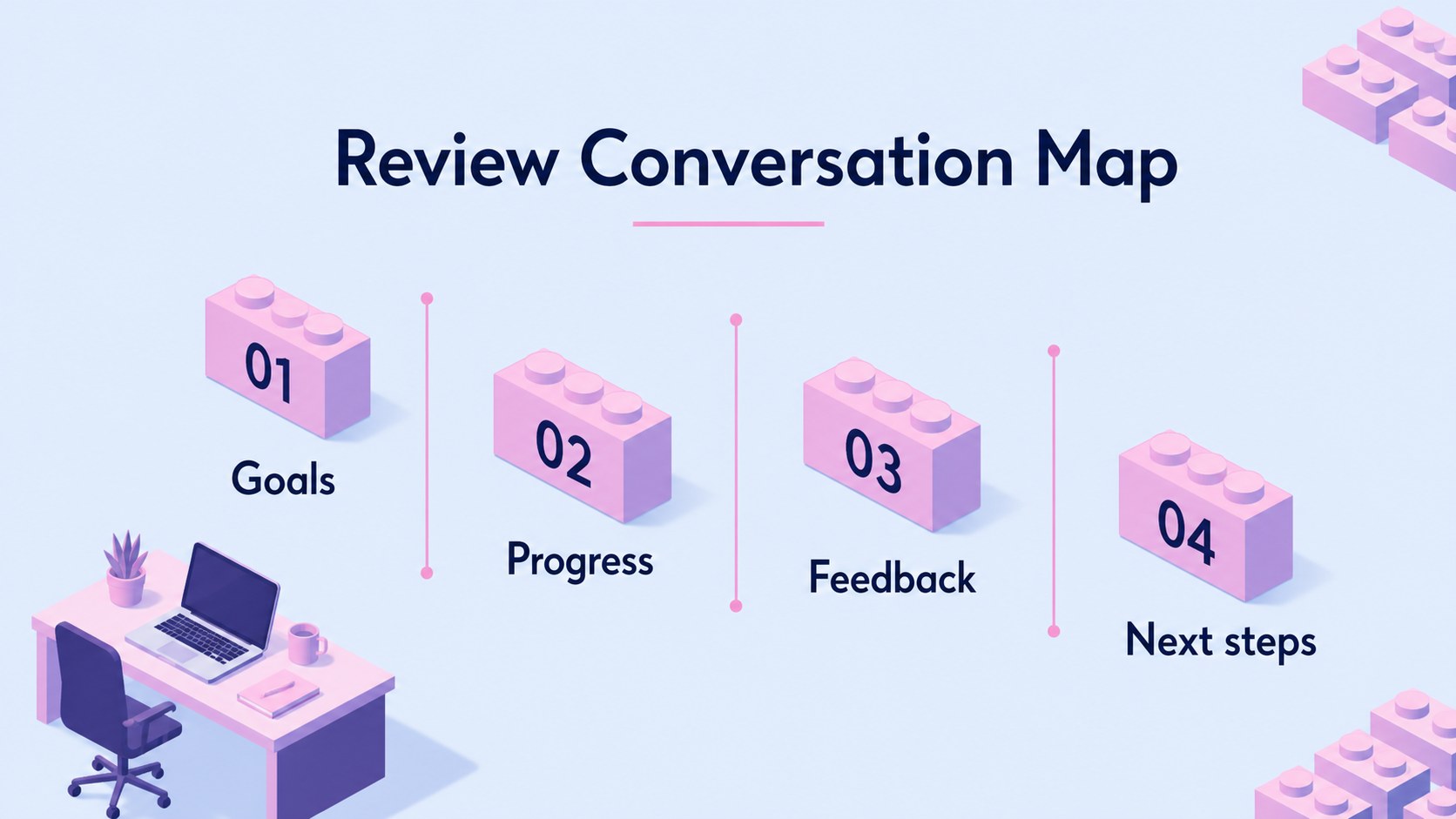
Create a quarterly performance check-in deck with blue and pink isometric visuals for goals, progress, feedback, and next steps in editable slides.
Design notes
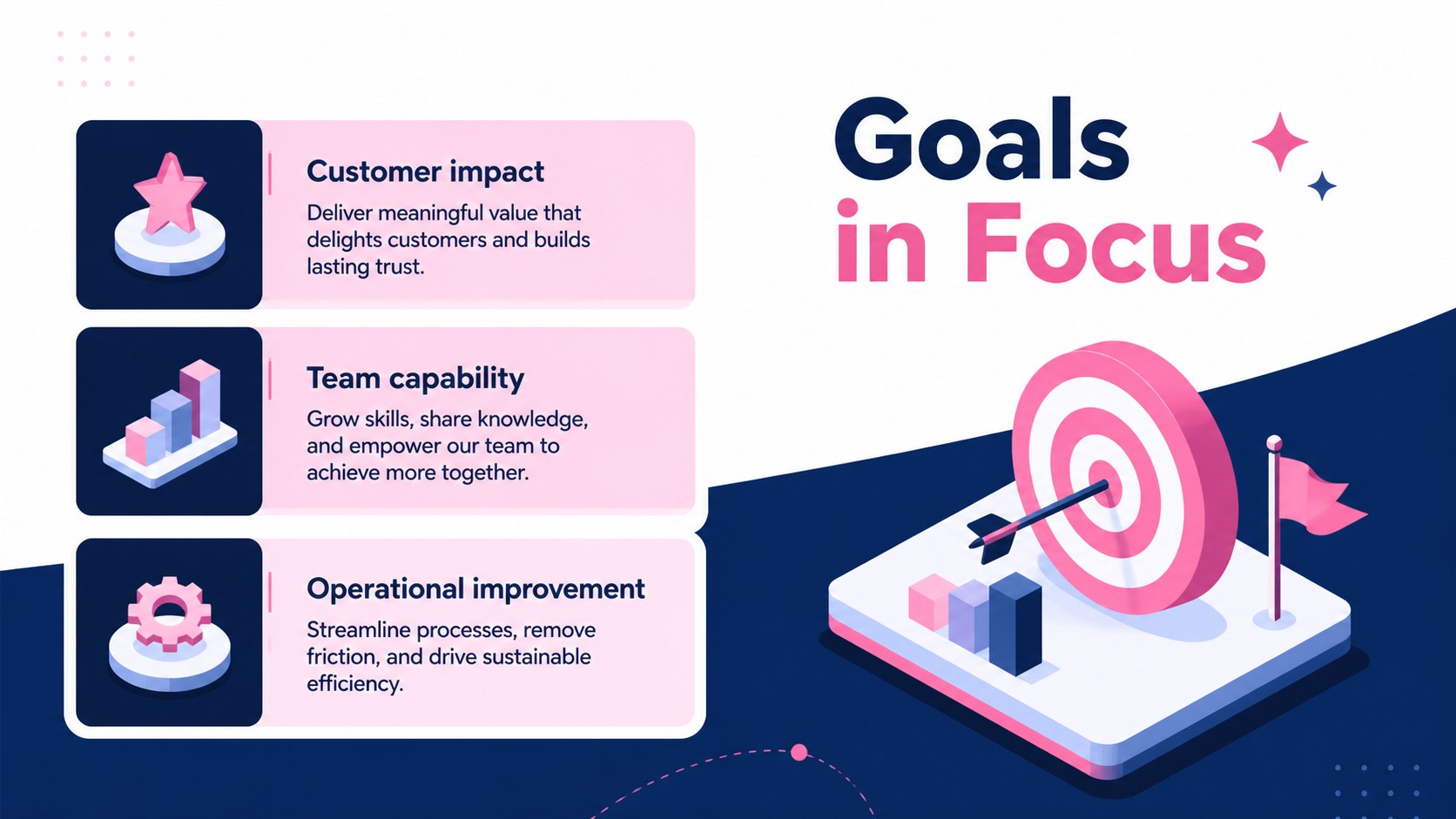
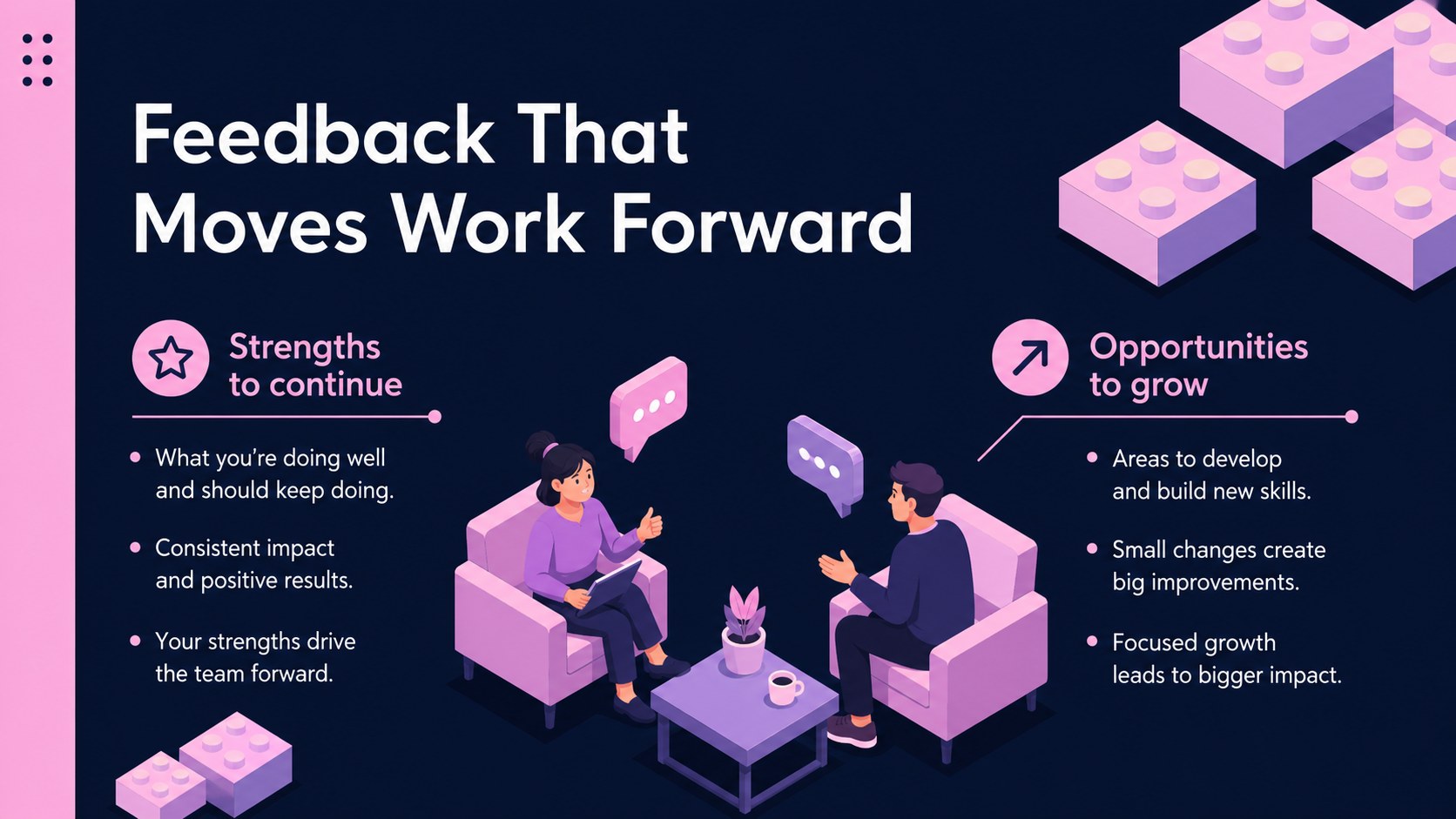
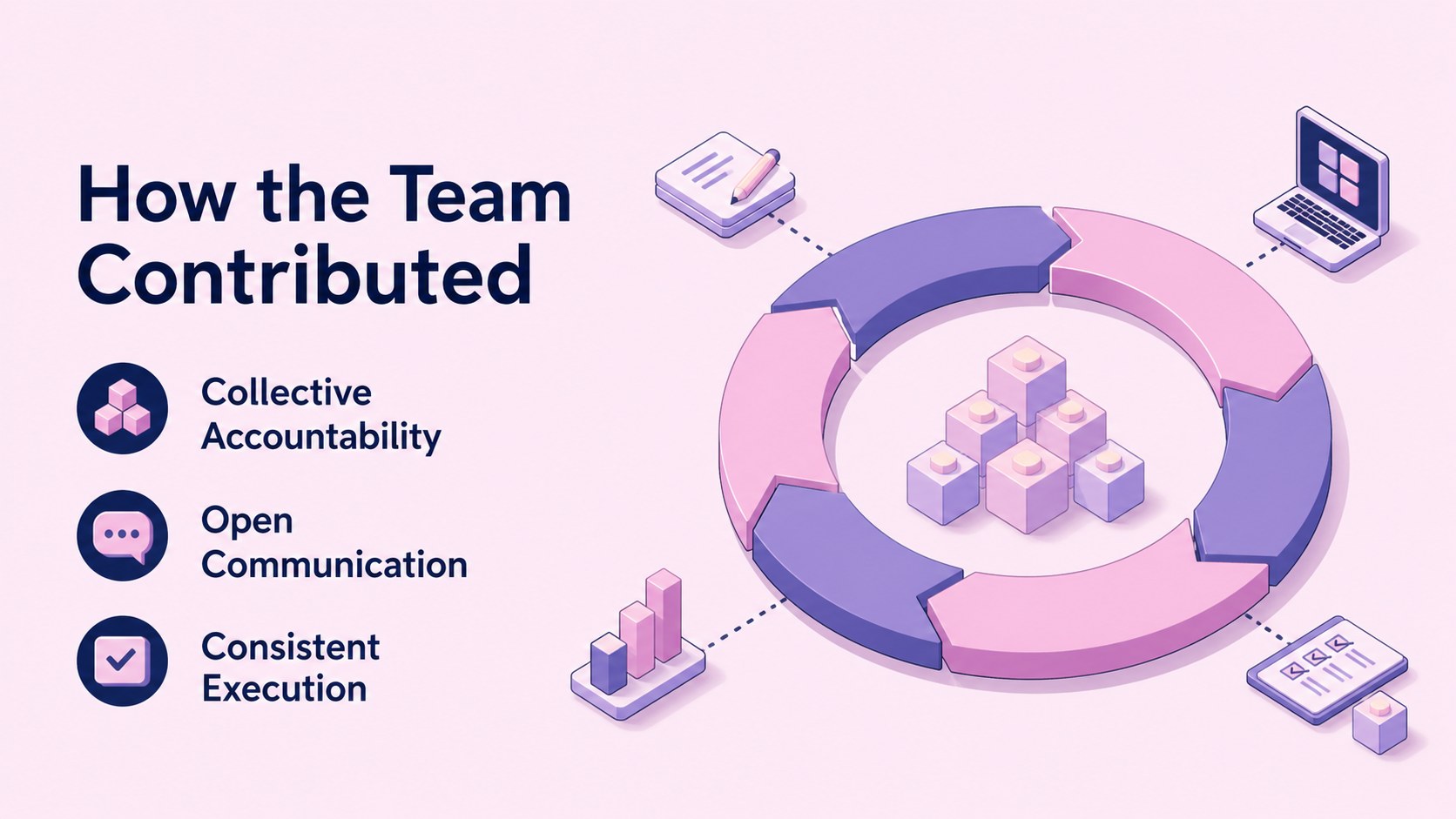
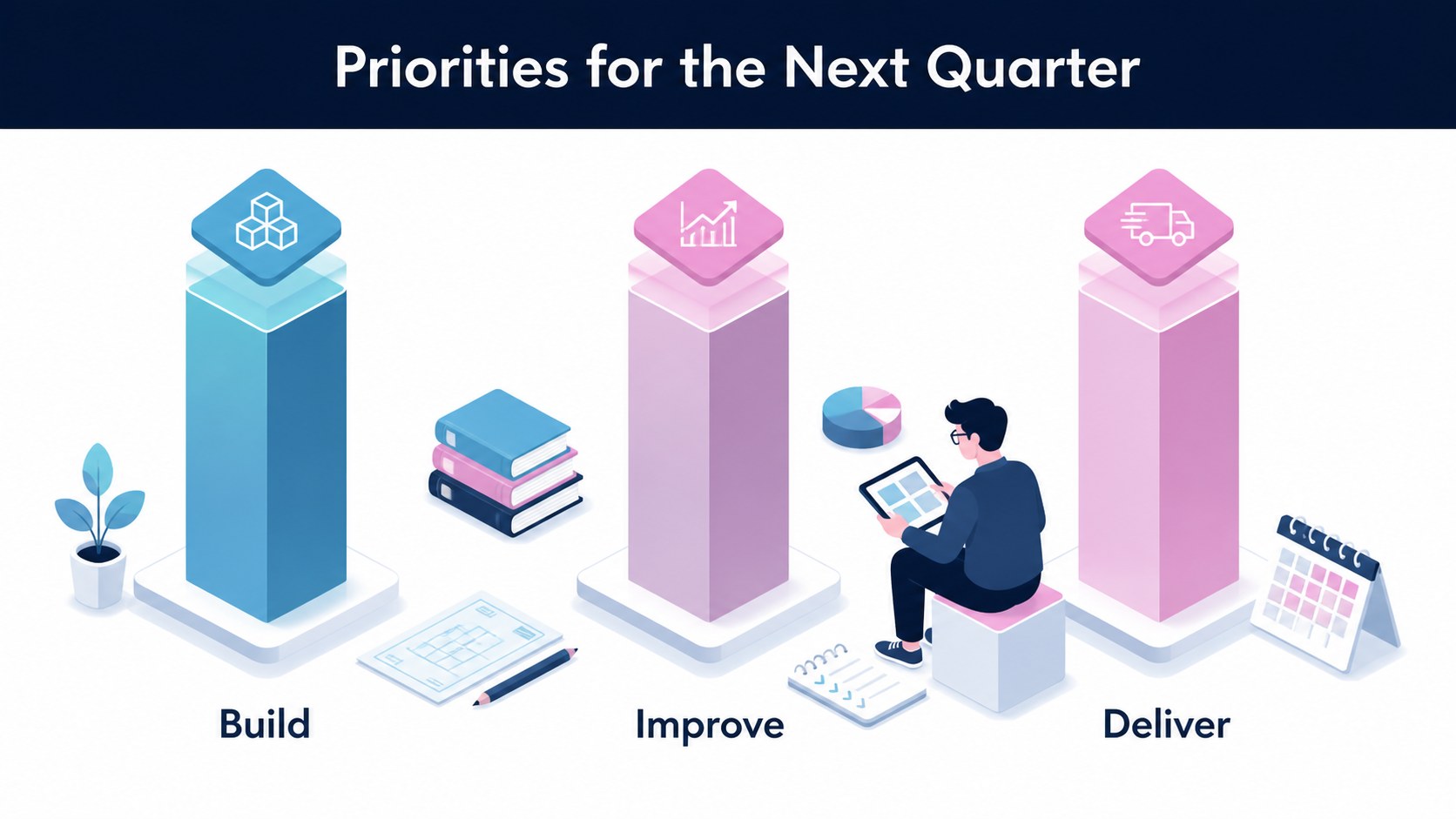
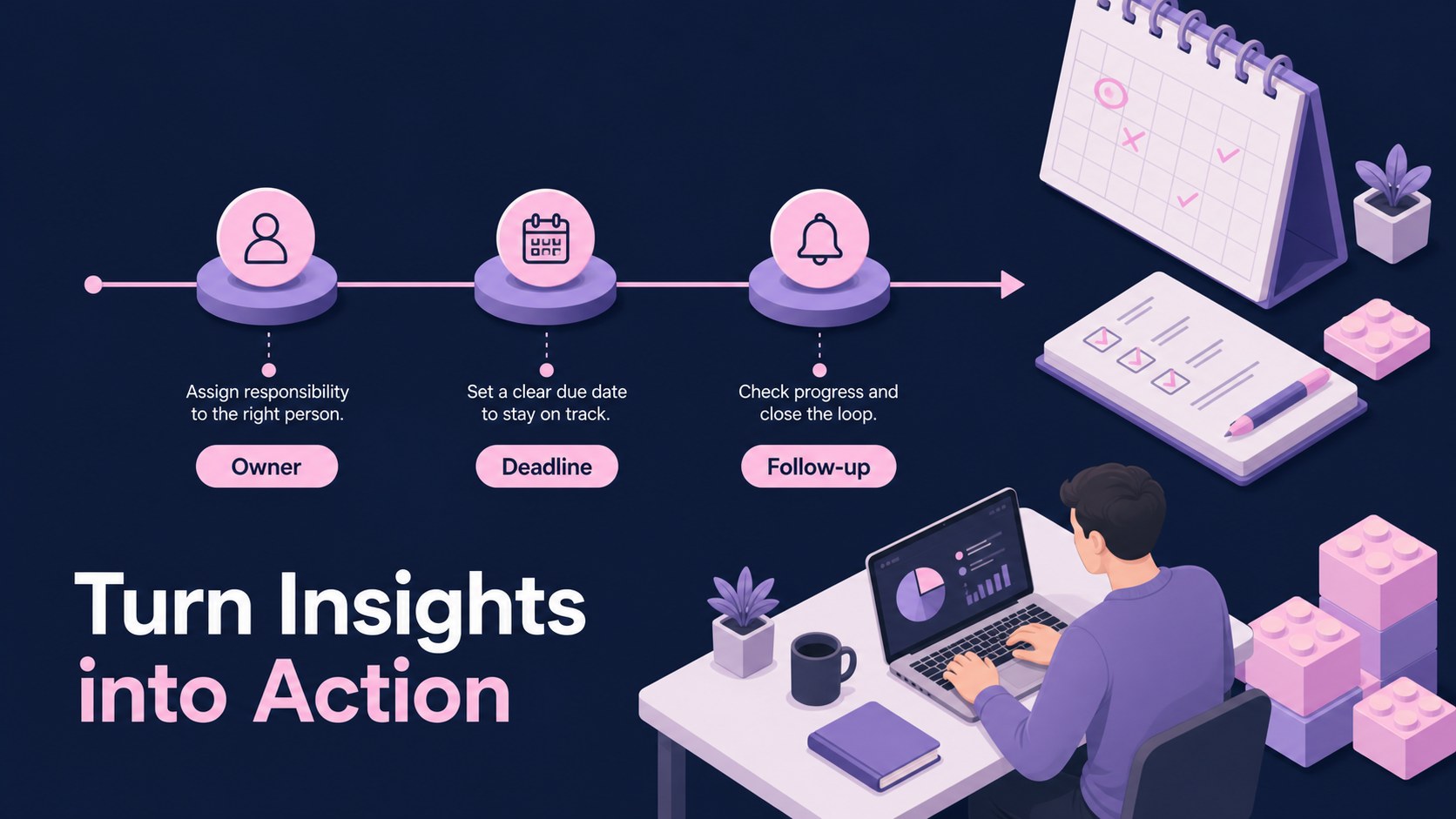
Make recurring performance conversations easier to structure with a quarterly performance check-in deck designed for focused business updates. Its blue and pink illustrated isometric style gives routine reporting a polished visual language while leaving enough space for goals, metrics, feedback, and action items.
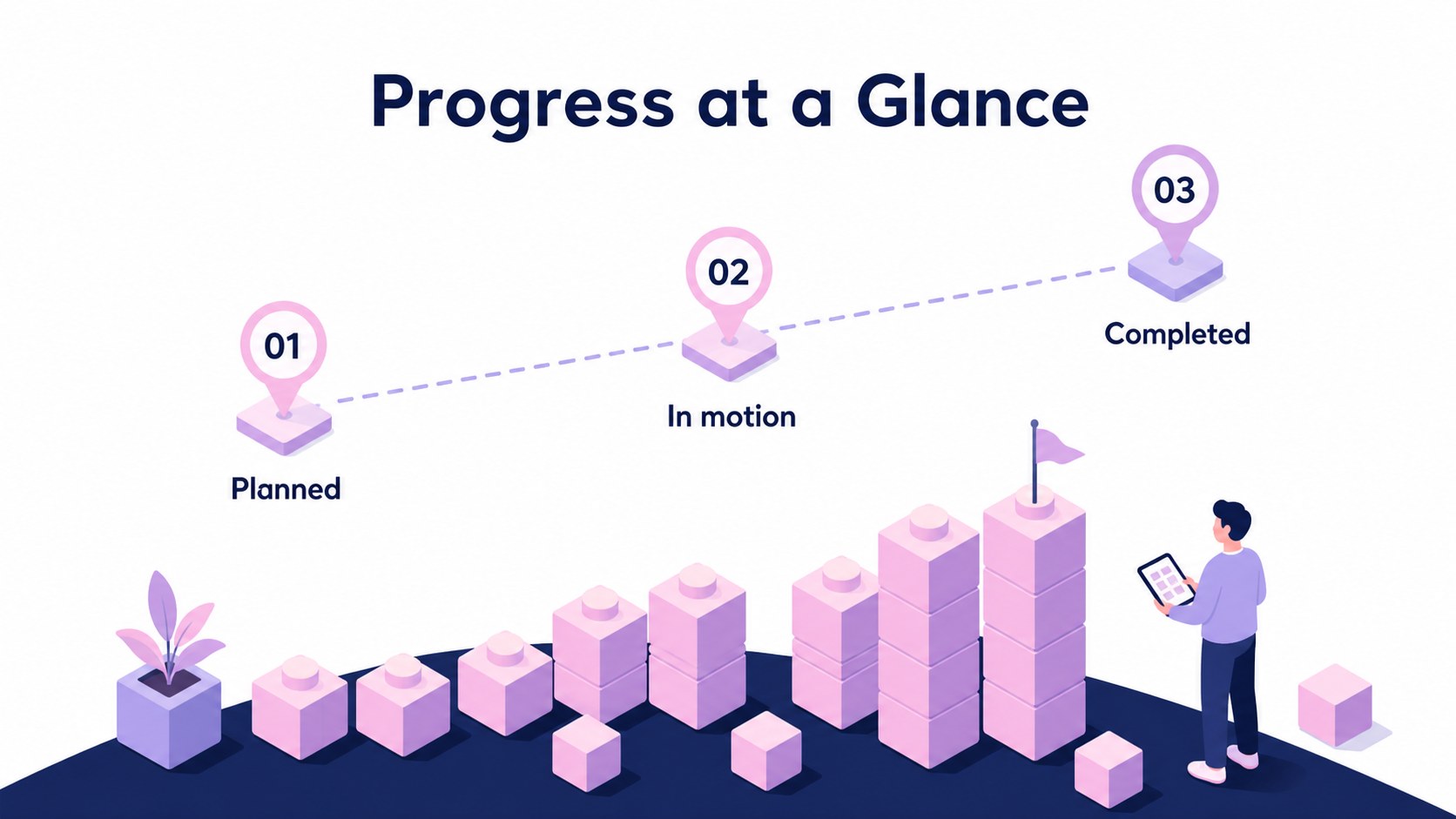
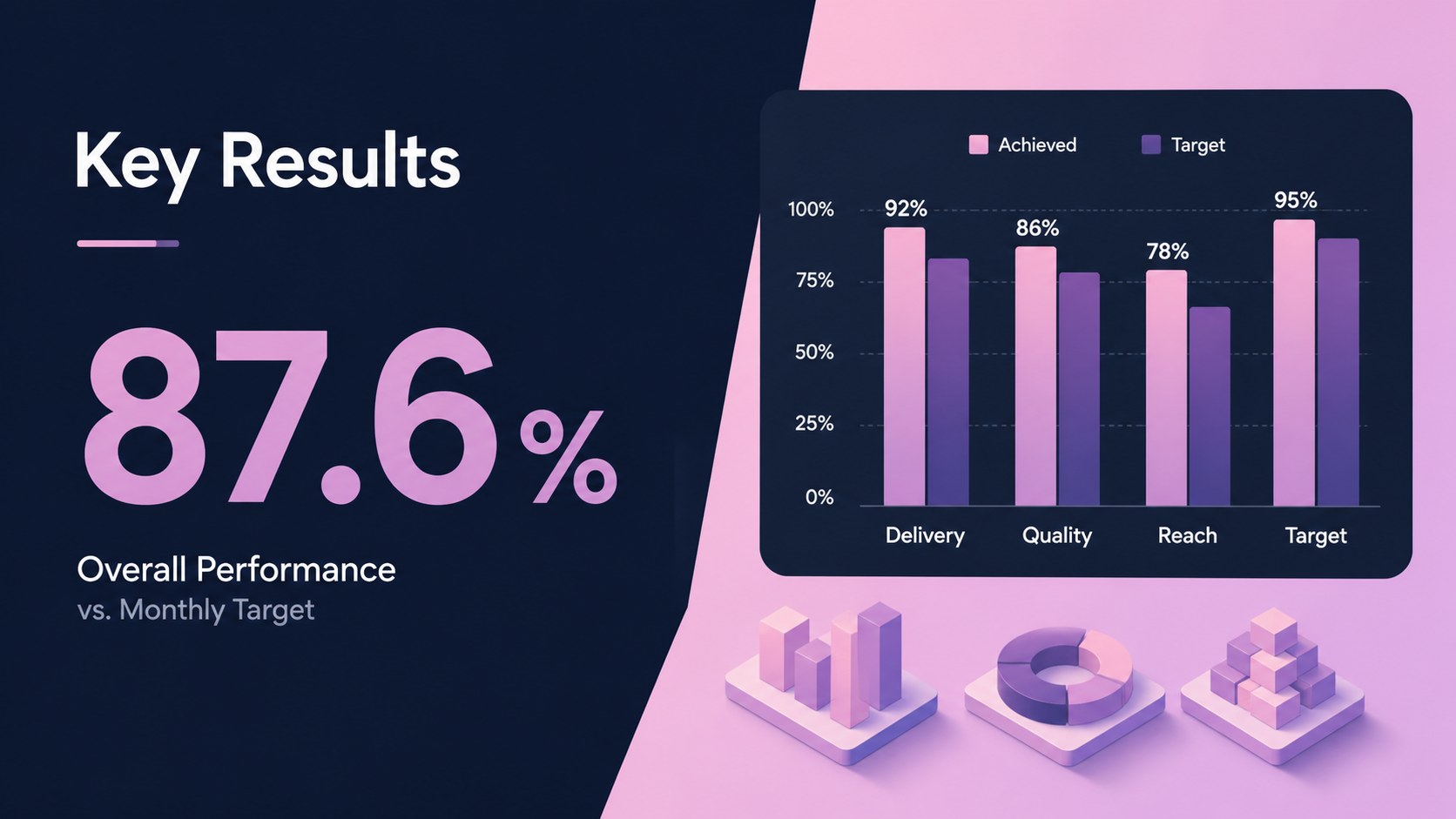
Inside, you will find 16:9 layouts for opening summaries, team priorities, milestone tracking, KPI snapshots, strengths and development areas, feedback prompts, and next-quarter planning. The deck works well as quarterly employee performance review slides, helping managers and contributors organize an honest discussion without overwhelming the audience. Editable charts, diagrams, icons, and content blocks make it simple to adapt the narrative for different roles and departments.
Use it for one-on-one meetings, manager reviews, team retrospectives, or leadership updates. The isometric artwork also makes it a strong option for an isometric team progress presentation when you want operational information to feel approachable and memorable. Edit the files in PowerPoint or Google Slides, then adjust colors, typography, illustrations, and data to match your organization.
Perfect for: manager one-on-one review; quarterly team retrospective; employee goal-setting meeting; leadership progress update.
Frequently asked questions
Can I edit this deck in Google Slides? Yes. The layouts can be adapted in Google Slides or PowerPoint. Replace sample text, charts, icons, and images with your own review data.
Practical details
Yes. The layouts can be adapted in Google Slides or PowerPoint. Replace sample text, charts, icons, and images with your own review data.
Use the slides for goals, KPI results, completed milestones, strengths, development areas, feedback, and upcoming priorities. The structure supports both individual conversations and broader team updates.
Yes. All major visual elements are editable, so you can adjust the accent colors to fit your brand or department. Keep the blue and pink combination for the original illustrated isometric look.
The deck is built for structured, recurring performance conversations and progress reviews. Add private notes or discussion prompts where appropriate, and tailor the language to your organization’s review process.
Keep exploring
15Shape your publishing concept with an indie magazine startup pitch deck featuring pastel gradients, bold collage layouts, and editable planning slides.
 16
16Build clear project stories with the Icon Grid Teamwork Theme, a flexible blue illustrated deck for proposals, strategy updates, and team meetings.
 3
3Turn priorities into an actionable plan with an annual goals roadmap infographic, featuring editable orange and teal layouts for PowerPoint and Google Slides.
 15
15Create an Annual Achievement Report Presentation with colorful geometric layouts for milestones, results, lessons, and priorities in PowerPoint or Google Slides.
 15
15Turn results into a focused annual performance evaluation report with dark 3D slides for KPIs, achievements, feedback, and next-step goals for teams.
 15
15Guide a focused annual recap with Business Results Retrospective Slides, a muted brown-and-blue template for PowerPoint and Google Slides.
 6
6Turn complex plans into clear visual stories with Color-Coded Workflow Path Slides, an editable set for project updates, roadmaps, and team briefings.
 6
6Compare regional performance at a glance with Global Data Heatmap Slides, a clean multicolor deck designed for editable PowerPoint and Google Slides.