
 15
15presentation
Indie Magazine Startup Pitch Deck
Shape your publishing concept with an indie magazine startup pitch deck featuring pastel gradients, bold collage layouts, and editable planning slides.
Google SlidesPowerPoint
presentation · English
Create a clear quarterly business snapshot slide deck with blue-green 3D visuals for board updates, investor briefings, and performance reviews.





Design notes
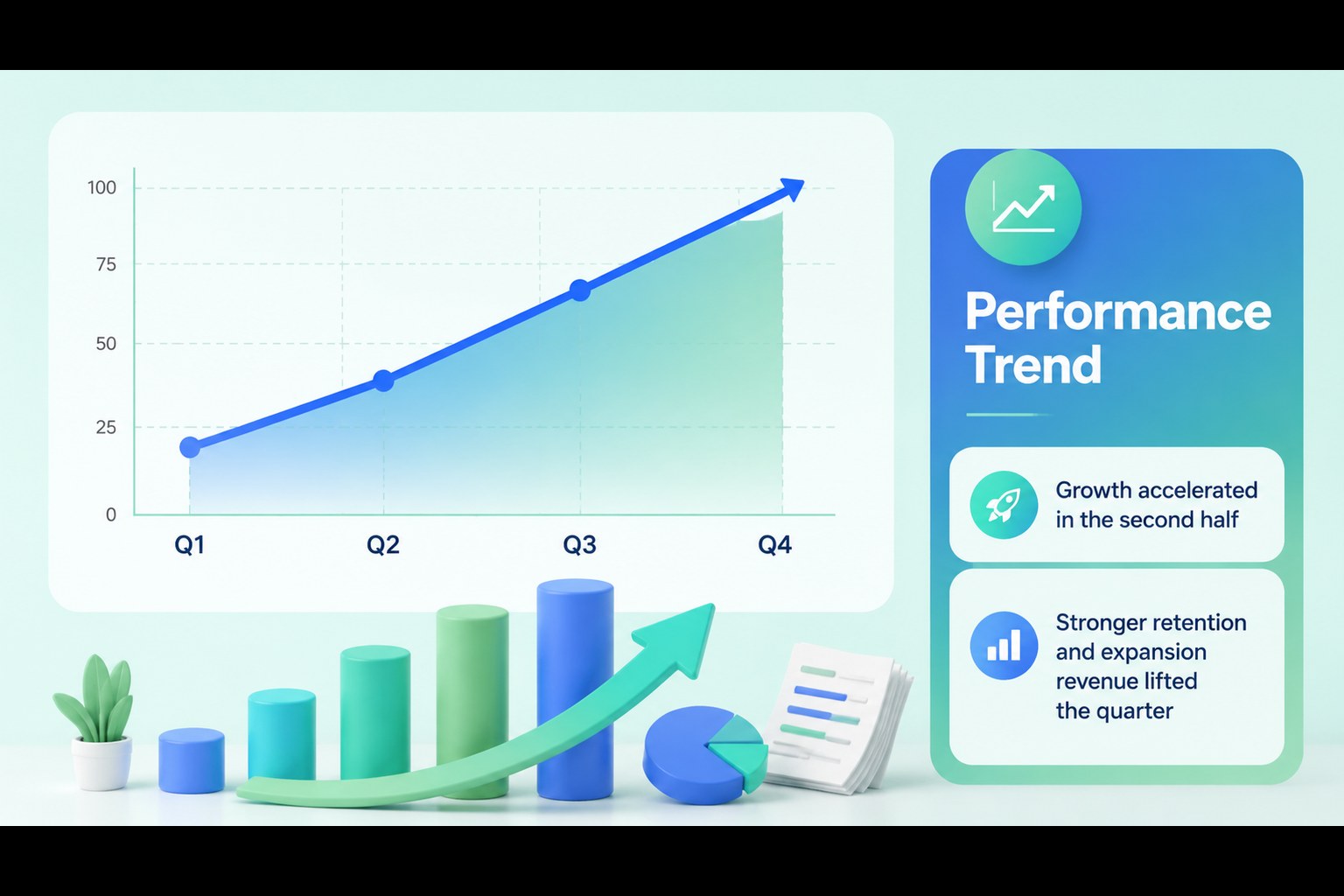
Make every performance update easier to scan with this quarterly business snapshot slide deck. Its modern blue and green palette, dimensional illustrations, and organized information blocks help transform metrics, milestones, and priorities into a focused story for decision-makers. Use it for board meetings, investor communications, leadership reviews, or internal planning sessions.
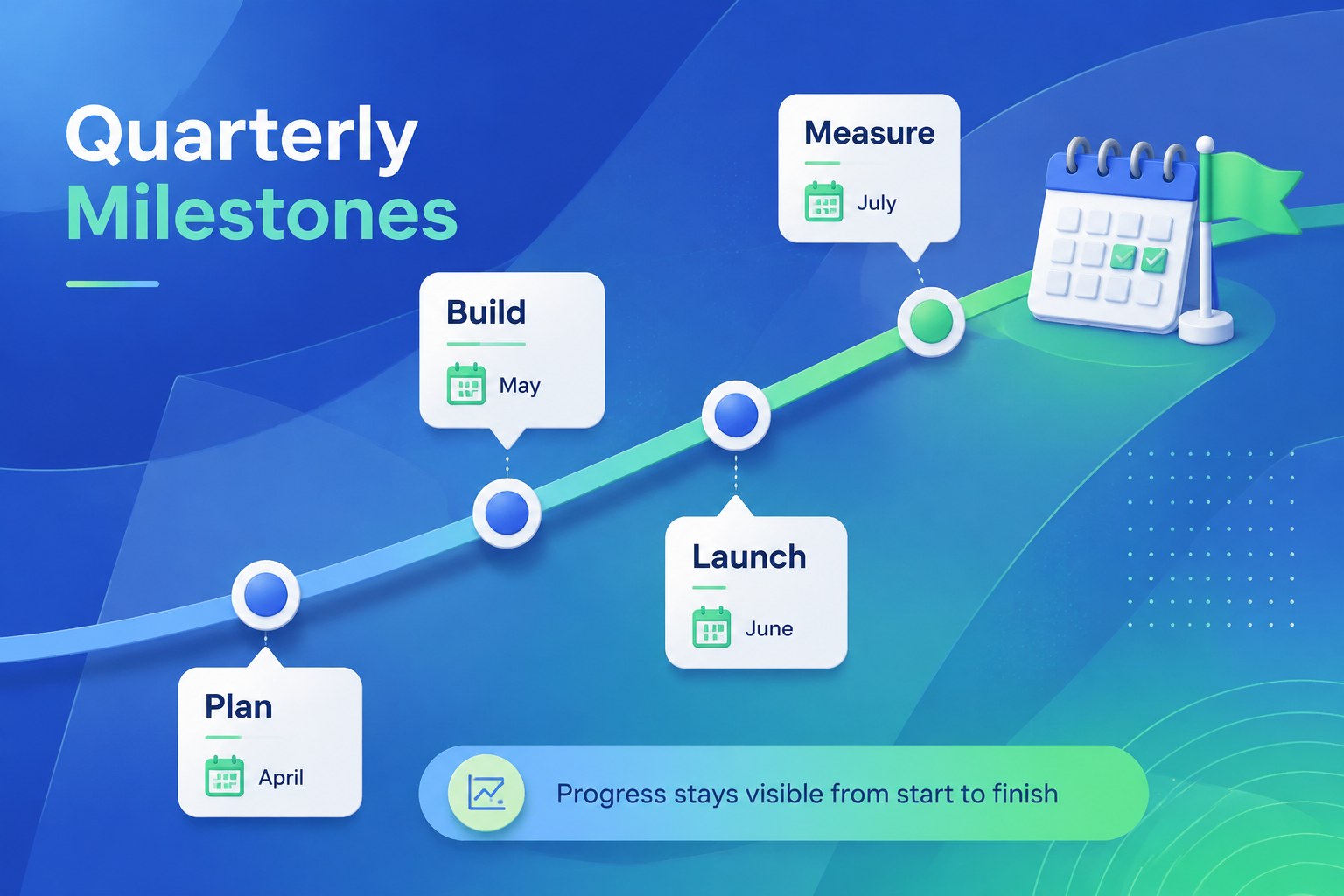
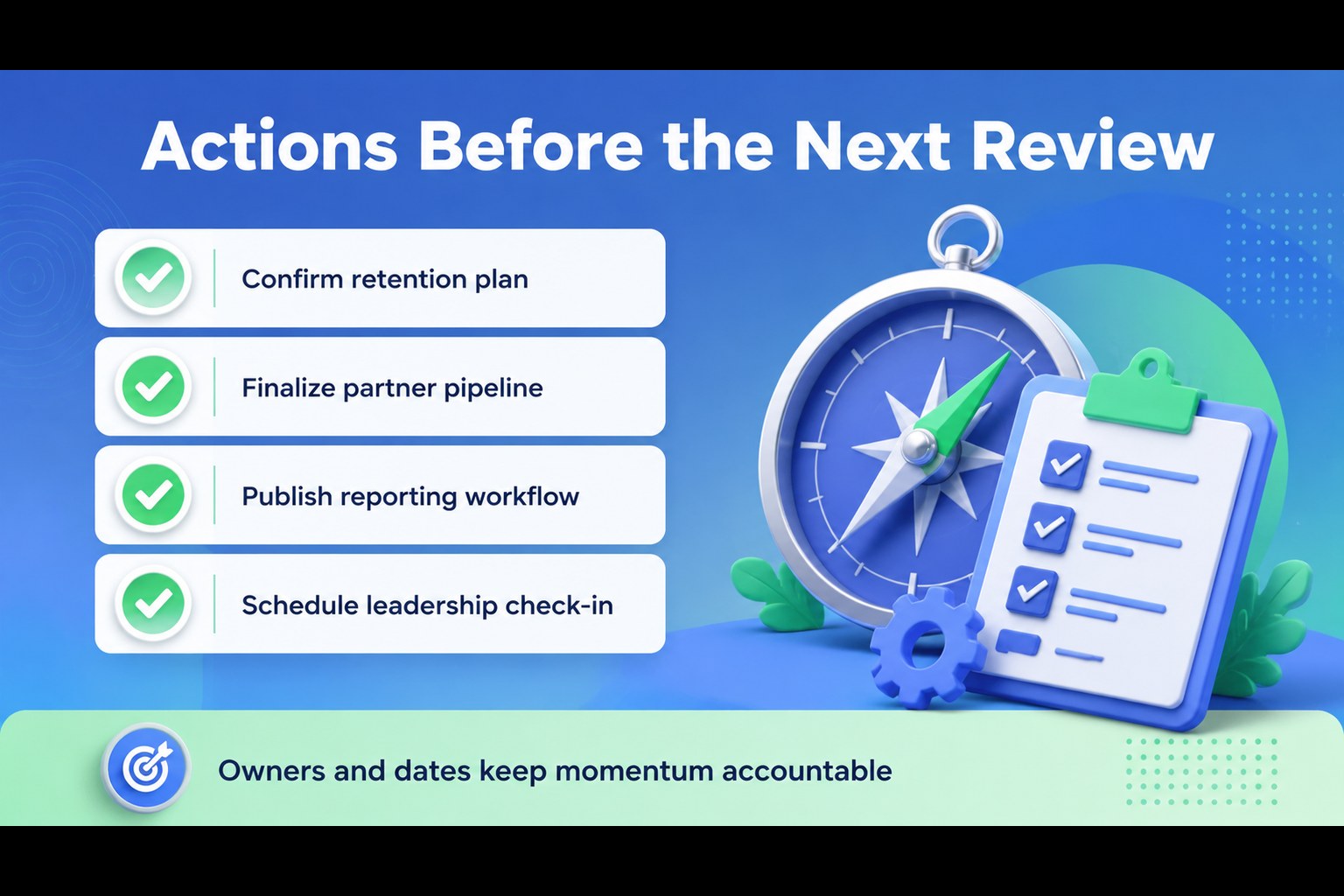
Inside, you will find eight editable 16:9 slides covering an opening summary, key metrics, performance highlights, financial indicators, strategic priorities, a quarterly timeline, action items, and a closing outlook. The layouts support charts, comparison tables, callouts, icons, and concise narrative text, making it easy to build a complete quarterly performance report slides presentation. The visual system also works well as a blue green executive dashboard template when you need to emphasize progress at a glance.
This presentation is suitable for executives, analysts, consultants, founders, and business teams preparing a 3d business review presentation. Replace the sample copy with your own figures, adjust the graphics and colors, and export the finished deck for PowerPoint or Google Slides. The flexible structure also makes it useful for an investor update slide layout or an editable board meeting deck.
Perfect for: quarterly board meeting; startup investor update; leadership performance review; consulting client briefing; financial results presentation.
Frequently asked questions
Can I edit this deck in PowerPoint? Yes. The template is designed for PowerPoint and includes editable text, shapes, charts, and visual elements. Replace the sample figures and wording with your own business information.
Practical details
Yes. The template is designed for PowerPoint and includes editable text, shapes, charts, and visual elements. Replace the sample figures and wording with your own business information.
Yes, you can open and customize the presentation in Google Slides. Review fonts, spacing, and chart formatting after import to ensure the layout matches your intended output.
Use the slides for headline results, KPIs, revenue or expense trends, strategic progress, and upcoming actions. Keep each section focused on a few decision-relevant points so the deck remains easy to scan.
Yes. Update the theme colors to match your organization while retaining the 3D illustration style and layout structure. A restrained accent color can also help distinguish risks, targets, or priority actions.
Keep exploring
15Shape your publishing concept with an indie magazine startup pitch deck featuring pastel gradients, bold collage layouts, and editable planning slides.
 16
16Build clear project stories with the Icon Grid Teamwork Theme, a flexible blue illustrated deck for proposals, strategy updates, and team meetings.
 3
3Turn priorities into an actionable plan with an annual goals roadmap infographic, featuring editable orange and teal layouts for PowerPoint and Google Slides.
 15
15Create an Annual Achievement Report Presentation with colorful geometric layouts for milestones, results, lessons, and priorities in PowerPoint or Google Slides.
 15
15Turn results into a focused annual performance evaluation report with dark 3D slides for KPIs, achievements, feedback, and next-step goals for teams.
 15
15Guide a focused annual recap with Business Results Retrospective Slides, a muted brown-and-blue template for PowerPoint and Google Slides.
 6
6Turn complex plans into clear visual stories with Color-Coded Workflow Path Slides, an editable set for project updates, roadmaps, and team briefings.
 6
6Compare regional performance at a glance with Global Data Heatmap Slides, a clean multicolor deck designed for editable PowerPoint and Google Slides.