
 15
15presentation
Indie Magazine Startup Pitch Deck
Shape your publishing concept with an indie magazine startup pitch deck featuring pastel gradients, bold collage layouts, and editable planning slides.
Google SlidesPowerPoint
presentation · English
Create clear new-hire guidance with purple onboarding playbook slides for policies, benefits, workflows, and team standards in PowerPoint or Google Slides.


Design notes
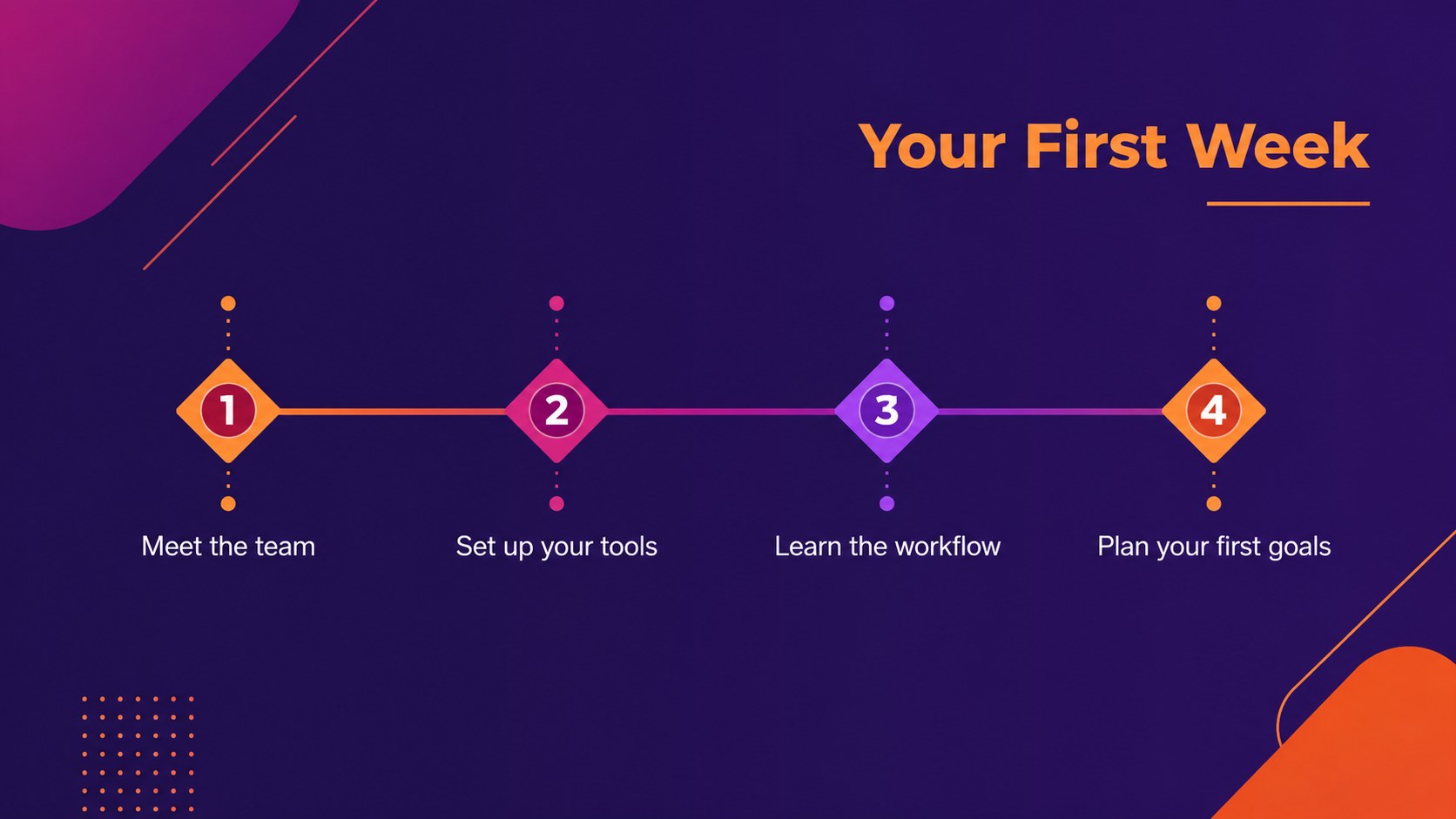
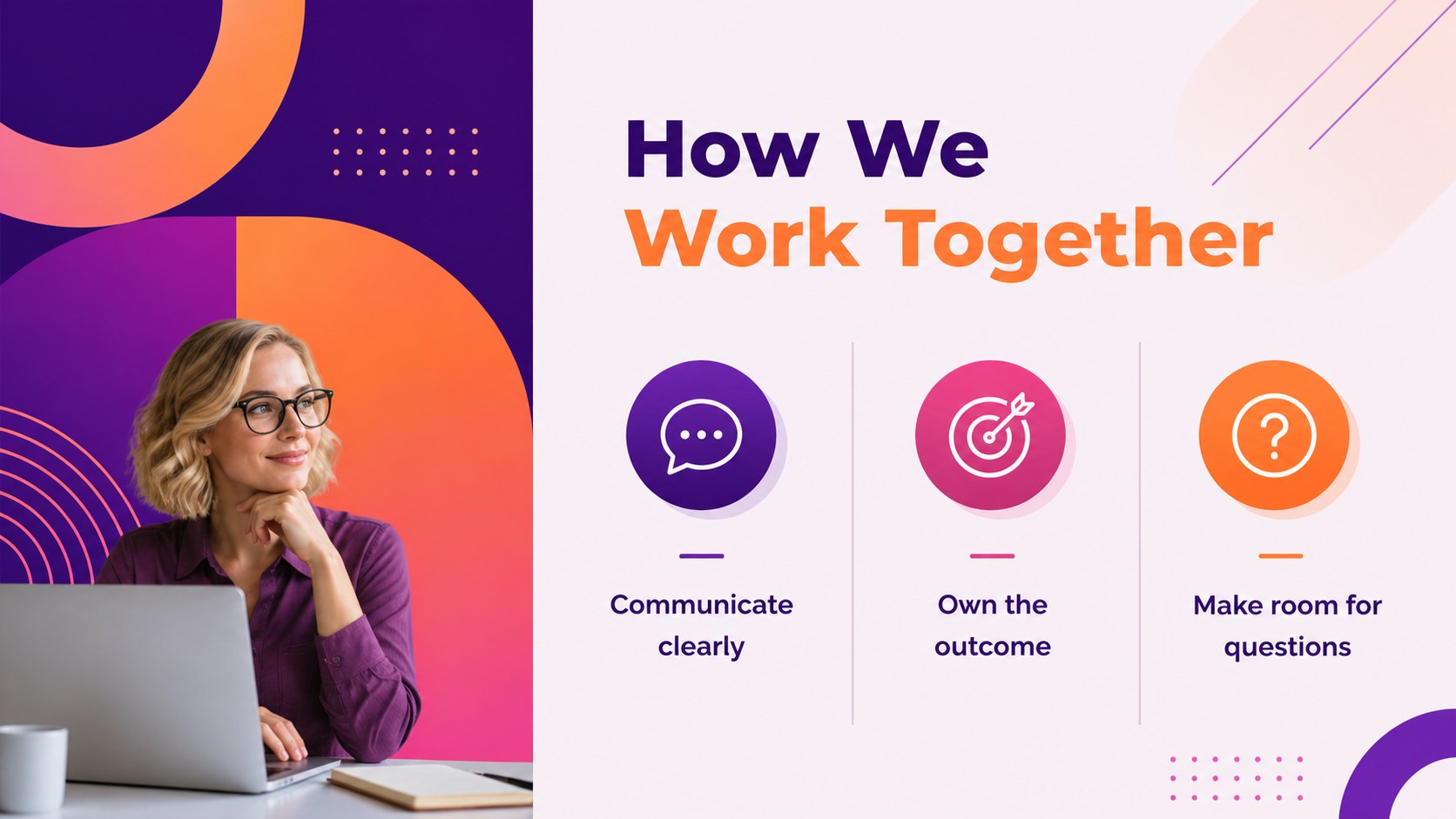
Purple onboarding playbook slides help HR teams, operations managers, and startup leaders turn scattered workplace information into a practical first-week resource. A clean geometric layout, vivid purple and magenta accents, and restrained orange highlights make policies and processes feel organized without becoming formal or difficult to follow. Use the deck to introduce your company, explain daily workflows, and give new hires a reliable reference after orientation.
Inside, you will find adaptable layouts for a welcome message, company principles, team structure, onboarding milestones, communication channels, benefits, security guidance, workplace expectations, and frequently used tools. The design also supports process diagrams, comparison tables, checklist pages, timeline views, and simple data visuals. It works well as a new hire orientation deck, an internal policy guide, or a startup employee welcome presentation.
Edit text, icons, shapes, charts, fonts, and brand colors in PowerPoint or Google Slides. Add your logo, replace sample content, and rearrange sections to match your organization. The reusable structure makes it easy to create an employee onboarding guide template for different departments, locations, or hiring cycles.
Perfect for: new hire orientation; startup team welcome deck; internal policy briefing; department onboarding; employee benefits overview.
Frequently asked questions
Can I edit these slides in PowerPoint and Google Slides? Yes. The presentation is designed for both PowerPoint and Google Slides. You can revise the copy, move sections, change layouts, and update visual elements in either platform.
Practical details
Yes. The presentation is designed for both PowerPoint and Google Slides. You can revise the copy, move sections, change layouts, and update visual elements in either platform.
You can cover company values, team roles, milestones, communication tools, benefits, security rules, workflows, and workplace standards. The layouts also support checklists, timelines, tables, and process diagrams.
Yes. Replace the sample logo area, adjust the purple, magenta, and orange accents, and update the fonts to match your brand system. Every main text and graphic element is structured for customization.
It can also support internal policy briefings, department handoffs, recurring training, and startup culture presentations. Rearrange or duplicate the layouts to build a guide for a specific team or hiring cycle.
Keep exploring
15Shape your publishing concept with an indie magazine startup pitch deck featuring pastel gradients, bold collage layouts, and editable planning slides.
 16
16Build clear project stories with the Icon Grid Teamwork Theme, a flexible blue illustrated deck for proposals, strategy updates, and team meetings.
 3
3Turn priorities into an actionable plan with an annual goals roadmap infographic, featuring editable orange and teal layouts for PowerPoint and Google Slides.
 15
15Create an Annual Achievement Report Presentation with colorful geometric layouts for milestones, results, lessons, and priorities in PowerPoint or Google Slides.
 15
15Turn results into a focused annual performance evaluation report with dark 3D slides for KPIs, achievements, feedback, and next-step goals for teams.
 15
15Guide a focused annual recap with Business Results Retrospective Slides, a muted brown-and-blue template for PowerPoint and Google Slides.
 6
6Turn complex plans into clear visual stories with Color-Coded Workflow Path Slides, an editable set for project updates, roadmaps, and team briefings.
 6
6Compare regional performance at a glance with Global Data Heatmap Slides, a clean multicolor deck designed for editable PowerPoint and Google Slides.