
 15
15presentation
Indie Magazine Startup Pitch Deck
Shape your publishing concept with an indie magazine startup pitch deck featuring pastel gradients, bold collage layouts, and editable planning slides.
Google SlidesPowerPoint
presentation · English
Create a public relations crisis response playbook for clear stakeholder updates, media planning, team roles, and recovery messaging during a high-pressure…
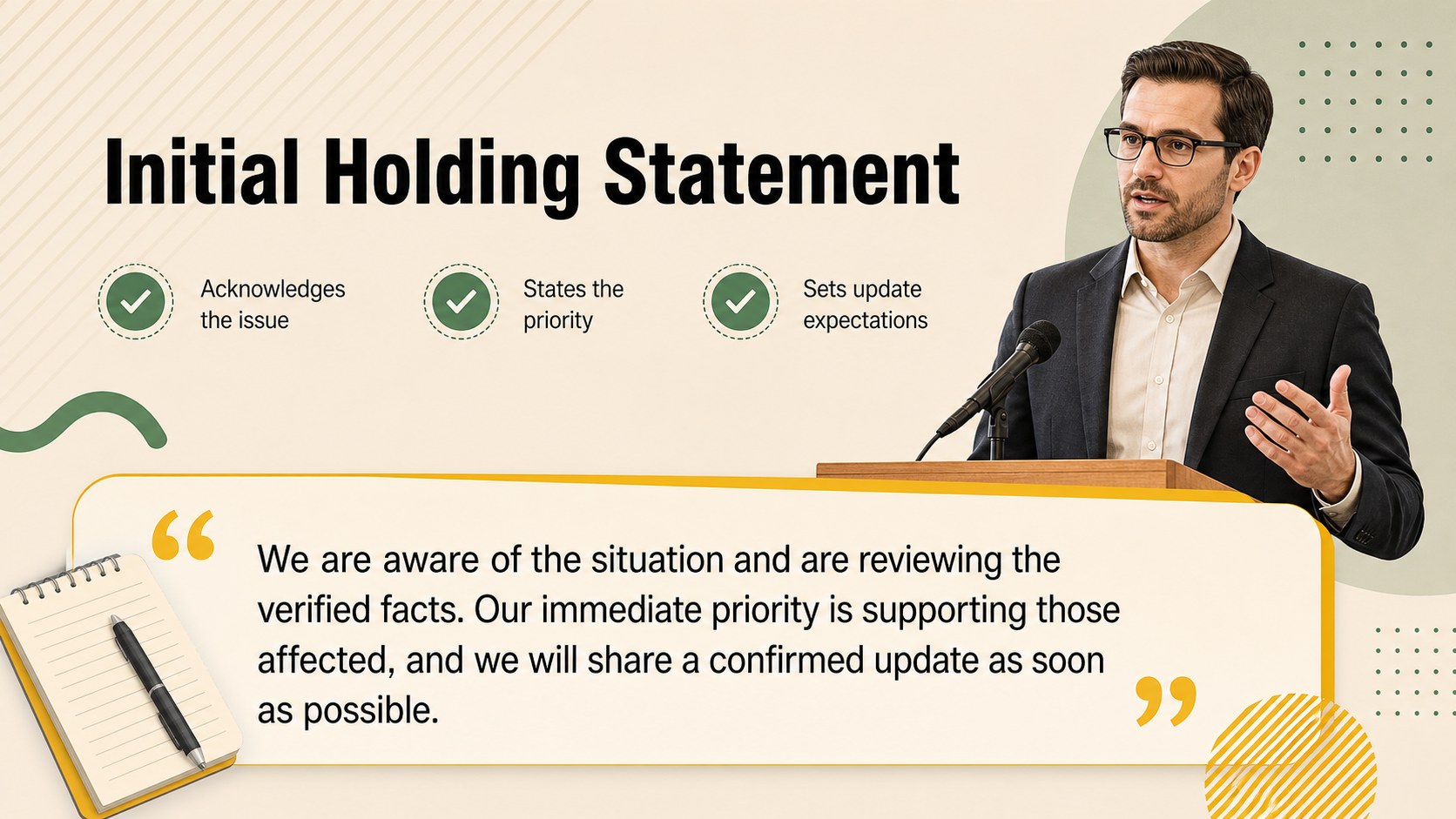
Design notes
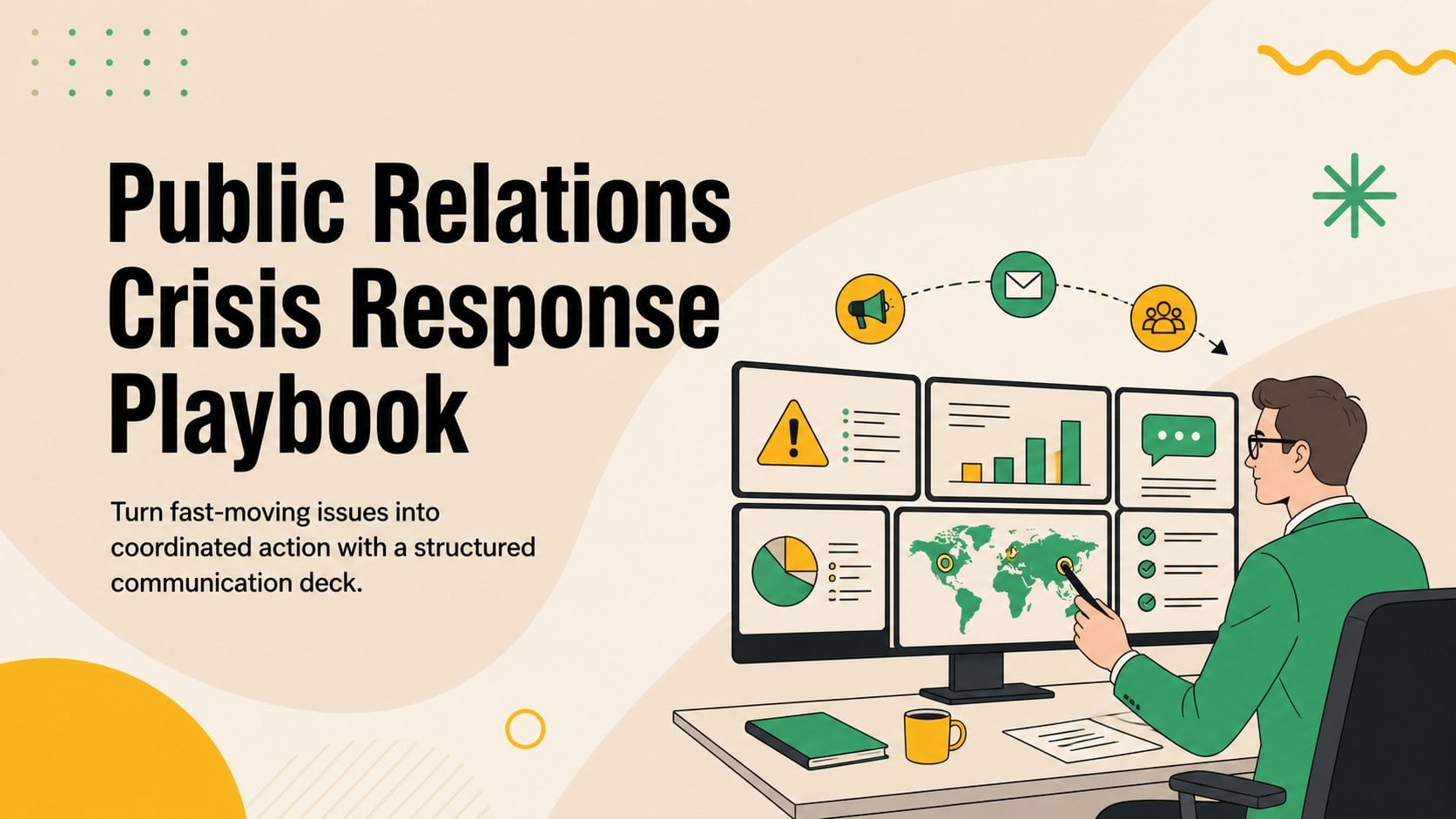
The Public Relations Crisis Response Playbook helps communication teams turn uncertain situations into a clear, coordinated response. Its illustrated layouts use a calming beige, green, and yellow palette to keep high-pressure briefings approachable while preserving a polished business tone. Edit the deck in PowerPoint or Google Slides for internal planning, client presentations, executive updates, or live response meetings.
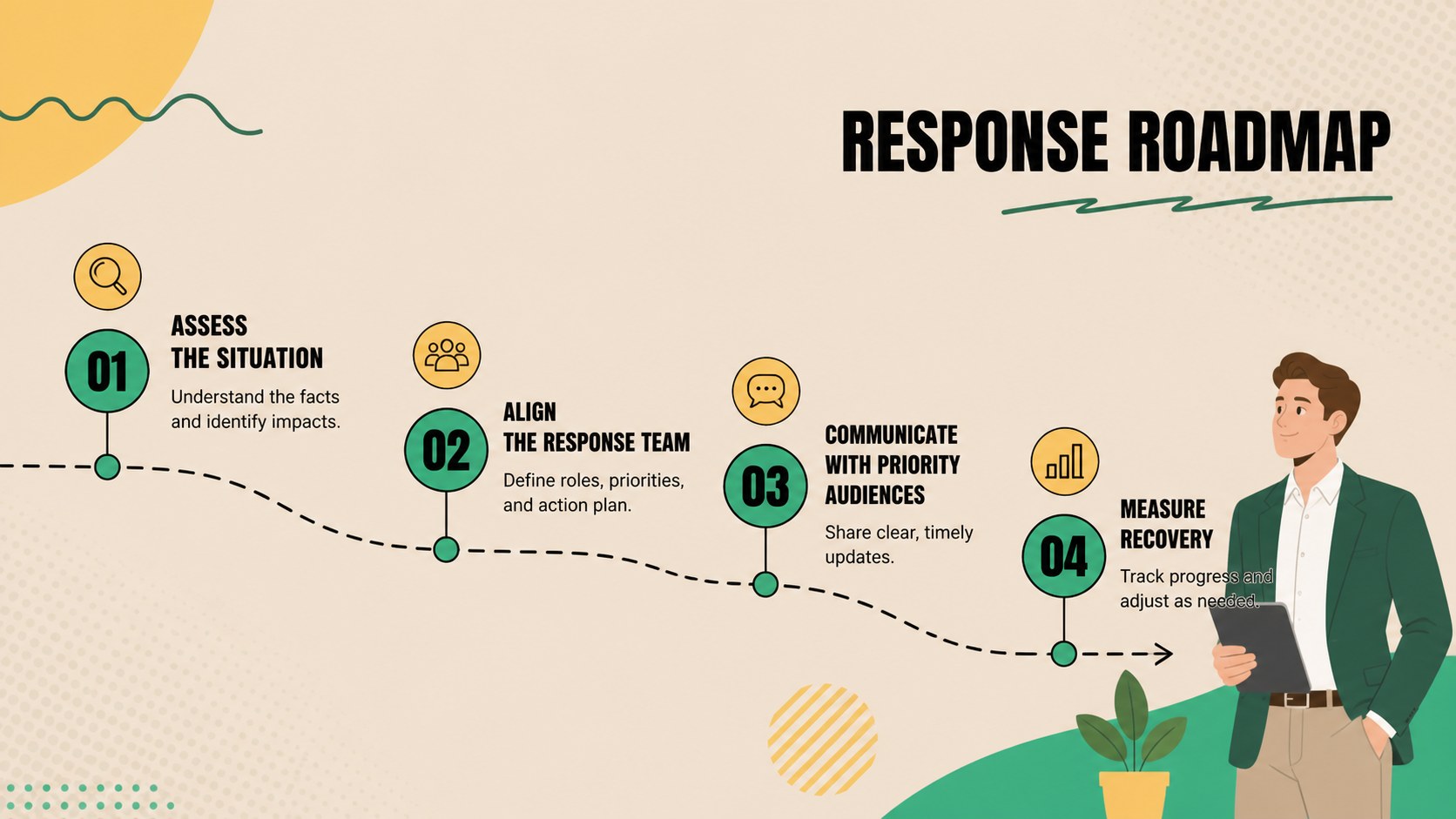
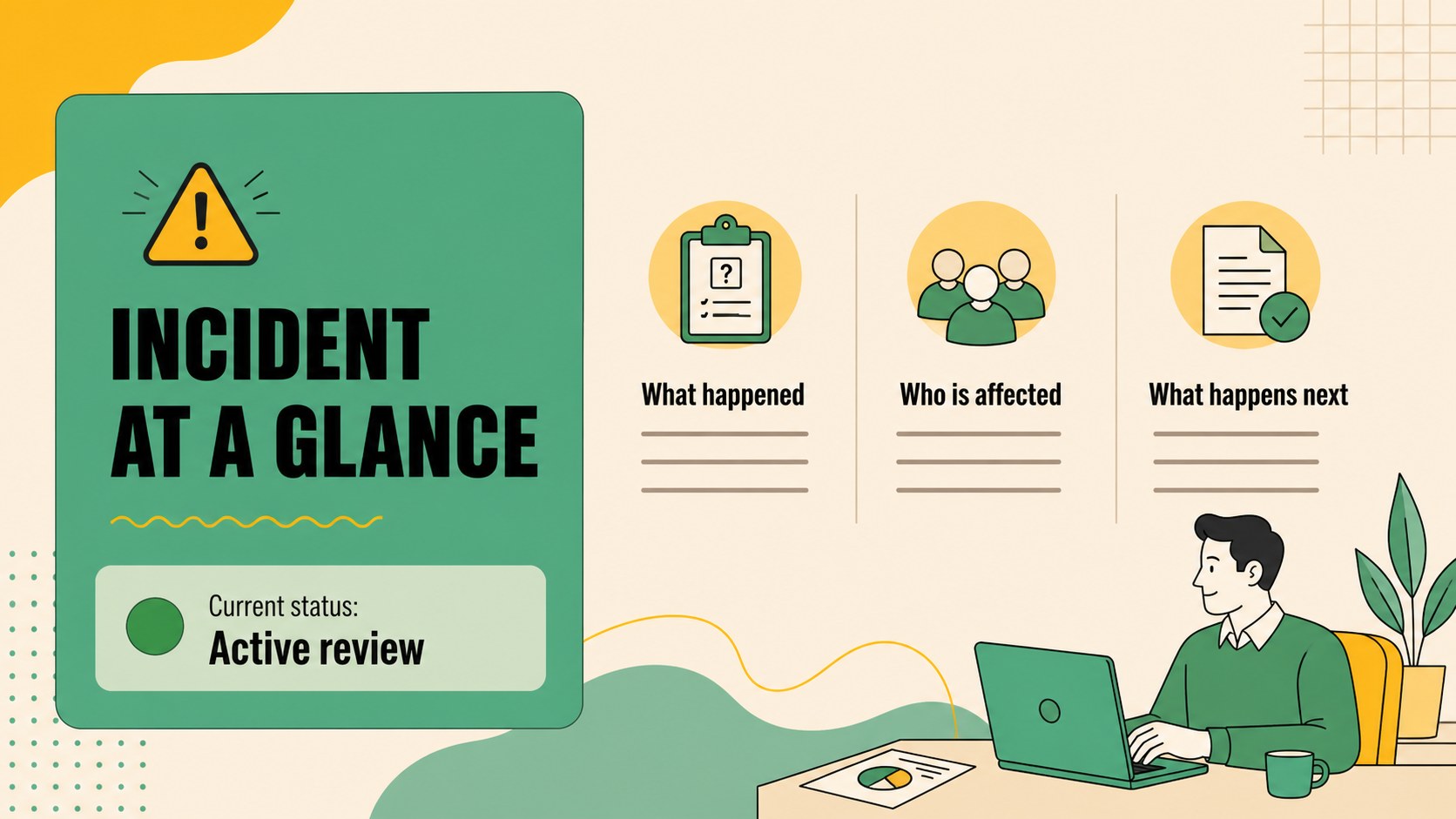
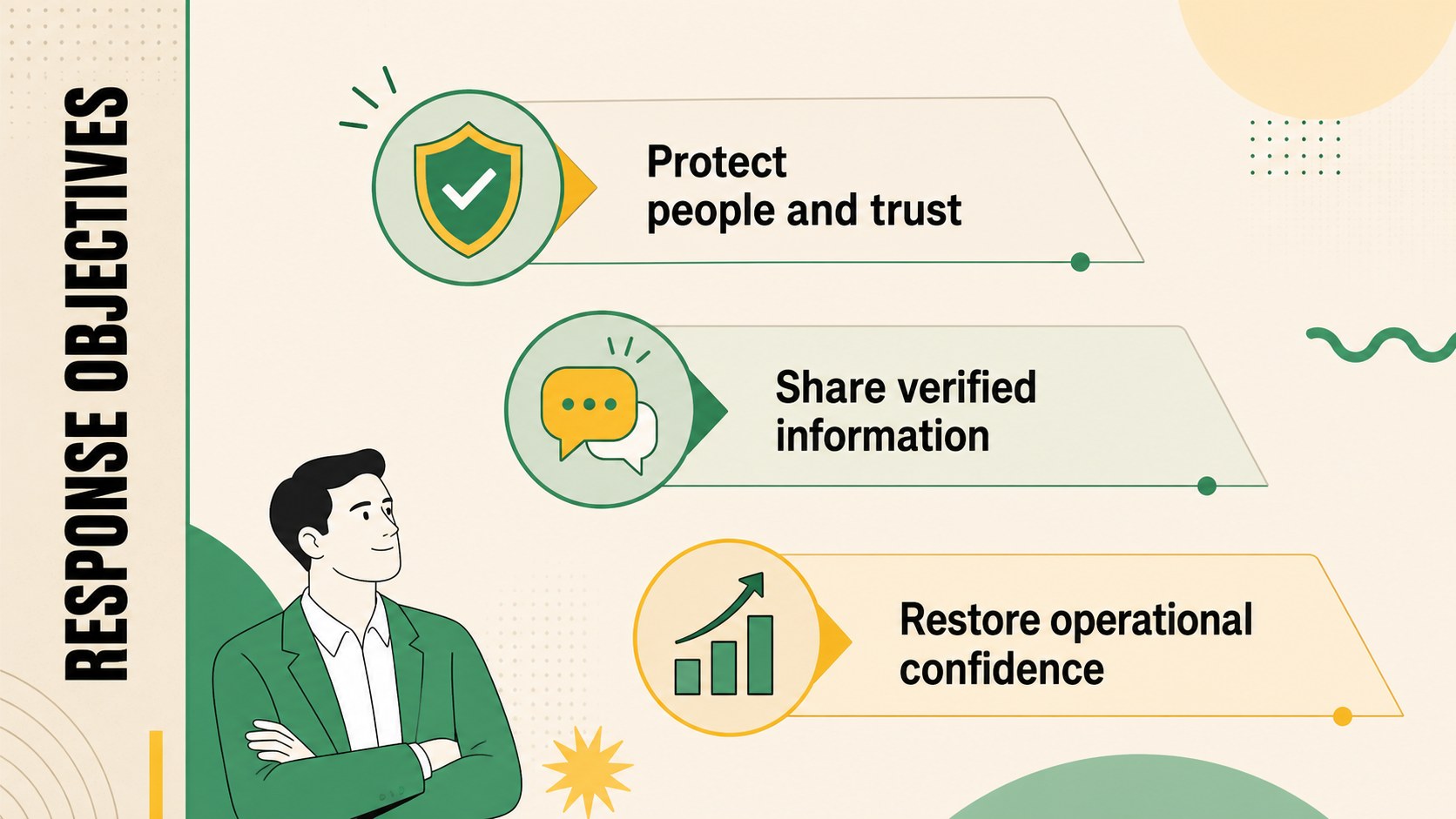
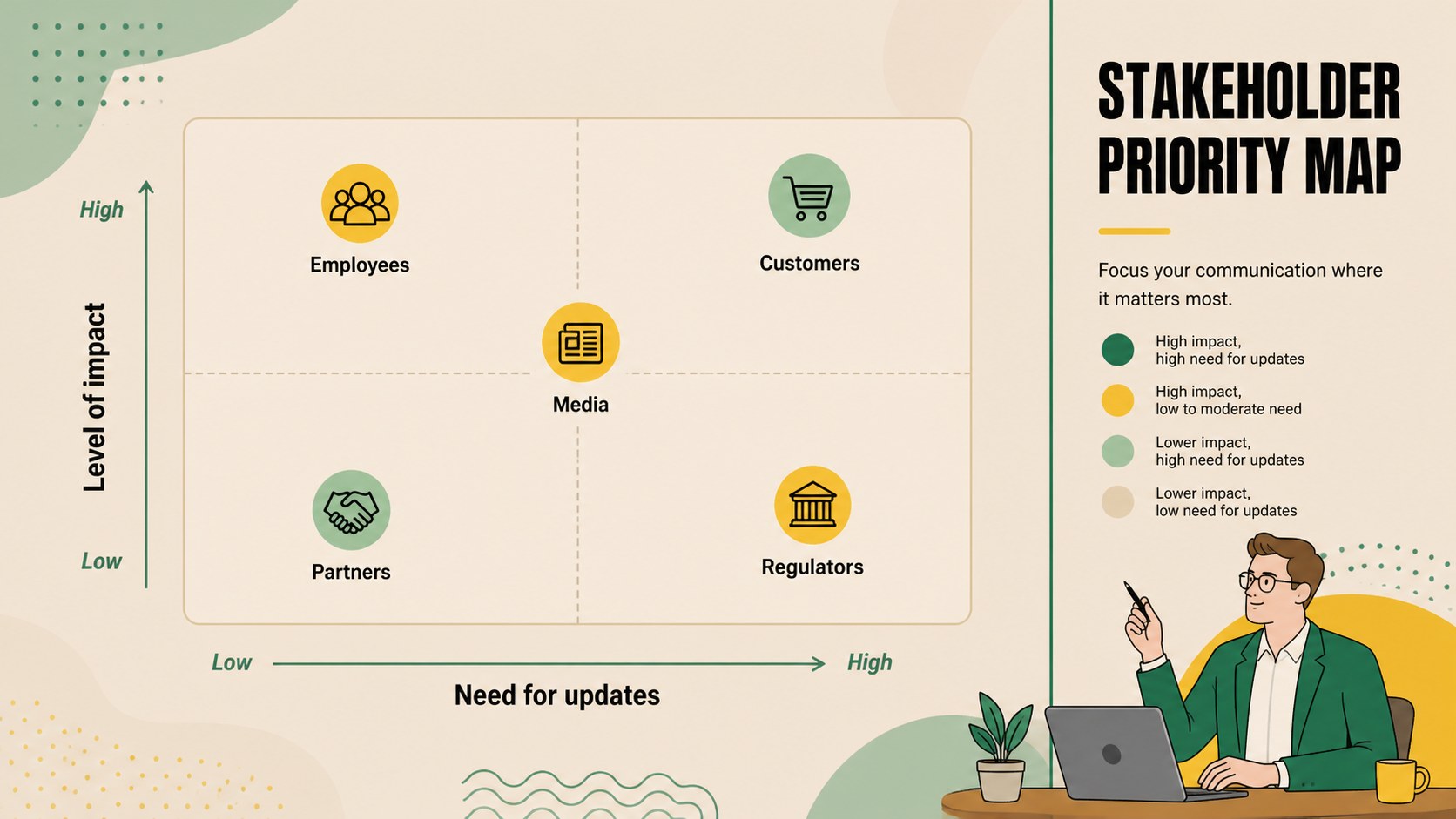
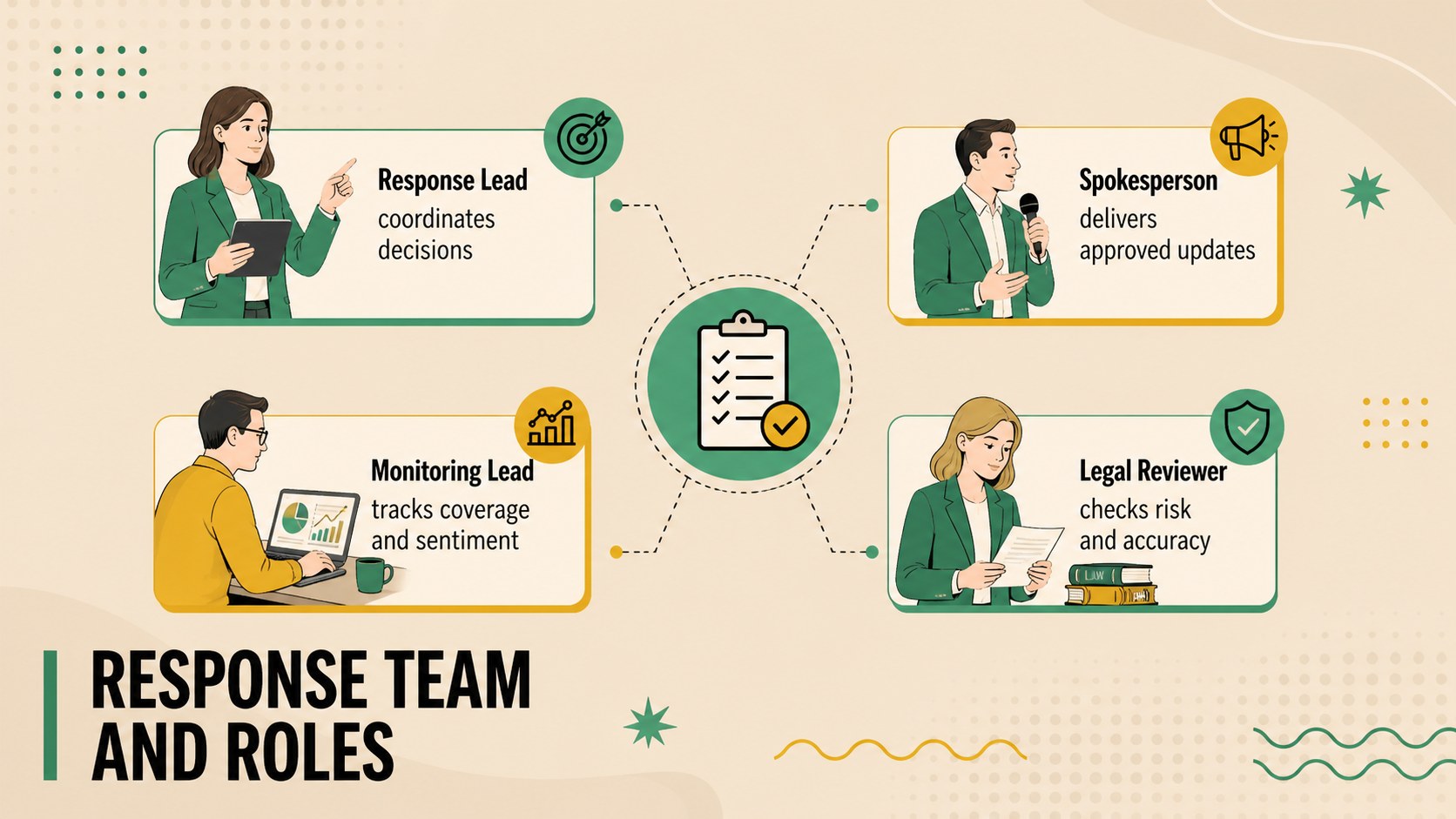
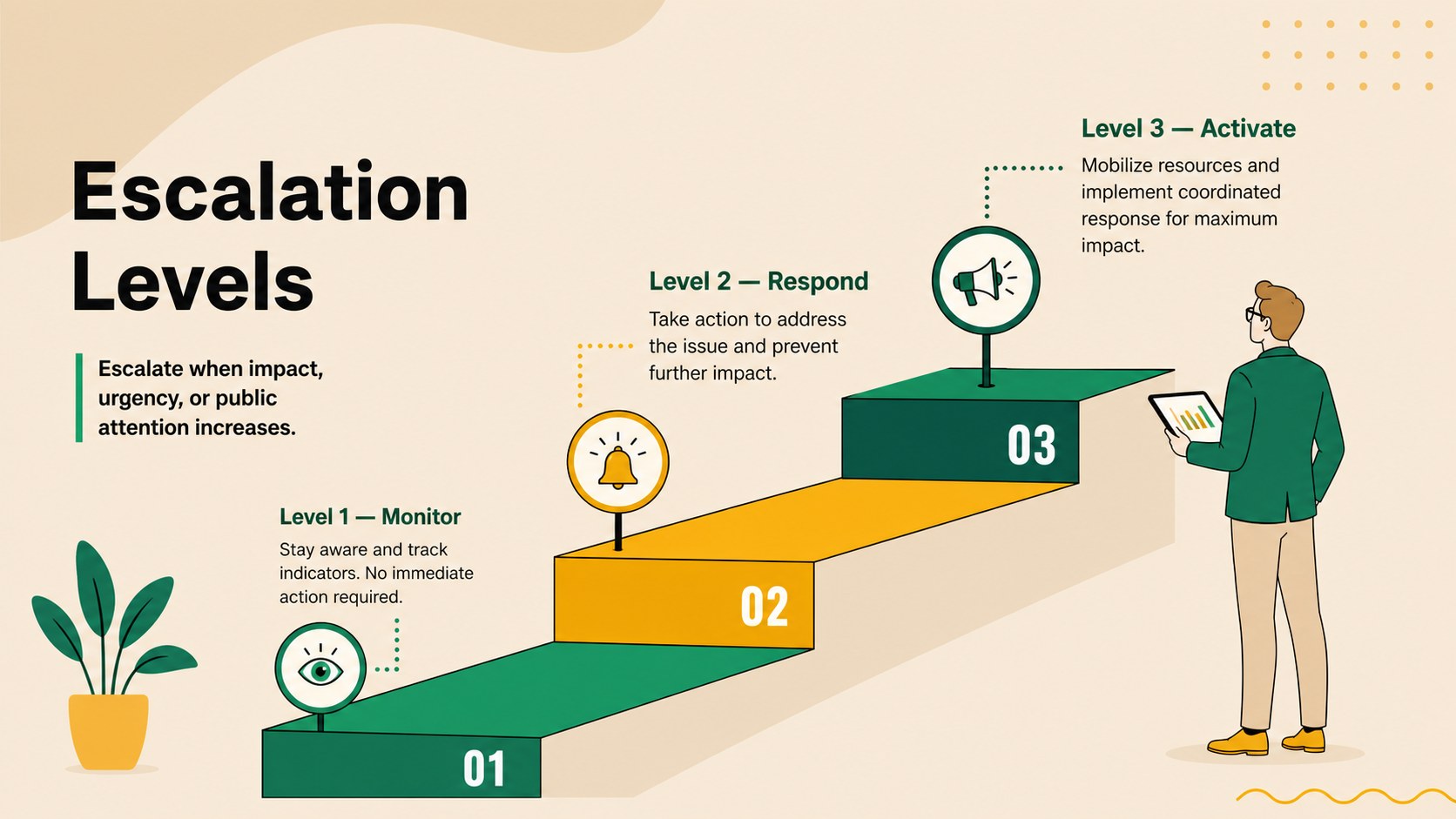
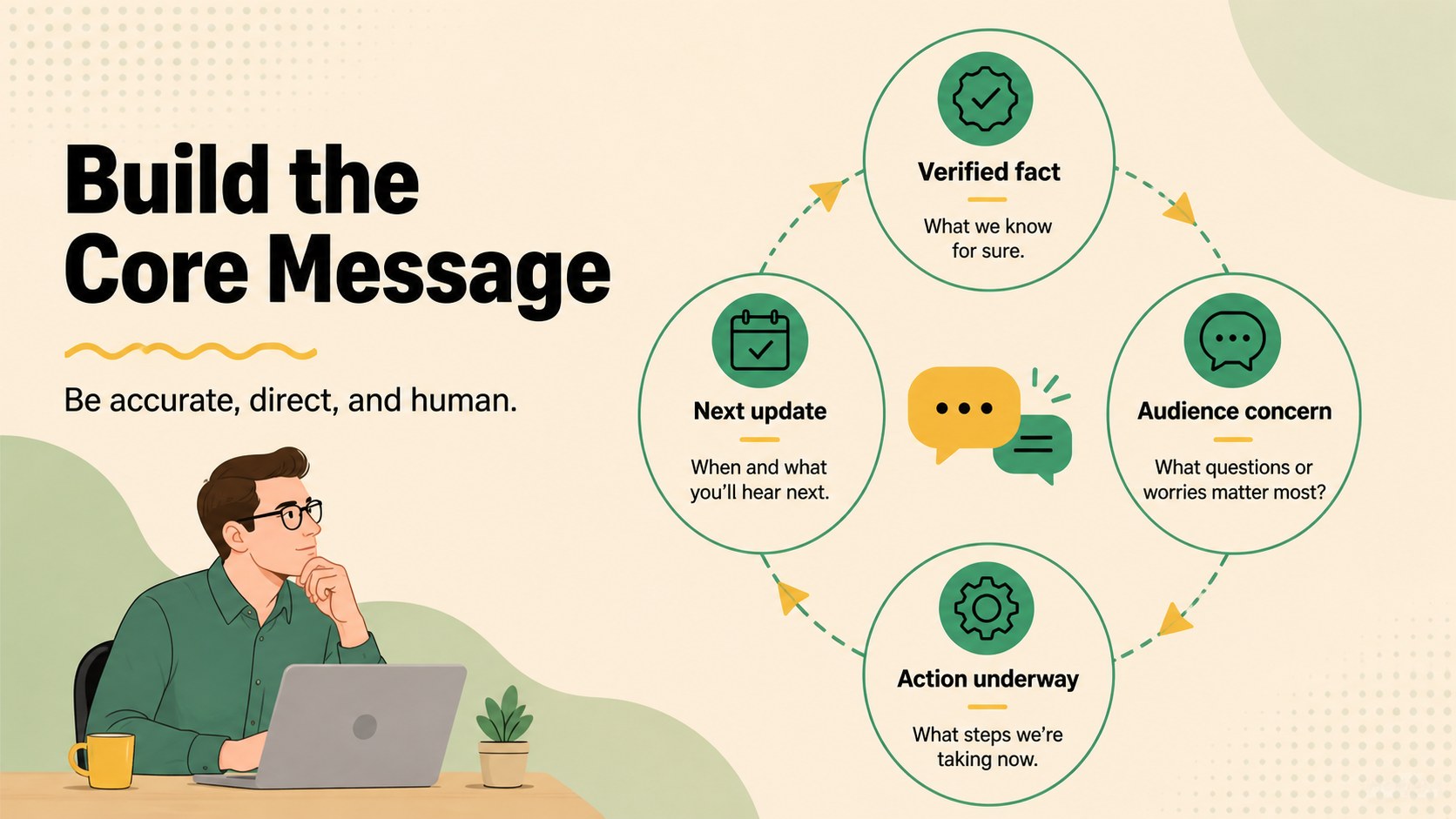
Inside, you will find layouts for incident summaries, response objectives, stakeholder mapping, team responsibilities, escalation levels, holding statements, media channels, approval workflows, and recovery milestones. A crisis communication strategy presentation can be assembled quickly using the included timelines, matrices, process diagrams, message frameworks, and status dashboards. Dedicated layouts also support a stakeholder communication plan and a practical media response workflow template.
This deck is designed for public relations specialists, corporate communications teams, agency consultants, nonprofit leaders, and executives responsible for protecting organizational trust. Customize the wording, colors, illustrations, charts, and priorities to match your organization or scenario. The consistent 16:9 format supports boardroom displays, remote meetings, training sessions, and exported handouts, giving teams a reusable framework for preparation, active response, and post-crisis review.
Perfect for: executive crisis briefing; media response planning; stakeholder update meeting; communications team training; reputation recovery review; agency client workshop.
Frequently asked questions
Can I edit this crisis response deck in PowerPoint and Google Slides? Yes. The layouts, text, colors, charts, and illustrations can be adjusted in PowerPoint or Google Slides. You can also duplicate or remove slides to match the scope of your response plan.
Practical details
Yes. The layouts, text, colors, charts, and illustrations can be adjusted in PowerPoint or Google Slides. You can also duplicate or remove slides to match the scope of your response plan.
Replace the sample scenario with your incident details, affected audiences, response owners, approval process, and communication channels. Update the timeline and escalation matrix to reflect your organization's policies.
Yes. It includes planning layouts for roles, risks, and message development alongside status updates, media workflows, and recovery milestones. Teams can use the same deck before, during, and after an incident.
Yes. The beige, green, and yellow palette can be replaced with your approved brand colors, and all typography and graphic elements are customizable. Maintain strong contrast so urgent information remains easy to scan.
Keep exploring
15Shape your publishing concept with an indie magazine startup pitch deck featuring pastel gradients, bold collage layouts, and editable planning slides.
 16
16Build clear project stories with the Icon Grid Teamwork Theme, a flexible blue illustrated deck for proposals, strategy updates, and team meetings.
 3
3Turn priorities into an actionable plan with an annual goals roadmap infographic, featuring editable orange and teal layouts for PowerPoint and Google Slides.
 15
15Create an Annual Achievement Report Presentation with colorful geometric layouts for milestones, results, lessons, and priorities in PowerPoint or Google Slides.
 15
15Turn results into a focused annual performance evaluation report with dark 3D slides for KPIs, achievements, feedback, and next-step goals for teams.
 15
15Guide a focused annual recap with Business Results Retrospective Slides, a muted brown-and-blue template for PowerPoint and Google Slides.
 6
6Turn complex plans into clear visual stories with Color-Coded Workflow Path Slides, an editable set for project updates, roadmaps, and team briefings.
 6
6Compare regional performance at a glance with Global Data Heatmap Slides, a clean multicolor deck designed for editable PowerPoint and Google Slides.