
 15
15presentation
Indie Magazine Startup Pitch Deck
Shape your publishing concept with an indie magazine startup pitch deck featuring pastel gradients, bold collage layouts, and editable planning slides.
Google SlidesPowerPoint
spreadsheet · English
Turn cost estimates into a clear plan with proposal budgeting slides for PowerPoint and Google Slides. Customize orange-and-black layouts for confident…

Design notes
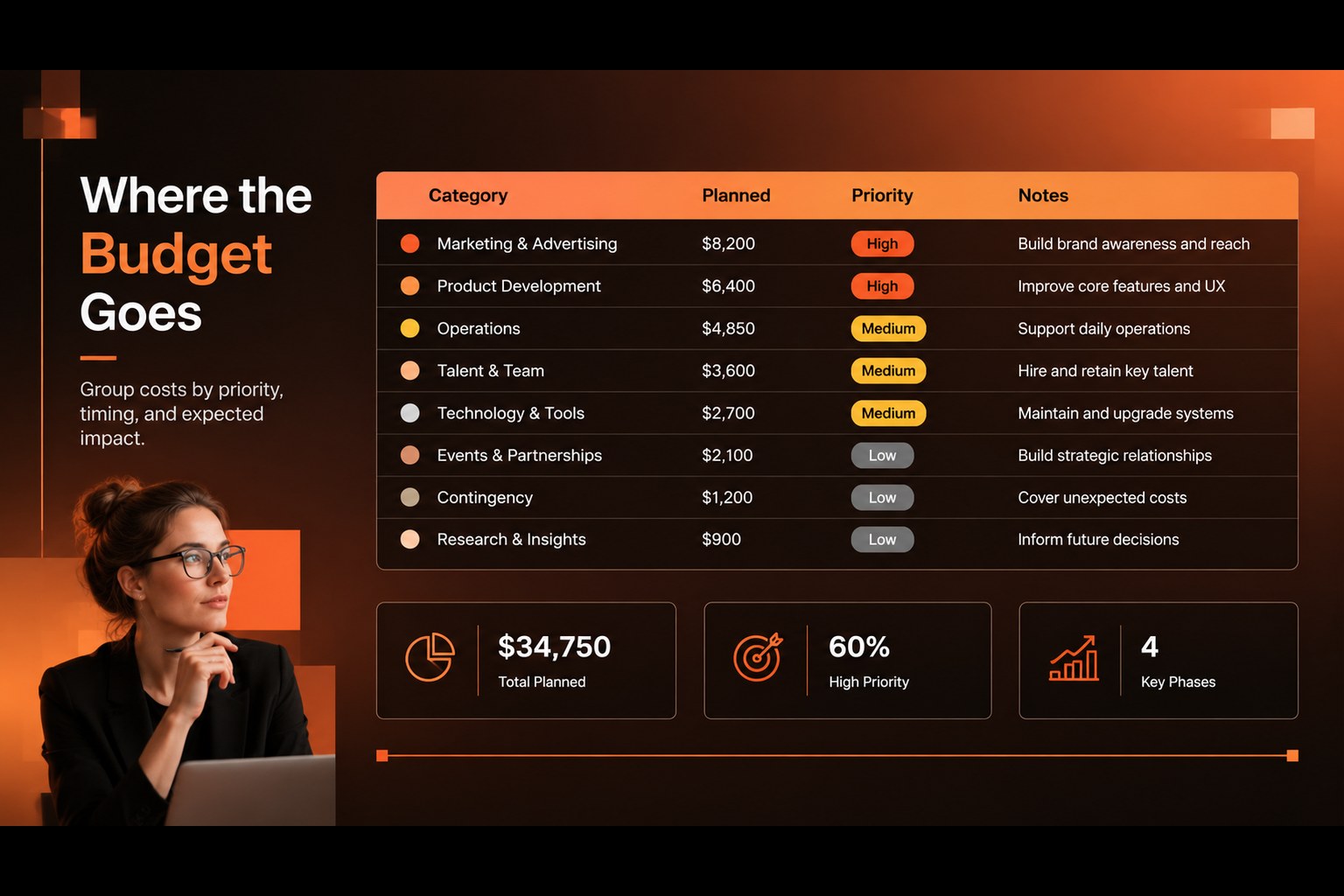
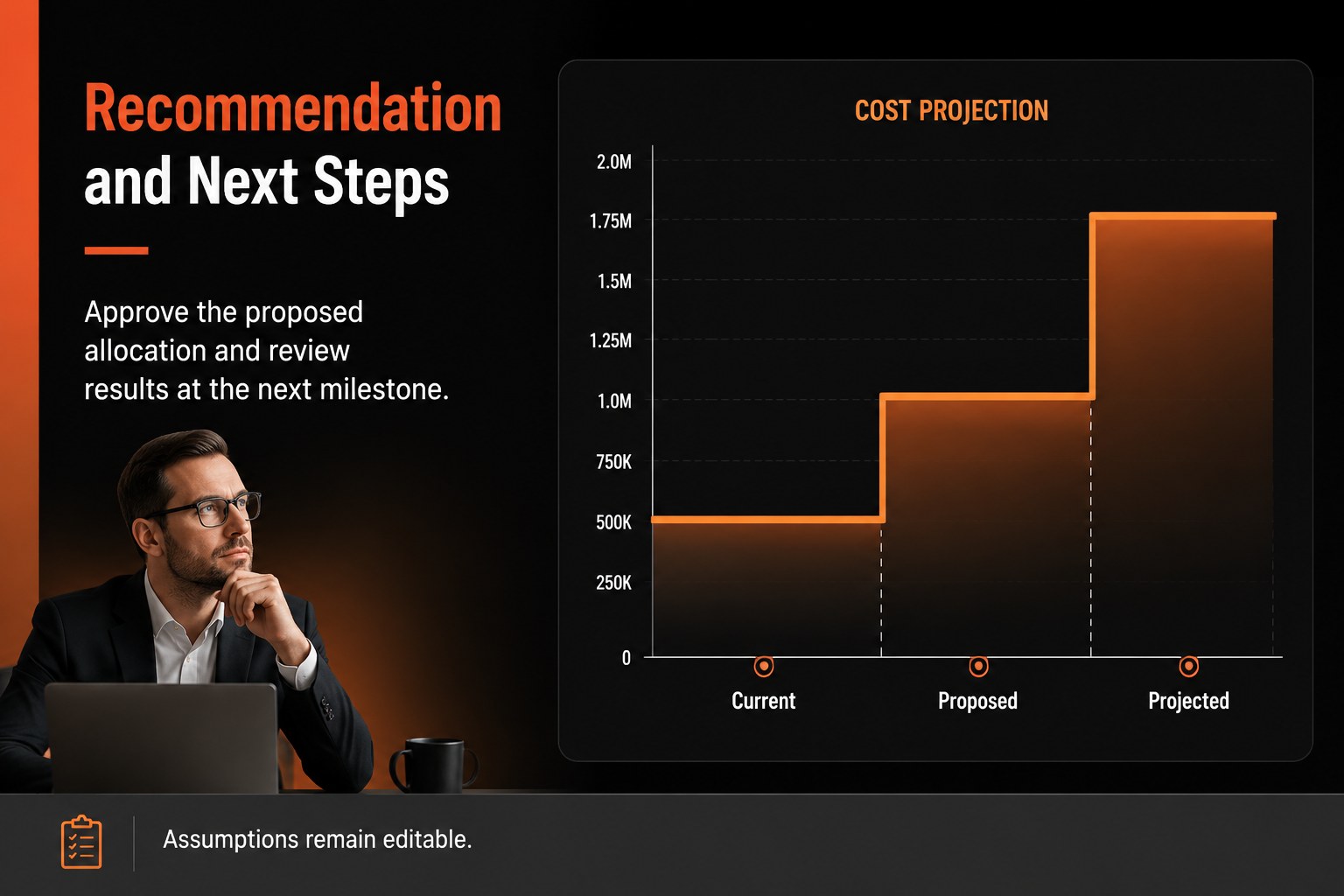
Turn cost estimates into a clear plan with proposal budgeting slides built for marketing teams, consultants, department leads, and small businesses. The modern orange-and-black gradient style gives financial recommendations a confident visual edge while keeping figures, assumptions, and next steps easy to follow.
Inside the deck, you can organize a proposal overview, expense categories, projected costs, budget priorities, and approval notes. Structured tables, editable charts, clean dividers, and flexible text areas make it simple to adapt the layout to a campaign, project, department, or client engagement. The visual system supports a clear narrative from current needs to recommended allocation and expected impact.
Use these slides for an agency cost estimate, a quarterly planning review, a new project request, or an internal funding discussion. Every element can be edited in PowerPoint or Google Slides, including colors, typography, data labels, and supporting graphics. Add your own numbers, refine the assumptions, and share a focused financial case with decision-makers. The result is a practical presentation for teams that need to explain where money should go and why.
Perfect for: marketing campaign cost estimate; department funding request; client project proposal; quarterly budget review; startup operating plan.
Frequently asked questions
Can I edit these slides in PowerPoint? Yes. The layout is designed for PowerPoint editing, so you can replace text, update figures, adjust colors, and revise charts. Use the editable elements to match your organization’s budget process.
Practical details
Yes. The layout is designed for PowerPoint editing, so you can replace text, update figures, adjust colors, and revise charts. Use the editable elements to match your organization’s budget process.
Yes, you can open or import the presentation in Google Slides and customize the main text, tables, colors, and graphics. Check the formatting after importing to confirm that fonts and chart spacing display correctly.
Start with the requested amount, expense categories, assumptions, timing, and expected results. Add a concise recommendation and approval step so reviewers can understand both the figures and the decision needed.
Yes. Replace the accent colors and update chart styling to match your brand or project identity. The contrast-based layout can support other color combinations while preserving its clear financial structure.
Keep exploring
15Shape your publishing concept with an indie magazine startup pitch deck featuring pastel gradients, bold collage layouts, and editable planning slides.
 16
16Build clear project stories with the Icon Grid Teamwork Theme, a flexible blue illustrated deck for proposals, strategy updates, and team meetings.
 3
3Turn priorities into an actionable plan with an annual goals roadmap infographic, featuring editable orange and teal layouts for PowerPoint and Google Slides.
 15
15Create an Annual Achievement Report Presentation with colorful geometric layouts for milestones, results, lessons, and priorities in PowerPoint or Google Slides.
 15
15Turn results into a focused annual performance evaluation report with dark 3D slides for KPIs, achievements, feedback, and next-step goals for teams.
 15
15Guide a focused annual recap with Business Results Retrospective Slides, a muted brown-and-blue template for PowerPoint and Google Slides.
 6
6Turn complex plans into clear visual stories with Color-Coded Workflow Path Slides, an editable set for project updates, roadmaps, and team briefings.
 6
6Compare regional performance at a glance with Global Data Heatmap Slides, a clean multicolor deck designed for editable PowerPoint and Google Slides.