
 15
15presentation
Indie Magazine Startup Pitch Deck
Shape your publishing concept with an indie magazine startup pitch deck featuring pastel gradients, bold collage layouts, and editable planning slides.
Google SlidesPowerPoint
presentation · English
Turn complex schedules into clear visual stories with a Project Timeline Roadmap Deck for milestones, phases, dependencies, and stakeholder updates.
Design notes
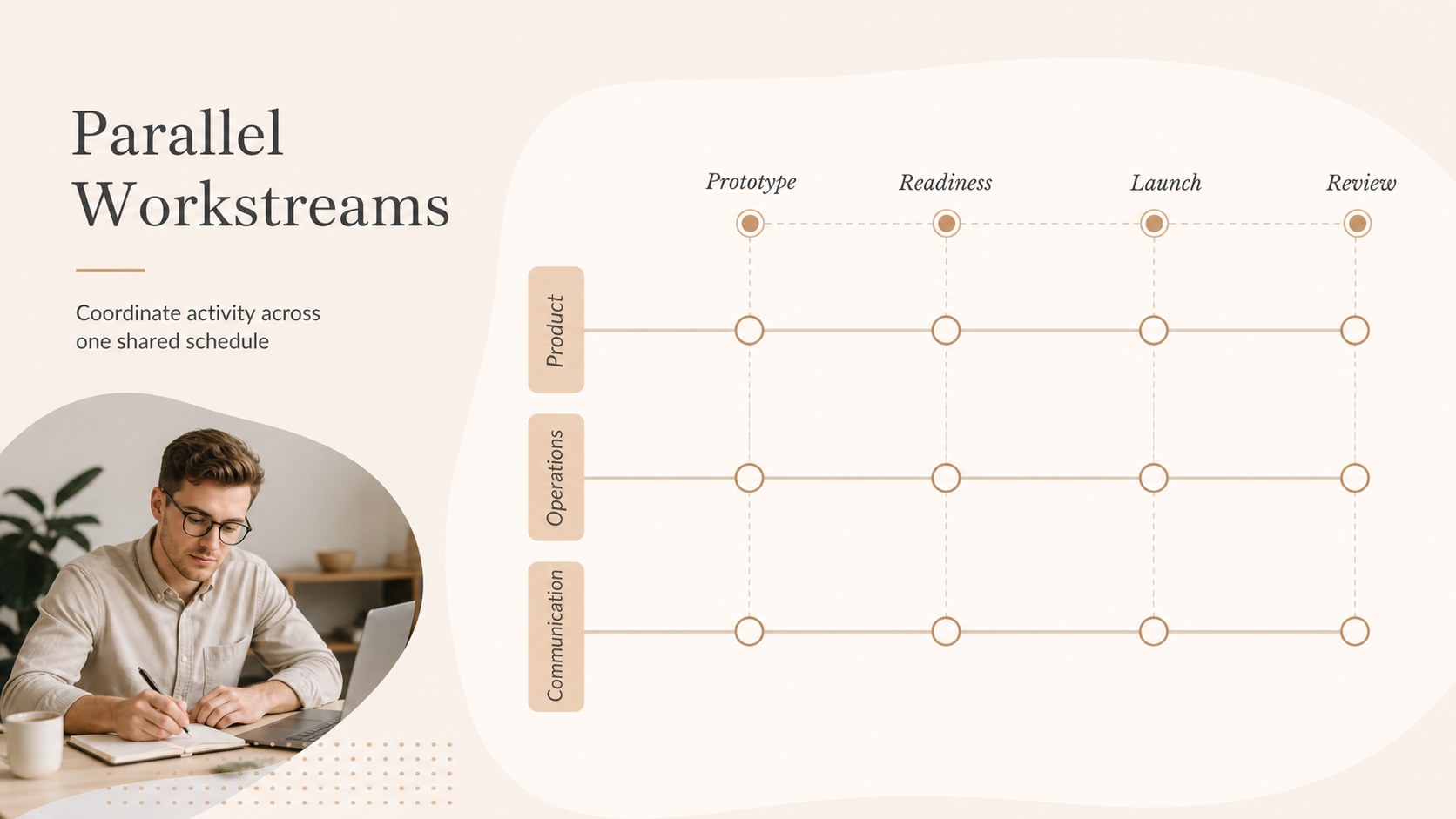
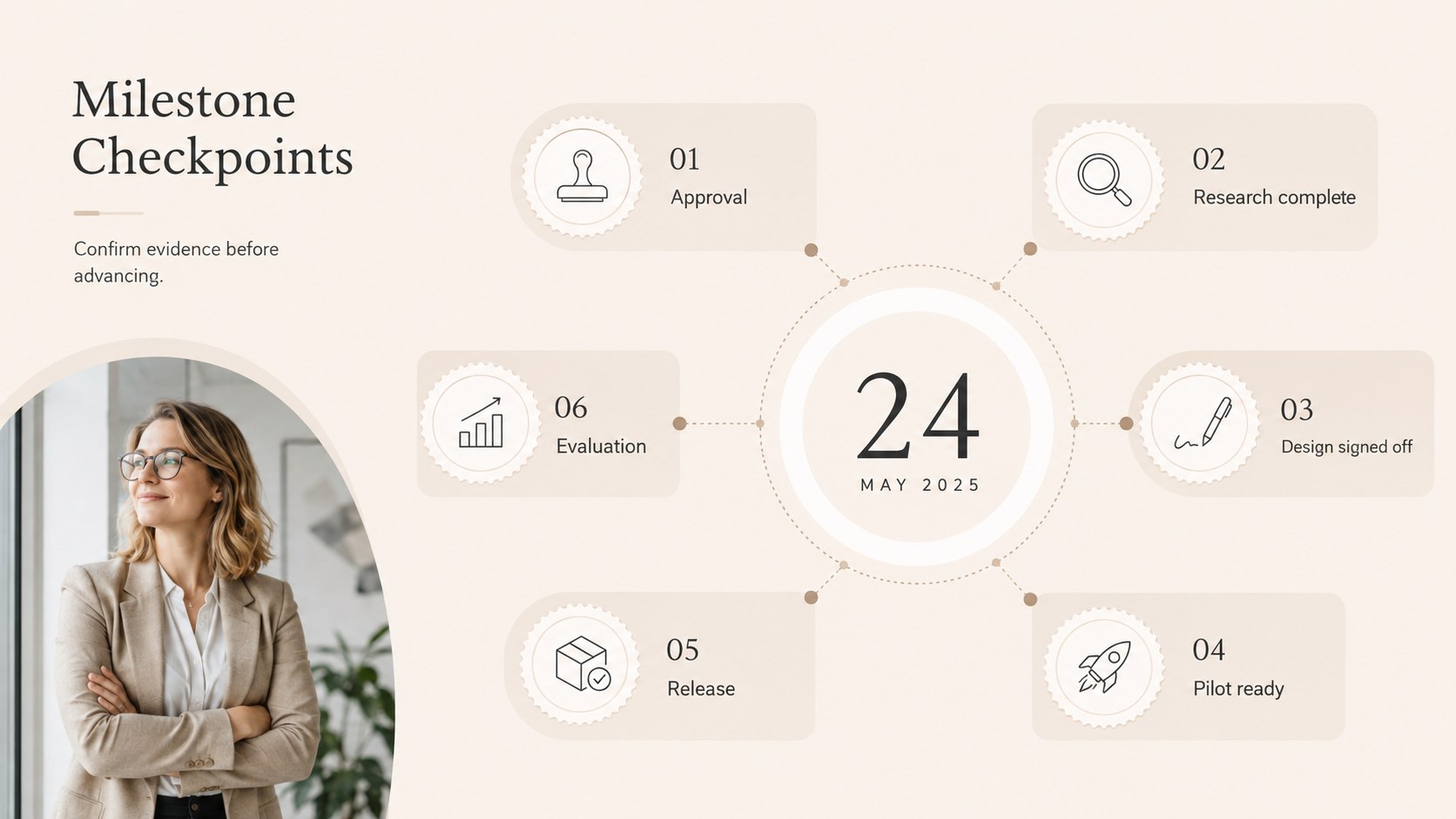
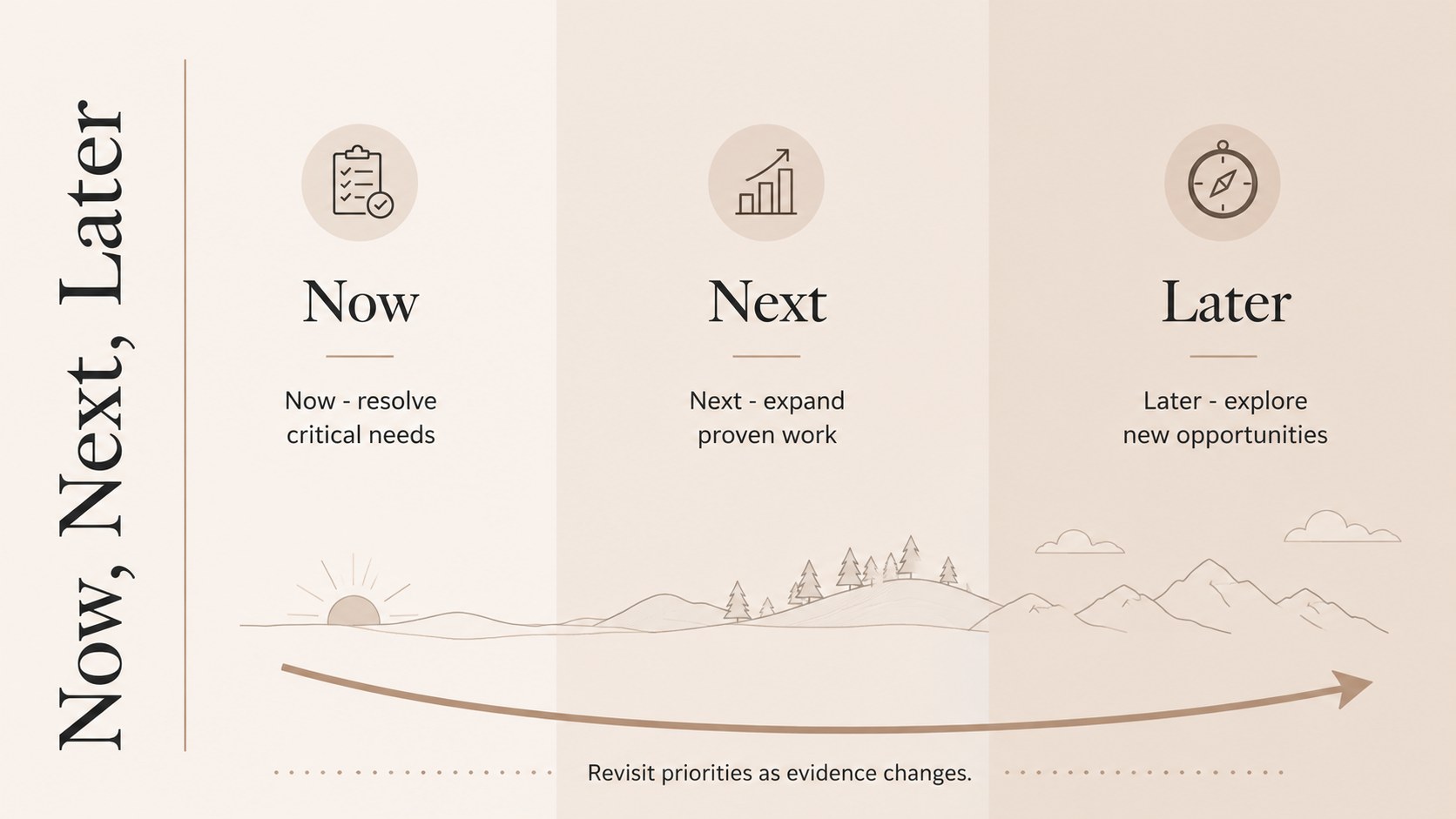
The Project Timeline Roadmap Deck helps you explain where a project is going, how it will get there, and what needs to happen next. Its warm beige palette, refined typography, and uncluttered diagrams give plans a professional structure without distracting from the details. Use it as an editable project roadmap presentation for kickoff meetings, status reviews, strategy sessions, or classroom assignments.
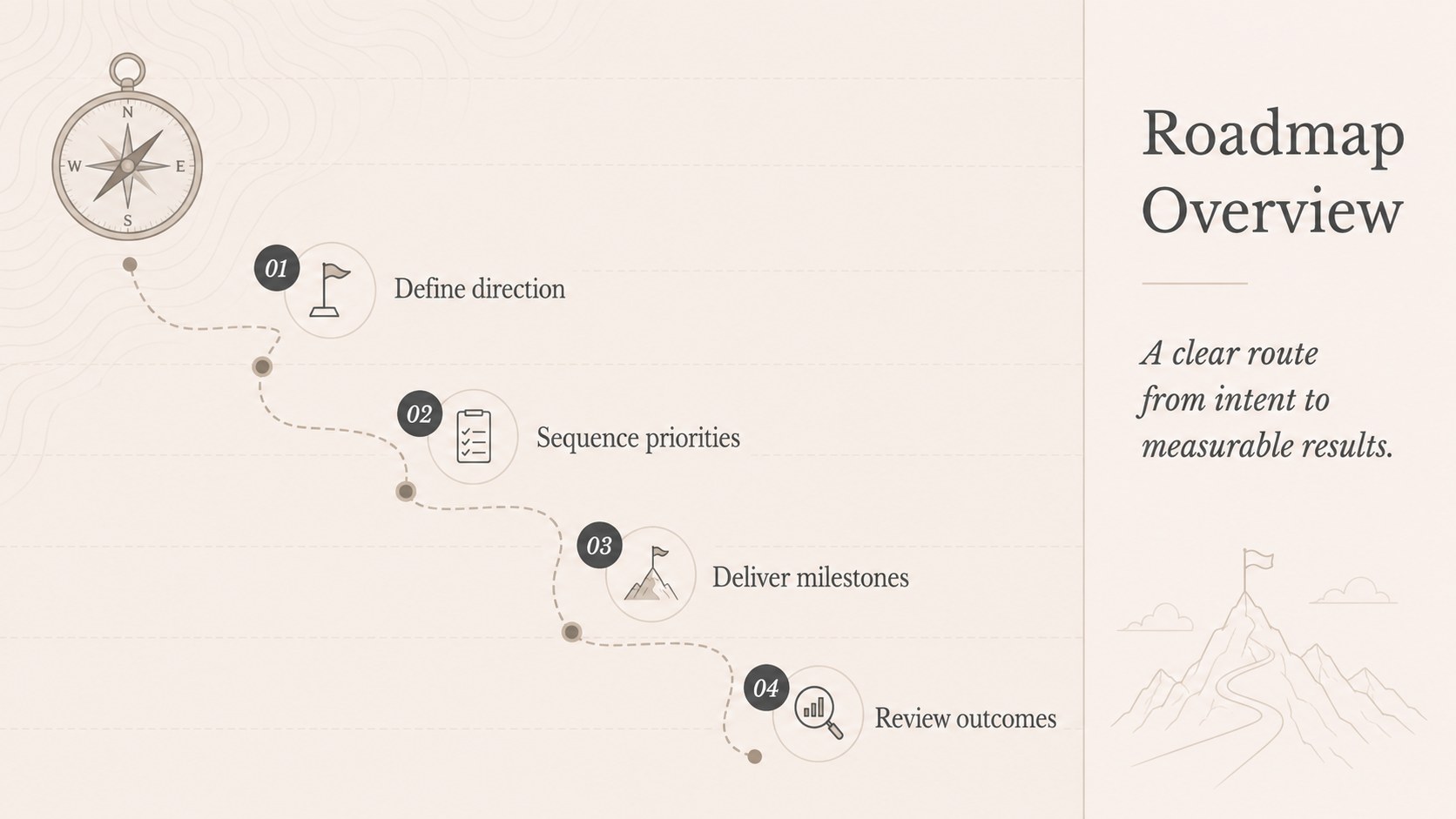
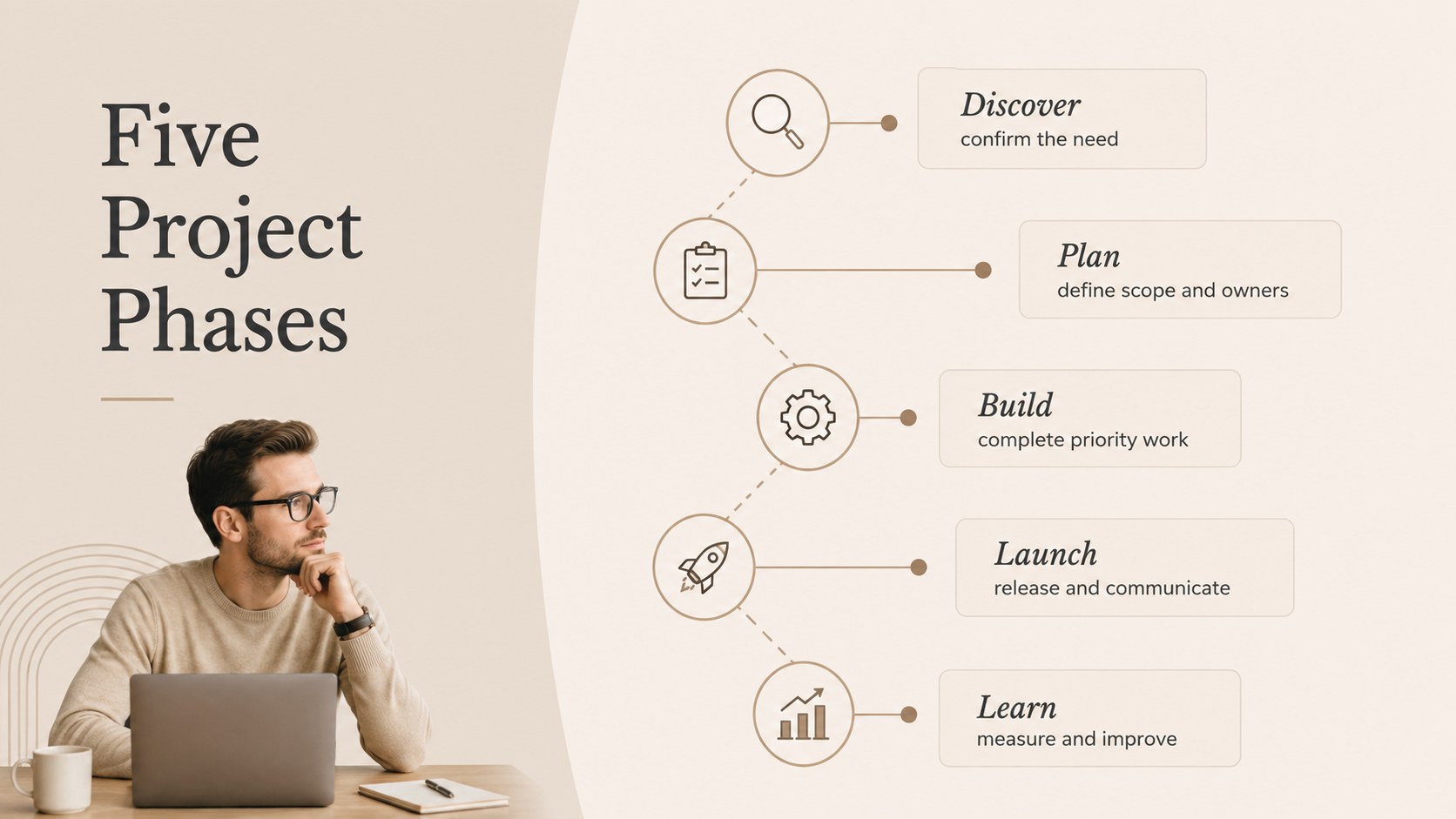
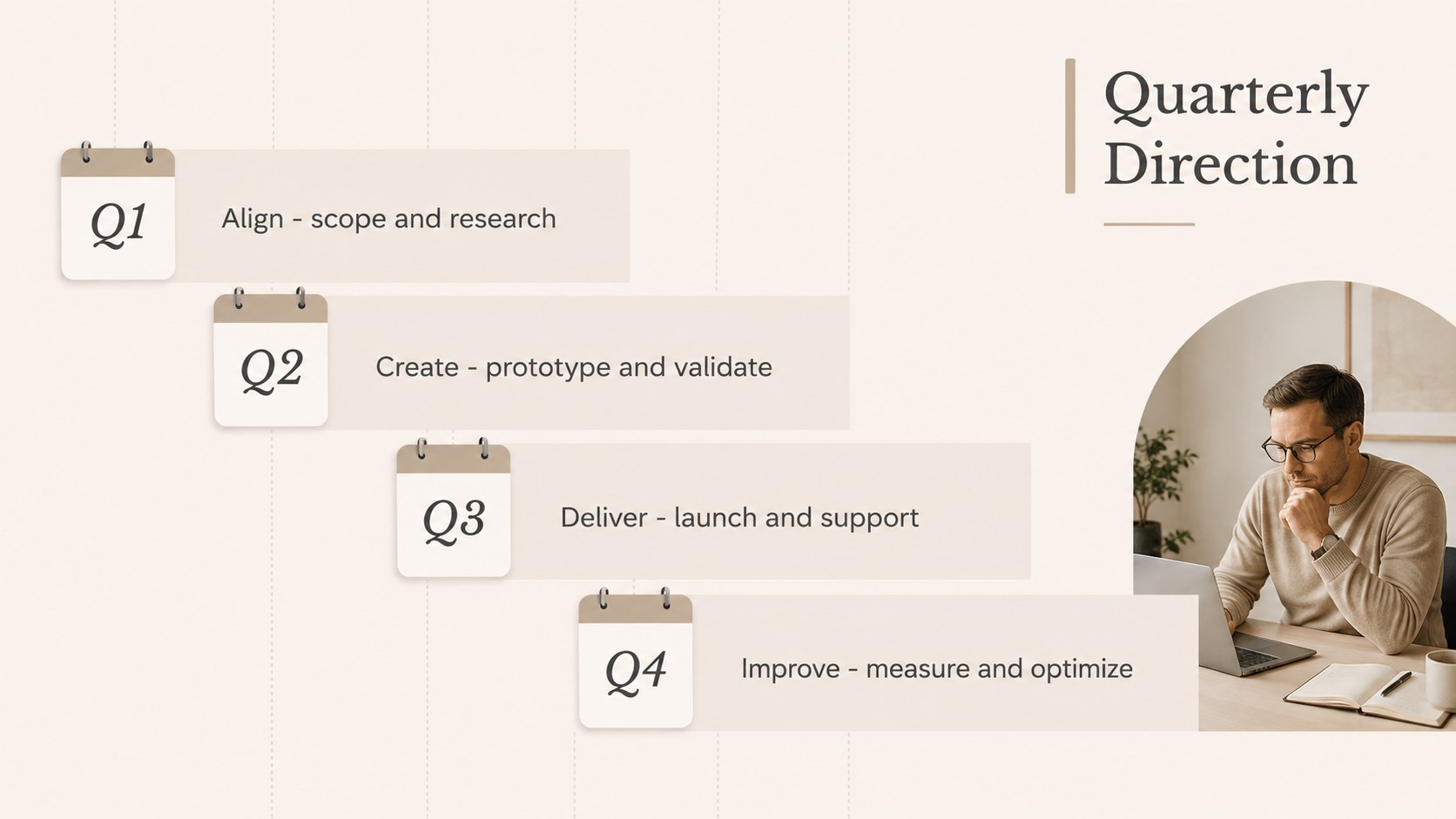
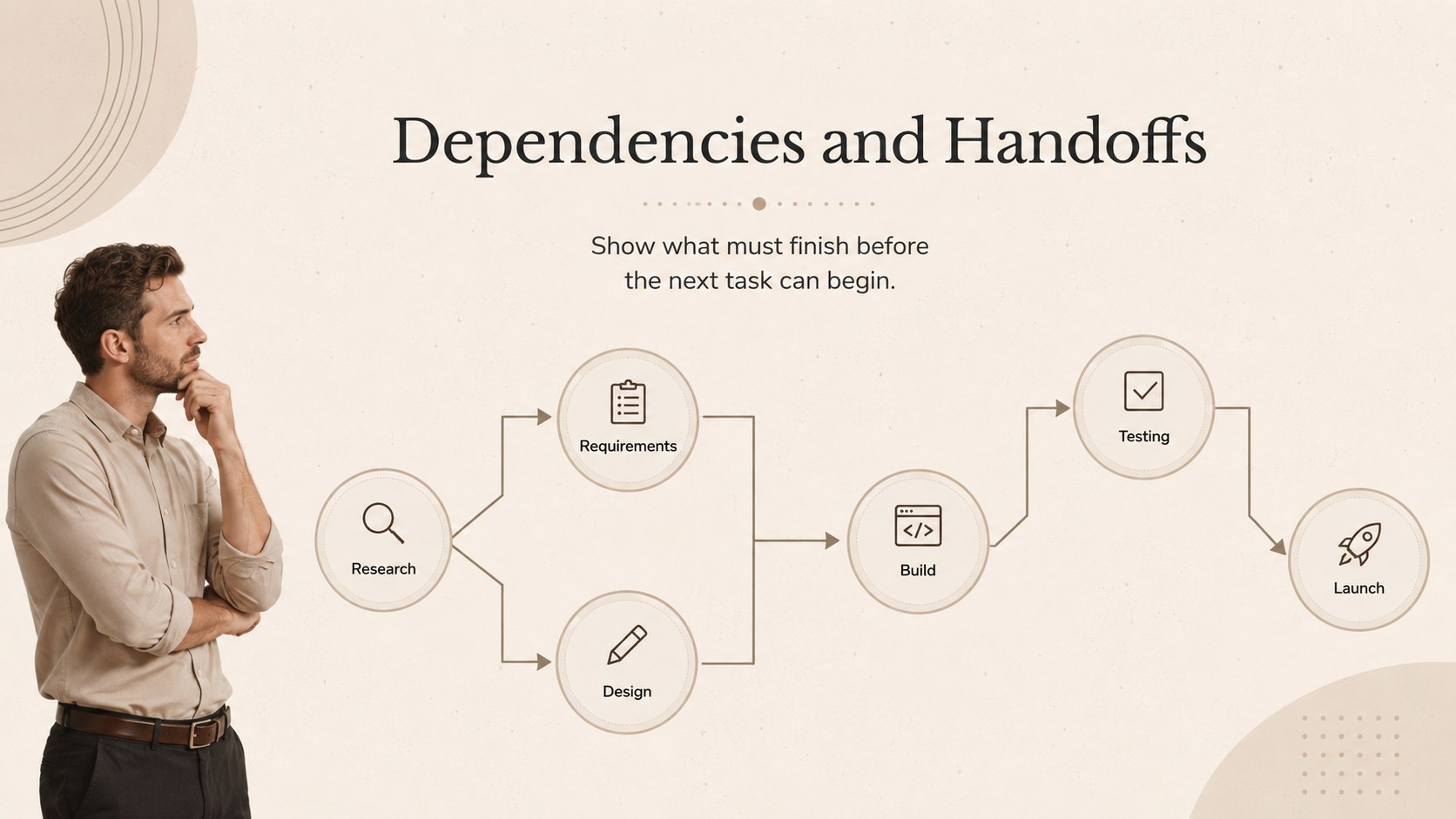
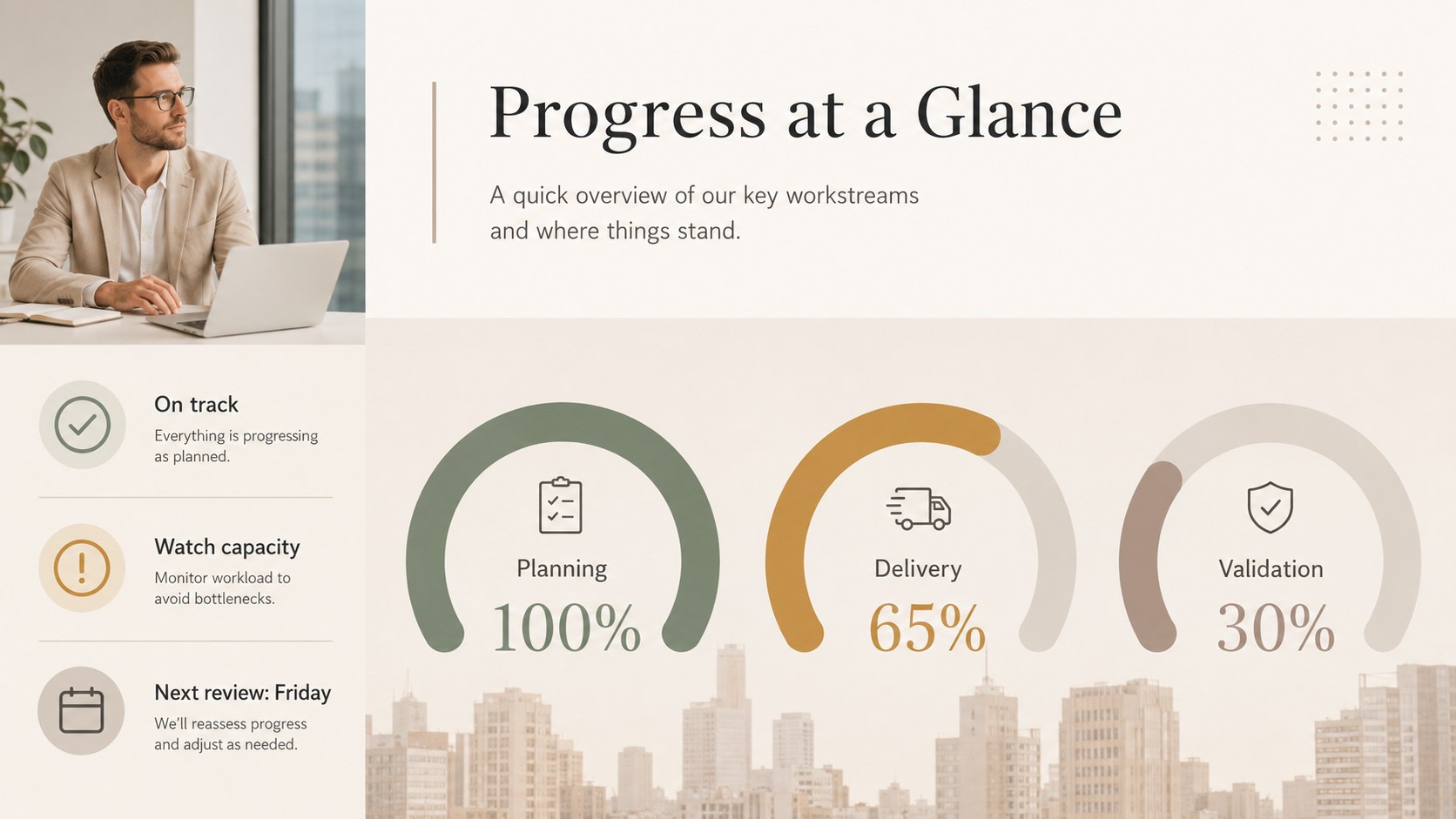
Inside, you will find 13 coordinated slides covering project phases, milestone sequences, parallel workstreams, quarterly priorities, dependencies, progress indicators, and next steps. Flexible diagrams make it easy to reorganize stages, update dates, adjust labels, and apply your own project data. The collection also includes milestone timeline slides for business reporting and a strategic roadmap deck for teams managing several objectives at once.
Designed for project managers, consultants, startup teams, educators, students, and department leads, the deck works in both PowerPoint and Google Slides. Every layout can be adapted to short initiatives or long-range plans while preserving the calm, minimalist visual system. Use the slides to align stakeholders, clarify ownership, highlight risks, and turn a complicated schedule into a journey your audience can understand at a glance.
Perfect for: project kickoff meeting; quarterly strategy review; stakeholder progress update; product launch planning; classroom project presentation; team milestone workshop.
Frequently asked questions
Can I edit every part of the roadmap? Yes. You can change milestone labels, dates, colors, icons, shapes, and connectors to match your project. Diagram sections can also be duplicated, removed, or reordered.
Practical details
Yes. You can change milestone labels, dates, colors, icons, shapes, and connectors to match your project. Diagram sections can also be duplicated, removed, or reordered.
The deck is designed for PowerPoint and Google Slides. Import it into your preferred platform and review font availability before presenting.
Yes. Replace the sample phases with months, quarters, years, or strategic horizons. The layouts support both linear schedules and parallel workstreams.
Update the theme colors and type styles, then add your approved logo to the slide master if needed. Keep strong contrast between labels and the beige background for readability.
Keep exploring
15Shape your publishing concept with an indie magazine startup pitch deck featuring pastel gradients, bold collage layouts, and editable planning slides.
 16
16Build clear project stories with the Icon Grid Teamwork Theme, a flexible blue illustrated deck for proposals, strategy updates, and team meetings.
 3
3Turn priorities into an actionable plan with an annual goals roadmap infographic, featuring editable orange and teal layouts for PowerPoint and Google Slides.
 15
15Create an Annual Achievement Report Presentation with colorful geometric layouts for milestones, results, lessons, and priorities in PowerPoint or Google Slides.
 15
15Turn results into a focused annual performance evaluation report with dark 3D slides for KPIs, achievements, feedback, and next-step goals for teams.
 15
15Guide a focused annual recap with Business Results Retrospective Slides, a muted brown-and-blue template for PowerPoint and Google Slides.
 6
6Turn complex plans into clear visual stories with Color-Coded Workflow Path Slides, an editable set for project updates, roadmaps, and team briefings.
 6
6Compare regional performance at a glance with Global Data Heatmap Slides, a clean multicolor deck designed for editable PowerPoint and Google Slides.