
 15
15presentation
Indie Magazine Startup Pitch Deck
Shape your publishing concept with an indie magazine startup pitch deck featuring pastel gradients, bold collage layouts, and editable planning slides.
Google SlidesPowerPoint
spreadsheet · English
Turn complex initiatives into clear action with a project rollout roadmap spreadsheet that aligns owners, milestones, deadlines, resources, and status.
Design notes
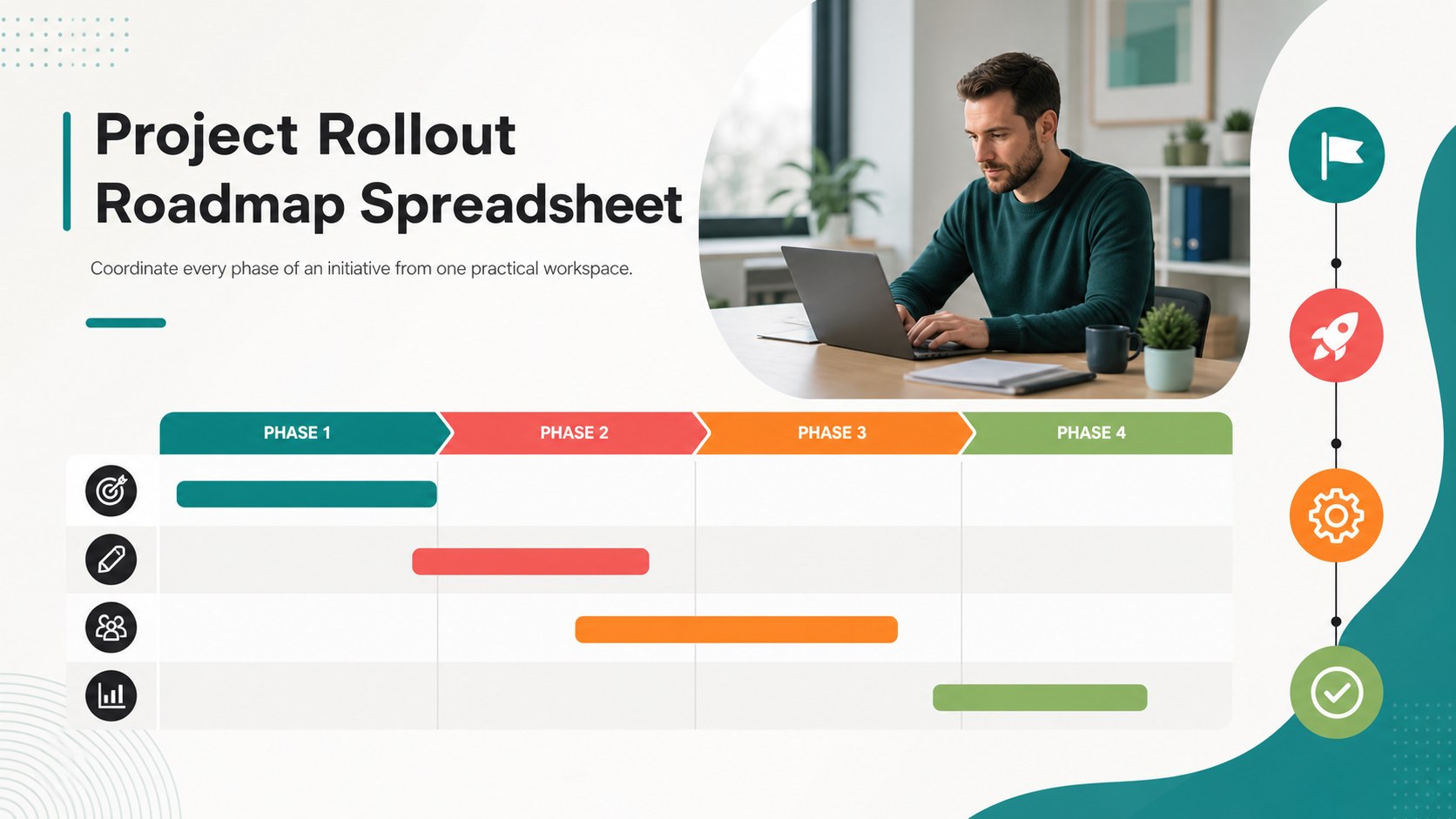
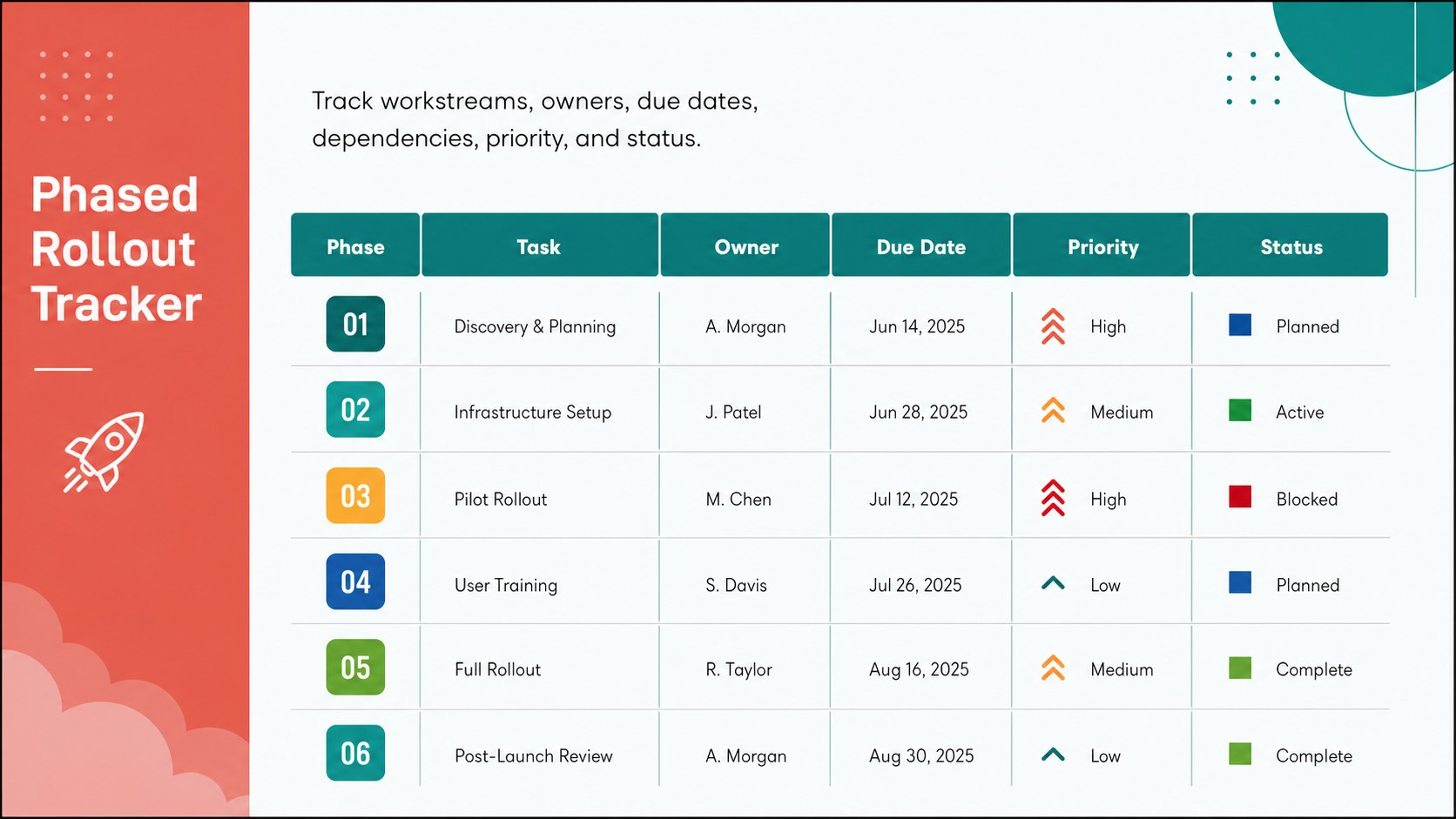
The Project Rollout Roadmap Spreadsheet turns a complex initiative into a clear sequence of actions, helping teams move from planning to delivery with fewer gaps. Its structured workspace brings tasks, owners, due dates, dependencies, resources, and progress indicators together in one accessible view. A modern minimalist design uses green, orange, red, blue, white, and black to distinguish priorities and status without overwhelming the information.
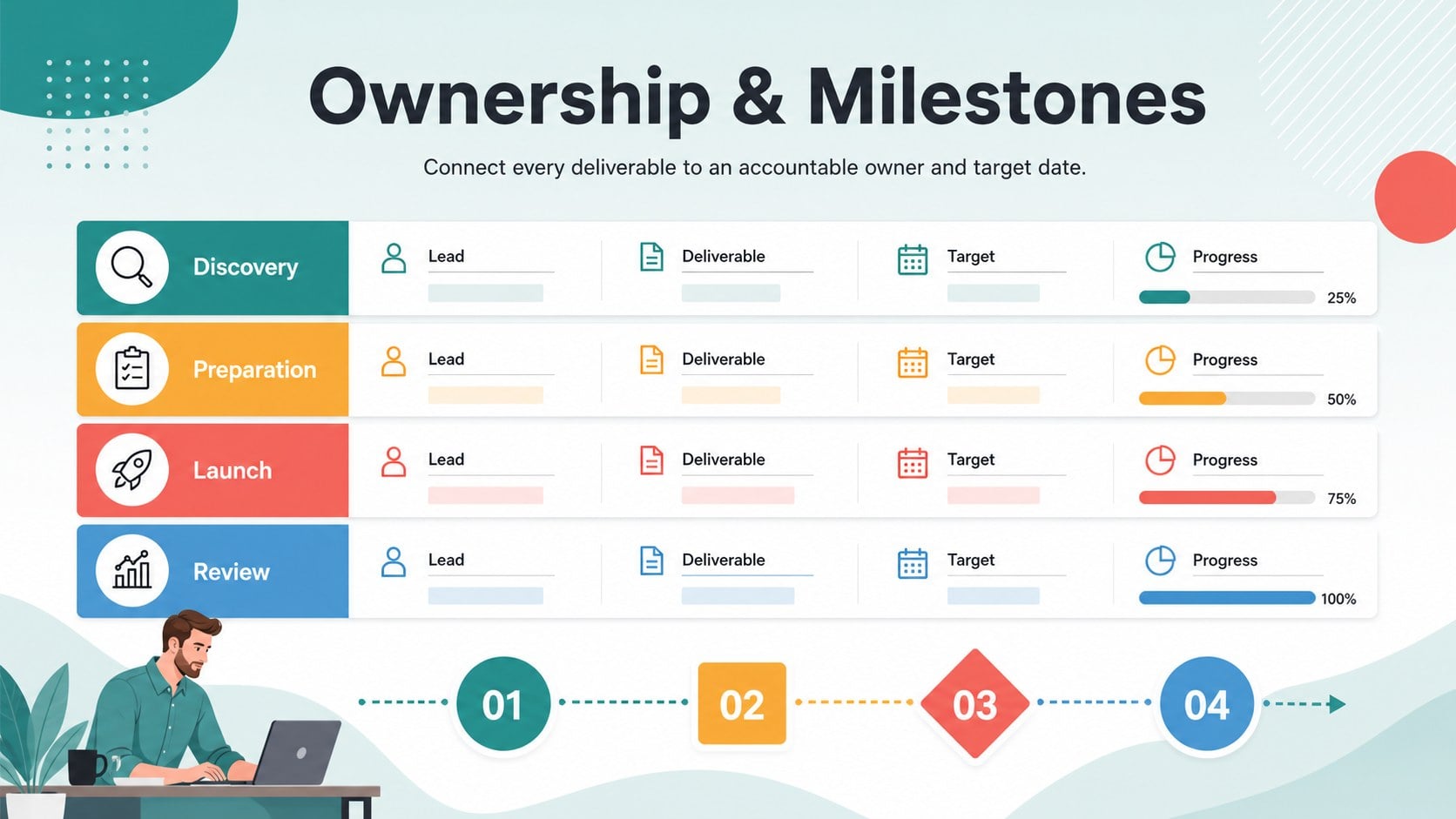
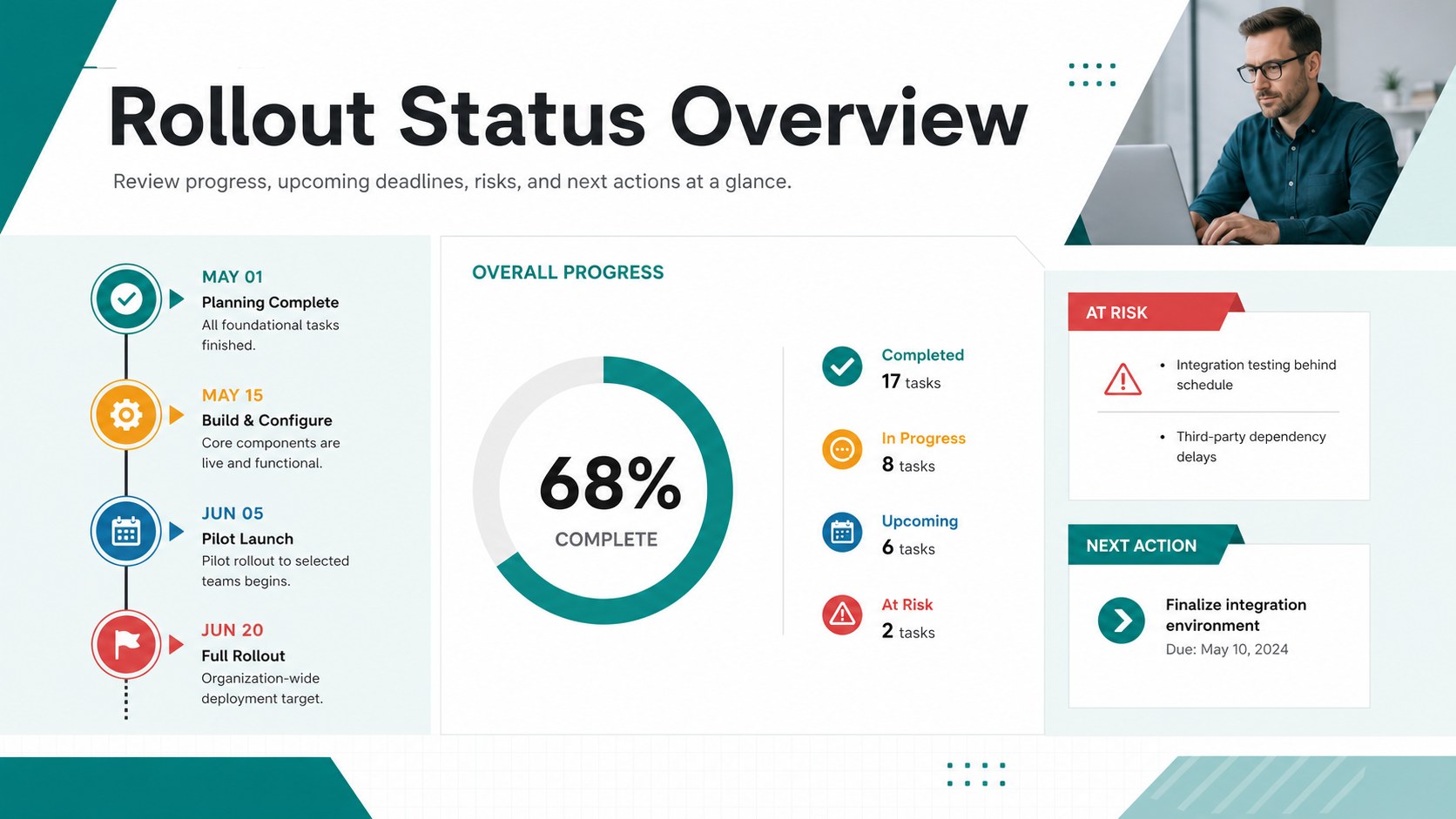
Inside, you will find an executive rollout overview, a phased project rollout tracker, a task ownership and milestone planner, and a timeline-focused status view. Use the color-coded fields to flag blocked work, identify upcoming deadlines, and communicate which deliverables are complete, active, or at risk. The layout can also serve as an implementation timeline spreadsheet template for product releases, operational changes, software deployments, marketing launches, and cross-department initiatives.
This project rollout roadmap spreadsheet is designed for project managers, operations leads, startup teams, consultants, and department coordinators who need a practical way to maintain accountability. Edit the text, phases, dates, labels, and color coding in Excel or Google Sheets. Presentation-ready views can also be adapted in PowerPoint or Google Slides for stakeholder meetings, progress reviews, and leadership updates.
Perfect for: product launch coordination; software deployment planning; operational change rollout; client implementation tracking; cross-department project delivery.
Frequently asked questions
Can I customize the rollout phases and task fields? Yes. You can rename phases, add or remove task rows, change owners, revise deadlines, and adjust status labels to match your workflow. The color coding can also be updated for your organization.
Practical details
Yes. You can rename phases, add or remove task rows, change owners, revise deadlines, and adjust status labels to match your workflow. The color coding can also be updated for your organization.
The spreadsheet layouts are compatible with Microsoft Excel and Google Sheets. Presentation views can be edited or shared through PowerPoint and Google Slides.
Yes. Add team, department, or workstream columns and filter the roadmap by owner or function. This makes it suitable for initiatives involving several departments or external partners.
Use the overview and timeline views to summarize completed, active, upcoming, and blocked work. You can transfer the key data into PowerPoint or Google Slides for a concise status presentation.
Keep exploring
15Shape your publishing concept with an indie magazine startup pitch deck featuring pastel gradients, bold collage layouts, and editable planning slides.
 16
16Build clear project stories with the Icon Grid Teamwork Theme, a flexible blue illustrated deck for proposals, strategy updates, and team meetings.
 3
3Turn priorities into an actionable plan with an annual goals roadmap infographic, featuring editable orange and teal layouts for PowerPoint and Google Slides.
 15
15Create an Annual Achievement Report Presentation with colorful geometric layouts for milestones, results, lessons, and priorities in PowerPoint or Google Slides.
 15
15Turn results into a focused annual performance evaluation report with dark 3D slides for KPIs, achievements, feedback, and next-step goals for teams.
 15
15Guide a focused annual recap with Business Results Retrospective Slides, a muted brown-and-blue template for PowerPoint and Google Slides.
 6
6Turn complex plans into clear visual stories with Color-Coded Workflow Path Slides, an editable set for project updates, roadmaps, and team briefings.
 6
6Compare regional performance at a glance with Global Data Heatmap Slides, a clean multicolor deck designed for editable PowerPoint and Google Slides.