
 15
15presentation
Indie Magazine Startup Pitch Deck
Shape your publishing concept with an indie magazine startup pitch deck featuring pastel gradients, bold collage layouts, and editable planning slides.
Google SlidesPowerPoint
presentation · English
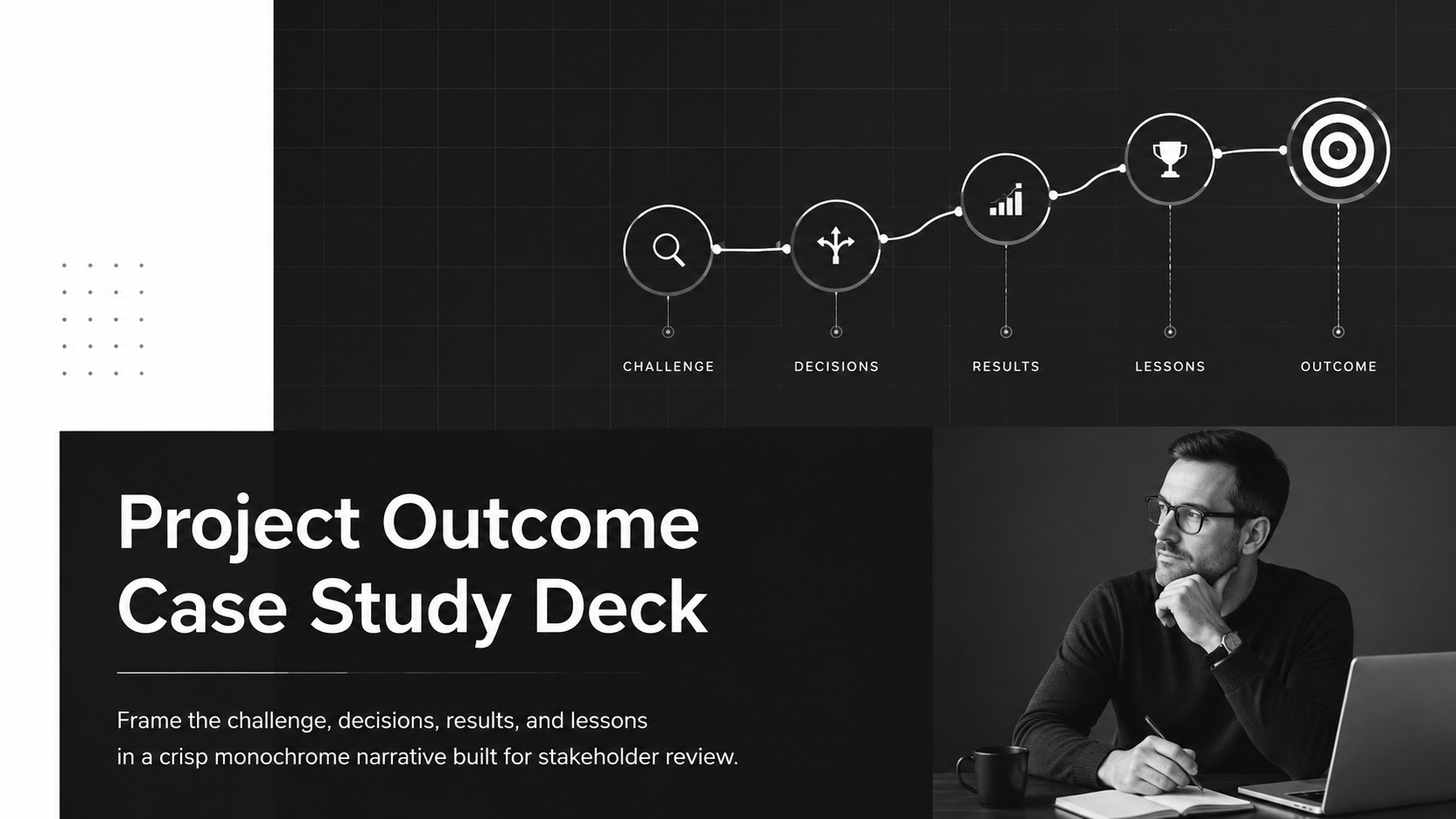
Turn completed work into a clear business narrative with this Project Outcome Case Study Deck for stakeholder reviews in PowerPoint and Google Slides.

Design notes
Turn finished work into a persuasive, evidence-led narrative with the Project Outcome Case Study Deck. Its restrained black-and-white system helps teams explain what changed, why key decisions were made, and how results connect to business goals. Clean typography and spacious layouts keep the focus on proof rather than decoration, making the deck suitable for formal stakeholder reviews.
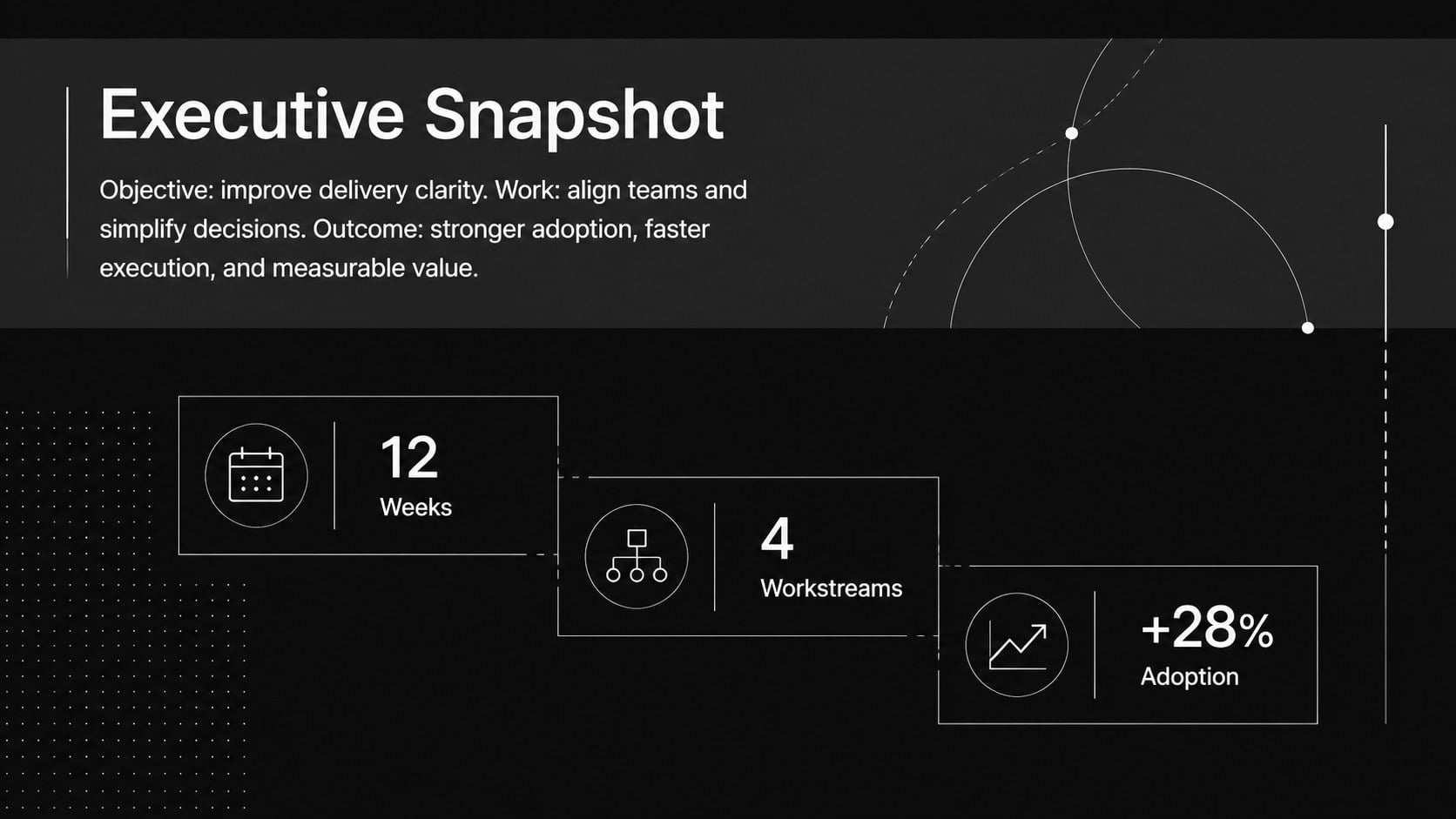
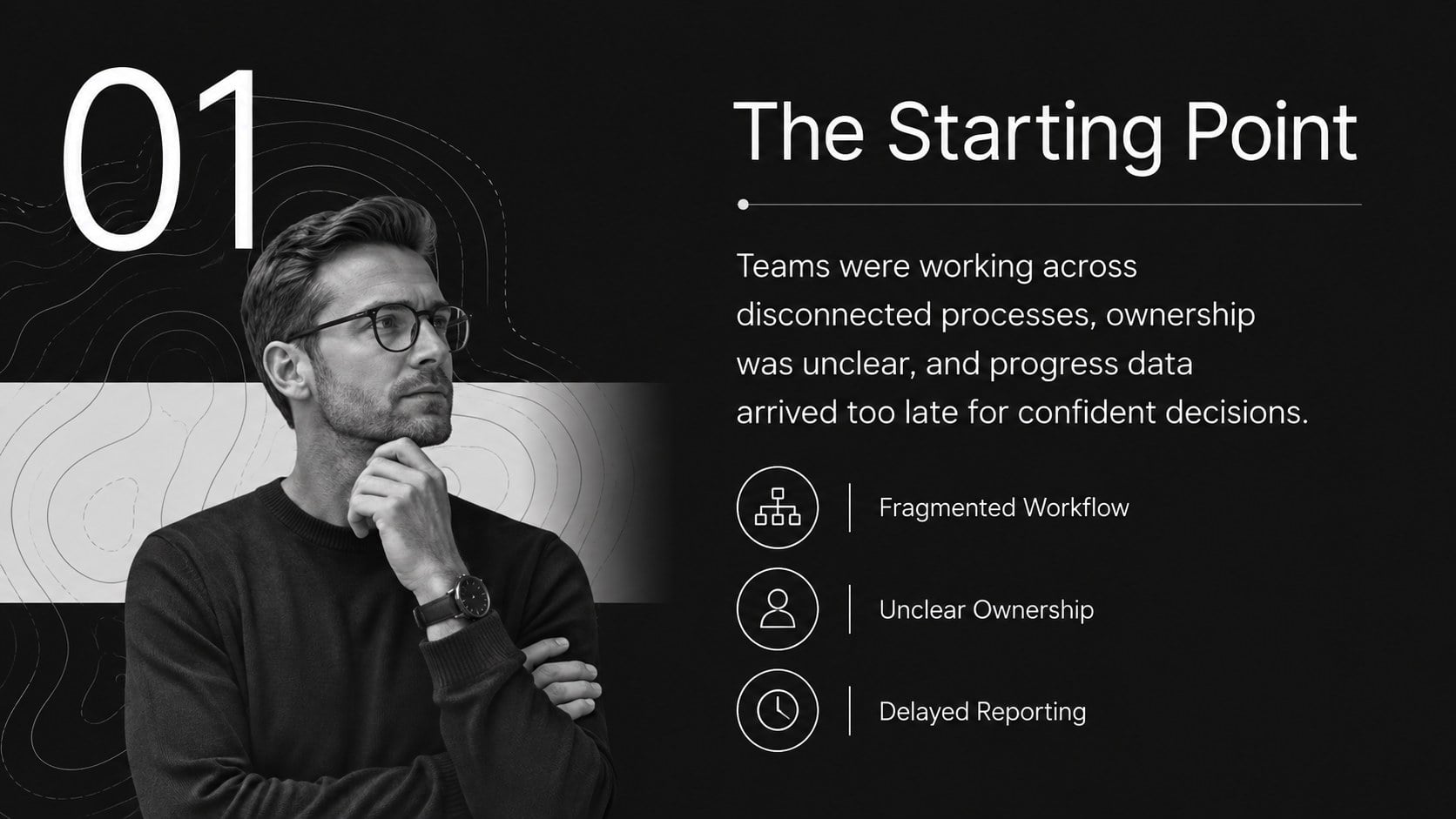
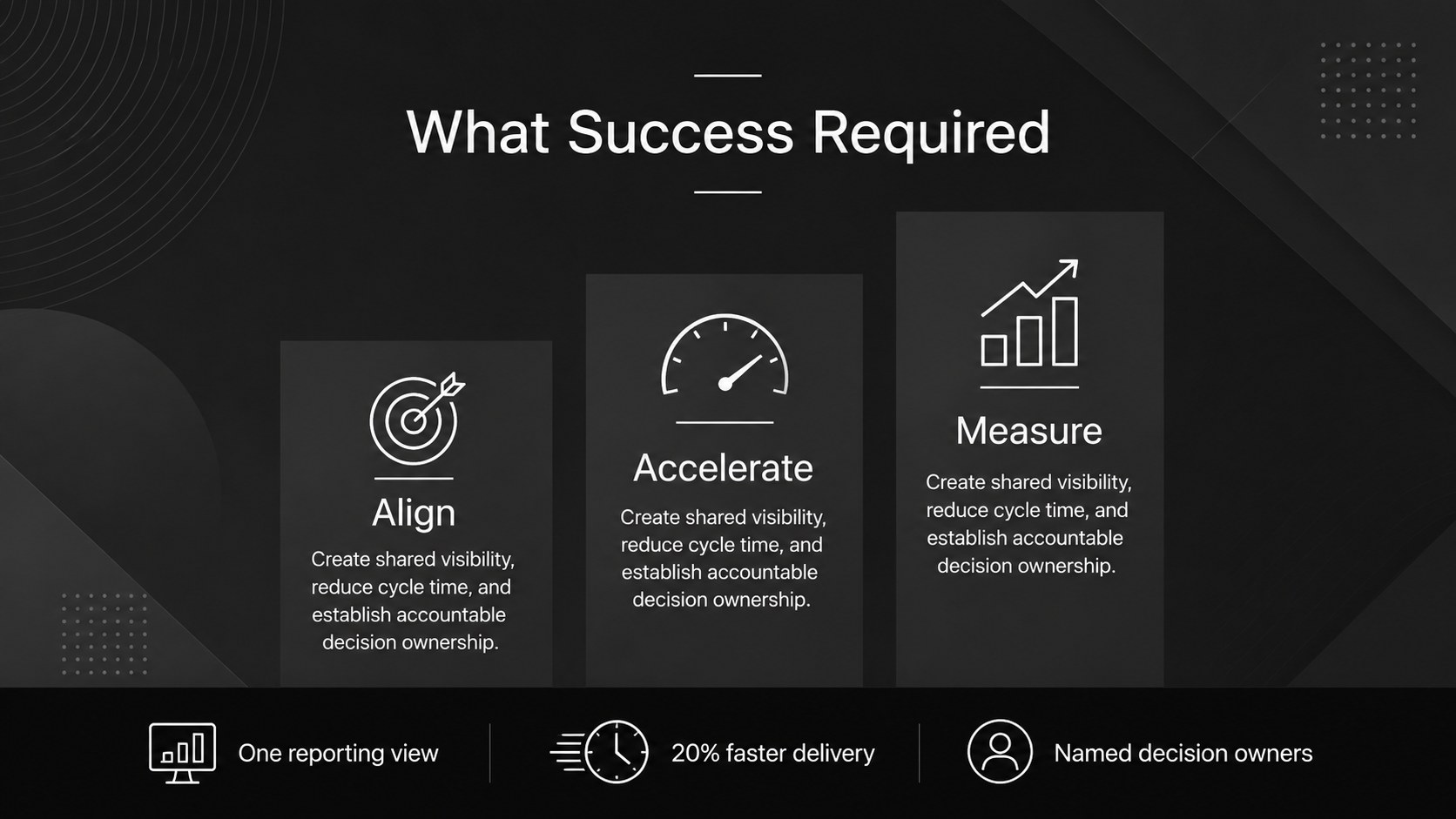
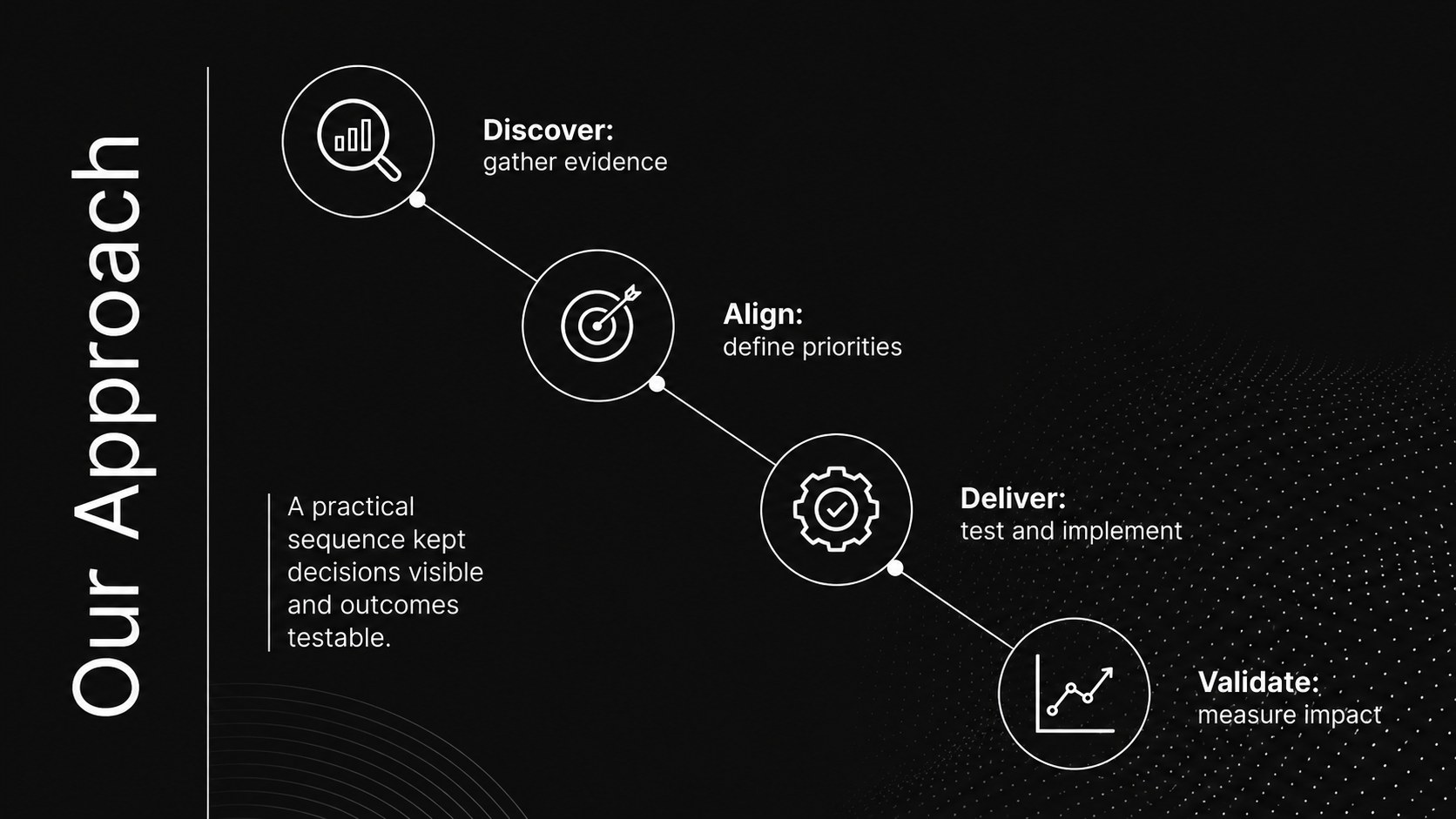
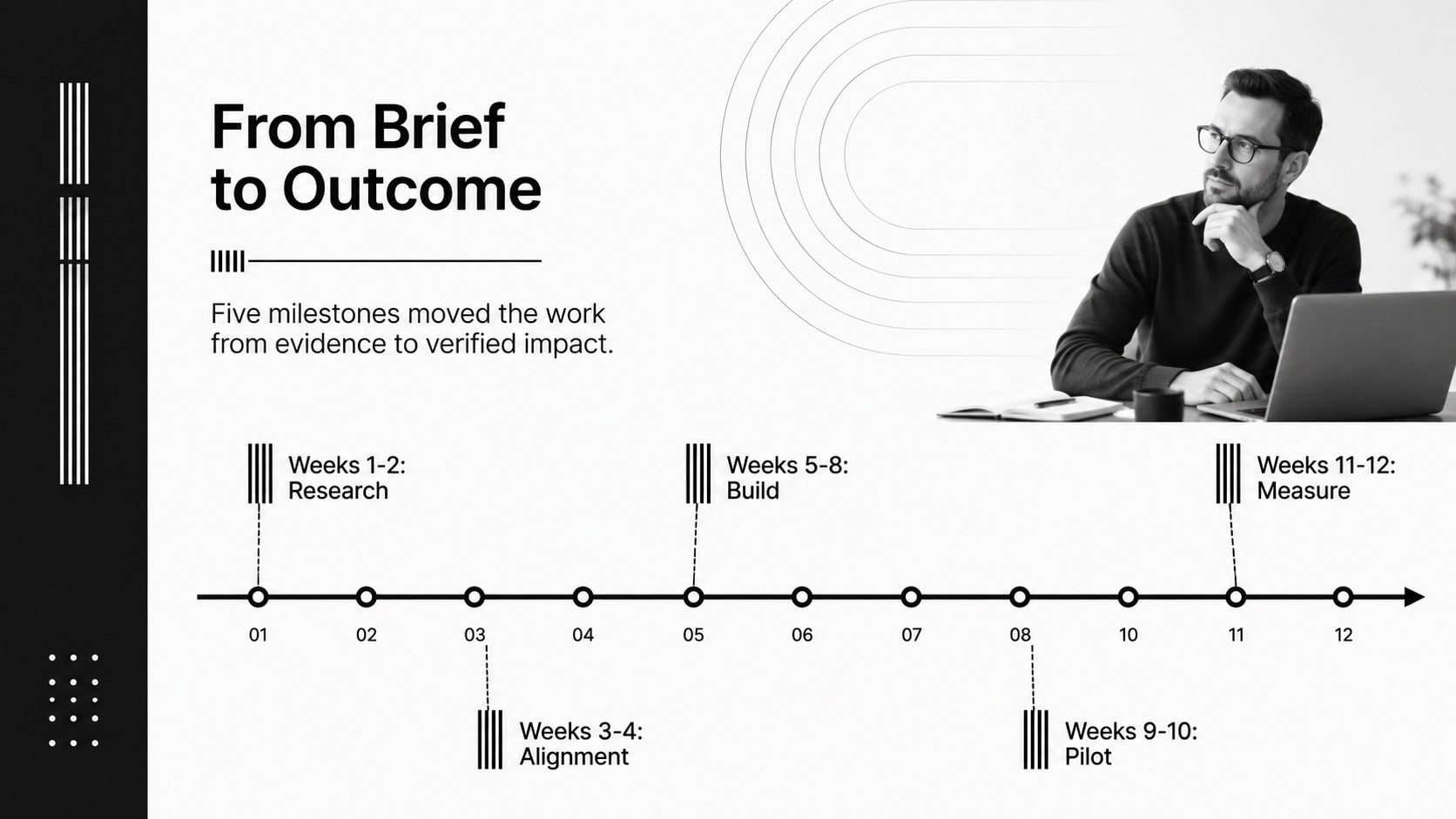
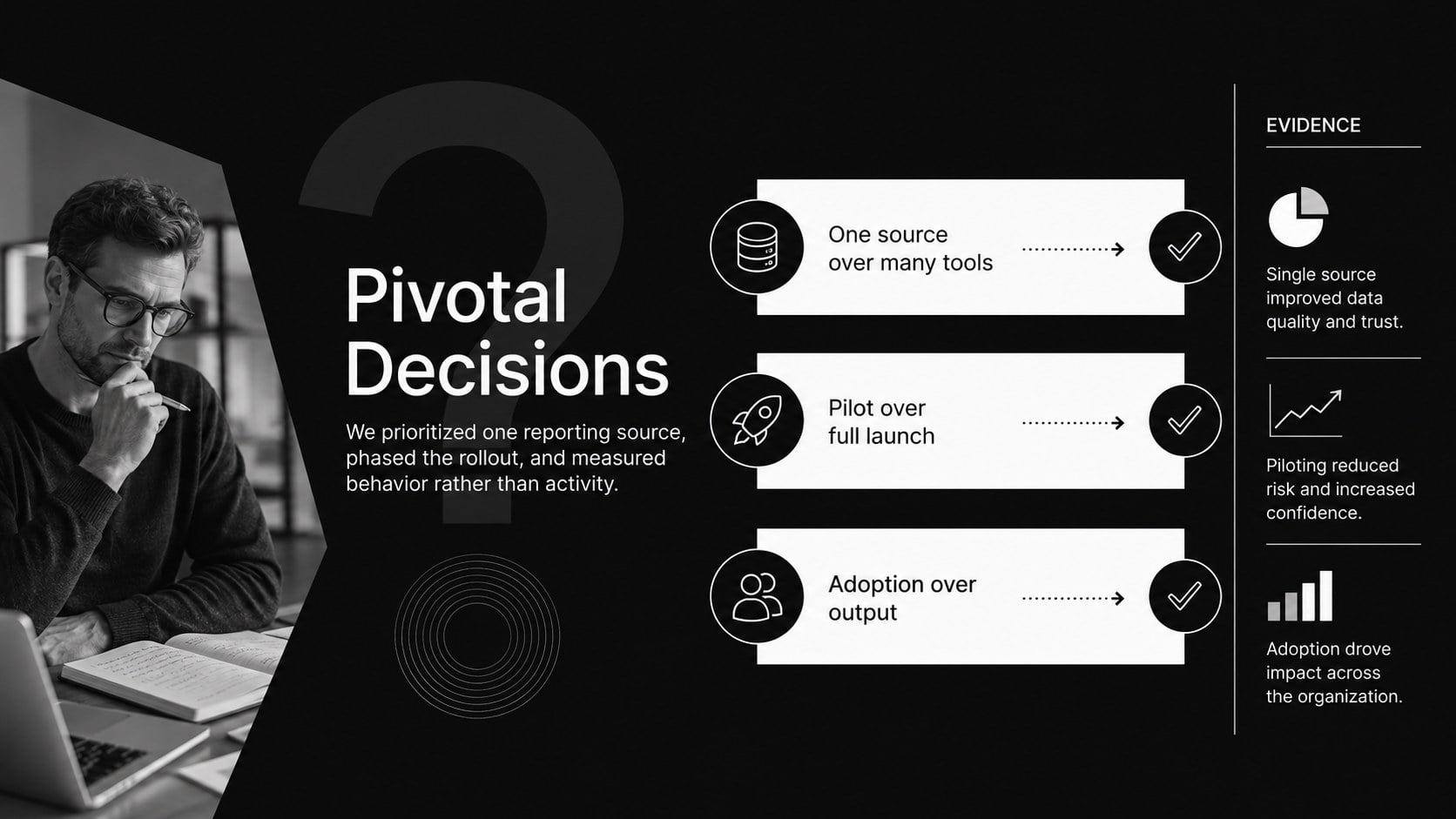
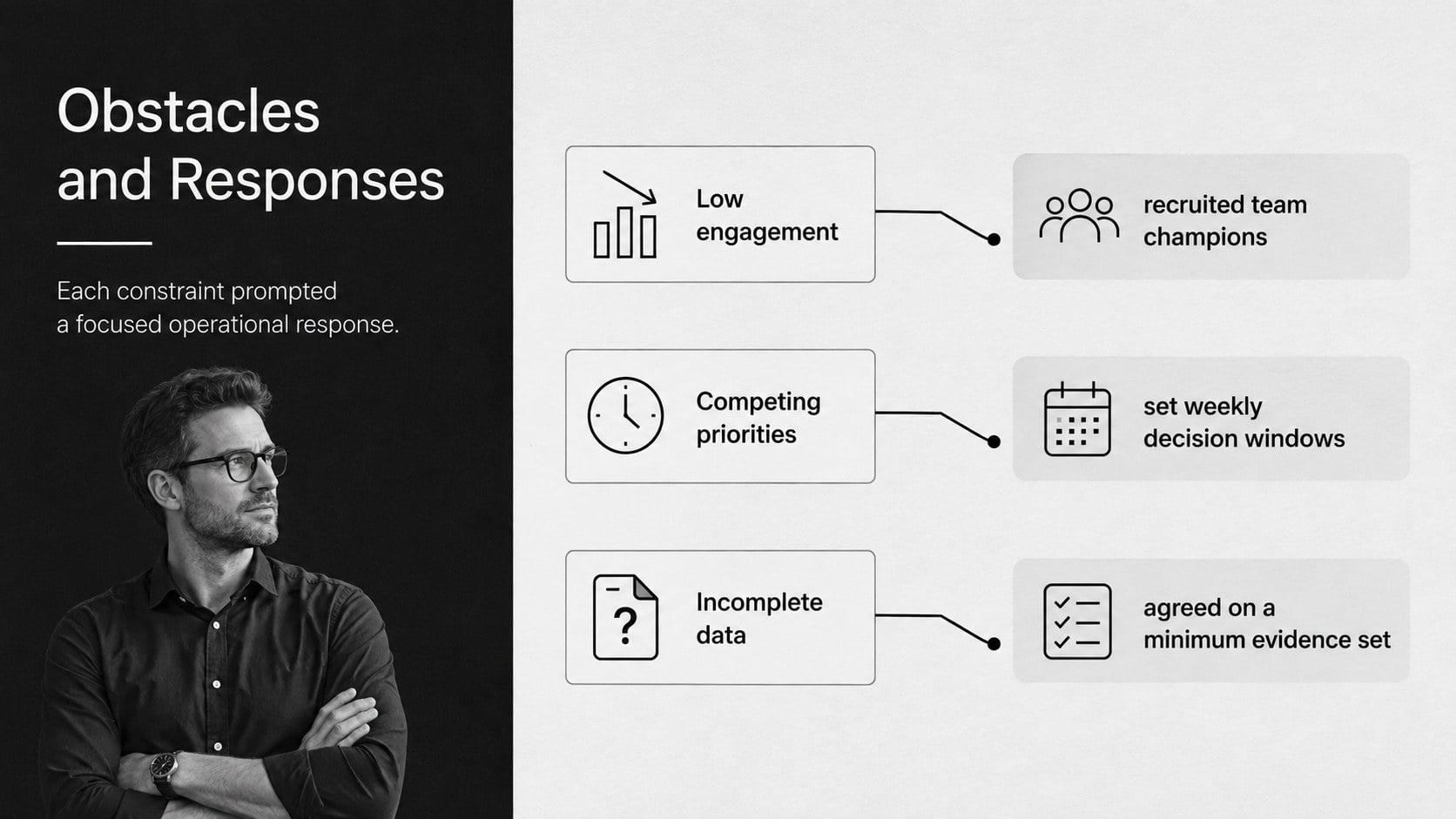
The 15-slide structure covers an executive summary, starting context, objectives, stakeholder needs, approach, milestone timeline, decision points, challenge-and-response analysis, KPI comparisons, qualitative outcomes, team contributions, lessons learned, next steps, and a concise closing. Flexible charts, metric callouts, quote areas, and photo placeholders create a polished project results case study template without locking you into one industry. Every layout is editable in PowerPoint and Google Slides, so you can revise copy, rearrange sections, replace imagery, and apply internal fonts or visual assets.
Use it for agency handoffs, transformation programs, product launches, operational improvements, nonprofit initiatives, or client delivery recaps. Project managers, consultants, account teams, and department leads can shape it into a business project case study presentation or a project impact report template for leadership. The monochrome palette prints cleanly, presents well on screen, and gives measurable outcomes a confident, professional frame.
Perfect for: client project completion review; product launch outcome recap; organizational change case study; operational improvement report; leadership stakeholder briefing; agency delivery handoff.
Frequently asked questions
Can I edit every element in this deck? Yes. Text, colors, charts, shapes, image placeholders, and section order can be adjusted to match your project narrative and reporting standards.
Practical details
Yes. Text, colors, charts, shapes, image placeholders, and section order can be adjusted to match your project narrative and reporting standards.
The template is designed for PowerPoint and Google Slides. Minor differences in fonts, transitions, or spacing may appear when moving between platforms.
Replace the sample metrics, milestones, decisions, and outcomes with evidence from your project. You can also introduce an accent color while retaining the professional black-and-white foundation.
Yes. The layouts support internal retrospectives, executive updates, consulting case studies, and formal client completion reports.
Keep exploring
15Shape your publishing concept with an indie magazine startup pitch deck featuring pastel gradients, bold collage layouts, and editable planning slides.
 16
16Build clear project stories with the Icon Grid Teamwork Theme, a flexible blue illustrated deck for proposals, strategy updates, and team meetings.
 3
3Turn priorities into an actionable plan with an annual goals roadmap infographic, featuring editable orange and teal layouts for PowerPoint and Google Slides.
 15
15Create an Annual Achievement Report Presentation with colorful geometric layouts for milestones, results, lessons, and priorities in PowerPoint or Google Slides.
 15
15Turn results into a focused annual performance evaluation report with dark 3D slides for KPIs, achievements, feedback, and next-step goals for teams.
 15
15Guide a focused annual recap with Business Results Retrospective Slides, a muted brown-and-blue template for PowerPoint and Google Slides.
 6
6Turn complex plans into clear visual stories with Color-Coded Workflow Path Slides, an editable set for project updates, roadmaps, and team briefings.
 6
6Compare regional performance at a glance with Global Data Heatmap Slides, a clean multicolor deck designed for editable PowerPoint and Google Slides.