
 15
15presentation
Indie Magazine Startup Pitch Deck
Shape your publishing concept with an indie magazine startup pitch deck featuring pastel gradients, bold collage layouts, and editable planning slides.
Google SlidesPowerPoint
spreadsheet · English
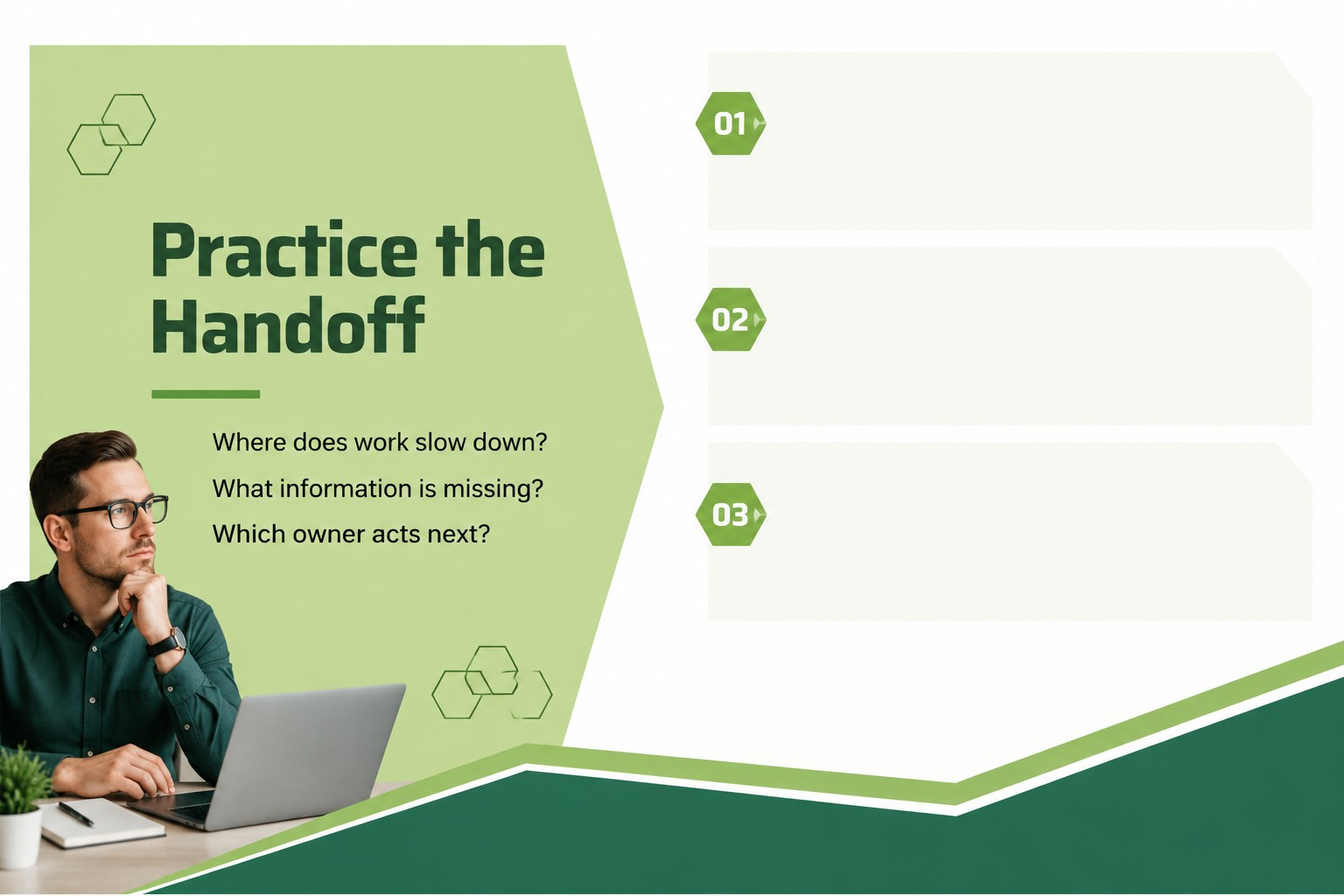
Build clearer project operations training slides for teams, workshops, and webinars with a green geometric design for PowerPoint and Google Slides.
Design notes
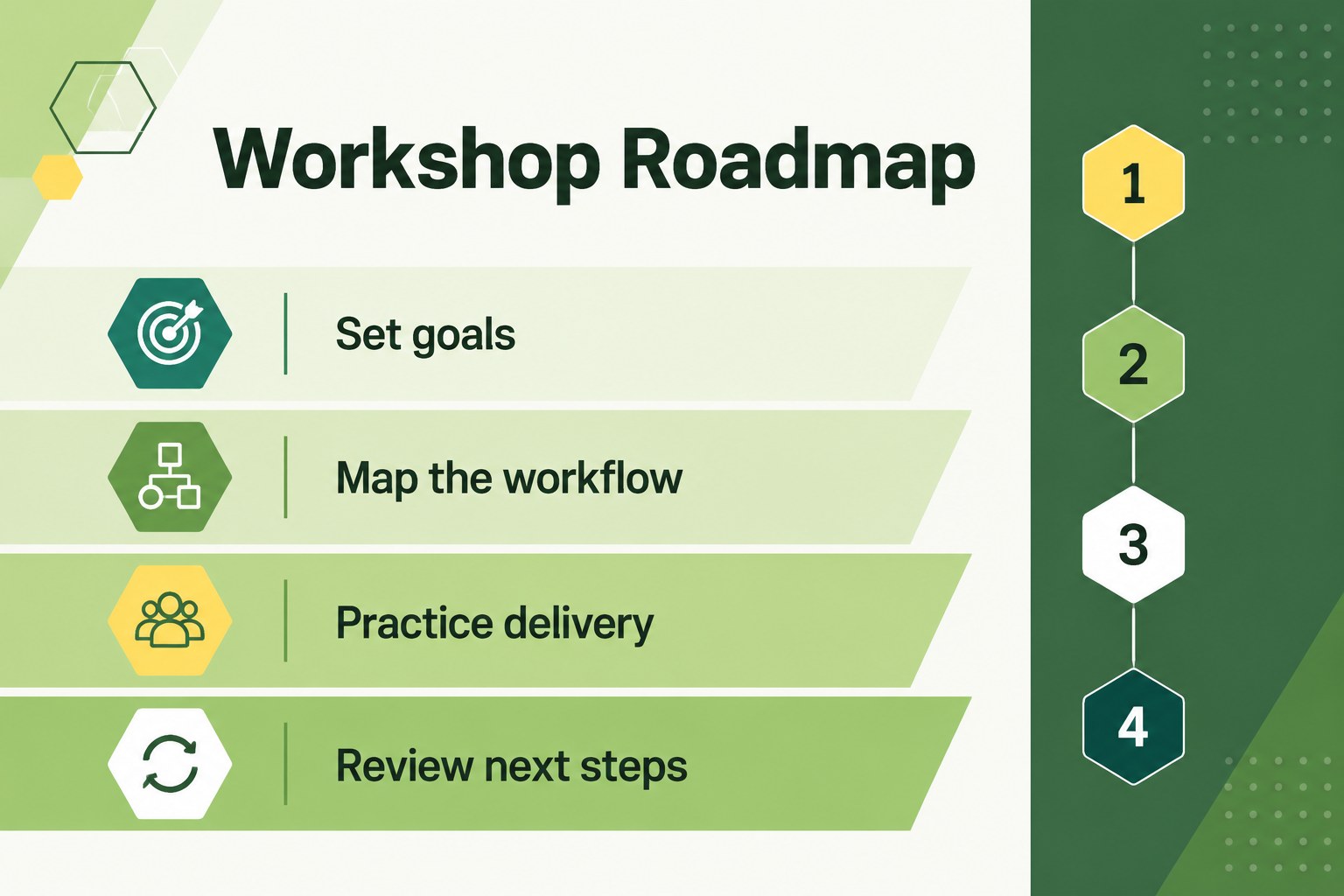
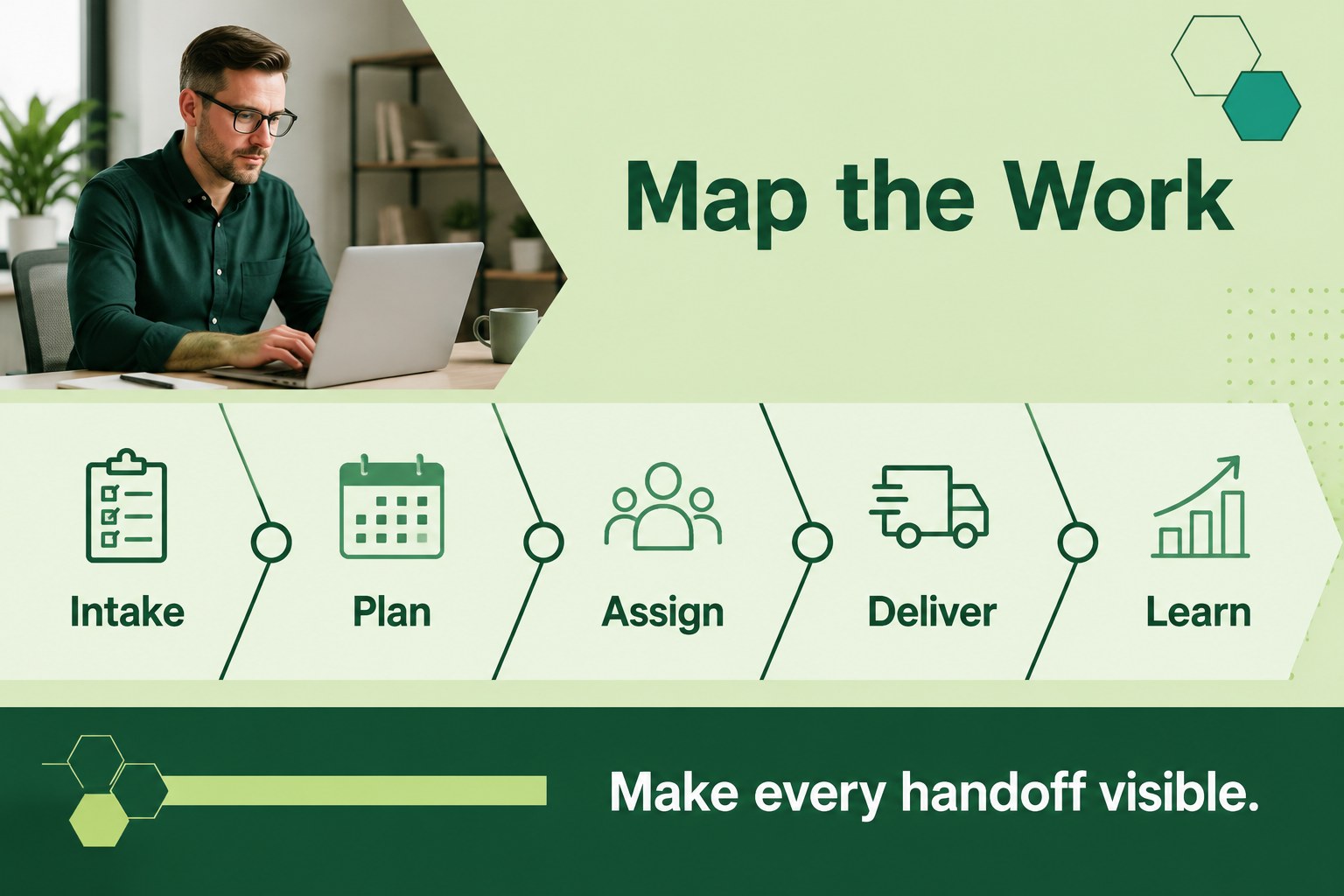
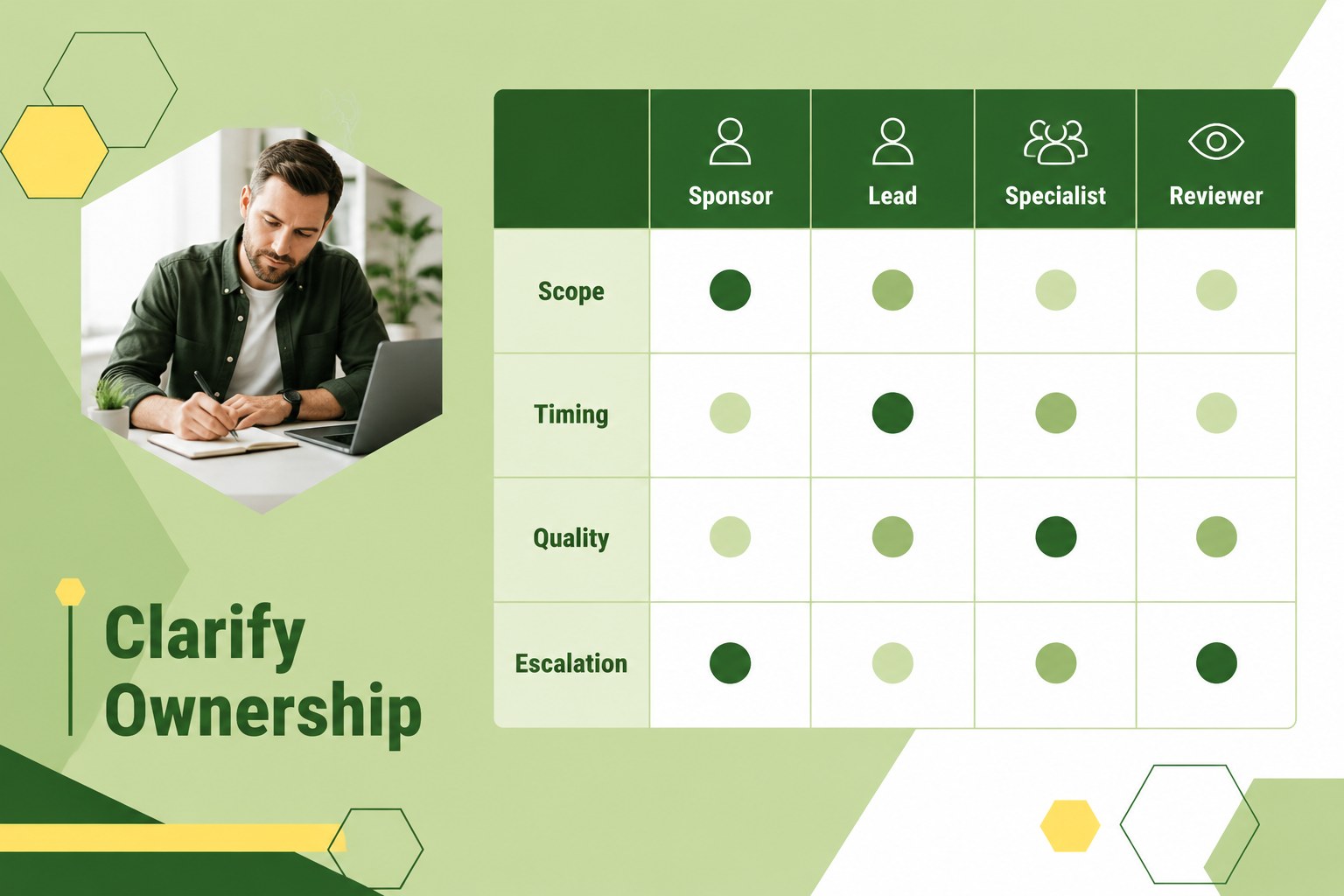
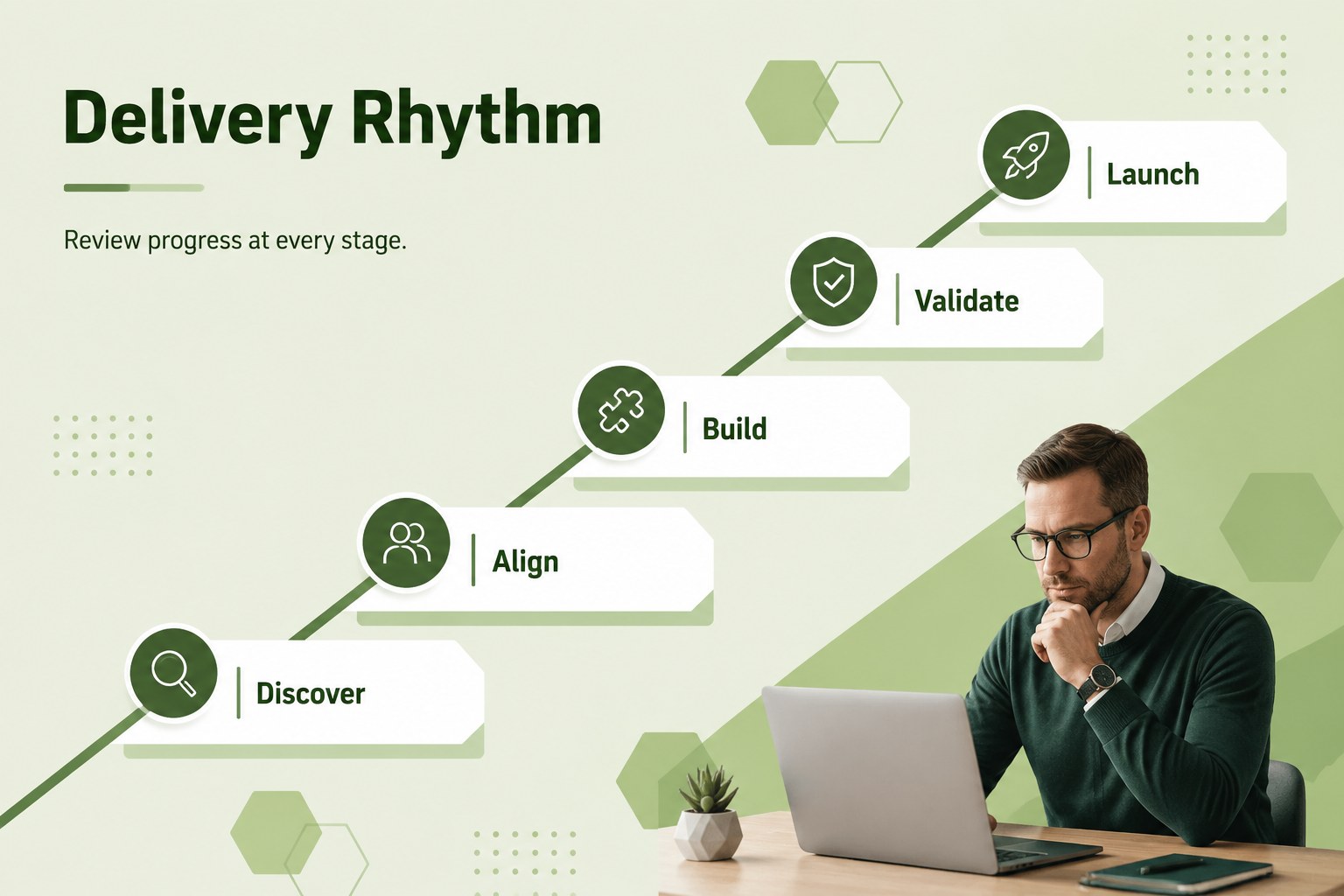
Project operations training slides help business teams explain workflows, assign responsibilities, and improve delivery habits in a clear, structured format. This green geometric presentation theme combines a professional corporate look with flexible layouts for practical learning sessions, from internal onboarding to live webinars.
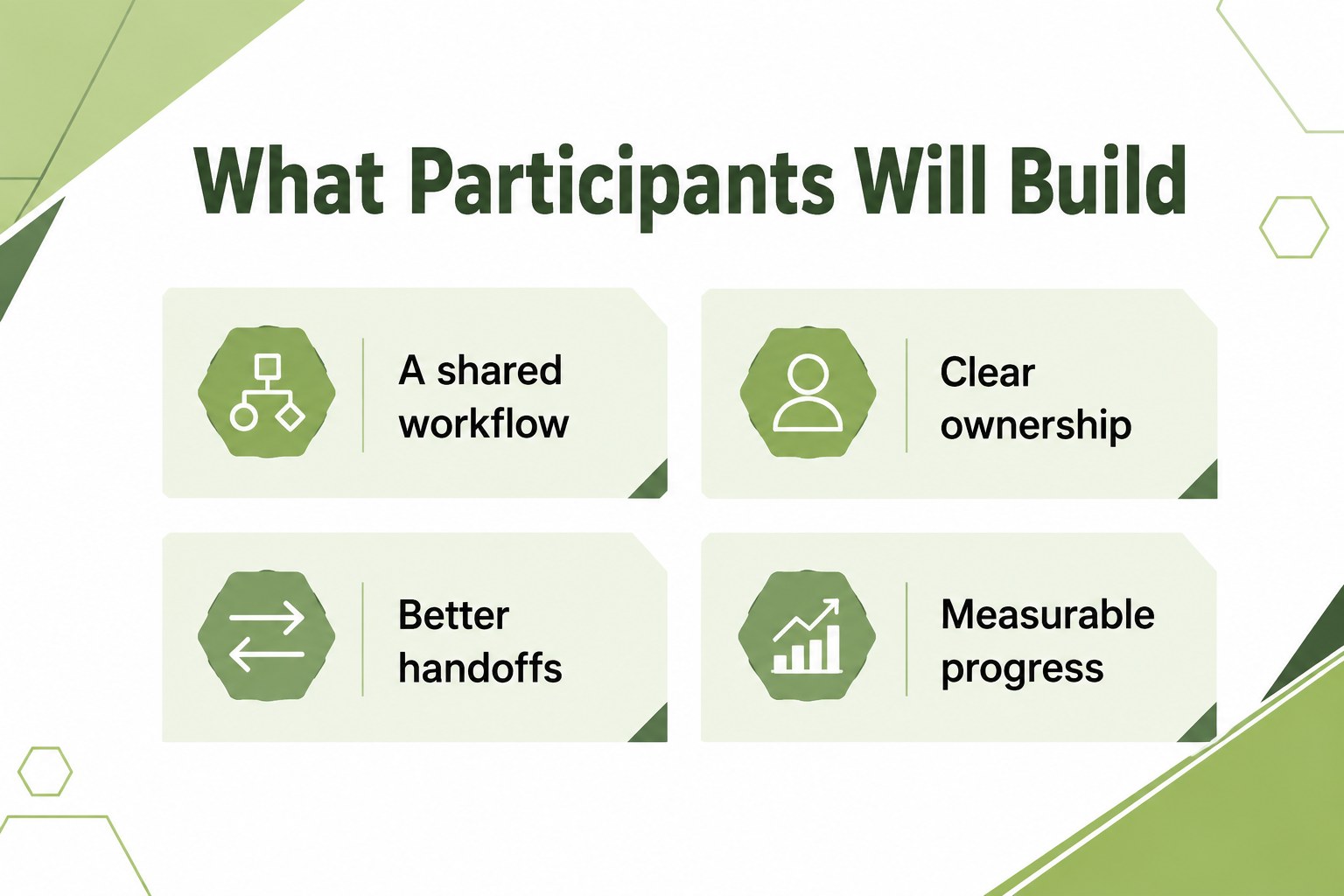
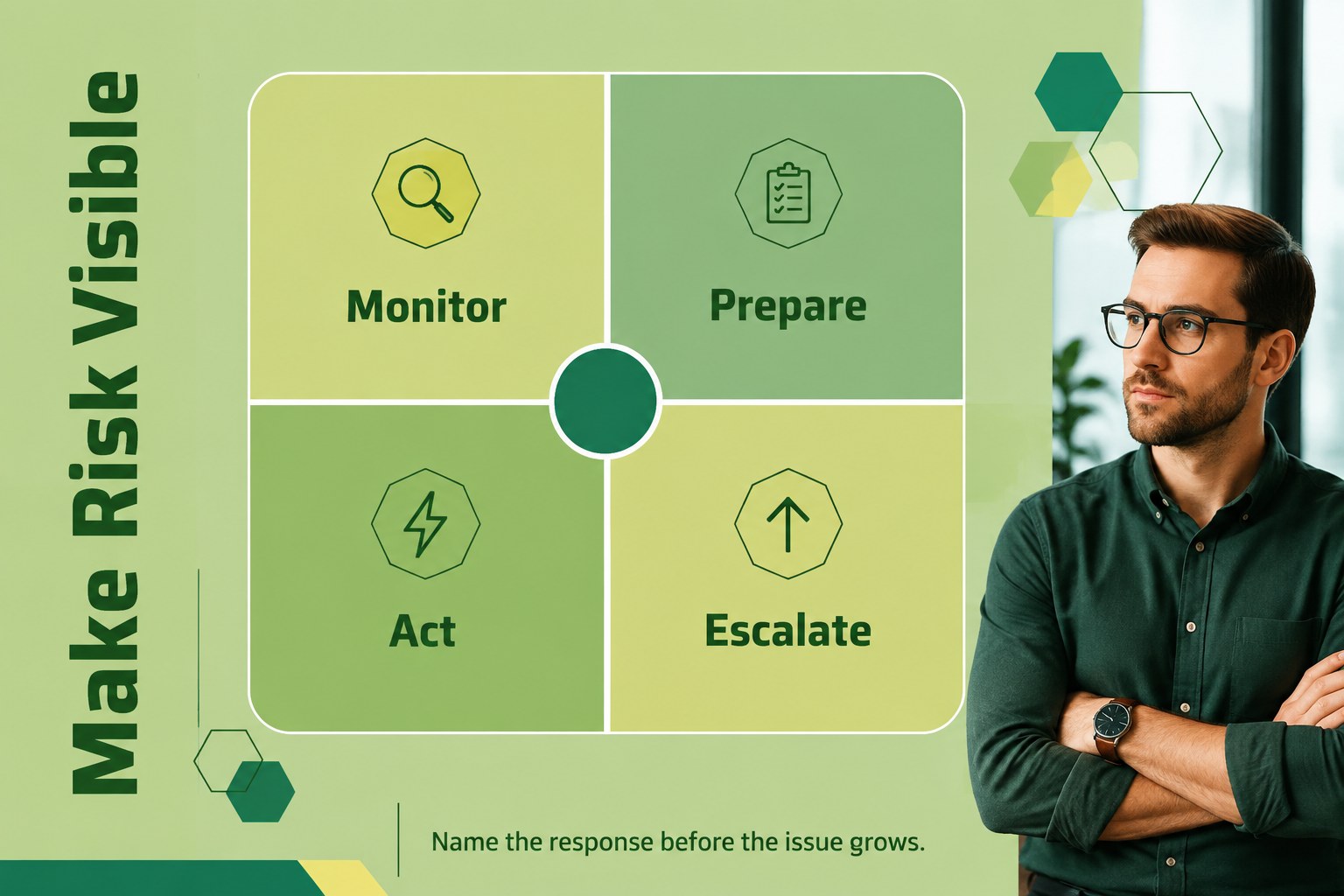
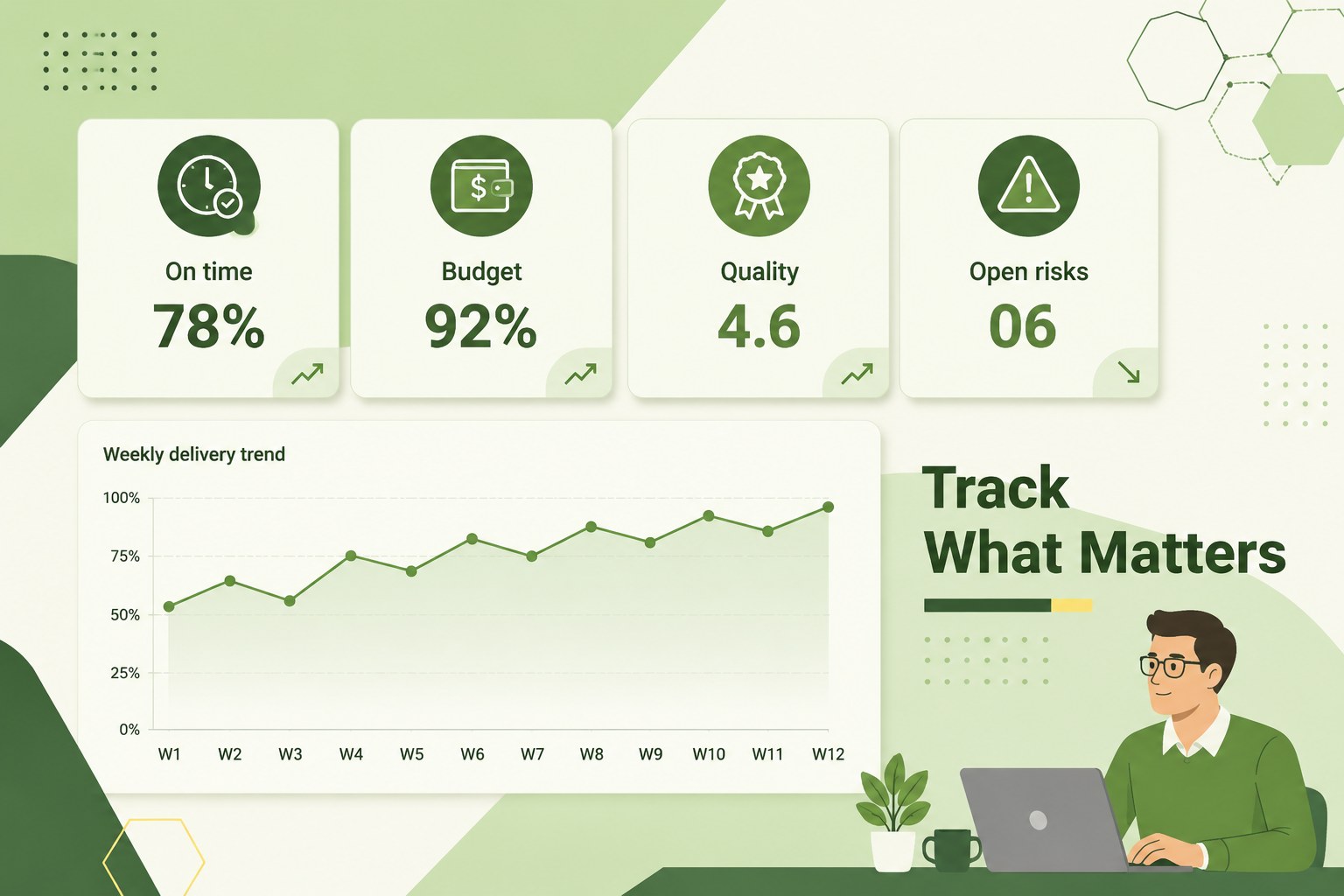
Inside, you will find 22 editable 16:9 slides for an agenda, learning objectives, process maps, role breakdowns, milestones, risk discussions, performance metrics, and action planning. Charts, tables, timelines, diagrams, frames, lines, and shapes make it easier to turn project information into useful visual lessons. The layouts also support facilitator notes, discussion prompts, workshop exercises, and end-of-session summaries.
This deck is designed for project managers, operations leads, business consultants, HR trainers, and teams building repeatable delivery systems. Customize the colors, typography, diagrams, and data in PowerPoint or Google Slides to match your organization. It works well for project workflow workshop materials, remote project management courses, and business process training presentations. The modern green palette and geometric accents keep the experience polished while leaving enough room for detailed content and real-world examples.
Perfect for: project team onboarding; remote management course; operations process workshop; business workflow webinar; project delivery skills session.
Frequently asked questions
Can I edit these slides in PowerPoint? Yes. The layouts, text, diagrams, charts, and color accents can be customized in PowerPoint. Replace the sample content with your own project workflows, metrics, and training exercises.
Practical details
Yes. The layouts, text, diagrams, charts, and color accents can be customized in PowerPoint. Replace the sample content with your own project workflows, metrics, and training exercises.
Yes, the presentation can be opened and edited in Google Slides. After importing it, review fonts and chart spacing, then adjust any elements needed for your team's shared workflow.
Use it for project planning, role assignments, process mapping, risk management, milestone tracking, and performance reviews. It also supports onboarding sessions and practical workshop activities.
Yes. You can update the theme colors, typography, shapes, and decorative geometry while keeping the existing structure. This makes it easy to align the deck with internal brand guidelines.
Keep exploring
15Shape your publishing concept with an indie magazine startup pitch deck featuring pastel gradients, bold collage layouts, and editable planning slides.
 16
16Build clear project stories with the Icon Grid Teamwork Theme, a flexible blue illustrated deck for proposals, strategy updates, and team meetings.
 3
3Turn priorities into an actionable plan with an annual goals roadmap infographic, featuring editable orange and teal layouts for PowerPoint and Google Slides.
 15
15Create an Annual Achievement Report Presentation with colorful geometric layouts for milestones, results, lessons, and priorities in PowerPoint or Google Slides.
 15
15Turn results into a focused annual performance evaluation report with dark 3D slides for KPIs, achievements, feedback, and next-step goals for teams.
 15
15Guide a focused annual recap with Business Results Retrospective Slides, a muted brown-and-blue template for PowerPoint and Google Slides.
 6
6Turn complex plans into clear visual stories with Color-Coded Workflow Path Slides, an editable set for project updates, roadmaps, and team briefings.
 6
6Compare regional performance at a glance with Global Data Heatmap Slides, a clean multicolor deck designed for editable PowerPoint and Google Slides.