
 15
15presentation
Indie Magazine Startup Pitch Deck
Shape your publishing concept with an indie magazine startup pitch deck featuring pastel gradients, bold collage layouts, and editable planning slides.
Google SlidesPowerPoint
presentation · English
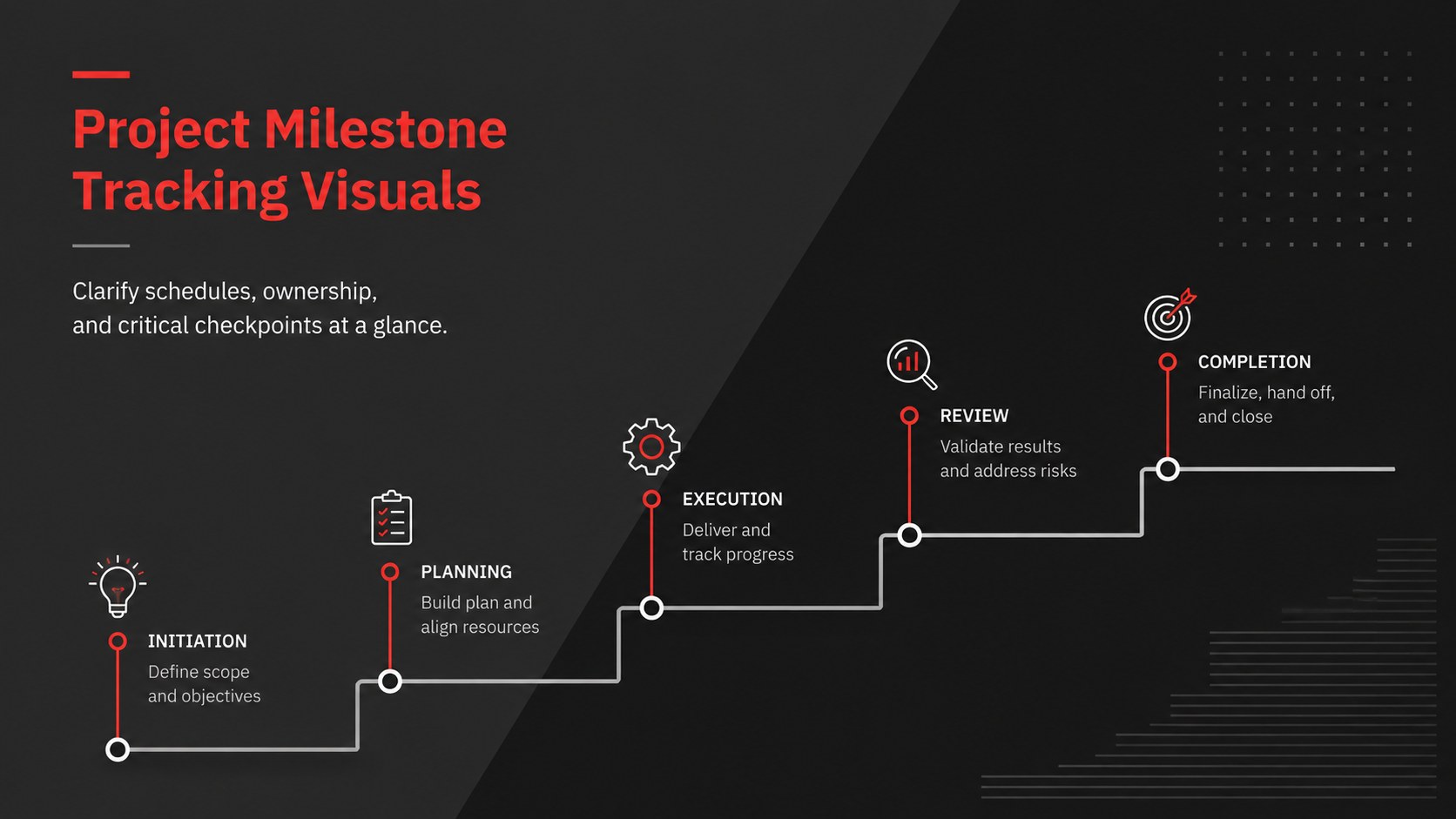
Turn schedules, owners, and checkpoints into clear team updates with Project Milestone Tracking Visuals for PowerPoint and Google Slides at every stage.
Design notes
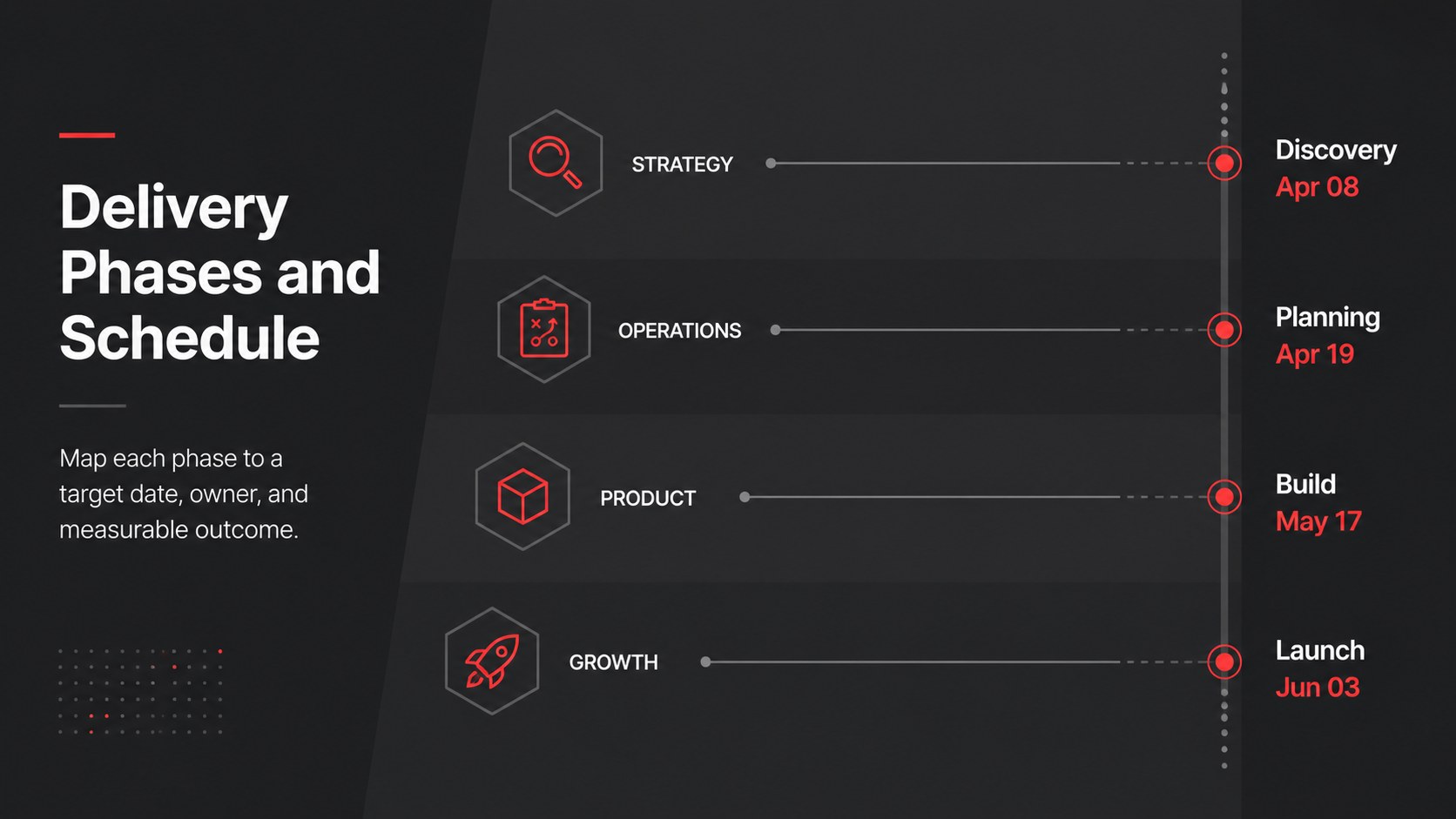
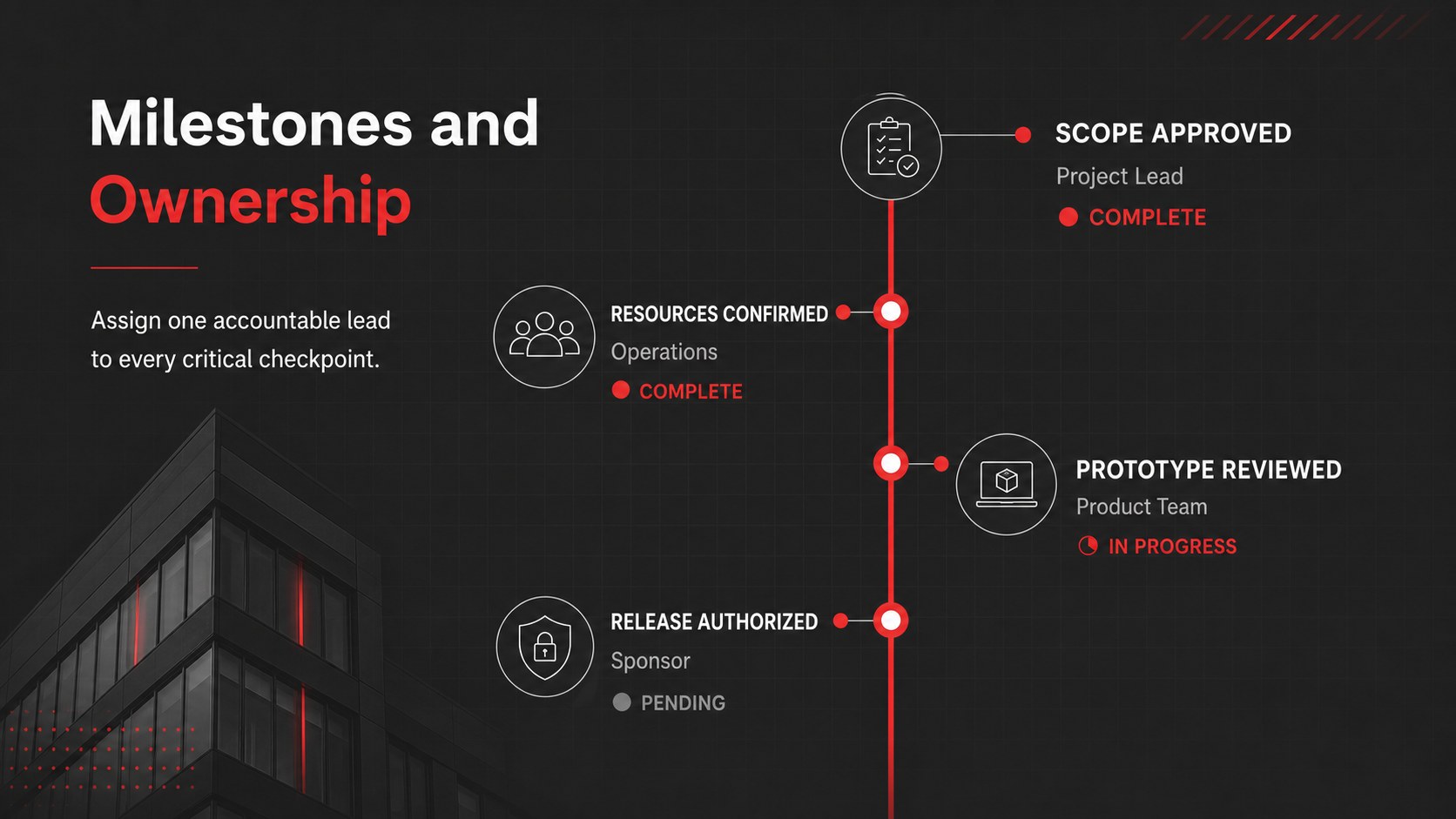
Project Milestone Tracking Visuals turn detailed schedules into concise, presentation-ready updates. Built around a dark grey foundation with precise red accents, this minimal business design helps teams communicate priorities without distracting decoration. Use the layouts to show phases, deadlines, dependencies, ownership, and completion status in a format stakeholders can understand quickly.
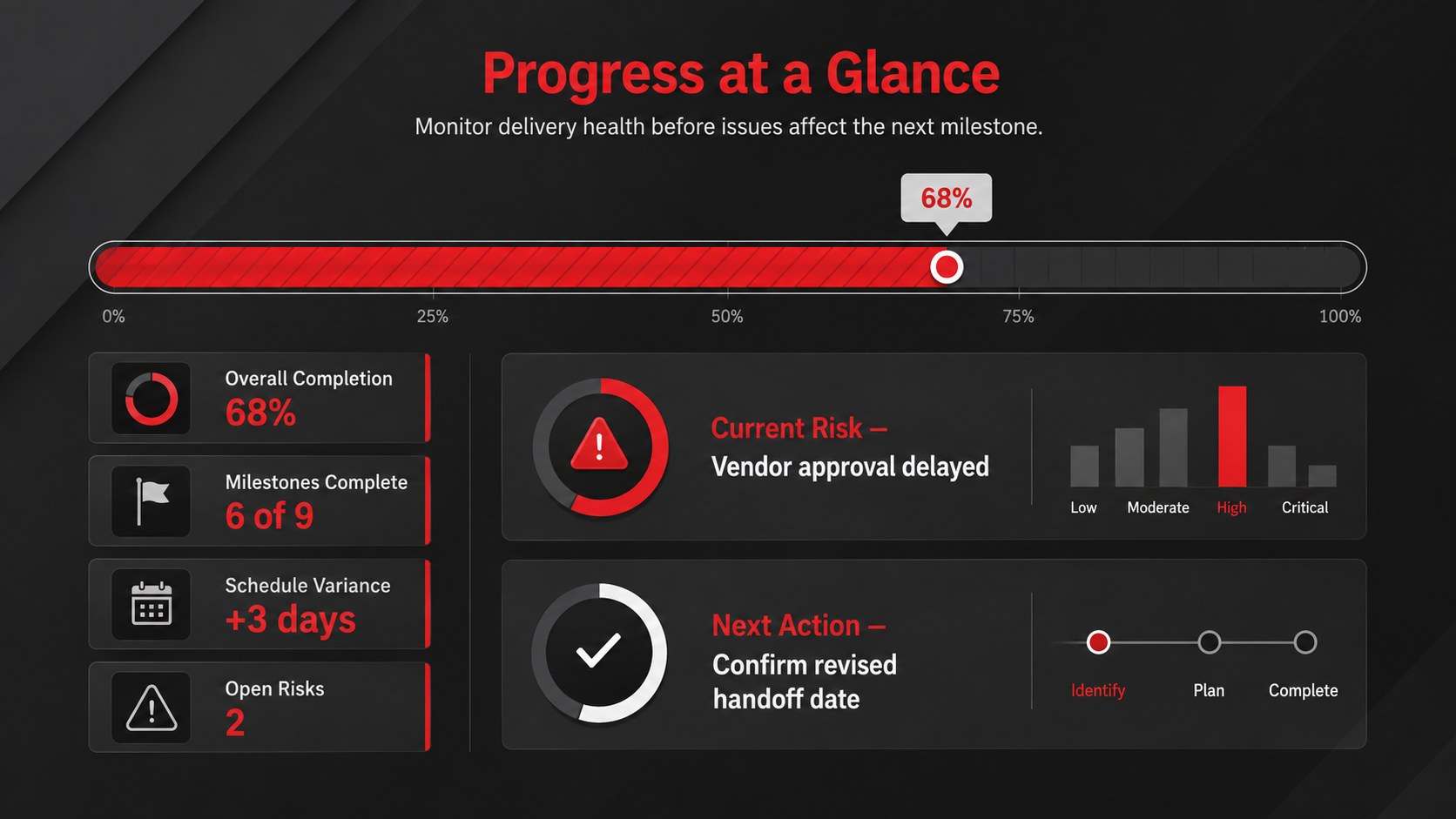
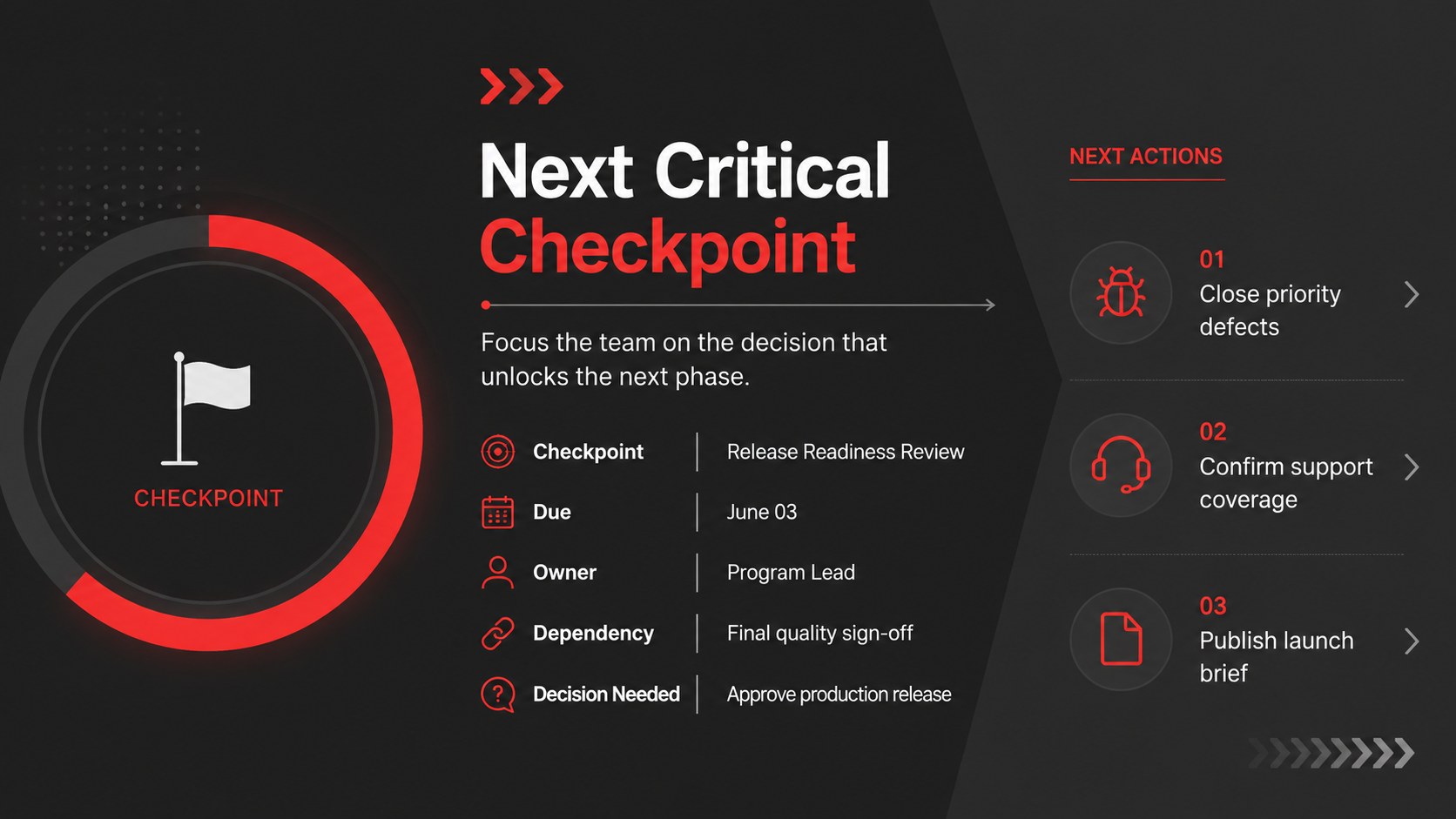
The deck includes five editable 16:9 layouts: a title slide, a phased schedule, a milestone ownership view, a progress dashboard, and a checkpoint summary. Together, these project schedule infographic slides provide flexible structures for reporting what has been completed, what comes next, and where attention is required. The set can also serve as a dark grey project timeline template for recurring reviews, with editable labels, dates, shapes, icons, and status indicators.
Designed for project managers, operations teams, consultants, department leads, and client-facing professionals, the template works well for kickoff meetings, steering committee reviews, sprint summaries, and delivery briefings. Its executive project status visuals balance practical detail with a clean corporate tone, allowing presenters to highlight risks and decisions while keeping the wider plan visible. Every slide can be customized in PowerPoint or Google Slides to match your workflow, reporting cadence, and organization.
Perfect for: executive status review; client delivery update; quarterly milestone planning; steering committee briefing; cross-team project kickoff.
Frequently asked questions
Which presentation platforms support this template? The slides are designed for PowerPoint and Google Slides. Layouts, text, shapes, and colors remain editable in both platforms.
Practical details
The slides are designed for PowerPoint and Google Slides. Layouts, text, shapes, and colors remain editable in both platforms.
Yes. You can replace every milestone label, date, phase, owner, and status marker with your own project information. Timeline elements can also be duplicated or removed to fit shorter or longer schedules.
Yes. The dark grey backgrounds and red accents can be changed using the theme and shape-color controls in PowerPoint or Google Slides. For clear hierarchy, retain strong contrast between labels, status markers, and background elements.
Yes. The schedule, ownership, dashboard, and checkpoint layouts are structured for repeated reporting cycles. Update the completion values, risks, next actions, and reporting date for each review.
Keep exploring
15Shape your publishing concept with an indie magazine startup pitch deck featuring pastel gradients, bold collage layouts, and editable planning slides.
 16
16Build clear project stories with the Icon Grid Teamwork Theme, a flexible blue illustrated deck for proposals, strategy updates, and team meetings.
 3
3Turn priorities into an actionable plan with an annual goals roadmap infographic, featuring editable orange and teal layouts for PowerPoint and Google Slides.
 15
15Create an Annual Achievement Report Presentation with colorful geometric layouts for milestones, results, lessons, and priorities in PowerPoint or Google Slides.
 15
15Turn results into a focused annual performance evaluation report with dark 3D slides for KPIs, achievements, feedback, and next-step goals for teams.
 15
15Guide a focused annual recap with Business Results Retrospective Slides, a muted brown-and-blue template for PowerPoint and Google Slides.
 6
6Turn complex plans into clear visual stories with Color-Coded Workflow Path Slides, an editable set for project updates, roadmaps, and team briefings.
 6
6Compare regional performance at a glance with Global Data Heatmap Slides, a clean multicolor deck designed for editable PowerPoint and Google Slides.