
 15
15presentation
Indie Magazine Startup Pitch Deck
Shape your publishing concept with an indie magazine startup pitch deck featuring pastel gradients, bold collage layouts, and editable planning slides.
Google SlidesPowerPoint
presentation · English
Use project milestone tracking slides to clarify deadlines, ownership, outputs, and progress with clean red-and-white visuals for PowerPoint and Google…
Design notes
Project milestone tracking slides give teams a focused way to communicate what has been completed, what comes next, and who is responsible for each result. The minimal red-and-white design keeps attention on deadlines, decisions, and measurable outputs without overwhelming stakeholders with unnecessary detail. Use the layouts as a stakeholder progress update deck for meetings, written reports, or executive briefings.
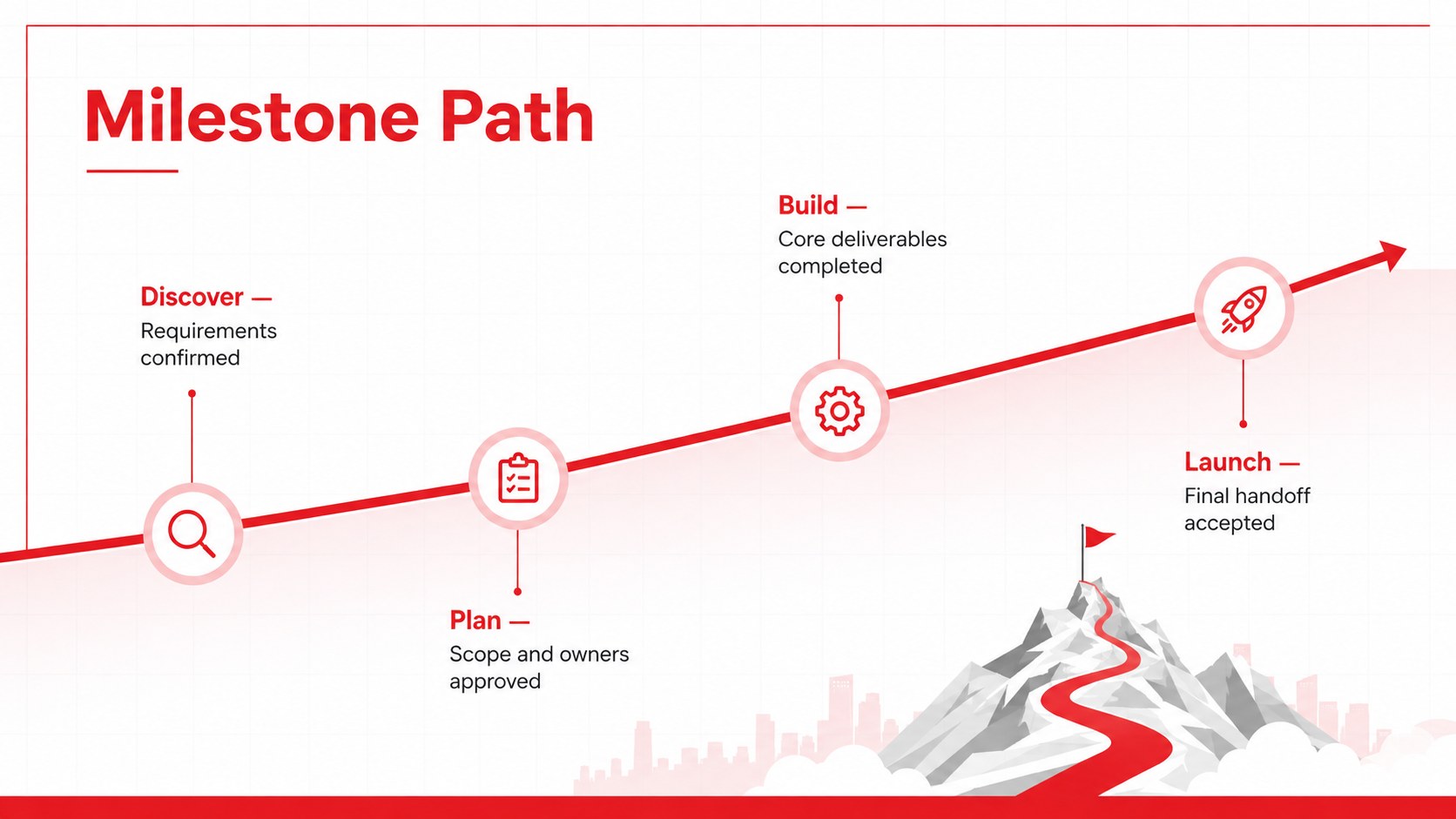
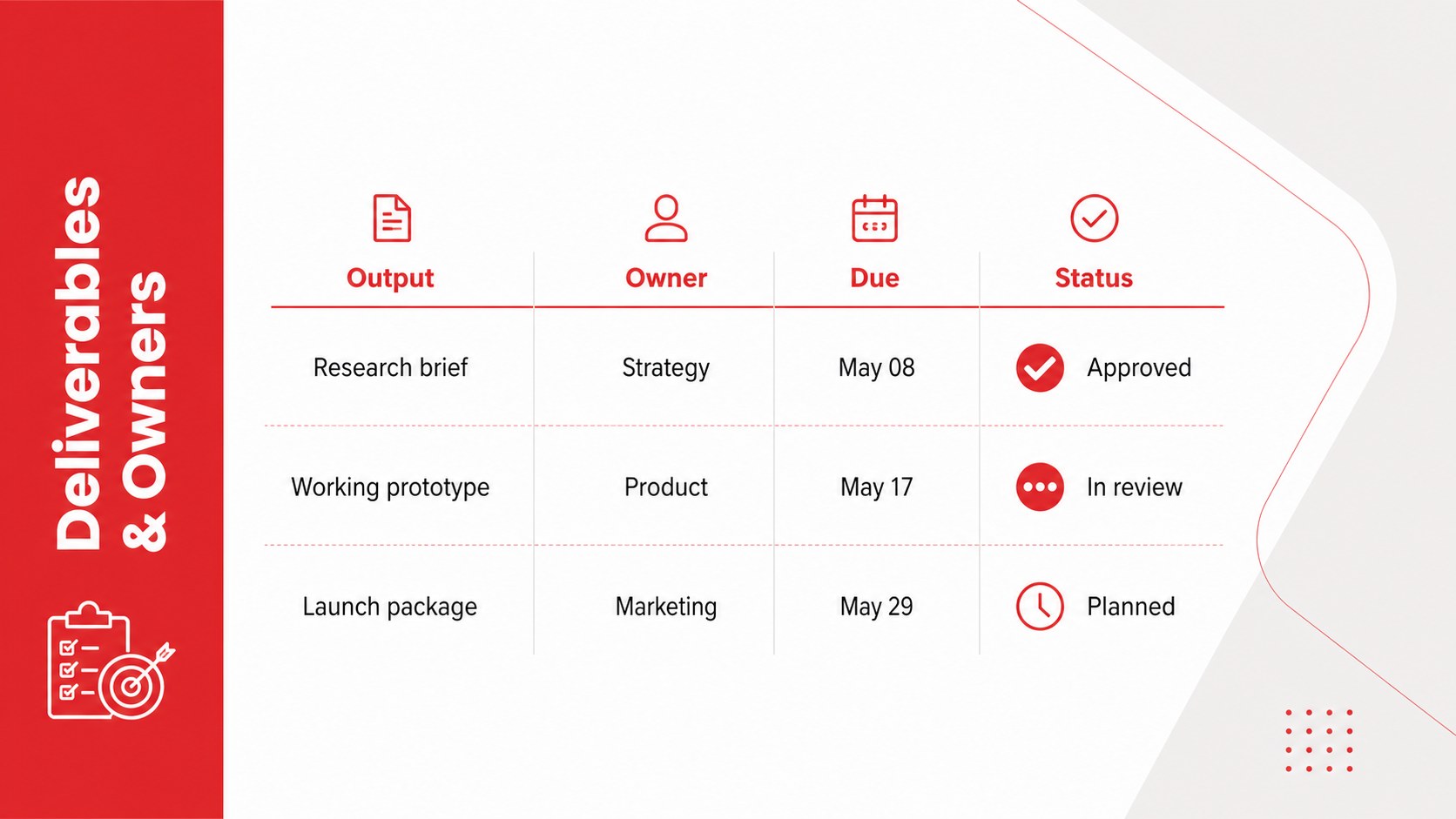
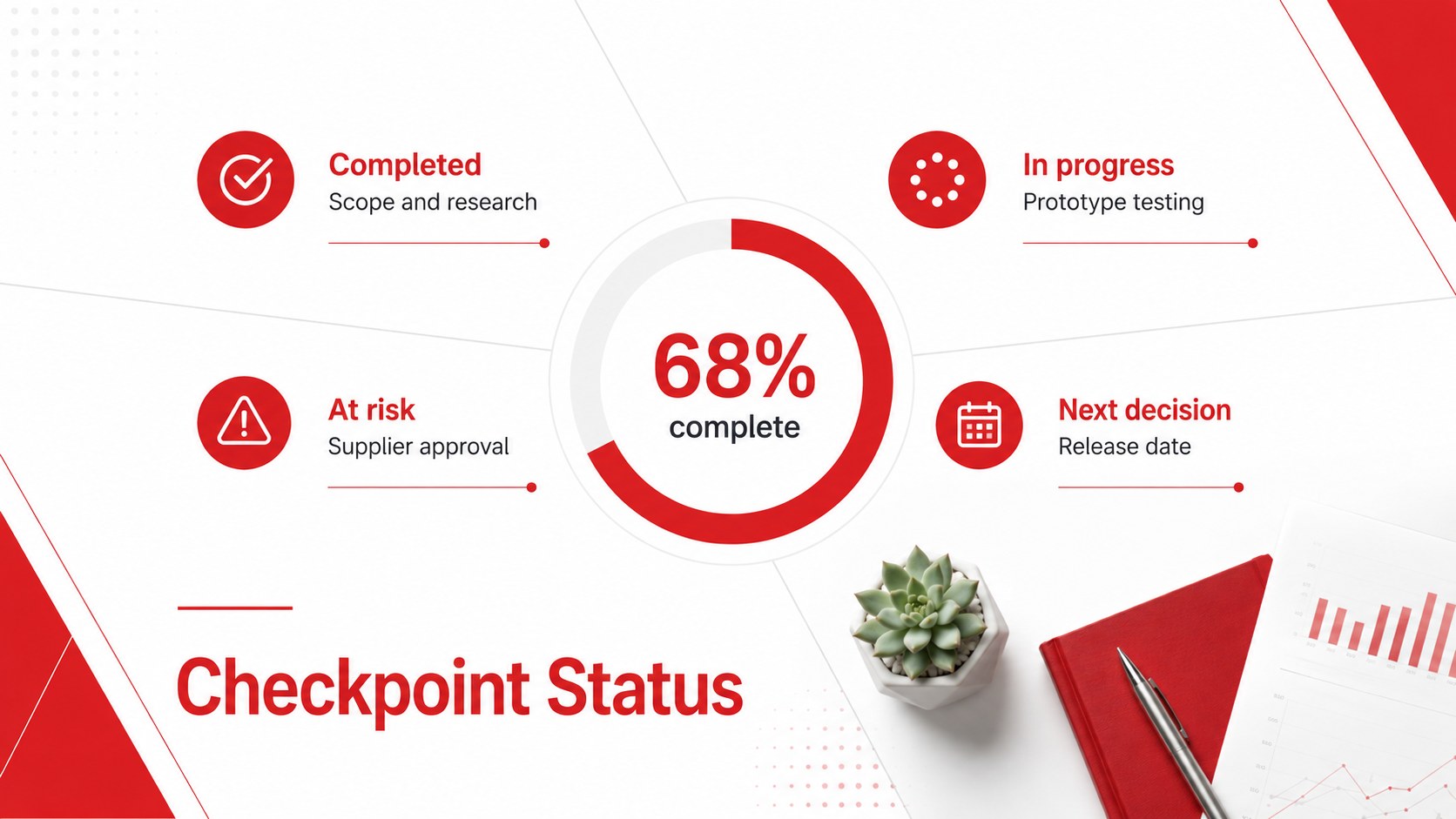
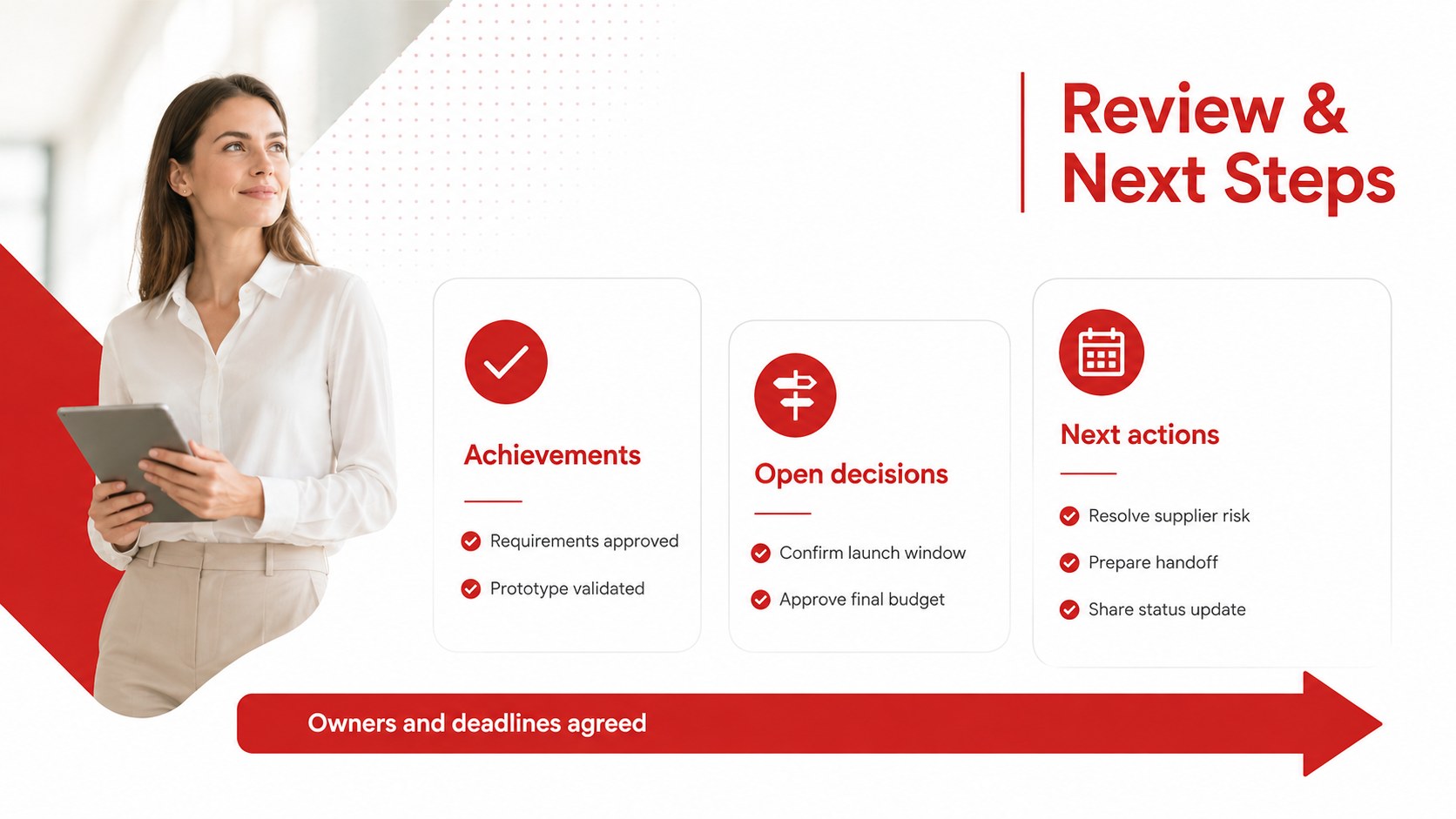
The five-slide set includes a polished cover, a phased milestone path, a deliverables and ownership overview, a checkpoint status dashboard, and a final review with next actions. Together, these layouts work as an editable project deliverables timeline template that can be adapted to short sprints, multi-stage launches, client engagements, or internal improvement programs. Clear labels, structured content areas, and restrained graphic elements make complex schedules easier to scan.
Project managers, operations leads, consultants, product teams, and department heads can customize every slide in PowerPoint or Google Slides. Change dates, owners, status labels, stage names, and supporting details to match your workflow. The ownership layout also functions as a milestone ownership presentation template when accountability must be clarified across teams. Use the deck during planning sessions, phase reviews, steering committee updates, and completion meetings to keep priorities visible and delivery conversations grounded in concrete outcomes.
Perfect for: executive project status review; client delivery update; cross-team milestone planning; product launch checkpoint; project completion meeting.
Frequently asked questions
Can I edit the milestone dates and deliverables? Yes. All dates, stage names, owners, status labels, and deliverable descriptions can be replaced with your project information. Shapes and visual indicators can also be resized or rearranged.
Practical details
Yes. All dates, stage names, owners, status labels, and deliverable descriptions can be replaced with your project information. Shapes and visual indicators can also be resized or rearranged.
The template is designed for PowerPoint and Google Slides. You can present directly from either platform or export the completed deck to a shareable format.
Yes. Replace the accent red with team, client, or company colors while retaining the white background for clarity. Apply the new colors consistently to headings, timeline markers, and status graphics.
Yes. Duplicate the checkpoint and review slides to create weekly, monthly, or phase-based updates. Updating the status labels and next actions creates a consistent record of project progress.
Keep exploring
15Shape your publishing concept with an indie magazine startup pitch deck featuring pastel gradients, bold collage layouts, and editable planning slides.
 16
16Build clear project stories with the Icon Grid Teamwork Theme, a flexible blue illustrated deck for proposals, strategy updates, and team meetings.
 3
3Turn priorities into an actionable plan with an annual goals roadmap infographic, featuring editable orange and teal layouts for PowerPoint and Google Slides.
 15
15Create an Annual Achievement Report Presentation with colorful geometric layouts for milestones, results, lessons, and priorities in PowerPoint or Google Slides.
 15
15Turn results into a focused annual performance evaluation report with dark 3D slides for KPIs, achievements, feedback, and next-step goals for teams.
 15
15Guide a focused annual recap with Business Results Retrospective Slides, a muted brown-and-blue template for PowerPoint and Google Slides.
 6
6Turn complex plans into clear visual stories with Color-Coded Workflow Path Slides, an editable set for project updates, roadmaps, and team briefings.
 6
6Compare regional performance at a glance with Global Data Heatmap Slides, a clean multicolor deck designed for editable PowerPoint and Google Slides.