
 15
15presentation
Indie Magazine Startup Pitch Deck
Shape your publishing concept with an indie magazine startup pitch deck featuring pastel gradients, bold collage layouts, and editable planning slides.
Google SlidesPowerPoint
presentation · English
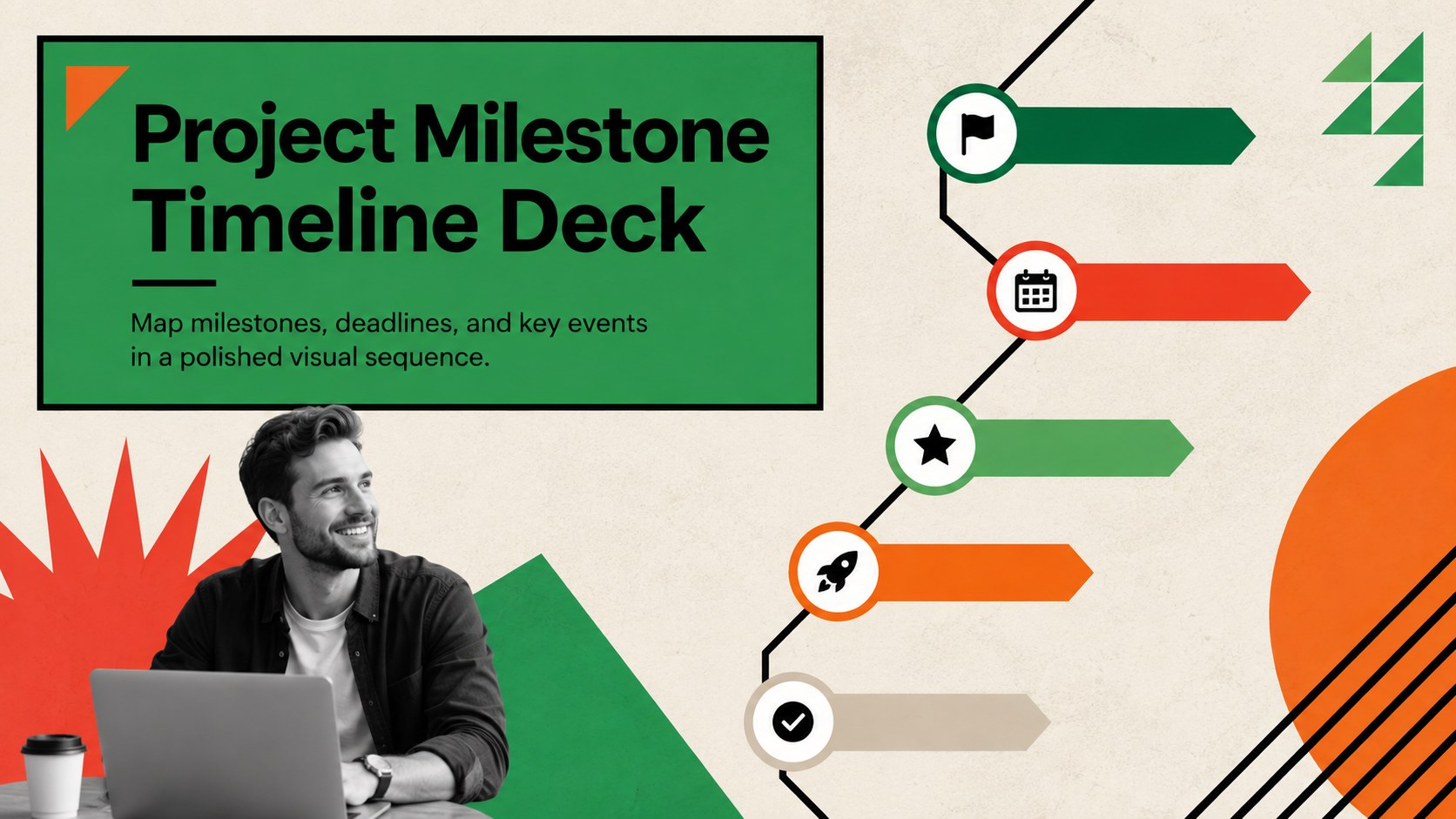
Turn plans into a clear sequence with a project milestone timeline deck for PowerPoint and Google Slides, featuring editable roadmap and event layouts.

Design notes
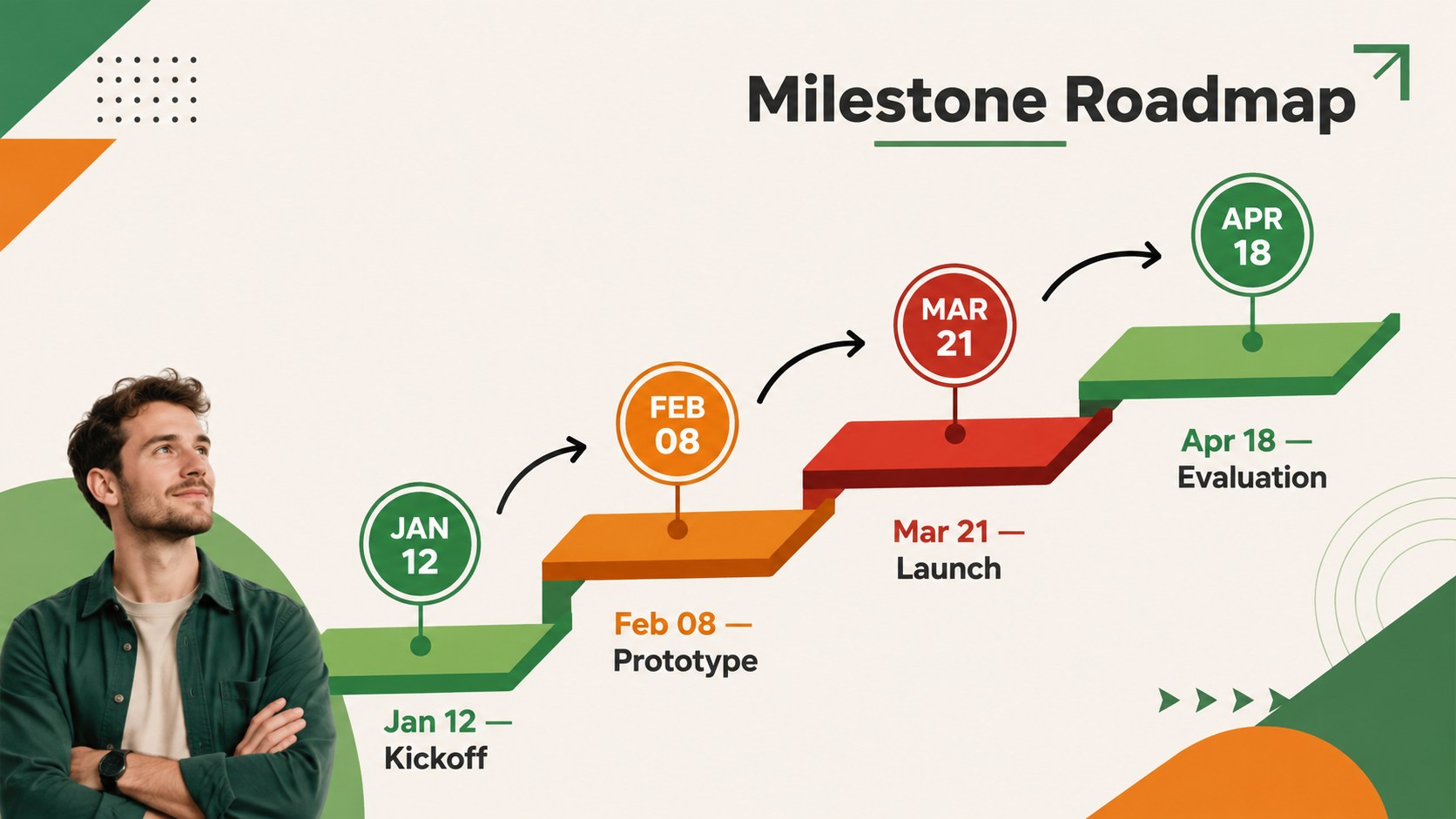
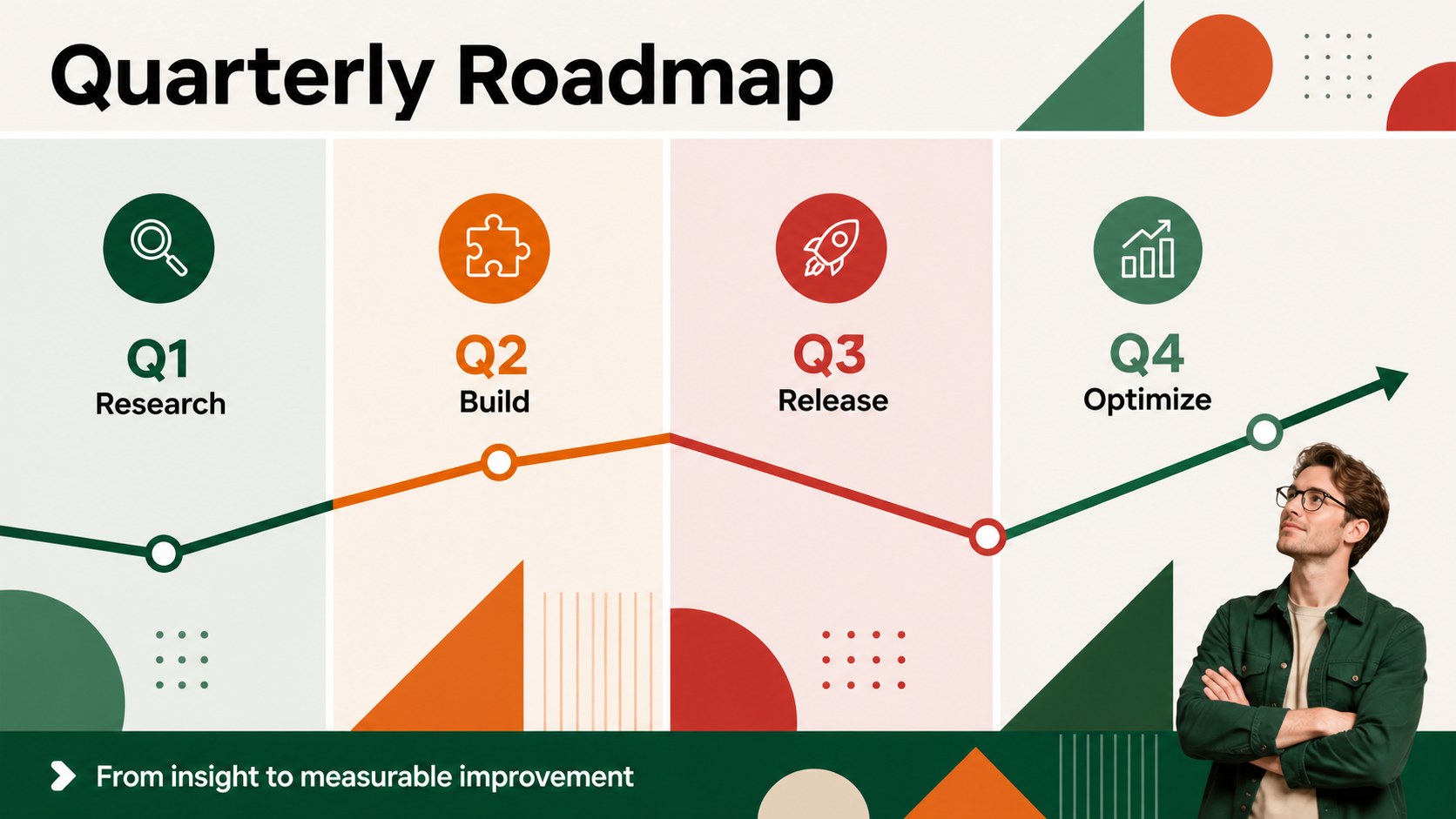
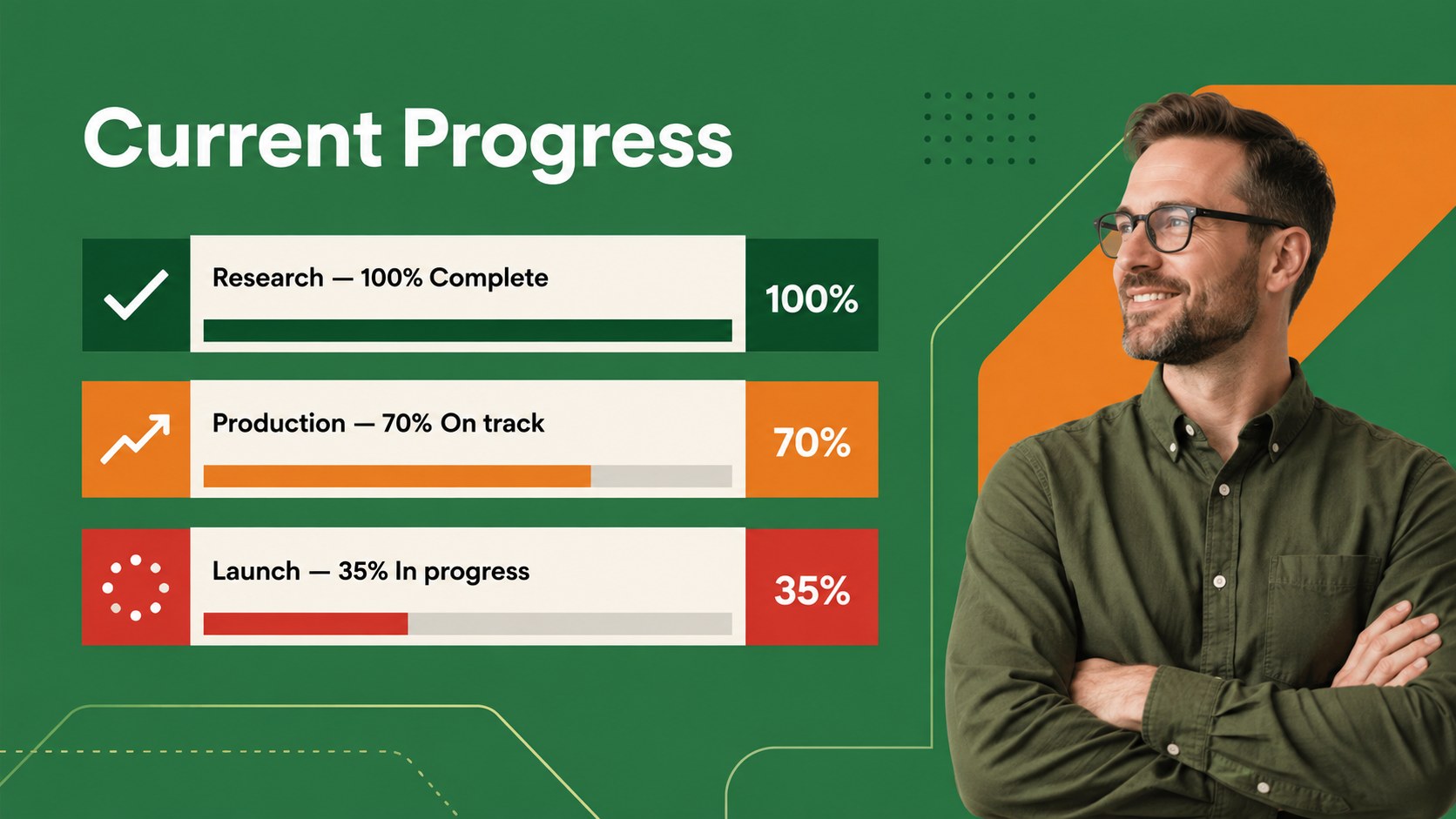
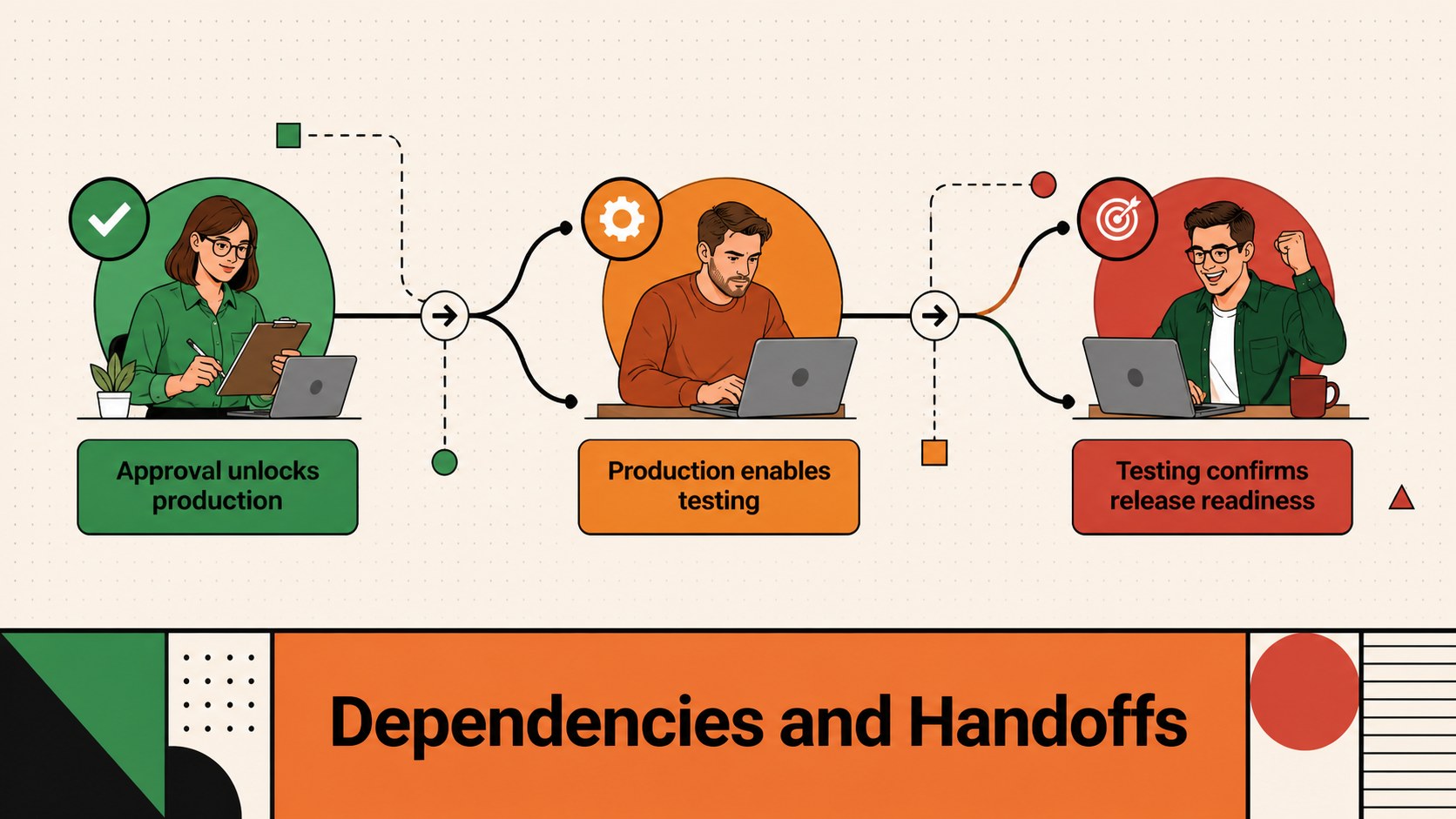
Build a clear narrative around deadlines, achievements, and upcoming work with this project milestone timeline deck. Designed for PowerPoint and Google Slides, its bold geometric style combines green, orange, and red accents with clean typography and structured vertical layouts. Use it to turn a complex schedule into a concise story that audiences can follow at a glance.
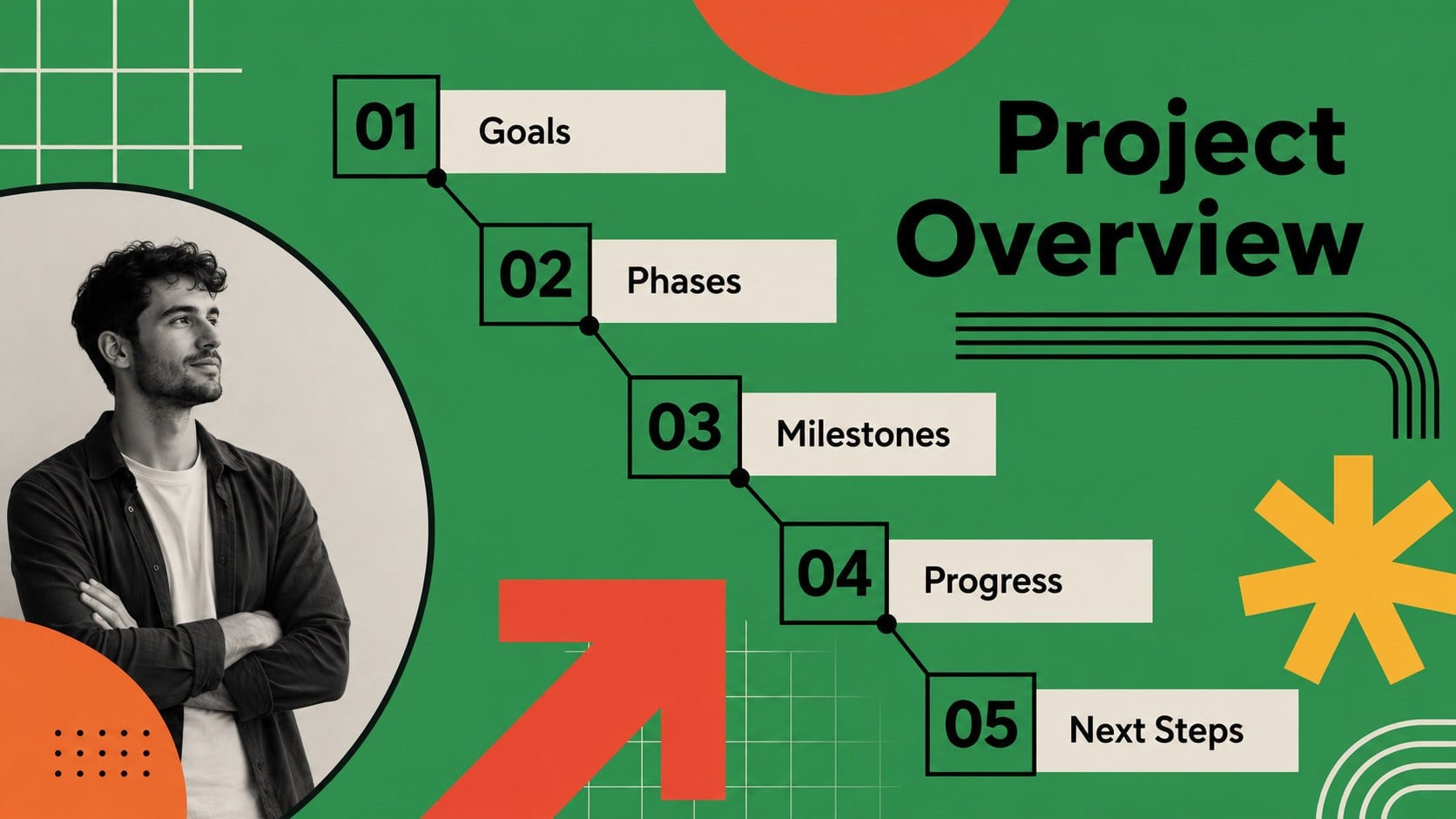
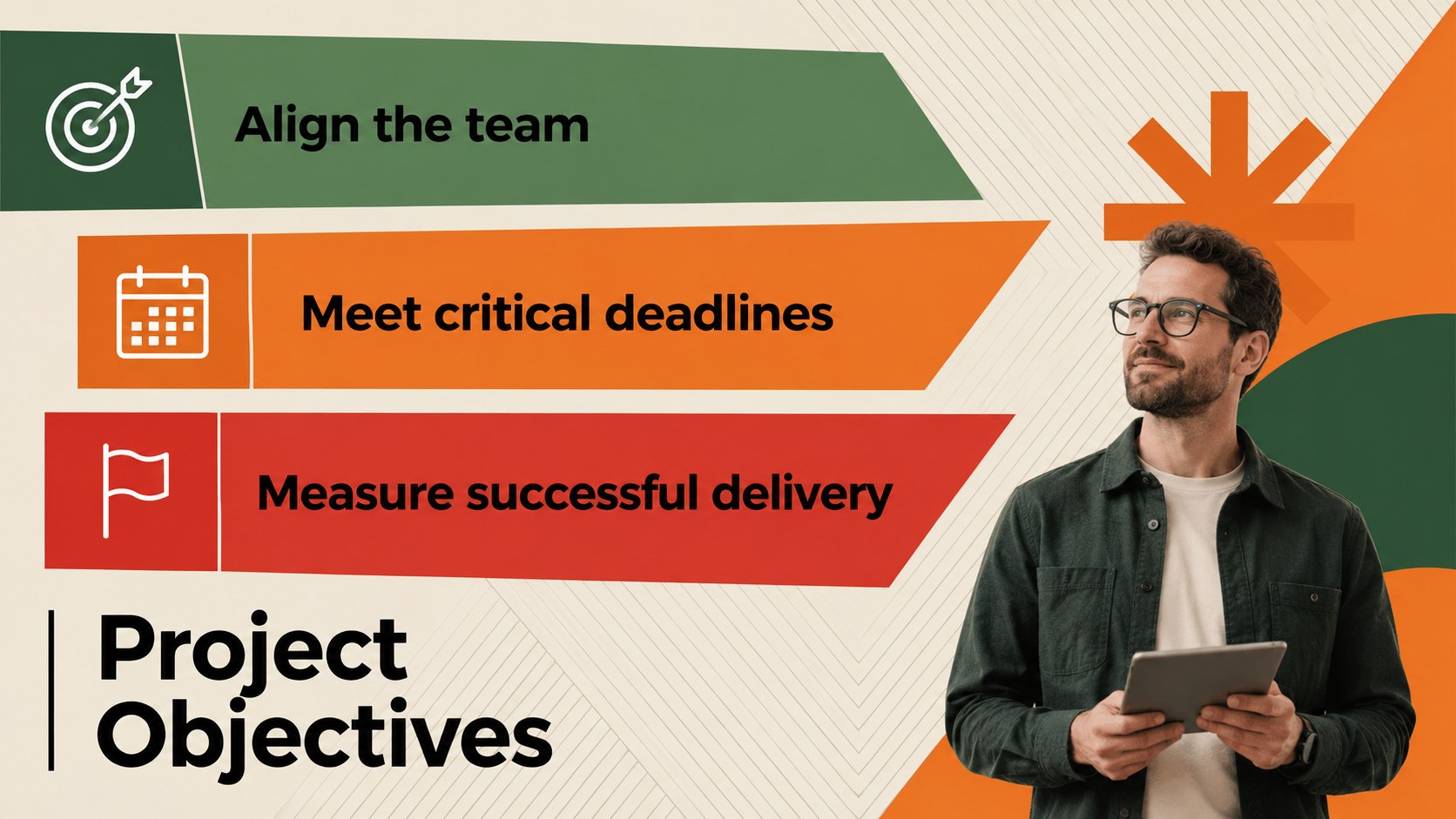
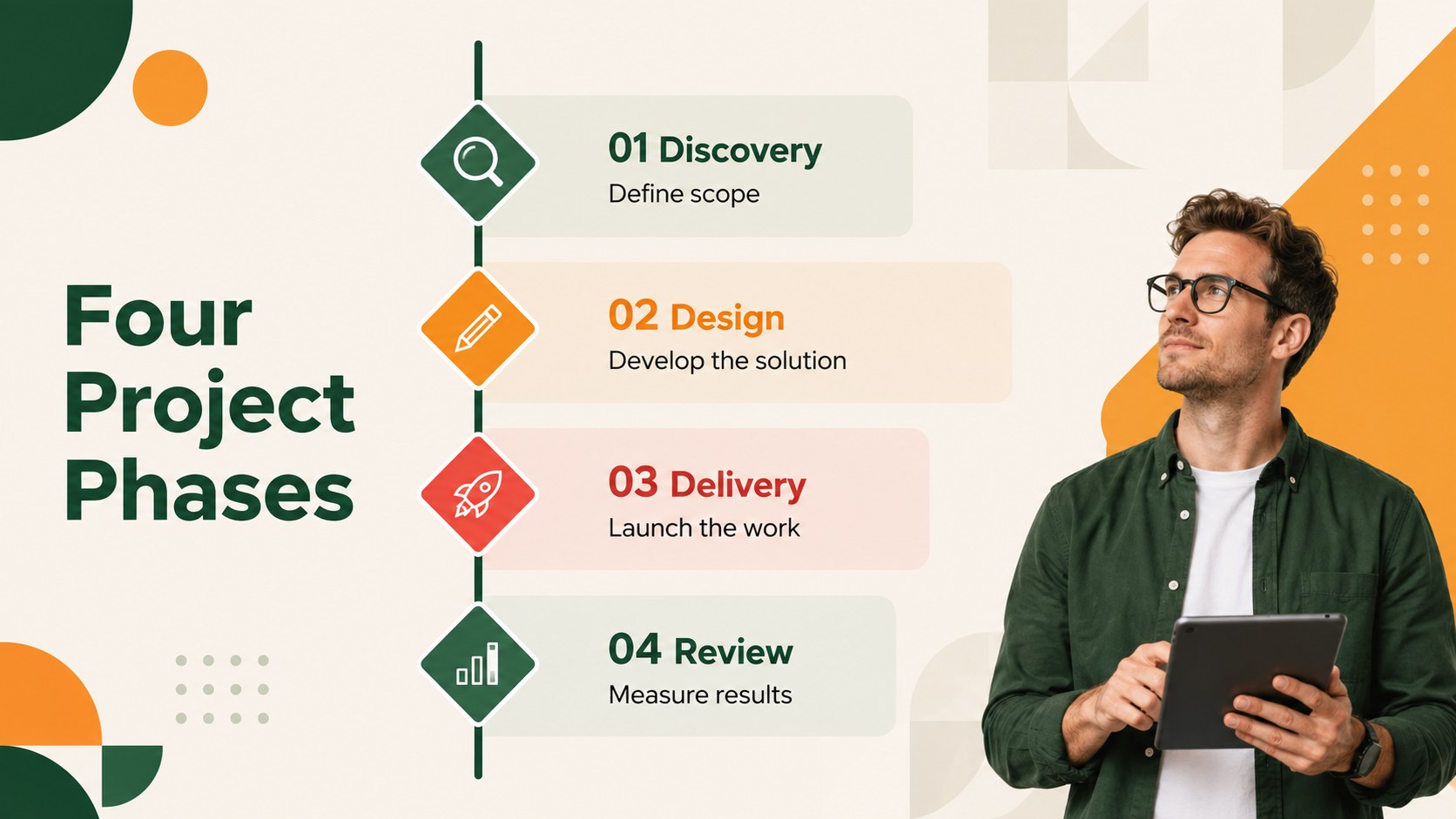
The deck includes an agenda, project objectives, editable milestone roadmap slides, phased schedules, event sequences, progress summaries, risk tracking, team ownership, performance metrics, and next-step layouts. Flexible content areas support dates, short descriptions, icons, illustrations, and photographs without making the timeline feel crowded. The included vertical project planning slides can be adapted for monthly, quarterly, annual, or multi-year programs.
This project timeline presentation for teams works well for product launches, client updates, operational plans, marketing campaigns, construction schedules, and academic projects. Educators and students can also reshape the layouts into a chronological event timeline template for historical topics or research findings. Adjust the colors, type, icons, and milestone labels to suit your subject while preserving the energetic modern design.
Perfect for: product launch schedule; client project update; quarterly milestone review; marketing campaign roadmap; academic history presentation; operations planning meeting.
Frequently asked questions
Can I edit every milestone and date? Yes. All timeline labels, dates, descriptions, colors, and graphic elements can be adjusted in PowerPoint or Google Slides. You can also duplicate or remove milestones to match the length of your project.
Practical details
Yes. All timeline labels, dates, descriptions, colors, and graphic elements can be adjusted in PowerPoint or Google Slides. You can also duplicate or remove milestones to match the length of your project.
Yes. Use the layouts to document historical events, summarize completed phases, or communicate upcoming deadlines. The sequence can be organized by day, month, quarter, year, or project stage.
Yes. The green, orange, and red palette is editable throughout the presentation. Replace individual accent colors or apply your organization's theme while retaining the bold geometric structure.
The template is designed for PowerPoint and Google Slides. Text, shapes, icons, and layout elements remain editable in both platforms, though minor font substitutions may occur if a typeface is unavailable.
Keep exploring
15Shape your publishing concept with an indie magazine startup pitch deck featuring pastel gradients, bold collage layouts, and editable planning slides.
 16
16Build clear project stories with the Icon Grid Teamwork Theme, a flexible blue illustrated deck for proposals, strategy updates, and team meetings.
 3
3Turn priorities into an actionable plan with an annual goals roadmap infographic, featuring editable orange and teal layouts for PowerPoint and Google Slides.
 15
15Create an Annual Achievement Report Presentation with colorful geometric layouts for milestones, results, lessons, and priorities in PowerPoint or Google Slides.
 15
15Turn results into a focused annual performance evaluation report with dark 3D slides for KPIs, achievements, feedback, and next-step goals for teams.
 15
15Guide a focused annual recap with Business Results Retrospective Slides, a muted brown-and-blue template for PowerPoint and Google Slides.
 6
6Turn complex plans into clear visual stories with Color-Coded Workflow Path Slides, an editable set for project updates, roadmaps, and team briefings.
 6
6Compare regional performance at a glance with Global Data Heatmap Slides, a clean multicolor deck designed for editable PowerPoint and Google Slides.