
 15
15presentation
Indie Magazine Startup Pitch Deck
Shape your publishing concept with an indie magazine startup pitch deck featuring pastel gradients, bold collage layouts, and editable planning slides.
Google SlidesPowerPoint
presentation · English
Build a project heat map infographic slides deck for tracking workload, risks, and deadlines with editable orange visuals for PowerPoint and Google Slides.
Design notes
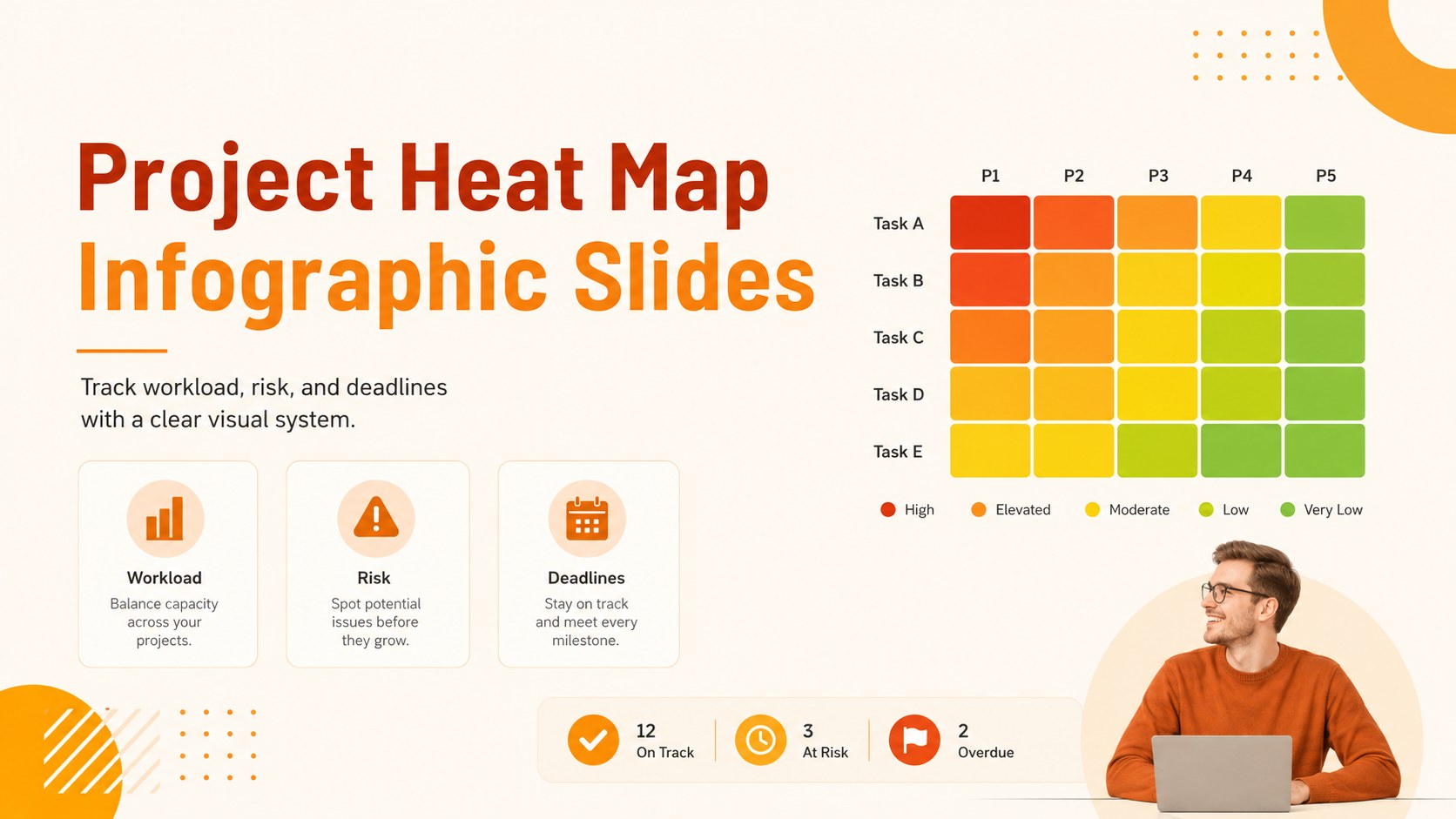
Project heat map infographic slides give teams a practical way to show task status, workload intensity, and delivery risk at a glance. With a bright orange palette, clean labels, and illustrated business graphics, this presentation template turns scattered project information into a focused visual update for meetings and reports.
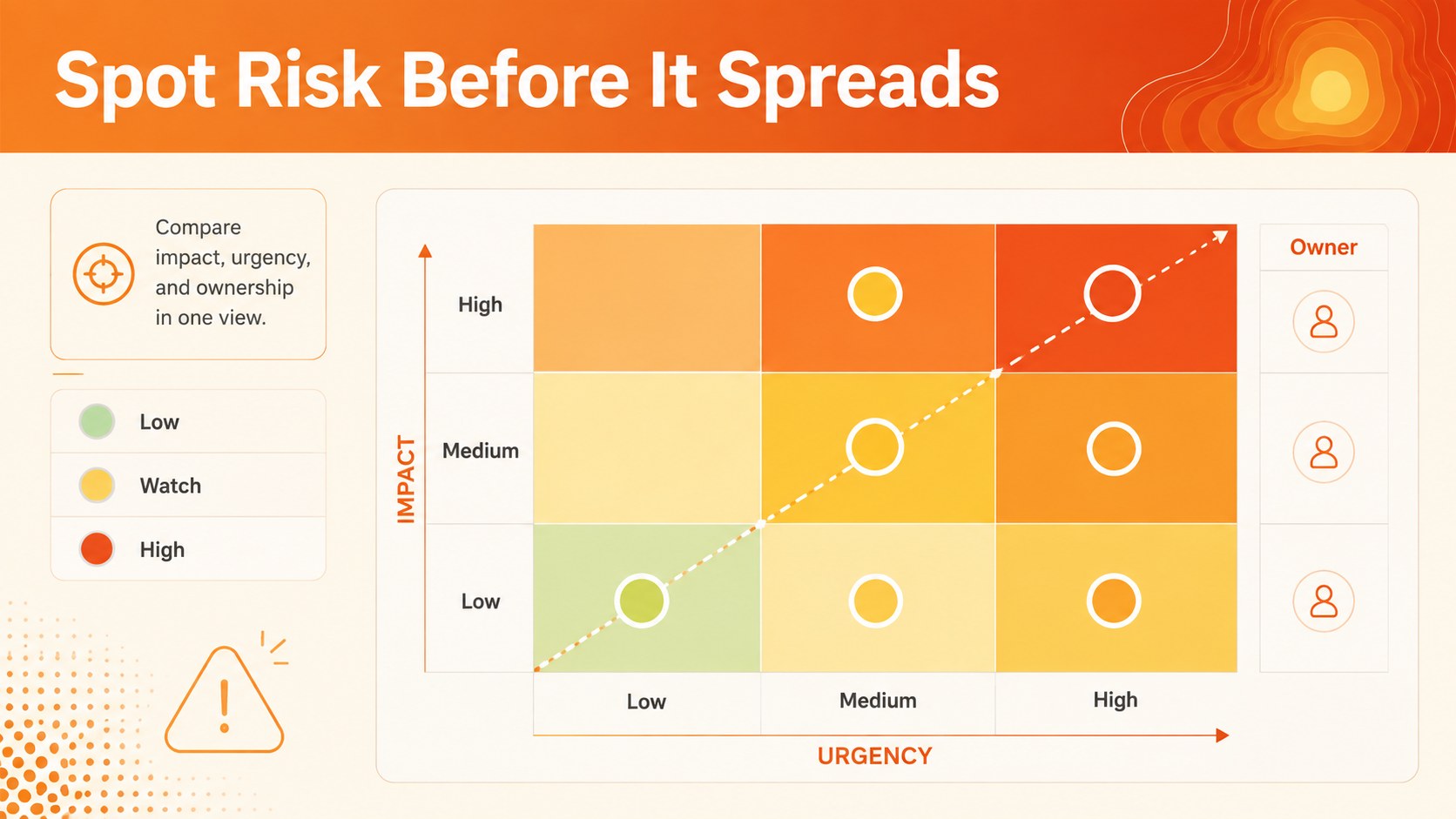
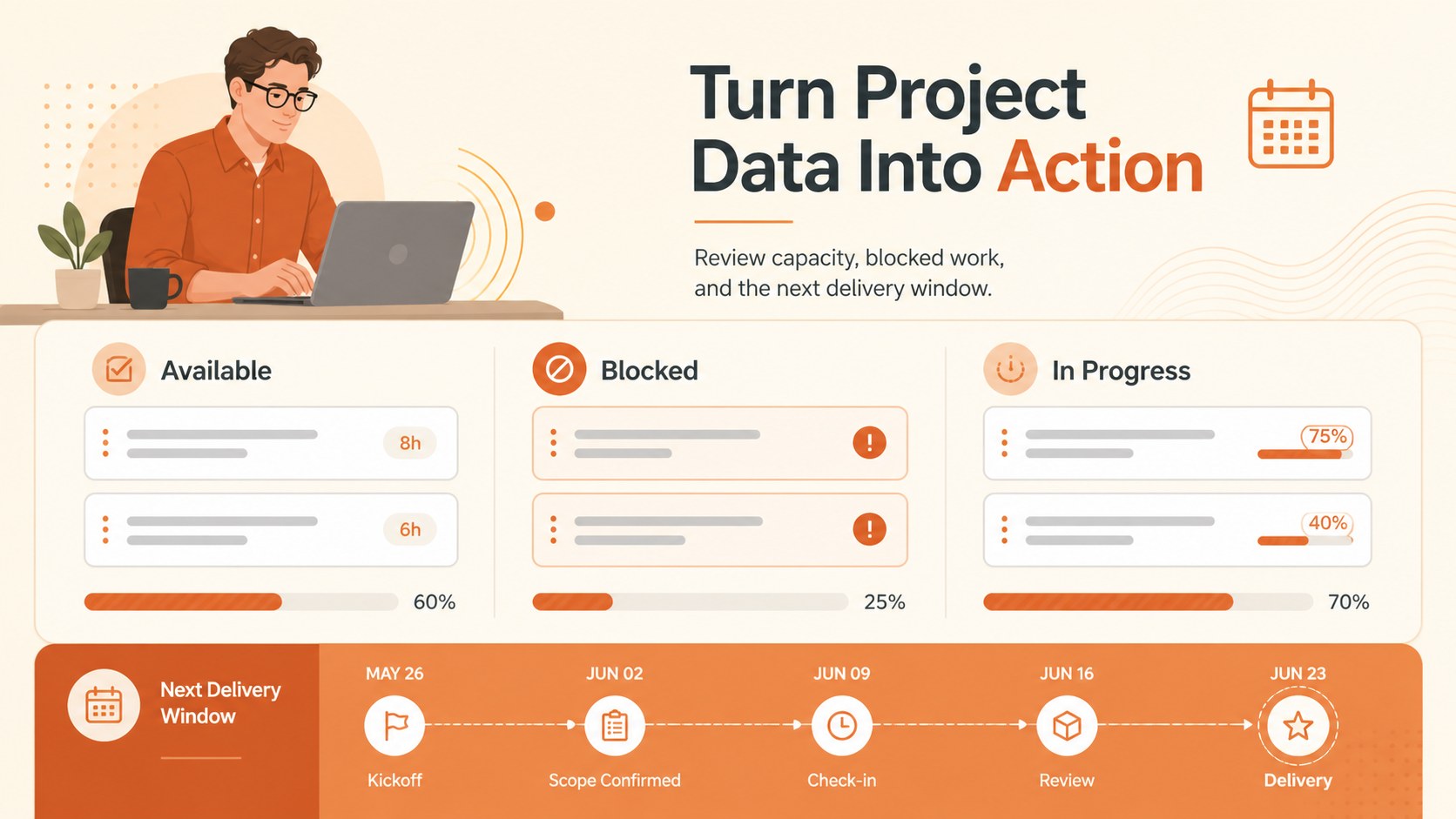
Inside, you’ll find three editable A4-style infographic layouts that can be adapted for project reviews, resource planning, milestone reporting, or stakeholder communication. Use color-coded cells to flag blocked work, compare priority levels, highlight overdue actions, and explain where attention is needed next. Charts, frames, lines, icons, and geometric shapes provide flexible building blocks for custom dashboards and one-page summaries.
The template is designed for project managers, operations teams, consultants, product leads, and business analysts who need to communicate complex progress quickly. Edit the text, colors, labels, and data in PowerPoint or Google Slides, then add transitions or presenter notes for a more polished briefing. It works especially well as a project risk matrix presentation, workload tracking slide, or visual status report for recurring team updates.
Perfect for: weekly project status meeting; stakeholder risk update; team capacity review; resource allocation workshop; consulting progress report.
Frequently asked questions
Can I edit this template in PowerPoint? Yes. The layouts are designed for editing in PowerPoint, including text, colors, shapes, labels, and data. You can also add your own charts, notes, or transitions.
Practical details
Yes. The layouts are designed for editing in PowerPoint, including text, colors, shapes, labels, and data. You can also add your own charts, notes, or transitions.
Yes, you can open and customize the presentation in Google Slides. Review the imported fonts and spacing after opening, then adjust any elements needed for your presentation.
Yes. Replace the orange accents with your brand colors while keeping the heat-map logic clear through contrast and consistent status labels. You can also revise the legend, categories, and intensity levels.
Use the layouts for workload, risk, priority, deadlines, dependencies, or team capacity. Short labels and concise data points work best for maintaining quick visual comprehension.
Keep exploring
15Shape your publishing concept with an indie magazine startup pitch deck featuring pastel gradients, bold collage layouts, and editable planning slides.
 16
16Build clear project stories with the Icon Grid Teamwork Theme, a flexible blue illustrated deck for proposals, strategy updates, and team meetings.
 3
3Turn priorities into an actionable plan with an annual goals roadmap infographic, featuring editable orange and teal layouts for PowerPoint and Google Slides.
 15
15Create an Annual Achievement Report Presentation with colorful geometric layouts for milestones, results, lessons, and priorities in PowerPoint or Google Slides.
 15
15Turn results into a focused annual performance evaluation report with dark 3D slides for KPIs, achievements, feedback, and next-step goals for teams.
 15
15Guide a focused annual recap with Business Results Retrospective Slides, a muted brown-and-blue template for PowerPoint and Google Slides.
 6
6Turn complex plans into clear visual stories with Color-Coded Workflow Path Slides, an editable set for project updates, roadmaps, and team briefings.
 6
6Compare regional performance at a glance with Global Data Heatmap Slides, a clean multicolor deck designed for editable PowerPoint and Google Slides.