
 15
15presentation
Indie Magazine Startup Pitch Deck
Shape your publishing concept with an indie magazine startup pitch deck featuring pastel gradients, bold collage layouts, and editable planning slides.
Google SlidesPowerPoint
presentation · English
Build a project handover strategy deck that clarifies ownership, open work, risks, and next steps for teams using PowerPoint or Google Slides.

Design notes
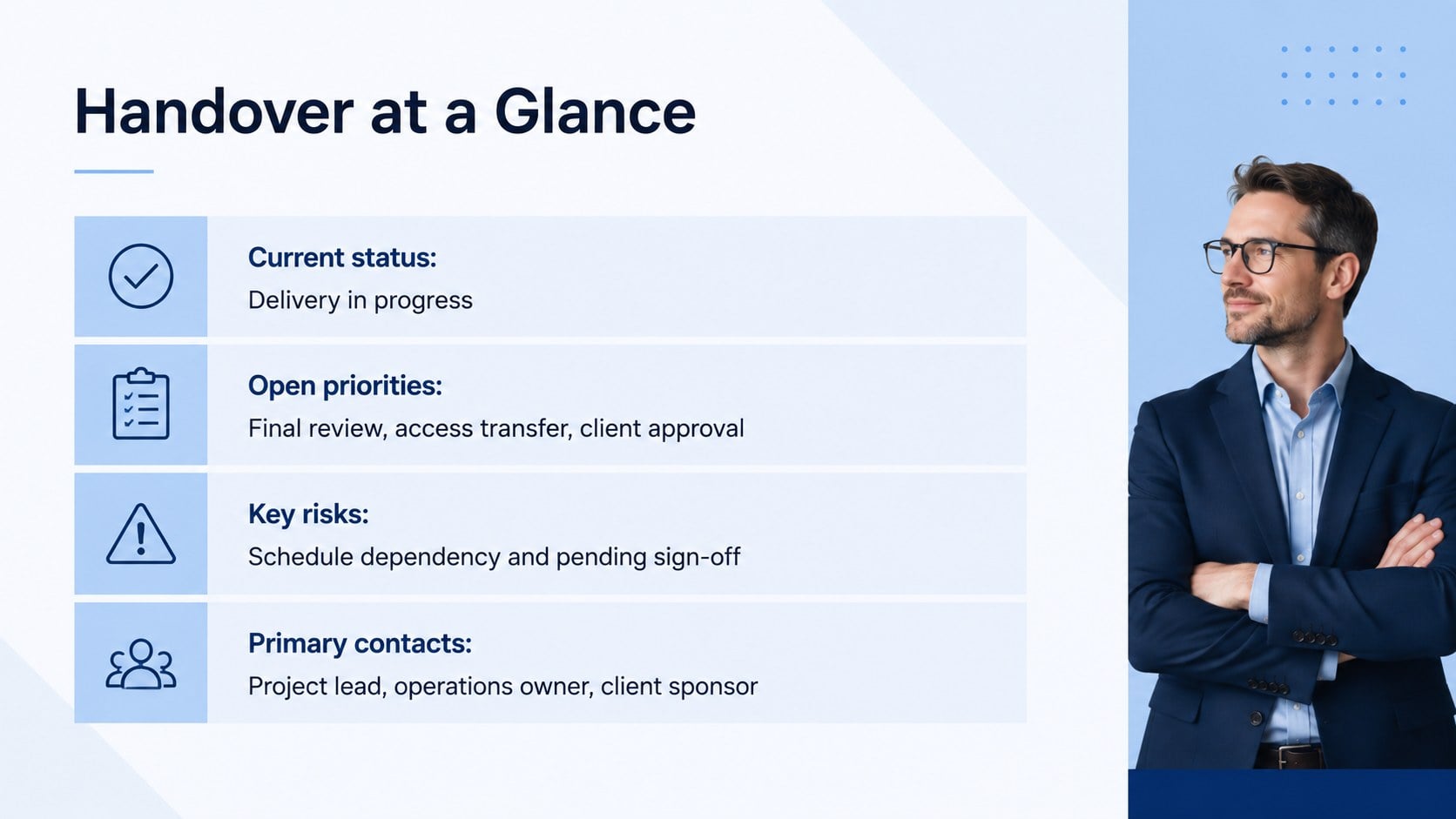
The Project Handover Strategy Deck gives teams a structured way to transfer responsibilities without losing context, momentum, or accountability. Its clean blue palette, portrait-inspired content styling, and restrained corporate graphics create a polished framework for presenting essential handover information in PowerPoint or Google Slides.
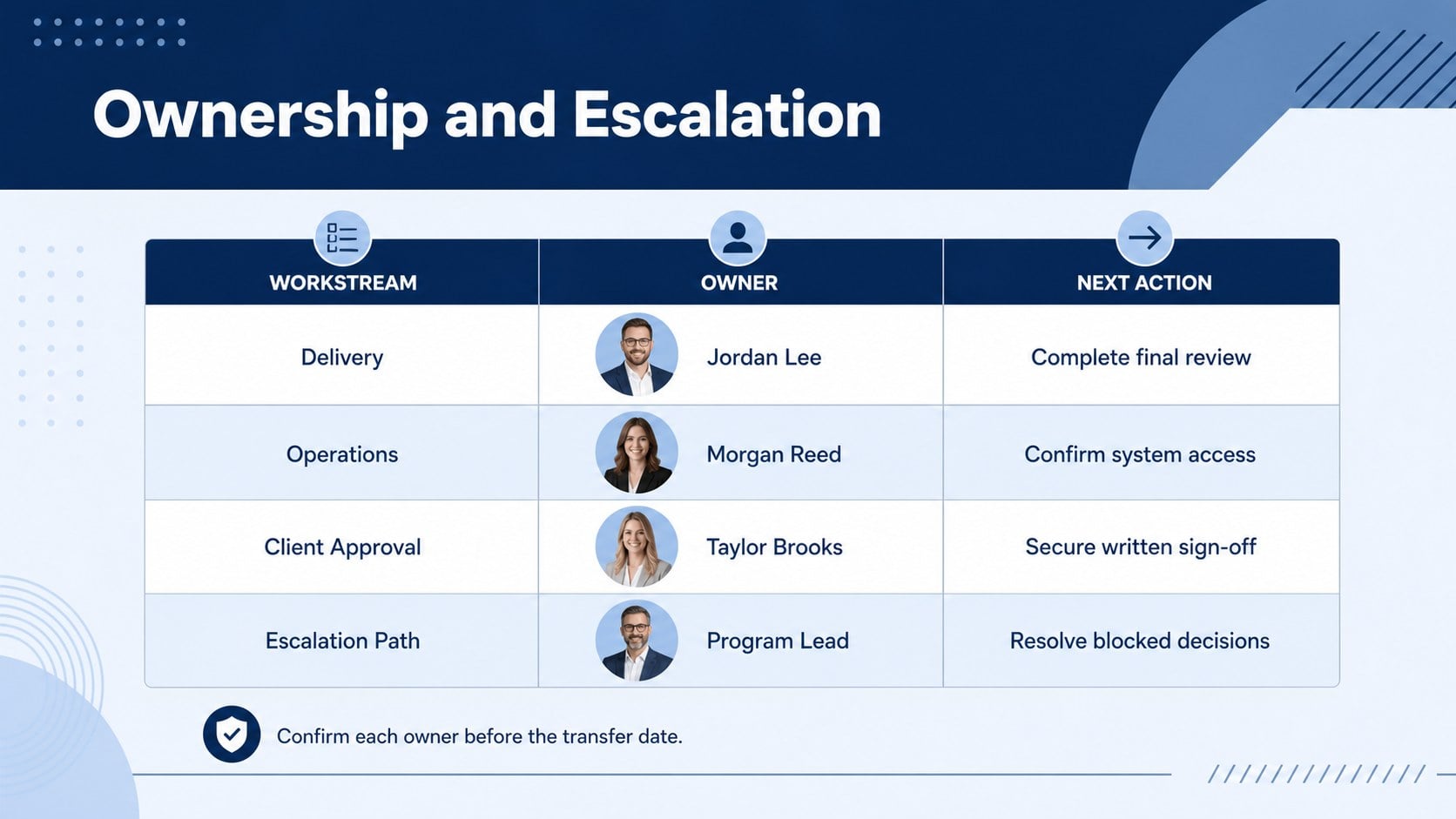
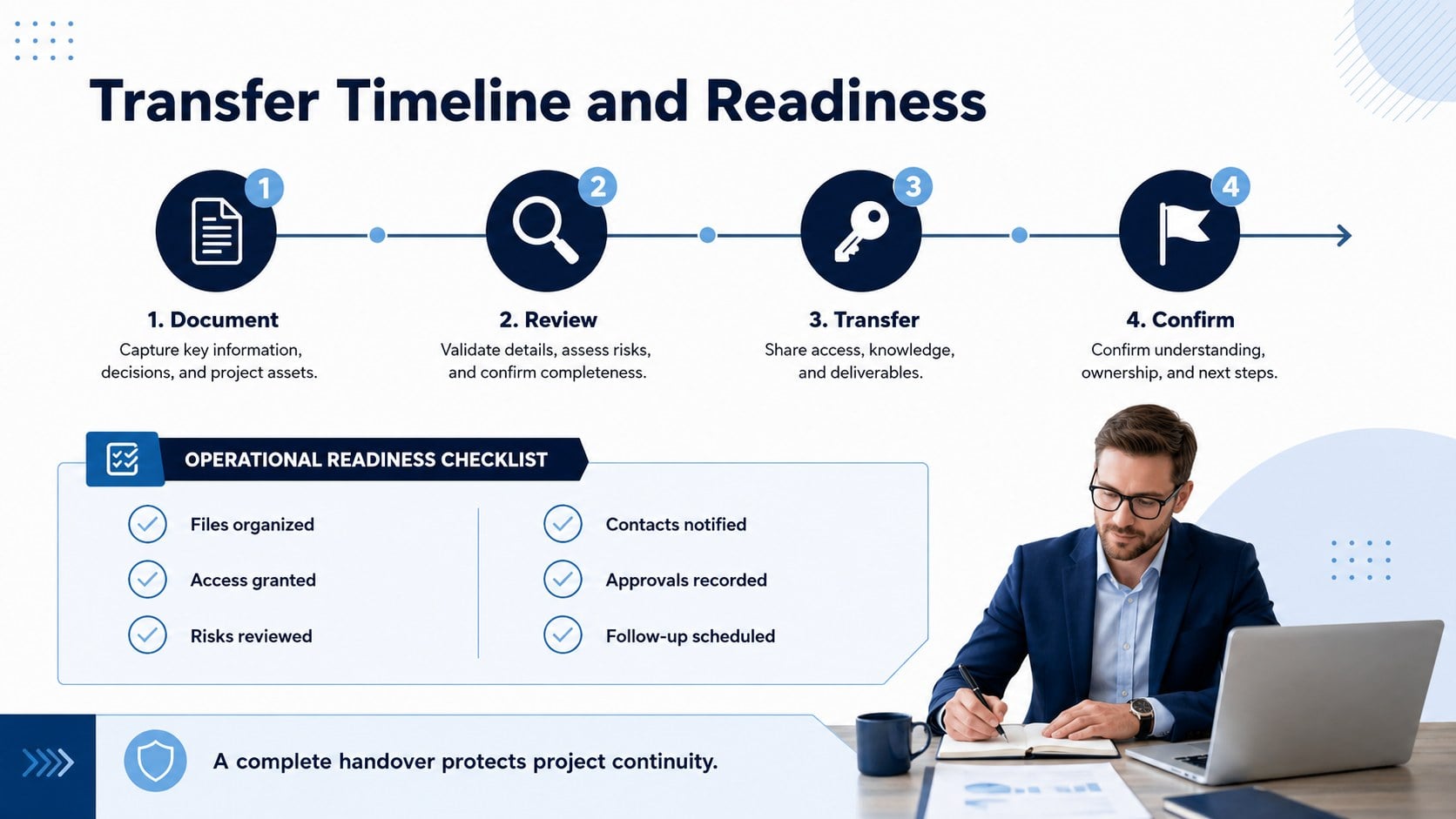
Use this project handover presentation template to document objectives, current progress, unresolved tasks, key contacts, dependencies, risks, and upcoming decisions. The layouts include a handover overview, ownership matrix, milestone timeline, and operational checklist. Together, these sections make the deck useful as both a live meeting guide and a reference that stakeholders can revisit after the transfer.
Project managers, consultants, department leads, operations teams, and client-facing professionals can adapt the slides for internal transfers, vendor changes, employee departures, or phase completions. The team ownership transfer slides help incoming colleagues see who is responsible for each workstream, while the project continuity planning deck provides space to explain deadlines, access requirements, and escalation paths.
Every slide is editable, so you can revise colors, typography, labels, tables, and timelines to match your organization. Add or remove sections according to project complexity, then present the finished handover during a stakeholder meeting or share it as a concise record of agreed responsibilities and next actions.
Perfect for: project manager replacement; client account handover; vendor responsibility transfer; project phase completion; employee departure briefing.
Frequently asked questions
Practical details
Yes. The text, colors, tables, timelines, icons, and section labels can be customized to reflect your project structure and branding.
The deck is designed for PowerPoint and Google Slides. You can present it directly or export a finished version for distribution to stakeholders.
Add the project status, responsible owners, open tasks, milestone dates, known risks, access requirements, and escalation contacts. Confirm these details with outgoing and incoming team members before presenting.
Yes. Duplicate the ownership, timeline, and checklist layouts for each workstream, then use consistent labels to keep responsibilities easy to scan.
Keep exploring
15Shape your publishing concept with an indie magazine startup pitch deck featuring pastel gradients, bold collage layouts, and editable planning slides.
 16
16Build clear project stories with the Icon Grid Teamwork Theme, a flexible blue illustrated deck for proposals, strategy updates, and team meetings.
 3
3Turn priorities into an actionable plan with an annual goals roadmap infographic, featuring editable orange and teal layouts for PowerPoint and Google Slides.
 15
15Create an Annual Achievement Report Presentation with colorful geometric layouts for milestones, results, lessons, and priorities in PowerPoint or Google Slides.
 15
15Turn results into a focused annual performance evaluation report with dark 3D slides for KPIs, achievements, feedback, and next-step goals for teams.
 15
15Guide a focused annual recap with Business Results Retrospective Slides, a muted brown-and-blue template for PowerPoint and Google Slides.
 6
6Turn complex plans into clear visual stories with Color-Coded Workflow Path Slides, an editable set for project updates, roadmaps, and team briefings.
 6
6Compare regional performance at a glance with Global Data Heatmap Slides, a clean multicolor deck designed for editable PowerPoint and Google Slides.